


Published:
Affiliate Disclosure: This article may contain affiliate links. If you purchase a product through one of these links, we may receive a small commission at no extra cost to you. We only recommend tools we trust and believe will add value to your work.
The transition to remote work has permanently reshaped how we manage our tasks, communicate with colleagues, and maintain focus. Without the structured environment of a traditional office, the right digital toolkit isn’t just helpful; it’s essential for maintaining peak performance and avoiding burnout. Navigating the crowded market of applications, however, can be overwhelming. This guide cuts through the noise to provide a comprehensive roundup of the best productivity tools for remote workers, tailored to solve specific challenges you face daily.
To thrive in this new landscape, understanding and implementing the best collaboration tools for remote teams is absolutely critical for seamless operations and maintaining strong team cohesion. From project management platforms that centralize your team’s efforts to focus apps grounded in neuroscience, each tool in this list is selected to enhance a specific aspect of your remote workflow. We move beyond generic feature lists to offer practical use cases, honest pros and cons, and clear pricing information.
This resource is designed to be your definitive guide for building a more efficient and focused remote work system. You’ll find detailed analysis for each platform, including Notion, Asana, Slack, and Zapier, complete with screenshots and direct links to get you started immediately. Whether you’re a freelancer optimizing your day or part of a distributed team aiming for better alignment, you will discover the exact tools needed to streamline your processes, reclaim your attention, and achieve your most important goals. We’ll even explore how a simple time blocking planner can integrate with these digital systems to create a powerful, hybrid approach to managing your schedule.
1. Mind Clarity Hub: A Resource for Building Focus
Mind Clarity Hub stands out not as a single app but as a comprehensive knowledge base for mastering deep work and focus. It’s a centralized library of science-backed books and resources from author Jeremy Jarvis, specifically designed for remote workers, freelancers, and professionals navigating the challenges of digital distraction and burnout. Instead of offering another piece of software, this platform provides the underlying mental frameworks needed to use all your other tools more effectively. Grounded in behavioral psychology, it helps you build the habits that make productivity sustainable.
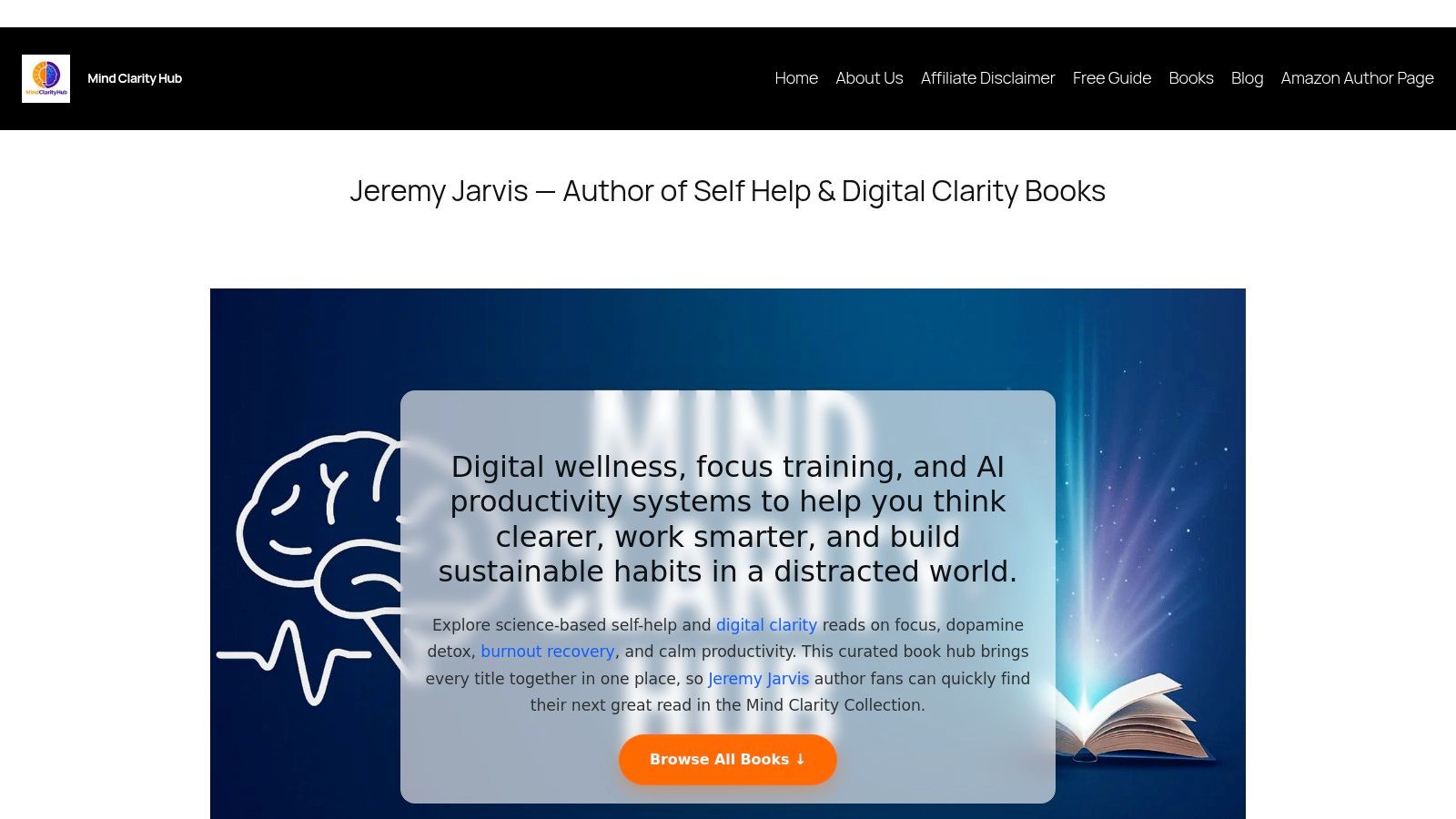
This hub is an essential resource for anyone looking to build sustainable productivity habits from the ground up. It merges timeless neuroscience-backed principles with modern strategies for using AI without sacrificing attention. For instance, the prefrontal cortex, responsible for executive functions like planning and focus, is easily overwhelmed by digital noise. For remote workers struggling to create structure, books like The Power of Clarity offer actionable roadmaps to reclaim your schedule, while titles like Digital Clarity provide practical protocols for reducing screen fatigue.
Why This Productivity Resource Excels for Remote Workers
What makes Mind Clarity Hub exceptional is its evidence-first approach. All guidance is grounded in research from reputable sources like PubMed, NIH, and Harvard Health, providing a trustworthy foundation for rebuilding focus. The platform curates over 27 books covering focus, burnout recovery, and AI-enabled workflows, making it a one-stop shop for self-guided improvement. Many books also include companion worksheets and checklists, helping you translate concepts into daily practice, perhaps tracked in your favorite productivity journal.
- Mini Scenario: A freelance designer feels constantly distracted by notifications and social media, leading to missed deadlines and anxiety. Instead of just downloading another blocker app, she reads Attention Unleashed to understand the neuroscience of distraction. She then uses the book’s strategies to structure her day, which makes her focus tools far more effective.
- Best for: Self-directed professionals and freelancers seeking evidence-based systems to improve focus, manage digital burnout, and leverage AI intelligently.
- Pros: Curated library of actionable, science-backed books; practical companion tools; transparent and trustworthy sourcing.
- Cons: Content is not free (books require purchase on Amazon); it’s a resource hub, not a substitute for personalized coaching or therapy.
- Access: Browse titles and free resources at mindclarityhub.com. Books are available on Amazon in Kindle and paperback formats.
2. Microsoft 365: All-in-One Productivity Tools for Remote Workers
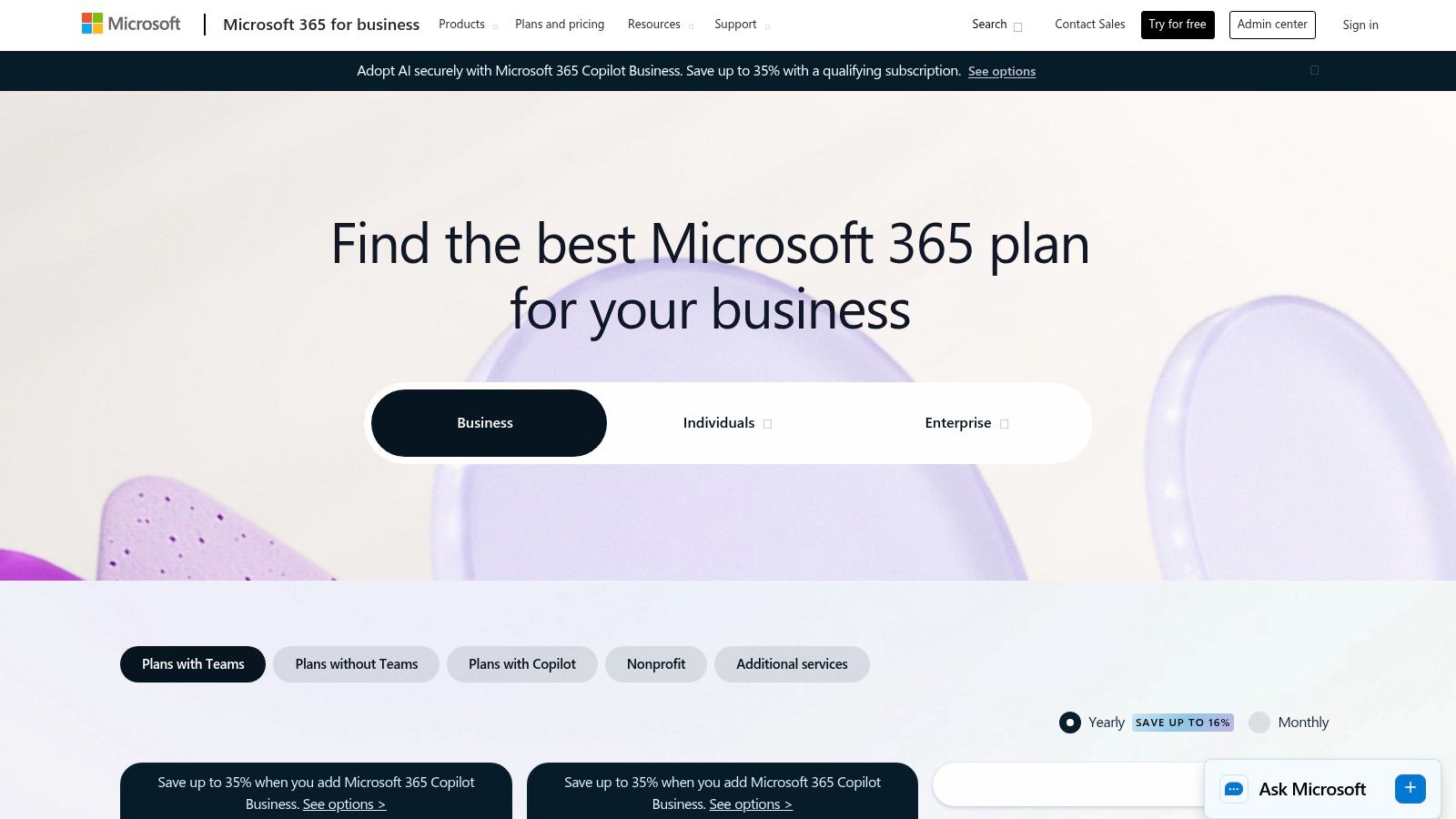
Microsoft 365 is the definitive all-in-one productivity suite for remote teams that operate within the Microsoft ecosystem. More than just Word and Excel, it combines essential desktop and cloud applications like PowerPoint, Outlook, OneDrive, and SharePoint with the powerful communication hub of Microsoft Teams. This integration creates a seamless environment where file creation, collaboration, and communication converge, making it a cornerstone among productivity tools for remote workers. It’s particularly effective for businesses requiring robust administrative controls, enterprise-grade security, and standardized file formats that are universally recognized.
The platform’s strength lies in the deep, native integration between its services. From a psychological perspective, this reduces “context switching,” the mental cost of shifting your attention between unrelated tasks. Research shows that frequent context switching drains cognitive resources and increases error rates. By centralizing workflows, Microsoft 365 supports the kind of focused deep work sessions essential for high-value tasks, aligning well with the core principles detailed in our guide on remote work productivity tips.
Features, Pricing, and Usability
- Mini Scenario: A remote marketing team is preparing a quarterly report. They co-author the Word document in real-time, pull data from a shared Excel file on OneDrive, discuss edits in a dedicated Teams channel, and then present the final PowerPoint in a Teams meeting without ever leaving the suite.
- Core Components: Includes the full Office suite (Word, Excel, PowerPoint, Outlook), Teams, 1 TB OneDrive cloud storage per user, and SharePoint.
- Pricing: Plans for business start at $6.00 per user/month (annual commitment). Tiers add advanced security, device management, and more desktop app features.
- Collaboration: Real-time co-authoring, integrated Teams chat and video, shared calendars, and centralized file management streamline team projects.
- Security & Admin: Offers enterprise-level security, data loss prevention, and mobile device management, which is critical for distributed teams.
Pros
- Unmatched file compatibility and industry-standard applications.
- Centralized administration and predictable per-seat billing.
- Strong security and compliance features built-in.
Cons
- Can feel cumbersome and overly complex for very small teams or solo freelancers.
- The best pricing tiers often require an annual commitment.
Website: Microsoft 365 for Business
3. Google Workspace: Cloud-Native Productivity Tools for Remote Workers
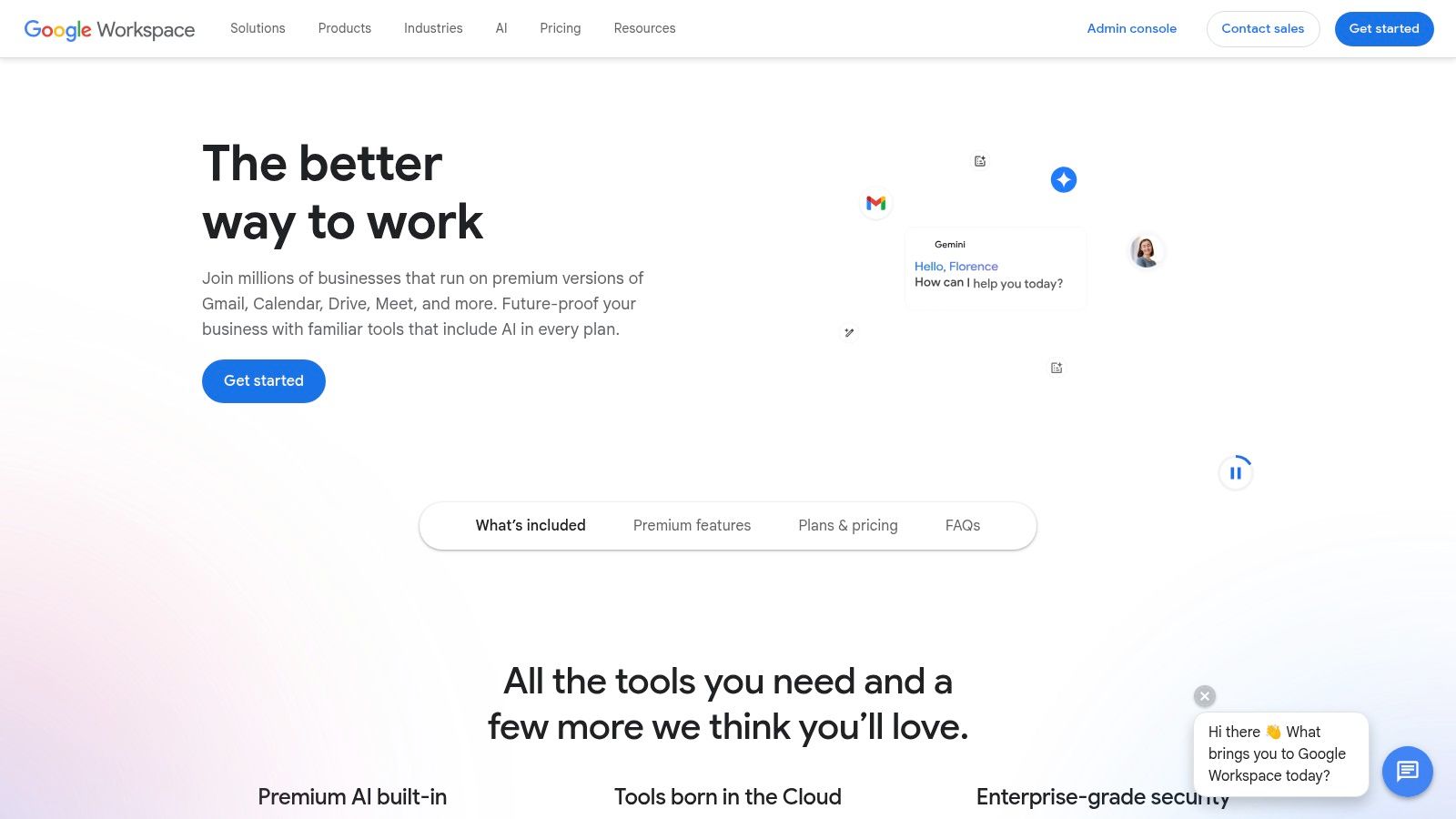
Google Workspace is the quintessential cloud-native suite for modern, agile remote teams who prioritize real-time collaboration and minimal friction. Centered around popular applications like Gmail, Drive, Docs, and Sheets, it provides a highly accessible and intuitive environment that operates seamlessly within a web browser. Its key advantage is its unparalleled co-editing functionality, allowing multiple team members to work on the same document simultaneously with visible, instant updates. This makes it one of the most effective productivity tools for remote workers focused on speed, transparency, and browser-based workflows.
The platform excels at reducing the barriers to teamwork. By keeping communication and creation in one ecosystem, Google Workspace minimizes context switching, a known productivity drain. This streamlined process supports the principles of focused work detailed in our guide on reclaiming your attention. From a behavioral standpoint, the immediate and visible feedback of seeing others’ cursors typing reinforces a sense of shared effort and social connection, which can boost motivation for remote team members.
Features, Pricing, and Usability
- Mini Scenario: An HR team is developing a new remote work policy. They create a Google Doc, share the link, and immediately see colleagues from legal and finance adding comments and suggesting edits. The live, synchronous work eliminates the need for version control emails.
- Core Components: Includes Gmail, Drive, Meet, Calendar, Chat, Docs, Sheets, and Slides with pooled storage. Gemini AI features are being integrated across apps.
- Pricing: Business Starter plan begins at $6 per user/month. Higher tiers increase storage, participant limits for Meet, and add security features like Vault.
- Collaboration: Best-in-class real-time co-authoring, shared Drives for team files, and integrated video conferencing and chat for seamless communication.
- Search & AI: Powerful search functionality across Gmail and Drive. Gemini for Workspace adds AI-powered writing assistance, data analysis, and image generation.
Pros
- Extremely intuitive with fast onboarding and minimal device friction.
- Built-in video (Meet) and chat reduce the need for separate tools.
- Superior real-time collaboration and version history tracking.
Cons
- Users accustomed to advanced Excel or PowerPoint features may find Sheets and Slides limiting.
- Storage and video conferencing features like recording are heavily dependent on the pricing tier.
Website: Google Workspace Plans and Pricing
4. Slack: Centralizing Communication with Productivity Tools for Remote Workers
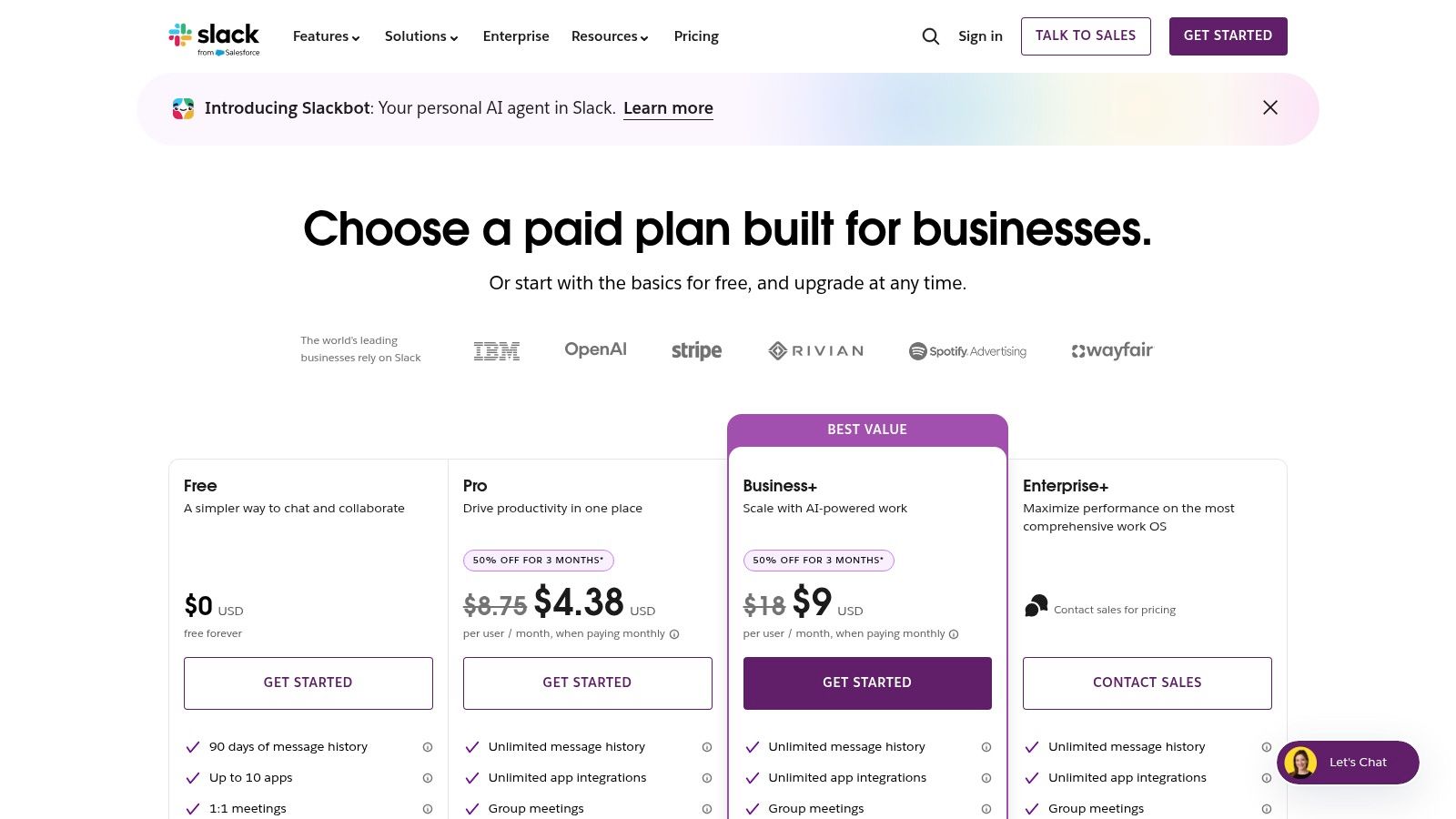
Slack is a channel-based messaging platform that has become the central nervous system for countless remote teams. It effectively replaces the cluttered email inbox by organizing conversations, files, and app notifications into dedicated channels. This structure allows for both real-time collaboration and asynchronous catch-ups, making it one of the most versatile productivity tools for remote workers. By centralizing communication and integrating with thousands of other tools, Slack drastically reduces the need to switch between different applications, preserving mental energy for focused work.
However, the brain’s reward system, driven by dopamine, can become addicted to the novelty of constant notifications, leading to fractured attention. Slack’s real-time nature demands disciplined usage. Learning some practical digital detox tips and using features like “Do Not Disturb” are crucial to prevent the platform from becoming a source of constant distraction rather than a productivity enhancer.
Features, Pricing, and Usability
- Mini Scenario: A software development team uses a
#dev-alertschannel that automatically reports on code deployments. When a bug is found, they launch a quick “huddle” (audio call) directly in the channel to troubleshoot, keeping the entire conversation and resolution in one place. - Core Components: Organized channels, direct messaging, huddles for quick audio/video calls, and searchable message history.
- Pricing: A functional free plan is available. Paid plans start at $7.25 per user/month (billed annually) and add unlimited message history, more integrations, and AI features.
- Collaboration: Channels for projects, teams, or topics. Integrates with over 2,600 apps like Google Drive and Asana. Workflow Builder automates routine tasks.
- AI Features: Paid plans include AI-powered search, channel recaps, and thread summaries to help users quickly catch up on conversations.
Pros
- Powerful integrations that centralize workflows and reduce context-switching.
- Scales well from small teams and startups to large enterprise organizations.
- Intuitive interface that is easy for new team members to adopt.
Cons
- Can become noisy and distracting without strict channel and notification management.
- Advanced security and governance features are locked behind higher-priced enterprise tiers.
Website: Slack Pricing
5. Zoom: Enhancing Remote Video Communication
Zoom has become synonymous with video conferencing, establishing itself as an essential platform for remote communication through its reliable HD meetings and intuitive interface. It goes beyond simple video calls, offering an ecosystem that includes chat, a cloud phone system, and modules for large-scale webinars and events. Its stability and ease of use have made it a go-to for client-facing calls, team stand-ups, and hybrid meetings, solidifying its place among the top-tier productivity tools for remote workers. The platform excels at creating a consistent user experience across desktop, mobile, and dedicated hardware.
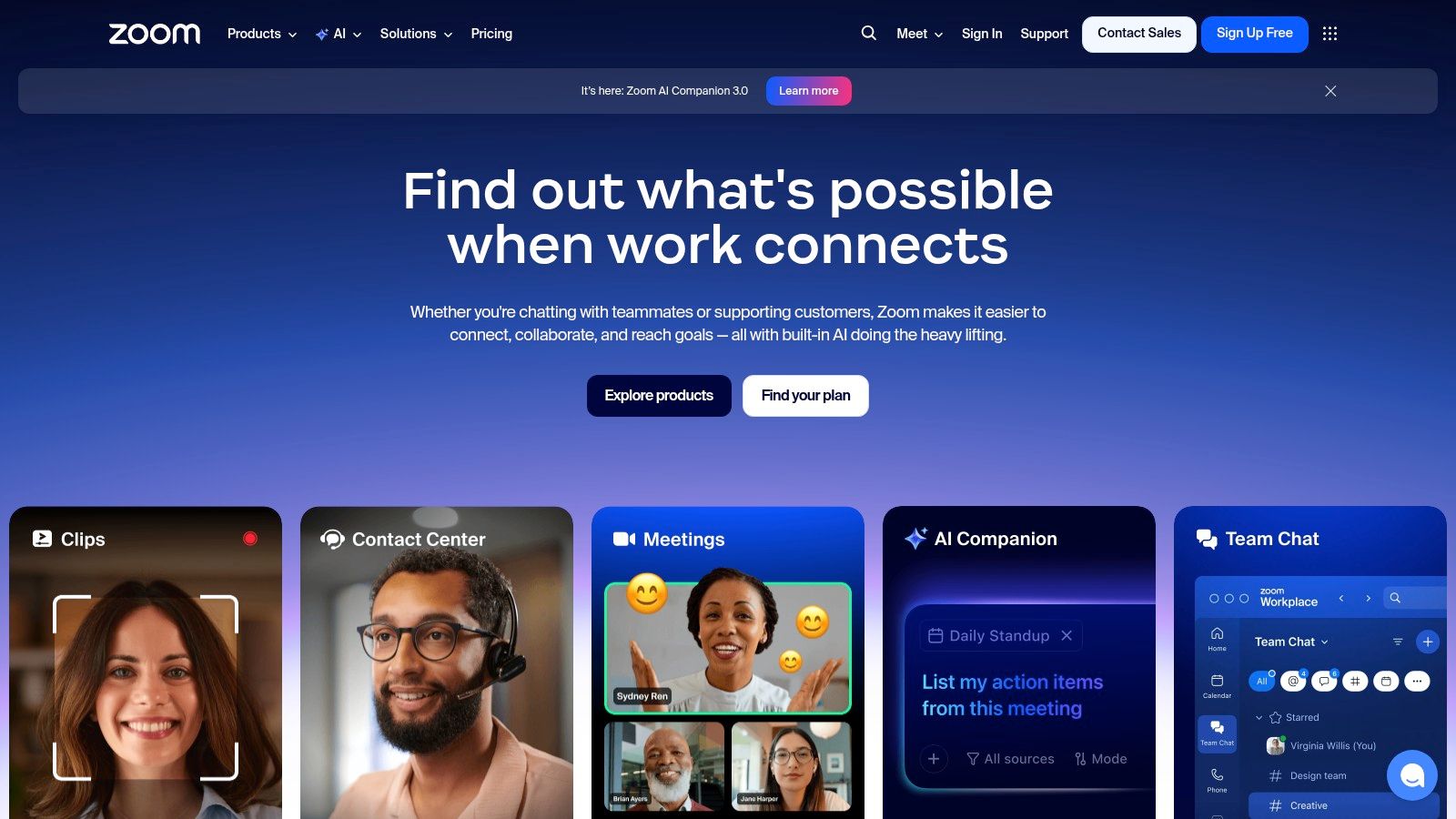
The platform’s recent introduction of the AI Companion significantly boosts its productivity credentials. This tool can automatically generate meeting summaries, highlight action items, and help draft responses in chat, reducing the manual administrative work that follows meetings. From a neuroscience perspective, this offloads demands on working memory, allowing participants to stay more present and engaged in the conversation itself. While Zoom is a leading platform for virtual meetings, exploring the best alternative to Skype for modern teams can reveal other powerful tools for collaboration, helping you find the perfect fit for your specific communication needs.
Features, Pricing, and Usability
- Mini Scenario: After a project kick-off call, a remote project manager uses the AI Companion summary to instantly generate a list of action items. She then posts this summary in the team’s Asana project, ensuring everyone is aligned without having to re-watch the meeting recording.
- Core Components: Reliable HD meetings with recording and transcription, Zoom Phone for calling/SMS, plus webinars and events modules.
- Pricing: A robust free tier is available. Paid plans start at $15.99 per user/month, with costs increasing for Phone, Webinar, and other add-ons.
- Collaboration: Features breakout rooms, screen sharing, in-meeting chat, and whiteboards. AI Companion offers meeting summaries and action items.
- Integrations: Broad integration with calendar apps (Google, Outlook), Slack, and an extensive marketplace for third-party hardware and software.
Pros
- Excellent video and audio quality, even with large numbers of participants.
- Wide compatibility with various hardware and major calendar systems.
- Intuitive and easy-to-use interface for both hosts and attendees.
Cons
- The pricing structure can become complex and costly when adding modules like Phone or Webinars.
- Advanced security and administrative controls are reserved for more expensive Enterprise tiers.
Website: Zoom
6. Notion: An All-in-One Workspace for Remote Teams
Notion is the ultimate all-in-one workspace for remote teams that need a flexible, centralized hub for knowledge management, documentation, and light project tracking. It merges documents, wikis, and databases into a single, highly customizable platform, allowing users to build anything from a simple to-do list to a complex company-wide operating system. This adaptability makes it one of the most versatile productivity tools for remote workers, especially for teams that need to document standard operating procedures, track project roadmaps, and organize research in a collaborative environment.
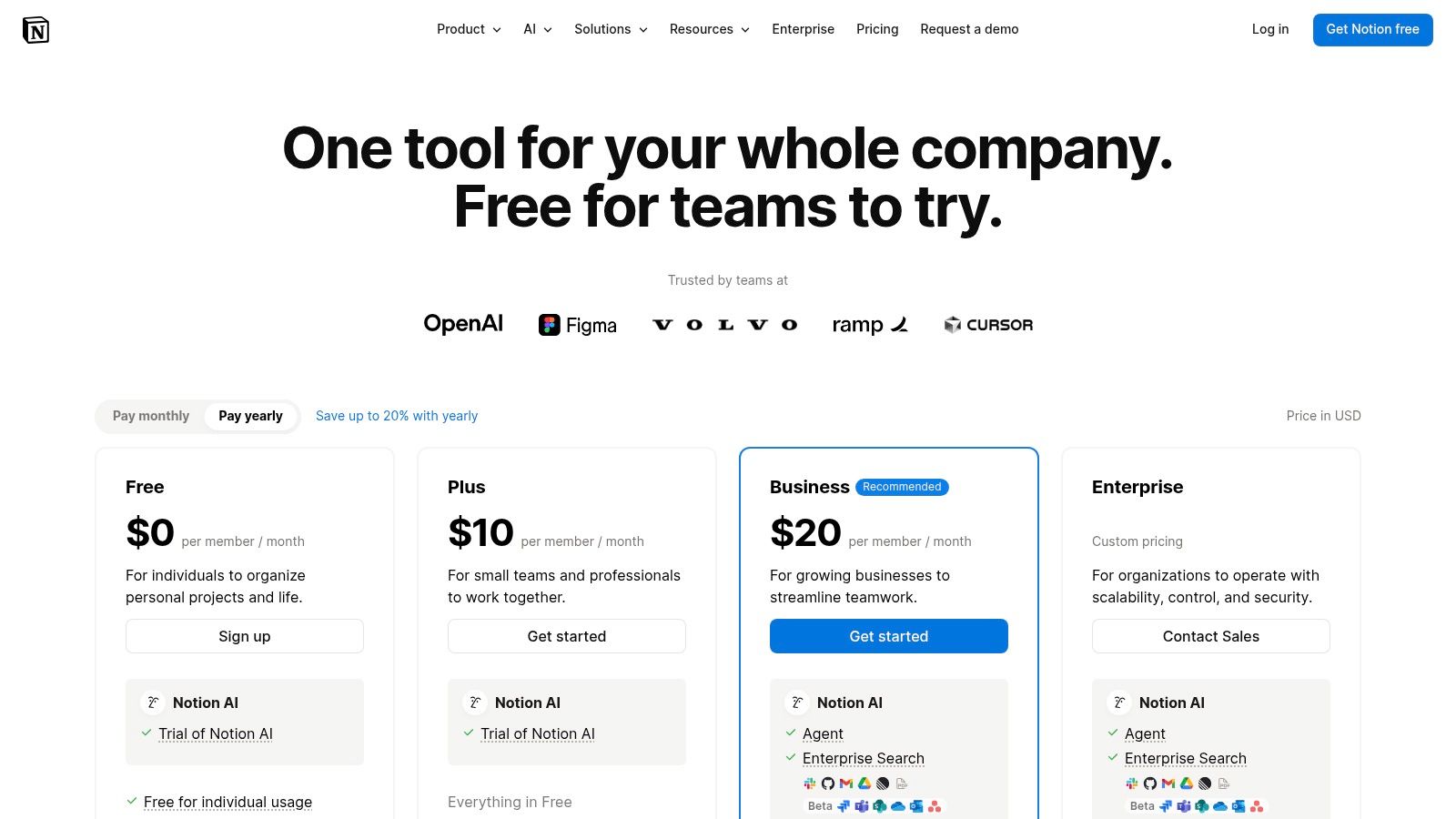
The platform’s core strength is its interconnected block-based system, where every piece of content is a movable, linkable object. This mirrors the brain’s own associative network, where ideas are linked together. By creating a “single source of truth,” Notion reduces the cognitive load of searching for information across multiple platforms. This centralization supports the sustained mental effort required for deep work, a key strategy for improving focus and concentration.
Features, Pricing, and Usability
- Mini Scenario: A content marketing team builds a central hub in Notion. It includes a database for blog post ideas, a calendar view for their publishing schedule, and linked pages containing detailed outlines and research for each article. Everything is interconnected and easily accessible.
- Core Components: A unified workspace with pages, databases, and teamspaces. Features include Notion AI for summaries and search, plus Calendar and Mail integrations.
- Pricing: A generous Free plan is available for individuals. Paid plans start at $8 per user/month (billed annually) for more collaboration features and unlimited blocks.
- Collaboration: Real-time page editing, commenting, and granular permissions make it easy for remote teams to work together on documents, wikis, and databases.
- Flexibility: Its ‘wiki + database’ structure is highly customizable, allowing teams to build tailored workflows for knowledge management, project tracking, and content calendars.
Pros
- Extremely flexible and adaptable to nearly any workflow.
- Excellent for building a centralized knowledge base or company wiki.
- Rapid knowledge capture and sharing for distributed teams.
Cons
- Can require strong governance to prevent organizational sprawl and chaos.
- Offline support is limited compared to dedicated native applications.
Website: Notion Pricing
7. Asana: Project Management Productivity Tools for Remote Workers
Asana is a premier work management platform designed for remote teams that need to coordinate complex, cross-functional projects with clarity and accountability. It moves beyond simple to-do lists to offer a comprehensive system for tracking tasks, projects, and entire portfolios. With its visual timelines, boards, and calendars, Asana provides the high-level visibility required to keep distributed teams aligned on strategic goals, making it one of the most effective productivity tools for remote workers managing multi-stage initiatives. Its strength lies in assigning clear ownership and mapping out dependencies, which prevents bottlenecks and ensures everyone knows who is responsible for what.
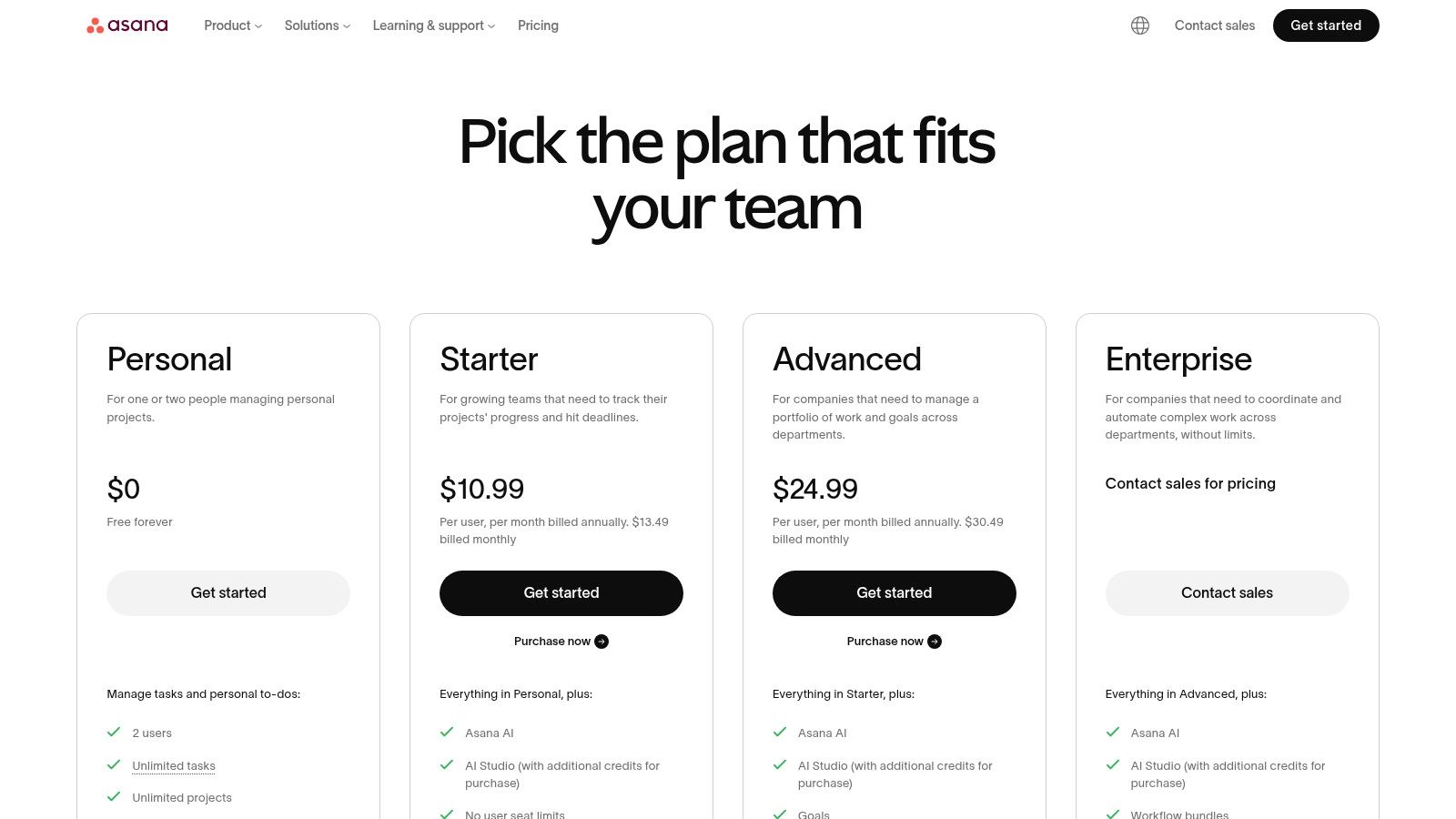
The platform excels at connecting individual tasks to broader company objectives through its Goals feature. From a psychological standpoint, this fosters a sense of purpose and autonomy, which are powerful intrinsic motivators. When remote employees see how their daily work contributes to the bigger picture, it can significantly boost engagement and job satisfaction. This structured approach supports the disciplined planning needed to implement strategies from our guide on how to prioritize tasks effectively.
Features, Pricing, and Usability
- Mini Scenario: An event planning team uses Asana’s Timeline view to map out every task for an upcoming virtual conference, from speaker outreach to marketing promotions. They can easily see task dependencies, so they know the email campaign can’t start until the speaker lineup is confirmed.
- Core Components: Offers multiple project views including Lists, Boards, Timelines (Gantt), and Calendars. Goals and Portfolios are available in higher tiers.
- Pricing: A free “Basic” plan is available for individuals or small teams. Paid plans start at $10.99 per user/month (billed annually) for more features.
- Collaboration: Features task assignments, comments, file attachments, and a central inbox to track all updates relevant to your work.
- Automation & Admin: Includes Rules for automating workflows, robust templates, and enterprise-grade security options like SSO, SCIM, and data residency controls.
Pros
- Excellent for tracking task ownership and dependencies at scale.
- Mature reporting and workload management features prevent team burnout.
- Strong integrations with Slack, Google Workspace, and Microsoft 365.
Cons
- Can feel overly complex for very simple personal to-do lists.
- Key features like Portfolios and advanced reporting require higher-priced tiers.
Website: Asana Plans & Pricing
8. Todoist: A Focused Task Management Tool
Todoist excels as a task manager by perfectly balancing simplicity with powerful features, making it a top choice for individuals and small remote teams. Its core strength is frictionless task capture, allowing users to add and organize to-dos with natural language commands like “Review project proposal every Friday at 2pm.” This intuitive interface minimizes the cognitive load associated with task management, enabling remote workers to quickly offload mental clutter and focus on execution. As a streamlined solution among productivity tools for remote workers, it avoids the complexity of larger project management suites while offering robust organizational capabilities.
This tool leverages a behavioral principle known as the Zeigarnik effect, which states that the brain remembers uncompleted tasks better than completed ones. By capturing every to-do in a trusted system, you free up mental bandwidth that would otherwise be spent trying to remember things. This focus on clear, actionable lists helps users apply principles from my book, The Power of Clarity, to their daily workflow.
Features, Pricing, and Usability
- Mini Scenario: A remote writer uses Todoist to manage her articles. She creates a project for each client and uses labels like
@writingand@editing. Her “Today” view automatically shows her exactly what tasks are due, helping her prioritize without feeling overwhelmed. - Task Organization: Uses projects, sub-tasks, labels, and powerful filters to create custom views (List, Board, Calendar) for any workflow.
- Pricing: A free plan is available for starters. Pro plans start at $4 per month (billed annually), with Business plans at $6 per user/month (billed annually).
- Natural Language Input: “Quick Add” feature intelligently parses dates, priorities, and project assignments from plain text, speeding up task entry.
- Integrations: Connects with over 100 tools, including Google Calendar, Slack, Zapier, and IFTTT, to automate workflows and consolidate tasks.
Pros
- Quick capture with excellent natural-language parsing is best-in-class.
- Minimalist design and low learning curve make it easy to adopt.
- Reliable, fast synchronization across a wide range of devices and platforms.
Cons
- Lacks native portfolio and high-level program management features.
- Advanced collaboration is better served by more robust project management suites.
Website: Todoist Plans & Pricing
9. Zapier: Automation Tools for Remote Workers
Zapier is the essential no-code automation platform that acts as the digital glue for modern remote teams. It empowers anyone to connect over 6,000 different web applications, creating automated workflows (called “Zaps”) that handle repetitive, manual tasks without writing a single line of code. For distributed teams, this ability to link disparate systems like project managers, CRMs, and communication tools is a game-changer. By automating the flow of information, Zapier stands out as one of the most impactful productivity tools for remote workers, freeing up valuable time and mental energy for more critical work.
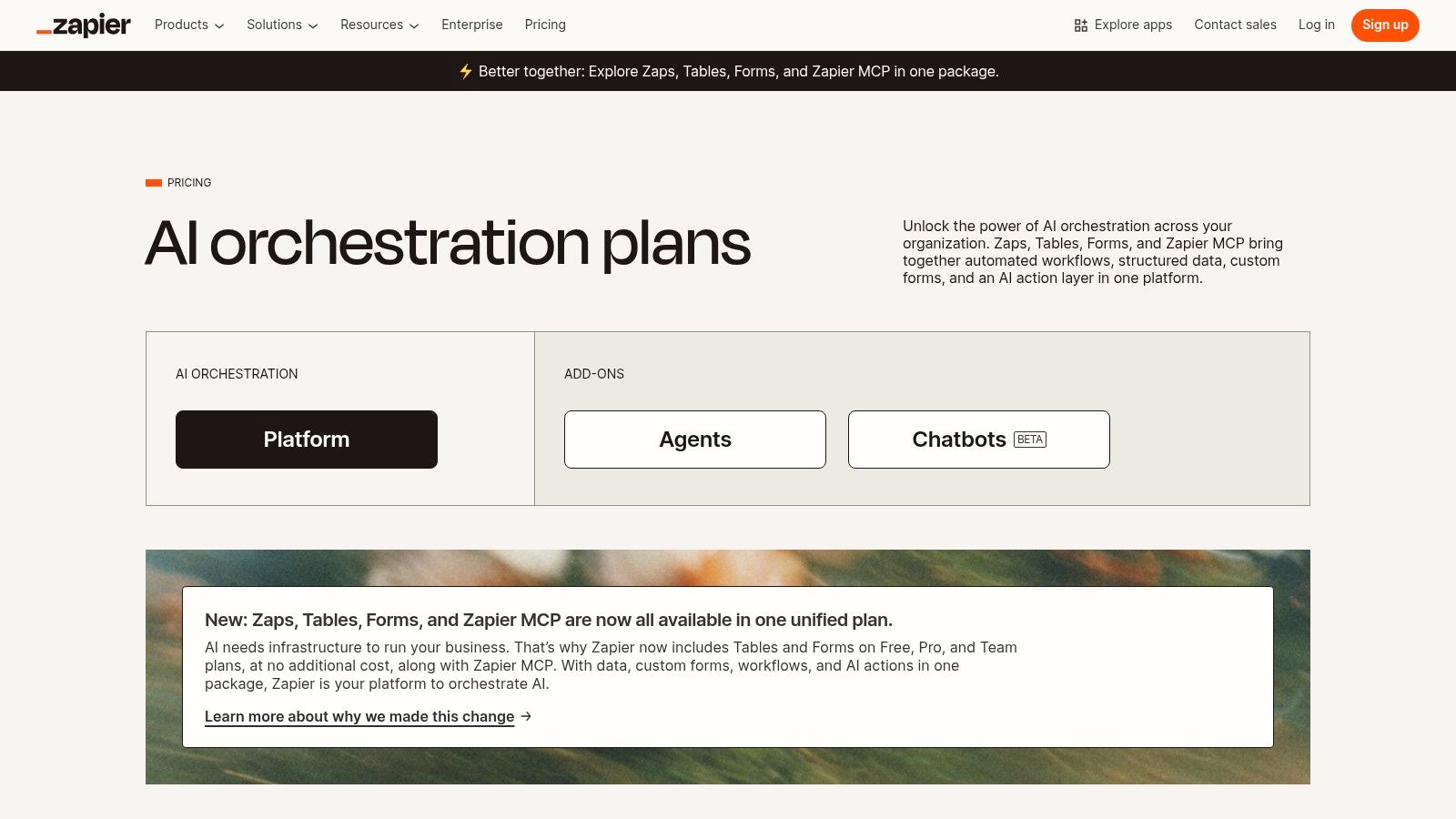
Automation helps combat decision fatigue, a psychological phenomenon where the quality of your decisions deteriorates after a long session of decision-making. By creating “Zaps” for routine processes, you eliminate dozens of small, repetitive choices throughout the day. This conserves your brain’s executive function for the high-impact strategic thinking that truly matters. By implementing these workflows, teams can learn how to automate repetitive tasks and build a more efficient, focused work environment.
Features, Pricing, and Usability
- Mini Scenario: A remote sales team creates a Zap that triggers whenever a new lead fills out a website form. The Zap automatically adds the lead to their CRM, creates a follow-up task in Asana for the assigned rep, and sends a notification to a specific Slack channel.
- Core Components: Connects 6,000+ apps. Includes native tools like Tables and Forms, multi-step Zaps, conditional logic (Paths), and webhooks for custom integrations.
- Pricing: Offers a free plan with limited tasks. Paid plans start at $19.99/month (billed annually) based on the number of tasks your automations run.
- Collaboration: Team and Company plans offer shared app connections, user roles and permissions, and centralized billing to manage automations across an organization.
- Ease of Use: A user-friendly, visual editor makes building complex automations accessible to non-technical users. Recent updates simplified plans and task usage.
Pros
- Massive library of integrations, covering nearly every popular SaaS tool.
- Intuitive, step-by-step workflow builder is fast for prototyping.
- Clear task-based pricing model that scales with usage.
Cons
- High-volume automations can become expensive under the task-based model.
- Advanced security and governance features are locked into the highest-tier plans.
Website: Zapier Pricing
10. Setapp: A Curated App Suite for Mac Users
Setapp is like a “Netflix for Mac apps,” offering a curated subscription that unlocks over 240 premium Mac and iOS applications for a single monthly fee. For Apple-centric remote workers, it eliminates the high cost and risk of buying dozens of individual tools. Instead of paying separately for a focus timer, a file organizer, a clipboard manager, and a menu bar utility, you get them all in one bundle. This makes it one of the most cost-effective productivity tools for remote workers who want to experiment with and build a customized, high-powered software toolkit without the financial commitment of individual purchases. I find a simple pomodoro timer app from the collection helps break my day into manageable focus sprints.
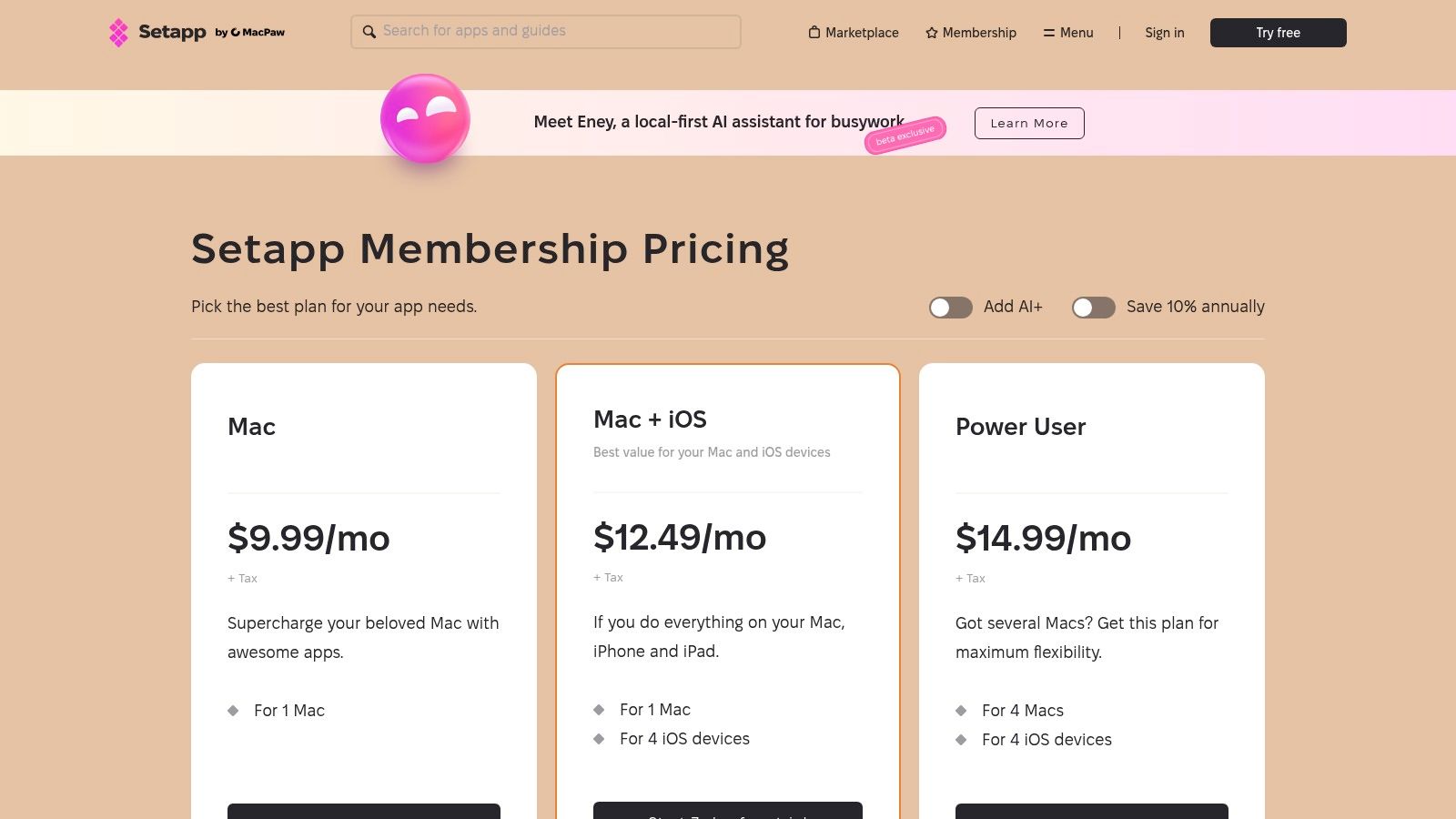
The real value of Setapp lies in discovery and efficiency. Remote professionals can find niche apps that solve specific workflow problems they didn’t even know they had, from advanced screen capture tools to sophisticated distraction blockers. This access encourages the kind of system optimization that leads to significant productivity gains. By having the right tool readily available, you reduce friction and stay in your creative flow, a concept central to achieving the deep focus we explore in my book, Reclaiming Silence. It empowers users to build a truly personalized and efficient digital environment.
Features, Pricing, and Usability
- Mini Scenario: A remote podcaster uses Setapp to access several key apps: a noise-cancellation tool for clean audio, a markdown editor for show notes, and a file transfer app to send large audio files to her editor, all under one subscription.
- App Library: Includes 240+ premium Mac and iOS apps covering categories like productivity, creativity, maintenance, and development.
- Pricing: Plans start at $9.99 per month for use on one Mac. Higher tiers add more devices and access to the iOS app library.
- User Experience: A single, clean desktop client is used to browse, discover, and install any app in the collection with one click. Updates are automatic.
- Unique Model: One subscription provides full access to all included apps without ads, in-app purchases, or hidden fees.
Pros
- Excellent value for money compared to purchasing apps individually.
- Encourages discovery of new, high-quality productivity tools.
- Simple, all-in-one management and billing for a vast software library.
Cons
- Exclusively for Apple’s Mac and iOS ecosystems; no support for Windows or Android.
- The upcoming shutdown of Setapp Mobile in the EU (Feb 2026) may affect some iOS users.
Website: Setapp
11. AppSumo: A Marketplace for Software Deals
AppSumo is a unique marketplace that serves as a launchpad for discovering and acquiring software at a fraction of the typical cost. For solo remote workers and small businesses, it offers a treasure trove of lifetime deals (LTDs) and heavily discounted annual plans on emerging productivity tools for remote workers. Instead of committing to high monthly subscriptions, users can access powerful tools for project management, automation, and marketing with a single, one-time payment, making it an incredibly cost-effective way to build a robust digital toolkit.
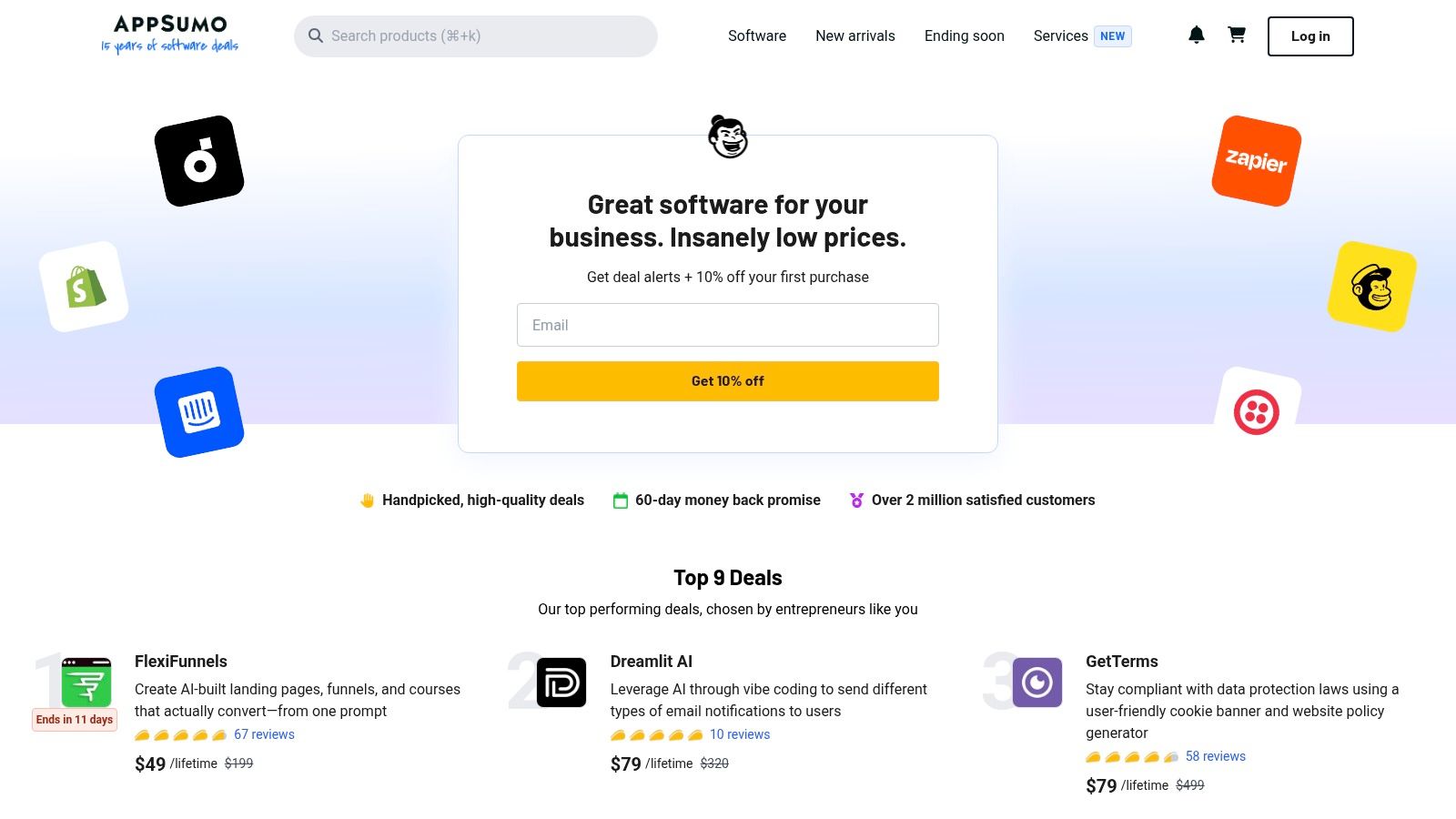
The platform’s value extends beyond savings; it provides a low-risk environment to experiment with new software that could transform your workflow. Most deals come with a 60-day refund window, allowing ample time to test if a tool truly fits your needs. The active community reviews and Q&A sections on each product page offer unfiltered user feedback, helping you make informed decisions before purchasing. This model allows you to strategically invest in tools that align with your work habits, such as those that support focused work sessions detailed in my book, Focus Recharged.
Features, Pricing, and Usability
- Mini Scenario: A startup founder on a tight budget needs a social media scheduling tool. Instead of paying $50/month for an established player, she finds a promising new competitor on AppSumo and gets lifetime access for a one-time payment of $59.
- Deal Structure: Primarily features lifetime deals (LTDs) for a one-time fee, alongside discounted annual plans and digital products.
- Pricing: Varies per deal, often ranging from $39 to $99 for lifetime access. A “Plus” membership offers extra discounts and other perks.
- Community & Trust: Active user reviews and a Q&A section on each deal page. Most purchases are protected by a 60-day money-back guarantee.
- Tool Variety: Covers a wide range of software categories, including project management, marketing automation, AI assistants, and content creation.
Pros
- Exceptional cost savings, especially with lifetime deals on new tools.
- The 60-day refund policy minimizes the risk of trying new software.
- Community feedback provides real-world insights into a tool’s performance.
Cons
- Deals are temporary and can sell out quickly.
- Some featured software may be from early-stage startups with evolving features.
Website: AppSumo
12. Amazon: The Marketplace for Physical Productivity Tools
While not a software suite, Amazon serves as the essential marketplace for sourcing the physical and digital productivity tools for remote workers. It’s the go-to platform for everything from core software licenses to the ergonomic hardware that defines a comfortable and efficient home office. For remote professionals, it’s the one-stop shop for acquiring items like a new webcam, a high-quality headset, or a specialized ergonomic mouse to prevent strain during long work sessions. This makes it an indispensable resource for setting up or upgrading a workspace tailored for focus and well-being.
The platform’s true power for remote workers lies in its sheer breadth of selection and the wealth of user-generated data. Instead of guessing which noise canceling headphones are best for deep work, you can leverage thousands of customer reviews to make an informed decision. With Prime, essential gear can arrive the next day, minimizing downtime. By consolidating purchases for both digital codes and physical goods, Amazon simplifies the logistics of outfitting a productive home environment, a key concept we explore in our guide on creating routines for burnout prevention.
Features, Pricing, and Usability
- Mini Scenario: A remote worker experiencing eye strain and back pain after long hours uses Amazon to purchase a complete ergonomic setup. Based on reviews, they select a highly-rated laptop stand for desk, an ergonomic keyboard, and blue light blocking glasses, all arriving within two days.
- Product Selection: Massive marketplace for office hardware, software, peripherals, and WFH essentials like printers, webcams, and supplies.
- Pricing: Varies by product and seller. Prime membership ($14.99/month or $139/year) offers free, fast shipping on millions of items.
- User Reviews: Extensive customer reviews and ratings provide real-world feedback to guide purchasing decisions for productivity gear.
- Delivery & Returns: Fast shipping options, including same-day and next-day for Prime members in many areas, with a straightforward returns process.
Pros
- Unrivaled one-stop shop for both digital and physical work-from-home tools.
- Fast, reliable shipping and extensive delivery network for quick setup.
- Customer reviews provide valuable insight into product quality and performance.
Cons
- Quality can be inconsistent across third-party sellers; requires careful vetting.
- The vast selection can feel overwhelming without specific product knowledge.
Website: Amazon.com
Editor’s Take
After reviewing these twelve powerful productivity tools for remote workers, a clear theme emerges: the best tool is the one that fits your specific workflow and cognitive style. For large teams needing an all-in-one ecosystem, Microsoft 365 and Google Workspace are unbeatable. However, for most individuals and smaller, agile teams, a more modular approach works best. Todoist is my top pick for straightforward task management due to its simplicity and speed. For centralizing knowledge and projects, Notion offers unparalleled flexibility, though it requires discipline to keep organized. The real game-changer for any remote worker is Zapier; automating repetitive tasks frees up more mental energy than any other tool on this list. Remember, these tools are meant to reduce friction, not add complexity. Start small, focus on your biggest pain point, and build your stack from there.
Key Takeaways
- Choose Tools That Reduce Friction: The goal is to find software that streamlines your workflow, not one that adds more digital clutter.
- Prioritize Integration: The most powerful tool stacks are interconnected. Use services like Zapier to make your apps communicate with each other, saving you time and mental energy.
- A Tool is Not a System: Software can’t fix a broken process. Combine your tools with proven productivity methodologies (like time blocking or GTD) for the best results.
- Physical Tools Matter: Your digital setup is only half the equation. Investing in ergonomic equipment from places like Amazon is crucial for long-term health and focus.
- Start with Your Biggest Problem: Don’t try to adopt a dozen new tools at once. Identify your primary productivity bottleneck and find the one tool that best solves it.
Final Thoughts and Disclaimer
Navigating the vast landscape of digital tools can feel like a full-time job in itself. We’ve explored a wide array of options, from comprehensive ecosystems like Microsoft 365 and Google Workspace to specialized powerhouses like Asana for project management and Zapier for automation. The central theme connecting them all is the pursuit of a more streamlined, focused, and ultimately more human way of working remotely.
The perfect stack of productivity tools for remote workers is not about having the most applications; it’s about having the right applications. The goal is to build a personalized system that reduces friction, not one that adds more digital noise to your day. As we’ve seen, the most effective approach combines technology with an understanding of our own psychology.
Disclaimer: This article is for educational and informational purposes only and is not a substitute for professional medical or psychological advice, diagnosis, or treatment. Always seek the advice of your physician or other qualified health provider with any questions you may have regarding a medical condition. This article may also contain affiliate links, which means we may earn a commission if you make a purchase through our links, at no extra cost to you.
By choosing deliberately and implementing thoughtfully, you can transform your digital workspace from a source of distraction into a powerful engine for success and well-being. Ready to move beyond just tools and build a holistic system for focus and clarity? Explore the books and resources on Mind Clarity Hub to start your journey.
Frequently Asked Questions (FAQ)
1. What are the most essential productivity tools for a new remote worker?
For a new remote worker, the essentials are a reliable communication tool like Slack or Microsoft Teams, a solid task manager like Todoist to track personal to-dos, and a cloud storage solution like Google Drive or OneDrive for file sharing. These form the foundation of an organized remote workspace.
2. How do I choose the right project management tool for my team?
Consider your team’s size and project complexity. For simple task tracking, Asana or Todoist are great. For complex projects requiring detailed roadmaps and knowledge bases, a more flexible tool like Notion or a robust platform like Asana’s higher tiers would be more suitable. Always use the free trial to see if the interface clicks with your team’s workflow.
3. Can productivity tools actually make me less productive?
Yes, if used improperly. The “shiny new tool” syndrome can lead to constantly switching apps, which causes distraction and context-switching. The key is to choose a few core tools that integrate well and stick with them. A tool should solve a problem, not create a new one.
4. Are free productivity tools good enough for professional remote work?
Absolutely. Many tools like Slack, Asana, Notion, and Todoist offer robust free-forever plans that are perfect for freelancers or small teams. You often only need to upgrade to a paid plan when you require advanced features like unlimited history, complex automations, or enterprise-level security.
5. How important is my physical workspace setup for productivity?
Your physical setup is critically important. An uncomfortable chair or poor lighting can lead to fatigue and distraction. Investing in ergonomic tools like a good chair, an external monitor, and an ergonomic mouse—all available on marketplaces like Amazon—is a crucial step for sustainable remote work productivity and well-being.
