In the sea of advice on personal growth, finding the right book can feel overwhelming. You’re busy, your attention is fragmented, and you need practical systems that deliver results. Generic tips won’t cut it. You need strategies grounded in neuroscience and psychology to help you focus and achieve goals sustainably. This is a curated guide to the most impactful self development books to read for busy professionals.
Each recommendation is chosen to solve a modern problem. We will cover reclaiming focus and building habits that stick. We’ll move beyond summaries to give you the core insights. We’ll discuss who each book is for and how to apply its lessons. You will discover how to design distraction-proof workflows and recover from burnout. To begin your journey, you might also find inspiration in our curated list of the best personal development books. Consider this your roadmap to building a more intentional, productive, and focused life.
1. Atomic Habits by James Clear
Atomic Habitsis a cornerstone text for anyone looking for practical self development books to read. James Clear argues that real, lasting change comes from small decisions. He shows how to build tiny, 1% improvements that accumulate into remarkable results. The core idea is that your habits shape your identity. By focusing on small behavioral shifts, you can become the person you want to be. The book’s framework is based on behavioral psychology, making it a reliable system for change.
The book’s system is built on four simple laws of behavior change: Make It Obvious, Make It Attractive, Make It Easy, and Make It Satisfying. For busy professionals, this translates into actionable strategies for focus. For example, a remote worker could apply “Make It Obvious” by placing a productivity journal on their desk each evening. This prompts their morning planning session. This small environmental tweak supports prefrontal cortex planning functions by reducing cognitive load. These small designs reduce the need for sheer willpower.
Best Option for Building Foundational Routines
Atomic Habits is ideal for knowledge workers feeling overwhelmed. It’s perfect for establishing baseline routines for focus, health, and productivity.
Real-World Example: “After I finish my morning coffee, I will open my deep work document.”
Environment Design: Optimize your space to make good habits easier.
Real-World Example: “Before I end my workday, I will close all tabs except for tomorrow’s first task.”
Identity-Based Habits: Focus on becoming the type of person who achieves your goals.
Real-World Example: Instead of “I want to write a book,” think “I am a writer.” This makes showing up to write a daily action that affirms your identity.
“You do not rise to the level of your goals. You fall to the level of your systems.” – James Clear
By implementing these ideas, you create a reliable system for progress. You can explore some of the best habit tracking apps to visually monitor your commitment. This book provides essential groundwork for meaningful change. For those looking to apply these principles to beat procrastination, The Power of Clarity is a great next step.
2. Deep Work by Cal Newport
Deep Workis one of the most essential self development books to read. It provides a robust framework for performing cognitively demanding tasks. Author Cal Newport argues that the ability to focus without distraction is becoming rare and valuable. He provides concrete strategies for cultivating deep work. This is the activity that produces the highest level of value and meaning.
The book outlines four different philosophies for integrating deep work into your schedule. For instance, a software developer might implement scheduled focus blocks with zero notifications. They could use noise canceling headphones to signal unavailability. A writer could create a ritualized deep work session. The core principle is to intentionally defend your focus from the barrage of emails and messages. To dive deeper, explore a complete guide to Deep Work for beginners.
Best for Reclaiming Focus to Produce High-Value Output
Deep Work is perfect for knowledge workers, creators, and academics. It’s for anyone who feels their attention is fragmented. It offers a path back to meaningful productivity. You can learn more about what deep work is and how it can reshape your professional life.
Establish a Ritual: Create a consistent routine to signal the start of a deep work session.
Real-World Example: “Every morning at 9 AM, I will put on my headphones, close all tabs, and work on my primary project for 90 minutes.”
Batch Shallow Tasks: Group low-value tasks like checking email into specific time slots.
Real-World Example: “I will only process my inbox at 11:30 AM and 4:00 PM.”
Communicate Boundaries: Explicitly inform your team about your deep work blocks.
Real-World Example: Update your Slack status to “Deep Work – slow to respond” and use an out-of-office reply for your protected time.
“To produce at your peak level you need to work for extended periods with full concentration on a single task free from distraction.” – Cal Newport
By scheduling and protecting your focus, you shift the metric of success. The goal becomes valuable output created, not hours busy. This book gives you the permission and the plan to do the work that truly matters. Browse the library to find more books on focus.
3. The Power of Now by Eckhart Tolle
The Power of Now is an essential guide among self development books to read for anyone feeling overwhelmed. Eckhart Tolle’s core message is that most of our psychological suffering comes from being lost in thought. This book offers a spiritual framework for disconnecting from mental chatter. It helps you anchor your awareness firmly in the present moment. It teaches you to observe your mind without judgment, creating inner peace.
The concepts are especially relevant for professionals grappling with burnout and screen fatigue. Tolle provides tools for inner stillness. For instance, a remote worker experiencing Zoom fatigue can practice feeling the “inner body” to ground themselves. A creative professional stuck in an anxiety spiral can use conscious breathing to interrupt the pattern. From a neuroscience perspective, this practice helps shift brain activity from the amygdala (fear center) to the prefrontal cortex (rational thought).
Best for Calming an Anxious Mind
The Power of Nowis ideal for knowledge workers who find that traditional productivity systems fail to address underlying anxiety. It’s a foundational read for cultivating mindfulness. This book is not medical advice for anxiety, depression, or other conditions. It is for educational purposes only.
Sensory Anchoring: Pause and consciously connect with your senses.
Real-World Example: Between meetings, stop and notice five things you can see, four sounds you can hear, and three physical sensations.
Breath Awareness: Use your breath as an anchor to the present moment.
Real-World Example: When you feel overwhelmed, take three slow, deep breaths, focusing entirely on the sensation of air entering and leaving your body.
Observing the Thinker: Practice stepping back and watching your thoughts as an impartial witness.
Real-World Example: Instead of getting caught in a worry, label it: “There is the thought that I might miss my deadline.” This creates distance and reduces its power.
“Realize deeply that the present moment is all you have. Make the NOW the primary focus of your life.” – Eckhart Tolle
By applying these ideas, you can reduce the mental noise that fuels procrastination. For those looking to apply this calm to their digital lives, Digital Clarity offers a structured way to build on these principles.
How to Choose the Right Self Development Book for You
Choosing the right book depends on your current goal. This quick comparison can help you decide where to start.
Book Title
Best For…
Key Goal
Atomic Habits
Building lasting daily routines
Creating a system for small, consistent improvements.
Deep Work
Overcoming digital distraction
Producing high-value, focused work.
Essentialism
Feeling overwhelmed and overcommitted
Eliminating non-essential tasks to focus on what matters.
Why We Sleep
Experiencing burnout or fatigue
Improving cognitive performance through better rest.
4. Essentialism by Greg McKeown
Essentialism is not about getting more done; it’s about getting the right things done. This is one of the most critical self development books to read. Greg McKeown provides a system for discerning what is absolutely essential. Then, you can eliminate everything that is not. The core philosophy challenges the notion that we can do it all. It advocates for the “disciplined pursuit of less.” This allows you to channel your energy toward high-impact projects.
The book’s approach rests on three steps: Explore, Eliminate, and Execute. For overloaded knowledge workers, this framework provides a powerful filter. A solopreneur might “Explore” all client types and then “Eliminate” the draining ones. An executive can “Execute” by declining non-essential meetings. A practical tool for this is a time blocking planner, which helps you visually commit to your highest-impact activities.
Best for Overcoming Overwhelm and Burnout
Essentialism is perfect for busy professionals, leaders, and entrepreneurs. It provides the permission and the process to say “no” gracefully. It helps you cut through the noise and focus on work that matters. Please note, this book is for educational purposes and not a substitute for professional care for burnout.
Priority Audit: List all your current commitments and rate their ROI for your energy and goals.
Real-World Example: “Does this weekly status meeting actually move my key project forward, or is it just a habit?”
The Power of a Graceful ‘No’: Learn scripts to decline requests without damaging relationships.
Real-World Example: “I can’t commit to that right now, but I could recommend someone else who would be great for it.”
Create a ‘Stop Doing’ List: Identify and formally decide to eliminate low-value tasks.
Real-World Example: “I will stop checking my email first thing in the morning to protect my deep work time.”
“If you don’t prioritize your life, someone else will.” – Greg McKeown
By adopting an essentialist mindset, you move from a reactive state to deliberate control. You can take these principles further by reading Burnout Breakthrough to build sustainable systems.
5. Digital Minimalism by Cal Newport
Digital Minimalism is one of the most essential self development books to read for anyone feeling drained by constant connectivity. Cal Newport offers a practical philosophy for reclaiming focus. He explains how our devices are designed to hijack our attention for profit. This leads to fractured focus and low-grade anxiety. The book is not about rejecting technology entirely. It is about using it with intention and purpose.
The core of the book is a 30-day “digital declutter.” This is a process where you step away from optional technologies. This reset allows you to break cycles of behavioral addiction. A knowledge worker could find they have 20+ extra hours a week. After the declutter, you carefully reintroduce technology. You do so only if it serves a deeply held value. For instance, a freelancer might use a phone lock box timer to create distraction-free work sessions.
Best for Reclaiming Your Attention
Digital Minimalism is perfect for screen-fatigued professionals and creatives. It’s for anyone who feels their attention span has been damaged. It provides a structured method for resetting your relationship with technology.
The 30-Day Digital Declutter: Temporarily remove all optional digital tools from your life.
Real-World Example: “For the next 30 days, I will delete social media apps and avoid mindless web surfing.”
Identify High-Quality Leisure: Actively replace low-quality digital distractions with fulfilling real-world activities.
Real-World Example: “Instead of scrolling at night, I will read a physical book or go for a walk.”
Reintroduce with Intention: After the declutter, bring back technology with strict operating procedures.
Real-World Example: “I will only use Instagram on my desktop computer for 30 minutes on Saturday to connect with specific friends.”
“Digital minimalism is not a rejection of technology, but a reassertion of the belief that you are in control of your own life.” – Cal Newport
By adopting this philosophy, you can cultivate a more focused life. It’s a powerful antidote to digital burnout. If you’re looking for more actionable strategies, check out these helpful digital detox tips. To build on these ideas, Newport’s companion book, Digital Clarity, offers further guidance.
Editor’s Take: What Really Works?
After reviewing hundreds of self development books, a clear pattern emerges. The most effective books don’t just offer inspiration; they provide a system. For most people struggling with focus and productivity in 2024, the best starting point is a combination of Atomic Habits and Deep Work. Atomic Habits provides the foundational science for building the small routines that stick. Deep Work then gives you the strategy to apply those routines to high-value professional tasks.
This combination is best for knowledge workers, freelancers, and students who feel their day is a series of reactive distractions. However, if your primary struggle is mental chatter, anxiety, or burnout, start with The Power of Now or Why We Sleep first. You can’t implement a productivity system on a depleted mind and body. Build your foundation of mental calm and physical rest, then layer on the productivity frameworks. See the book that fits your goal to find your next read.
Key Takeaways: Your Self-Development Reading List
Start with Habits: Lasting change begins with small, consistent actions. Atomic Habits provides the framework for building a strong foundation.
Protect Your Focus: Your ability to concentrate without distraction is a valuable asset. Deep Work shows you how to cultivate and protect it.
Prioritize Ruthlessly: You cannot do everything. Essentialism teaches you to identify and focus on the tasks that truly matter, eliminating the rest.
Master Your Mind: Understanding cognitive biases is key to better decisions. Thinking, Fast and Slow provides the psychological toolkit.
Rest is Productive: Quality sleep is not a luxury; it’s essential for cognitive function. Why We Sleep explains the non-negotiable role of rest.
Be Intentional with Technology: Use digital tools to serve your goals, not the other way around. Digital Minimalism offers a path to reclaim your attention.
Apply and Experiment: Knowledge is useless without action. Use the Lean Startup method to test and refine these strategies in your own life.
Disclaimer
Frequently Asked Questions (FAQ)
1. Which self development book should I read first?
For most people, Atomic Habits by James Clear is the best starting point. It provides a simple, actionable framework for building small, positive habits that can be applied to any area of your life. It lays the foundation for implementing strategies from other books.
2. Are these books good for dealing with burnout?
Books like Essentialism and Why We Sleep are excellent for addressing the root causes of burnout by helping you prioritize and recover. However, this article is for educational purposes only. If you are experiencing severe burnout, please consult a healthcare professional.
3. How can I apply the lessons from these books if I’m very busy?
The key is to start small. Don’t try to implement everything at once. Choose one idea from one book—like the “two-minute rule” from Atomic Habits or scheduling one 30-minute “deep work” block from Deep Work—and practice it for a week.
4. Do I need to buy special tools to follow the advice in these books?
No. While tools like a time blocking planner or a phone lock box timer can be helpful, they are not necessary. The core principles in these books rely on changing your mindset and behavior, which you can start doing today with just a pen and paper or simple digital notes.
5. What if I read a book but don’t see results?
Self-development is a process of experimentation. As Eric Ries suggests in The Lean Startup, if one strategy doesn’t work, treat it as a learning opportunity. Analyze why it didn’t fit your life, then pivot and try a different approach from the same book or move on to another book that better addresses your current challenge.
Free download: 7-Day Mind Clarity Reset
A short daily reset you can actually stick with (no fluff).
Note: Mind Clarity Hub is a reader-supported publication.This post may contain affiliate links. If you make a purchase through one of our links, we may earn a small commission at no extra cost to you. We only recommend products we trust.
Starting a gratitude journal can feel like one more task on an already overflowing to-do list, especially for busy professionals. The common advice to simply “write down what you’re thankful for” often falls flat. It can feel vague and uninspired after a few days. This can lead to the practice feeling like a chore rather than a source of genuine well-being. Many people abandon it before they experience any real benefits. The key isn’t just if you practice gratitude, but how you direct your focus. Generic prompts don’t connect with the specific challenges of a demanding workday or digital fatigue.
Gratitude journal prompts for modern work: categorized prompts to beat burnout, build resilience, and reset fast
This article provides a structured and actionable alternative. We’ve compiled a comprehensive roundup of specific gratitude journal prompts designed for the realities of modern work and life. Forget generic platitudes. These prompts are categorized to help you build resilience against burnout and find clarity in your work. They also help you appreciate your professional growth and reconnect with your environment. You will find targeted prompts for your morning and evening routines, and micro-prompts for quick mental resets.
Each category is grounded in practical psychology, showing you why a particular focus works. From a neuroscience perspective, intentionally practicing gratitude can strengthen neural pathways. This makes positive emotions more accessible and can shift your brain away from its natural negativity bias. You will learn how to turn a simple gratitude practice into a powerful tool for enhanced focus. Whether you use a dedicated productivity journal or a simple notebook, these prompts will give you the language needed to build a consistent habit.
Please note: This article is for educational purposes only and is not a substitute for professional medical or psychological advice, diagnosis, or treatment. If you are experiencing symptoms of anxiety, depression, burnout, or other mental health concerns, please consult a qualified healthcare provider.
1. The Three Good Things Prompt: Gratitude Journal Prompts for Daily Reflection
This foundational gratitude practice is one of the most studied and effective gratitude journal prompts available. Developed by positive psychology researcher Martin Seligman, the exercise is simple yet powerful. At the end of your day, write down three things that went well and briefly explain why. The goal is to train your brain to notice and savor positive moments, no matter how minor they seem.
For busy knowledge workers, this prompt acts as a mental filter. According to psychology research, humans have a “negativity bias,” meaning our brains are wired to pay more attention to negative experiences. By intentionally recalling positive events, you create a buffer against the overwhelm of a demanding workday. You shift your focus from what went wrong to what went right. This practice can gradually help regulate mood and improve your overall sense of well-being.
How to Implement It
The key is consistency. Designate a specific time, such as right after shutting down your work computer or just before bed. This ritual helps cement the habit and makes recall easier. Using a simple productivity journal or a dedicated notebook can make the process feel more intentional.
Real-World Examples:
Mini-Scenario: A developer feels drained after a long day of debugging. Instead of dwelling on the frustration, she uses this prompt before logging off.
Good Thing: I solved a complex bug that had been blocking the team for two days.
Why it mattered: It felt great to apply my problem-solving skills and unblock my colleagues, which lets us move forward on the sprint. This reminds her of her competence and value to the team.
2. The Clarity Wins Prompt: Gratitude Prompts for Better Focus
This focus-specific gratitude practice is designed for busy professionals drowning in digital noise. Instead of general positivity, it targets moments of intentional decision-making. The prompt asks you to document instances where you resisted distraction, set a firm boundary, or chose your priorities wisely. This approach connects gratitude directly to the challenges of maintaining focus.
This prompt is particularly effective for knowledge workers because it celebrates proactive choices that prevent overwhelm. Behavioral research shows that acknowledging and rewarding a desired behavior—like maintaining focus—makes it more likely to happen again. By feeling grateful for these small acts of self-regulation, you strengthen the neural pathways associated with focus and discipline. This makes it easier to repeat those behaviors in the future.
How to Implement It
Keep a running list of “clarity wins” throughout your day in a habit tracker journal or a simple note-taking app. This makes recall at the end of the day much easier. The goal isn’t to list every single win but to capture the ones that felt most meaningful. This practice is about quality, not quantity.
Real-World Examples:
Mini-Scenario: An entrepreneur is constantly pulled in different directions. She feels scattered and unproductive by noon. She decides to try this prompt.
Clarity Win: I delegated a repetitive administrative task instead of doing it myself.
Why it mattered: It freed up an hour of mental energy that I reinvested into strategic planning for a new product launch. Recognizing this reinforces the value of delegation.
Expert Tip: Focus on why each decision mattered for your mental space and output. Reviewing your entries monthly can reveal powerful patterns. For a deeper understanding of how these small choices build mental clarity, you can learn more about creating mental clarity and its connection to sustained performance.
3. The Energy & Recovery Prompt for Sustainable Habits
This prompt moves beyond simple positive recall to focus on genuine mental and physical restoration. It asks you to identify moments, activities, or interactions that truly refueled your energy, rather than just filling time. The goal is to build self-awareness about what sustainable rest looks like. This helps you distinguish between passive consumption (like scrolling) and active recovery.
For remote workers and screen-fatigued professionals, this practice is a powerful tool against burnout. It interrupts the brain’s dopamine-driven cycle of seeking quick, low-quality breaks that often leave you feeling more drained. By pinpointing what truly recharges you, you can intentionally design a more restorative work-life balance.
How to Implement It
Integrate this prompt into your end-of-day or end-of-week review. The key is to reflect on your energy levels before and after specific activities. Using a habit tracker journal can help you log these activities and spot patterns over time. This makes it easier to connect your actions to your overall well-being.
Real-World Examples:
Mini-Scenario: A remote worker finishes her day with a headache and feeling mentally foggy. She reflects on her breaks.
Restorative Activity: I took a 20-minute walk outside without my phone during my lunch break.
Why it mattered: It cleared my head and broke the monotony of staring at a screen. I returned to my work feeling refreshed and less tense, unlike the break I spent scrolling social media.
Expert Tip: Don’t just identify what works; actively use that data to design your personal recovery plan. Replace one non-restorative habit with a proven restorative one. This proactive replacement is far more effective than trying to simply stop the old habit. For more ideas on effective rest, you can learn more about how to get some rest and build a sustainable routine.
4. The Systems & Boundaries Prompt
This gratitude journal prompt celebrates the invisible architecture that supports focused, effective work. Instead of focusing on single positive moments, it directs your gratitude toward the systems, tools, and boundaries that make your work cleaner. It’s an exercise in appreciating the proactive design of your workday. This is aligned with behavioral design principles that emphasize shaping your environment for success.
For knowledge workers, entrepreneurs, and freelancers, this prompt reinforces a critical insight: focus isn’t just about willpower. It’s about system design. By acknowledging what’s working, you become more intentional about maintaining the structures that prevent chaos and reduce decision fatigue. This protects your most valuable asset: your attention.
How to Implement It
Set aside a few minutes during your weekly review or at the end of a particularly smooth workday. The goal is to identify a specific system or boundary and articulate the positive impact it had. Using a time blocking planner can help you visually connect your planned boundaries with the focused work you accomplished.
Real-World Examples:
Mini-Scenario: A freelancer struggles with constant client interruptions that derail her creative process. She implements a new system.
System/Boundary: Using my project scoping template for a new client.
Why it mattered: It prevented scope creep from the start, clarifying expectations. This saved me from future unpaid work and difficult conversations, protecting my time and sanity.
Expert Tip: Quantify the impact whenever possible. Note the hours saved, decisions avoided, or interruptions blocked. This makes the value of the system tangible and motivates you to protect it. Reviewing these entries is a great first step if you’re exploring how to balance life and work more effectively.
How to Choose the Best Gratitude Journal Prompts for You
Choosing the right prompt depends on your current goals and challenges. A simple comparison can help you decide where to start.
Prompt Type
Best For…
Pairs Well With…
Three Good Things
Beginners, building a consistent daily habit, improving general mood.
A simple notebook, end-of-day reflection.
Clarity Wins
Professionals struggling with distraction, digital overload, and focus.
A time blocking planner, focus apps.
Energy & Recovery
Individuals feeling tired, close to burnout, or seeking better rest.
A habit tracker journal, mindfulness practices.
Systems & Boundaries
Entrepreneurs, freelancers, and anyone wanting to optimize workflows.
Automation tools, project management software.
If you’re new to this, the “Three Good things” prompt is the best for beginners. For busy professionals trying to regain control of their workday, the “Clarity Wins” prompt is a powerful starting point. Ready to find the right tool? Browse options for productivity journals to match your chosen prompt.
5. The Relationship & Collaboration Prompt
This prompt shifts the focus of gratitude from personal achievements to the power of interdependence. It encourages documenting moments when collaboration, feedback, or support from others accelerated your clarity. The goal is to consciously recognize and appreciate the people who contribute to your success.
For knowledge workers, especially freelancers or remote team members, this exercise is a powerful antidote to isolation. Psychological research consistently shows that strong social connections are a key component of resilience and well-being. By noting how a colleague’s feedback helped, you build a deeper appreciation for your professional ecosystem and the value of social support.
How to Implement It
Integrate this prompt into your weekly review or on days with significant team interaction. Dedicate a page in your productivity journal to “Clarity Wins From Others.” The key is to connect a specific action from someone else to a tangible positive outcome for you.
Real-World Examples:
Mini-Scenario: A remote worker feels stuck and unsure how to proceed on a complex project. After a quick call with her manager, she feels energized.
Collaboration: My manager clearly defined the top three priorities for the week in our one-on-one.
Why it mattered: It eliminated my decision paralysis and gave me a clear roadmap. I could start on high-impact work immediately, which boosted my confidence.
Expert Tip: Be specific about how the person’s contribution made a difference. Did it save you time, prevent an error, or spark a new idea? Reviewing these entries monthly reveals who makes up your core support system. To learn more about fostering these connections, exploring strategies on how to deal with loneliness can provide valuable insights.
6. The Learning & Skill Growth Prompt
This gratitude journal prompt is designed for lifelong learners. It asks you to celebrate moments when you learned something new, overcame a skill gap, or applied knowledge in a meaningful way. By connecting gratitude with learning, you strengthen the neural pathways that make skill development feel rewarding.
This practice directly combats procrastination and burnout. Self-Determination Theory, a prominent psychological framework, shows that feeling competent and autonomous is key to satisfaction and motivation. This prompt highlights those feelings, making the hard work of learning feel more valuable.
How to Implement It
Set aside a few minutes after a study session or at the end of a workday to reflect on one new thing you learned. The goal is to connect the act of learning to a positive outcome. Using a dedicated habit tracker journal can help you visualize your progress and maintain consistency.
Real-World Examples:
Mini-Scenario: A freelancer invests in a new AI tool but feels intimidated by the learning curve. After watching a tutorial, she tries it on a small task.
Learning Moment: I learned how to use a new AI-powered transcription tool for my video editing projects.
Why it mattered: It cut my post-production time by three hours on the first project. This directly increased my effective hourly rate and freed up time for another client. The win motivates her to keep learning.
Expert Tip: Connect each learning moment to a specific, measurable outcome. Did it save you time? Improve quality? Increase your confidence? Tracking these results turns abstract gratitude into concrete evidence of your progress. You can explore this connection further in Focus Recharged, which details how to build momentum from small wins.
7. The AI & Tool Integration Prompt
This modern gratitude practice is for the digitally-integrated professional. It involves documenting how specific AI tools or automations improved your day by saving time or reducing cognitive load. The goal is to build a positive and intentional relationship with technology. This reframes it as a partner in focus rather than a source of distraction.
For knowledge workers navigating tools like ChatGPT and Notion, this prompt reframes AI into a genuine productivity asset. It encourages mindful adoption by focusing on measurable gains. This helps build confidence in using these tools effectively and counters the “shiny object syndrome” where new tools become distractions.
How to Implement It
Set aside a few minutes at the end of your workday to reflect on your digital tool usage. This is less about the tool itself and more about the outcome it created. Documenting these wins in a dedicated productivity journal helps reinforce the value of your tech stack.
Real-World Examples:
Mini-Scenario: A marketing manager is drowning in notes from a brainstorming session and dreads organizing them into a coherent report.
Tool/AI Win: Used ChatGPT to draft a report outline from my messy notes.
Why it mattered: It saved me at least 90 minutes of structuring and organizing. This allowed me to dive straight into the substantive writing, turning a dreaded task into a manageable one.
Expert Tip: Be specific about the “before” and “after.” Document the actual time saved or the cognitive load reduced. This practice helps you build repeatable, high-value workflows. For those looking to master AI for business, exploring a guide like Marketing Magic: The Creator’s Guide to AI-Powered Marketing can provide structured workflows to replicate these wins consistently.
8. The Tiny Wins & Momentum Prompt: Best for Busy Professionals
This gratitude practice shifts the focus from major accomplishments to small, incremental progress. Instead of waiting for a big project to finish, you document completed micro-tasks or habits you maintained. This approach is essential for busy professionals dealing with perfectionism. It retrains the brain to recognize and celebrate the power of compounding effort.
Grounded in behavioral psychology, this prompt counteracts all-or-nothing thinking. By acknowledging tiny wins, your brain gets a small burst of dopamine. This neurotransmitter is linked to motivation and reward, reinforcing the behavior and making it easier to show up again tomorrow. This builds a positive feedback loop that makes progress feel sustainable.
How to Implement It
Integrate this into your end-of-day shutdown routine. Before closing your laptop, take two minutes to scan your day for small moments of progress. Using a habit tracker journal can make this process tangible. It allows you to see streaks and patterns over time.
Real-World Examples:
Mini-Scenario: A writer is working on a book, a huge project that feels overwhelming. On a day filled with meetings, she only manages to write for 30 minutes.
Tiny Win: Showed up for a focused work block, even if I only got 30 minutes in.
How it moved me forward: It kept the project from stalling and proved I can make progress even on a chaotic day. This prevents the feeling of a “wasted” day and maintains momentum.
Expert Tip: On difficult days, grant yourself gratitude just for showing up, regardless of the quality of your output. The act of sitting down to work is a win. Share your tiny wins with an accountability partner to reinforce the behavior.
Editor’s Take
Gratitude journaling is often presented as a cure-all, but its effectiveness depends entirely on implementation. Generic prompts like “What are you thankful for?” lose their power quickly. The real magic is in specificity and context.
What Actually Works: The most effective prompts are those that connect directly to a current challenge. If you’re overwhelmed, the “Clarity Wins” prompt is powerful. If you’re feeling isolated, the “Relationship & Collaboration” prompt is a better fit. The key is to use the journal not just to feel good, but to gather data on what’s working in your life and career.
Who It’s Best For: These targeted prompts are ideal for busy professionals, knowledge workers, and entrepreneurs who need practical tools, not just feel-good exercises. They are particularly useful for anyone trying to build sustainable habits around focus, energy management, and work-life balance.
Limitations: A gratitude journal is a tool for mindset management, not a replacement for professional help. If you’re dealing with significant burnout, anxiety, or depression, this practice can be a helpful supplement, but it is not a substitute for therapy or medical advice. The goal is self-awareness, not self-treatment. Find a book that fits your specific goal in our library to continue your journey. See the book that fits your goal.
Key Takeaways for Your Gratitude Practice
Specificity Over Generality: Vague gratitude is fleeting. Pinpointing the specifics of a positive event provides deeper, more lasting psychological benefits. This is because it engages more detailed memory and emotional processing in the brain.
Consistency is Your Anchor: A daily 5-minute practice is far more effective than an occasional long session. This builds a reflexive habit of noticing the good, which can help rewire your brain’s default patterns over time.
Context Matters: The prompts you need during a period of high-stress burnout recovery are different from those that serve you during a creative sprint. Curate your prompts to match your current challenges.
Action is the Goal: Gratitude journaling isn’t just about feeling good; it’s about doing better. If you’re consistently grateful for a quiet morning, protect that time. If you appreciate a colleague’s input, create more opportunities for collaboration.
Disclaimer: This article is for informational purposes only. It does not constitute medical or psychological advice. The content is not intended to be a substitute for professional medical advice, diagnosis, or treatment. This post may contain affiliate links, which means we may receive a small commission if you make a purchase through our links, at no extra cost to you.
Ready to build a more intentional and focused life? The prompts in this article are a fantastic start. At Mind Clarity Hub, we provide the frameworks to help you turn these insights into lasting habits. Explore our collection of books, including The Power of Clarity, to reclaim your attention. Visit Mind Clarity Hub to find the tools you need to build a life of purpose and clarity.
Frequently Asked Questions (FAQ)
1. How long should I spend on gratitude journal prompts each day? A consistent 5-10 minutes per day is more effective than longer, infrequent sessions. The goal is to build a sustainable habit that you can stick with even on busy days. Quality of reflection matters more than quantity of time.
2. Do I need a special journal or can I use an app? Either works! Some people prefer a physical productivity journal to disconnect from screens, which can improve sleep if done before bed. Others prefer the convenience of a digital app. The best tool is the one you will use most consistently.
3. What if I can’t think of anything to be grateful for? This is common, especially on difficult days. Start with the basics: a warm cup of coffee, a comfortable bed, or the fact that the day is over. The “Tiny Wins” prompt is excellent for these moments, as it encourages you to acknowledge small efforts, like simply showing up.
4. How soon will I see benefits from using these prompts? While some people report feeling better after the first session, the more profound benefits, like a more positive default mindset and increased resilience, come from consistent practice over several weeks. Neuroscience suggests it takes time to strengthen new neural pathways.
5. Are these gratitude journal prompts suitable for managing anxiety or stress? Practicing gratitude can be a helpful tool for managing everyday stress and anxious thoughts by shifting focus. However, it is not a treatment or cure for clinical anxiety, depression, or other mental health conditions. If you are struggling, it is essential to seek help from a qualified healthcare professional.
Free download: 7-Day Mind Clarity Reset
A short daily reset you can actually stick with (no fluff).
Affiliate note: This section may reference tools we already use on Mind Clarity Hub. Some links on this page may be affiliate links. If you choose to purchase, we may earn a small commission at no extra cost to you.
Do this: Use context-based micro-prompts to make gratitude stick
If your gratitude practice fades after a week, it’s usually because prompts are too vague or too long. The fix is simple: tie prompts to a context (time, place, cue) and keep them short enough to complete in under two minutes.
Choose your cue →
– Morning start
– Midday reset
– Evening close
Then pick a focus →
– People (support received)
– Progress (tiny win)
– Place (environmental aid)
– Self-kindness (effort you showed)
Write 2 lines →
1) “Today I’m grateful for…”
2) “Because it helped me…”
Optional: 1 micro-action → “So I will…” (30–60 seconds)
Quick-start with practical examples
Morning, 60 seconds: Complete one of these:
“I’m grateful my workspace has ____ because it helps me ____.”
“I’m grateful for one skill I get to use today: ____; it matters because ____.”
“I’m grateful for a person who lightens my load: ____; I’ll send a 1-line thank-you.”
Midday reset, 2 minutes: When focus dips, list one micro-win and why it mattered.
Win: “I outlined slide 1 of 5.”
Why: “Because starting removes the heaviest friction.”
Next: “I’ll set a 10-minute timer for slide 2.”
Evening, 3 minutes: Use the 3-Why Closeout.
What: “Grateful for a teammate who clarified the brief.”
Why 1: “It saved a rework cycle.”
Why 2: “Less rework freed 20 minutes for deep focus.”
Why 3: “That time let me finish on time and log off earlier.”
Checklist: 5-minute setup for a habit that lasts
Pick one home: a small notebook or a note in your favorite app.
Preload three prompts you’ll actually use (see examples above).
Attach to a cue you already do (coffee pour, lunch break, shutdown).
Cap entries at 3 lines to avoid perfectionism.
Add a tiny “next helpful step” when relevant (≤60 seconds).
End each week with a 2-minute scan: circle one theme you noticed.
Comparison: capture method that fits your day
Paper notebook
Pros: Low friction, no notifications, tactile memory boost.
Consider: Harder to search; carry it or keep it on desk.
Notes app
Pros: Searchable, tag by cue (morning/midday/evening), quick to open.
Consider: Mute alerts during writing to prevent context switching.
Task manager
Pros: Natural fit with daily planning; auto-reminders.
Consider: Keep entries short so it doesn’t feel like another task.
Voice note
Pros: Fast when walking; good for brainstorming the “why.”
Consider: Transcribe later if you want a text record.
Context-based micro-prompts for workdays
Focus under pressure
“One boundary I kept today was ____; I’m grateful it protected ____.”
“I’m grateful for a 10-minute block where I did ____; next time I’ll repeat it at ____.”
“A tool that removed friction was ____; it let me ____.”
Energy and mood
“A brief reset that helped: ____; I felt ____ after.”
“I noticed sunlight/fresh air at ____; it supported ____.”
“I’m grateful I paused before replying; it changed ____.”
“Someone made my day 1% easier: ____; I’ll thank them with ____.”
“Past-me set up ____; grateful it saved me today.”
“A mentor/author idea that helped: ____; I applied it by ____.”
Progress and learning
“I learned ____; it will help me ____ next time.”
“I shipped a draft, not perfect; grateful for momentum.”
“A mistake taught me ____; next step: ____.”
Environment and tools
“Clearing ____ reduced friction; I’m grateful for the calm.”
“A shortcut/template saved ____ minutes; I’ll reuse it on ____.”
“Noise, music, or silence that helped: ____; why it worked: ____.”
Lightweight tracking that boosts consistency
Use a simple star system: ★ for any entry, ★★ if you added a micro-action.
Friday scan: circle one repeated theme (e.g., “quiet mornings”). Plan how to invite more of it next week.
Monthly reflection (3 lines): what helped, what to simplify, one cue to reinforce.
Troubleshooting: common blockers and quick fixes
“I don’t feel grateful today.” Try a neutral fact with a small benefit: “The meeting started on time; that gave me 5 quiet minutes.”
“I repeat the same items.” Rotate categories (people, progress, place, self-kindness) and always add a brief “because…”
“It takes too long.” Limit to two sentences. If you want more, add it on Fridays only.
“I forget.” Pair with a strong cue (pour coffee, lock screen at lunch, shut laptop). Place the journal where the cue happens.
FAQs
How often should I use gratitude prompts?
Daily is helpful, but 3–5 times per week is enough for many people to notice benefits. Keep entries short and consistent.
What if I don’t feel grateful today?
Note one small, specific positive or relief, even if neutral. Describe how it helped. It’s okay to keep it brief or skip and restart tomorrow.
Paper journal or app—what’s better?
Use the tool you’ll open fastest. Paper reduces distractions; apps add reminders and search. Pick one and keep it simple.
How do I avoid writing the same things?
Rotate categories (people, place, progress, micro-wins) and add one sentence of “why it mattered” or “what it enabled.”
Can gratitude journaling improve focus at work?
It can support focus for some people by lowering rumination and centering values, but it isn’t a cure-all. Pair it with clear task boundaries and breaks.
Setting an intention is more than just making a goal; it’s a powerful practice for directing your focus and energy. Unlike goals, which are future-oriented destinations, intentions guide your present-moment actions and mindset. Grounded in psychology, this practice primes your brain’s attentional systems. They act as a compass, helping you navigate your day with purpose and clarity, especially when distractions are high. This practice helps align your daily tasks with your deeper values, transforming routine activities into meaningful steps.
As an Amazon Associate, I earn from qualifying purchases. This means if you click a link and make a purchase, I may receive a small commission at no extra cost to you.
This comprehensive guide provides practical examples of intentions you can adapt for your own life. We will move beyond vague concepts and dive into specific, actionable templates designed for real-world challenges. You’ll find intentions crafted for deep work, digital detox, burnout recovery, and even optimizing AI-powered workflows. For each example, we’ll break down the underlying strategy and provide simple micro-rituals to help you integrate them into your daily routine. Whether you’re a busy professional aiming for peak productivity, a student managing digital fatigue, or a creator seeking focused creativity, these examples offer a clear roadmap.
Disclaimer: This article is for educational purposes only. It is not a substitute for professional medical or psychological advice, diagnosis, or treatment. If you are experiencing symptoms of anxiety, depression, burnout, or other mental health concerns, please consult a qualified healthcare provider.
1. Digital Detox Intention: Setting Clear Examples
A digital detox intention is a conscious commitment to reduce screen time and reset your brain’s dopamine sensitivity. This powerful practice addresses the mental fatigue caused by constant notifications and infinite scrolling. By intentionally stepping away from devices, you allow your brain to recalibrate, which can restore your attention span and mental clarity. This is one of the most effective examples of intentions for combating digital burnout and reclaiming focus.
Real-World Scenario: Sarah, a project manager, feels constantly frazzled by evening emails. She sets the intention: “For the next hour, I will be fully present with my family, free from digital interruptions.” This clarity helps her put her phone away without guilt.
Why It Works from a Neuroscience Perspective
This intention works by directly targeting overstimulation. Behavioral research shows that constant digital alerts keep our nervous system in a low-grade state of alert, fragmenting our attention. A detox period provides a much-needed break. This allows neural pathways associated with deep focus to strengthen. Even a short break can improve mood and increase your capacity for deep work, a concept detailed in Cal Newport’s work.
How to Implement This Intention
Set a specific, achievable goal. Start with one device-free hour daily, such as during dinner, or try using a phone lock box timer for dedicated deep work sessions.
Create friction. Use your phone’s grayscale mode during detox periods to make it less visually appealing and stimulating.
Replace, don’t just remove. Fill the time with analog activities like reading, walking, or journaling in a dedicated habit tracker journal.
Track your progress. Note your focus and mood levels before and after your detox to see the tangible benefits. For a comprehensive guide on managing digital habits, explore these digital detox tips and consider reading my book, Digital Clarity, for a deeper dive.
2. Deep Work Blocks Intention: An Example for Productivity
A deep work blocks intention is a commitment to protecting uninterrupted time for cognitively demanding tasks. This involves batching similar work and eliminating context-switching. Deep work blocks create psychological safety for the brain to enter a flow state. This is the optimal condition for meaningful productivity. This intention directly counters the fragmentation caused by constant emails and messages, making it one of the most powerful examples of intentions for high-value output.
Real-World Scenario: Mark, a writer, struggles to finish a chapter. He sets the intention: “For the next 90 minutes, my sole focus is this chapter. I will ignore all other tasks and distractions.” This singular focus helps him make significant progress.
Why It Works Psychologically
This intention works by preventing “attention residue,” where your focus remains split even after switching tasks. As Cal Newport outlines in his book Deep Work, this cognitive switching cost severely degrades performance. By creating a distraction-free container for thought, deep work allows your brain’s prefrontal cortex to fully engage its cognitive resources on a single, complex problem. This dedicated focus strengthens neural pathways associated with concentration and problem-solving.
How to Implement This Intention
Schedule deep work during your peak cognitive hours. For many, this is early in the morning. Block this time in your calendar as if it were an unbreakable appointment.
Communicate your schedule. Let your team know you are unavailable during these focus hours by setting a Slack status or blocking your calendar.
Eliminate digital distractions. Use a website blocker like Freedom or Cold Turkey to prevent access to social media and news sites. Consider using a time blocking planner to visually map out your day.
Prepare your environment. Gather all necessary materials the night before to reduce setup friction. To learn more about structuring your focus time, explore these actionable steps on how to do deep work.
3. Mindful Productivity Intention for Sustainable Work
A mindful productivity intention reframes work as a sustainable practice rather than a high-speed race. It combines effective productivity systems with present-moment awareness, allowing you to maintain high output without succumbing to burnout. This approach addresses the hidden mental and emotional costs of modern hustle culture by integrating practices like intentional breaks and single-tasking into your workflow. Setting one of the best examples of intentions for sustainable achievement, it shifts the focus from doing more to doing better.
Real-World Scenario: Emily, a graphic designer, feels overwhelmed by her project list. Her intention for the day is: “I will work with calm focus, completing one task at a time and taking a full break between each.” This prevents her from feeling frantic and improves her work quality.
Why It Works According to Brain Science
This intention works by preventing cognitive overload and reducing stress. Neuroscience shows that multitasking is a myth; our brains are actually switching rapidly between tasks. This depletes mental energy and increases cortisol levels. By focusing on one task at a time and taking mindful breaks, you allow your prefrontal cortex, the brain’s “executive function” center, to operate more efficiently. This improves focus, decision-making, and emotional regulation throughout the workday.
How to Implement This Intention
Set a daily focus. Start each morning by defining your top three priorities in a productivity journal to create clarity and direction.
Practice single-tasking. Use a pomodoro timer to work in focused 25-minute intervals, followed by a short, mindful break away from your screen.
Incorporate micro-resets. Use two-minute body scans or the 4-7-8 breathing technique between tasks to reset your nervous system.
End with reflection. Conclude your workday with a five-minute review of your accomplishments. For more strategies on this, learn how to be present in your daily routines.
4. Burnout Recovery Intention: Real-Life Examples
A burnout recovery intention is a structured commitment to rebuilding depleted mental and physical resources after periods of chronic stress. This intention directly confronts the three core dimensions of burnout: emotional exhaustion, cynicism, and a reduced sense of professional efficacy. By creating a systematic recovery plan, you prioritize rest and establish firm boundaries. This is one of the most critical examples of intentions for professionals seeking a sustainable path back to well-being.
Real-World Scenario: After a major project, David feels completely drained and cynical. He sets an intention: “My priority this week is recovery. I will end work at 5 PM daily and engage in one restorative activity each evening.” This helps him shift his focus from output to healing.
Why It Works Based on Research
This intention is effective because it treats burnout as a serious condition requiring a deliberate protocol, not just a long weekend. Research shows that burnout stems from a prolonged mismatch between an individual and their job. A recovery intention forces you to address these root causes, whether it’s workload, lack of autonomy, or values misalignment. To effectively address and prevent burnout, understanding how to manage stress is paramount. Consider exploring strategies on how to reduce cortisol levels naturally.
How to Implement This Intention
Assess your burnout level. Use a formal tool like the Maslach Burnout Inventory or a simplified online assessment to understand your starting point.
Create non-negotiable rest periods. Schedule mandatory disconnection, such as establishing a strict 5 p.m. end time or taking a two-week break every quarter.
Establish recovery metrics. Shift focus from work output to well-being indicators like hours slept or time spent on hobbies.
Communicate your capacity. Inform your manager or clients about your temporary limitations to manage expectations and protect your energy. For a detailed guide, explore these steps on how to recover from burnout and consider reading my book, Burnout Breakthrough, for deeper strategies.
5. AI-Enhanced Workflow Intention
An AI-enhanced workflow intention is a deliberate choice to integrate artificial intelligence tools to streamline processes, reduce cognitive load, and amplify human creativity. This approach helps knowledge workers delegate routine or repetitive mental tasks, like drafting emails or summarizing research, to an AI assistant. By doing so, you preserve your most valuable cognitive resources for strategic thinking and problem-solving. This is one of the most forward-thinking examples of intentions for boosting productivity without burnout.
Real-World Scenario: A content creator is bogged down by administrative tasks. Her intention is: “I will use AI to handle first drafts and research summaries today, freeing my mind for creative strategy.” This delegation unlocks her most valuable skills.
Why It Works for Cognitive Load
This intention works by leveraging AI to manage low-value cognitive tasks, which frees up mental bandwidth. Cognitive psychology research shows that our working memory is limited; offloading tasks prevents decision fatigue. It allows you to enter a state of flow on high-impact work more easily. Instead of spending energy on boilerplate code or social media captions, you can focus on innovation, strategy, and applying your unique expertise.
How to Implement This Intention
Start with high-friction, low-stakes tasks. Use AI to summarize long articles, generate outlines for reports, or draft simple email responses.
Develop reusable prompt templates. Create a “swipe file” of your most effective prompts to ensure consistent, high-quality output for recurring tasks.
Always maintain human oversight. Treat AI output as a first draft. Always review, edit, and refine the content to ensure accuracy, quality, and your authentic voice.
Use AI for divergent brainstorming. Ask an AI tool to generate a wide range of ideas, then use your human judgment to select and develop the best ones. For a detailed guide on specific applications, explore these powerful AI tools for productivity and consider reading Marketing Magic for more advanced strategies.
6. Attention Restoration Intention
An attention restoration intention is a commitment to systematically heal the brain’s capacity for focus. It uses nature exposure and sensory reduction to counteract the mental fatigue caused by constant digital demands. Based on Attention Restoration Theory, this practice involves targeted activities that allow directed attention to rest. This is one of the most powerful examples of intentions for professionals battling attention fatigue.
Real-World Scenario: An analyst staring at spreadsheets all day feels mentally foggy. His intention is: “During my lunch break, I will walk in the park for 20 minutes without my phone to clear my head.” This simple act helps him return to work feeling refreshed and focused.
Why It Works Based on Psychological Theory
This intention works by leveraging the restorative power of natural environments on the brain. Attention Restoration Theory, developed by psychologists Rachel and Stephen Kaplan, posits that “softly fascinating” stimuli like watching clouds allow our directed attention to replenish. Unlike the hard focus required for work, these effortless activities reduce mental fatigue, lower cortisol levels, and improve cognitive function after just a short period. It’s a scientifically-backed method for recharging your focus.
How to Implement This Intention
Schedule micro-breaks in nature. Take a 20-minute walk in a park between meetings or simply sit near a window with a view.
Design a restorative environment. Add natural elements like plants, a small water feature, or even nature-themed art to your workspace.
Practice soft fascination. Dedicate a few minutes to mindfully observing something natural, like watching birds or gazing at a tree, without your phone.
Use auditory substitutes. If you can’t get outside, play nature sounds or ambient audio through noise canceling headphones to create a restorative atmosphere.
7. Values-Based Decision Making Intention
A values-based decision making intention is a strategic commitment to align your daily choices with your core personal values. This practice serves as an internal compass, guiding you to make decisions that are authentic to who you are. By consciously filtering opportunities through your values, you build a life and career marked by coherence and integrity. This is one of the most powerful examples of intentions for preventing burnout and cultivating long-term fulfillment.
Real-World Scenario: A freelance designer is offered a high-paying project for a company whose ethics she questions. Her core value is “integrity.” Her intention is: “I will only accept work that aligns with my personal values.” This helps her decline the project with confidence, despite the financial lure.
Why It Works for Mental Well-Being
This intention works by reducing cognitive dissonance, the mental stress experienced when your actions conflict with your beliefs. Behavioral research shows that living in alignment with one’s values is critical for resilience. When your choices reflect what you hold most dear, you experience less internal conflict and greater psychological well-being. This alignment acts as a buffer against the moral injury and ambivalence that often lead to burnout.
How to Implement This Intention
Clarify your core values. Start by identifying your top 3-5 guiding principles. A productivity journal can be an excellent tool for this reflective exercise.
Create a decision-making filter. Before committing to anything new, ask yourself a simple question: “Does this align with my core values?”
Audit your time. Once a month, review your calendar to see how much of your time was spent on activities that honor your values. This provides tangible data.
Practice the “values-based no.” When declining a request, frame your decision around your values instead of making excuses. For a deeper look into this concept, consider reading my book, The Power of Clarity.
8. Focus System Architecture Intention
A focus system architecture intention is a commitment to designing a personal productivity system that integrates task management, time blocking, and decision-making. This meta-intention builds the foundation for all other focus goals. It works by reducing decision fatigue and cognitive load through standardized workflows. For busy professionals, this is one of the most powerful examples of intentions for creating sustainable productivity.
Real-World Scenario: An entrepreneur feels pulled in a million directions. Their intention is: “I will build and trust a single system for capturing tasks and planning my week, so I can stop worrying about what to do next.” This frees up their mental energy for strategic thinking.
Why It Works from a Cognitive Science Standpoint
This intention works by externalizing complex executive functions like planning and prioritizing. Neuroscience shows that relying on willpower alone depletes mental energy. By creating a trusted external system, as popularized by David Allen’s Getting Things Done (GTD) method, you free up cognitive resources. This allows your brain to focus on high-value creative and analytical tasks instead of just trying to remember what to do next.
How to Implement This Intention
Start with a single, core system. Avoid overcomplicating things with too many tools at once. Choose one method like GTD or time blocking to build upon.
Establish a capture habit. Use a single inbox (digital or physical) to capture every idea, task, and commitment. This clears your mental RAM.
Implement non-negotiable reviews. Schedule brief daily (5-min) and more in-depth weekly (30-min) reviews in your time blocking planner to process your inbox and plan ahead.
Create simple decision frameworks. Develop checklists or “if-then” rules for recurring decisions. For a deeper look at building these systems, explore my book The Power of Clarity.
9. Dopamine Recalibration Intention
A dopamine recalibration intention is a deliberate effort to reset the brain’s reward system. It addresses the high dopamine thresholds caused by constant stimulation from social media and notifications. By strategically reducing high-dopamine activities, you lower your baseline, allowing simpler tasks to feel rewarding again. This is one of the most powerful examples of intentions for restoring focus and overcoming the inability to enjoy everyday activities.
Real-World Scenario: Alex finds it impossible to focus on reading a book, constantly reaching for his phone. His intention for the weekend is: “I will engage only in low-stimulation activities to reset my brain’s reward system and find joy in simple things again.”
Why It Works According to Neuroscience
This intention works by restoring your brain’s natural dopamine sensitivity. Neuroscience research explains that chronic exposure to high-dopamine stimuli elevates your baseline. This makes low-dopamine activities like reading or deep work feel boring. A recalibration period acts as a fast, allowing these pathways to reset. This makes it easier to find satisfaction in effortful tasks.
How to Implement This Intention
Eliminate high-dopamine sources. For a set period, remove multiple triggers at once, such as social media, streaming services, and video games.
Embrace boredom. Expect to feel restless or bored initially. This is a normal part of the process as your brain adjusts to a lower-stimulation environment.
Replace with low-dopamine activities. Fill the void with walking, journaling, reading a physical book, or having a meaningful conversation.
Use a grayscale filter. Set your phone to grayscale mode to make it visually unappealing and reduce its pull. For a structured approach, explore the recalibration protocols in Digital Clarity.
10. Batch Processing and Context Management Intention
A batch processing and context management intention is a commitment to grouping similar tasks and controlling your environment to minimize cognitive switching costs. This powerful strategy directly addresses the mental drain caused by multitasking and frequent interruptions. By dedicating blocks of time to one type of work, you reduce the mental friction of changing gears. This makes it one of the most practical examples of intentions for reclaiming productivity and mental energy.
Real-World Scenario: A manager spends her day jumping between emails, team chats, and report writing, ending the day exhausted with little to show for it. Her intention is: “I will handle all emails in two 30-minute blocks today and dedicate a separate 2-hour block solely to writing.”
Why It Works Based on Cognitive Psychology
This intention works by respecting your brain’s inherent limitations. Research highlights the “context-switching penalty,” showing that it takes time for our brains to reorient after an interruption. Batching tasks minimizes these switches. By staying in one cognitive mode, such as “creative writing” or “data analysis,” you allow neural pathways related to that task to operate at peak efficiency. This method is a core principle in Cal Newport’s Deep Work.
How to Implement This Intention
Identify your core task types. Group your work into 3-5 distinct categories, such as administrative, creative, and communication.
Schedule dedicated batches. Block out a minimum of 90 minutes for each task type in your time blocking planner and protect that time fiercely.
Create environmental triggers. Use different locations, music, or even specific lighting with a monitor light bar to signal to your brain which context you are entering.
Eliminate distractions. Turn off all notifications and unnecessary browser tabs during focused batches to maintain a pure cognitive context.
Use transition rituals. Take a 5-minute break to stretch, walk, or hydrate between different batches to reset your focus.
Comparison of 10 Intentions
Digital Detox Intention
Moderate complexity. Low tech resources needed. Expect faster focus gains in 3-7 days, better sleep, and less anxiety. Ideal for overstimulated users and heavy social media use.
Deep Work Blocks Intention
High complexity. Requires time blocks of 90-120 minutes. Expect 3-4x productivity for complex tasks. Ideal for knowledge work requiring deep concentration.
Mindful Productivity Intention
Moderate complexity. Low ongoing time needed. Expect sustainable output and reduced burnout. Ideal for teams needing a sustainable pace.
Burnout Recovery Intention
Very high complexity. Significant time needed (4-12+ weeks). Expect restored motivation and health. Ideal for professionals with diagnosed burnout.
AI-Enhanced Workflow Intention
Moderate complexity. Requires tool subscriptions and training time. Expect 30-70% faster routine tasks. Ideal for writers, coders, and creators.
Attention Restoration Intention
Low to moderate complexity. Requires daily 15-30 minute nature breaks. Expect ~20% gains in sustained attention. Ideal for creatives and remote workers.
Values-Based Decision Making Intention
Moderate complexity. Low time cost. Expect faster, more confident decisions. Ideal for entrepreneurs and leaders.
Focus System Architecture Intention
High complexity. Requires initial setup time (8-20 hrs). Expect reduced decision fatigue by 30-40%. Ideal for people scaling responsibilities.
Dopamine Recalibration Intention
High complexity. Requires commitment of 2-4+ weeks. Expect restored reward sensitivity and improved focus. Ideal for those with compulsive device use.
Batch Processing & Context Management Intention
Moderate complexity. Requires batch sessions of 90+ minutes. Expect a 40-50% productivity lift. Ideal for mixed-role workers and content creators.
Editor’s Take
Setting intentions is a powerful practice, but not all intentions are created equal. The most effective ones—like deep work blocks and batch processing—work because they create structural changes to your day, not just wishful thinking. They force you to build a system that protects your focus. For individuals feeling constantly distracted or on the edge of burnout, the Digital Detox and Attention Restoration intentions are the best starting points. They offer the quickest “return on investment” for mental clarity. The key limitation is that these require discipline and, in a workplace, team buy-in. An intention to do deep work is useless if your manager expects instant replies. So, start with what you can control: your personal time and environment.
Key Takeaways
Intentions vs. Goals: Intentions are about your present-moment state of being (“I will work with calm focus”), while goals are future outcomes (“I will finish the report by Friday”).
Neuroscience Backing: Effective intentions work by priming the brain’s prefrontal cortex, managing dopamine levels, and reducing the cognitive load from context-switching.
Start Small and Specific: Choose one clear intention for a specific block of time (e.g., the next hour) rather than a vague intention for the entire day.
System Over Willpower: The strongest intentions are supported by systems, such as scheduled deep work blocks, phone-free zones, or batch processing schedules.
Recovery is an Intention: Intentions aren’t just for productivity. Setting a clear intention to rest and recover is critical for preventing burnout and maintaining long-term performance.
Disclaimer: This article contains affiliate links, meaning I may earn a commission if you purchase a product through my links at no extra cost to you. The information provided is for educational purposes only and is not a substitute for professional medical or psychological advice. Always consult with a qualified healthcare provider for any health concerns.
Frequently Asked Questions about Examples of Intentions
1. What is the difference between an intention and an affirmation? An intention is a plan or a guide for your immediate actions and mindset, like “My intention is to be fully present in this meeting.” An affirmation is a positive statement you repeat to reinforce a belief, such as “I am a confident and capable person.” Intentions are about doing, while affirmations are about being.
2. How often should I set intentions? You can set intentions as often as needed. A common practice is to set a broad intention for the day in the morning. You can then set smaller, more specific intentions before starting a new task, meeting, or work block. For example, before a difficult conversation, your intention might be, “I will listen with empathy.”
3. Can intentions help with anxiety or feeling overwhelmed? Yes. When you feel overwhelmed, setting a simple, single-task intention can provide immense clarity. For example, the intention “For the next 25 minutes, I will only focus on answering these three emails” can break the cycle of anxious multitasking. It gives your brain a clear, manageable instruction, which can calm the nervous system. However, this is an educational tool, not a treatment for anxiety disorders. Please consult a professional for clinical anxiety.
4. What if I set an intention but fail to follow through? This is completely normal. The goal is not perfection. The practice is in gently noticing you’ve strayed from your intention and then consciously redirecting your focus back to it. Each time you do this, you are strengthening your “attentional muscle.” Treat it as a learning opportunity, not a failure.
5. Can you give an example of an intention for personal relationships? Absolutely. A powerful intention before spending time with a loved one could be, “My intention is to listen without interrupting and offer my full attention.” Another example for a difficult family gathering might be, “I intend to remain calm and not engage in arguments.” These examples of intentions help you show up as the person you want to be in your relationships.
Free download: 7-Day Mind Clarity Reset
A short daily reset you can actually stick with (no fluff).
Helpful resources for your next step
Affiliate disclosure: As an Amazon Associate, Mind Clarity Hub may earn from qualifying purchases at no extra cost to you. Use this link only if it genuinely helps your planning.
If 10 Actionable Examples of Intentions for Focus & Clarity is a routine you want to keep using, a simple workbook, planner, or desk tool can make the steps easier to repeat.
Affiliate Disclosure:This article may contain affiliate links. If you purchase a product through one of these links, we may receive a small commission at no extra cost to you. We only recommend tools we trust and believe will add value to your work.
The transition to remote work has permanently reshaped how we manage our tasks, communicate with colleagues, and maintain focus. Without the structured environment of a traditional office, the right digital toolkit isn’t just helpful; it’s essential for maintaining peak performance and avoiding burnout. Navigating the crowded market of applications, however, can be overwhelming. This guide cuts through the noise to provide a comprehensive roundup of the best productivity tools for remote workers, tailored to solve specific challenges you face daily.
To thrive in this new landscape, understanding and implementing the best collaboration tools for remote teams is absolutely critical for seamless operations and maintaining strong team cohesion. From project management platforms that centralize your team’s efforts to focus apps grounded in neuroscience, each tool in this list is selected to enhance a specific aspect of your remote workflow. We move beyond generic feature lists to offer practical use cases, honest pros and cons, and clear pricing information.
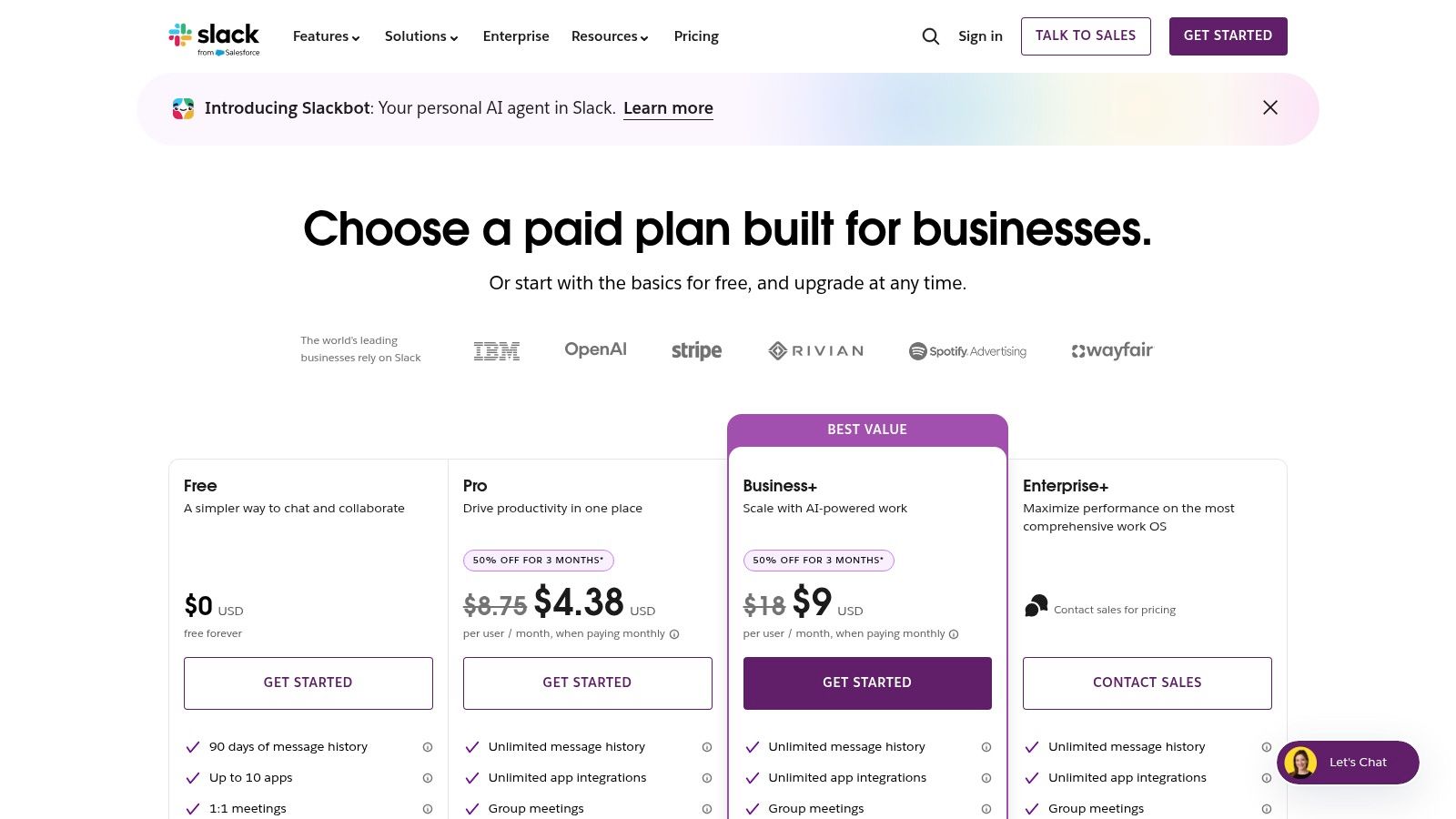
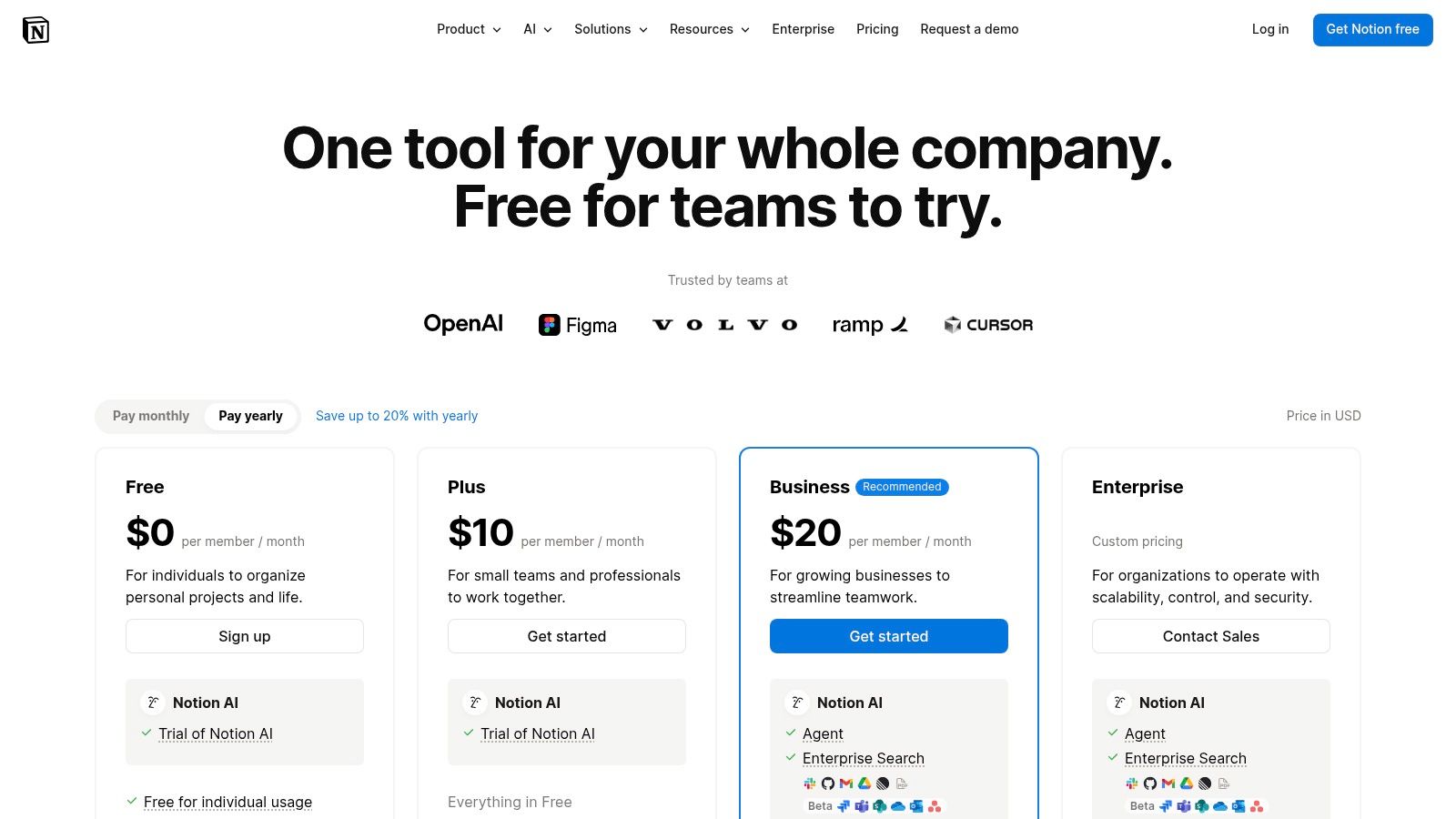
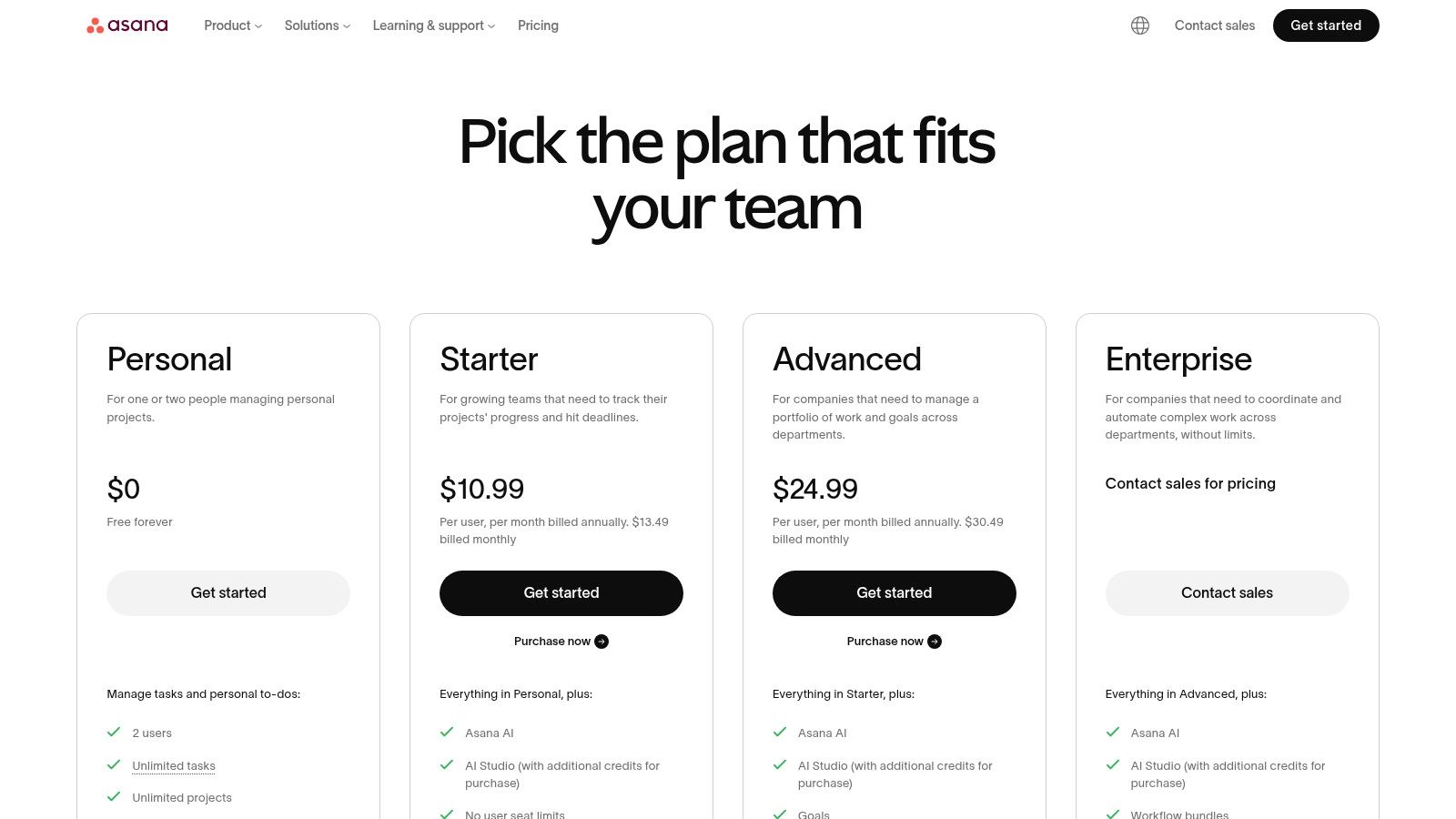
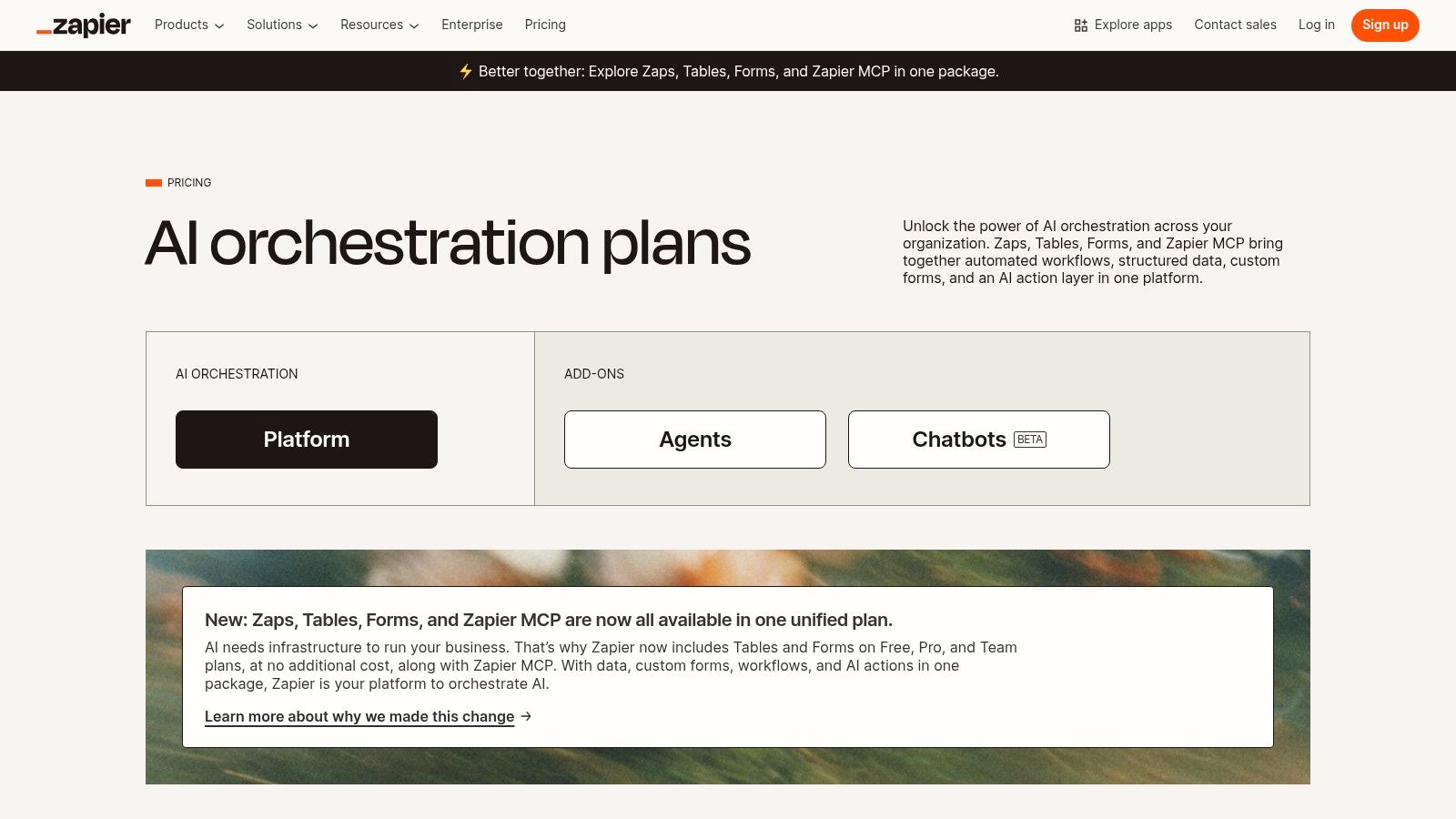
This resource is designed to be your definitive guide for building a more efficient and focused remote work system. You’ll find detailed analysis for each platform, including Notion, Asana, Slack, and Zapier, complete with screenshots and direct links to get you started immediately. Whether you’re a freelancer optimizing your day or part of a distributed team aiming for better alignment, you will discover the exact tools needed to streamline your processes, reclaim your attention, and achieve your most important goals. We’ll even explore how a simple time blocking planner can integrate with these digital systems to create a powerful, hybrid approach to managing your schedule.
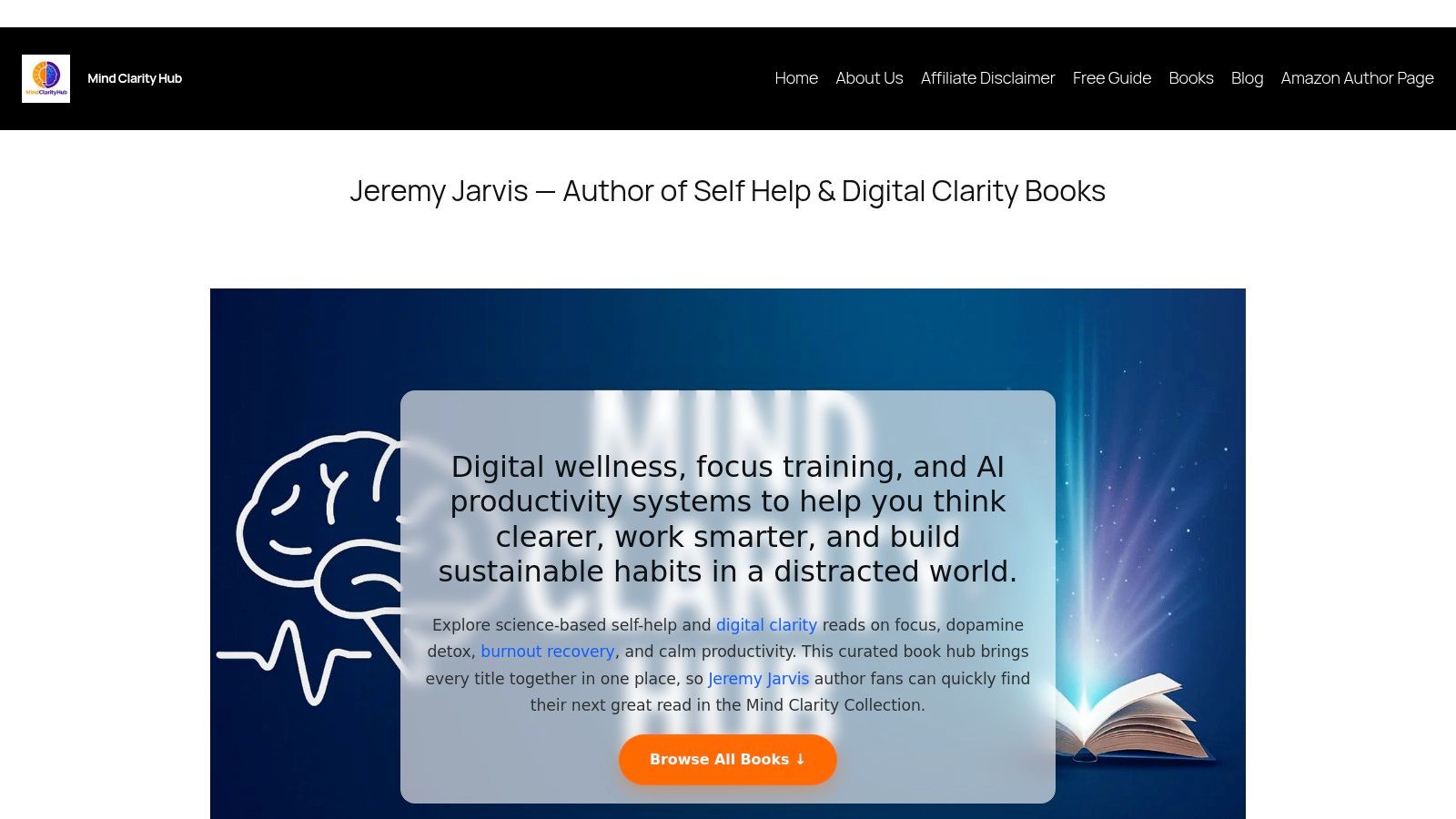
1. Mind Clarity Hub: A Resource for Building Focus
Mind Clarity Hub stands out not as a single app but as a comprehensive knowledge base for mastering deep work and focus. It’s a centralized library of science-backed books and resources from author Jeremy Jarvis, specifically designed for remote workers, freelancers, and professionals navigating the challenges of digital distraction and burnout. Instead of offering another piece of software, this platform provides the underlying mental frameworks needed to use all your other tools more effectively. Grounded in behavioral psychology, it helps you build the habits that make productivity sustainable.
This hub is an essential resource for anyone looking to build sustainable productivity habits from the ground up. It merges timeless neuroscience-backed principles with modern strategies for using AI without sacrificing attention. For instance, the prefrontal cortex, responsible for executive functions like planning and focus, is easily overwhelmed by digital noise. For remote workers struggling to create structure, books like The Power of Clarity offer actionable roadmaps to reclaim your schedule, while titles like Digital Clarity provide practical protocols for reducing screen fatigue.
Why This Productivity Resource Excels for Remote Workers
What makes Mind Clarity Hub exceptional is its evidence-first approach. All guidance is grounded in research from reputable sources like PubMed, NIH, and Harvard Health, providing a trustworthy foundation for rebuilding focus. The platform curates over 27 books covering focus, burnout recovery, and AI-enabled workflows, making it a one-stop shop for self-guided improvement. Many books also include companion worksheets and checklists, helping you translate concepts into daily practice, perhaps tracked in your favorite productivity journal.
Mini Scenario: A freelance designer feels constantly distracted by notifications and social media, leading to missed deadlines and anxiety. Instead of just downloading another blocker app, she reads Attention Unleashed to understand the neuroscience of distraction. She then uses the book’s strategies to structure her day, which makes her focus tools far more effective.
Best for: Self-directed professionals and freelancers seeking evidence-based systems to improve focus, manage digital burnout, and leverage AI intelligently.
Pros: Curated library of actionable, science-backed books; practical companion tools; transparent and trustworthy sourcing.
Cons: Content is not free (books require purchase on Amazon); it’s a resource hub, not a substitute for personalized coaching or therapy.
Access: Browse titles and free resources at mindclarityhub.com. Books are available on Amazon in Kindle and paperback formats.
2. Microsoft 365: All-in-One Productivity Tools for Remote Workers
Microsoft 365 is the definitive all-in-one productivity suite for remote teams that operate within the Microsoft ecosystem. More than just Word and Excel, it combines essential desktop and cloud applications like PowerPoint, Outlook, OneDrive, and SharePoint with the powerful communication hub of Microsoft Teams. This integration creates a seamless environment where file creation, collaboration, and communication converge, making it a cornerstone among productivity tools for remote workers. It’s particularly effective for businesses requiring robust administrative controls, enterprise-grade security, and standardized file formats that are universally recognized.
The platform’s strength lies in the deep, native integration between its services. From a psychological perspective, this reduces “context switching,” the mental cost of shifting your attention between unrelated tasks. Research shows that frequent context switching drains cognitive resources and increases error rates. By centralizing workflows, Microsoft 365 supports the kind of focused deep work sessions essential for high-value tasks, aligning well with the core principles detailed in our guide on remote work productivity tips.
Features, Pricing, and Usability
Mini Scenario: A remote marketing team is preparing a quarterly report. They co-author the Word document in real-time, pull data from a shared Excel file on OneDrive, discuss edits in a dedicated Teams channel, and then present the final PowerPoint in a Teams meeting without ever leaving the suite.
Core Components: Includes the full Office suite (Word, Excel, PowerPoint, Outlook), Teams, 1 TB OneDrive cloud storage per user, and SharePoint.
Pricing: Plans for business start at $6.00 per user/month (annual commitment). Tiers add advanced security, device management, and more desktop app features.
Collaboration: Real-time co-authoring, integrated Teams chat and video, shared calendars, and centralized file management streamline team projects.
Security & Admin: Offers enterprise-level security, data loss prevention, and mobile device management, which is critical for distributed teams.
Pros
Unmatched file compatibility and industry-standard applications.
Centralized administration and predictable per-seat billing.
Strong security and compliance features built-in.
Cons
Can feel cumbersome and overly complex for very small teams or solo freelancers.
The best pricing tiers often require an annual commitment.
3. Google Workspace: Cloud-Native Productivity Tools for Remote Workers
Google Workspace is the quintessential cloud-native suite for modern, agile remote teams who prioritize real-time collaboration and minimal friction. Centered around popular applications like Gmail, Drive, Docs, and Sheets, it provides a highly accessible and intuitive environment that operates seamlessly within a web browser. Its key advantage is its unparalleled co-editing functionality, allowing multiple team members to work on the same document simultaneously with visible, instant updates. This makes it one of the most effective productivity tools for remote workers focused on speed, transparency, and browser-based workflows.
The platform excels at reducing the barriers to teamwork. By keeping communication and creation in one ecosystem, Google Workspace minimizes context switching, a known productivity drain. This streamlined process supports the principles of focused work detailed in our guide on reclaiming your attention. From a behavioral standpoint, the immediate and visible feedback of seeing others’ cursors typing reinforces a sense of shared effort and social connection, which can boost motivation for remote team members.
Features, Pricing, and Usability
Mini Scenario: An HR team is developing a new remote work policy. They create a Google Doc, share the link, and immediately see colleagues from legal and finance adding comments and suggesting edits. The live, synchronous work eliminates the need for version control emails.
Core Components: Includes Gmail, Drive, Meet, Calendar, Chat, Docs, Sheets, and Slides with pooled storage. Gemini AI features are being integrated across apps.
Pricing: Business Starter plan begins at $6 per user/month. Higher tiers increase storage, participant limits for Meet, and add security features like Vault.
Collaboration: Best-in-class real-time co-authoring, shared Drives for team files, and integrated video conferencing and chat for seamless communication.
Search & AI: Powerful search functionality across Gmail and Drive. Gemini for Workspace adds AI-powered writing assistance, data analysis, and image generation.
Pros
Extremely intuitive with fast onboarding and minimal device friction.
Built-in video (Meet) and chat reduce the need for separate tools.
Superior real-time collaboration and version history tracking.
Cons
Users accustomed to advanced Excel or PowerPoint features may find Sheets and Slides limiting.
Storage and video conferencing features like recording are heavily dependent on the pricing tier.
4. Slack: Centralizing Communication with Productivity Tools for Remote Workers
Slack is a channel-based messaging platform that has become the central nervous system for countless remote teams. It effectively replaces the cluttered email inbox by organizing conversations, files, and app notifications into dedicated channels. This structure allows for both real-time collaboration and asynchronous catch-ups, making it one of the most versatile productivity tools for remote workers. By centralizing communication and integrating with thousands of other tools, Slack drastically reduces the need to switch between different applications, preserving mental energy for focused work.
However, the brain’s reward system, driven by dopamine, can become addicted to the novelty of constant notifications, leading to fractured attention. Slack’s real-time nature demands disciplined usage. Learning some practical digital detox tips and using features like “Do Not Disturb” are crucial to prevent the platform from becoming a source of constant distraction rather than a productivity enhancer.
Features, Pricing, and Usability
Mini Scenario: A software development team uses a #dev-alerts channel that automatically reports on code deployments. When a bug is found, they launch a quick “huddle” (audio call) directly in the channel to troubleshoot, keeping the entire conversation and resolution in one place.
Core Components: Organized channels, direct messaging, huddles for quick audio/video calls, and searchable message history.
Pricing: A functional free plan is available. Paid plans start at $7.25 per user/month (billed annually) and add unlimited message history, more integrations, and AI features.
Collaboration: Channels for projects, teams, or topics. Integrates with over 2,600 apps like Google Drive and Asana. Workflow Builder automates routine tasks.
AI Features: Paid plans include AI-powered search, channel recaps, and thread summaries to help users quickly catch up on conversations.
Pros
Powerful integrations that centralize workflows and reduce context-switching.
Scales well from small teams and startups to large enterprise organizations.
Intuitive interface that is easy for new team members to adopt.
Cons
Can become noisy and distracting without strict channel and notification management.
Advanced security and governance features are locked behind higher-priced enterprise tiers.
Zoom has become synonymous with video conferencing, establishing itself as an essential platform for remote communication through its reliable HD meetings and intuitive interface. It goes beyond simple video calls, offering an ecosystem that includes chat, a cloud phone system, and modules for large-scale webinars and events. Its stability and ease of use have made it a go-to for client-facing calls, team stand-ups, and hybrid meetings, solidifying its place among the top-tier productivity tools for remote workers. The platform excels at creating a consistent user experience across desktop, mobile, and dedicated hardware.
The platform’s recent introduction of the AI Companion significantly boosts its productivity credentials. This tool can automatically generate meeting summaries, highlight action items, and help draft responses in chat, reducing the manual administrative work that follows meetings. From a neuroscience perspective, this offloads demands on working memory, allowing participants to stay more present and engaged in the conversation itself. While Zoom is a leading platform for virtual meetings, exploring the best alternative to Skype for modern teams can reveal other powerful tools for collaboration, helping you find the perfect fit for your specific communication needs.
Features, Pricing, and Usability
Mini Scenario: After a project kick-off call, a remote project manager uses the AI Companion summary to instantly generate a list of action items. She then posts this summary in the team’s Asana project, ensuring everyone is aligned without having to re-watch the meeting recording.
Core Components: Reliable HD meetings with recording and transcription, Zoom Phone for calling/SMS, plus webinars and events modules.
Pricing: A robust free tier is available. Paid plans start at $15.99 per user/month, with costs increasing for Phone, Webinar, and other add-ons.
Collaboration: Features breakout rooms, screen sharing, in-meeting chat, and whiteboards. AI Companion offers meeting summaries and action items.
Integrations: Broad integration with calendar apps (Google, Outlook), Slack, and an extensive marketplace for third-party hardware and software.
Pros
Excellent video and audio quality, even with large numbers of participants.
Wide compatibility with various hardware and major calendar systems.
Intuitive and easy-to-use interface for both hosts and attendees.
Cons
The pricing structure can become complex and costly when adding modules like Phone or Webinars.
Advanced security and administrative controls are reserved for more expensive Enterprise tiers.
6. Notion: An All-in-One Workspace for Remote Teams
Notion is the ultimate all-in-one workspace for remote teams that need a flexible, centralized hub for knowledge management, documentation, and light project tracking. It merges documents, wikis, and databases into a single, highly customizable platform, allowing users to build anything from a simple to-do list to a complex company-wide operating system. This adaptability makes it one of the most versatile productivity tools for remote workers, especially for teams that need to document standard operating procedures, track project roadmaps, and organize research in a collaborative environment.
The platform’s core strength is its interconnected block-based system, where every piece of content is a movable, linkable object. This mirrors the brain’s own associative network, where ideas are linked together. By creating a “single source of truth,” Notion reduces the cognitive load of searching for information across multiple platforms. This centralization supports the sustained mental effort required for deep work, a key strategy for improving focus and concentration.
Features, Pricing, and Usability
Mini Scenario: A content marketing team builds a central hub in Notion. It includes a database for blog post ideas, a calendar view for their publishing schedule, and linked pages containing detailed outlines and research for each article. Everything is interconnected and easily accessible.
Core Components: A unified workspace with pages, databases, and teamspaces. Features include Notion AI for summaries and search, plus Calendar and Mail integrations.
Pricing: A generous Free plan is available for individuals. Paid plans start at $8 per user/month (billed annually) for more collaboration features and unlimited blocks.
Collaboration: Real-time page editing, commenting, and granular permissions make it easy for remote teams to work together on documents, wikis, and databases.
Flexibility: Its ‘wiki + database’ structure is highly customizable, allowing teams to build tailored workflows for knowledge management, project tracking, and content calendars.
Pros
Extremely flexible and adaptable to nearly any workflow.
Excellent for building a centralized knowledge base or company wiki.
Rapid knowledge capture and sharing for distributed teams.
Cons
Can require strong governance to prevent organizational sprawl and chaos.
Offline support is limited compared to dedicated native applications.
7. Asana: Project Management Productivity Tools for Remote Workers
Asana is a premier work management platform designed for remote teams that need to coordinate complex, cross-functional projects with clarity and accountability. It moves beyond simple to-do lists to offer a comprehensive system for tracking tasks, projects, and entire portfolios. With its visual timelines, boards, and calendars, Asana provides the high-level visibility required to keep distributed teams aligned on strategic goals, making it one of the most effective productivity tools for remote workers managing multi-stage initiatives. Its strength lies in assigning clear ownership and mapping out dependencies, which prevents bottlenecks and ensures everyone knows who is responsible for what.
The platform excels at connecting individual tasks to broader company objectives through its Goals feature. From a psychological standpoint, this fosters a sense of purpose and autonomy, which are powerful intrinsic motivators. When remote employees see how their daily work contributes to the bigger picture, it can significantly boost engagement and job satisfaction. This structured approach supports the disciplined planning needed to implement strategies from our guide on how to prioritize tasks effectively.
Features, Pricing, and Usability
Mini Scenario: An event planning team uses Asana’s Timeline view to map out every task for an upcoming virtual conference, from speaker outreach to marketing promotions. They can easily see task dependencies, so they know the email campaign can’t start until the speaker lineup is confirmed.
Core Components: Offers multiple project views including Lists, Boards, Timelines (Gantt), and Calendars. Goals and Portfolios are available in higher tiers.
Pricing: A free “Basic” plan is available for individuals or small teams. Paid plans start at $10.99 per user/month (billed annually) for more features.
Collaboration: Features task assignments, comments, file attachments, and a central inbox to track all updates relevant to your work.
Automation & Admin: Includes Rules for automating workflows, robust templates, and enterprise-grade security options like SSO, SCIM, and data residency controls.
Pros
Excellent for tracking task ownership and dependencies at scale.
Mature reporting and workload management features prevent team burnout.
Strong integrations with Slack, Google Workspace, and Microsoft 365.
Cons
Can feel overly complex for very simple personal to-do lists.
Key features like Portfolios and advanced reporting require higher-priced tiers.
Todoist excels as a task manager by perfectly balancing simplicity with powerful features, making it a top choice for individuals and small remote teams. Its core strength is frictionless task capture, allowing users to add and organize to-dos with natural language commands like “Review project proposal every Friday at 2pm.” This intuitive interface minimizes the cognitive load associated with task management, enabling remote workers to quickly offload mental clutter and focus on execution. As a streamlined solution among productivity tools for remote workers, it avoids the complexity of larger project management suites while offering robust organizational capabilities.
This tool leverages a behavioral principle known as the Zeigarnik effect, which states that the brain remembers uncompleted tasks better than completed ones. By capturing every to-do in a trusted system, you free up mental bandwidth that would otherwise be spent trying to remember things. This focus on clear, actionable lists helps users apply principles from my book, The Power of Clarity, to their daily workflow.
Features, Pricing, and Usability
Mini Scenario: A remote writer uses Todoist to manage her articles. She creates a project for each client and uses labels like @writing and @editing. Her “Today” view automatically shows her exactly what tasks are due, helping her prioritize without feeling overwhelmed.
Task Organization: Uses projects, sub-tasks, labels, and powerful filters to create custom views (List, Board, Calendar) for any workflow.
Pricing: A free plan is available for starters. Pro plans start at $4 per month (billed annually), with Business plans at $6 per user/month (billed annually).
Natural Language Input: “Quick Add” feature intelligently parses dates, priorities, and project assignments from plain text, speeding up task entry.
Integrations: Connects with over 100 tools, including Google Calendar, Slack, Zapier, and IFTTT, to automate workflows and consolidate tasks.
Pros
Quick capture with excellent natural-language parsing is best-in-class.
Minimalist design and low learning curve make it easy to adopt.
Reliable, fast synchronization across a wide range of devices and platforms.
Cons
Lacks native portfolio and high-level program management features.
Advanced collaboration is better served by more robust project management suites.
Zapier is the essential no-code automation platform that acts as the digital glue for modern remote teams. It empowers anyone to connect over 6,000 different web applications, creating automated workflows (called “Zaps”) that handle repetitive, manual tasks without writing a single line of code. For distributed teams, this ability to link disparate systems like project managers, CRMs, and communication tools is a game-changer. By automating the flow of information, Zapier stands out as one of the most impactful productivity tools for remote workers, freeing up valuable time and mental energy for more critical work.
Automation helps combat decision fatigue, a psychological phenomenon where the quality of your decisions deteriorates after a long session of decision-making. By creating “Zaps” for routine processes, you eliminate dozens of small, repetitive choices throughout the day. This conserves your brain’s executive function for the high-impact strategic thinking that truly matters. By implementing these workflows, teams can learn how to automate repetitive tasks and build a more efficient, focused work environment.
Features, Pricing, and Usability
Mini Scenario: A remote sales team creates a Zap that triggers whenever a new lead fills out a website form. The Zap automatically adds the lead to their CRM, creates a follow-up task in Asana for the assigned rep, and sends a notification to a specific Slack channel.
Core Components: Connects 6,000+ apps. Includes native tools like Tables and Forms, multi-step Zaps, conditional logic (Paths), and webhooks for custom integrations.
Pricing: Offers a free plan with limited tasks. Paid plans start at $19.99/month (billed annually) based on the number of tasks your automations run.
Collaboration: Team and Company plans offer shared app connections, user roles and permissions, and centralized billing to manage automations across an organization.
Ease of Use: A user-friendly, visual editor makes building complex automations accessible to non-technical users. Recent updates simplified plans and task usage.
Pros
Massive library of integrations, covering nearly every popular SaaS tool.
Intuitive, step-by-step workflow builder is fast for prototyping.
Clear task-based pricing model that scales with usage.
Cons
High-volume automations can become expensive under the task-based model.
Advanced security and governance features are locked into the highest-tier plans.
Setapp is like a “Netflix for Mac apps,” offering a curated subscription that unlocks over 240 premium Mac and iOS applications for a single monthly fee. For Apple-centric remote workers, it eliminates the high cost and risk of buying dozens of individual tools. Instead of paying separately for a focus timer, a file organizer, a clipboard manager, and a menu bar utility, you get them all in one bundle. This makes it one of the most cost-effective productivity tools for remote workers who want to experiment with and build a customized, high-powered software toolkit without the financial commitment of individual purchases. I find a simple pomodoro timer app from the collection helps break my day into manageable focus sprints.
The real value of Setapp lies in discovery and efficiency. Remote professionals can find niche apps that solve specific workflow problems they didn’t even know they had, from advanced screen capture tools to sophisticated distraction blockers. This access encourages the kind of system optimization that leads to significant productivity gains. By having the right tool readily available, you reduce friction and stay in your creative flow, a concept central to achieving the deep focus we explore in my book, Reclaiming Silence. It empowers users to build a truly personalized and efficient digital environment.
Features, Pricing, and Usability
Mini Scenario: A remote podcaster uses Setapp to access several key apps: a noise-cancellation tool for clean audio, a markdown editor for show notes, and a file transfer app to send large audio files to her editor, all under one subscription.
App Library: Includes 240+ premium Mac and iOS apps covering categories like productivity, creativity, maintenance, and development.
Pricing: Plans start at $9.99 per month for use on one Mac. Higher tiers add more devices and access to the iOS app library.
User Experience: A single, clean desktop client is used to browse, discover, and install any app in the collection with one click. Updates are automatic.
Unique Model: One subscription provides full access to all included apps without ads, in-app purchases, or hidden fees.
Pros
Excellent value for money compared to purchasing apps individually.
Encourages discovery of new, high-quality productivity tools.
Simple, all-in-one management and billing for a vast software library.
Cons
Exclusively for Apple’s Mac and iOS ecosystems; no support for Windows or Android.
The upcoming shutdown of Setapp Mobile in the EU (Feb 2026) may affect some iOS users.
AppSumo is a unique marketplace that serves as a launchpad for discovering and acquiring software at a fraction of the typical cost. For solo remote workers and small businesses, it offers a treasure trove of lifetime deals (LTDs) and heavily discounted annual plans on emerging productivity tools for remote workers. Instead of committing to high monthly subscriptions, users can access powerful tools for project management, automation, and marketing with a single, one-time payment, making it an incredibly cost-effective way to build a robust digital toolkit.
The platform’s value extends beyond savings; it provides a low-risk environment to experiment with new software that could transform your workflow. Most deals come with a 60-day refund window, allowing ample time to test if a tool truly fits your needs. The active community reviews and Q&A sections on each product page offer unfiltered user feedback, helping you make informed decisions before purchasing. This model allows you to strategically invest in tools that align with your work habits, such as those that support focused work sessions detailed in my book, Focus Recharged.
Features, Pricing, and Usability
Mini Scenario: A startup founder on a tight budget needs a social media scheduling tool. Instead of paying $50/month for an established player, she finds a promising new competitor on AppSumo and gets lifetime access for a one-time payment of $59.
Deal Structure: Primarily features lifetime deals (LTDs) for a one-time fee, alongside discounted annual plans and digital products.
Pricing: Varies per deal, often ranging from $39 to $99 for lifetime access. A “Plus” membership offers extra discounts and other perks.
Community & Trust: Active user reviews and a Q&A section on each deal page. Most purchases are protected by a 60-day money-back guarantee.
Tool Variety: Covers a wide range of software categories, including project management, marketing automation, AI assistants, and content creation.
Pros
Exceptional cost savings, especially with lifetime deals on new tools.
The 60-day refund policy minimizes the risk of trying new software.
Community feedback provides real-world insights into a tool’s performance.
Cons
Deals are temporary and can sell out quickly.
Some featured software may be from early-stage startups with evolving features.
12. Amazon: The Marketplace for Physical Productivity Tools
While not a software suite, Amazon serves as the essential marketplace for sourcing the physical and digital productivity tools for remote workers. It’s the go-to platform for everything from core software licenses to the ergonomic hardware that defines a comfortable and efficient home office. For remote professionals, it’s the one-stop shop for acquiring items like a new webcam, a high-quality headset, or a specialized ergonomic mouse to prevent strain during long work sessions. This makes it an indispensable resource for setting up or upgrading a workspace tailored for focus and well-being.
The platform’s true power for remote workers lies in its sheer breadth of selection and the wealth of user-generated data. Instead of guessing which noise canceling headphones are best for deep work, you can leverage thousands of customer reviews to make an informed decision. With Prime, essential gear can arrive the next day, minimizing downtime. By consolidating purchases for both digital codes and physical goods, Amazon simplifies the logistics of outfitting a productive home environment, a key concept we explore in our guide on creating routines for burnout prevention.
Features, Pricing, and Usability
Mini Scenario: A remote worker experiencing eye strain and back pain after long hours uses Amazon to purchase a complete ergonomic setup. Based on reviews, they select a highly-rated laptop stand for desk, an ergonomic keyboard, and blue light blocking glasses, all arriving within two days.
Product Selection: Massive marketplace for office hardware, software, peripherals, and WFH essentials like printers, webcams, and supplies.
Pricing: Varies by product and seller. Prime membership ($14.99/month or $139/year) offers free, fast shipping on millions of items.
User Reviews: Extensive customer reviews and ratings provide real-world feedback to guide purchasing decisions for productivity gear.
Delivery & Returns: Fast shipping options, including same-day and next-day for Prime members in many areas, with a straightforward returns process.
Pros
Unrivaled one-stop shop for both digital and physical work-from-home tools.
Fast, reliable shipping and extensive delivery network for quick setup.
Customer reviews provide valuable insight into product quality and performance.
Cons
Quality can be inconsistent across third-party sellers; requires careful vetting.
The vast selection can feel overwhelming without specific product knowledge.
After reviewing these twelve powerful productivity tools for remote workers, a clear theme emerges: the best tool is the one that fits your specific workflow and cognitive style. For large teams needing an all-in-one ecosystem, Microsoft 365 and Google Workspace are unbeatable. However, for most individuals and smaller, agile teams, a more modular approach works best. Todoist is my top pick for straightforward task management due to its simplicity and speed. For centralizing knowledge and projects, Notion offers unparalleled flexibility, though it requires discipline to keep organized. The real game-changer for any remote worker is Zapier; automating repetitive tasks frees up more mental energy than any other tool on this list. Remember, these tools are meant to reduce friction, not add complexity. Start small, focus on your biggest pain point, and build your stack from there.
Key Takeaways
Choose Tools That Reduce Friction: The goal is to find software that streamlines your workflow, not one that adds more digital clutter.
Prioritize Integration: The most powerful tool stacks are interconnected. Use services like Zapier to make your apps communicate with each other, saving you time and mental energy.
A Tool is Not a System: Software can’t fix a broken process. Combine your tools with proven productivity methodologies (like time blocking or GTD) for the best results.
Physical Tools Matter: Your digital setup is only half the equation. Investing in ergonomic equipment from places like Amazon is crucial for long-term health and focus.
Start with Your Biggest Problem: Don’t try to adopt a dozen new tools at once. Identify your primary productivity bottleneck and find the one tool that best solves it.
Final Thoughts and Disclaimer
Navigating the vast landscape of digital tools can feel like a full-time job in itself. We’ve explored a wide array of options, from comprehensive ecosystems like Microsoft 365 and Google Workspace to specialized powerhouses like Asana for project management and Zapier for automation. The central theme connecting them all is the pursuit of a more streamlined, focused, and ultimately more human way of working remotely.
The perfect stack of productivity tools for remote workers is not about having the most applications; it’s about having the right applications. The goal is to build a personalized system that reduces friction, not one that adds more digital noise to your day. As we’ve seen, the most effective approach combines technology with an understanding of our own psychology.
Disclaimer:This article is for educational and informational purposes only and is not a substitute for professional medical or psychological advice, diagnosis, or treatment. Always seek the advice of your physician or other qualified health provider with any questions you may have regarding a medical condition. This article may also contain affiliate links, which means we may earn a commission if you make a purchase through our links, at no extra cost to you.
By choosing deliberately and implementing thoughtfully, you can transform your digital workspace from a source of distraction into a powerful engine for success and well-being. Ready to move beyond just tools and build a holistic system for focus and clarity? Explore the books and resources on Mind Clarity Hub to start your journey.
Frequently Asked Questions (FAQ)
1. What are the most essential productivity tools for a new remote worker? For a new remote worker, the essentials are a reliable communication tool like Slack or Microsoft Teams, a solid task manager like Todoist to track personal to-dos, and a cloud storage solution like Google Drive or OneDrive for file sharing. These form the foundation of an organized remote workspace.
2. How do I choose the right project management tool for my team? Consider your team’s size and project complexity. For simple task tracking, Asana or Todoist are great. For complex projects requiring detailed roadmaps and knowledge bases, a more flexible tool like Notion or a robust platform like Asana’s higher tiers would be more suitable. Always use the free trial to see if the interface clicks with your team’s workflow.
3. Can productivity tools actually make me less productive? Yes, if used improperly. The “shiny new tool” syndrome can lead to constantly switching apps, which causes distraction and context-switching. The key is to choose a few core tools that integrate well and stick with them. A tool should solve a problem, not create a new one.
4. Are free productivity tools good enough for professional remote work? Absolutely. Many tools like Slack, Asana, Notion, and Todoist offer robust free-forever plans that are perfect for freelancers or small teams. You often only need to upgrade to a paid plan when you require advanced features like unlimited history, complex automations, or enterprise-level security.
5. How important is my physical workspace setup for productivity? Your physical setup is critically important. An uncomfortable chair or poor lighting can lead to fatigue and distraction. Investing in ergonomic tools like a good chair, an external monitor, and an ergonomic mouse—all available on marketplaces like Amazon—is a crucial step for sustainable remote work productivity and well-being.
Free download: 7-Day Mind Clarity Reset
A short daily reset you can actually stick with (no fluff).
Manage Consent
To provide the best experiences, we use technologies like cookies to store and/or access device information. Consenting to these technologies will allow us to process data such as browsing behavior or unique IDs on this site. Not consenting or withdrawing consent, may adversely affect certain features and functions.
Functional
Always active
The technical storage or access is strictly necessary for the legitimate purpose of enabling the use of a specific service explicitly requested by the subscriber or user, or for the sole purpose of carrying out the transmission of a communication over an electronic communications network.
Preferences
The technical storage or access is necessary for the legitimate purpose of storing preferences that are not requested by the subscriber or user.
Statistics
The technical storage or access that is used exclusively for statistical purposes.The technical storage or access that is used exclusively for anonymous statistical purposes. Without a subpoena, voluntary compliance on the part of your Internet Service Provider, or additional records from a third party, information stored or retrieved for this purpose alone cannot usually be used to identify you.
Marketing
The technical storage or access is required to create user profiles to send advertising, or to track the user on a website or across several websites for similar marketing purposes.