


Let’s be honest: finding time to read feels like a luxury most of us can’t afford. Your to-do list is already overflowing. The idea of adding “read a book” feels impossible. But what if the problem isn’t a lack of time, but a lack of convenient access?
This is where Kindle books on Amazon completely change the game. They turn any spare moment—your commute, a coffee break, waiting in line—into a chance to read. You can do this on the phone you already have with you.
Welcome to Your Digital Reading Revolution
We’ve all been there. A great book is sitting on your nightstand. But between work deadlines and personal commitments, it just gathers dust. Carrying a physical book everywhere isn’t practical. Moreover, waiting for a delivery to arrive kills the initial spark of interest. The real friction isn’t your schedule; it’s the logistics.
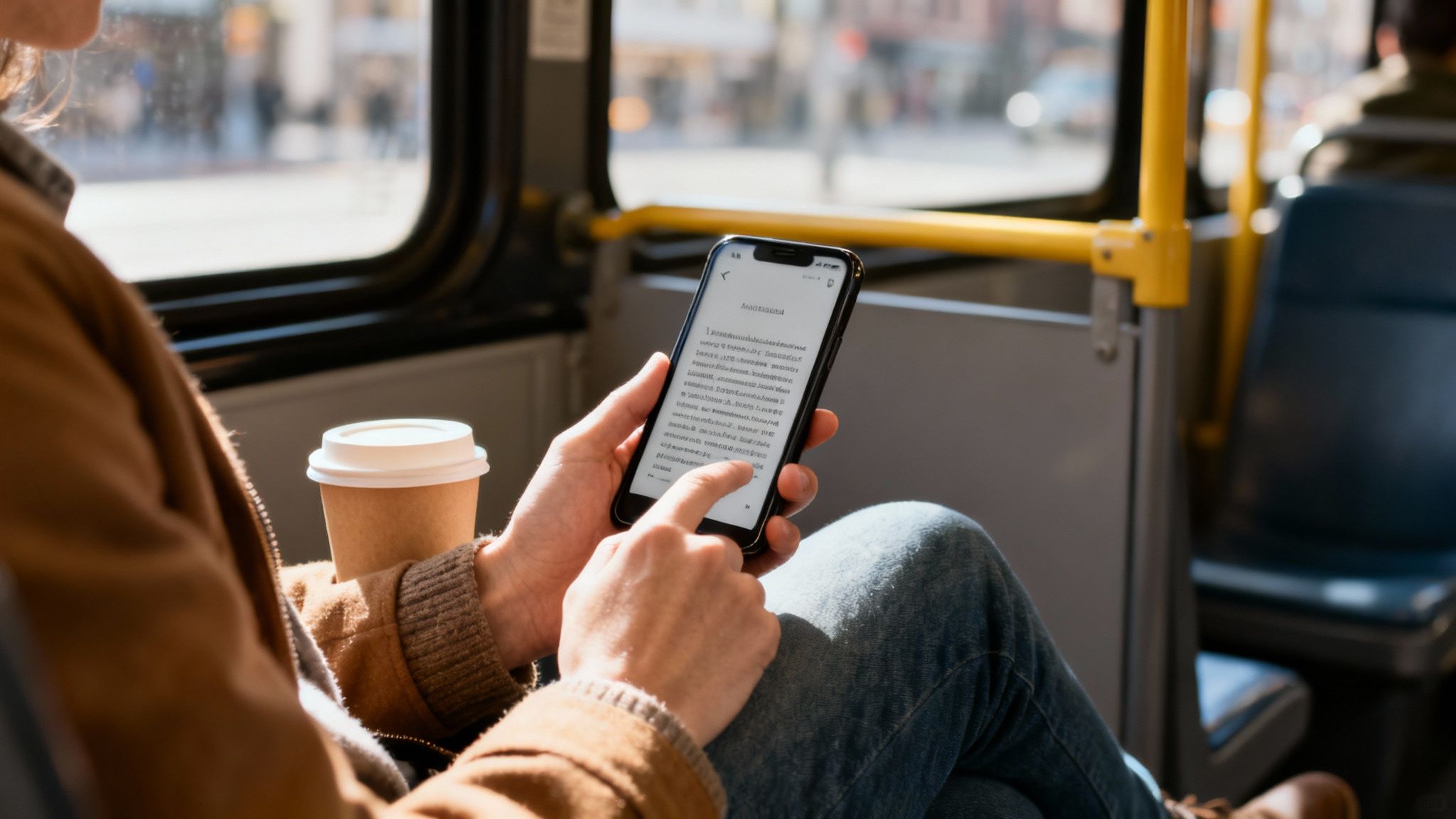
Kindle books offer a modern solution that fits into the rhythm of a busy life. They give you instant access to a massive library. This transforms the smartphone or tablet you already own into a powerful e-reader. Consequently, no extra devices are needed.
As an Amazon Associate, I earn from qualifying purchases. This means if you buy through a link, I may get a small commission at no extra cost to you.
Making Reading Fit Your Lifestyle and Understanding Your Brain
Instead of trying to carve out huge blocks of time you don’t have, you can weave reading into small, overlooked pockets of your day. This approach, sometimes called “micro-reading,” is how you build a real, sustainable reading habit. Behavioral science suggests that forming habits is easier when the actions are small and frequent. By reading for just a few minutes, you lower the barrier to starting. This creates a positive feedback loop in your brain, making you more likely to repeat the behavior.
- Mini Scenario: Imagine you’re waiting for your morning coffee. Instead of scrolling through social media, you open the Kindle app and read two pages. This small win releases a bit of dopamine, reinforcing the habit without adding more stress to your life.
Here’s why it works so well:
- Instant Gratification: You can find, buy, and start reading a new book in less than a minute. No waiting.
- Ultimate Portability: Your entire library lives on the devices you already carry everywhere.
- Building Momentum: Those short, frequent reading sessions add up, helping you finish more books than you thought possible.
This guide is your complete roadmap to the Kindle ecosystem. To dig deeper into building a consistent routine, check out our full article on how to read more books.
What Exactly Are Kindle Books?
Think of a Kindle book like an MP3 file, but for reading. It’s just a digital book file you own. It’s ready to be opened on pretty much any device you have. A lot of people think you need a Kindle e-reader to get started. However, that’s one of the biggest myths out there.
The reality is much simpler. You can download the free Kindle app. Then, you instantly access your entire library on your smartphone, tablet, or computer. This is what makes the whole system so powerful for busy people. Your books are always with you, turning dead time into a chance to learn something new.
How Kindle Books Work: Formats and DRM
Under the hood, this all works because of two things: file formats and Digital Rights Management (DRM). It sounds technical, but the idea is straightforward. Amazon uses its own file formats (like AZW or KFX). These formats are fine-tuned to look great and work smoothly on its apps and devices.
Most Kindle books also have DRM built-in. This is just a quiet form of copy protection. It links the book to your personal Amazon account. This ensures authors are paid for their work. You’ll never even notice it’s there. But it’s what keeps the digital publishing world fair for creators. We dive into more of the practical details in our other articles on Kindle ebooks.
The core idea is simple: Kindle books give you the freedom to build a portable library that travels with you, accessible whenever you find a moment to read.
Ultimately, this setup gives you the best of both worlds. You get a massive, go-anywhere library. Also, authors get the protection they need to keep writing. It’s this balance that makes Kindle books on Amazon such an effective tool for readers.
It flips reading from a planned event into something you can do spontaneously. Instead of mindlessly scrolling social media while waiting for a meeting, you can pop open the Kindle app. This small shift can improve your mood and focus. Psychology research shows that engaging in a focused, rewarding activity, even briefly, can reduce feelings of anxiety and mental clutter.
How To Get Kindle Books On Amazon
Building your digital library on Amazon is refreshingly simple. When it comes down to it, you really only have two paths: buying books one by one or borrowing them through a subscription. Each approach fits different reading habits and budgets, so there’s no single “right” way.
Buying a book is exactly what it sounds like. You find a title you want, hit the “Buy Now” button, and it’s yours forever. The book lands in your library, ready to be opened on any device running the Kindle app. This is the perfect route for those must-have books. These are the ones you know you’ll reread, highlight, and want to keep in your permanent collection.
For creators, this direct connection to readers is a game-changer. If you’re an author looking to get your own work out there, a comprehensive guide to self-publishing on Amazon can be an invaluable roadmap.
Choosing Your Reading Path for Kindle Books on Amazon
Once you have your books, you need a place to read them. While a dedicated Kindle e-reader is great, it’s far from your only option. The phone in your pocket is a powerful gateway to your entire library. Additionally, tablets offer a great middle ground. This visual guide can help you figure out which device best fits your life.
The key takeaway? You don’t need special hardware to get started. Just download the free Kindle app, and you’re good to go.
Subscription Models for Kindle Books on Amazon: Kindle Unlimited Vs. Prime Reading
If you’re a voracious reader, buying every book can get expensive fast. This is where Amazon’s subscription services come in. They offer a more cost-effective way to borrow books. The two big players are Kindle Unlimited and Prime Reading.
Think of Prime Reading as a nice little perk included with your Amazon Prime membership. It gives you access to a rotating, curated collection of a few thousand popular titles. It’s perfect for the casual reader who just wants a few good options without paying extra.
Kindle Unlimited, on the other hand, is a dedicated, all-you-can-read buffet for a monthly fee. It unlocks a massive library of millions of books. This makes it a dream for anyone who tears through several titles a month.
Amazon’s dominance here is staggering. The company holds about 68% of the global e-book market. That number jumps to an incredible 83% when you include Kindle Unlimited subscribers. To explore all the different ways to find and read books on the platform, check out our complete guide to Amazon books.
Kindle Unlimited vs. Prime Reading: Which Is Right for You?
Choosing between the two services really comes down to how much you read. This table breaks down the key differences to help you decide.
| Feature | Kindle Unlimited | Prime Reading |
|---|---|---|
| Ideal User | Avid readers who finish several books a month and enjoy discovering new authors. | Casual readers who want a small, rotating selection of popular books without an extra fee. |
| Library Size | Over 4 million e-books, plus thousands of audiobooks and magazines. | A rotating catalog of about 3,000 titles, including e-books, magazines, and comics. |
| Cost | A monthly subscription fee, separate from Amazon Prime. | Included at no extra cost with a standard Amazon Prime membership. |
Ultimately, if you’re already a Prime member, Prime Reading is a no-brainer to check out. But if you find yourself constantly running out of things to read, Kindle Unlimited is a fantastic investment that can easily pay for itself.
Managing Your Kindle Books on Amazon Library Like a Pro
So you’ve started collecting Kindle books on Amazon, and now it’s time to get organized. It doesn’t take long for a digital library to feel cluttered. Thankfully, Amazon gives you simple tools to keep things tidy. Your command center for all of this is a page called “Manage Your Content and Devices.”
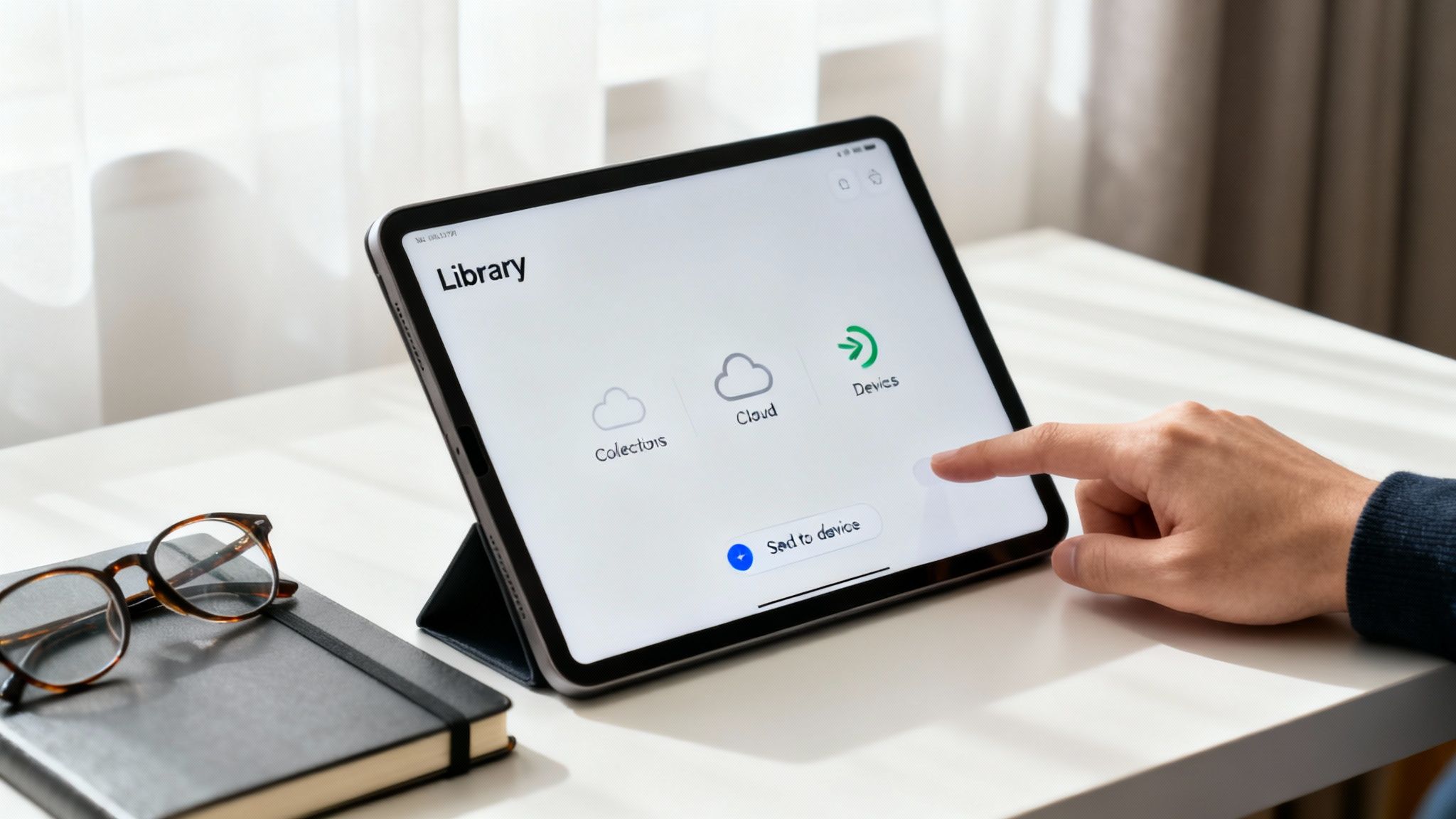
Think of this page as your digital bookshelf headquarters. You can group books into collections, send specific titles to different devices, or even clear out old content. For instance, you could create collections like “Productivity,” “Psychology,” and “Weekend Reads.” This makes browsing your library feel focused and intentional. Organizing your digital space can reduce cognitive load, a concept from psychology. A tidy library means less mental energy spent searching and more energy for reading and focus.
- Mini Scenario: You decide to organize your 20 unread books. You create a “Must Read Next” collection with just three titles. This simple act of prioritization reduces decision fatigue, making it much easier to pick a book and start reading.
The Magic of Whispersync for Your Reading Habits
One of the best things about the Kindle ecosystem is a feature called Whispersync. It’s essentially a smart, digital bookmark that follows you everywhere. It automatically saves your reading progress, notes, and highlights across every device linked to your Amazon account.
For busy people, this seamless syncing is a game-changer.
Imagine reading a few chapters on your tablet in the morning, then picking up right where you left off on your phone during your lunch break. Whispersync eliminates the friction of finding your place, making it easier to build a consistent reading habit.
This feature helps reduce cognitive load. This frees up your brain to focus on the ideas in the book rather than the logistics of reading. By making the whole process feel effortless, you’re far more likely to stick with your reading goals. To really make each session count, check out our guide on how to retain what you read.
The scale of this ecosystem is immense. With Amazon selling somewhere between 480–500 million e-books a year and Kindles making up 70% of all e-readers sold globally, seamless access is a top priority.
And if your digital library includes important work or personal documents, knowing how to translate a PDF while preserving its original formatting can be a crucial skill for a smooth experience. This ensures all your content is easily accessible.
This article is for educational purposes only. It is not a substitute for professional medical or psychological advice, diagnosis, or treatment. If you are experiencing symptoms related to anxiety, depression, ADHD, burnout, or sleep problems, please consult a qualified healthcare provider.
Editor’s Take: What Really Matters for Readers
Let’s cut straight to the point. For most busy people, the free Kindle app on the smartphone you already own is all you need. You don’t have to buy a dedicated Kindle device to start reading Kindle books on Amazon today.
This simple approach is perfect for professionals who want instant, convenient access to books on productivity, focus, and wellness without adding another gadget. However, if you are sensitive to screen glare or plan on reading for hours at a time, your eyes will thank you for investing in a Kindle Paperwhite. Its e-ink screen is a worthwhile upgrade for serious readers, as it reduces eye strain compared to backlit screens.
This digital-first approach is ideal for anyone trying to squeeze reading into small, forgotten pockets of their day—waiting in line, on a short commute, or during a lunch break. The ability to sync your progress across devices is the real game-changer. You can read a few pages on your phone, then pick up right where you left off on your tablet later. To get the most out of these short sessions, learning how to take notes from a book is a crucial skill.
The real advantage is turning idle moments into productive reading time. This convenience makes building a consistent reading habit feel effortless and sustainable, reinforcing the practical, no-hype approach of Mind Clarity Hub.
Key Takeaways for Using Kindle Books on Amazon
Here are the most important things to remember from this guide:
- No Kindle Device Needed: You can start reading immediately with the free Kindle app on your current phone, tablet, or computer.
- Buy or Borrow Based on Your Habits: Purchase books to own them forever or use a subscription like Kindle Unlimited for endless options if you read a lot.
- Syncing Is Automatic: Whispersync saves your place across all devices, making it easy to read in short bursts whenever you have time.
- Organize Your Library: Use Amazon’s “Manage Your Content and Devices” page to create collections and keep your digital bookshelf tidy, which reduces cognitive clutter.
- Leverage Small Moments: Use micro-reading to turn idle time into productive reading sessions, which helps build a sustainable habit.
Disclaimer: This article contains affiliate links, meaning we may earn a small commission if you make a purchase at no extra cost to you. The content provided is for educational and informational purposes only and does not constitute medical or psychological advice. Always consult with a qualified professional for any health concerns.
Frequently Asked Questions About Kindle Books on Amazon
Still have a few lingering questions about how Kindle books on Amazon really work? You’re not alone. Let’s clear up some of the most common points of confusion so you can start building your digital library with total confidence.
Can I read Kindle books without a Kindle device?
Absolutely. This is probably the biggest myth out there. You can read your entire Kindle library on pretty much any device you already own. Just download the free Kindle app, and it works perfectly on your smartphone (iPhone and Android), tablet (like an iPad), or your computer (both PC and Mac).
Do I lose my Kindle books if I cancel Amazon Prime?
Nope, not at all. Any Kindle book you’ve actually purchased is yours forever, completely separate from your Prime membership. What you do lose is access to Prime Reading, which is the free, rotating library of books that comes bundled with your Prime subscription. Your own paid-for books are safe.
What is the difference between Kindle Unlimited and Prime Reading?
Think of it like this: Prime Reading is a small, curated bookshelf that comes free with your Amazon Prime membership, offering a few thousand titles. It’s a great perk for casual readers. Kindle Unlimited, on the other hand, is a massive, standalone library you subscribe to monthly. It gives you access to over four million books and is really built for avid, voracious readers who want endless options.
Can I share my Kindle books with family?
Yes, you can, and it’s a fantastic feature. Amazon lets you create something called an Amazon Household, where you can share your purchased Kindle books with another adult and up to four children. This creates a shared family library, so you don’t have to buy multiple copies of the same book for everyone to enjoy.
What happens if I accidentally delete a Kindle book from my device?
Don’t worry for a second. Your purchases are always safe in the cloud. When you buy a Kindle book, it’s stored permanently in your Amazon account, not just on your device. If you remove a book from your phone or Kindle to save space, you can always re-download it later from the “Manage Your Content and Devices” section on Amazon’s website. It costs you nothing.
Can I return a Kindle book I don’t like?
You sure can. Amazon has a surprisingly generous return policy for Kindle books. You have seven days from the purchase date to return an e-book for a full refund, as long as you haven’t read a significant chunk of it. The process is simple and can be done right from your Amazon account online.
Are all books available as Kindle editions on Amazon?
Almost, but not quite. The vast majority of new and popular books are released simultaneously in print and Kindle formats. However, some very old, obscure, or independently published books might not have a digital version. It’s always best to check the book’s product page on Amazon.
Can I listen to audiobooks with the Kindle app?
Yes! The Kindle app integrates with Audible, Amazon’s audiobook company. If you own both the Kindle book and the Audible audiobook, you can switch seamlessly between reading and listening. This feature is called “Immersion Reading.”
How do I find free Kindle books on Amazon?
There are several ways. Amazon has a dedicated section for “Top 100 Free” Kindle books. Additionally, services like BookBub or your local library’s OverDrive/Libby app often offer free or borrowed Kindle-compatible e-books. Prime Reading also offers a rotating selection for free if you’re a Prime member.
Is reading on a screen bad for my sleep?
It can be, but there are solutions. The blue light from phone and tablet screens can disrupt sleep patterns. The Kindle app has a blue light filter and a dark mode to reduce this effect. Dedicated Kindle e-readers like the Paperwhite use e-ink technology, which doesn’t emit blue light and reads like paper, making them a better choice for late-night reading.
At Mind Clarity Hub, we focus on providing practical, science-based guidance to help you thrive. Explore Jeremy Jarvis’s full collection of books on focus, productivity, and digital wellness to find your next great read.
https://mindclarityhub.com
Explore the Mind Clarity Hub Library
Practical books on focus, digital habits, resilience, and building a calmer mind.

The Power of Clarity
Unlock mental focus, build momentum, and create the life you were meant to live.
View book →
AI & ChatGPT for Beginners
No PhD needed — a 2025 guide to AI, prompts, and productivity without coding.
View book →
Zen in the Digital Jungle
Mindfulness for a chaotic world.
View book →
The Slow Reset
Mindful living in a fast-paced world.
View book →
Perfectly Imperfect
Stop self-criticism, set boundaries, and embrace the real you.
View book →
Reclaiming Silence
A dopamine detox guide to finding peace in a noisy world.
View book →
The Focused Freelancer
Productivity, pricing & positioning for independents in 2025.
View book →
ChatGPT Side Hustle System
Launch your AI-driven online business in 30 days.
View book →
Burnout, Interrupted
A proven path to restore energy and reclaim your life.
View book →
Attention Unleashed
Focus strategies for the distracted mind.
View book →
Side Hustle Launchpad
Your quick-start guide to extra income.
View book →
Digital Clarity
Rewire your brain, escape dopamine traps & regain focus.
View book →
Break the Scroll
Reduce screen time and take back control of your life.
View book →
Climate Compassion
Transform eco-anxiety into empowered action.
View book →
Village Mentality
The power of community for mental wellness.
View book →
Restful Nights
Overcoming sleep anxiety in a 24/7 world.
View book →
Connected Again
Combat loneliness and build meaningful relationships.
View book →
Focus Recharged
Mastering attention and productivity in the digital era.
View book →
Marketing Magic with ChatGPT
AI-powered content, campaigns, and copywriting to grow faster.
View book →
The 6-Figure Creator
Turn knowledge into passive income with books, courses & AI.
View book →
Burnout Breakthrough
Reset your work-life balance and thrive in 2025.
View book →
The Emotionally Intelligent Man
A modern guide to self-awareness and communication.
View book →
AI Personalized Wellness
Create your custom health plan with data-driven habits.
View book →
Everyday AI Made Easy
Use ChatGPT and smart tools to simplify life.
View book →
Money Mindfulness
A financial wellness guide for Gen Z & Millennials.
View book →
Startup Smarter with AI
ChatGPT strategies and tools to grow your business.
View book →
ChatGPT for Writers & Creators
Unlock AI-powered brainstorming, drafting & editing.
View book →