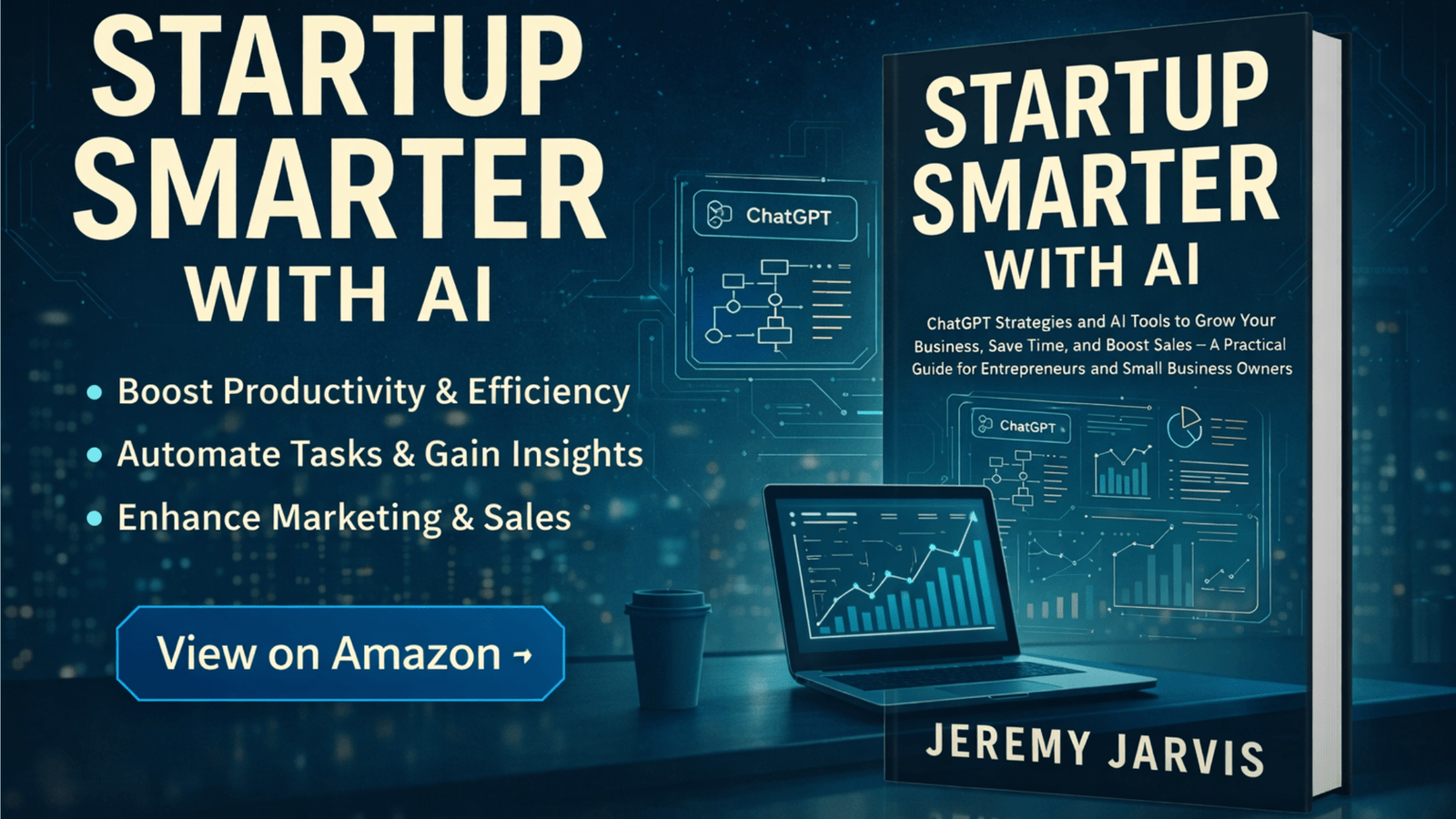
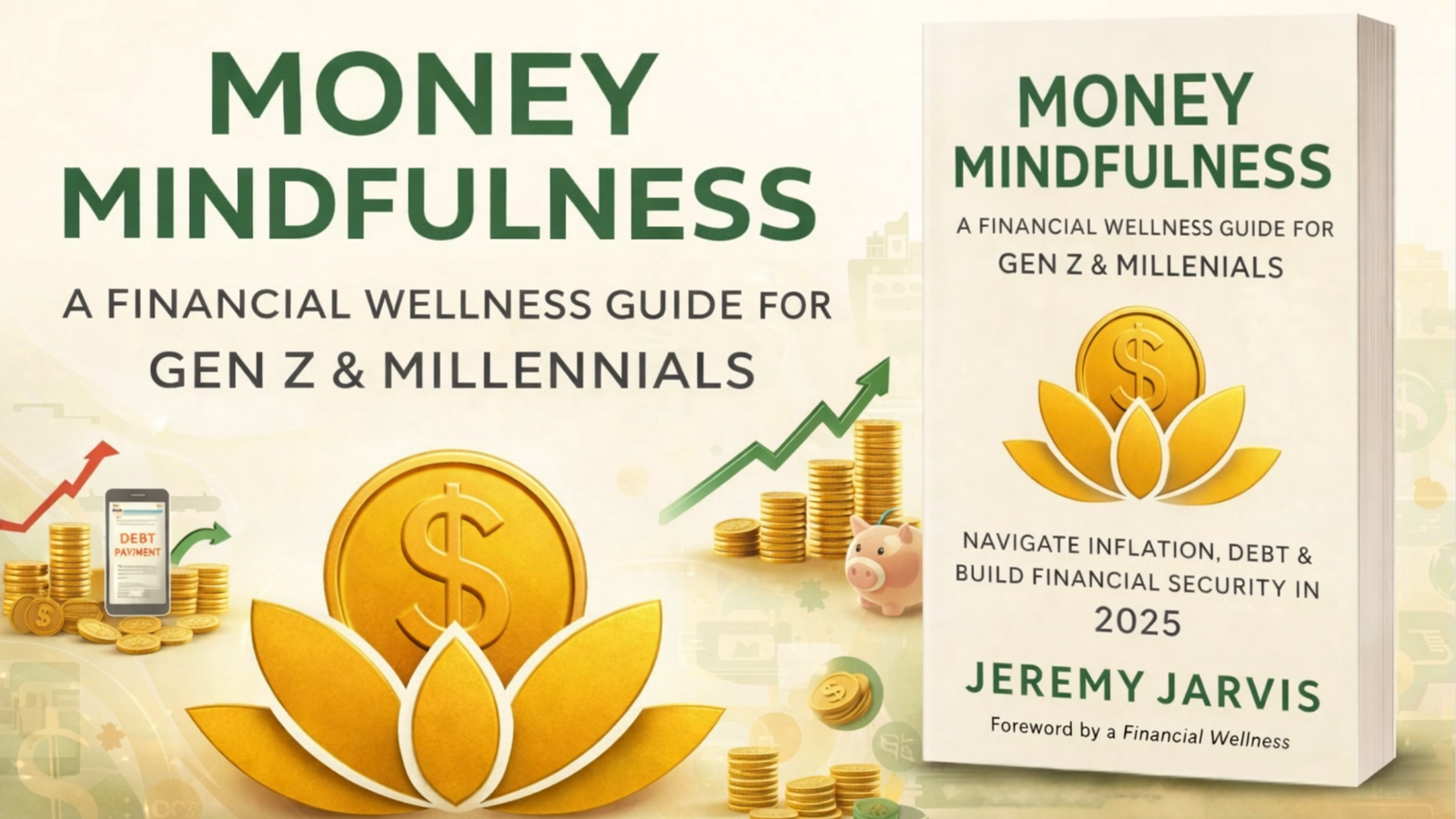
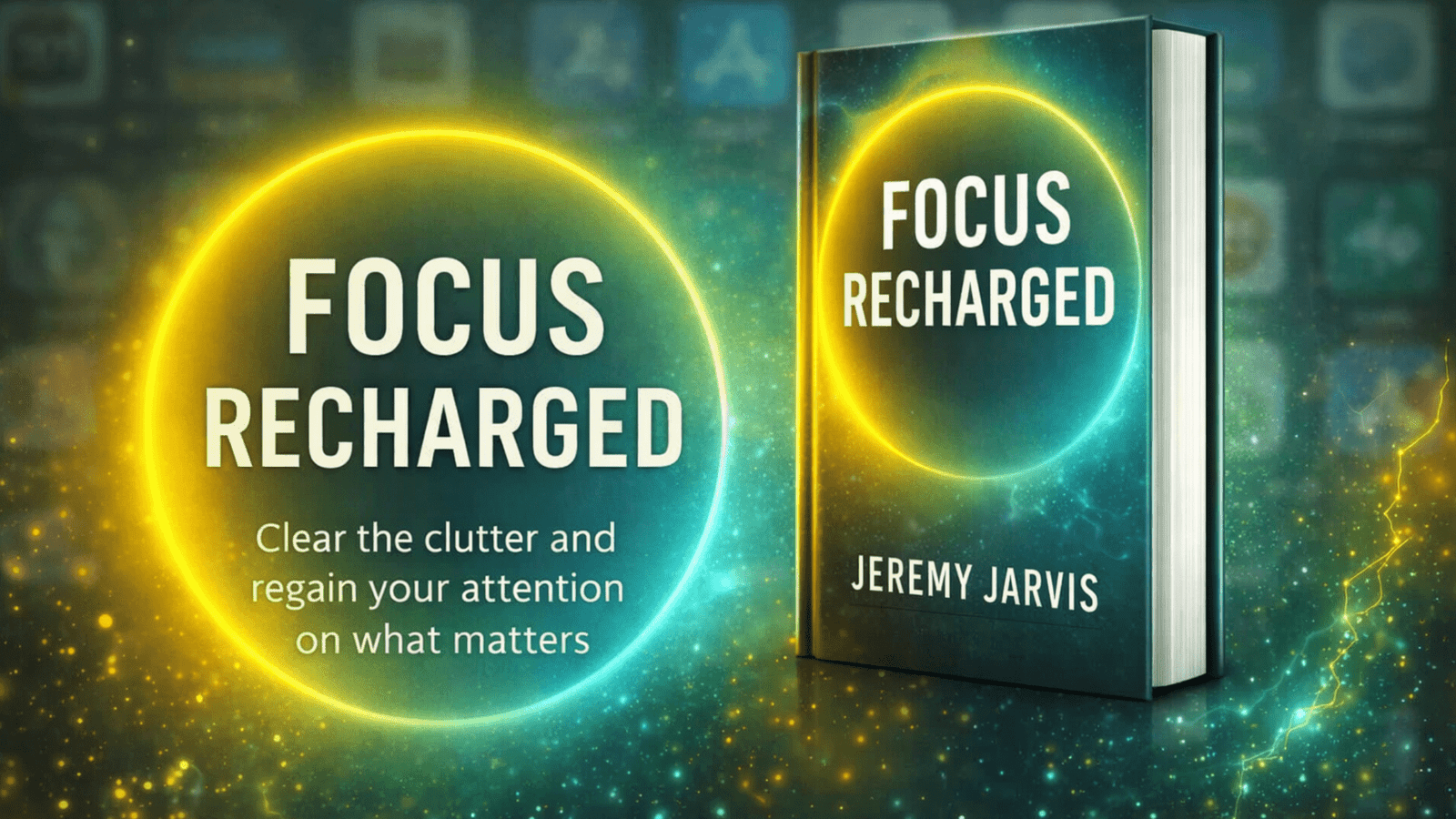
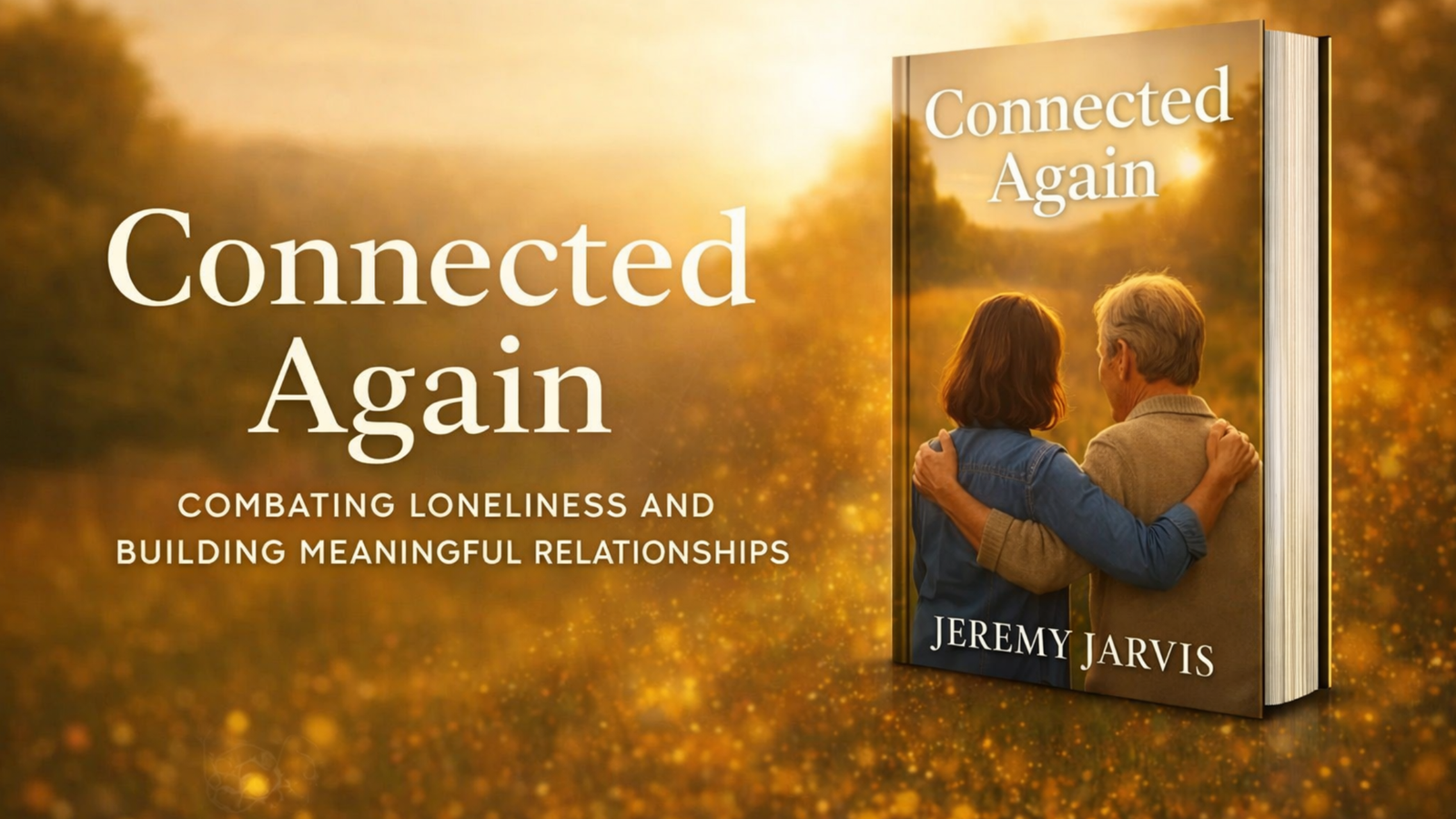
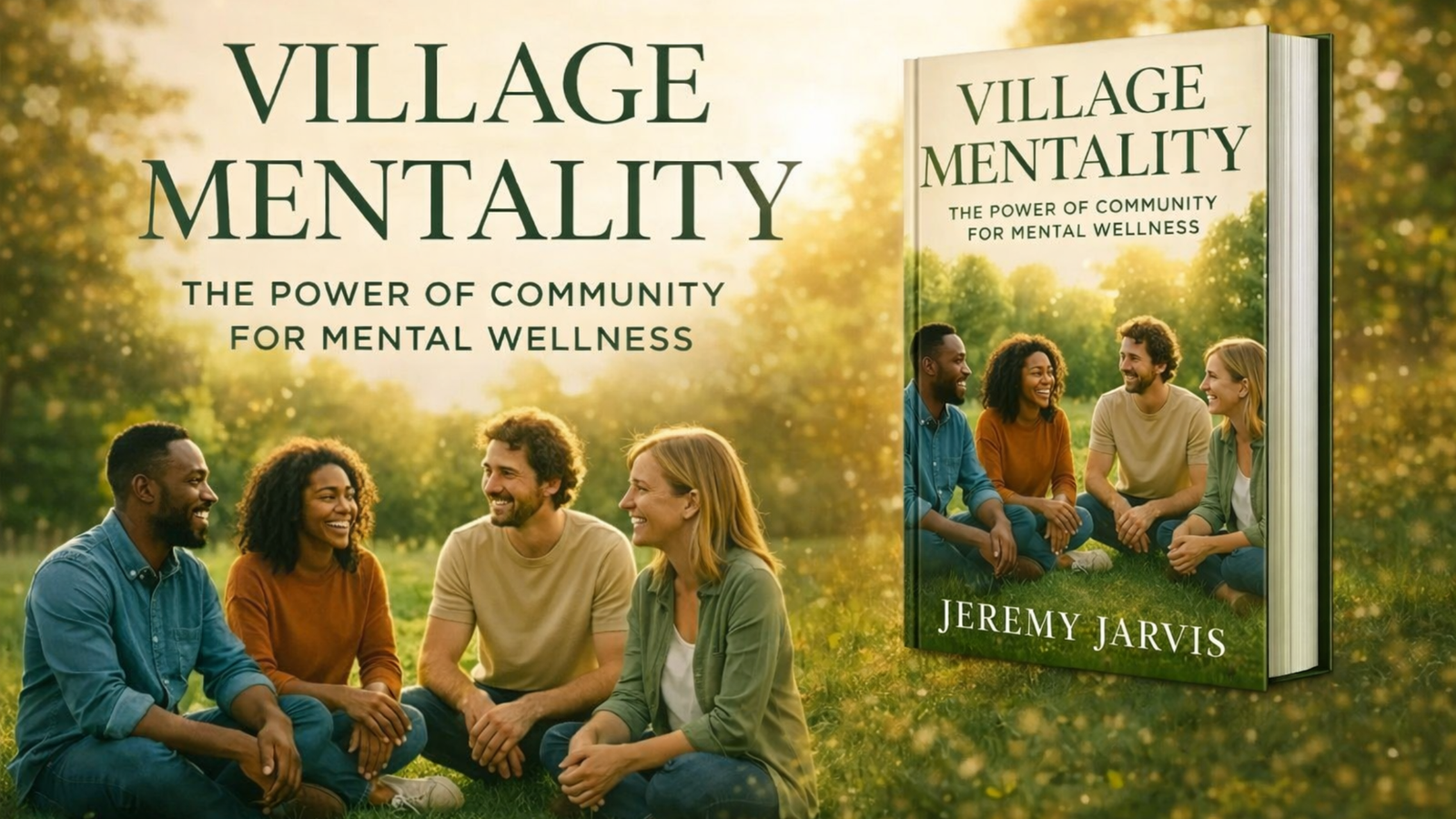
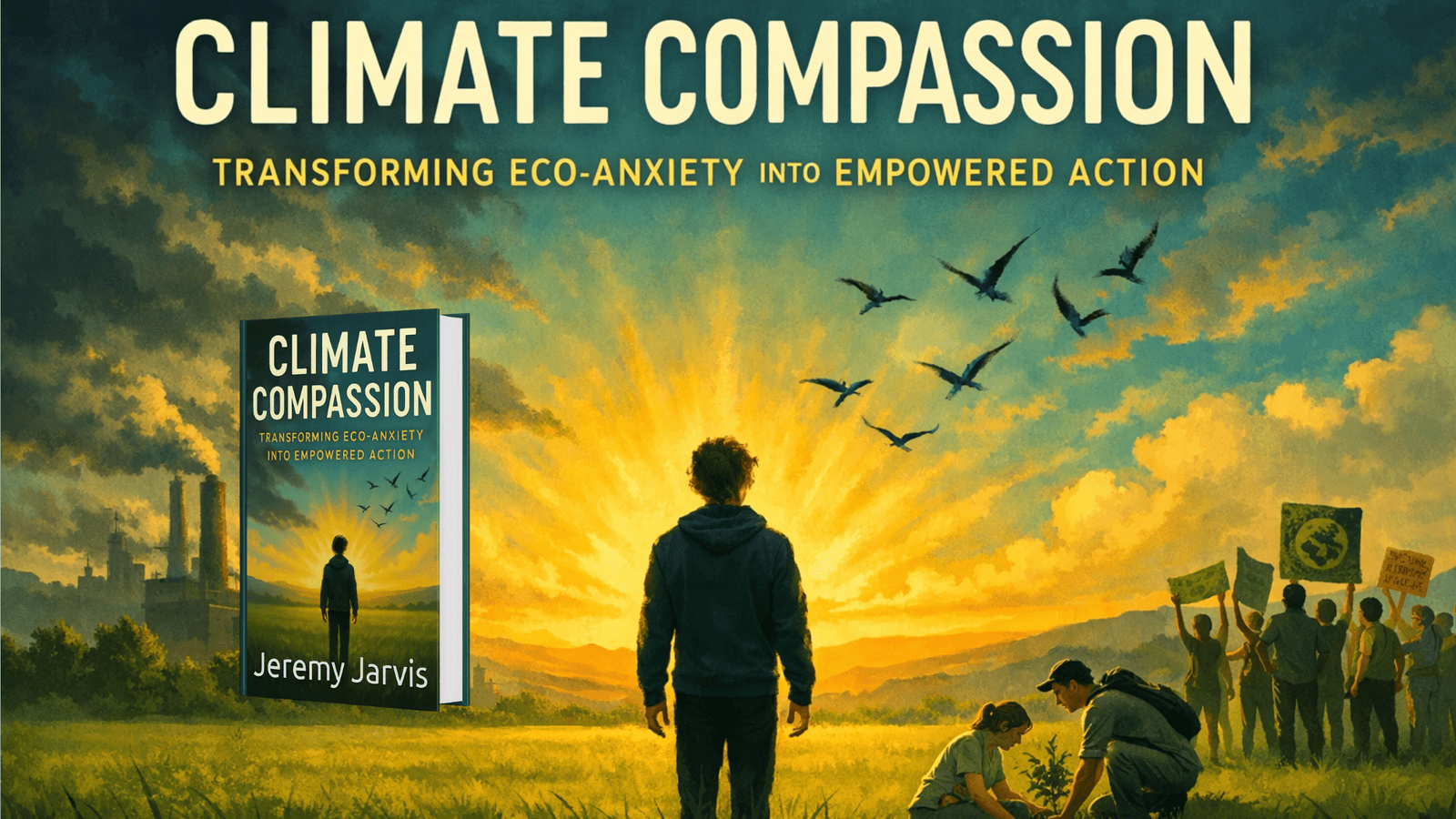
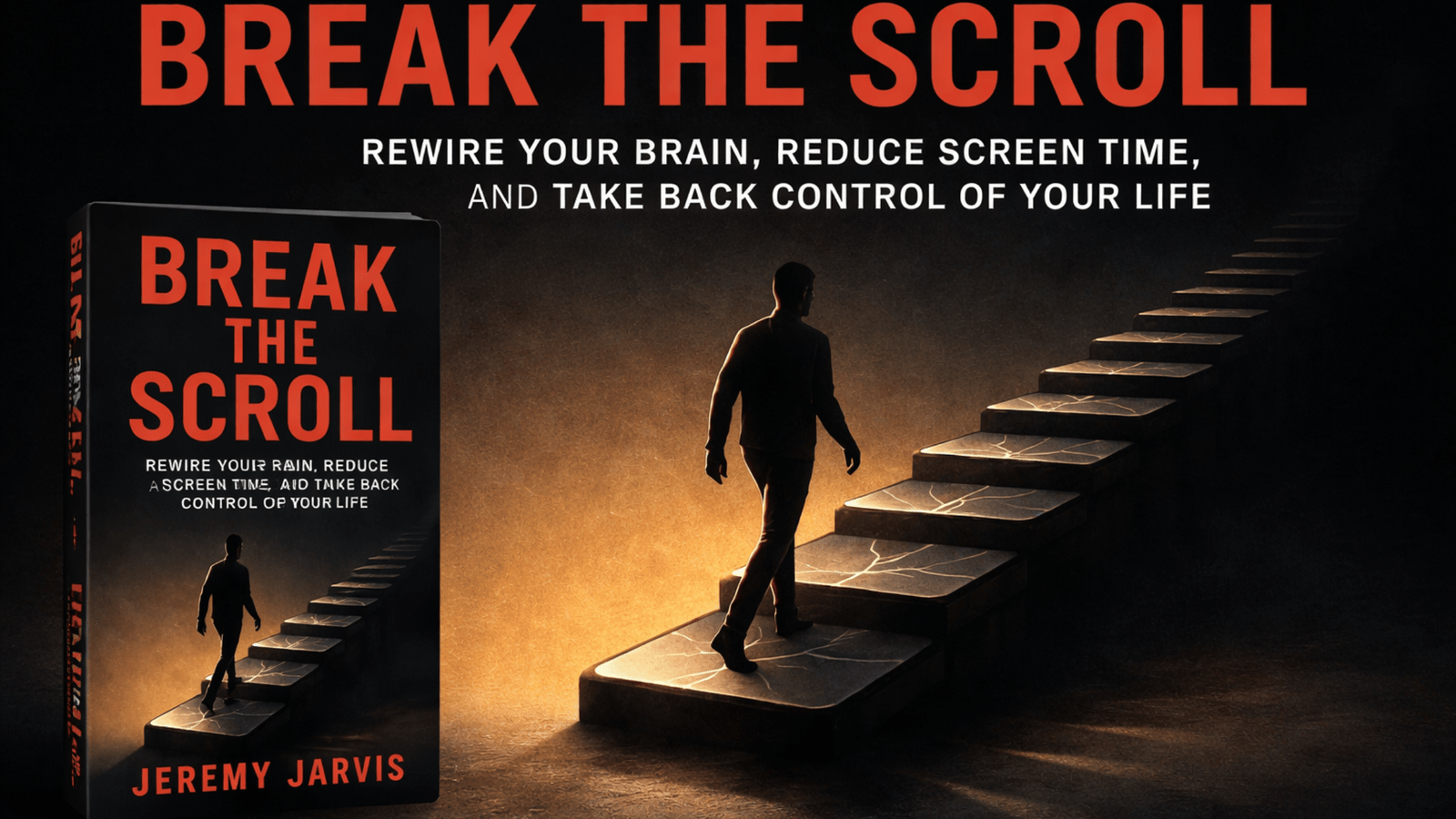
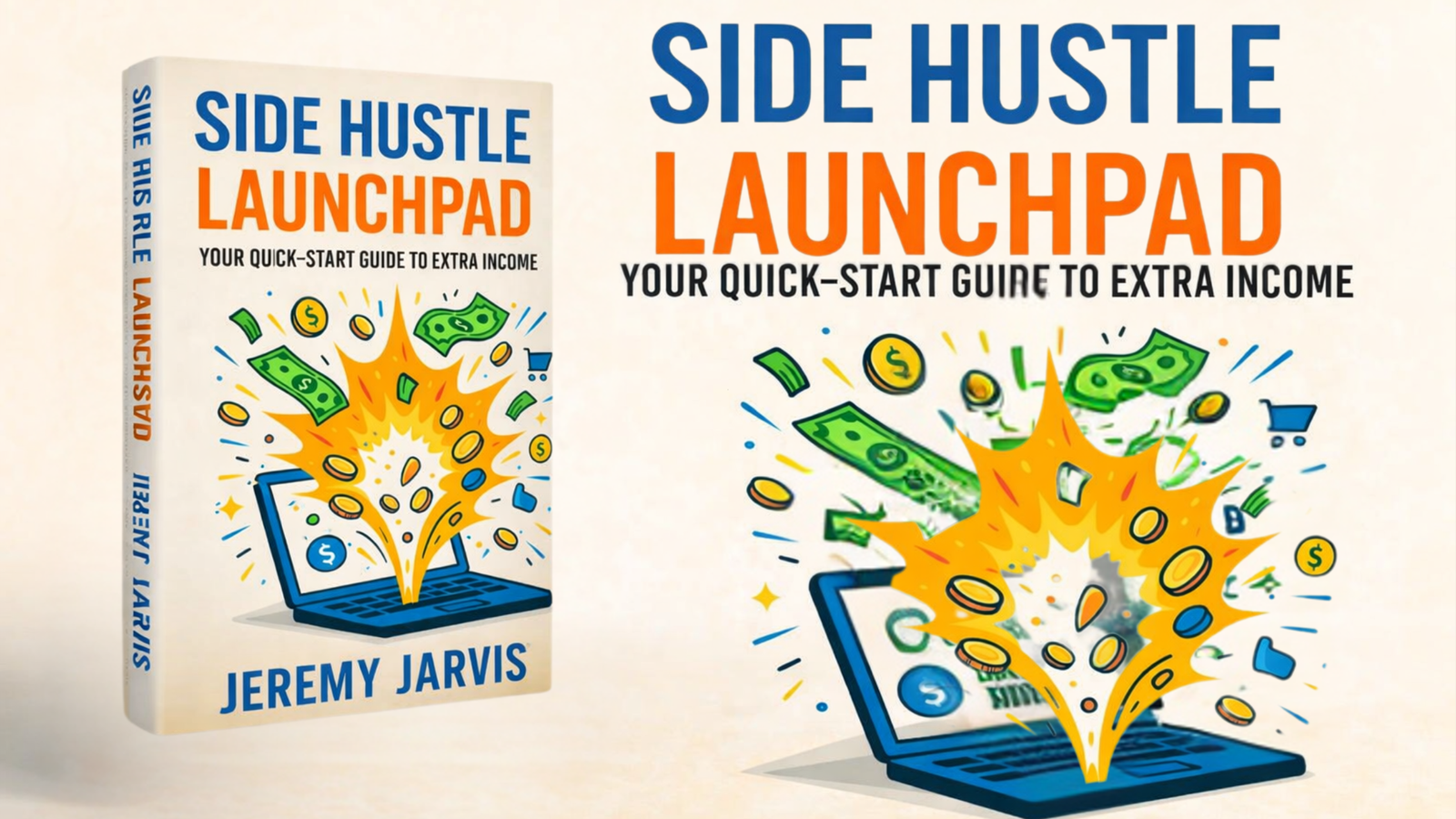
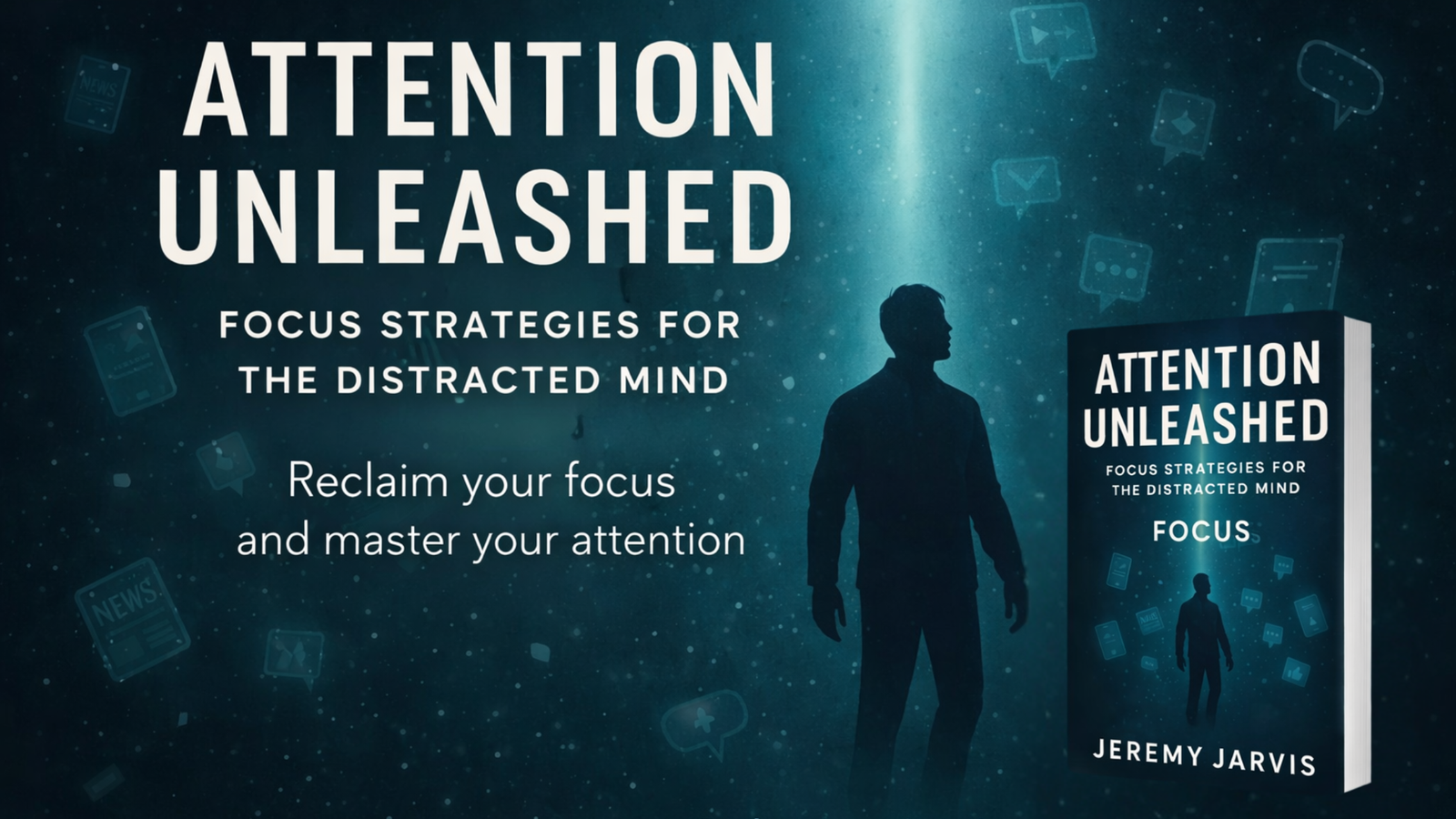
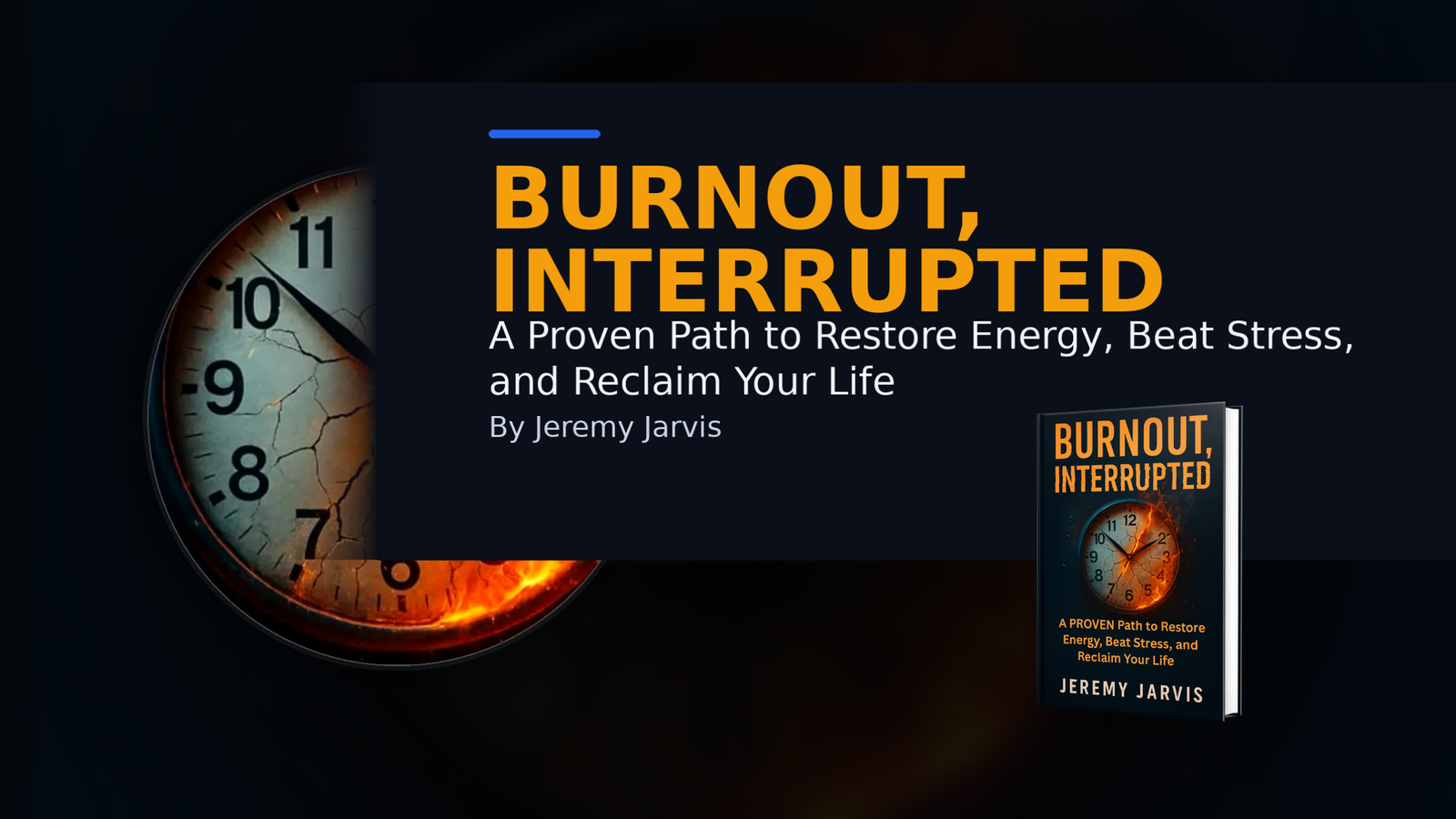
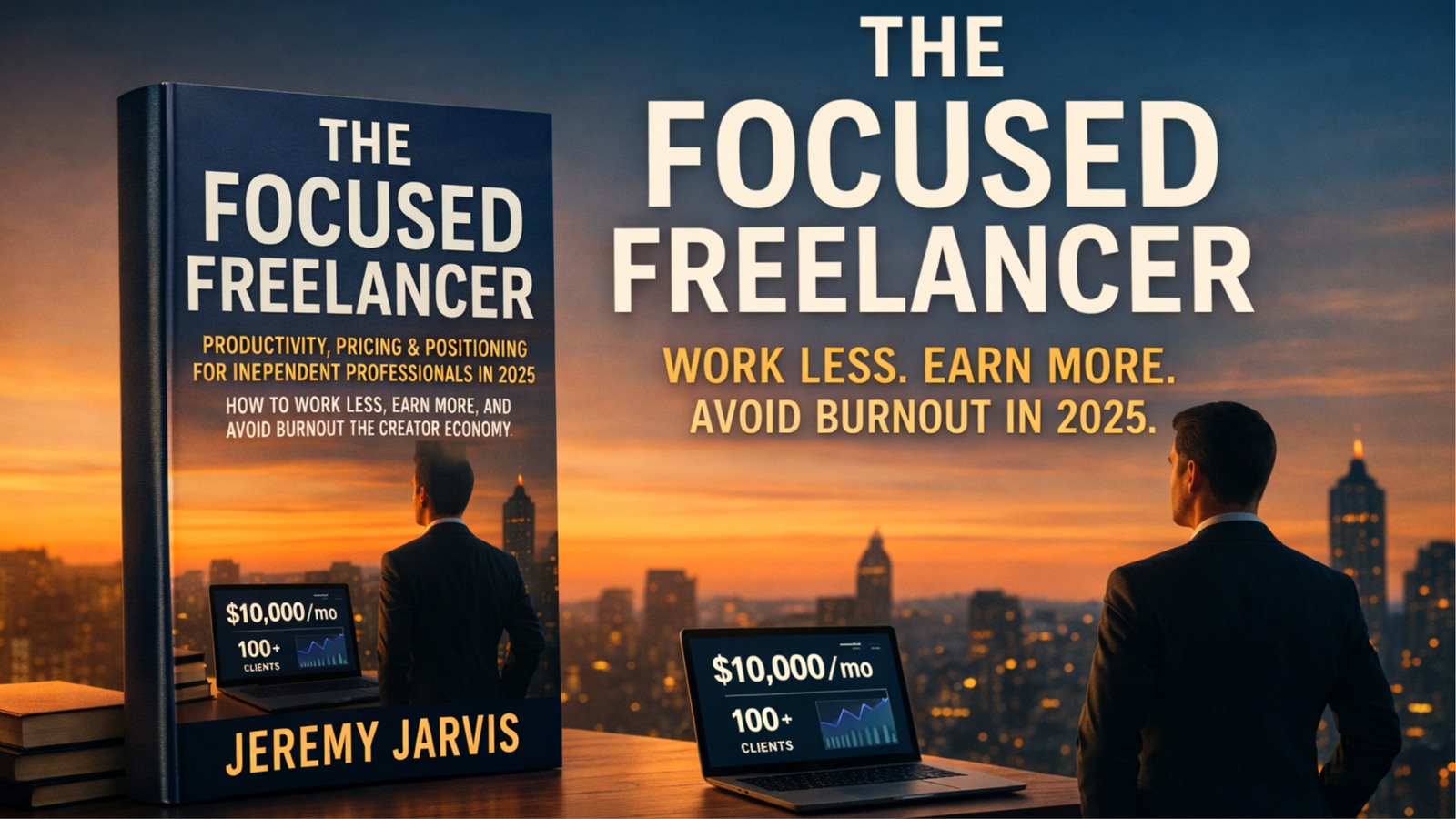
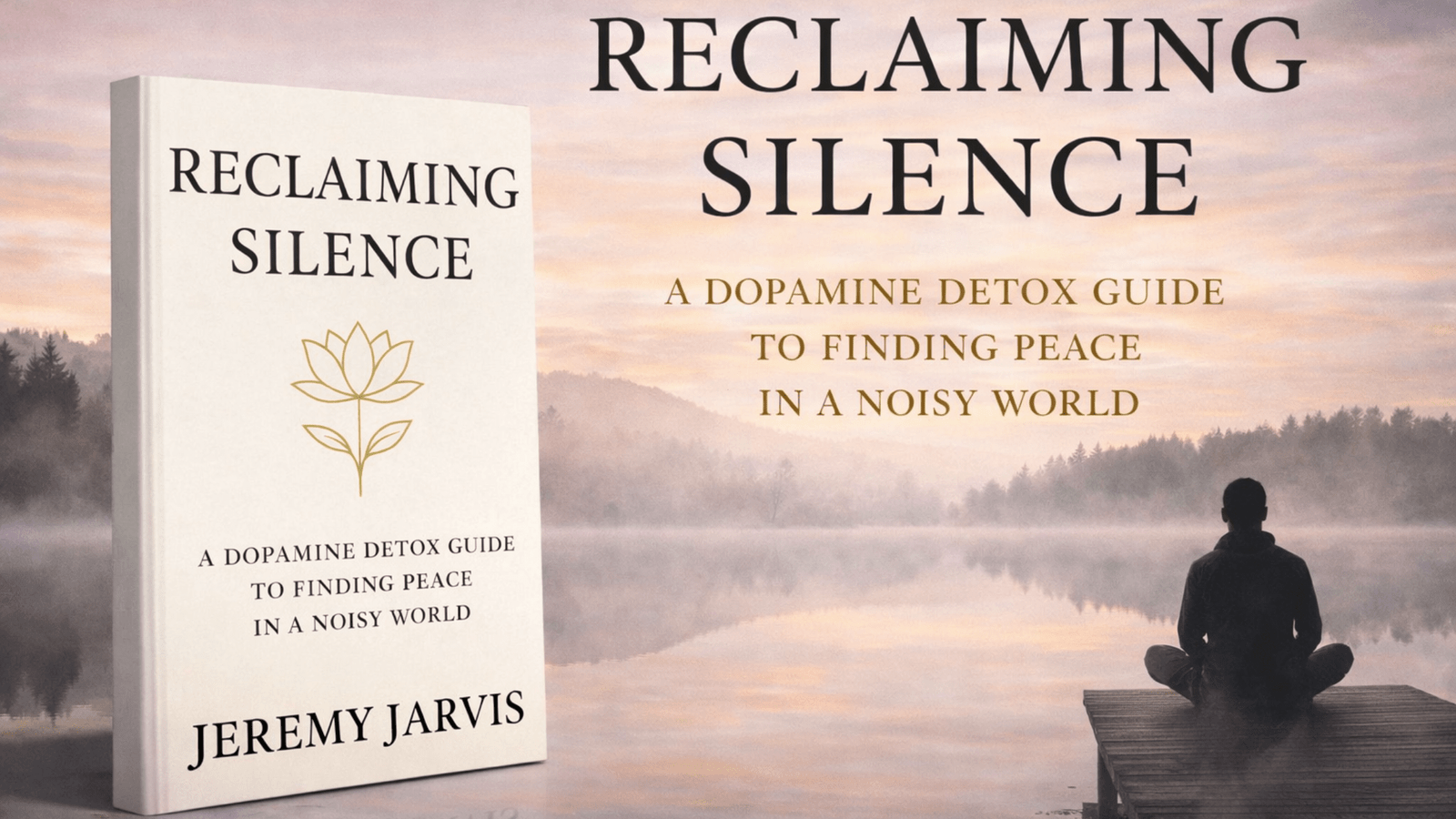
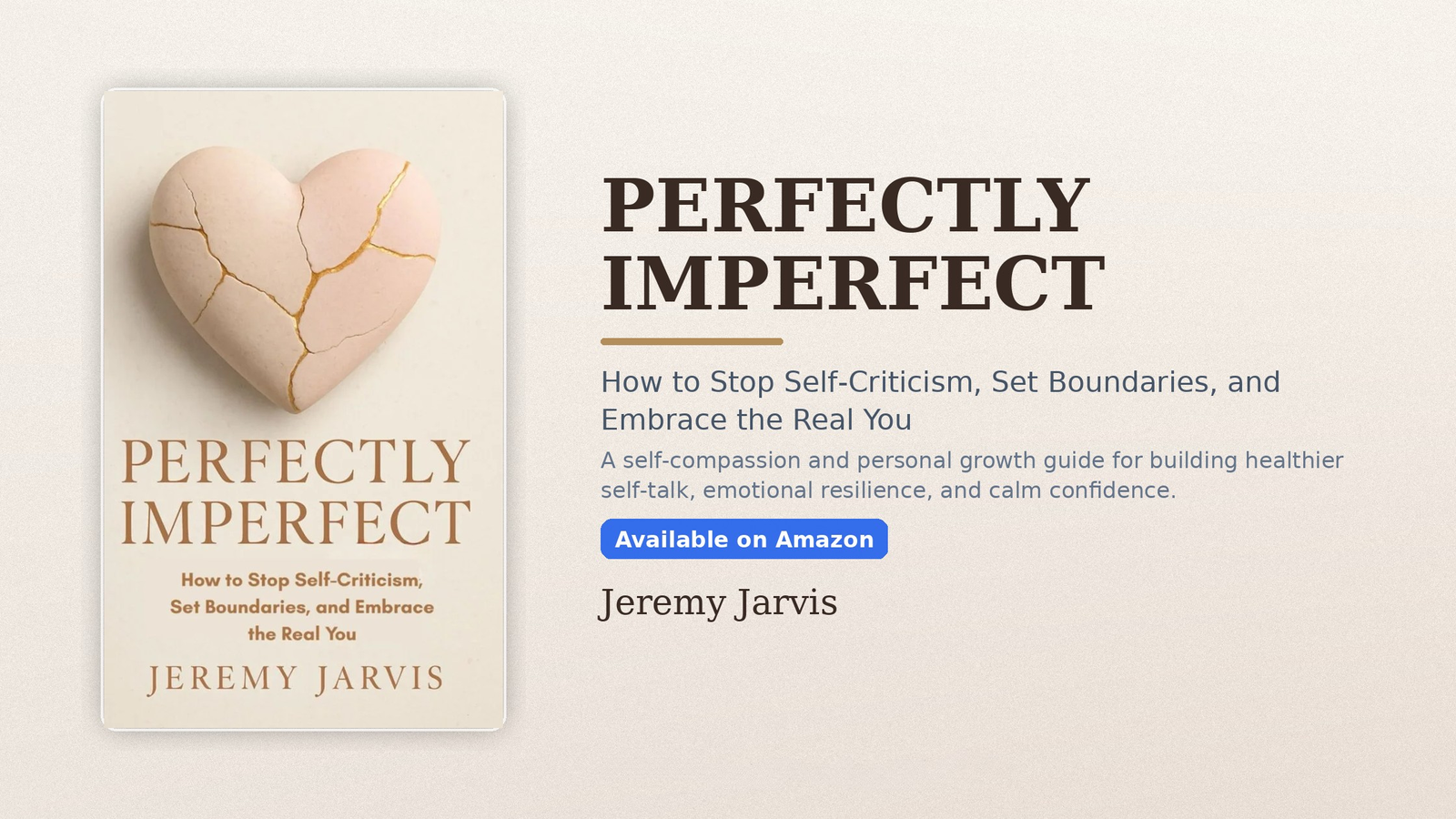
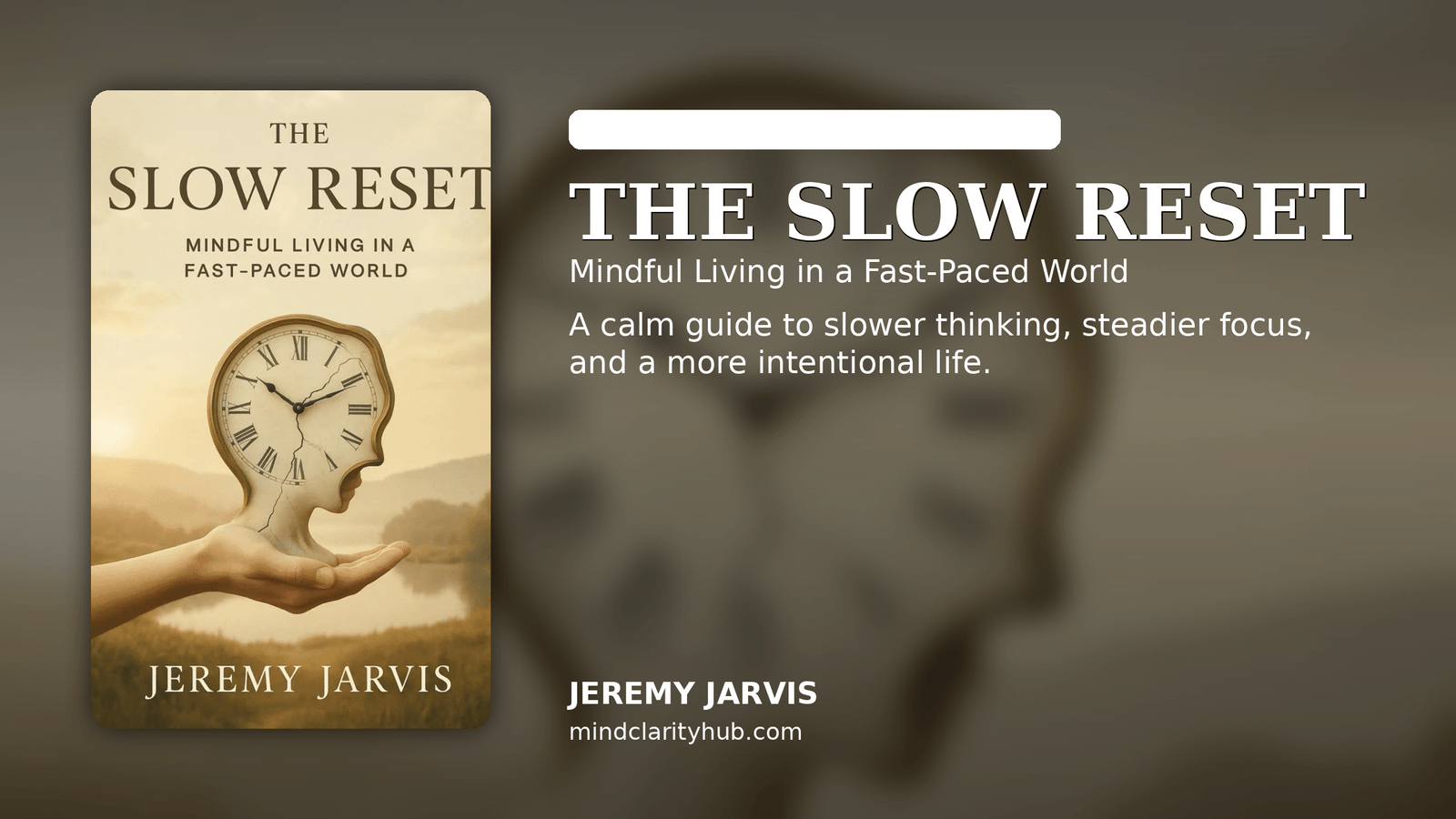
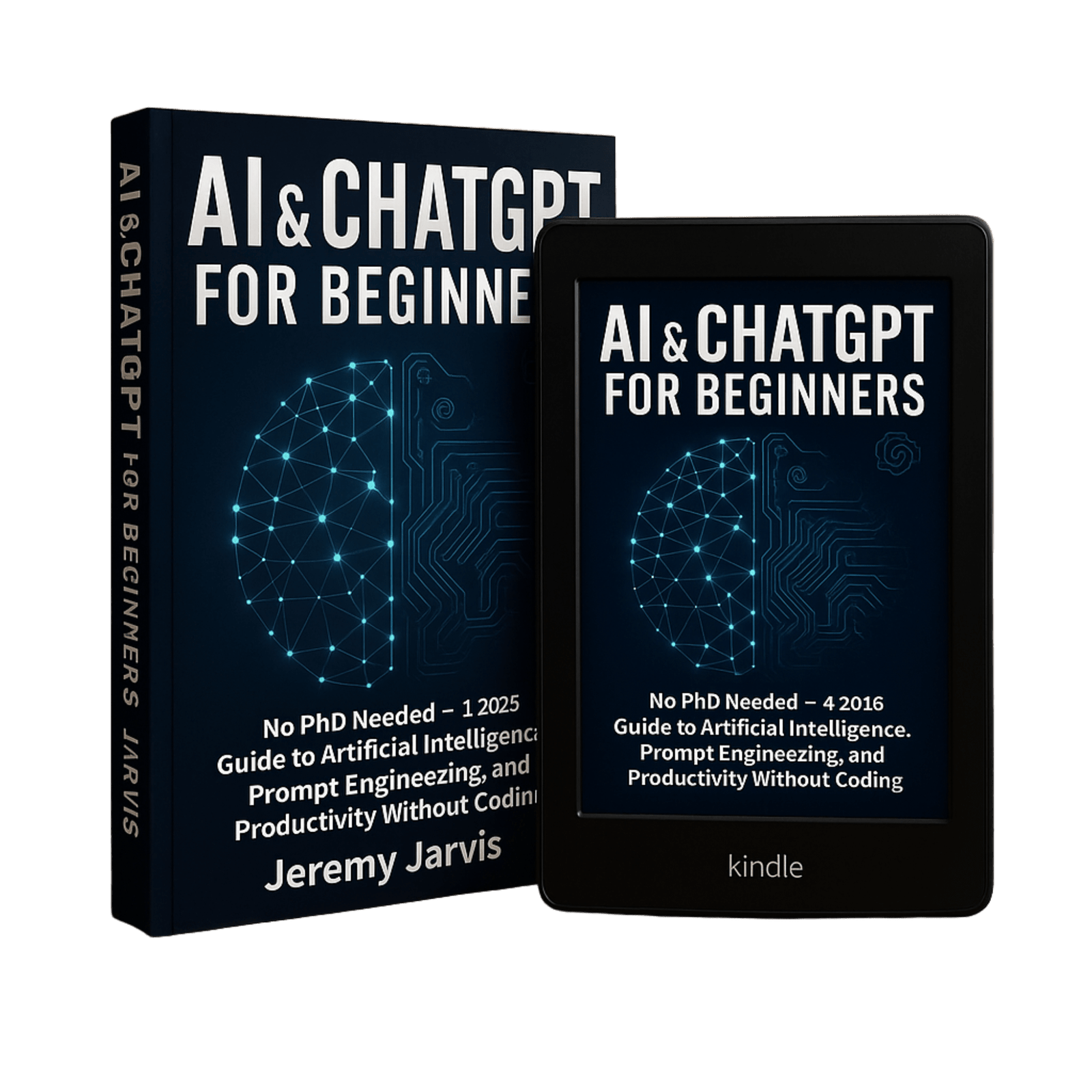
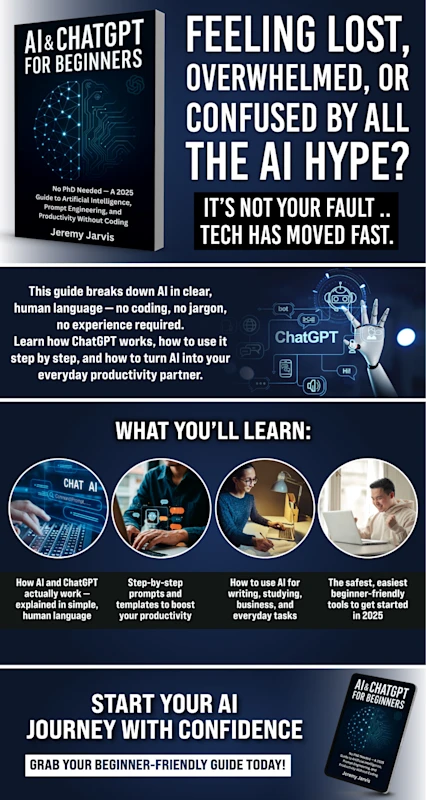
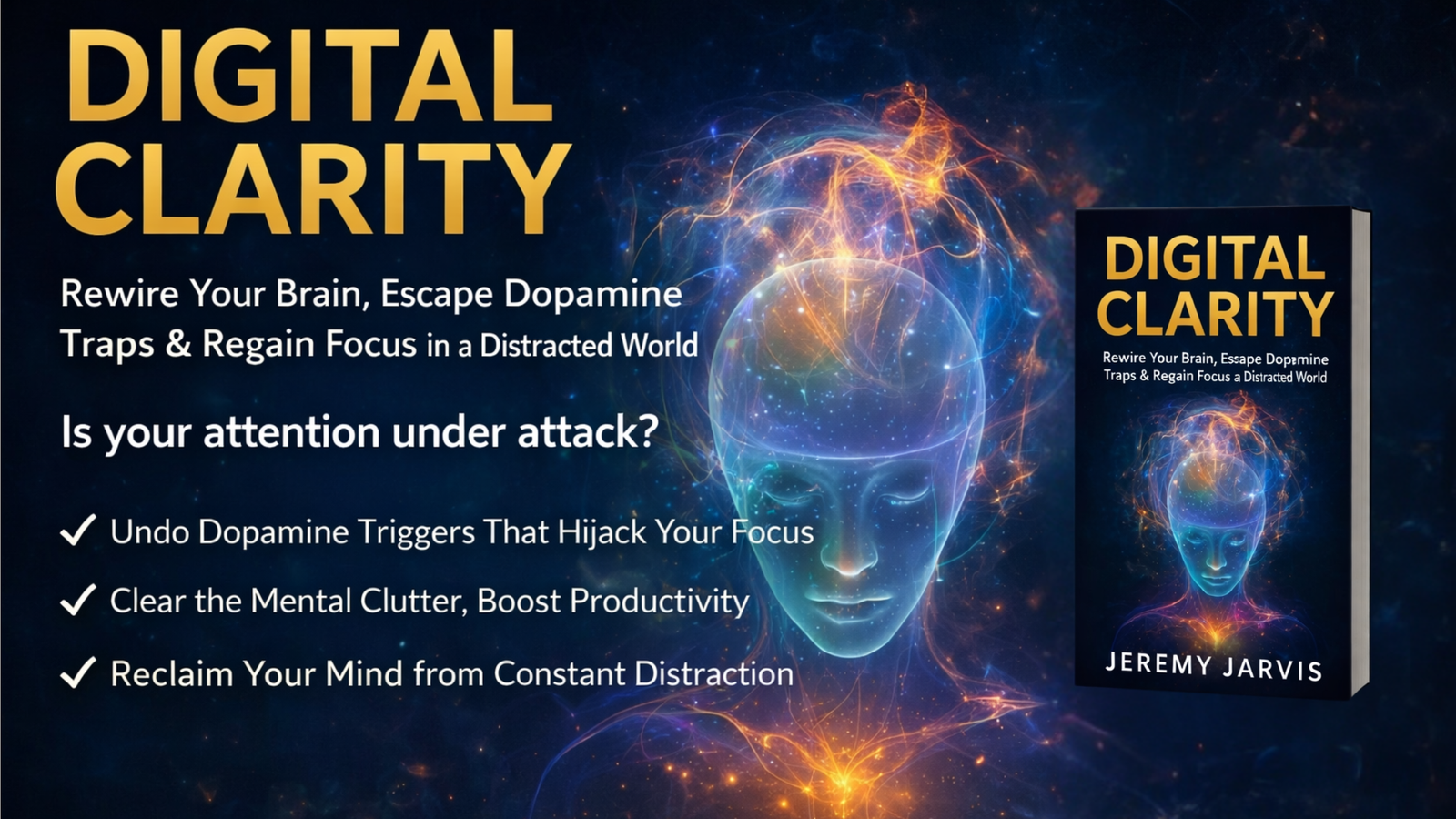
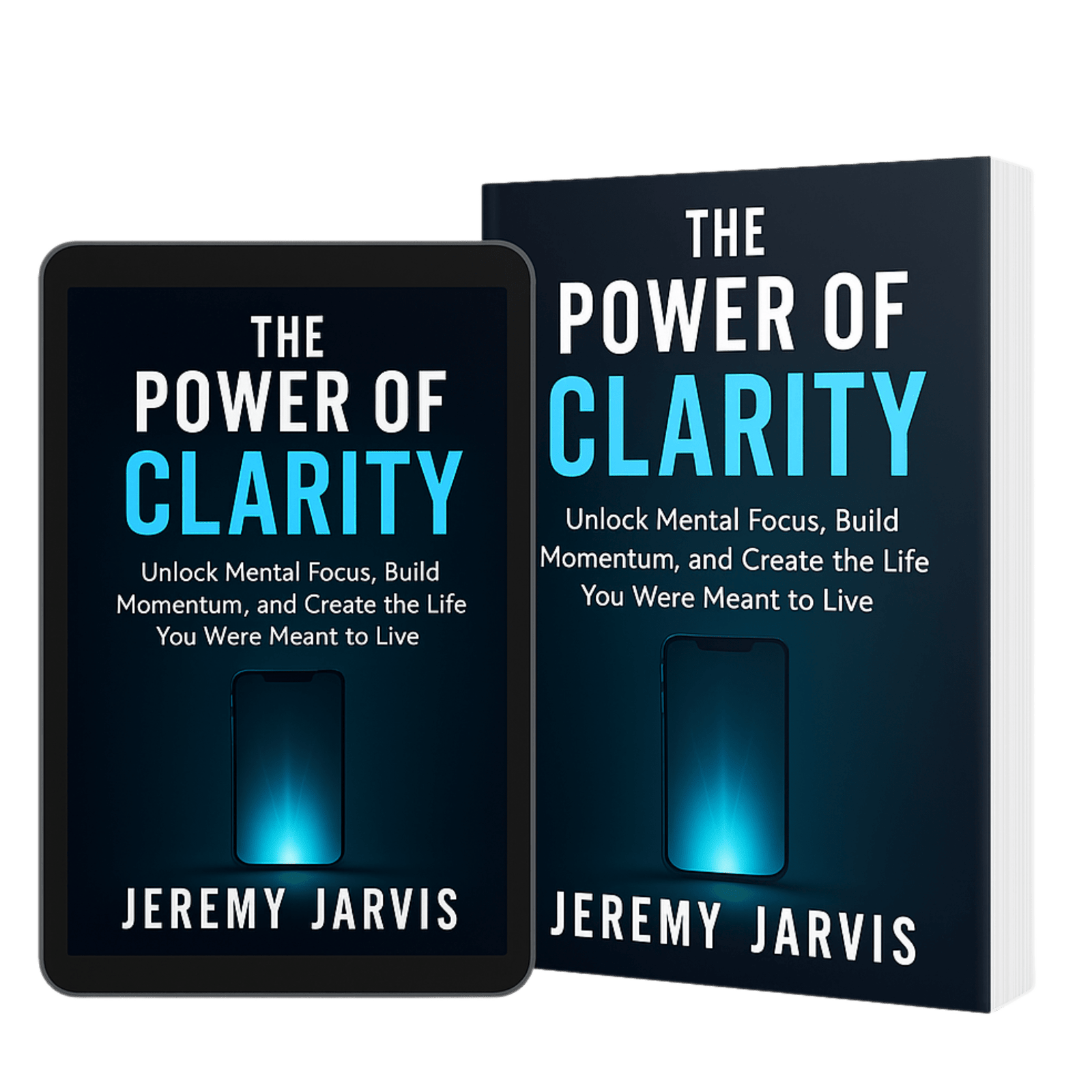
Books & Resources is a valuable category on Mind Clarity Hub dedicated to bringing readers helpful tools, recommended reads, practical guides, and curated resources that support personal growth, mental clarity, focus, and everyday improvement. This section serves as a central place for discovering books, workbooks, reading lists, learning tools, and supportive content designed to help people navigate modern life with more intention and confidence. In a world full of scattered advice and endless information, this category helps readers find trusted resources that are relevant, useful, and easier to apply to real challenges. Rather than overwhelming visitors with random recommendations, it focuses on thoughtful, practical materials that can genuinely support better habits, stronger thinking, and a calmer, more productive life.
Readers will find content related to book recommendations, author pages, self-help resources, practical tools, personal development materials, productivity aids, and helpful collections built around the core themes of Mind Clarity Hub. This category is designed for anyone looking for a trusted place to explore deeper learning, discover useful support materials, or find books and resources that align with their goals for focus, wellness, productivity, and self-improvement. Whether someone is searching for the next book to read, a helpful guide to solve a problem, or a curated collection of tools to support personal progress, Books & Resources offers a clear and useful starting point for ongoing growth and learning.
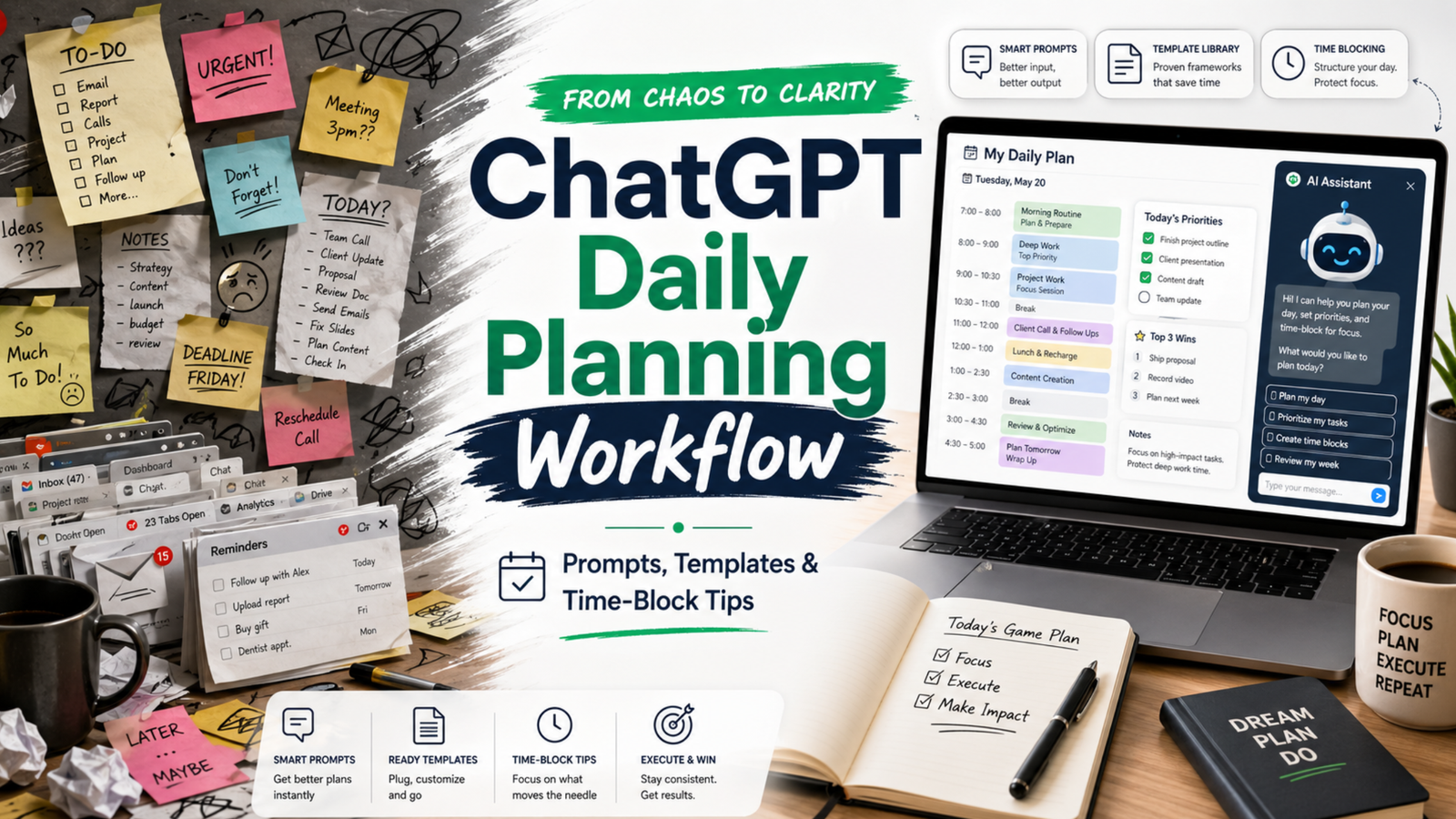
If your day feels like a ping-pong match of pings, meetings, and shifting plans, this practical ChatGPT workflow for daily planning will help you turn noise into clear next steps. You will map what matters, time-block it, and review without spending all morning on the plan.
Key takeaways
Plan in a short loop: capture, prioritize, estimate, block, and review.
Keep roles clear: you choose goals; ChatGPT drafts and checks; your calendar commits.
Use tight prompts, constraints, and tokens. Then edit for reality and energy.
Close the loop daily. Learn from slippage and adjust tomorrow’s plan.
What is a ChatGPT workflow for daily planning?
A ChatGPT workflow for daily planning is a repeatable, 15–25 minute loop that turns goals, tasks, and constraints into a time-blocked daily plan. You capture inputs, prioritize work, estimate effort, and draft a schedule. Then you sense-check the plan, commit the blocks to your calendar, and review at day’s end to improve tomorrow.
Because it is a workflow, not a one-off prompt, it reduces friction and decision fatigue. Also, it frees your attention for deep work while still reacting to change.
How does this fit with time blocking and GTD?
Time blocking protects focus by giving each block a job. The approach matches the classic idea of planning your day before executing it, a practice advocated by productivity researchers and writers. For deeper context on the value of time blocking for focused work, see Cal Newport’s overview of the method and why it helps reduce context switching (Cal Newport).
GTD (Getting Things Done) gives you trusted capture and clarity of next actions. You can use your GTD lists as the raw input for the plan (GTD basics). Meanwhile, prompt engineering guidance from vendors can improve the quality of your ChatGPT drafts (Microsoft Learn; OpenAI Custom Instructions).
What do you need before you start?
A quick list of today’s candidates: meetings, deadlines, open loops, and 2–3 outcomes that matter.
Your calendar open, with room to block. If it is jammed, expect tradeoffs.
Access to ChatGPT (or any capable LLM) and your preferred note space.
Constraints ready: energy windows, hard stops, context limits, and must-do admin.
A light, clear layout makes your plan easier to trust. Photo: Jakub Zerdzicki via Pexels. Source: Pexels page.
How to use this advice (and what to avoid)
Start small. Plan one key outcome plus 2–3 supporting blocks, not a perfect day.
Keep prompts short and specific. Limit scope and ask for estimates with a buffer.
Edit the draft. You own the plan; ChatGPT only offers a first pass.
Avoid dumping sensitive data. Use redacted text or summaries. Review your tool’s privacy policy first (OpenAI Privacy).
Close the loop. Do an honest review each evening in 5 minutes.
Step-by-step daily loop
Use this ChatGPT workflow for daily planning in five compact phases. The whole loop takes 15–25 minutes once you practice it.
Phase 1 — Capture and clarify
List hard commitments: meetings, deadlines, immovable errands.
Write 1–3 outcomes that define a “good day.” Keep them specific and measurable.
List possible tasks that support those outcomes. Note time guesses if you have them.
Prompt template:
Context: I have a standard 8-hour workday with two meetings (10:00–10:30, 14:00–15:00), and a hard stop at 17:30.
Outcomes (ranked):
1) Ship the draft of the product update email
2) Make progress on Q2 roadmap (finish 2 tickets)
3) Clear finance admin backlog (30 minutes)
Tasks on deck (rough guess):
- Draft email (60m), edit (30m)
- Two roadmap tickets (60m each)
- Finance admin (30m)
- Inbox sweep (15m)
- Lunch (30m)
- Walk break (15m)
Ask: Turn this into a prioritized plan with time estimates and 20% buffer. Ask me clarifying questions if needed.
Phase 2 — Prioritize and right-size
ChatGPT will return a first pass. Now guide it to sharpen the focus. Ask for tradeoffs and cuts. For example:
Revise the plan so the top outcome is guaranteed. If needed, cut or shrink lower-value items.
Constraints: protect one 90-minute deep work block before noon; add 20% buffer across the day.
Reference note: Prompts that include role, task, constraints, and output format tend to perform better than vague asks. See vendor guidance for practical patterns (Microsoft Learn).
Phase 3 — Estimate and buffer
Ask ChatGPT for estimates only if the work is well-scoped. Otherwise, give your own base estimates and ask for a buffer suggestion. A rule of thumb is a 15–30% buffer for creative or cross-team work. Keep it simple.
Given these tasks and my past velocity, propose conservative time estimates and a single 30-minute “overflow” block at 16:30.
Phase 4 — Time-block the calendar
Now move from plan to calendar. Use blocks that match the energy of the task. Put hard things earlier. Group similar work. Keep 5–10 minutes between blocks to reset. For a clear overview of time blocking’s benefits for deep work and reduced context switching, review Cal Newport’s write-up (Time blocking explained).
Prompt template to draft blocks you will then paste into your calendar:
Turn this prioritized plan into time blocks for 09:00–17:30 in 24-hour time.
Rules:
- 90m deep work on the top outcome before lunch
- 10m buffers between blocks
- 30m lunch at 12:30
- 15m walk at 15:30
Output as a table with start, end, block name, and goal.
Core roles in a ChatGPT workflow for daily planning
Who
Owns
Examples
You
Goals, priorities, commitments
Pick top outcomes. Approve tradeoffs. Move blocks on the calendar.
ChatGPT
Drafts, estimates, structure
Suggests order. Proposes buffers. Flags overload or conflicts.
Calendar
Execution contract
Holds the blocks you commit to. Signals when to switch.
Phase 5 — Review and learn
Close the loop near day’s end. Compare the plan with what actually happened. Note where you under- or over-estimated. Then feed those notes into tomorrow’s planning prompt. This short review sharpens your future plans.
Review prompt for 17:15:
Compare the planned blocks with what I did (below). List 3 lessons about estimates or sequencing. Suggest one change for tomorrow’s plan.
Data:
- Planned vs. actual for each block
- Interruptions and how long they took
- Biggest win and biggest miss
Daily planning loop (text-light visual)
Capture: list meetings, outcomes, tasks
Prioritize: protect the top 1–3 outcomes
Estimate: add 15–30% buffer + one overflow block
Time-block: draft, then commit to the calendar
Review: compare plan vs. actual; learn and adjust
Tip: Keep the loop under 25 minutes. If it grows, you are planning at the wrong level.
Prompts that work in the real world
Use these short, constraint-first patterns. Edit names and times to fit your day.
Prompt library for common planning moments
Situation
Prompt
Output format
Morning plan in 10 minutes
Given these outcomes and meetings, propose a 09:00–17:30 plan with one 90m deep work block. Add 20% buffer and a 15m overflow at 16:30.
Bullet plan + time table
Midday course-correct
It is 13:00. Rebuild the plan around these facts (below). Keep only what drives the top outcome. Put admin at the end or cut it.
Revised table + cuts list
Estimate reality check
Here are my estimates. Apply a confidence score to each (high/med/low). Suggest one split or merge to improve flow.
Table with confidence + notes
Context protection
Group tasks by context (design, writing, review). Order for minimal switching. Keep only 2 context types before lunch.
Ordered groups + rationale
End-of-day review
Compare plan vs actual. Give 3 insights and one new rule for tomorrow (e.g., longer buffers, earlier deep work).
Bullets + tomorrow rule
What makes the plan realistic?
Protect one deep block early. Your energy is higher and interruptions are fewer.
Add a daily overflow block. Use it for spillover; if empty, pull a quick win.
Plan admin late. Keep your morning clean for work that moves the needle.
Use the Eisenhower lens. Ask: urgent or important? Cut what is neither (Matrix overview).
Match blocks to energy. Put creative or analytical work in your best hours.
Reality checks that keep you honest
Compare plan vs. actual weekly. Look for recurring 30–60 minute slips.
Cut one thing daily. Replace it with margin, not another task.
Use a simple rule: no more than 4 major blocks on a normal day.
Review builds judgment. Compare plan vs. actual while it is fresh. Photo: RDNE Stock project via Pexels. Source: Pexels page.
Common mistakes and how to fix them
Over-planning: You draft 20 steps. Fix: plan at the outcome level, not micro-tasks.
No buffers: Your plan breaks on first contact. Fix: add 15–30% and one overflow block.
Vague prompts: ChatGPT guesses. Fix: state constraints, hour ranges, and a result format.
Too many contexts: You switch every 15 minutes. Fix: group by context and cap before lunch.
Calendar not updated: The plan lives in notes. Fix: commit blocks to your actual calendar.
What about privacy and sensitive work?
Do not paste confidential details. Summarize or mask names and numbers. Review your tool’s data use policy and team settings, especially if you work in a regulated role (OpenAI Privacy). If in doubt, keep sensitive planning in-house while still using the structure of this loop.
How do I review a ChatGPT workflow for daily planning at day’s end?
Keep it to five minutes:
Mark blocks you finished, moved, or dropped. Note why.
Log total time on the top outcome. Aim to protect it better tomorrow.
Write one rule for tomorrow. For example, “longer buffer before 14:00 meeting.”
Then feed those notes into your next morning prompt so your ChatGPT workflow for daily planning improves with each pass.
Example day: turning inputs into a clear plan
Inputs: two meetings, one key email to ship, two roadmap tickets, and finance admin. Constraints: early deep work, 20% buffer, 17:30 stop. A solid plan might look like this:
Yes, if you replan fast. Use a 5-minute midday course-correct. Keep the top outcome alive and protect one block to move it forward. Push admin late. If needed, cut it.
Can I automate parts of the loop?
You can centralize inputs and reduce copy-paste:
Keep a pinned morning prompt in your notes app. Paste today’s inputs under it.
Save your ChatGPT workflow for daily planning as text snippets so you can load it fast.
Export meeting times from your calendar to paste as the day’s constraints.
Automation helps, but do not automate judgment. You still pick the top outcomes and tradeoffs.
Accessibility: make your plan easy to scan
Use short block names. Lead with the verb and the object: “Draft email v1.”
Keep a single cue per block. Do not cram three goals into one hour.
List hard commitments and 1–3 outcomes that define success.
Draft a first pass with constraints and buffers.
Time-block the calendar and commit.
Do the work. Protect the top outcome.
Review in 5 minutes. Log one rule for tomorrow.
Detailed examples for different days
Not all days look the same. Therefore, build a plan that fits the shape of your hours. Here are two clear examples you can copy and adapt.
Manager day with many meetings
Goal: move one strategic item while keeping the team unblocked. Constraint: meetings at 09:30–10:00, 11:30–12:00, 14:00–15:30, and 16:30–17:00. Hard stop at 17:30.
Manager prompt:
Given these four meetings and a hard stop at 17:30, protect one 60–75m deep block before lunch to draft the QBR outline. Add 10m buffers around meetings. Push admin late. Output a table in 24-hour time.
Notice the early deep block and frequent buffers. As a result, the plan stays stable even with many handoffs.
Maker day with deep focus
Goal: ship a feature draft. Constraint: long focus windows, one demo at 15:00–15:30. Hard stop at 18:00.
Maker prompt:
Plan two long focus blocks for feature work (90–120m each) with a short break between them. Keep meetings wrapped in buffers. Put quick admin after the demo. Output a table in 24-hour time.
Here the plan clusters similar work and protects long spans. Consequently, context switches drop and throughput rises.
Troubleshooting playbook
When the plan drifts, fix the root cause fast. Use these quick moves and prompts.
Estimates were off: Split the task and re-slot the next chunk. Prompt:Split “Draft whitepaper” into 2 smaller blocks with clear ends. Keep the first today, move the second to tomorrow morning.
Urgent interrupt: Insert a short triage block, then rebuild the next two hours. Prompt:I have a P1 issue (30–45m). Rebuild 13:00–15:00 with buffers and keep one deep block alive.
Low energy window: Swap in shallow work. Prompt:Replace the next 45 minutes of deep work with 2 admin tasks that still support the top outcome.
Meeting ran long: Cut nice-to-haves and keep the top outcome. Prompt:We lost 25 minutes. Remove the lowest-value item and add a 15m overflow at 16:45.
Task unclear: Add a 15-minute clarify block before you start. Prompt:Write a 5-bullet mini-brief for “Draft outreach email” so I can start fast.
Metrics that make the habit stick
Track a few simple numbers. Then adjust based on facts, not feelings.
Review these on Friday. Therefore, next week’s plan will start stronger.
Team workflow and handoffs
This loop also helps teams. Share a short daily plan so others can align. Also, use the same review questions in standup.
Standup share template:
Top outcome today: ____
Deep block protected: ____ (start–end)
Risks: ____
Asks: ____
Overflow plan: ____
When plans change, post a one-line update. For example: “Deep block moved to 11:00–12:15 due to incident; overflow extended.” Sharing your ChatGPT workflow for daily planning summary keeps the whole group in sync without long threads.
Advanced tips: encode constraints for cleaner prompts
It is easier to plan when inputs are tidy. So, hand ChatGPT a small, structured block of data. Then ask for a schedule from it.
What is the best ChatGPT workflow for daily planning?
The best one is the one you can run in under 25 minutes. Use five phases: capture, prioritize, estimate, time-block, and review. Protect one early deep block. Add a daily overflow block. Keep admin late.
How many blocks should I plan in a normal day?
Plan 3–4 major blocks and a few short ones. If you need more, your blocks are too small or your scope is too wide.
How do I handle meetings that split my day?
Wrap meetings with buffers and use the largest open span for deep work. If the day is chopped up, focus on smaller, high-value chunks and leave big creative work for a better window.
Can I use this with a team?
Yes. Share the plan summary in morning standup. Align on the top outcome. Ask teammates to flag blockers and timing risks first thing.
Should I write prompts the night before or in the morning?
Do a light setup the evening before, but draft the final plan in the morning when energy and context are fresh.
Next steps
If you want a deeper, book-length walkthrough with templates and examples, explore our AI productivity books. Start with the hub to see the full range, or jump straight to our focused guide on daily planning:
Finally, write your rules while the day is fresh. This ChatGPT workflow for daily planning is simple, flexible, and fast—so you can plan with clarity and finish with focus.
Attention residue at work is the mental drag that follows you after a meeting, message thread, tab switch, or unfinished task. You are technically doing the next thing, but part of your mind is still holding the previous thing open.
That drag matters because knowledge work depends on clean attention. Writing, planning, analysis, editing, learning, and creative problem solving all ask your brain to hold a few important ideas at once. When yesterday’s Slack thread, the unfinished email, and the next meeting are all still humming in the background, focus gets expensive.
This guide gives you a practical reset for attention residue at work. It is not a promise to make every day perfectly calm. It is a simple focus recovery system you can use between meetings, after interruptions, before deep work, and at the end of a noisy workday.
Reader note: This is educational self-improvement content, not medical advice. If distraction, anxiety, low mood, sleep loss, or work stress feels severe or persistent, consider talking with a qualified professional.
What Is Attention Residue At Work?
Attention residue at work happens when your mind keeps processing the previous task after you have moved to the next one. You might leave a meeting and open a writing project, but your thoughts are still replaying a comment from the call. You might answer a client message, then try to analyze numbers, but part of your attention is still waiting for the reply.
The problem is not weakness. It is a predictable cost of switching contexts. Your brain does not always close one mental file just because your calendar says the next block has started. This is why a task can look simple on paper and still feel hard in real life.
A good reset does three things. It closes the last task, clears the immediate friction, and gives the next task a clean starting line. That is the heart of a useful attention residue at work routine.
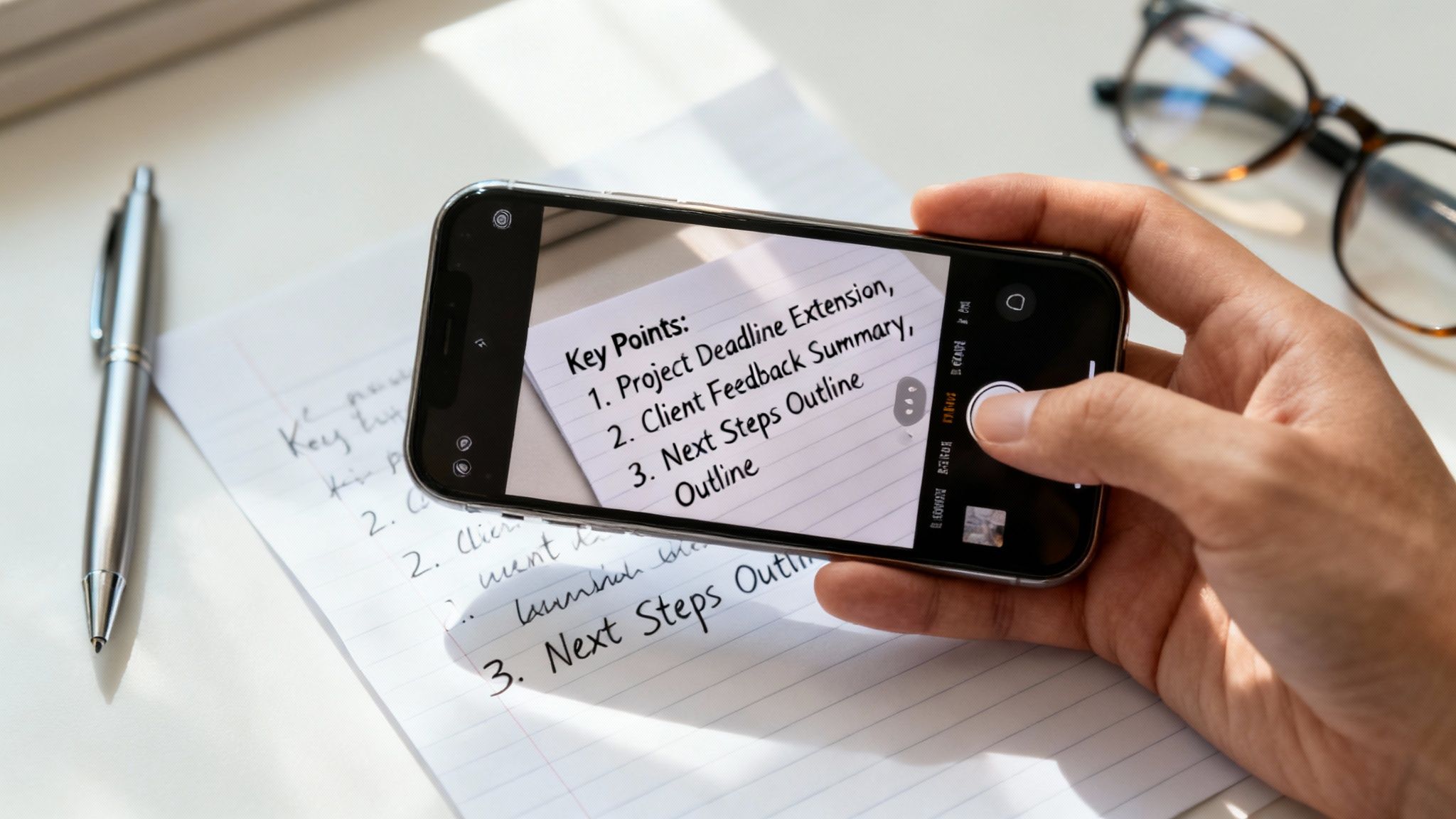
A short written reset can reduce attention residue after meetings, messages, and task switching.
Why Does Attention Residue At Work Feel Worse Now?
Modern work creates more unfinished loops than most people can close cleanly. A normal day may include video meetings, email, chat tools, shared documents, dashboards, notifications, personal texts, and browser tabs. Each tool can be useful. Together, they create a workday that is constantly asking you to re-orient.
Microsoft’s Work Trend Index has reported that many workers do not feel they have enough uninterrupted focus time, and its research on the “infinite workday” describes how meetings, messages, and notifications fragment attention. That does not mean every tool is bad. It means your day needs a recovery rhythm, not only a productivity app.
When sleep is short, stress is high, and the workday keeps switching channels, attention residue at work becomes easier to feel. The answer is not to shame yourself into harder focus. The answer is to build small transition rituals that make focus possible again.
How Do You Reset Attention Residue At Work Quickly?
The fastest reset is a three-minute close-and-open ritual. You close the last loop, name the next target, and remove one obvious distraction before you begin. It sounds small because it is small. That is the point. A reset you can use on a busy Tuesday is better than a perfect system you never touch.
Close: Write one sentence that captures where the last task stands.
Park: Write the next action for that old task so your brain does not keep rehearsing it.
Clear: Close unrelated tabs, silence one notification source, or move your phone away.
Choose: Name the next task in one plain sentence.
Start: Work for ten minutes before judging whether you feel focused.
This quick version works well after meetings, before writing, after checking email, and before any task that requires judgment. If your work is scattered, use the short reset many times. If your day is overloaded, use the longer routine below once or twice.
The 7-Step Attention Residue At Work Routine
This routine is designed for knowledge workers who need to recover focus without disappearing from their responsibilities. Use it before a deep work block, after a run of meetings, or when your brain feels full but you still have one meaningful task left.
1. Capture The Open Loops
Start by writing down the unfinished thoughts that are pulling at you. Do not organize them yet. List the email you need to send, the decision you are waiting on, the message you keep checking, the idea from the meeting, and the personal errand that keeps interrupting your mind.
This step lowers the pressure to remember everything. Your brain can stop acting like a sticky-note wall. The goal is not a beautiful list. The goal is a trusted capture point. If attention residue at work feels like mental clutter, this step gives the clutter a place to land.
2. Mark What Is Actually Next
After capture, pick the next real action for each open loop. “Project” is not an action. “Send Maya the revised outline” is an action. “Budget” is not an action. “Review the two changed expense lines” is an action.
Many people stay foggy because their lists are full of nouns. A noun reminds you that something exists, but it does not tell your brain what done looks like. A next action reduces the mental debate. You are no longer carrying a vague worry. You are carrying a clear step.
3. Choose One Focus Target
A focus target is the one result that would make the next block worthwhile. It should be small enough to finish or clearly move forward in one sitting. “Work on strategy” is too wide. “Draft the first three bullets for the strategy memo” is better.
Write the target before you open the work. This protects you from starting with a search, a dashboard, or a feed. It also makes the next ten minutes easier. When you know the target, you can return to it when your attention wanders.
4. Remove The Most Obvious Friction
You do not need a perfect environment. Remove the one distraction most likely to pull you away. Close the inbox. Put the phone face down. Move chat to do-not-disturb for twenty minutes. Hide the extra browser window. Clear the papers that belong to a different project.
Research on reward-linked distractions shows that attention can be captured by cues even when you are trying to focus. One useful example is a study indexed by PubMed on reward-associated distractors and attention. In normal language, tempting cues matter. Reduce the strongest cue first.
5. Use A Ten-Minute Re-Entry Block
Do not demand instant deep work. Start with ten minutes. Open the document, outline the section, sort the notes, or solve one small piece. The first ten minutes are a re-entry ramp. They tell your mind, “This is where we are now.”
If the task still feels hard after ten minutes, you can reassess. Often, the fog lifts once motion begins. Attention residue at work feels strongest at the doorway between tasks. A short re-entry block gets you through that doorway.
6. Add A Recovery Marker
A recovery marker is a tiny signal that a work block has ended. It can be a check mark, a closing note, a two-line summary, a saved file name, or a sentence that says what to do next. The marker keeps the task from following you into the next block.
Use this sentence: “When I return, the next step is…” Then finish it. This helps future-you restart faster. It also reduces the chance that the task keeps running in the back of your mind for the next hour.
7. Protect The Next Transition
The final step is to make the next switch gentler. Leave two minutes between meetings. Put a buffer after high-emotion calls. Avoid checking messages in the minute before deep work. Decide when you will return to email instead of letting email decide for you.
This is where a routine becomes a system. A single reset helps today. A protected transition changes the shape of the week. If you want a broader book-based approach, the Focus Recharged productivity book and the Mind Clarity Hub book library are natural next steps.
When Should You Use This Routine?
You do not need the full routine every hour. Match the reset to the moment. A tiny transition is enough after a simple task. A stronger reset helps after a messy meeting, a conflict, a difficult decision, or a long period of reactive work.
Workday Moment
Best Reset
Time Needed
Why It Works
After a normal meeting
Write the next action and close the notes
2 minutes
Prevents the meeting from leaking into the next task
Before deep work
Capture loops, choose one target, clear one distraction
5 minutes
Creates a clean starting line
After email or chat
Park replies and set the next check-in time
3 minutes
Stops constant monitoring
After conflict or stress
Take a longer reset with breathing, notes, and a short walk
10-15 minutes
Gives your body time to settle before judgment-heavy work
For deep work support, pair this page with how to train your brain to focus and how to do deep work. Those guides help build the larger skill. This attention residue at work routine helps you recover between real-world interruptions.
How Can Teams Reduce Attention Residue At Work?
Individuals can build better rituals, but teams create many of the switches. When every meeting ends at the exact moment the next one begins, people carry unfinished thoughts all day. A channel that treats everything as urgent eventually makes nothing feel clear. Work scattered across too many tools turns attention into a navigation problem before the real work even starts.
Teams can help by making transitions visible. End meetings five minutes early. Close each meeting with decisions, owners, and next actions. Use fewer “quick pings” when an async note would work. Batch status updates. Protect focus blocks on shared calendars.
Give every meeting a decision, discussion, or update label.
End with “who does what by when” so people do not keep replaying the call.
Keep one source of truth for project status.
Use urgent channels only for truly urgent work.
Normalize short recovery buffers after heavy meetings.
This is not about becoming less responsive. It is about becoming more reliable. People do better work when they are not constantly trying to remember where they left their attention.
What If Your Workplace Is Noisy Or Reactive?
A noisy workplace does not make the routine useless. It means you need a smaller version. If you cannot control your calendar, control the first thirty seconds after a switch. Write the next action. Close one loop. Name the next task. Even a tiny ritual can keep the day from becoming one long blur.
Use “micro-boundaries” when larger boundaries are not possible. Put headphones on for a ten-minute block. Move one task to paper. Turn off badges but leave direct calls available. Ask your team to mark messages as urgent only when they truly need immediate action.
If the noise is chronic, look at workload and expectations too. A focus routine can help you recover, but it cannot fix an impossible job design by itself. That is why workplace-level resources from NIOSH and organizational mental health groups matter. Personal habits and healthier systems should work together.
Can This Routine Help Burnout?
A focus reset can help with daily overload, but burnout is bigger than a messy inbox. Burnout often involves exhaustion, cynicism, and a reduced sense of effectiveness. If that sounds familiar, use this routine as one small support, not as the whole solution.
The practical value is that recovery markers make work feel less endless. You can finish a block, name what remains, and step away with less mental residue. That helps evenings feel more separate from work. It also makes tomorrow easier to restart.
For a wider reset, read Burnout Breakthrough or the Work-Life Reset Workbook. Those pages fit better when the issue is not just focus, but the whole pattern of work, rest, boundaries, and recovery.
A Simple Daily Template
Use this template for one week. Keep it plain. The more complicated the template becomes, the less likely you are to use it when the day gets loud.
Morning: Name the one focus target that matters most before opening messages.
Before meetings: Write the outcome you need from the conversation.
After meetings: Capture decisions, next actions, and anything you are waiting on.
Before deep work: Close unrelated tabs and start a ten-minute re-entry block.
End of day: Write “When I return, the next step is…” for unfinished work.
This template turns attention residue at work into something you can notice and handle. You are not trying to become a machine. You are giving your attention a fair chance to land.
How To Measure Whether It Is Working
Do not measure the routine by whether you feel focused every minute. That standard will fail on normal human days. Measure whether you recover faster, restart easier, and carry fewer unfinished loops into the evening.
Important work starts with less wandering.
Message checks happen less often during focus blocks.
The next action is clear when returning to unfinished tasks.
Evenings carry fewer open mental loops.
Less pressure builds around keeping every task in your head.
If none of those improves after a week, simplify the routine. Use only capture, next action, and ten-minute start. A small routine used daily beats a large routine abandoned by Wednesday.
What Should You Avoid When Resetting Focus?
The biggest mistake is turning the reset into another performance test. A focus routine should make the next step easier. It should not become a new reason to criticize yourself. If the reset takes twenty minutes of planning before every task, it is too heavy for the real workday.
Avoid using the routine as a way to delay the task. Planning can feel productive while quietly protecting you from the uncomfortable first draft, first calculation, or first decision. Keep the reset short. Then start before you feel perfectly ready.
Avoid adding more tools than the problem requires. A notebook, task manager, calendar, or plain text note can all work. The tool is only useful if it helps you close loops and return to the next task. If the tool creates more sorting, tagging, and maintenance than focus, simplify it.
Avoid treating attention residue at work as only a personal discipline issue. Sometimes the real problem is too many meetings, unclear ownership, reactive communication, or chronic under-recovery. Personal habits help, but work design matters too.
How Does This Fit With Digital Clarity?
Digital clarity is the larger system. The attention residue at work routine is one tool inside that system. Digital clarity asks what each app, device, meeting, and message is allowed to do in your life. This routine handles the moment after those inputs have already pulled your mind in different directions.
Use digital clarity to set boundaries before the day begins. Use this reset to recover when the day does not go as planned. That pairing is realistic because modern work is not perfectly controllable. Even with good boundaries, meetings run long, people need answers, and urgent work appears.
The goal is not to remove every interruption. The goal is to stop every interruption from owning the next hour. When you can close one loop and start one next action, your attention becomes less fragile. That is why a small reset can have an outsized effect across a week.
Can AI Tools Help Or Hurt This Routine?
AI tools can help when they reduce friction. They can summarize notes, turn messy meeting points into next actions, draft a simple outline, or help you find the first sentence when you are stuck. Used that way, AI can support the re-entry block.
AI tools can also hurt focus when they become another open loop. If you ask for ten options, compare all of them, rewrite the prompt, and then open three more tabs, the tool has become part of the residue. Use AI with a narrow job: summarize, outline, simplify, or turn notes into next steps.
A useful rule is to write your focus target before opening the AI tool. Then ask for help with that target only. For example: “Turn these meeting notes into three next actions” or “Create a five-bullet outline for this section.” The clearer the job, the less likely the tool is to scatter your attention.
FAQ: Attention Residue At Work
Is attention residue at work the same as procrastination?
No. Procrastination is delaying a task. Attention residue at work is the leftover mental pull from a previous task. They can overlap, but they are not the same problem.
How long does attention residue last?
It depends on the task, the emotion attached to it, and whether you closed the loop. A simple switch may clear quickly. A tense meeting or unfinished decision can follow you much longer.
What is the fastest reset before deep work?
Write the last task’s next action, close unrelated tabs, name the next focus target, and work for ten minutes before checking anything else.
Can attention residue at work affect sleep?
It can. Unfinished work loops may make it harder to mentally leave work. A short end-of-day shutdown note can help separate tomorrow’s next step from tonight’s recovery.
Should I use an app for this routine?
Use an app only if it makes the routine easier. A notebook, notes app, or task manager can all work. The tool matters less than the habit of closing loops before switching.
The Bottom Line
Attention residue at work is not a character flaw. It is a signal that your brain is still carrying unfinished context. The solution is not more pressure. The solution is a repeatable transition that closes the last task and opens the next one with care.
Start with the three-minute version today. Capture the loop, choose the next action, clear one distraction, and begin for ten minutes. If that helps, use the seven-step routine for heavier workdays. For a deeper system, continue with Digital Clarity, Focus Recharged, or the full Mind Clarity Hub book library.
Digital clarity is not about throwing your phone into a drawer and pretending modern life does not exist. It is about deciding what your screens are allowed to do for you, what they are no longer allowed to take from you, and how you can use technology without letting it set the pace of your day.
A digital detox can help when your habits feel messy. But a detox is usually temporary. Digital clarity is the system you keep after the reset ends. That matters if you use screens for work, books, banking, family, learning, travel, shopping, and almost everything else.
This guide will help you compare digital clarity and digital detox plans, choose the right reset for your season, and build a practical screen routine that supports focus without making life harder.
Reader note: This is educational self-improvement content, not medical advice. If screen use feels compulsive, is tied to anxiety or depression, or is disrupting sleep, work, school, or relationships in a serious way, consider talking with a qualified health professional.
What Is Digital Clarity?
Digital clarity is the practice of using your devices on purpose. It asks a simple question before every app, tool, notification, and habit: does this help the life I am trying to build?
That question is different from “Is technology bad?” Technology is not the enemy. Unchecked defaults are the problem. A phone can help you read, write, learn, relax, manage money, and connect with people you love. The same phone can also pull you into loops that leave you tired, scattered, and strangely unsatisfied.
Digital clarity gives each tool a job. A calendar helps protect time. Notes capture ideas. A reading app supports learning. Social apps get boundaries. The phone stops being one giant slot machine of possible interruptions and becomes a tool cabinet.
If you want the deeper book-based framework behind this idea, start with Digital Clarity or browse the full Mind Clarity Hub book library. The goal is not perfection. The goal is a calmer relationship with attention.
What Is A Digital Detox?
A digital detox is a planned break from certain screens, apps, platforms, or online behaviors. Some people do a full weekend away from social media. Others block short-video apps for seven days, keep the phone out of the bedroom, or remove shopping apps during a spending reset.
A detox can be useful because it interrupts momentum. When a habit is automatic, you may not notice how often you reach for the device until the normal path is blocked. That friction creates a pause. In that pause, you can see what you were actually looking for: rest, escape, stimulation, reassurance, novelty, or connection.
The weak point is that a detox can become a dramatic event instead of a repeatable system. You may feel better for three days, reinstall everything, and return to the same pattern. That does not mean the digital detox failed. It means the detox needs to hand off to digital clarity.
Most people do not need to choose one forever. Use a digital detox when you need a clean break. Use digital clarity when you need a daily operating system.
A simple notebook check-in can turn a digital detox into a clearer screen routine.
If you are exhausted, reactive, or checking your phone before you even know why, start with a short detox. If your life requires screens and you need a realistic system, start with digital clarity.
Why Does Your Phone Feel So Hard To Put Down?
Your phone is not hard to put down because you are weak. It is hard because it combines novelty, social feedback, entertainment, convenience, and unfinished loops in one object. Every check might contain something useful, urgent, funny, flattering, scary, or distracting.
Research on media multitasking is still debated, but a 2023 paper in Technology, Mind, and Behavior found a negative link between media multitasking and sustained attention across three samples. The practical lesson is modest but helpful: frequent switching can make focus feel less stable, especially when the switches are driven by apps instead of by your own plan.
Sleep is another reason to treat screens carefully. The National Heart, Lung, and Blood Institute recommends using the hour before bed for quiet time and avoiding bright artificial light from screens because it can signal the brain to stay awake. You do not have to become extreme. You do need an evening boundary that your future self can trust.
Mindfulness can also help because it trains the pause between urge and action. NIH News in Health describes mindfulness as learning to return attention to the present moment when the mind wanders. That is the same small skill you use when you notice the urge to scroll and choose a better next step.
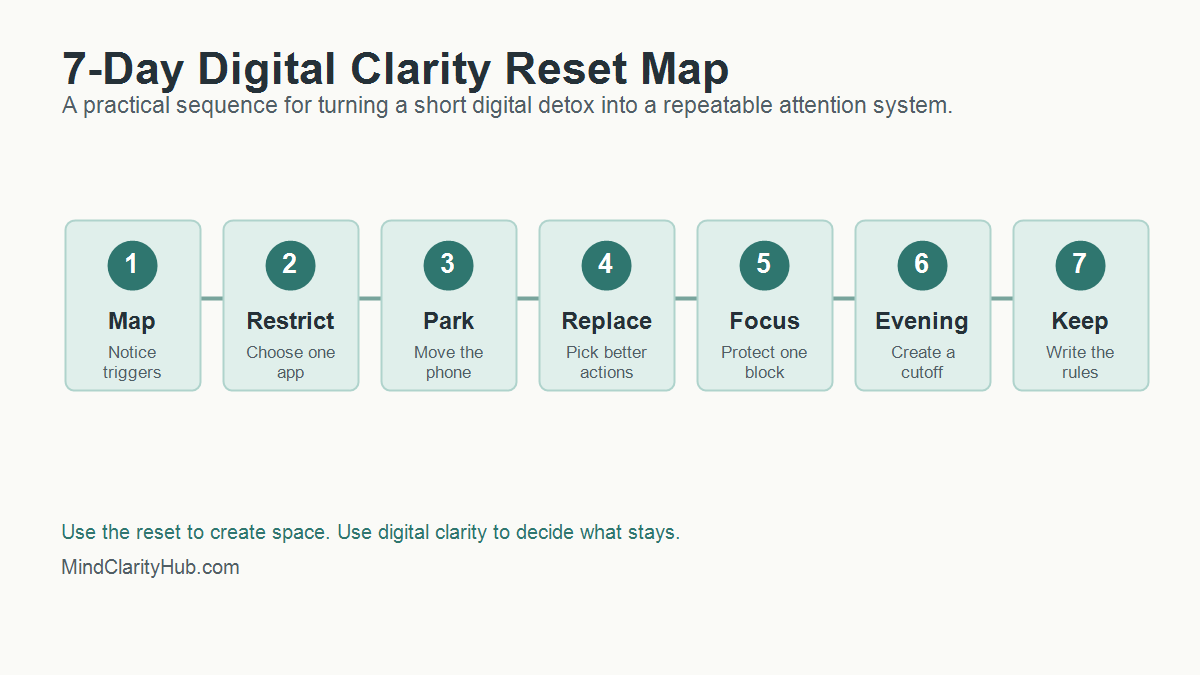
How Do You Start A 7-Day Digital Clarity Reset?
A 7-day reset works best when it is small enough to finish. Do not try to rebuild your entire digital life in one weekend. Pick the few habits causing the most friction and use this sequence.
Write down the moments when you reach for your phone without a clear reason. Common triggers include waking up, waiting in line, feeling stuck on a task, eating alone, avoiding a hard conversation, or trying to wind down at night.
Which app do you open first?
What feeling comes right before the reach?
Name the need you actually had in that moment.
Did the app meet that need or delay it?
This is digital clarity in its most basic form. You are not judging yourself. You are collecting evidence.
Day 2: Choose One App To Restrict
Pick one app or category that gives you the lowest return on attention. For many people, it is short-form video, social feeds, news loops, shopping, or work email after dinner.
Remove it from your home screen. Turn off notifications. If needed, delete it for the week. A digital detox works better when the target is specific. “Use my phone less” is vague. “No short-video apps before noon or after 8 p.m.” is a rule you can follow.
Day 3: Create A Phone Parking Spot
Choose a physical place where your phone rests when you are eating, reading, working, or sleeping. The parking spot should not be your pocket. It should be across the room, in a drawer, on a charger, or beside a notebook.
Distance matters because attention often fails in the first second. When the phone is already in your hand, you need willpower. When it is across the room, you get a moment to decide.
Day 4: Build A Replacement Menu
A digital detox that only removes stimulation can feel flat. Digital clarity replaces the loop with something that actually meets the need.
Rest: try a short walk, music, stretching, or breathing.
Connection: text one person directly instead of scrolling a feed.
Stimulation: read five pages, make tea, or clean one small area.
Progress: open a notebook and write the next tiny action.
The replacement does not need to be noble. It needs to be better than the loop you are trying to leave.
Day 5: Protect One Deep Work Block
Pick a 45 to 90 minute block where your phone is out of reach and only the tools needed for the task are open. If you work at a computer, close messaging tabs and use full-screen mode when possible.
This is where digital clarity supports real productivity. You are not trying to become unavailable all day. You are proving that a protected block can still exist inside a connected life. For more focus tools, read how to train your brain to focus.
Day 6: Reset The Evening
Choose a screen cutoff that feels realistic. If one hour before bed feels impossible, start with 20 minutes. Put the phone on its charger, dim the lights, and switch to a quiet routine.
Good options include reading, a paper planner, gentle stretching, a shower, prayer, journaling, or a simple body scan. NIH News in Health lists deep breathing, mindful walking, mindful eating, and body scans as practical mindfulness options. Pick one that you would actually repeat.
Day 7: Write The Rules You Are Keeping
The last day is not about celebrating a perfect week. It is about choosing the rules that worked. Keep the rules that gave you more calm, more sleep, more focus, or more presence. Drop rules that were too strict, too vague, or too annoying to maintain.
The week after a digital detox matters more than the detox itself. That is when old defaults try to return. Digital clarity turns the reset into a living system by deciding what happens on ordinary Tuesdays, not just during a special challenge.
Start with three default rules. First, choose when attention-heavy apps are allowed. Second, choose where your phone sleeps. Third, choose which alerts can interrupt you. These rules are simple enough to remember and strong enough to change the shape of the day.
A good rule should pass the real-life test. Can you follow it when work is busy? Will it still work when you are tired? Is it simple enough to explain in one sentence? If the answer is no, simplify the rule until it works.
Use A Weekly Screen Review
Set a 10-minute review once a week. Look at screen time, app categories, sleep, focus blocks, and mood after use. The numbers are useful, but the pattern matters more. A week with more screen time may still be healthy if the time supported work, learning, family, or reading.
Ask three questions during the review:
Which digital habit gave me a real benefit this week?
Which digital habit made me feel scattered, rushed, or behind?
What is one rule I can adjust for the next seven days?
This keeps digital clarity flexible. You are not locking yourself into one perfect system forever. You are training yourself to notice, adjust, and protect attention before small leaks become a flood.
Keep Friction Low And Meaning High
The best screen boundaries are easy to repeat. Put distracting apps in a folder. Move the phone charger away from the bed. Use a website blocker during writing or work blocks. Keep one book, journal, or offline task where you usually scroll.
Meaning matters too. If your phone is the only easy source of fun, comfort, or connection, removing it will feel like deprivation. Add good alternatives before you remove the loop. Call one person. Read something physical. Take a walk without audio. Build a small evening ritual that feels like recovery instead of punishment.
That is the heart of digital clarity. You are not only reducing screen time. You are making offline life easier to reach.
What Should You Track During A Digital Clarity Reset?
Tracking should help you notice patterns, not make you obsessive. Use a simple scorecard for seven days. Give each item a yes or no.
Metric
Question
Why It Matters
Morning control
Did I avoid feeds for the first 30 minutes?
Protects the tone of the day
Focus block
Did I complete one protected work block?
Builds confidence and momentum
Evening boundary
Did I stop high-stimulation apps before bed?
Supports better wind-down habits
Replacement habit
Did I choose a better action when I wanted to scroll?
Turns restriction into a real alternative
Mood after use
Did my screen time leave me better, neutral, or worse?
Reveals which tools are worth keeping
At the end of the week, look for the easiest win. Maybe your sleep improved when the phone charged outside the bedroom. Work may have improved when notifications stayed off until lunch. Stress may have dropped when you stopped checking news first thing in the morning.
How Can You Make A Digital Detox Less Extreme?
Many people fail with detoxes because the rules are too dramatic. A complete screen break may be useful for a retreat, but it is not realistic for a parent, creator, freelancer, student, or business owner.
Use a partial detox instead. Remove one type of input while keeping useful tools. You can block social media while keeping maps. News can pause while email stays available. Shopping apps can disappear while banking remains. This keeps the reset from becoming a punishment.
Here are simple detox formats that pair well with digital clarity:
Bedroom detox: no phone in the bedroom for seven nights.
Morning detox: no feeds before breakfast or before your first work block.
Platform detox: remove one app category for a week.
Notification detox: turn off all non-human alerts, then add back only what matters.
Social comparison detox: pause accounts that make you feel behind, resentful, or scattered.
A detox should create space. Digital clarity tells you what belongs in that space next.
Where Do Books And Tools Fit Into Digital Clarity?
Books help because they slow the mind down. A book is not just content. It is a different relationship with attention. You follow one argument, one chapter, one idea, and one page at a time.
That is why Mind Clarity Hub should use new articles to guide readers toward the right book, not just send them to random product links. If your main struggle is scattered focus, start with The Power of Clarity. For phone noise and online overwhelm, start with Digital Clarity. When burnout is part of the pattern, the books page can help you choose a better match.
Useful tools can support the same system. A paper notebook, a basic alarm clock, website blocker, app timer, reading app, or focus playlist can all help. The key is to choose tools that reduce decisions, not tools that add one more dashboard to manage.
Can A YouTube Video Help With A Digital Reset?
Yes, if it is used on purpose. A video can explain a concept quickly, create motivation, or give you a starting point. The trap is letting one helpful video turn into an hour of autoplay.
If you watch a video during a reset, decide the job before you press play. Are you learning one idea? Choosing one action? Getting a reminder? Once the job is done, close the tab.
A short video on reducing screen time can be useful when it leads to one clear action.
When Should You Get Extra Support?
Most screen habits can improve with better boundaries. Some patterns need more support. Pay attention if your screen use regularly causes missed sleep, missed work, relationship conflict, panic when separated from your phone, secretive behavior, compulsive spending, or a sense that you cannot stop even when you want to.
In those cases, digital clarity can still help, but it should not be the only tool. A therapist, physician, counselor, support group, or trusted mentor can help you understand what the screen habit is protecting you from or helping you avoid.
Be especially careful if you are using screens to numb intense anxiety, depression, loneliness, grief, or shame. The goal is not to remove coping before you have better support. The goal is to build a healthier plan with the right help.
FAQ About Digital Clarity And Digital Detox
Is digital clarity better than a digital detox?
Digital clarity is better for daily life because it creates a long-term system. A digital detox is better when you need a short reset from a specific app, platform, or behavior. The strongest plan often uses both.
How long should a digital detox last?
Start with 24 hours, three days, or seven days. Longer is not always better. The best digital detox is long enough to reveal the habit and short enough that you can finish it without turning the reset into a source of stress.
Can digital clarity help if I have ADHD?
Digital clarity can help reduce friction, distractions, and decision fatigue, but it is not a treatment for ADHD. If ADHD symptoms are affecting work, school, finances, or relationships, use screen boundaries alongside professional support and evidence-based strategies.
What if my job requires screens all day?
Then avoid extreme rules. Focus on work screens versus distraction screens. Keep the tools required for your job, but remove unnecessary alerts, batch messages, block distracting sites during focus blocks, and protect your evening recovery time.
What is the first rule I should try?
Try a no-feeds morning rule. Do not open social feeds, news, or short-video apps for the first 30 minutes after waking. It is simple, measurable, and powerful because it lets your own priorities touch the day before everyone else’s noise arrives.
Start small. Pick one app, one morning boundary, one focus block, and one evening rule. Keep what works. Adjust what does not. Technology should support your life, not silently organize it around distraction.
A no-hype, practical guide to using ChatGPT and simple AI workflows to save hours every week, reduce mental clutter, improve communication, and create calmer, clearer productivity in everyday life.
ChatGPT for Real Life, ChatGPT for productivity, AI workflows for everyday life, ChatGPT prompts for productivity, AI productivity blueprint, ChatGPT weekly planning, daily prioritization with AI, AI email replies, reduce mental clutter with AI, ChatGPT for freelancers, ChatGPT for solopreneurs, and AI for busy professionals.
Affiliate Disclosure: As an Amazon Associate, Mind Clarity Hub may earn from qualifying purchases made through links on this page, at no extra cost to you.
Quick Verdict
Why ChatGPT for Real Life stands out
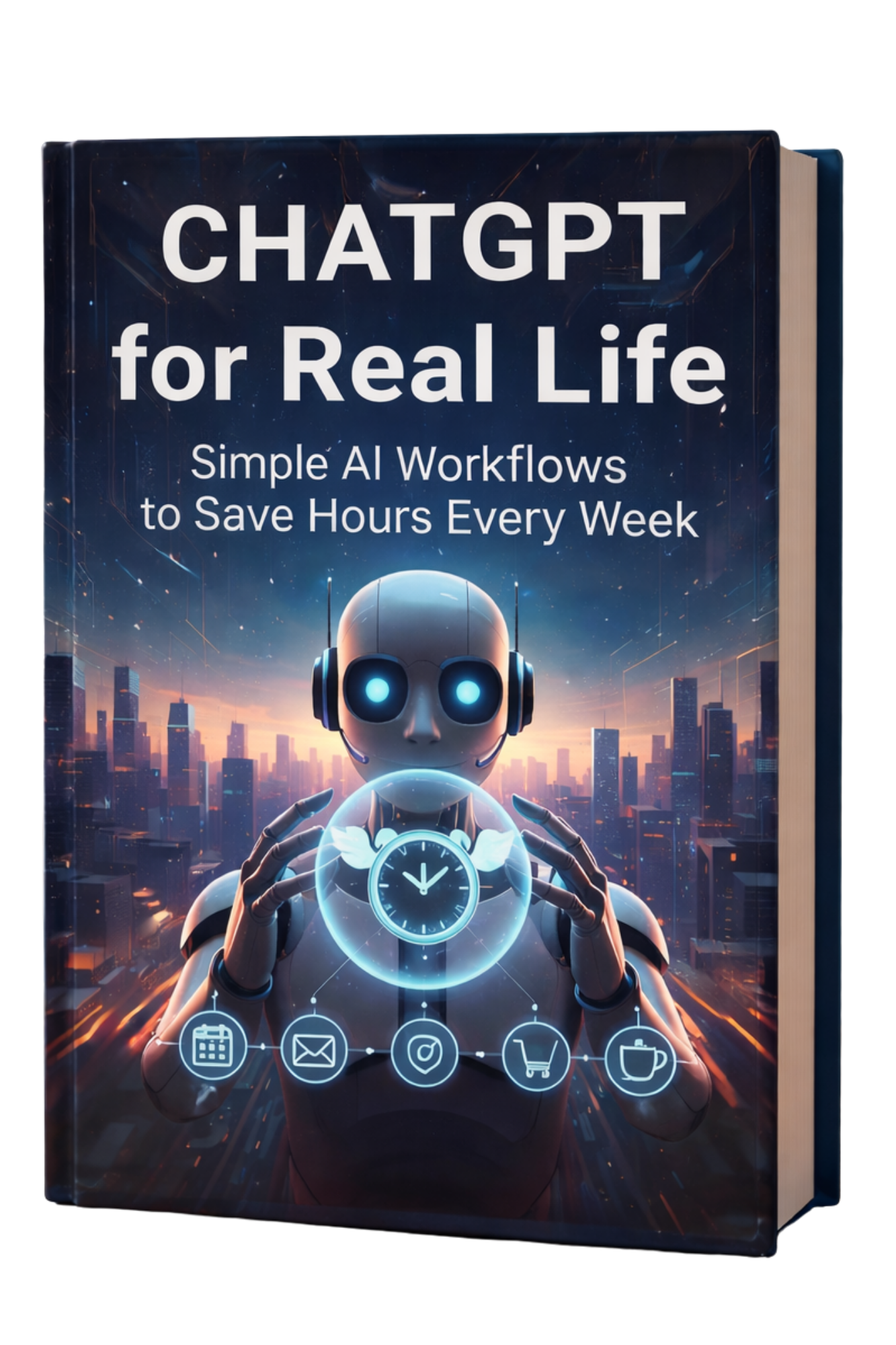
ChatGPT for Real Life: Simple AI Workflows to Save Hours Every Week is designed for readers who want to use AI in a way that actually improves daily life. This is not a book about abstract AI trends, endless prompt tricks, or complicated tech stacks that create more friction than they remove. It is a practical ChatGPT productivity book built around the kinds of tasks people face every day: email overload, follow-ups, scheduling, decision fatigue, weekly planning, daily prioritization, meeting recaps, messy notes, life admin, and the constant drain of half-finished tasks.
That matters because most people do not need AI for experiments. They need AI for real life. They need a way to think more clearly when they feel overloaded, communicate faster without sounding robotic, close open loops, reduce context switching, and stop letting small administrative tasks quietly consume their attention. This book meets that need with simple, repeatable workflows that work on a real Monday, not an ideal one.
Highly practical: focuses on weekly planning, daily prioritization, inbox cleanup, next actions, meeting recap scripts, difficult messages, and repeatable ChatGPT workflows.
Built for busy people: ideal for professionals, freelancers, solopreneurs, remote workers, and anyone who feels mentally scattered or constantly behind.
No-hype approach: teaches ChatGPT for productivity without exaggeration, tech overwhelm, or guru-style claims.
Strong buyer intent fit: excellent for readers searching for how to use ChatGPT in real life, ChatGPT prompts for productivity, AI workflows for everyday life, and practical AI productivity systems.
ChatGPT for Real Life: practical AI workflows for busy people
This book is built around a simple promise: save hours every week without turning your life into a complicated AI experiment. Instead of trying to teach every possible use case for ChatGPT, it focuses on the ones that matter most in everyday productivity. That includes how to use ChatGPT for planning, how to use ChatGPT for inbox cleanup, how to use ChatGPT for follow-ups, how to use ChatGPT for decision-making, how to use ChatGPT for executive function support, and how to use ChatGPT to reduce the mental clutter that makes so many days feel fragmented.
Readers who want a practical AI productivity guide instead of a general AI book will likely find this especially useful. The tone is grounded. The workflows are realistic. The prompts are plug-and-play. And the focus stays on what most people actually need in 2026: clearer thinking, faster communication, fewer open loops, and more control over where their time and attention go.
Why This Book Matters
Why ChatGPT for Real Life matters in 2026
AI has become a major part of the conversation, but many people still have the same daily problems they had before. Their week disappears into inbox management, scheduling, messages, document cleanup, note sorting, follow-ups, and dozens of small decisions that steal energy. They are surrounded by AI talk yet still feel behind, scattered, and mentally overloaded. That is why ChatGPT for Real Life matters. It translates AI into something concrete and useful for everyday productivity.
This book is especially valuable because it solves the most common problem with modern AI content: too much theory, too little execution. Many people searching for ChatGPT for productivity or AI workflows for everyday life are not asking for entertainment. They want a practical way to reduce mental clutter, work through open loops, and stop wasting time on repeated friction. This book delivers that by organizing ChatGPT into repeatable systems rather than isolated tricks.
It also recognizes that most readers do not need a new identity as an “AI power user.” They need a cleaner way to get through the week. That means learning how to use ChatGPT for weekly planning, daily prioritization, email replies, meeting recaps, follow-up messages, life admin, and simple SOPs that can be reused. It means learning when to trust AI, when to verify, how to reduce mistakes, and how to build a personal prompt library that saves time instead of creating more decisions.
The real strength of ChatGPT for Real Life is that it treats AI as a support system for clear thinking, calmer communication, and better follow-through.
Inside the Book
What’s inside ChatGPT for Real Life
This book is structured to help readers use ChatGPT in ways that feel immediately practical. Instead of filling pages with abstract opinions about the future of AI, it shows how to build everyday systems around the actual bottlenecks that make work and life feel heavy. Readers get step-by-step ChatGPT workflows, copy-and-paste prompts, reusable templates, and simple frameworks they can apply quickly.
Why ChatGPT for Real Life Works as an AI Productivity Blueprint Without Technical Overwhelm
That practical focus is what makes the book stand out as an AI productivity blueprint. It does not ask readers to become deeply technical. It teaches them how to use ChatGPT as a clarity tool, a communication assistant, a workflow shortcut, and a way to lower decision fatigue without giving up human oversight or authenticity.
Inside the Book
What It Helps Readers Do
12-minute weekly reset
Create a fast weekly planning system without overplanning or building a complicated setup.
5-minute morning clarity routine
Turn overwhelm into a usable plan at the start of the day.
Inbox cleanup prompts
Process email faster, summarize threads, and draft more confident replies.
Meeting recap scripts
Convert notes, messy recaps, and conversation fragments into clean action steps.
Boundary and conflict messages
Write difficult messages clearly without sounding cold, aggressive, or fake.
Decision frameworks
Reduce mental clutter and move through uncertainty with clearer next actions.
Simple SOP creation
Build repeatable systems for client work, life admin, and recurring responsibilities.
Personal prompt library
Stop starting from scratch and reuse prompts that fit your real workflow.
Verification and privacy basics
Use ChatGPT more safely and ethically while reducing preventable mistakes.
30-day rollout plan
Implement AI workflows consistently without overwhelm.
That combination makes the book useful for readers searching for ChatGPT prompts for productivity, AI workflows for busy professionals, how to reduce decision fatigue with AI, ChatGPT email prompts, and AI systems for mental clarity. It is grounded, reusable, and built to create better days, not just interesting ideas.
What Readers Learn
What readers will learn from ChatGPT for Real Life
One of the most useful parts of this book is how clearly it turns vague productivity goals into specific, real-world outcomes. Readers are not just told to “use AI to save time.” They are shown exactly where the time disappears and how to build workflows that bring it back.
How to plan the week in 12 minutes: a fast, practical reset that helps people stop drifting into reactive mode.
How to create daily focus in 5 minutes: a simple morning clarity routine that turns overload into action.
How to draft emails and follow-ups faster: while still sounding human, professional, and aligned with your own voice.
How to write difficult messages: for boundaries, conflict, clarity, rescheduling, and sensitive communication.
How to reduce context switching: by using AI to summarize, organize, and define next actions before attention gets scattered.
How to summarize notes and long threads: into clean decisions, action items, and realistic next steps.
How to build simple SOPs: so repeat tasks stop draining fresh decision-making energy every time.
How to support executive function: with AI-assisted planning, memory support, and clearer task definition.
How to use ChatGPT ethically and safely: with privacy basics, verification habits, and practical caution.
How to build a long-term system: so ChatGPT becomes part of a calmer workflow instead of another tool to manage.
How ChatGPT for Real Life Helps Busy Professionals, Freelancers, and Solopreneurs Save Time and Reduce Mental Clutter
These outcomes matter because they touch the real reasons people seek AI productivity help in the first place. They want fewer open loops, less friction, more clarity, and more control over the invisible mental weight that builds up across the week. This book repeatedly returns to those outcomes, which is why it has strong relevance for readers interested in save hours every week with AI, reduce mental clutter with AI, ChatGPT for busy professionals, and AI for freelancers and solopreneurs.
Who It’s For
Who should buy ChatGPT for Real Life
This book is a strong fit for people who are already busy and do not want productivity advice that adds more complexity. It is especially helpful for professionals, freelancers, solopreneurs, remote workers, creators, and anyone whose workday fills up with communication, decisions, admin, and fragmented attention.
You are likely a strong fit for this book if any of these feel familiar:
You start the day with good intentions but end it feeling busy and still behind.
You want to use ChatGPT for productivity but feel overwhelmed by generic prompt advice.
You need help with follow-ups, email replies, meeting notes, and planning more than with abstract AI theory.
You want to save time without losing your own voice in communication.
You feel mentally overloaded by too many open loops, half-finished tasks, and scattered notes.
You want to build a reusable prompt library instead of reinventing your workflow every day.
You are curious about AI for real life, not just AI for content creation or hype-driven experimentation.
This makes the book a strong match for searches like best ChatGPT productivity book, how to use ChatGPT in real life, AI workflows for remote workers, ChatGPT for everyday planning, AI productivity guide for freelancers, and practical ChatGPT workflows.
Benefits
Key benefits of ChatGPT for Real Life
The main value of this book is not that it helps readers “do more.” It is that it helps them do the right things with less friction. The difference is important. Many productivity systems increase pressure by demanding more effort, more structure, or more perfect execution. This book takes a different route. It uses AI to make real-life workflows lighter and more sustainable.
Save hours every week: by reducing repetitive writing, summarizing faster, and closing loops more efficiently.
Reduce mental clutter: by converting vague inputs into clear tasks, priorities, and follow-ups.
Improve communication: with faster drafting for emails, texts, replies, difficult conversations, and recurring messages.
Lower decision fatigue: through frameworks that help define next actions and reduce mental drag.
Support executive function: with AI-assisted planning, memory support, and more visible structure.
Create more authentic AI use: by learning how to make ChatGPT sound like you instead of sounding stiff or generic.
Build reusable systems: through SOPs, templates, and personal prompt libraries that save time long term.
Improve consistency: with a 30-day rollout plan that helps readers integrate workflows gradually instead of all at once.
Why ChatGPT for Real Life Is a Practical AI System for Daily Productivity, Mental Clarity, and Better Follow-Through
That combination makes the book more than a general guide to AI. It becomes a practical system for people who want calmer days, clearer minds, and more dependable output. That is why it connects so well with keywords like ChatGPT for daily productivity, reduce mental load with AI, AI for decision fatigue, ChatGPT for weekly planning, and AI for follow-ups and communication.
Why It Works
Why this practical ChatGPT system works better than generic AI advice
Generic AI advice usually falls into one of two traps. It is either too broad to be useful, or too obsessed with prompts to become practical. Readers are given lots of possibilities but very little structure. That often leads to more open tabs, more saved prompts, more curiosity, and no real improvement in daily productivity.
ChatGPT for Real Life works because it focuses on repeatable friction points. It recognizes that most people lose time in the same places: prioritizing, replying, planning, summarizing, deciding, following up, and switching between too many open loops. Instead of asking readers to become AI experts, it gives them ways to remove friction from those specific areas.
How ChatGPT for Real Life Balances AI Speed with Verification, Privacy, and Real-World Trust
The book also works because it stays realistic about trust and verification. It does not encourage blind dependence on AI. It teaches readers when to verify, how to reduce mistakes, and how to protect privacy while still gaining the speed benefits of AI assistance. That balance makes the system more durable and more useful in real professional settings.
Most importantly, the workflows are designed for people who are already busy. They are short enough to use, simple enough to repeat, and practical enough to improve the day without becoming another project. That is why the book stands out for readers looking for no-hype AI productivity, practical ChatGPT workflows, AI systems for mental clarity, and how to use ChatGPT to save time.
Comparison
How ChatGPT for Real Life compares to generic AI books
Generic AI Advice
ChatGPT for Real Life
Focuses on AI trends and novelty.
Focuses on weekly planning, daily prioritization, communication, follow-ups, and real-world productivity.
Offers random prompts without context.
Provides step-by-step workflows, templates, and repeatable systems.
Makes AI feel technical or intimidating.
Keeps AI practical, clear, and usable for busy readers.
Assumes more tools and more complexity will help.
Reduces mental clutter and simplifies the day.
Encourages overreliance on AI output.
Teaches verification, privacy basics, and safe human oversight.
Promises speed without addressing authenticity.
Shows how to make ChatGPT sound like you while keeping communication human.
This is what gives the book stronger buyer appeal. It does not sell AI as a fantasy. It sells a better way to move through the week.
Best Results
How to use ChatGPT for Real Life for the best results
The best way to use this book is as a working guide rather than a passive read. Readers will get the most value by choosing one or two friction points first and applying the workflows there. That could be weekly planning, inbox cleanup, meeting recaps, follow-up messages, or daily clarity. Once those start working, the rest of the system becomes easier to layer in.
Start with the part of your week that feels heaviest right now.
Use the copy-and-paste prompts as a foundation, then personalize them.
Build a small prompt library around repeated tasks instead of trying to solve everything at once.
Use ChatGPT to clarify next actions, not just to generate more ideas.
Review AI output before sending or relying on it for important decisions.
Let the workflows reduce friction gradually rather than forcing a total productivity overhaul.
Readers who use the book this way are much more likely to experience the promised benefits: more clarity, less scatter, faster communication, cleaner planning, and the feeling that their attention is finally being protected instead of constantly drained.
Ready to save hours every week with practical AI workflows?
ChatGPT for Real Life is built for readers who want to use ChatGPT in a way that feels calm, practical, and immediately helpful. It turns AI into a support system for planning, communication, follow-ups, next actions, and mental clarity, without the hype and without the overwhelm.
These resources deepen many of the same goals: better focus, cleaner systems, more practical use of AI, stronger execution, and less cognitive overload in a distracted world.
FAQ
Frequently asked questions about ChatGPT for Real Life
What is ChatGPT for Real Life about?
ChatGPT for Real Life is a practical guide to using ChatGPT and simple AI workflows to save hours every week, reduce mental clutter, improve communication, and build calmer productivity in everyday life.
Who should read ChatGPT for Real Life?
This book is ideal for busy professionals, freelancers, solopreneurs, remote workers, and anyone who wants practical ChatGPT workflows for planning, prioritization, communication, follow-ups, and mental clarity.
Does this book teach how to use ChatGPT for productivity?
Yes. One of the main strengths of the book is its focus on ChatGPT for productivity, including weekly planning, daily prioritization, inbox cleanup, next actions, decision-making, and workflow templates.
Is ChatGPT for Real Life beginner friendly?
Yes. The book is written in a practical, approachable way and is especially helpful for readers who want a no-hype introduction to using ChatGPT in real life.
Does ChatGPT for Real Life Include Plug-and-Play ChatGPT Prompts for Everyday Productivity?
Does the book include plug-and-play ChatGPT prompts?
Yes. Readers get copy-and-paste prompts, scripts, templates, and reusable workflows for weekly planning, email, follow-ups, meeting recaps, boundaries, and more.
Can this book help with email and communication overload?
Yes. The book covers inbox cleanup prompts, reply drafting, follow-up systems, and communication workflows designed to save time while keeping messages human and professional.
Does ChatGPT for Real Life help with decision fatigue and mental clutter?
Yes. A major focus of the book is reducing mental clutter, clarifying priorities, and helping readers turn “too much” into manageable next steps.
Will it teach me how to make ChatGPT sound like me?
Yes. The book includes practical ways to make ChatGPT sound more like your natural voice so that emails, replies, and messages feel authentic instead of generic.
Does the book talk about privacy and accuracy?
Yes. It includes privacy basics, quick verification habits, and guidance on when to trust AI and when to verify before using outputs in real situations.
Where can I buy ChatGPT for Real Life?
You can buy ChatGPT for Real Life on Amazon using the buttons on this page.
Final thoughts
If you have been searching for a practical ChatGPT book, a guide to AI workflows for everyday life, or a smarter way to use ChatGPT for productivity without hype, ChatGPT for Real Life is a strong fit. It is especially useful for people who feel mentally overloaded and want systems that make the week feel lighter instead of more complicated.
What this book offers is not just information about AI. It offers a more usable rhythm for everyday work and life. Better planning. Faster replies. Cleaner next actions. Less mental clutter. Fewer open loops. Stronger follow-through. More time for the work, family, health, and projects that actually matter. For the right reader, that is exactly the kind of AI help worth buying.
A beginner-friendly 2026 productivity blueprint for using ChatGPT and modern AI tools to plan better, write faster, think clearer, automate repetitive work, and reduce mental overload in everyday life.
ChatGPT productivity book, how to use ChatGPT for work, AI productivity system, AI workflows for beginners, ChatGPT prompts for productivity, Notion AI, Zapier automation, Google Workspace AI, Canva AI, AI task management, and time management with AI.
Affiliate Disclosure: As an Amazon Associate, Mind Clarity Hub may earn from qualifying purchases made through links on this page, at no extra cost to you.
Quick Verdict
Why ChatGPT & You stands out
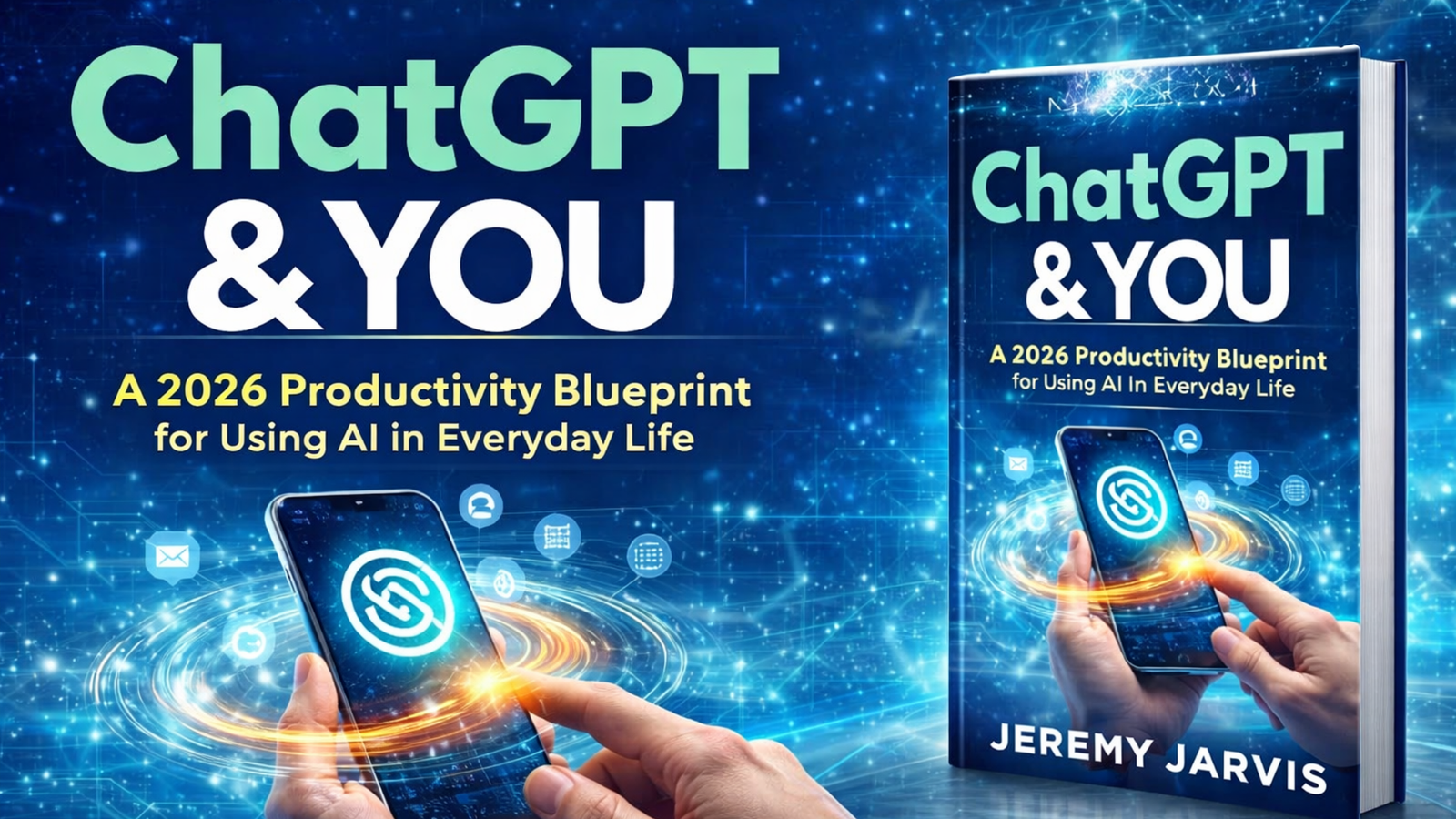
ChatGPT & You: A 2026 Productivity Blueprint for Using AI in Everyday Life is built for readers who want practical results from AI, not abstract hype. Instead of treating ChatGPT like a novelty or a magic shortcut, the book shows how to use it as a real productivity assistant for planning, writing, thinking, organizing, summarizing, and automating everyday work.
This is what makes the book compelling. It does not ask readers to replace their judgment with AI. It teaches them how to use ChatGPT and AI tools to reduce mental load, turn messy thoughts into usable next steps, and create repeatable workflows that still keep humans in charge of decisions, commitments, and accuracy.
Buyer-intent friendly: ideal for readers actively searching for how to use ChatGPT for work, AI productivity systems, ChatGPT prompts for productivity, time management with AI, and AI workflow books for beginners.
Practical and current: covers real-world use cases like email management, meeting notes, task prioritization, Notion workflows, Zapier automation, Google Workspace, Canva, and safe everyday AI use.
Beginner-friendly: strong for readers who want a simple AI productivity system without needing technical skills or advanced prompt engineering.
Execution-focused: emphasizes clarity, structure, prompt design, safe automation, and getting real work done instead of endlessly generating ideas.
There are already countless conversations about AI, but a surprisingly small amount of guidance that shows people how to use AI well in real life. That gap is exactly where ChatGPT & You becomes valuable. In 2026, the problem is not just access to AI tools. The problem is knowing how to use them in a way that actually improves productivity, reduces overwhelm, and creates momentum without creating more noise.
Many people try ChatGPT once or twice, ask a few random questions, get a mixed answer, and walk away thinking AI is either overhyped or too inconsistent to trust. Others go in the opposite direction and become trapped in endless AI experimentation, generating plans, lists, prompts, and ideas without ever converting them into real action. This book addresses both problems. It helps readers move from curiosity to clarity, and from clarity to usable workflows.
Why ChatGPT & You Is a Practical ChatGPT Productivity Book for Work, AI Workflows, and Everyday AI Use
That is why this title is much more than a general AI book. It is a ChatGPT productivity book, an AI workflow book, and a practical guide for people searching things like how to use ChatGPT for work, AI productivity system for beginners, ChatGPT prompts for productivity, AI task management, time management with AI, Notion and AI workflows, Zapier AI automation, and everyday AI productivity.
What makes the book especially relevant now is that it does not depend on one exact interface or one narrow AI trend. The tools will evolve, but the core productivity problems remain familiar: too much mental clutter, too many inputs, too many open loops, and too little structure. This book addresses those persistent challenges with a system that readers can keep using even as the tools improve.
The real promise of ChatGPT & You is simple: use AI to reduce friction, improve clarity, and turn vague intentions into finished work.
Inside the Book
What’s inside ChatGPT & You
This book is built as a step-by-step AI productivity blueprint for everyday use. That means it stays grounded in practical workflows instead of drifting into theory. Readers are not expected to become AI experts. They are shown how to use ChatGPT as a draft-and-structure assistant that helps organize thinking, summarize complexity, clarify priorities, and make execution easier.
How ChatGPT & You Helps Mentally Overloaded Readers Use AI for Clearer Actions and Smarter Productivity
The content is especially useful for people who often feel mentally overloaded, because the book focuses on what productivity actually requires: a way to capture ideas, clarify them, choose next actions, and automate repetitive tasks without losing oversight. Instead of simply saying “use AI to save time,” the book breaks that into concrete actions and useful use cases.
Book Section
What It Helps Readers Do
AI productivity framework
Gives readers a repeatable daily system for capture, clarity, creation, and automation.
Prompting for beginners
Shows how to write better prompts using simple building blocks that improve output quality.
Daily planning and prioritization
Helps convert brain dumps and scattered tasks into realistic plans, time blocks, and clear next steps.
Email and document summaries
Teaches readers how to process inboxes and long information faster while keeping confidence and oversight.
Meeting notes and follow-ups
Turns conversations into clean notes, action items, and next actions that are more likely to get completed.
Notion and second-brain workflows
Helps readers build an organized workspace for projects, notes, goals, templates, and ongoing reference.
Zapier and no-code automation
Introduces simple automations that reduce repetitive work without forcing readers into complex systems.
Guardrails and safe AI use
Shows how to use AI as leverage while keeping humans in charge of decisions, commitments, and accuracy.
That structure makes the book valuable not only for total beginners, but also for readers who already use ChatGPT casually and want a more dependable system. Instead of hoping AI becomes useful, they learn how to make it useful on purpose.
Core Framework
The AI productivity framework explained: Capture, Clarify, Create, Automate
One of the strongest parts of ChatGPT & You is the way it organizes AI productivity into a framework that is simple enough to remember and strong enough to use daily. Readers are not left with disconnected tips. They are given a structure that can hold many different tasks and workflows.
Capture is about collecting messy inputs before they disappear. Ideas, tasks, notes, concerns, drafts, loose thoughts, and obligations all create mental drag when they stay undefined. The book shows how ChatGPT can help readers move these inputs out of their heads and into a usable starting point.
How Clarify Turns Brain Dumps into Priorities with AI Task Management and Time Management
Clarify is where the rough input becomes useful. This is the phase where brain dumps become priorities, notes become action steps, and confusion becomes a simple path forward. For people searching for AI task management or time management with AI, this part of the system is especially important because it turns noise into order.
Create is where readers use AI to produce useful first drafts, outlines, summaries, responses, templates, content, and materials they can refine. The emphasis here is not on handing everything to AI blindly. It is on getting to a stronger first version faster, so energy can go toward editing, judgment, and completion.
Automate is the final layer. This is where repetitive tasks can be streamlined through tools like Zapier, Notion, Google Workspace, and other no-code systems. Instead of forcing readers into advanced automation immediately, the book helps them start with realistic, high-friction tasks that waste time every week and then remove those bottlenecks one by one.
This framework is especially effective because it mirrors how real work happens. Most productivity problems are not caused by laziness. They are caused by unclear inputs, unstructured thinking, repeated micro-decisions, and workflows that depend too much on memory. The book uses AI to reduce those friction points in a way that feels useful rather than flashy.
Tools Covered
Tools and workflows covered in ChatGPT & You
This book does not treat ChatGPT in isolation. It shows how ChatGPT can fit into a broader practical stack that many readers already use or can adopt easily. That matters because productivity rarely depends on one tool alone. It depends on how tools work together.
Readers will find useful guidance on these platforms, workflows, and AI-supported systems:
ChatGPT for work: planning, drafting, idea organization, summarizing, rewriting, prioritization, and workflow support.
Prompting for beginners: clear prompt structures that improve output without requiring technical jargon.
AI email management: summarizing emails, drafting replies, clarifying tone, and speeding up inbox triage.
Meeting note workflows: converting discussions into action items, follow-ups, summaries, and next steps.
Zapier automation: connecting forms, emails, tasks, spreadsheets, AI steps, and simple no-code workflows.
Google Workspace AI support: practical ways to combine AI with documents, planning, scheduling, and collaboration.
Canva workflows: using AI support to speed up creation, visual drafts, and simple content production.
Galaxy AI and mobile workflows: using AI on the go to keep momentum and reduce decision friction.
Focus guardrails: ways to keep AI from becoming another source of endless planning, over-generation, or procrastination.
How ChatGPT & You Connects AI Productivity Tools for Beginners into One Everyday Workflow System
This makes the book particularly useful for readers searching not only for how to use ChatGPT for work, but also for AI productivity tools for beginners, Notion AI productivity, Zapier automation ideas, AI workflow systems, and using AI in everyday life. It gives them a way to connect the dots between tools instead of just collecting more tools.
Who It’s For
Who should buy ChatGPT & You
This book is a strong fit for readers who feel busy, mentally scattered, or constantly behind and want a simpler system for working through the day. It is especially valuable for people who are curious about AI but do not want to rely on hype, technical jargon, or risky automation. The tone is practical, accessible, and grounded in real-life use cases.
You are likely a strong fit for this book if any of these sound familiar:
You want to learn how to use ChatGPT for work in a practical, safe, and beginner-friendly way.
You feel overloaded by email, meetings, notes, ideas, and tasks, and you want a clearer productivity workflow.
You are an entrepreneur or solopreneur who needs faster execution without more mental clutter.
You are a remote worker trying to improve planning, communication, output quality, and focus.
You are a creator or freelancer who wants help with drafting, structure, brainstorming, summarizing, and everyday systems.
You want to use Notion, Zapier, Google Workspace, Canva, or similar tools more effectively with AI.
You are a beginner looking for an AI productivity system that is realistic and repeatable.
You do not want AI to replace your thinking. You want it to support better thinking and faster execution.
In short, this book is well positioned for readers searching terms like ChatGPT for beginners, best ChatGPT productivity book, AI for daily productivity, how to use AI in everyday life, AI workflow book for remote workers, and practical AI book for entrepreneurs. It is written for the person who wants something they can use immediately.
Benefits
Key benefits of ChatGPT & You
The biggest strength of this book is that it reduces cognitive friction. Readers are not simply learning what AI can do. They are learning how to use AI to make the day feel lighter, cleaner, and more directed. That difference matters because many people do not need more ideas. They need a system that helps them follow through on the ideas they already have.
Here are the most important outcomes buyers can expect from this book:
Better prompt quality: readers learn how to ask better questions and structure requests more effectively.
Less mental clutter: brain dumps, loose thoughts, and task overload can be translated into clearer priorities.
Faster planning: AI becomes a support tool for daily planning, time blocking, and next-step clarity.
Cleaner communication: emails, summaries, replies, drafts, and follow-ups become easier to produce and review.
Stronger meeting follow-through: notes and action items are easier to capture, structure, and act on.
More useful systems: readers build workflows in Notion and related tools that are more likely to be maintained.
Practical automation: repetitive tasks can be reduced through simple no-code systems instead of manual repetition.
Safer AI use: the book reinforces oversight, judgment, and verification rather than blind automation.
More real execution: AI is used to reduce procrastination, not feed it.
That final point is especially important. One of the most common hidden problems with AI is that it can create the illusion of progress through endless planning. This book keeps coming back to execution. It helps readers use ChatGPT to make the next action easier, not just the thinking loop longer.
Why It Works
Why this ChatGPT productivity system works better than generic AI advice
Generic AI advice often falls into one of two traps. It either becomes too abstract, talking about the future of AI without helping readers with real tasks, or it becomes too tactical, throwing out random prompts and hacks without connecting them into a usable system. Both approaches can be interesting, but neither reliably improves daily productivity.
ChatGPT & You works because it connects practical use cases to a coherent workflow. Readers are shown how AI fits into the natural rhythm of work and life: capture something messy, clarify it, create a useful version, and automate repetitive pieces when it makes sense. That makes the system easier to remember, easier to apply, and easier to maintain.
The book also works because it keeps humans in the decision loop. That is especially important for readers using AI in professional settings. Accuracy, tone, judgment, nuance, and commitments still matter. This book does not pretend otherwise. It shows how AI can support thinking and execution while preserving human responsibility.
Shows exactly how to use ChatGPT and AI tools for planning, writing, tasks, email, notes, and everyday workflows.
Random prompt lists without structure.
Teaches a repeatable framework for capture, clarity, creation, and automation.
Too technical for beginners.
Keeps the system accessible, beginner-friendly, and focused on real-world use.
Encourages overreliance on AI.
Keeps humans in charge of judgment, commitments, and final decisions.
Talks about productivity in vague terms.
Applies AI to daily planning, email triage, meeting notes, task prioritization, and workflow automation.
Promises speed without guardrails.
Adds practical safeguards so AI supports focus and execution instead of becoming a distraction.
This is what gives the book real value for buyers. It does not just tell readers that AI is useful. It helps them become more skillful users of AI in ways that save time and create better follow-through.
Best Results
How to use ChatGPT & You for the best results
The best way to use this book is as a working guide, not a passive read. Readers will get the most value by applying the framework to their current routines, testing the prompts and workflows on real tasks, and building one or two high-impact systems first rather than trying to automate everything immediately.
For better outcomes, readers should:
Start with one painful area such as email overload, meeting follow-up, daily planning, or task organization.
Use the prompting framework consistently so outputs become more reliable over time.
Treat ChatGPT as a draft-and-structure assistant, not as an unquestioned authority.
Review, edit, and verify outputs before sending, publishing, or committing to them.
Build simple Notion and Zapier systems that remove repetitive friction before attempting more advanced automations.
Use AI to support execution, not to endlessly generate new plans.
Revisit the Capture, Clarify, Create, Automate framework until it becomes a natural part of the day.
Ready to use AI for real productivity instead of more chaos?
ChatGPT & You is built for readers who want a practical way to use ChatGPT and modern AI tools for planning, task management, communication, workflow automation, and everyday focus. It is not about doing more for the sake of doing more. It is about creating a clearer system that helps you think better, decide faster, and finish more.
These pieces fit naturally with the book because they expand on practical AI use, focus, workflow design, communication systems, and modern productivity challenges that many readers are trying to solve right now.
FAQ
Frequently asked questions about ChatGPT & You
What is ChatGPT & You about?
ChatGPT & You is a beginner-friendly productivity book that shows readers how to use ChatGPT and modern AI tools for work, planning, writing, organizing, communication, and automation in everyday life.
Who should read this AI productivity book?
This book is ideal for entrepreneurs, remote workers, freelancers, creators, busy professionals, and beginners who want a practical and safe way to use ChatGPT for work and daily productivity.
Does this book help with how to use ChatGPT for work?
Yes. One of the strongest parts of the book is its real-world focus on using ChatGPT for planning, email management, meeting notes, task prioritization, writing support, and workflow automation.
Is ChatGPT & You beginner friendly?
Yes. The book is designed for readers who want clear and practical guidance without technical overwhelm. It explains prompting, workflows, and AI systems in an approachable way.
What AI Productivity Tools Are Covered Besides ChatGPT in This Book?
What tools are covered besides ChatGPT?
The book also covers Notion, Zapier, Google Workspace, Canva, and Galaxy AI, along with practical ways to combine these tools into useful productivity workflows.
Does the book include ChatGPT prompts for productivity?
Yes. Readers learn how to build better prompts using seven simple building blocks so ChatGPT can produce more useful, structured, and practical results for real work.
Will this book help with AI task management and time blocking?
Yes. The book shows how to turn brain dumps and scattered tasks into priorities, realistic daily plans, time blocks, and next actions with the support of AI.
Many AI books are either too broad or too technical. ChatGPT & You focuses on everyday use cases, practical systems, safe automation, and repeatable workflows that readers can actually maintain.
Does this book encourage relying completely on AI?
No. The book is clear that humans should remain in charge of judgment, decisions, commitments, and accuracy. AI is positioned as a productivity assistant, not a replacement for responsibility.
Where can I buy ChatGPT & You?
You can buy ChatGPT & You on Amazon using the buttons on this page.
Final thoughts
If you have been searching for a ChatGPT productivity book, a practical guide on how to use ChatGPT for work, an AI productivity system for beginners, or a smarter way to use AI in everyday life, ChatGPT & You is a strong fit. It is clear, modern, and grounded in the kinds of tasks most people actually need help with.
What this book ultimately offers is not just AI knowledge. It offers a calmer way to work. Less scattered thinking. Better prompts. Better planning. Cleaner communication. More follow-through. Better systems. And a more useful relationship with the tools that are already reshaping modern work and life. For readers who want AI to create real momentum instead of more confusion, this book delivers exactly that.
A practical guide to making money online with proven work-from-home income streams, realistic execution plans, and smarter ways to build extra income in 2026.
Side hustle book, make money online guide, work-from-home income book, online business blueprint, freelance income, digital products, affiliate marketing, blogging SEO, YouTube, Pinterest, KDP, and email marketing.
Affiliate Disclosure: As an Amazon Associate, Mind Clarity Hub may earn from qualifying purchases made through links on this page, at no extra cost to you.
Quick Verdict
Why The 2026 Side Hustle Blueprint stands out
The 2026 Side Hustle Blueprint is built for readers who want to make money online without getting buried in hype, outdated advice, or constant “new opportunity” distractions. Instead of pushing a fantasy, it gives buyers a practical plan for choosing the right side hustle, launching one offer, creating traction, and then stacking income streams in a smarter order.
This is what makes the book useful. It is not trying to make readers feel temporarily inspired. It is helping them build a work-from-home income system that fits a real schedule, a real budget, and a real life. Whether someone wants an extra few hundred dollars a month, a stronger emergency buffer, or a long-term path toward replacing their paycheck, the book organizes the journey into clear steps.
Buyer-intent friendly: ideal for people actively searching for side hustle ideas, online business ideas, passive income strategies, freelance income, and work-from-home income streams.
Practical and modern: covers AI tools, blogging and SEO, affiliate marketing, YouTube Shorts, Pinterest traffic, email lists, digital products, KDP publishing, and scalable service models.
Realistic for beginners: especially strong for readers who feel overwhelmed by too many choices and need one clear path.
Built for longevity: focuses on skills, offers, systems, tracking, compliance, and income stacking instead of trendy shortcuts.
A practical make money online book for readers who want proven work-from-home income streams, less distraction, and a clearer path to online business growth.
This book helps readers choose the right side hustle model based on time, skills, risk tolerance, and income goals.
It teaches the One Offer Rule to reduce distraction and create faster traction.
It includes a 30-day launch plan for going from idea to first sales with less overwhelm.
It covers freelancing, productized services, affiliate marketing, blogging SEO, YouTube, Pinterest, email marketing, digital products, coaching, and KDP publishing.
It helps readers build income with leverage so they are not trapped trading time for money forever.
Why This Book Matters
Why The 2026 Side Hustle Blueprint matters in 2026
Trying to make money online in 2026 can feel harder than it should. Not because there are too few options, but because there are too many. People start with genuine motivation, then get swallowed by endless tabs, half-built websites, unfinished offers, random apps, and “expert” advice that changes every week. One day it is dropshipping. The next day it is YouTube automation, faceless channels, print on demand, AI agency offers, or some other promise of easy income. Before long, the person who wanted a reliable side hustle is left with more confusion than cash flow.
The 2026 Side Hustle Blueprint matters because it addresses that exact problem. It is not just another make money online book. It is an organizing framework for people who want to stop chasing every idea and start building one income stream that actually fits their life. The book is grounded in a simple truth: online income is often less about discovering a secret and more about choosing the right model, committing to one lane, and executing consistently.
This makes the book especially relevant for readers searching terms like best side hustle ideas 2026, work from home income streams, how to start a side hustle, online business blueprint, freelancing for beginners, digital products that sell, affiliate marketing in 2026, how to make money from home, and realistic passive income ideas. It serves buyers who want clarity, structure, and a plan that feels possible on a real Monday, not just in theory.
The real value of this book is not hype. It is traction. It helps readers pick one practical path, launch it, measure it, and then stack income streams in a smarter order. Inside the Book
What’s inside The 2026 Side Hustle Blueprint
This book is designed as a step-by-step side hustle guide rather than a collection of scattered ideas. Readers are not pushed into doing everything at once. Instead, they are shown how to evaluate their current situation, choose the side hustle model that best fits their available time and skills, and move toward revenue without drowning in complexity.
How The 2026 Side Hustle Blueprint Helps You Build Online Income With Leverage
That means the content is practical, execution-focused, and built for people who need results more than theory. The reader learns how to make decisions, launch faster, and avoid wasting months on business models that do not match their season of life. There is a strong emphasis on finding the best route to online income with leverage, whether that means service-based income, content-driven income, product income, or asset-based income that compounds over time.
Book Section
What It Helps Readers Do
Choosing the right side hustle model
Helps readers match a business model to their time, risk tolerance, skill level, and income goals.
The One Offer Rule
Reduces distraction and helps readers focus effort on a single offer that can create real momentum.
30-day launch plan
Gives a realistic roadmap from idea to first sales with minimal overwhelm and better clarity.
Pricing, packaging, and positioning
Shows how to avoid competing on low price and instead create a more profitable offer.
AI tools and workflows
Explains how AI can support research, content, customer support, workflow speed, and automation.
Traffic and audience building
Covers blogging, SEO, YouTube Shorts, Reels, Pinterest, and email lists in a modern, practical way.
Affiliate marketing and KDP
Helps readers understand scalable digital income models that can build over time.
Scaling and protection
Addresses metrics, outsourcing, automations, compliance, tracking, taxes, and avoiding scams.
That structure makes the book valuable for both beginners and readers who have already tried a few online business ideas without success. It removes some of the biggest friction points: indecision, model overload, poor positioning, inconsistent execution, and lack of a stacking strategy. Income Streams Covered
Proven work-from-home income streams covered in the book
One of the strongest parts of The 2026 Side Hustle Blueprint is that it does not fixate on one narrow path. It gives readers a broader view of the modern work-from-home income landscape, while still helping them avoid the trap of trying everything at once. The goal is clarity first, then commitment, then stacking.
Readers will find practical guidance on these income streams and business models:
Freelancing that pays quickly: a strong option for people who want cash flow faster and are willing to sell a useful skill.
Productized services: ideal for turning repeated client work into structured offers that are easier to deliver and scale.
Remote gig platforms: helpful when used strategically, especially for traction and testimonials, without getting stuck at low rates forever.
High-income skills: practical skill paths readers can learn at home in 2026 and translate into service offers or consulting.
Digital products: templates, toolkits, resources, micro-courses, and low-lift assets that can be sold repeatedly.
Coaching: positioned as structured transformation rather than vague “guru” energy, with stronger boundaries and clearer delivery.
Blogging and SEO: explained in a realistic way for small sites and beginners who want content that attracts buyers over time.
YouTube, Shorts, and Reels: covered as buyer-focused visibility channels rather than vanity-metric content machines.
Pinterest traffic systems: useful for creators and publishers who want content-to-cash strategies without posting all day.
Email lists that convert: lead magnets, welcome sequences, ethical selling, and long-term audience ownership.
Affiliate marketing in 2026: reviews, comparisons, tracking, funnels, advertorials, attribution, and what actually improves conversions.
KDP publishing: low-competition book ideas, keyword strategy, titles, subtitles, covers, launch basics, and Amazon ads foundations.
This breadth is useful because buyers often do not know whether they should start with a service, a product, a content platform, or a publishing model. The book helps narrow that down. It also introduces a crucial distinction: cash-now income streams versus asset income streams. That framing alone can save readers months of wasted effort because it clarifies what to build first based on immediate needs. Who It’s For
Who should buy The 2026 Side Hustle Blueprint
This book is a strong match for readers who feel pulled toward online income but overwhelmed by conflicting advice. It is especially well suited for beginners, busy professionals, parents, creators, aspiring solopreneurs, and side-hustle-minded readers who want an honest plan instead of exaggerated promises. It is also valuable for people who have already tried starting something online but never turned it into consistent income.
You are likely a good fit for this book if any of these sound familiar:
You want to make extra money from home but do not know which path fits you best.
You have started multiple ideas and finished none because you keep getting pulled toward new methods.
You want a realistic side hustle plan that works around a job, family life, or limited energy.
You are interested in online income but do not want to become a full-time content machine just to get started.
You want to build something scalable instead of relying forever on trading hours for dollars.
You are curious about affiliate marketing, blogging, KDP, digital products, YouTube, Pinterest, coaching, or freelancing and want to understand how they fit into a bigger strategy.
You are tired of hype and want practical, grounded direction.
In other words, this is a buyer-intent book for readers actively searching terms like best online side hustle book, how to start a work from home business, online income ideas for beginners, how to build multiple income streams, freelance business book, and side hustle blueprint. It speaks directly to people who want traction, not noise. Benefits
Key benefits of The 2026 Side Hustle Blueprint
The biggest reason to buy this book is that it reduces wasted motion. Most readers do not fail because they lack ambition. They fail because they spread their effort too thin, choose the wrong model, price badly, or expect traction without a system. This book helps solve those problems upfront.
Here are the core benefits buyers can expect:
Better decision-making: readers learn how to choose the right side hustle for their current stage instead of guessing.
Less distraction: the One Offer Rule helps stop idea-hopping and creates clearer momentum.
Faster implementation: the 30-day launch plan lowers friction and increases the chances of actually getting something live.
Stronger positioning: readers learn how to package and price offers for value instead of racing to the bottom.
Broader understanding of online income: the book explains how different models work and when to use each one.
Better leverage: readers are encouraged to build income streams that can scale instead of staying stuck in endless hourly work.
Practical modern strategies: AI tools, content workflows, affiliate systems, email marketing, KDP, and traffic channels are covered in ways that feel current and usable.
Longer-term durability: the sections on taxes, compliance, tracking, and scams help readers build something sturdier.
That mix of clarity, practicality, and model diversity is what gives the book real value. Readers are not simply buying a list of side hustle ideas. They are buying a more intelligent way to build income online without losing months to shiny object chaos. Why It Works
Why this online business blueprint works better than generic make money online advice
Generic online business advice usually fails because it either oversimplifies the path or overwhelms the reader with too many choices. On one side, there is “just post content and it will work.” On the other side, there is a massive menu of options with no clear ordering. Both create friction. Readers either underestimate the effort or become so overloaded that they never start properly.
The 2026 Side Hustle Blueprint works because it is built around sequence. First, choose the right model. Second, focus on one offer. Third, launch quickly. Fourth, track what works. Fifth, stack strategically. That sequence matters because side hustle success is often less about intensity and more about reducing unnecessary complexity.
The book also wins because it does not glorify one lane as the answer for everyone. It helps readers understand service income, audience income, product income, and publishing income as part of a bigger ecosystem. That gives buyers a more realistic view of what building extra income actually looks like over time. Comparison
How The 2026 Side Hustle Blueprint compares to generic online income advice
Generic Make Money Online Advice
The 2026 Side Hustle Blueprint
“Just pick something and hustle harder.”
Helps readers choose a side hustle model based on skills, time, risk, and income goals.
“You need multiple income streams immediately.”
Teaches a stacking strategy so readers build one income stream first, then add others wisely.
“Create content everywhere.”
Focuses on platforms and traffic channels that attract buyers, not just views or vanity metrics.
“Use AI and automate everything.”
Shows how AI can support research, content, support, and systems without causing extra overwhelm.
“Passive income is easy.”
Explains the actual work behind digital products, blogging SEO, affiliate marketing, and publishing.
“Just lower your prices to get clients.”
Teaches readers how to price, package, and position for profit rather than competing on cheap.
This is where the book earns trust. It does not rely on inflated promises. It helps readers understand how online income really grows: one practical offer, one proof point, one repeatable system at a time. Best Results
How to use The 2026 Side Hustle Blueprint for the best results
The best way to use this book is not as a motivational read, but as a working guide. Readers will get the most value by actively taking notes, narrowing their focus, and applying the model selection and launch framework to their own situation. The book becomes most powerful when it is used as a decision-making tool rather than as passive inspiration.
For better outcomes, readers should:
Decide upfront whether they need cash-now income or are in a position to build asset-based income over time.
Use the model selection advice honestly instead of choosing whatever sounds trendiest.
Commit to the One Offer Rule before branching into too many products, platforms, or services.
Follow the 30-day launch plan rather than endlessly researching and preparing.
Track metrics early, even if the numbers are small, so they learn from real data instead of assumptions.
Use AI tools as leverage, not as a substitute for clear thinking, market fit, or execution.
Revisit the stacking strategy often so they know when to add a second income stream and when to stay focused on the first.
The 2026 Side Hustle Blueprint is a practical guide for readers who want to make money online, build smarter work-from-home income streams, and stop bouncing between ideas that never turn into traction. It is designed to save time, reduce confusion, and help you focus on what works.
These pages complement the themes of the book well because they expand on AI leverage, creator-focused business models, audience building, and practical ways to move faster without getting overwhelmed. FAQ
Frequently asked questions about The 2026 Side Hustle Blueprint
What is The 2026 Side Hustle Blueprint about?
The 2026 Side Hustle Blueprint is a practical guide to making money online with proven work-from-home income streams. It helps readers choose the right side hustle model, launch one offer, gain traction, and then stack income streams in a smarter and more sustainable order. Who should read this side hustle book?
Who should read this side hustle book?
This book is ideal for beginners, busy professionals, creators, solopreneurs, and anyone who wants to build extra income online without getting lost in hype, outdated advice, or shiny object chaos. Does this book help with making money online as a beginner?
Does this book help with making money online as a beginner?
Yes. One of the strongest points of the book is that it is beginner friendly without being simplistic. It helps readers choose a side hustle model that fits their current skills, time, and income goals instead of pushing one trend as the answer for everyone. What online income streams are covered in the book?
What online income streams are covered in the book?
The book covers freelancing, productized services, remote gig platforms, high-income skills, digital products, coaching, blogging and SEO, YouTube Shorts and Reels, Pinterest traffic, email lists, affiliate marketing, KDP publishing, and scaling systems like outsourcing and automation. Does The 2026 Side Hustle Blueprint talk about affiliate marketing in 2026?
Does The 2026 Side Hustle Blueprint talk about affiliate marketing in 2026?
Yes. It covers affiliate marketing in a practical way, including reviews, comparisons, advertorials, tracking, attribution, funnels, and more realistic ways to improve conversions in 2026. Does the book discuss AI tools for side hustles?
Does the book discuss AI tools for side hustles?
Yes. Readers will learn how AI tools and workflows can help with research, content creation, support, organization, and automation without turning the business into a complicated tech project. Is this book only for people who want passive income?
Is this book only for people who want passive income?
No. The book makes an important distinction between cash-now income streams and asset-based income streams. It helps readers start with the right model for their needs, then build more leverage over time. What makes this different from other make money online books?
What makes this different from other make money online books?
Many books either chase trends or stay too vague. The 2026 Side Hustle Blueprint focuses on choosing one lane, launching one offer, tracking what works, and stacking income streams wisely. That makes it more grounded and more usable. Can this book help me if I already tried online business ideas before?
Can this book help me if I already tried online business ideas before?
Yes. It is especially helpful for people who have started multiple projects but never built consistency or income. The book helps reduce distraction, improve model selection, and create a clearer execution path. Where can I buy The 2026 Side Hustle Blueprint?
Where can I buy The 2026 Side Hustle Blueprint?
You can buy The 2026 Side Hustle Blueprint on Amazon using the buttons on this page.
Final thoughts
If you have been searching for a side hustle book, make money online guide, work-from-home income blueprint, or a more realistic book on building multiple income streams, The 2026 Side Hustle Blueprint is a strong fit. It speaks to a very real modern problem: too many ideas, too little traction, and too much wasted motion.
What this book offers is a way forward that feels clearer and more durable. Choose one lane. Launch one offer. Build one proof point. Learn the numbers. Add leverage. Then stack the next income stream with intention. That is a far better path than chasing every trend online. For readers who want a grounded, practical guide to online income in 2026, this book delivers exactly that.
Burnout workbook, digital overwhelm workbook, stress reset workbook, and work-life balance guide for busy professionals.
Affiliate Disclosure: As an Amazon Associate, Mind Clarity Hub may earn from qualifying purchases made through links on this page, at no extra cost to you.
Quick Verdict
Who this burnout workbook is for
The Work-Life Reset Workbook is for people who are tired of surface-level advice and want a practical way to reduce burnout, reclaim attention, and stop carrying work stress into the rest of life. It is especially useful for professionals, remote workers, managers, creatives, and anyone whose day gets fragmented by notifications, email, meetings, tab-hopping, and constant mental context-switching.
This is not a book about becoming perfectly disciplined. It is a 30-day burnout recovery plan built for real schedules, low energy days, and the reality of modern digital overwhelm. Instead of asking you to overhaul your identity, it gives you a repeatable system for reducing stress, rebuilding focus, and restoring a healthier work-life rhythm.
Clear buyer intent fit: ideal for readers actively looking for help with burnout, work stress, phone overuse, attention fatigue, or work-life balance.
Practical tools: includes audits, worksheets, boundaries, scripts, and daily pages rather than vague theory.
Realistic: designed for busy people who cannot disappear for a retreat or quit every app overnight.
Action-based: every chapter aims to create visible changes in energy, focus, and recovery.
This work-life balance workbook treats burnout as both a systems problem and a nervous system problem.
It helps readers find the real bottleneck: energy depletion, attention collapse, or boundary leakage.
It includes a Burnout Baseline, a Work-Life Reset Scorecard, and a complete 30-day daily plan.
Readers learn practical boundary scripts, a shutdown ritual, a phone detox strategy, deep work training, and an evening recovery routine.
It is built to create progress that still works on a real Monday, not just on ideal days.
Why This Book Matters
Why The Work-Life Reset Workbook matters in 2026
More people are trying to solve burnout with productivity hacks that never touch the real problem. They download another app, test another planner, or watch another motivational video, yet their days still disappear into email, notifications, task switching, and after-hours work bleed. That is exactly why The Work-Life Reset Workbook stands out. It is a burnout workbook built for the actual conditions people live in now: constant input, fractured attention, nervous system overload, decision fatigue, and blurred boundaries between work and recovery.
What makes this digital overwhelm workbook compelling is that it does not frame stress as a personal failure. It frames it as a pattern. Your phone habits, meeting load, notification defaults, shutdown routine, sleep quality, email behavior, and attention recovery all interact. When those systems stay messy, even motivated people feel wired, tired, and behind. This workbook gives readers a way to interrupt that cycle without requiring extreme habits or unrealistic perfection.
If you have been searching for terms like how to recover from burnout, how to reduce digital overwhelm, work-life balance workbook, stress reset workbook, or burnout recovery plan, this book speaks directly to that need. It is grounded, structured, and designed for immediate use. Instead of simply explaining why burnout happens, it gives readers a way to do something about it today, tomorrow, and over the next 30 days.
The promise of this workbook is simple: less friction, fewer open loops, more usable energy, and a calmer rhythm that actually feels sustainable. Inside the Workbook
What’s inside The Work-Life Reset Workbook
This 30-day burnout recovery workbook is structured to help readers stop guessing and start resetting. The first step is clarity. Readers begin by identifying what is draining them most, whether that is energy depletion, attention collapse, poor boundaries, or the compounding effect of digital noise. From there, the workbook moves into focused daily actions that target the highest-return changes first.
Why The Work-Life Reset Workbook Delivers Practical Results
The tools inside are practical and buyer-relevant. That means readers are not just purchasing motivation. They are getting working materials they can use immediately. Each section is tied to an outcome, and each chapter is meant to reduce friction rather than add more pressure.
Workbook Feature
What It Helps With
Burnout Baseline
Shows where stress, fatigue, and overload are hitting hardest so readers stop trying to fix everything at once.
Work-Life Reset Scorecard
Tracks progress in focus, energy, boundaries, recovery, and overall mental load.
Digital Overwhelm Audit
Reveals where time and attention are being silently taxed by devices, apps, alerts, and fragmented workflows.
Notification Detox
Helps reduce compulsive checking and create phone boundaries that do not rely on willpower alone.
Email and Meeting Boundaries
Protects the day from constant interruptions, low-value meetings, and reactive inbox behavior.
25-Minute Deep Work Training
Gradually rebuilds attention and makes focused work feel possible again.
Shutdown Ritual
Helps close open loops so work stops following readers into the evening.
Evening Recovery Routine
Supports a calmer nervous system, better sleep, and a more complete transition out of work mode.
Boundary Scripts
Gives readers language for workload, expectations, availability, and space without guilt or overexplaining.
30-Day Daily Plan
Turns ideas into an actual month-long reset that is easier to follow and easier to sustain.
The result is a book that works both as a burnout recovery guide and a work-life reset workbook. It gives readers structure when they feel mentally scattered, and it helps them translate insight into repeatable routines that lower stress over time. Who It’s For
Who should buy The Work-Life Reset Workbook
This workbook is a strong fit for readers who feel like they are doing too much and still falling behind. It is built for people who function outwardly but internally feel frayed, overstimulated, and unable to fully recover. That includes busy professionals, remote workers, entrepreneurs, caregivers, knowledge workers, freelancers, and anyone whose phone and laptop have become the center of both work and stress.
You are likely the ideal reader if you regularly experience any of the following:
You feel wired but tired at the end of the day and cannot mentally switch off.
You keep checking your phone, email, or messages even when nothing urgent is happening.
Your workday feels fragmented by meetings, notifications, context switching, and open loops.
You start the day with good intentions but lose focus by mid-morning or early afternoon.
You know you need boundaries, but you struggle to communicate them without guilt.
You rest physically, yet your mind still feels “on” and your stress remains high.
You want a burnout recovery plan that feels realistic, practical, and kind rather than extreme.
Buyers looking for a burnout workbook for professionals, a digital detox workbook, or a stress management workbook will find that this title addresses those needs in one connected system. It is not a generic self-help book trying to be everything for everyone. It is targeted, useful, and designed for the exact pain points that make modern life feel too loud and too heavy. Benefits
Key benefits of The Work-Life Reset Workbook
The strongest reason to buy this workbook is that it moves beyond inspiration and into behavior change. Readers do not simply learn what burnout is. They actively build a structure that reduces it. That is important because stress rarely improves from insight alone. It improves when routines change, inputs change, and recovery becomes protected instead of optional.
Here are the most meaningful outcomes readers can expect from this work-life balance workbook:
Reduced digital overwhelm: less compulsive checking, less attention leakage, and fewer unnecessary inputs competing for mental space.
Better focus: stronger attention through short, repeatable deep work sessions rather than relying on willpower.
Healthier boundaries: more confidence in workload conversations, time protection, and phone boundaries.
More recovery: evenings feel more restorative because work is closed more cleanly.
Lower stress load: readers learn how to calm fight-or-flight patterns and reduce the constant feeling of urgency.
Less procrastination from overwhelm: small daily resets create movement even on low-energy days.
Better sleep foundations: the workbook reinforces the behaviors that help tired brains and overloaded bodies recover faster.
A repeatable system: readers finish with rules, routines, and practices they can continue long after the 30 days end.
That final point matters most. Many burnout books help readers feel understood. Fewer help them build a life that creates less burnout in the first place. This one aims to do both, which is why it has real buyer appeal for people searching for a practical burnout workbook instead of a purely motivational read. Why It Works
Why this burnout recovery plan works better than generic advice
Generic advice tends to fail because it treats burnout as though it can be solved with one isolated fix. Sleep more. Say no. Try meditation. Use a planner. Those suggestions are not wrong, but they often arrive disconnected from the systems that keep the problem alive. A person can meditate for ten minutes and still get crushed by notification overload, reactive email habits, boundary leakage, and an unfinished-work loop that spills into the evening.
The Work-Life Reset Workbook works because it approaches burnout like a web, not a single symptom. It recognizes that your nervous system, environment, schedule, devices, work patterns, and recovery habits feed one another. When that web changes, stress starts dropping in a way that actually sticks.
That is what buyers are really purchasing here. Not just pages. Not just encouragement. They are buying a more workable structure for daily life. Comparison
How The Work-Life Reset Workbook compares to generic burnout advice
Generic Burnout Advice
The Work-Life Reset Workbook
“Just manage your time better.”
Helps readers identify the real bottleneck: energy depletion, attention collapse, or boundary leakage.
“Take better care of yourself.”
Provides specific daily actions, checklists, audits, and routines that are easy to implement.
“Set boundaries.”
Includes actual boundary scripts readers can use for workload, availability, and expectations.
Uses realistic phone boundaries and notification reduction strategies that do not depend on total abstinence.
“Focus harder.”
Rebuilds attention through 25-minute focus blocks and lower-friction work design.
“Try to relax after work.”
Teaches a workday shutdown ritual and evening recovery routine to help the brain actually disengage.
This side-by-side difference is what gives the workbook strong purchase intent. Buyers searching for burnout help, stress management tools, phone addiction recovery, or work-life balance strategies are usually not looking for another broad message. They want a structure that feels usable. That is exactly where this workbook is strongest. Best Results
How to use The Work-Life Reset Workbook for the best results
The ideal way to use this workbook is to treat it like a guided reset, not a book to skim. Set aside a small daily window, use the pages actively, and resist the urge to race through it. The power of the workbook comes from repetition, honest observation, and small behavior changes that compound over time.
For best results, readers should:
Complete the Burnout Baseline and Work-Life Reset Scorecard honestly before trying to “optimize” anything.
Choose consistency over perfection. A short daily reset done repeatedly will outperform occasional intensity.
Implement phone boundaries early, because constant input weakens every other recovery effort.
Use the shutdown ritual daily, even when the day feels messy. That ritual helps break the pattern of mentally working all evening.
Revisit the worksheets weekly to notice what is improving and what still leaks energy.
Focus on one or two high-return changes at a time rather than trying to become a completely different person in one week.
Ready to reduce burnout, stress, and digital overwhelm?
The Work-Life Reset Workbook is built for readers who want more than temporary motivation. It offers a step-by-step system to improve focus, protect energy, set workable boundaries, and create a calmer rhythm that lasts beyond the first productive week.
These pieces complement the workbook nicely because they explore the same themes from different angles: attention fatigue, mental fog, modern overload, executive function strain, and the recovery systems that help people feel like themselves again. FAQ
Frequently asked questions about The Work-Life Reset Workbook
What is The Work-Life Reset Workbook about?
The Work-Life Reset Workbook is a practical 30-day plan for reducing burnout, stress, and digital overwhelm. It helps readers identify where their energy is leaking, restore calmer routines, reduce compulsive checking, set better boundaries, and rebuild attention with daily actions that feel realistic. Who should read this burnout workbook?
Who should read this burnout workbook?
This workbook is ideal for busy professionals, remote workers, freelancers, managers, entrepreneurs, and anyone who feels mentally overloaded, always behind, or unable to properly switch off after work. It is especially useful for people dealing with digital fatigue, fractured attention, or work-life imbalance. Is this workbook more practical or more motivational?
Is this workbook more practical or more motivational?
It is primarily practical. While the tone is supportive, the value comes from worksheets, audits, templates, routines, checklists, and structured daily actions. Readers looking for a practical burnout workbook rather than vague inspiration will likely appreciate its approach. Does The Work-Life Reset Workbook help with digital overwhelm?
Does The Work-Life Reset Workbook help with digital overwhelm?
Yes. One of its core strengths is helping readers reduce digital overwhelm. It includes a Digital Overwhelm Audit, notification detox strategies, phone boundaries, information diet guardrails, and systems for lowering the constant pressure created by too many inputs. Will this workbook help me if I feel wired but tired all the time?
Will this workbook help me if I feel wired but tired all the time?
Yes. The workbook is designed for exactly that experience. It addresses both the behavioral and nervous system sides of stress, helping readers close open loops, calm evening activation, reduce mental carryover from work, and create more complete recovery. How long does it take to work through the book?
How long does it take to work through the book?
The workbook is structured as a 30-day plan. Most readers will get the best results by engaging with it daily in short, manageable sessions rather than trying to finish it all at once. Does this work-life balance workbook require giving up all technology?
Does this work-life balance workbook require giving up all technology?
No. This is not an all-or-nothing digital detox. The workbook is built for real life. It focuses on better boundaries, better defaults, and better recovery instead of forcing people to abandon their devices entirely. What makes this different from other burnout books?
What makes this different from other burnout books?
Many burnout books explain the problem well but stay abstract. The Work-Life Reset Workbook is designed around action. It gives readers scripts, scorecards, routines, and daily pages they can use immediately to change how their days feel. Can this workbook help with focus and procrastination too?
Can this workbook help with focus and procrastination too?
Yes. It includes deep work training, decision fatigue resets, and procrastination loop breakers. These tools help readers reduce overwhelm and turn stalled energy into momentum without relying on brute-force discipline. Where can I buy The Work-Life Reset Workbook?
Where can I buy The Work-Life Reset Workbook?
You can buy The Work-Life Reset Workbook through Amazon. Use the buttons on this page to visit the current listing and see the latest format and availability details.
Final thoughts
If you have been searching for a burnout workbook, digital overwhelm workbook, stress reset workbook, or a more realistic work-life balance guide, The Work-Life Reset Workbook deserves a serious look. It does not assume you can escape your life to recover. It helps you reshape the systems inside your real life so recovery becomes possible again.
The most important promise here is not perfection. It is relief. More space in your day. Less noise in your head. Better boundaries. More focus. Cleaner evenings. Stronger recovery. A calmer baseline. For the right reader, that is not just helpful. It is exactly what they have been trying to find.
Affiliate Disclosure: As an Amazon Associate, Mind Clarity Hub may earn from qualifying purchases made through links on this page, at no extra cost to you.
For beginners, the best meditation apps are Headspace for its structured learning path, Calm for its huge variety and sleep focus, and Insight Timer for its massive free library. These tools offer guided sessions that make it simple to start a mindfulness practice, even if you only have a few minutes to spare.
Affiliate Disclosure: This post may contain affiliate links. If you make a purchase through these links, we may earn a small commission at no extra cost to you. This helps support our work in creating evidence-based content. Thank you!
Why Meditation Apps Can Help You Build a Calmer Mind
Do you ever feel like you’re being pulled in a million directions at once? You’re not alone. The non-stop buzz of notifications and an always-on work culture can leave your mind feeling cluttered and completely overwhelmed.
This is where meditation apps offer a practical, accessible starting point for beginners. They act as a guided entry into mindfulness, helping you carve out moments of quiet amid the chaos. These digital tools are much more than just timers or calming background sounds. They are designed to teach foundational mindfulness techniques that, with consistent practice, can help rewire your brain’s response to stress.
The Science Behind a Calmer Brain
When you’re stressed, your amygdala—the brain’s “threat detector”—goes into overdrive. Neuroscience research suggests that regular mindfulness practice can help regulate this response. It actually strengthens the prefrontal cortex, the part of your brain responsible for focus, decision-making, and emotional control. This process helps you learn to observe your thoughts without getting swept away by them. It’s like moving from being caught in a storm to watching it from a safe distance.
A Real-World Reset Button for Beginners
Imagine you’re a remote worker juggling back-to-back video calls. After a particularly draining meeting, you feel your focus slipping and tension building in your shoulders. Instead of just pushing through, you open a meditation app. You find a five-minute guided breathing exercise. By putting on your favorite noise canceling headphones, you can create a small pocket of quiet to reset. This brief pause helps slow your heart rate and brings your attention back to the present moment. You return to your next task feeling more centered and clear-headed.
The growing demand for these accessible mental wellness tools is reflected in market trends. The global meditation apps market is projected to reach US$2.4 billion in 2026 and grow to US$4.7 billion by 2033, driven largely by beginners seeking practical ways to manage stress. Learn more about meditation app market trends.
Meditation apps are an excellent tool for managing daily stress. For those looking for broader approaches to mental wellness, exploring various methods can offer additional support, including effective coping strategies for anxiety and depression. By starting with a simple app, you’re not just finding a temporary fix; you’re building a foundation for lasting mental clarity. A strong mental framework is essential, a concept we explore deeply in The Power of Clarity.
Note: This article is for educational purposes only. It is not a substitute for professional medical or psychological advice, diagnosis, or treatment for conditions like anxiety, depression, or burnout. Always consult a qualified healthcare provider.
How to Choose the Best Meditation App for Your Goals
With so many meditation apps out there, picking one can feel like another chore on an already long to-do list. The secret isn’t finding the one “perfect” app. It’s about finding the one that feels most inviting to you right now. Forget the hype and start by asking yourself a simple question: Why do you want to meditate in the first place? Are you trying to sharpen your focus for work or school? Or is your main goal to quiet your mind, dial down stress, and finally get a good night’s sleep? Your answer is the key that unlocks the right choice.
Define Your Primary Goal
The most effective app will speak directly to your biggest challenge. A student fighting procrastination and a professional dealing with burnout have completely different needs, and the right app will reflect that.
For Focus and Productivity: Look for apps that offer short, targeted sessions on concentration, often just 5-10 minutes long. These are designed to slot in right before a work block or during a quick break to reset your attention.
For Stress and Anxiety: Prioritize apps with a deep library of calming guided meditations, simple breathing exercises, and soothing soundscapes. These tools are designed to activate your parasympathetic nervous system—your body’s built-in relaxation response.
For Better Sleep: If better rest is what you’re after, choose an app known for its sleep stories, calming music, or guided “wind-down” sessions that help you transition from a busy day to a restful night.
Best for Beginners: A Simple Comparison
Feature
Headspace
Calm
Insight Timer
Best For
Structured Learning
Sleep & Variety
Free Content & Community
Approach
Course-based
Sensory/Immersive
Library-style
Free Tier
Limited Basics Course
Limited Content
Extensive Library
Consider the Teaching Style and Interface
Every app has its own personality. Some are structured like a course, guiding you step-by-step through the fundamentals. Others feel more like a sprawling library where you’re free to explore different teachers and styles on your own terms. A clean, simple user interface is also a non-negotiable. An app that’s cluttered or confusing will only add to your stress, defeating the entire purpose. A great way to get a feel for this is to use the free trial periods most apps offer. Spend a few days with two or three top contenders.
Think about how you could weave this into your existing routines. For instance, if you’re a student preparing for exams, you might already use a pomodoro timer for study sessions. You could easily pair this with a 5-minute “Focus” meditation during your break. This combination helps sharpen your attention for the next round of studying.
To make this a lasting habit, you might be interested in our guide on the best habit tracking apps. Ultimately, the best meditation app is the one you actually stick with. Compare options, test them out, and trust your gut. To learn more about building healthier habits with technology, check out our book, Digital Clarity.
Comparing the Top Meditation Apps for Beginners
When you start looking for a meditation app, three names pop up everywhere: Headspace, Calm, and Insight Timer. But a simple feature list doesn’t tell you the whole story. The real difference is in their philosophy. Each one offers a totally different path to mindfulness, which means they work best for different kinds of people. Some of us need a clear, step-by-step curriculum to feel like we’re making progress. Others just want to press a button and escape into a library of soothing sounds. Finding the right app is all about matching its approach to your own learning style.
Headspace: The Best Meditation App for a Structured Approach
People often call Headspace “a gym for your mind,” and it’s a perfect description. It’s designed for beginners who want a clear, educational path and feel motivated by seeing their progress stack up. At its heart are foundational courses that teach you the nuts and bolts of mindfulness and meditation, one skill at a time.
Who It’s For: The goal-oriented beginner who loves structure, clear guidance, and a sense of accomplishment. If you like tutorials and learning in a step-by-step way, Headspace will feel like a great fit.
Standout Feature: Its charming animated videos are brilliant at explaining complex psychological concepts in simple, easy-to-digest terms. You don’t just learn what to do; you understand why you’re doing it.
Pricing: You get a free basics course to start. Full access requires a subscription, which runs about $12.99/month or $69.99/year.
Calm: The Best Meditation App for an Immersive Escape
Calm, on the other hand, takes a much more sensory-first approach. It’s built to be an immediate oasis of tranquility. While it has plenty of guided meditations, its real superpower is its enormous library of Sleep Stories, soothing music, and immersive nature soundscapes.
Who It’s For: The beginner who is mainly looking for immediate stress relief, relaxation, and better sleep, rather than a formal education in meditation.
Standout Feature: The “Sleep Stories” read by famous voices are uncannily effective at quieting a racing mind before bed. They’re a game-changer for anyone who struggles to switch off at night.
Pricing: There’s some free content to get you started. Full access to the entire library requires a subscription, which costs around $14.99/month or $69.99/year.
As the guide shows, it’s all about balancing the app’s teaching style, the type of content it focuses on, and what fits your budget.
Insight Timer: The Best Meditation App for Community and Variety
Insight Timer is less like a single, polished product and more like a massive, open-source library. It has the world’s largest collection of free guided meditations from thousands of different teachers, scientists, and musicians.
Who It’s For: The curious explorer on a budget who enjoys variety and wants to feel connected to a global community. It’s also perfect if you want to sample a ton of different meditation styles.
Standout Feature: The sheer scale of its library is incredible, with over 200,000 free tracks. The live group meditation feature also fosters a powerful sense of connection with other people practicing at the same time.
Pricing: The vast majority of its content is completely free. A premium subscription unlocks courses and offline listening for about $9.99/month or $59.99/year.
For a more detailed breakdown of the two biggest players, check out our guide on Headspace vs. Calm to see which one aligns better with your personal goals.
Headspace: Best Option for Structured Learning
For beginners who want a clear map instead of an open field, Headspace is one of the best meditation apps you can find. It’s designed like a course, teaching you the fundamentals of mindfulness one concept at a time. This systematic approach is perfect for anyone who feels motivated by a well-defined curriculum and seeing clear progress. Headspace’s real strength is its ability to make complex ideas feel simple and friendly. Through its signature animations and foundational guided packs, it breaks down core principles without ever feeling overwhelming. This design taps into the psychology of habit formation; by rewarding you with progress badges and clear learning paths, it quietly encourages consistency.
Building Focus Through Structure
The entire educational journey is built to help you form a solid habit, not just dabble. Headspace has attracted over 70 million downloads by making meditation feel accessible and engaging. Its structured beginner tracks are known to boost user retention, helping people stick with the practice long enough to see real benefits. You can learn more about the growth of wellness apps in this market analysis. This structured approach also extends beyond basic mindfulness. Headspace offers specialized content for work, focus, and even sports, making it a versatile tool as your goals evolve.
Real-World Scenario: An entrepreneur feeling constantly distracted uses a phone lock box timer to manage their work blocks. During the five-minute breaks, they open Headspace and complete a short “Focus” meditation. This brief, guided session helps them reset their attention, making the next work block more productive.
This combination of guided learning and practical application helps cement the skills you’re building. The app doesn’t just ask you to meditate; it teaches you how to build a more focused, resilient mind. If you’re looking for more ways to enhance your productivity and concentration, you might find the strategies in Focus Recharged especially helpful.
Calm: Best Option for Variety and Sleep
If your main goal is to get better rest, Calm offers a gentle path into mindfulness, especially if you find formal meditation a little intimidating. It’s built around sound, which for many beginners, feels like a much more natural starting point.
The app’s famous Sleep Stories, guided music tracks, and nature soundscapes are all designed to tap into your parasympathetic nervous system. This is the “rest and digest” part of your brain that helps your body relax and get ready for deep, restorative sleep. The sheer variety means you can always find something that fits your mood. It’s a giant in the space, with over 100 million downloads since launching back in 2012. User data shows that the simple mindfulness exercises on the app can cut perceived stress by 14% after just 30 days.
If you’re curious about the connection between sound and rest, you might also like our deep dive on how music can help you sleep.
How To Choose Your Sensory Mode
Calm gives you a few different ways to wind down. Here’s how to think about them:
Sleep Stories: These are gentle narratives designed to quiet a racing mind. They guide you through a calming story, giving your brain something to focus on besides your own anxious thoughts.
Music Tracks: Think of these as ambient melodies composed to sync with your natural breathing rhythms, helping you slow down.
Nature Soundscapes: From rain to ocean waves, these soundscapes work much like a white noise machine, masking disruptive noise.
Wind-Down Sessions: These are short, guided sessions that mix a soothing voice with ambient sound to help you transition from the chaos of the day.
“Sleep Stories have been shown to reduce insomnia symptoms by 25%, providing a simple, sensory path to calm.”
Picture a busy parent finally getting a moment of quiet. Instead of scrolling through their phone, they press play on a Sleep Story. It’s a small ritual that signals to the brain that it’s time to shift gears and detach before sleep.
Best For Sensory Beginners
Calm is a fantastic fit if you’d rather listen to something soothing than follow a structured meditation lesson. To make it even more effective, try pairing it with a sleep mask blackout to block any light that might disrupt your rest. Browse the library and give the app a shot with a 7-day trial. A few minutes of consistent practice each night could be your first step toward lasting calm.
Editor’s Take: What Really Works for Beginners
After spending time inside all the top contenders, here’s our honest take on where to start. If you’re an absolute beginner who wants a clear, step-by-step path, Headspace is the best starting point. Its guided, progressive courses do an excellent job of building a solid foundation, which is why it’s our pick for anyone who craves a structured curriculum.
On the other hand, if your main goal is immediate stress relief or better sleep, Calm’s massive library is hard to beat. Its Sleep Stories and immersive soundscapes are designed to soothe an anxious mind right away, often without needing any formal meditation skills. For those on a tighter budget, we recommend Insight Timer as the best free option; its community features and enormous free library are incredible.
The most important thing to remember is that consistency will always beat finding the “perfect” app. The right app is simply the one you’ll actually use. A steady practice is one of the most powerful good daily habits you can build for yourself.
An app is just a tool. You’ll get the most out of it when you pair the practice with a larger framework for mental wellness. The principles for building focus and resilience found in our book, The Power of Clarity, can help you turn those daily sessions into a sustainable habit that truly lasts.
Key Takeaways: Finding Your Best Meditation App
Define Your Goal First: Choose an app based on whether you need structured learning (Headspace), sleep and variety (Calm), or free community content (Insight Timer).
Start Small and Stay Consistent: A 5-minute daily practice is more effective for building a habit than one long session per week. Consistency is key to rewiring your brain.
Leverage Free Trials: Test the top apps to see which interface and teaching style feels most inviting to you. The best app is the one you will actually open regularly.
Apps Are Tools, Not Cures: These apps are for educational support to manage daily stress. They are not a substitute for professional medical or psychological treatment for conditions like anxiety or depression.
Final Thoughts on Choosing Your First Meditation App
Feeling a little overwhelmed by the options? That’s completely normal. When you’re just starting out, the sheer number of meditation apps can feel like one more thing to figure out. Let’s cut through the noise with a few core ideas to hold onto.
These Apps Genuinely Work. This isn’t just about feeling good for a moment. Meditation apps are evidence-based tools. Research shows consistent, guided practice can help manage daily stress and sharpen your focus.
Match the App to Your Biggest Hurdle. Be honest about what you need right now. If you’re a total beginner who craves structure and a clear path, start with Headspace. If you get bored easily and want a huge library for sleep and variety, go with Calm. And if you’re on a budget and love the idea of a massive, community-driven resource, Insight Timer is your best bet.
Your “Best” App Is the One You Actually Open. Nearly all the top apps offer a free trial or a generous free version. Use it. The most important factor isn’t the number of features, but how the app feels to you.
Five Minutes a Day Beats an Hour Once a Week. Seriously. The goal isn’t to become a meditation master overnight. The goal is to build a small, ridiculously consistent habit. A steady five-minute daily practice is far more powerful for rewiring your brain than sporadic, long sessions.
This Is Support, Not a Substitute for a Doctor. Remember, these apps are powerful educational tools designed to support your well-being. They are not, however, a replacement for professional medical or psychological diagnosis and treatment.
Frequently Asked Questions About Meditation Apps
Here are a few honest answers to the questions that come up most often when people are just getting started with meditation apps.
How Long Until I See Benefits from a Meditation App?
You’ll probably feel a bit calmer right after your very first five-minute session. But the deeper neurological benefits—like better focus and a more regulated stress response—take time to build. Think of it like going to the gym. The real changes come from consistent practice over several weeks. Consistency, not duration, is what rewires your brain.
Do I Need to Pay for a Good Meditation App?
Not at all. The free version of an app like Insight Timer is packed with an incredible amount of high-quality content. You can build a solid practice without spending a dime. Paid subscriptions are great if you want more structure, curated courses, or specialized content libraries, but they are not necessary to get started.
Can I Use an App if I Can’t Sit Still?
Absolutely. This is a very common concern. Most of the best meditation apps for beginners include guided walking meditations, which are perfect if you get antsy. You can also start with very short sessions, like one or three minutes. The goal isn’t to force stillness but to gently build your capacity for it over time.
What Is the Difference Between Mindfulness and Meditation?
This is a great question. It’s helpful to think of it this way: Meditation is the formal practice—the time you set aside to sit down and use an app. It’s your training session. Mindfulness is the quality of awareness you bring to the rest of your life, like paying full attention to your morning coffee. The app is the gym; mindfulness is the fitness you use in your daily life.
How Do I Fit This Into a Busy Schedule?
Try “habit stacking.” Link your new meditation habit to something you already do automatically. For example, “Right after I pour my morning coffee, I will do a five-minute meditation.” This piggybacks on an established routine, making it feel more automatic. Using a time blocking planner to schedule it can also help make it a non-negotiable part of your day. For more complex mental health challenges, you may want to complement your practice with professional support, like the best counselling Kelowna has to offer.
Disclaimer: The information in this article is for educational purposes only and is not a substitute for professional medical or psychological advice, diagnosis, or treatment. This post may contain affiliate links, meaning we may earn a small commission on purchases made through our links at no extra cost to you.
If you’re looking for a way to find calm in a chaotic world, the best meditation apps for beginners are a fantastic starting point. Market leaders like Calm and Headspace offer a structured, gentle entry for anyone wanting to build a mindfulness practice. They translate ancient techniques into simple, accessible daily exercises.
Affiliate Disclosure: This article contains affiliate links. If you make a purchase through these links, we may earn a small commission at no extra cost to you. We only recommend products we trust.
Disclaimer: This article is for informational and educational purposes only. It is not intended as a substitute for professional medical or psychological advice, diagnosis, or treatment. If you are experiencing symptoms of anxiety, depression, ADHD, burnout, or sleep problems, please consult with a qualified healthcare provider.
Why Using the Best Meditation Apps for Beginners Is a Great Starting Point
Let’s be honest: feeling overwhelmed by digital noise is a common state these days. Meditation apps offer a simple, structured way to dip your toes into mindfulness. They turn your smartphone—often a source of distraction—into a tool for focus.
Suddenly, a five-minute lunch break can become a genuine mental reset. This isn’t just wishful thinking. The effectiveness of these apps is rooted in behavioral psychology. They help you build a new habit by giving you cues (notifications), a clear routine (the guided session), and a reward (a feeling of calm). It’s a simple loop that helps train your brain’s attention networks over time.
For example, imagine you get a notification at 1 p.m. (the cue). You open the app and do a five-minute breathing exercise (the routine). Afterward, you feel less scattered and more focused (the reward). This process strengthens the neural pathways associated with mindfulness.
The market’s explosive growth tells the story. It’s projected to hit US$4.7 billion by 2033, fueled by people seeking tools to manage stress. Over 65% of adults in North America use them for that reason. This data underscores why starting with proven leaders is a smart move. You can see the numbers in this detailed meditation app market report.
How to Choose the Right Meditation App for Your Beginner Goals
With so many meditation apps out there, picking one can feel overwhelming. But not all apps are built the same. The best one for you depends on what you need right now. To avoid downloading something that just sits on your phone, get clear on your goal.
Are you a student whose focus is shot by noon? Or a professional so burned out that sleep feels impossible? Your answer changes everything. The student needs an app with structured, skill-building courses on attention. The person with burnout should look for an app with relaxing sleep stories and calming soundscapes.
This simple decision tree can point you in the right direction.
As you can see, the first choice is simple. Do you need immediate relief, or are you ready to build a longer-term practice?
Best Option For Aligning App Features with Your Needs
Once you have a goal, you can look at apps through a more focused lens. The idea is to find a tool that fits into your life, not one you force yourself to use.
Think about these factors:
Teaching Style: Do you want a teacher who explains the “why,” like a friendly professor? Or do you prefer an immersive vibe with nature sounds and minimal talking?
Content Variety: Look at the library. Is it 90% sleep stories, or does it offer courses on managing anxiety, improving focus, or mindful movement?
Pricing Models: Most big players are subscription-based but offer free trials. Figure out your budget and compare the free versions before committing.
Getting this right is important if you’re building a new habit. The app should feel like a natural part of your day. If you’re working on a new morning routine, the right app is a game-changer. You can dig deeper in our guide on how to create a successful morning routine.
The best app is the one you actually open. Consistency is more important than how long you meditate. Research shows that a few minutes of regular practice strengthens the prefrontal cortex. This is the part of your brain that handles focus and emotional regulation. Choosing an app that feels good to use is the first step.
Headspace vs. Calm: Which Meditation App Is Best for Beginners?
When you look for a meditation app, two names pop up everywhere: Headspace and Calm. They are giants in the mindfulness world, but they take you down different paths. Picking the right one depends on your personality and what you want to achieve.
These two apps capture over 35% of all downloads and dominate the market. Their short, beginner-friendly sessions have brought millions of people into meditation. Both are also using AI to personalize your experience and keep you coming back.
With over 65% of North American adults turning to apps for stress management, Headspace and Calm offer proven tools. They are constantly evolving. You can get a deeper look at industry trends in this detailed market report.
The Headspace Approach: Structured Learning for Habit Building
Think of Headspace as your friendly, patient meditation teacher. Its philosophy is built around education. The app uses simple animations and clear, step-by-step courses to teach mindfulness from the ground up.
This structured approach is perfect for beginners who want to understand the how and why. Its foundational “Basics” course walks you through core concepts like body scans. This method is grounded in behavioral science. By giving you a clear, repeatable process, Headspace helps you build a solid habit. The brain loves routine, and this structure helps build neural pathways for sustained attention.
Real-World Scenario: A busy professional struggles with midday focus. They want to start meditating but feel overwhelmed. Headspace’s structured 10-day courses give them a perfect roadmap. This turns a vague goal into an actionable daily practice.
The Calm Approach: Sensory Relief for Immediate Relaxation
Calm, on the other hand, feels more like a sensory retreat. Its main goal is to provide immediate stress relief through an immersive, soothing experience. The app is famous for its stunning nature-scapes, calming music, and celebrity-narrated “Sleep Stories.”
While it offers guided meditations, the vibe is less about structured learning. It is more about creating a peaceful environment. This approach is fantastic if your main goal is to unwind or get better sleep.
The focus here is on sensory input—like the sound of rain—to quiet a racing mind. This is effective for anyone who finds silent meditation intimidating. For an even more restful night, try pairing a Sleep Story with a good sleep mask blackout to block out distracting light.
Quick Comparison: Choosing Between the Best Meditation Apps for Beginners
To help you decide, here’s a quick breakdown of what each app offers a beginner. This table highlights the key differences so you can easily compare options and see which one aligns with your goals.
Ultimately, Headspace is for the student who wants a curriculum. Calm is for the stressed-out person who needs a sanctuary. Both are excellent tools, but they serve different needs right out of the gate.
Exploring Other Great Meditation Apps for Specific Beginner Needs
While Headspace and Calm are fantastic, they’re not the only options. If their approach doesn’t click for you, a world of specialized meditation apps exists to meet specific needs.
This explosion of variety makes perfect sense. The meditation app market is on track to hit USD 6.99 billion by 2033. A huge driver is the global demand for stress management. Apps targeting stress now make up 56% of the market. It’s no surprise developers are creating more focused tools. You can read more about these trends in the meditation app market.
Best Budget Option: Insight Timer
If you want to explore meditation without a financial commitment, Insight Timer is the best choice. It offers the largest library of free guided meditations anywhere, with thousands of teachers and styles.
This sheer variety is its biggest strength. You can experiment with everything from breathwork to guided visualizations. This helps you figure out what resonates with you. Plus, community features like live meditations add a sense of connection. Think of it as the public library of mindfulness—just browse the library and find a session that fits your mood.
Best for the Intellectually Curious: Waking Up
For those more intrigued by the “why” behind meditation, Waking Up is in a class of its own. It was created by neuroscientist Sam Harris. It approaches mindfulness from an intellectual and analytical angle.
The app is structured like a master class for your mind. It weaves meditations with lessons on the nature of consciousness. This approach helps you understand how your mind works. It is a powerful tool for anyone interested in concepts like retraining your limbic system.
Real-World Scenario: A student who loves psychology podcasts wants to start meditating. They find mainstream apps too simplistic. Waking Up gives them the intellectual depth they’re craving. It turns meditation into a fascinating exploration of their own mind.
Best Apps for Quick Meditations
I hear this all the time: “I don’t have time to meditate.” If that’s you, apps focused on micro-meditations are a perfect fit. Apps like Simple Habit and Breethe are designed around short, 3- to 5-minute sessions. These can be slotted into even the busiest workday.
These quick resets are surprisingly effective. They work as a mental pattern interrupt. This pulls you out of a stress cycle and helps you refocus. Pairing these sessions with a productivity journal is a great way to see how a few minutes of daily practice can improve your focus and mood over time.
Editor’s Take: What Really Works for Beginners
After testing dozens of meditation apps, we have a clear sense of what works for beginners. It boils down to what you need right now.
For anyone starting from absolute zero who wants to build a solid, long-term habit, Headspace is the undisputed winner. Its structured courses are designed like a curriculum. They demystify mindfulness and give you a clear path forward. This is perfect for building the discipline that leads to lasting mental clarity.
But what if you don’t need a course and just want relief tonight? If your main goal is to dial down stress or improve sleep, Calm is the better choice. Its library is a sensory-rich experience. It is packed with nature sounds and Sleep Stories designed to soothe a racing mind. It’s less about formal education and more about creating an instant sanctuary.
Our Honest Recommendation
While niche apps are fantastic, they can create decision fatigue for new users. The sheer volume of options can feel like another thing to manage.
The most important thing is that success comes from consistency, not perfection. An app is just a tool. Its real power comes from your commitment to show up, even for five minutes a day.
A simple pomodoro timer can be a great way to fence off that small, non-negotiable window for yourself.
This approach works best for busy people ready to invest a small slice of their day in their well-being. If you’re dealing with persistent stress, our guide on how to calm down in overwhelming moments offers more strategies.
Key Takeaways for Choosing the Best Meditation App
Start with Mainstream Apps: For most beginners, Headspace or Calm are the smartest first steps. They are polished, easy to follow, and designed for newcomers.
Align with Your Immediate Goal: Choose Headspace for structured learning and habit-building. Choose Calm for immediate stress relief and better sleep.
Consistency Over Duration: Research on neuroplasticity confirms that five minutes of daily practice is enough to start strengthening the brain regions tied to focus and emotional regulation.
Explore Niche Apps Later: Apps like Insight Timer are excellent. However, their vast libraries can be overwhelming for a beginner. Start with a more guided experience first.
Final Note: This article contains affiliate links. Purchases made through these links may earn us a small commission at no extra cost to you. The content provided is for educational and informational purposes only and does not constitute medical or psychological advice.
Frequently Asked Questions (FAQ)
When you’re just starting out, it’s normal to have questions about how meditation apps work. Here are straightforward answers to the most common ones.
1. How Long Should a Beginner Meditate For?
The simple answer is five to ten minutes a day. When building a new habit, consistency beats duration every time. Behavioral research shows that small, daily wins are the secret to long-term change. A short, consistent practice is enough to start strengthening your brain’s prefrontal cortex, the part tied to focus and emotional regulation.
2. Are Free Meditation Apps Good Enough To Start?
Absolutely. An app like Insight Timer gives you a massive library of guided meditations completely free. It’s the perfect, no-risk way to explore different teachers and styles to figure out what you like. Paid apps often offer a more polished, structured experience, but a free app is an excellent starting point.
3. Can Meditation Apps Really Help With Anxiety and Focus?
Yes, they can be incredibly helpful tools. Guided meditations often use techniques like focused breathing and body scans. These practices help activate your parasympathetic nervous system—your body’s “rest and digest” mode—which calms the physiological symptoms of anxiety. As for focus, think of it as a workout for your attention. Each time you guide your wandering mind back, you are strengthening your ability to control your attention.
Disclaimer: These apps are not a substitute for professional mental health care. For persistent anxiety, consult a therapist.
4. How Do I Build a Consistent Meditation Habit?
The trick is to make it so easy it’s hard to skip. Here’s a simple, three-step formula:
Anchor it: Tie your meditation to a habit you already do, like right after brushing your teeth.
Start small: Just five minutes. The goal is to make it feel effortless, not like a chore.
Track your progress: Use a simple habit tracker journal to mark off each day. That checkmark creates a sense of accomplishment.
5. Which App Is Better for Sleep, Headspace or Calm?
For most beginners struggling with sleep, Calm is generally the better choice. Its huge library of “Sleep Stories,” calming music, and immersive nature soundscapes is built specifically to soothe a racing mind. While Headspace has great sleep content, Calm‘s primary strength is its sheer volume and variety of sleep-focused tools.
In the sea of advice on personal growth, finding the right book can feel overwhelming. You’re busy, your attention is fragmented, and you need practical systems that deliver results. Generic tips won’t cut it. You need strategies grounded in neuroscience and psychology to help you focus and achieve goals sustainably. This is a curated guide to the most impactful self development books to read for busy professionals.
Each recommendation is chosen to solve a modern problem. We will cover reclaiming focus and building habits that stick. We’ll move beyond summaries to give you the core insights. We’ll discuss who each book is for and how to apply its lessons. You will discover how to design distraction-proof workflows and recover from burnout. To begin your journey, you might also find inspiration in our curated list of the best personal development books. Consider this your roadmap to building a more intentional, productive, and focused life.
1. Atomic Habits by James Clear
Atomic Habitsis a cornerstone text for anyone looking for practical self development books to read. James Clear argues that real, lasting change comes from small decisions. He shows how to build tiny, 1% improvements that accumulate into remarkable results. The core idea is that your habits shape your identity. By focusing on small behavioral shifts, you can become the person you want to be. The book’s framework is based on behavioral psychology, making it a reliable system for change.
The book’s system is built on four simple laws of behavior change: Make It Obvious, Make It Attractive, Make It Easy, and Make It Satisfying. For busy professionals, this translates into actionable strategies for focus. For example, a remote worker could apply “Make It Obvious” by placing a productivity journal on their desk each evening. This prompts their morning planning session. This small environmental tweak supports prefrontal cortex planning functions by reducing cognitive load. These small designs reduce the need for sheer willpower.
Best Option for Building Foundational Routines
Atomic Habits is ideal for knowledge workers feeling overwhelmed. It’s perfect for establishing baseline routines for focus, health, and productivity.
Habit Stacking: Anchor a new habit to an existing one.
Real-World Example: “After I finish my morning coffee, I will open my deep work document.”
Environment Design: Optimize your space to make good habits easier.
Real-World Example: “Before I end my workday, I will close all tabs except for tomorrow’s first task.”
Identity-Based Habits: Focus on becoming the type of person who achieves your goals.
Real-World Example: Instead of “I want to write a book,” think “I am a writer.” This makes showing up to write a daily action that affirms your identity.
“You do not rise to the level of your goals. You fall to the level of your systems.” – James Clear
By implementing these ideas, you create a reliable system for progress. You can explore some of the best habit tracking apps to visually monitor your commitment. This book provides essential groundwork for meaningful change. For those looking to apply these principles to beat procrastination, The Power of Clarity is a great next step.
2. Deep Work by Cal Newport
Deep Workis one of the most essential self development books to read. It provides a robust framework for performing cognitively demanding tasks. Author Cal Newport argues that the ability to focus without distraction is becoming rare and valuable. He provides concrete strategies for cultivating deep work. This is the activity that produces the highest level of value and meaning.
The book outlines four different philosophies for integrating deep work into your schedule. For instance, a software developer might implement scheduled focus blocks with zero notifications. They could use noise canceling headphones to signal unavailability. A writer could create a ritualized deep work session. The core principle is to intentionally defend your focus from the barrage of emails and messages. To dive deeper, explore a complete guide to Deep Work for beginners.
Best for Reclaiming Focus to Produce High-Value Output
Deep Work is perfect for knowledge workers, creators, and academics. It’s for anyone who feels their attention is fragmented. It offers a path back to meaningful productivity. You can learn more about what deep work is and how it can reshape your professional life.
Establish a Ritual: Create a consistent routine to signal the start of a deep work session.
Real-World Example: “Every morning at 9 AM, I will put on my headphones, close all tabs, and work on my primary project for 90 minutes.”
Batch Shallow Tasks: Group low-value tasks like checking email into specific time slots.
Real-World Example: “I will only process my inbox at 11:30 AM and 4:00 PM.”
Communicate Boundaries: Explicitly inform your team about your deep work blocks.
Real-World Example: Update your Slack status to “Deep Work – slow to respond” and use an out-of-office reply for your protected time.
“To produce at your peak level you need to work for extended periods with full concentration on a single task free from distraction.” – Cal Newport
By scheduling and protecting your focus, you shift the metric of success. The goal becomes valuable output created, not hours busy. This book gives you the permission and the plan to do the work that truly matters. Browse the library to find more books on focus.
3. The Power of Now by Eckhart Tolle
The Power of Now is an essential guide among self development books to read for anyone feeling overwhelmed. Eckhart Tolle’s core message is that most of our psychological suffering comes from being lost in thought. This book offers a spiritual framework for disconnecting from mental chatter. It helps you anchor your awareness firmly in the present moment. It teaches you to observe your mind without judgment, creating inner peace.
The concepts are especially relevant for professionals grappling with burnout and screen fatigue. Tolle provides tools for inner stillness. For instance, a remote worker experiencing Zoom fatigue can practice feeling the “inner body” to ground themselves. A creative professional stuck in an anxiety spiral can use conscious breathing to interrupt the pattern. From a neuroscience perspective, this practice helps shift brain activity from the amygdala (fear center) to the prefrontal cortex (rational thought).
Best for Calming an Anxious Mind
The Power of Nowis ideal for knowledge workers who find that traditional productivity systems fail to address underlying anxiety. It’s a foundational read for cultivating mindfulness. This book is not medical advice for anxiety, depression, or other conditions. It is for educational purposes only.
Sensory Anchoring: Pause and consciously connect with your senses.
Real-World Example: Between meetings, stop and notice five things you can see, four sounds you can hear, and three physical sensations.
Breath Awareness: Use your breath as an anchor to the present moment.
Real-World Example: When you feel overwhelmed, take three slow, deep breaths, focusing entirely on the sensation of air entering and leaving your body.
Observing the Thinker: Practice stepping back and watching your thoughts as an impartial witness.
Real-World Example: Instead of getting caught in a worry, label it: “There is the thought that I might miss my deadline.” This creates distance and reduces its power.
“Realize deeply that the present moment is all you have. Make the NOW the primary focus of your life.” – Eckhart Tolle
By applying these ideas, you can reduce the mental noise that fuels procrastination. For those looking to apply this calm to their digital lives, Digital Clarity offers a structured way to build on these principles.
How to Choose the Right Self Development Book for You
Choosing the right book depends on your current goal. This quick comparison can help you decide where to start.
Book Title
Best For…
Key Goal
Atomic Habits
Building lasting daily routines
Creating a system for small, consistent improvements.
Deep Work
Overcoming digital distraction
Producing high-value, focused work.
Essentialism
Feeling overwhelmed and overcommitted
Eliminating non-essential tasks to focus on what matters.
Why We Sleep
Experiencing burnout or fatigue
Improving cognitive performance through better rest.
4. Essentialism by Greg McKeown
Essentialism is not about getting more done; it’s about getting the right things done. This is one of the most critical self development books to read. Greg McKeown provides a system for discerning what is absolutely essential. Then, you can eliminate everything that is not. The core philosophy challenges the notion that we can do it all. It advocates for the “disciplined pursuit of less.” This allows you to channel your energy toward high-impact projects.
The book’s approach rests on three steps: Explore, Eliminate, and Execute. For overloaded knowledge workers, this framework provides a powerful filter. A solopreneur might “Explore” all client types and then “Eliminate” the draining ones. An executive can “Execute” by declining non-essential meetings. A practical tool for this is a time blocking planner, which helps you visually commit to your highest-impact activities.
Best for Overcoming Overwhelm and Burnout
Essentialism is perfect for busy professionals, leaders, and entrepreneurs. It provides the permission and the process to say “no” gracefully. It helps you cut through the noise and focus on work that matters. Please note, this book is for educational purposes and not a substitute for professional care for burnout.
Priority Audit: List all your current commitments and rate their ROI for your energy and goals.
Real-World Example: “Does this weekly status meeting actually move my key project forward, or is it just a habit?”
The Power of a Graceful ‘No’: Learn scripts to decline requests without damaging relationships.
Real-World Example: “I can’t commit to that right now, but I could recommend someone else who would be great for it.”
Create a ‘Stop Doing’ List: Identify and formally decide to eliminate low-value tasks.
Real-World Example: “I will stop checking my email first thing in the morning to protect my deep work time.”
“If you don’t prioritize your life, someone else will.” – Greg McKeown
By adopting an essentialist mindset, you move from a reactive state to deliberate control. You can take these principles further by reading Burnout Breakthrough to build sustainable systems.
5. Digital Minimalism by Cal Newport
Digital Minimalism is one of the most essential self development books to read for anyone feeling drained by constant connectivity. Cal Newport offers a practical philosophy for reclaiming focus. He explains how our devices are designed to hijack our attention for profit. This leads to fractured focus and low-grade anxiety. The book is not about rejecting technology entirely. It is about using it with intention and purpose.
The core of the book is a 30-day “digital declutter.” This is a process where you step away from optional technologies. This reset allows you to break cycles of behavioral addiction. A knowledge worker could find they have 20+ extra hours a week. After the declutter, you carefully reintroduce technology. You do so only if it serves a deeply held value. For instance, a freelancer might use a phone lock box timer to create distraction-free work sessions.
Best for Reclaiming Your Attention
Digital Minimalism is perfect for screen-fatigued professionals and creatives. It’s for anyone who feels their attention span has been damaged. It provides a structured method for resetting your relationship with technology.
The 30-Day Digital Declutter: Temporarily remove all optional digital tools from your life.
Real-World Example: “For the next 30 days, I will delete social media apps and avoid mindless web surfing.”
Identify High-Quality Leisure: Actively replace low-quality digital distractions with fulfilling real-world activities.
Real-World Example: “Instead of scrolling at night, I will read a physical book or go for a walk.”
Reintroduce with Intention: After the declutter, bring back technology with strict operating procedures.
Real-World Example: “I will only use Instagram on my desktop computer for 30 minutes on Saturday to connect with specific friends.”
“Digital minimalism is not a rejection of technology, but a reassertion of the belief that you are in control of your own life.” – Cal Newport
By adopting this philosophy, you can cultivate a more focused life. It’s a powerful antidote to digital burnout. If you’re looking for more actionable strategies, check out these helpful digital detox tips. To build on these ideas, Newport’s companion book, Digital Clarity, offers further guidance.
Editor’s Take: What Really Works?
After reviewing hundreds of self development books, a clear pattern emerges. The most effective books don’t just offer inspiration; they provide a system. For most people struggling with focus and productivity in 2024, the best starting point is a combination of Atomic Habits and Deep Work. Atomic Habits provides the foundational science for building the small routines that stick. Deep Work then gives you the strategy to apply those routines to high-value professional tasks.
This combination is best for knowledge workers, freelancers, and students who feel their day is a series of reactive distractions. However, if your primary struggle is mental chatter, anxiety, or burnout, start with The Power of Now or Why We Sleep first. You can’t implement a productivity system on a depleted mind and body. Build your foundation of mental calm and physical rest, then layer on the productivity frameworks. See the book that fits your goal to find your next read.
Key Takeaways: Your Self-Development Reading List
Start with Habits: Lasting change begins with small, consistent actions. Atomic Habits provides the framework for building a strong foundation.
Protect Your Focus: Your ability to concentrate without distraction is a valuable asset. Deep Work shows you how to cultivate and protect it.
Prioritize Ruthlessly: You cannot do everything. Essentialism teaches you to identify and focus on the tasks that truly matter, eliminating the rest.
Master Your Mind: Understanding cognitive biases is key to better decisions. Thinking, Fast and Slow provides the psychological toolkit.
Rest is Productive: Quality sleep is not a luxury; it’s essential for cognitive function. Why We Sleep explains the non-negotiable role of rest.
Be Intentional with Technology: Use digital tools to serve your goals, not the other way around. Digital Minimalism offers a path to reclaim your attention.
Apply and Experiment: Knowledge is useless without action. Use the Lean Startup method to test and refine these strategies in your own life.
Disclaimer
Frequently Asked Questions (FAQ)
1. Which self development book should I read first?
For most people, Atomic Habits by James Clear is the best starting point. It provides a simple, actionable framework for building small, positive habits that can be applied to any area of your life. It lays the foundation for implementing strategies from other books.
2. Are these books good for dealing with burnout?
Books like Essentialism and Why We Sleep are excellent for addressing the root causes of burnout by helping you prioritize and recover. However, this article is for educational purposes only. If you are experiencing severe burnout, please consult a healthcare professional.
3. How can I apply the lessons from these books if I’m very busy?
The key is to start small. Don’t try to implement everything at once. Choose one idea from one book—like the “two-minute rule” from Atomic Habits or scheduling one 30-minute “deep work” block from Deep Work—and practice it for a week.
4. Do I need to buy special tools to follow the advice in these books?
No. While tools like a time blocking planner or a phone lock box timer can be helpful, they are not necessary. The core principles in these books rely on changing your mindset and behavior, which you can start doing today with just a pen and paper or simple digital notes.
5. What if I read a book but don’t see results?
Self-development is a process of experimentation. As Eric Ries suggests in The Lean Startup, if one strategy doesn’t work, treat it as a learning opportunity. Analyze why it didn’t fit your life, then pivot and try a different approach from the same book or move on to another book that better addresses your current challenge.
Affiliate Disclosure:This article may contain affiliate links. If you purchase a product through one of these links, we may receive a small commission at no extra cost to you. We only recommend tools we trust and believe will add value to your work.
The transition to remote work has permanently reshaped how we manage our tasks, communicate with colleagues, and maintain focus. Without the structured environment of a traditional office, the right digital toolkit isn’t just helpful; it’s essential for maintaining peak performance and avoiding burnout. Navigating the crowded market of applications, however, can be overwhelming. This guide cuts through the noise to provide a comprehensive roundup of the best productivity tools for remote workers, tailored to solve specific challenges you face daily.
To thrive in this new landscape, understanding and implementing the best collaboration tools for remote teams is absolutely critical for seamless operations and maintaining strong team cohesion. From project management platforms that centralize your team’s efforts to focus apps grounded in neuroscience, each tool in this list is selected to enhance a specific aspect of your remote workflow. We move beyond generic feature lists to offer practical use cases, honest pros and cons, and clear pricing information.
This resource is designed to be your definitive guide for building a more efficient and focused remote work system. You’ll find detailed analysis for each platform, including Notion, Asana, Slack, and Zapier, complete with screenshots and direct links to get you started immediately. Whether you’re a freelancer optimizing your day or part of a distributed team aiming for better alignment, you will discover the exact tools needed to streamline your processes, reclaim your attention, and achieve your most important goals. We’ll even explore how a simple time blocking planner can integrate with these digital systems to create a powerful, hybrid approach to managing your schedule.
1. Mind Clarity Hub: A Resource for Building Focus
Mind Clarity Hub stands out not as a single app but as a comprehensive knowledge base for mastering deep work and focus. It’s a centralized library of science-backed books and resources from author Jeremy Jarvis, specifically designed for remote workers, freelancers, and professionals navigating the challenges of digital distraction and burnout. Instead of offering another piece of software, this platform provides the underlying mental frameworks needed to use all your other tools more effectively. Grounded in behavioral psychology, it helps you build the habits that make productivity sustainable.
This hub is an essential resource for anyone looking to build sustainable productivity habits from the ground up. It merges timeless neuroscience-backed principles with modern strategies for using AI without sacrificing attention. For instance, the prefrontal cortex, responsible for executive functions like planning and focus, is easily overwhelmed by digital noise. For remote workers struggling to create structure, books like The Power of Clarity offer actionable roadmaps to reclaim your schedule, while titles like Digital Clarity provide practical protocols for reducing screen fatigue.
Why This Productivity Resource Excels for Remote Workers
What makes Mind Clarity Hub exceptional is its evidence-first approach. All guidance is grounded in research from reputable sources like PubMed, NIH, and Harvard Health, providing a trustworthy foundation for rebuilding focus. The platform curates over 27 books covering focus, burnout recovery, and AI-enabled workflows, making it a one-stop shop for self-guided improvement. Many books also include companion worksheets and checklists, helping you translate concepts into daily practice, perhaps tracked in your favorite productivity journal.
Mini Scenario: A freelance designer feels constantly distracted by notifications and social media, leading to missed deadlines and anxiety. Instead of just downloading another blocker app, she reads Attention Unleashed to understand the neuroscience of distraction. She then uses the book’s strategies to structure her day, which makes her focus tools far more effective.
Best for: Self-directed professionals and freelancers seeking evidence-based systems to improve focus, manage digital burnout, and leverage AI intelligently.
Pros: Curated library of actionable, science-backed books; practical companion tools; transparent and trustworthy sourcing.
Cons: Content is not free (books require purchase on Amazon); it’s a resource hub, not a substitute for personalized coaching or therapy.
Access: Browse titles and free resources at mindclarityhub.com. Books are available on Amazon in Kindle and paperback formats.
2. Microsoft 365: All-in-One Productivity Tools for Remote Workers
Microsoft 365 is the definitive all-in-one productivity suite for remote teams that operate within the Microsoft ecosystem. More than just Word and Excel, it combines essential desktop and cloud applications like PowerPoint, Outlook, OneDrive, and SharePoint with the powerful communication hub of Microsoft Teams. This integration creates a seamless environment where file creation, collaboration, and communication converge, making it a cornerstone among productivity tools for remote workers. It’s particularly effective for businesses requiring robust administrative controls, enterprise-grade security, and standardized file formats that are universally recognized.
The platform’s strength lies in the deep, native integration between its services. From a psychological perspective, this reduces “context switching,” the mental cost of shifting your attention between unrelated tasks. Research shows that frequent context switching drains cognitive resources and increases error rates. By centralizing workflows, Microsoft 365 supports the kind of focused deep work sessions essential for high-value tasks, aligning well with the core principles detailed in our guide on remote work productivity tips.
Features, Pricing, and Usability
Mini Scenario: A remote marketing team is preparing a quarterly report. They co-author the Word document in real-time, pull data from a shared Excel file on OneDrive, discuss edits in a dedicated Teams channel, and then present the final PowerPoint in a Teams meeting without ever leaving the suite.
Core Components: Includes the full Office suite (Word, Excel, PowerPoint, Outlook), Teams, 1 TB OneDrive cloud storage per user, and SharePoint.
Pricing: Plans for business start at $6.00 per user/month (annual commitment). Tiers add advanced security, device management, and more desktop app features.
Collaboration: Real-time co-authoring, integrated Teams chat and video, shared calendars, and centralized file management streamline team projects.
Security & Admin: Offers enterprise-level security, data loss prevention, and mobile device management, which is critical for distributed teams.
Pros
Unmatched file compatibility and industry-standard applications.
Centralized administration and predictable per-seat billing.
Strong security and compliance features built-in.
Cons
Can feel cumbersome and overly complex for very small teams or solo freelancers.
The best pricing tiers often require an annual commitment.
3. Google Workspace: Cloud-Native Productivity Tools for Remote Workers
Google Workspace is the quintessential cloud-native suite for modern, agile remote teams who prioritize real-time collaboration and minimal friction. Centered around popular applications like Gmail, Drive, Docs, and Sheets, it provides a highly accessible and intuitive environment that operates seamlessly within a web browser. Its key advantage is its unparalleled co-editing functionality, allowing multiple team members to work on the same document simultaneously with visible, instant updates. This makes it one of the most effective productivity tools for remote workers focused on speed, transparency, and browser-based workflows.
The platform excels at reducing the barriers to teamwork. By keeping communication and creation in one ecosystem, Google Workspace minimizes context switching, a known productivity drain. This streamlined process supports the principles of focused work detailed in our guide on reclaiming your attention. From a behavioral standpoint, the immediate and visible feedback of seeing others’ cursors typing reinforces a sense of shared effort and social connection, which can boost motivation for remote team members.
Features, Pricing, and Usability
Mini Scenario: An HR team is developing a new remote work policy. They create a Google Doc, share the link, and immediately see colleagues from legal and finance adding comments and suggesting edits. The live, synchronous work eliminates the need for version control emails.
Core Components: Includes Gmail, Drive, Meet, Calendar, Chat, Docs, Sheets, and Slides with pooled storage. Gemini AI features are being integrated across apps.
Pricing: Business Starter plan begins at $6 per user/month. Higher tiers increase storage, participant limits for Meet, and add security features like Vault.
Collaboration: Best-in-class real-time co-authoring, shared Drives for team files, and integrated video conferencing and chat for seamless communication.
Search & AI: Powerful search functionality across Gmail and Drive. Gemini for Workspace adds AI-powered writing assistance, data analysis, and image generation.
Pros
Extremely intuitive with fast onboarding and minimal device friction.
Built-in video (Meet) and chat reduce the need for separate tools.
Superior real-time collaboration and version history tracking.
Cons
Users accustomed to advanced Excel or PowerPoint features may find Sheets and Slides limiting.
Storage and video conferencing features like recording are heavily dependent on the pricing tier.
4. Slack: Centralizing Communication with Productivity Tools for Remote Workers
Slack is a channel-based messaging platform that has become the central nervous system for countless remote teams. It effectively replaces the cluttered email inbox by organizing conversations, files, and app notifications into dedicated channels. This structure allows for both real-time collaboration and asynchronous catch-ups, making it one of the most versatile productivity tools for remote workers. By centralizing communication and integrating with thousands of other tools, Slack drastically reduces the need to switch between different applications, preserving mental energy for focused work.
However, the brain’s reward system, driven by dopamine, can become addicted to the novelty of constant notifications, leading to fractured attention. Slack’s real-time nature demands disciplined usage. Learning some practical digital detox tips and using features like “Do Not Disturb” are crucial to prevent the platform from becoming a source of constant distraction rather than a productivity enhancer.
Features, Pricing, and Usability
Mini Scenario: A software development team uses a #dev-alerts channel that automatically reports on code deployments. When a bug is found, they launch a quick “huddle” (audio call) directly in the channel to troubleshoot, keeping the entire conversation and resolution in one place.
Core Components: Organized channels, direct messaging, huddles for quick audio/video calls, and searchable message history.
Pricing: A functional free plan is available. Paid plans start at $7.25 per user/month (billed annually) and add unlimited message history, more integrations, and AI features.
Collaboration: Channels for projects, teams, or topics. Integrates with over 2,600 apps like Google Drive and Asana. Workflow Builder automates routine tasks.
AI Features: Paid plans include AI-powered search, channel recaps, and thread summaries to help users quickly catch up on conversations.
Pros
Powerful integrations that centralize workflows and reduce context-switching.
Scales well from small teams and startups to large enterprise organizations.
Intuitive interface that is easy for new team members to adopt.
Cons
Can become noisy and distracting without strict channel and notification management.
Advanced security and governance features are locked behind higher-priced enterprise tiers.
Zoom has become synonymous with video conferencing, establishing itself as an essential platform for remote communication through its reliable HD meetings and intuitive interface. It goes beyond simple video calls, offering an ecosystem that includes chat, a cloud phone system, and modules for large-scale webinars and events. Its stability and ease of use have made it a go-to for client-facing calls, team stand-ups, and hybrid meetings, solidifying its place among the top-tier productivity tools for remote workers. The platform excels at creating a consistent user experience across desktop, mobile, and dedicated hardware.
The platform’s recent introduction of the AI Companion significantly boosts its productivity credentials. This tool can automatically generate meeting summaries, highlight action items, and help draft responses in chat, reducing the manual administrative work that follows meetings. From a neuroscience perspective, this offloads demands on working memory, allowing participants to stay more present and engaged in the conversation itself. While Zoom is a leading platform for virtual meetings, exploring the best alternative to Skype for modern teams can reveal other powerful tools for collaboration, helping you find the perfect fit for your specific communication needs.
Features, Pricing, and Usability
Mini Scenario: After a project kick-off call, a remote project manager uses the AI Companion summary to instantly generate a list of action items. She then posts this summary in the team’s Asana project, ensuring everyone is aligned without having to re-watch the meeting recording.
Core Components: Reliable HD meetings with recording and transcription, Zoom Phone for calling/SMS, plus webinars and events modules.
Pricing: A robust free tier is available. Paid plans start at $15.99 per user/month, with costs increasing for Phone, Webinar, and other add-ons.
Collaboration: Features breakout rooms, screen sharing, in-meeting chat, and whiteboards. AI Companion offers meeting summaries and action items.
Integrations: Broad integration with calendar apps (Google, Outlook), Slack, and an extensive marketplace for third-party hardware and software.
Pros
Excellent video and audio quality, even with large numbers of participants.
Wide compatibility with various hardware and major calendar systems.
Intuitive and easy-to-use interface for both hosts and attendees.
Cons
The pricing structure can become complex and costly when adding modules like Phone or Webinars.
Advanced security and administrative controls are reserved for more expensive Enterprise tiers.
6. Notion: An All-in-One Workspace for Remote Teams
Notion is the ultimate all-in-one workspace for remote teams that need a flexible, centralized hub for knowledge management, documentation, and light project tracking. It merges documents, wikis, and databases into a single, highly customizable platform, allowing users to build anything from a simple to-do list to a complex company-wide operating system. This adaptability makes it one of the most versatile productivity tools for remote workers, especially for teams that need to document standard operating procedures, track project roadmaps, and organize research in a collaborative environment.
The platform’s core strength is its interconnected block-based system, where every piece of content is a movable, linkable object. This mirrors the brain’s own associative network, where ideas are linked together. By creating a “single source of truth,” Notion reduces the cognitive load of searching for information across multiple platforms. This centralization supports the sustained mental effort required for deep work, a key strategy for improving focus and concentration.
Features, Pricing, and Usability
Mini Scenario: A content marketing team builds a central hub in Notion. It includes a database for blog post ideas, a calendar view for their publishing schedule, and linked pages containing detailed outlines and research for each article. Everything is interconnected and easily accessible.
Core Components: A unified workspace with pages, databases, and teamspaces. Features include Notion AI for summaries and search, plus Calendar and Mail integrations.
Pricing: A generous Free plan is available for individuals. Paid plans start at $8 per user/month (billed annually) for more collaboration features and unlimited blocks.
Collaboration: Real-time page editing, commenting, and granular permissions make it easy for remote teams to work together on documents, wikis, and databases.
Flexibility: Its ‘wiki + database’ structure is highly customizable, allowing teams to build tailored workflows for knowledge management, project tracking, and content calendars.
Pros
Extremely flexible and adaptable to nearly any workflow.
Excellent for building a centralized knowledge base or company wiki.
Rapid knowledge capture and sharing for distributed teams.
Cons
Can require strong governance to prevent organizational sprawl and chaos.
Offline support is limited compared to dedicated native applications.
7. Asana: Project Management Productivity Tools for Remote Workers
Asana is a premier work management platform designed for remote teams that need to coordinate complex, cross-functional projects with clarity and accountability. It moves beyond simple to-do lists to offer a comprehensive system for tracking tasks, projects, and entire portfolios. With its visual timelines, boards, and calendars, Asana provides the high-level visibility required to keep distributed teams aligned on strategic goals, making it one of the most effective productivity tools for remote workers managing multi-stage initiatives. Its strength lies in assigning clear ownership and mapping out dependencies, which prevents bottlenecks and ensures everyone knows who is responsible for what.
The platform excels at connecting individual tasks to broader company objectives through its Goals feature. From a psychological standpoint, this fosters a sense of purpose and autonomy, which are powerful intrinsic motivators. When remote employees see how their daily work contributes to the bigger picture, it can significantly boost engagement and job satisfaction. This structured approach supports the disciplined planning needed to implement strategies from our guide on how to prioritize tasks effectively.
Features, Pricing, and Usability
Mini Scenario: An event planning team uses Asana’s Timeline view to map out every task for an upcoming virtual conference, from speaker outreach to marketing promotions. They can easily see task dependencies, so they know the email campaign can’t start until the speaker lineup is confirmed.
Core Components: Offers multiple project views including Lists, Boards, Timelines (Gantt), and Calendars. Goals and Portfolios are available in higher tiers.
Pricing: A free “Basic” plan is available for individuals or small teams. Paid plans start at $10.99 per user/month (billed annually) for more features.
Collaboration: Features task assignments, comments, file attachments, and a central inbox to track all updates relevant to your work.
Automation & Admin: Includes Rules for automating workflows, robust templates, and enterprise-grade security options like SSO, SCIM, and data residency controls.
Pros
Excellent for tracking task ownership and dependencies at scale.
Mature reporting and workload management features prevent team burnout.
Strong integrations with Slack, Google Workspace, and Microsoft 365.
Cons
Can feel overly complex for very simple personal to-do lists.
Key features like Portfolios and advanced reporting require higher-priced tiers.
Todoist excels as a task manager by perfectly balancing simplicity with powerful features, making it a top choice for individuals and small remote teams. Its core strength is frictionless task capture, allowing users to add and organize to-dos with natural language commands like “Review project proposal every Friday at 2pm.” This intuitive interface minimizes the cognitive load associated with task management, enabling remote workers to quickly offload mental clutter and focus on execution. As a streamlined solution among productivity tools for remote workers, it avoids the complexity of larger project management suites while offering robust organizational capabilities.
This tool leverages a behavioral principle known as the Zeigarnik effect, which states that the brain remembers uncompleted tasks better than completed ones. By capturing every to-do in a trusted system, you free up mental bandwidth that would otherwise be spent trying to remember things. This focus on clear, actionable lists helps users apply principles from my book, The Power of Clarity, to their daily workflow.
Features, Pricing, and Usability
Mini Scenario: A remote writer uses Todoist to manage her articles. She creates a project for each client and uses labels like @writing and @editing. Her “Today” view automatically shows her exactly what tasks are due, helping her prioritize without feeling overwhelmed.
Task Organization: Uses projects, sub-tasks, labels, and powerful filters to create custom views (List, Board, Calendar) for any workflow.
Pricing: A free plan is available for starters. Pro plans start at $4 per month (billed annually), with Business plans at $6 per user/month (billed annually).
Natural Language Input: “Quick Add” feature intelligently parses dates, priorities, and project assignments from plain text, speeding up task entry.
Integrations: Connects with over 100 tools, including Google Calendar, Slack, Zapier, and IFTTT, to automate workflows and consolidate tasks.
Pros
Quick capture with excellent natural-language parsing is best-in-class.
Minimalist design and low learning curve make it easy to adopt.
Reliable, fast synchronization across a wide range of devices and platforms.
Cons
Lacks native portfolio and high-level program management features.
Advanced collaboration is better served by more robust project management suites.
Zapier is the essential no-code automation platform that acts as the digital glue for modern remote teams. It empowers anyone to connect over 6,000 different web applications, creating automated workflows (called “Zaps”) that handle repetitive, manual tasks without writing a single line of code. For distributed teams, this ability to link disparate systems like project managers, CRMs, and communication tools is a game-changer. By automating the flow of information, Zapier stands out as one of the most impactful productivity tools for remote workers, freeing up valuable time and mental energy for more critical work.
Automation helps combat decision fatigue, a psychological phenomenon where the quality of your decisions deteriorates after a long session of decision-making. By creating “Zaps” for routine processes, you eliminate dozens of small, repetitive choices throughout the day. This conserves your brain’s executive function for the high-impact strategic thinking that truly matters. By implementing these workflows, teams can learn how to automate repetitive tasks and build a more efficient, focused work environment.
Features, Pricing, and Usability
Mini Scenario: A remote sales team creates a Zap that triggers whenever a new lead fills out a website form. The Zap automatically adds the lead to their CRM, creates a follow-up task in Asana for the assigned rep, and sends a notification to a specific Slack channel.
Core Components: Connects 6,000+ apps. Includes native tools like Tables and Forms, multi-step Zaps, conditional logic (Paths), and webhooks for custom integrations.
Pricing: Offers a free plan with limited tasks. Paid plans start at $19.99/month (billed annually) based on the number of tasks your automations run.
Collaboration: Team and Company plans offer shared app connections, user roles and permissions, and centralized billing to manage automations across an organization.
Ease of Use: A user-friendly, visual editor makes building complex automations accessible to non-technical users. Recent updates simplified plans and task usage.
Pros
Massive library of integrations, covering nearly every popular SaaS tool.
Intuitive, step-by-step workflow builder is fast for prototyping.
Clear task-based pricing model that scales with usage.
Cons
High-volume automations can become expensive under the task-based model.
Advanced security and governance features are locked into the highest-tier plans.
Setapp is like a “Netflix for Mac apps,” offering a curated subscription that unlocks over 240 premium Mac and iOS applications for a single monthly fee. For Apple-centric remote workers, it eliminates the high cost and risk of buying dozens of individual tools. Instead of paying separately for a focus timer, a file organizer, a clipboard manager, and a menu bar utility, you get them all in one bundle. This makes it one of the most cost-effective productivity tools for remote workers who want to experiment with and build a customized, high-powered software toolkit without the financial commitment of individual purchases. I find a simple pomodoro timer app from the collection helps break my day into manageable focus sprints.
The real value of Setapp lies in discovery and efficiency. Remote professionals can find niche apps that solve specific workflow problems they didn’t even know they had, from advanced screen capture tools to sophisticated distraction blockers. This access encourages the kind of system optimization that leads to significant productivity gains. By having the right tool readily available, you reduce friction and stay in your creative flow, a concept central to achieving the deep focus we explore in my book, Reclaiming Silence. It empowers users to build a truly personalized and efficient digital environment.
Features, Pricing, and Usability
Mini Scenario: A remote podcaster uses Setapp to access several key apps: a noise-cancellation tool for clean audio, a markdown editor for show notes, and a file transfer app to send large audio files to her editor, all under one subscription.
App Library: Includes 240+ premium Mac and iOS apps covering categories like productivity, creativity, maintenance, and development.
Pricing: Plans start at $9.99 per month for use on one Mac. Higher tiers add more devices and access to the iOS app library.
User Experience: A single, clean desktop client is used to browse, discover, and install any app in the collection with one click. Updates are automatic.
Unique Model: One subscription provides full access to all included apps without ads, in-app purchases, or hidden fees.
Pros
Excellent value for money compared to purchasing apps individually.
Encourages discovery of new, high-quality productivity tools.
Simple, all-in-one management and billing for a vast software library.
Cons
Exclusively for Apple’s Mac and iOS ecosystems; no support for Windows or Android.
The upcoming shutdown of Setapp Mobile in the EU (Feb 2026) may affect some iOS users.
AppSumo is a unique marketplace that serves as a launchpad for discovering and acquiring software at a fraction of the typical cost. For solo remote workers and small businesses, it offers a treasure trove of lifetime deals (LTDs) and heavily discounted annual plans on emerging productivity tools for remote workers. Instead of committing to high monthly subscriptions, users can access powerful tools for project management, automation, and marketing with a single, one-time payment, making it an incredibly cost-effective way to build a robust digital toolkit.
The platform’s value extends beyond savings; it provides a low-risk environment to experiment with new software that could transform your workflow. Most deals come with a 60-day refund window, allowing ample time to test if a tool truly fits your needs. The active community reviews and Q&A sections on each product page offer unfiltered user feedback, helping you make informed decisions before purchasing. This model allows you to strategically invest in tools that align with your work habits, such as those that support focused work sessions detailed in my book, Focus Recharged.
Features, Pricing, and Usability
Mini Scenario: A startup founder on a tight budget needs a social media scheduling tool. Instead of paying $50/month for an established player, she finds a promising new competitor on AppSumo and gets lifetime access for a one-time payment of $59.
Deal Structure: Primarily features lifetime deals (LTDs) for a one-time fee, alongside discounted annual plans and digital products.
Pricing: Varies per deal, often ranging from $39 to $99 for lifetime access. A “Plus” membership offers extra discounts and other perks.
Community & Trust: Active user reviews and a Q&A section on each deal page. Most purchases are protected by a 60-day money-back guarantee.
Tool Variety: Covers a wide range of software categories, including project management, marketing automation, AI assistants, and content creation.
Pros
Exceptional cost savings, especially with lifetime deals on new tools.
The 60-day refund policy minimizes the risk of trying new software.
Community feedback provides real-world insights into a tool’s performance.
Cons
Deals are temporary and can sell out quickly.
Some featured software may be from early-stage startups with evolving features.
12. Amazon: The Marketplace for Physical Productivity Tools
While not a software suite, Amazon serves as the essential marketplace for sourcing the physical and digital productivity tools for remote workers. It’s the go-to platform for everything from core software licenses to the ergonomic hardware that defines a comfortable and efficient home office. For remote professionals, it’s the one-stop shop for acquiring items like a new webcam, a high-quality headset, or a specialized ergonomic mouse to prevent strain during long work sessions. This makes it an indispensable resource for setting up or upgrading a workspace tailored for focus and well-being.
The platform’s true power for remote workers lies in its sheer breadth of selection and the wealth of user-generated data. Instead of guessing which noise canceling headphones are best for deep work, you can leverage thousands of customer reviews to make an informed decision. With Prime, essential gear can arrive the next day, minimizing downtime. By consolidating purchases for both digital codes and physical goods, Amazon simplifies the logistics of outfitting a productive home environment, a key concept we explore in our guide on creating routines for burnout prevention.
Features, Pricing, and Usability
Mini Scenario: A remote worker experiencing eye strain and back pain after long hours uses Amazon to purchase a complete ergonomic setup. Based on reviews, they select a highly-rated laptop stand for desk, an ergonomic keyboard, and blue light blocking glasses, all arriving within two days.
Product Selection: Massive marketplace for office hardware, software, peripherals, and WFH essentials like printers, webcams, and supplies.
Pricing: Varies by product and seller. Prime membership ($14.99/month or $139/year) offers free, fast shipping on millions of items.
User Reviews: Extensive customer reviews and ratings provide real-world feedback to guide purchasing decisions for productivity gear.
Delivery & Returns: Fast shipping options, including same-day and next-day for Prime members in many areas, with a straightforward returns process.
Pros
Unrivaled one-stop shop for both digital and physical work-from-home tools.
Fast, reliable shipping and extensive delivery network for quick setup.
Customer reviews provide valuable insight into product quality and performance.
Cons
Quality can be inconsistent across third-party sellers; requires careful vetting.
The vast selection can feel overwhelming without specific product knowledge.
After reviewing these twelve powerful productivity tools for remote workers, a clear theme emerges: the best tool is the one that fits your specific workflow and cognitive style. For large teams needing an all-in-one ecosystem, Microsoft 365 and Google Workspace are unbeatable. However, for most individuals and smaller, agile teams, a more modular approach works best. Todoist is my top pick for straightforward task management due to its simplicity and speed. For centralizing knowledge and projects, Notion offers unparalleled flexibility, though it requires discipline to keep organized. The real game-changer for any remote worker is Zapier; automating repetitive tasks frees up more mental energy than any other tool on this list. Remember, these tools are meant to reduce friction, not add complexity. Start small, focus on your biggest pain point, and build your stack from there.
Key Takeaways
Choose Tools That Reduce Friction: The goal is to find software that streamlines your workflow, not one that adds more digital clutter.
Prioritize Integration: The most powerful tool stacks are interconnected. Use services like Zapier to make your apps communicate with each other, saving you time and mental energy.
A Tool is Not a System: Software can’t fix a broken process. Combine your tools with proven productivity methodologies (like time blocking or GTD) for the best results.
Physical Tools Matter: Your digital setup is only half the equation. Investing in ergonomic equipment from places like Amazon is crucial for long-term health and focus.
Start with Your Biggest Problem: Don’t try to adopt a dozen new tools at once. Identify your primary productivity bottleneck and find the one tool that best solves it.
Final Thoughts and Disclaimer
Navigating the vast landscape of digital tools can feel like a full-time job in itself. We’ve explored a wide array of options, from comprehensive ecosystems like Microsoft 365 and Google Workspace to specialized powerhouses like Asana for project management and Zapier for automation. The central theme connecting them all is the pursuit of a more streamlined, focused, and ultimately more human way of working remotely.
The perfect stack of productivity tools for remote workers is not about having the most applications; it’s about having the right applications. The goal is to build a personalized system that reduces friction, not one that adds more digital noise to your day. As we’ve seen, the most effective approach combines technology with an understanding of our own psychology.
Disclaimer:This article is for educational and informational purposes only and is not a substitute for professional medical or psychological advice, diagnosis, or treatment. Always seek the advice of your physician or other qualified health provider with any questions you may have regarding a medical condition. This article may also contain affiliate links, which means we may earn a commission if you make a purchase through our links, at no extra cost to you.
By choosing deliberately and implementing thoughtfully, you can transform your digital workspace from a source of distraction into a powerful engine for success and well-being. Ready to move beyond just tools and build a holistic system for focus and clarity? Explore the books and resources on Mind Clarity Hub to start your journey.
Frequently Asked Questions (FAQ)
1. What are the most essential productivity tools for a new remote worker? For a new remote worker, the essentials are a reliable communication tool like Slack or Microsoft Teams, a solid task manager like Todoist to track personal to-dos, and a cloud storage solution like Google Drive or OneDrive for file sharing. These form the foundation of an organized remote workspace.
2. How do I choose the right project management tool for my team? Consider your team’s size and project complexity. For simple task tracking, Asana or Todoist are great. For complex projects requiring detailed roadmaps and knowledge bases, a more flexible tool like Notion or a robust platform like Asana’s higher tiers would be more suitable. Always use the free trial to see if the interface clicks with your team’s workflow.
3. Can productivity tools actually make me less productive? Yes, if used improperly. The “shiny new tool” syndrome can lead to constantly switching apps, which causes distraction and context-switching. The key is to choose a few core tools that integrate well and stick with them. A tool should solve a problem, not create a new one.
4. Are free productivity tools good enough for professional remote work? Absolutely. Many tools like Slack, Asana, Notion, and Todoist offer robust free-forever plans that are perfect for freelancers or small teams. You often only need to upgrade to a paid plan when you require advanced features like unlimited history, complex automations, or enterprise-level security.
5. How important is my physical workspace setup for productivity? Your physical setup is critically important. An uncomfortable chair or poor lighting can lead to fatigue and distraction. Investing in ergonomic tools like a good chair, an external monitor, and an ergonomic mouse—all available on marketplaces like Amazon—is a crucial step for sustainable remote work productivity and well-being.
So, you’re ready to find some of Jeremy Jarvis’s books, but maybe you’re not sure where to start. Think of this as your personal roadmap to navigating the massive digital bookshelf that is the amazon store—specifically for books and Kindle—so you can find the right resources to sharpen your focus. We’ll walk through everything from locating specific titles to picking the format that actually fits your life.
Affiliate Disclosure:This article contains affiliate links. If you make a purchase through one of them, we might earn a small commission at no extra cost to you. It’s a simple way to support our work here.
Navigating Your Digital Library for Better Focus
Let’s be honest, scrolling through Amazon can feel like wading through an ocean of information. It’s overwhelming. But finding a book that can genuinely help you reclaim your attention doesn’t have to be a chore. The goal here is to turn that digital chaos into a powerful, brain-friendly habit for your own growth.
Building focused habits is rooted in behavioral psychology. Specifically, it’s about reducing friction between you and the desired action. For busy professionals and students, knowing your way around the Kindle store isn’t just a tech skill. It’s the first step toward building a library that works for you.
We’re going to focus on practical, no-fluff skills you can use right away. Together, we’ll cover:
How to find specific authors and titles without getting lost in endless search results.
Deciding between Kindle and paperback based on your own learning style and daily routine.
Using Kindle’s built-in tools to actually absorb and remember what you’re reading.
Ultimately, the aim is to help you build a hand-picked digital library that actively supports your focus goals. Let’s get started.
How to Find Jeremy Jarvis’s Books on Amazon
Trying to find a specific author’s work in a digital sea like Amazon can feel a bit overwhelming. But it doesn’t have to be. With a few simple steps, you can cut right through the noise. You can get straight to Jeremy Jarvis’s books, whether you’re looking for a Kindle version or a classic paperback.
The easiest way to start is with a direct search. Typing “Jeremy Jarvis author” or a full title like “The Power of Clarity” into the main search bar usually gets you the best results right away. This little bit of precision helps Amazon understand you’re not just looking for booksabout clarity, but a specific one.
Once the results load, look to the left-hand side of the page for the filters. This is where you can narrow things down. If you’re a digital reader, just click “Kindle Store” to see only the versions ready for your device.
Pro-Tip: Honestly, the most reliable way to find everything an author has published is to go straight to their official author page on Amazon. It’s a central hub that lists all their books. This ensures you’re getting authentic copies and can see their full library in one place. For a complete, curated list of Jeremy Jarvis’s work, check out our guide on finding the best Amazon books.
Kindle vs. Paperback: Which Format Builds Better Habits?
Choosing between a digital Kindle book and a good old-fashioned paperback is about more than personal preference. It can actually shape your reading habits. The format you pick from the amazon store for books, including Kindle editions, can either help or hinder your consistency. If you understand the subtle psychology behind each choice, you can pick the right tool to match your focus goals.
Take the physical act of holding a paperback. Turning the pages creates haptic feedback, a tactile experience that helps many people absorb complex ideas more easily. Behavioral research suggests this sensory input can strengthen memory pathways. The tangible sense of progress as you move through the book is also incredibly motivating.
The Power of a Dedicated E-Reader for Your Amazon Store Books
On the flip side, the sheer convenience of a Kindle is tough to beat. This is especially true if you’re trying to build a consistent reading routine. The market for e-readers is booming for a reason. Models like the Paperwhite get rave reviews. In fact, 28.9% of positive mentions praise how ‘easy to use’ they are. Another 25.4% love the ‘battery life,’ and 23.1% highlight how ‘lightweight’ they are.
That portability means your entire library can slide into your bag. It turns a morning commute or a few minutes waiting in line into a genuine reading opportunity.
A dedicated e-reader like a Kindle creates a distraction-free zone. Unlike a phone or tablet buzzing with notifications, a Kindle has one purpose: reading. This single-tasking environment helps your brain enter a state of deeper focus. This makes it easier to build a sustainable reading practice.
This decision tree can help you visualize the best way to find books on Amazon that fit whatever format you choose.
As the flowchart shows, whether you start with a specific title, an author, or a format in mind, Amazon’s filters make it pretty simple to zero in on what you need.
Who Benefits From Each Format?
To help you decide, this table breaks down the key differences between Kindle e-books and paperbacks. This way, you can choose the format that best fits your reading style and focus goals.
Comparing Kindle E-Book vs Paperback
Feature
Kindle E-Book
Paperback Book
Portability
Carry an entire library on one lightweight device.
Can be bulky; carrying multiple books is impractical.
Distractions
A dedicated e-reader is a single-purpose device, free of notifications.
Offers a completely offline, distraction-free experience.
Requires a trip to a store or waiting for delivery.
Reading Experience
Adjustable font sizes, backlights for night reading, and built-in dictionary.
Provides a tactile, sensory experience that can aid memory.
Note-Taking
Digital highlighting and note-taking sync across devices.
Physical highlighting and writing in the margins feel more permanent.
Cost
E-books are often cheaper than their physical counterparts.
Can be more expensive; used copies offer savings.
Ultimately, the best format is the one that slides most easily into your life.
If you’re a student who lives by physical highlighters and sticky notes, a paperback is probably your best bet. But if you’re a busy professional who needs to switch between your phone and an e-reader on the go, a Kindle with its Whispersync feature is a game-changer. For more strategies on building a solid reading habit, check out our guide on how to read more books.
Using Kindle Features for Active Learning and Focus
A Kindle from the amazon store isn’t just a digital bookshelf—it’s a powerful tool for focused learning. Its features are built to help you wrestle with the concepts in Jeremy Jarvis’s books. They turn what could be passive reading into an active, immersive experience. When used right, these tools can make a huge difference in how well you grasp and hold onto key ideas.
For instance, the highlighting and note-taking functions are perfect for capturing insights. This is great for complex topics like dopamine regulation or managing cognitive load from AI workflows. The real magic happens later, when you can export all your notes into a single document for review. This simple step transforms your reading into a structured study session. We have a whole guide on this, if you’re curious about how to take notes from a book more effectively.
Go Deeper Without Losing Your Place
When you’re reading about dense topics, you’re bound to hit unfamiliar terms. The Kindle’s built-in dictionary and X-Ray feature are designed to help you out without shattering your concentration. Neuroscience tells us that task-switching is costly for our brains. These features help you stay in a state of flow.
Built-in Dictionary: Just tap and hold a word to see its definition pop up instantly. This is a game-changer for clarifying concepts without having to switch apps or grab your phone.
X-Ray Feature: Think of this as a high-level map of a book’s “bones.” It shows you key characters, places, and recurring terms. This makes it easy to see how ideas connect across the entire text.
Of course, the features on your Kindle are just one part of the puzzle. General techniques to develop reading comprehension skills will amplify your learning even further.
Syncing Your Progress for Consistent Learning
For busy readers, one of the most brilliant features is Whispersync. This technology seamlessly syncs your reading progress, notes, and bookmarks across all your devices. This works from your Kindle e-reader to the Kindle app on your phone.
Real-World Scenario: Picture this: you’re at home, deep into a chapter on burnout recovery on your Kindle. The next day, you’re stuck waiting for a meeting to start. You can just pull out your phone, open the Kindle app, and pick up right where you left off.
This seamless handoff turns those little pockets of downtime into productive learning moments. As Amazon’s Kindle Direct Publishing platform has grown, this ecosystem has become even more powerful. Audiobook integration has surged 24% year-over-year, as more and more people switch between reading books and listening on Audible. For busy professionals, this makes challenging, science-based titles accessible anywhere, anytime.
Editor’s Take: What Actually Works with the Amazon Store Books Kindle Selection
So, when it comes to the amazon store books kindle selection for Jeremy’s work, what’s the final verdict? Here’s my honest take.
For most busy professionals, the Kindle version is the most practical choice. Having your entire library on one slim device just makes it easier to build a consistent reading habit. You can sneak in a chapter on your commute or during a lunch break. Whispersync is also a game-changer for modern life, letting you switch seamlessly between your phone and Kindle. This reduces the mental effort needed to keep reading.
However, a physical book offers a unique tactile experience that a screen can’t replicate. If you’re someone who needs that physical feeling to really absorb information—the weight of the pages, the ability to flip back and forth—then the paperback is unbeatable. This is especially true for deep, focused study sessions. It helps when you want to eliminate every possible digital distraction.
The best format isn’t about what’s trendy; it’s about what you’ll actually use consistently. My advice? Grab the Kindle version for convenience. But consider buying a well-loved copy in paperback for your reference shelf and deeper study.
Ultimately, the goal is to remove any friction that keeps your brain from engaging with the material. That’s a huge part of learning how to retain what you read in the first place.
Key Takeaways
Be Specific: To find books efficiently on Amazon, use specific search terms like the full title or “author’s name + author”.
Use the Author Page: An author’s official Amazon page is the most reliable way to find all their available books in one place.
Kindle for Convenience: The Kindle format is ideal for building consistent reading habits due to its portability and features like Whispersync.
Paperback for Deep Focus: Physical books provide a tactile, distraction-free experience that can improve memory and comprehension for many readers.
Leverage Kindle Tools: Use built-in features like highlighting, notes, and the dictionary to turn passive reading into active learning.
No Kindle, No Problem: You can read Kindle books on any device by downloading the free Kindle app.
Disclaimer:This article contains affiliate links, which means we may earn a small commission if you make a purchase at no extra cost to you. The content provided is for educational and informational purposes only and is not a substitute for professional medical or psychological advice. If you are struggling with issues like anxiety, burnout, or ADHD, please consult a qualified healthcare provider.
Frequently Asked Questions About the Amazon Store Books Kindle Options
1. How can I find all of an author’s books in one place on Amazon?
The best way is to navigate to their official Amazon Author Page. Simply search for the author’s name, like “Jeremy Jarvis author,” and click on their name in the search results. This page consolidates all their available titles, including different formats like Kindle and paperback.
2. Is it better to buy a Kindle book or a paperback?
It depends on your goals. Choose Kindle for convenience and building a consistent reading habit, as you can carry a full library anywhere. Choose paperback for a tactile, distraction-free experience that may help with memory retention and deep focus.
3. Can I read a Kindle book if I don’t own a Kindle device?
Yes, absolutely. You can download the free Kindle app on your smartphone, tablet, or computer. Your Amazon account will sync your books across all devices where the app is installed.
4. What is the best way to search for a specific book on the Amazon store?
Use the full title and author’s name for the most accurate results. For example, searching for “The Power of Clarity by Jeremy Jarvis” is more effective than a general search for “focus books.” Also, use the filters on the left side to narrow results to the “Kindle Store.”
5. Are Kindle books usually cheaper than paperbacks?
Generally, yes. E-books often have a lower price point because there are no printing or shipping costs involved. However, always check for special promotions or sales on paperback editions.
6. Can I gift a Kindle book from the Amazon store to someone else?
Yes. On the book’s product page, look for the “Buy for others” option. You can then enter the recipient’s email address, and Amazon will send them a link to redeem their new e-book.
7. What is the X-Ray feature on Kindle and how does it help?
X-Ray is a Kindle feature that acts like an index of a book’s key elements. It helps you track characters, terms, and important concepts throughout the text. This is especially useful for complex non-fiction to see how ideas connect without losing your place.
8. Does highlighting on Kindle help with remembering what I read?
Yes. Psychological studies on active recall show that interacting with text—like highlighting and making notes—strengthens memory formation. The Kindle’s ability to export all your highlights into one document makes it a powerful tool for reviewing and reinforcing what you’ve learned.
9. What is Whispersync and why is it useful?
Whispersync is Amazon’s technology that automatically saves and syncs your last page read, bookmarks, and notes across all your Kindle devices and apps. This allows you to switch seamlessly from reading on your Kindle e-reader at home to your phone during a commute.
10. Is the content in this article medical advice?
No. This article is for educational and informational purposes only. It is not intended as a substitute for professional medical or psychological advice, diagnosis, or treatment. If you are dealing with concerns like anxiety, burnout, or sleep problems, please consult a qualified healthcare professional.
If you’ve ever browsed Amazon for a book, you’ve almost certainly seen the “Kindle Edition.” In simple terms, a Kindle book is just the digital version of a physical book. Instead of a paperback arriving at your door, you get an electronic file you can start reading instantly on a Kindle e-reader, or just as easily on your phone, tablet, or computer using the free Kindle app.
Affiliate Disclosure: This article may contain affiliate links. If you purchase through these links, Mind Clarity Hub may earn a small commission at no extra cost to you.
Your Introduction to Finding Kindle Books in Amazon
Think of Kindle as your own personal, portable library, but one that doesn’t weigh a thing. Instead of lugging around heavy hardcovers, you can carry thousands of titles on a single lightweight device. Or, you can simply pull them from the cloud whenever you have an internet connection. It’s a system designed to make reading more accessible and convenient than ever before.
For busy professionals, students, or anyone trying to fit more reading into their day, this is a game-changer. You can hear about a new book, buy it, and be on chapter one in less than a minute. No waiting for shipping. This kind of immediate access can significantly impact reading habits. From a behavioral psychology perspective, reducing the “friction” between wanting a book and starting it makes the habit easier to form.
Real-World Example: Imagine you finish a gripping novel at 11 PM. Instead of waiting until the bookstore opens tomorrow, you can purchase and download the sequel in seconds. This immediacy reinforces the positive feeling of reading, making you more likely to continue the habit.
The Core Benefits of Digital Reading
Moving some of your reading to digital opens up practical benefits that can genuinely improve your habits. It also deepens your access to knowledge. It’s all about fitting reading into a modern, fast-paced life.
Instant Gratification: This is the big one. Purchase and download a book in under 60 seconds. This is perfect for when you finish a great book late at night and just have to start the next one in the series.
Ultimate Portability: Your entire library travels with you, whether you’re on a crowded train or a week-long vacation. Thousands of options mean zero extra weight in your bag.
A Customizable Experience: You can adjust the font size, change the style, and tweak the screen brightness to reduce strain. From a neuroscience standpoint, customized text can reduce cognitive load and visual stress. This makes long reading sessions more comfortable and sustainable.
Built-in Tools: Get more from your reading without leaving the page. You can look up definitions with a long press, translate a phrase, or highlight passages that resonate. These features make reading a much more interactive and efficient experience.
Getting your head around this digital ecosystem is the first real step toward building a powerful library. To go deeper, you can explore our other articles on ebooks for more insights. The flexibility Kindle offers can be a powerful tool for supporting your personal growth and learning goals.
How to Find and Buy Kindle Books on Amazon
Building your digital library is a cinch once you get the hang of Amazon’s layout. The real trick is learning how to use the search and filter tools. This way, you always grab the digital version you want. It’s a common mistake to accidentally order a physical copy when you were hoping for an instant download. A few quick checks can prevent that every time.
When you search for a book, Amazon lays out all the available formats. Your job is to zero in on the Kindle Edition. This screenshot shows exactly what to look for. Notice how the Kindle, Audiobook, and Paperback versions are clearly separated, each with its own price.
You’ll often see that the Kindle version is cheaper. It might even have a “Read for Free” tag if it’s part of Kindle Unlimited.
Locating the Right Digital Edition of Kindle Books in Amazon
To sidestep any mix-ups, always look for the format buttons right below the book’s title and author. Think of each format as having its own digital barcode, called an Amazon Standard Identification Number (ASIN). When you click the “Kindle” button, you’re telling Amazon you want the specific product page for the ebook.
Here’s the simple process I follow:
Type the book title into the main Amazon search bar.
From the results, you can either click the listing labeled “Kindle Edition” or click any version to get to the main product page.
Once you’re on the product page, double-check that the “Kindle” format is selected before you buy. You’ll see the price update to reflect the digital cost.
The real magic of the Kindle ecosystem is how seamlessly it works across all your devices. Your library isn’t stuck on just one gadget.
This diagram shows how you can buy a book once and then access it on your Kindle e-reader, your phone or tablet, and even your computer. It’s a true “read anywhere” system.
Understanding Pricing and Purchasing
Once you’ve confirmed you’re on the Kindle edition page, buying is straightforward. The “Buy now with 1-Click” button is your express lane. It uses your default payment info to complete the purchase instantly. The moment you click it, the book is automatically beamed to your primary Kindle device or app.
For a deeper dive into Amazon’s book ecosystem, you can check out our complete guide to Amazon books.
Pro Tip: Keep an eye out for deals. Amazon is famous for its promotions. It’s not uncommon to find popular Kindle books on sale for $0.99 or even offered for free during special events.
Amazon is an absolute titan in the publishing world. Its Kindle platform pulls in an estimated $28 billion in annual book revenue. It also commands a massive 67% of the U.S. e-book market. Learning to navigate it well gives you access to an incredible library right at your fingertips.
How to Read Your Kindle Books on Any Device
Once you buy a Kindle book on Amazon, the real magic begins. The best part of the Kindle ecosystem is its incredible flexibility. You aren’t chained to a single gadget. Your library lives in the cloud, ready for you to access from virtually anywhere.
Your books automatically sync across every platform. So, you can pick up right where you left off, no matter which device is in your hand. This seamless experience is the cornerstone of what makes Kindle so convenient.
There are three main ways to dive into your collection. Knowing the difference helps you fit reading into your life, not the other way around.
Dedicated Kindle E-Readers
For the purest, most focused reading experience, nothing beats a dedicated Kindle device like the Paperwhite or Oasis. Their signature e-ink screens are engineered to look just like real paper. This is far easier on the eyes than the harsh glare from a phone or tablet. This technology is a game-changer for avoiding digital eye strain during long reading sessions.
From a neuroscience perspective, a single-purpose device like a Kindle is a powerful tool for deep focus. By stripping away the endless pull of notifications, you create an environment where your brain can enter a state of flow. This intentional lack of distraction helps improve comprehension and retention. It is perfect for anyone trying to build a more serious reading habit.
The Free Kindle App
The free Kindle app instantly turns your smartphone or tablet (both iOS and Android) into a surprisingly capable e-reader. This is easily the most convenient option, since most of us have our phones with us constantly. The app flawlessly syncs your reading progress, highlights, and notes across all your devices.
Real-World Example: You’re reading on your Kindle Paperwhite at home before bed. The next day, during your lunch break, you pull out your phone. You can open the app and jump right back to the exact page you were on. This continuity makes it much easier to build a consistent reading habit. You can fill small pockets of downtime with a few pages instead of mindlessly scrolling.
Kindle Cloud Reader
But what if you’re on a computer that doesn’t have the app installed, like at work or a library? The Kindle Cloud Reader is the perfect solution. It’s a web-based version of the Kindle that runs right in your browser. No download required.
Just log in to your Amazon account, and your entire library is there waiting for you. It’s a fantastic option for sneaking in some reading at your desk or on a public computer.
Kindle Reading Options Compared
To make it even clearer, this table breaks down the three main ways to read your Kindle books. Think of it as a quick guide to help you pick the right tool for the moment.
Reading Method
Best For
Key Feature
Consideration
Kindle E-Reader
Distraction-free, long-form reading and reducing eye strain.
E-ink screen that mimics paper and has no glare.
Requires purchasing a separate device.
Free Kindle App
Ultimate convenience, reading on the go, and quick access.
Syncs instantly across all devices you already own.
Screen glare and notifications can be distracting.
Kindle Cloud Reader
Reading on computers where you can’t install software.
Web-based access to your full library from any browser.
Each option has its place, and the real power comes from knowing you can switch between them effortlessly.
Recent data shows that dedicated e-readers are making a major comeback. Amazon reported its best Kindle device sales in a decade, with growth topping 30% year-over-year. This signals a growing desire for distraction-free reading environments amidst digital fatigue. Learn more about the resurgence of Kindle devices on Accio.com.
For those looking to organize more than just books, the ‘Send to Kindle’ feature is a hidden gem. It lets you email PDFs, Word documents, and other files directly to your Kindle library. Suddenly, all your reading material is consolidated into one unified, searchable, and syncable place.
Our other guides on how to use Kindle features can help you master these powerful but often overlooked tools.
Understanding Kindle Unlimited and Prime Reading for Amazon Books
Beyond buying books one by one, Amazon has a couple of subscription services. These are basically an all-you-can-read buffet for book lovers. The big one is Kindle Unlimited (KU). This program gives you access to a massive digital library for a flat monthly fee.
It’s easiest to think of it as the Netflix for books. You pay one price each month and get to “borrow” from a catalog of over a million titles. If you find yourself buying several Kindle books on Amazon every month, this model can be a game-changer for your wallet.
You can always tell which books are part of the program by looking for the “Kindle Unlimited” logo right next to the price.
How Kindle Unlimited Works
Once you’re signed up, you can borrow up to 20 KU titles at a time. When you hit that limit, you just “return” a book you’ve finished. This frees up a slot for a new one. This system is designed to keep you reading and exploring without the friction of making a new purchase every time.
Who is it for? Voracious readers who get through two or more eligible books a month will almost certainly find that the subscription pays for itself.
From a behavioral standpoint, a flat-fee model like this lowers the psychological barrier to trying something new. Without having to weigh the cost of every single book, you’re more likely to take a chance on a new author or genre. This can seriously broaden your reading horizons. If you want to dive deeper, check out our other articles on Kindle Unlimited.
Prime Reading vs. Kindle Unlimited
It’s really easy to get KU mixed up with Prime Reading, another reading perk from Amazon. They’re quite different, though. Prime Reading is a much smaller, rotating collection of around a thousand books and magazines. It’s included at no extra cost for Amazon Prime members.
Think of Prime Reading as a complimentary sampler platter, while Kindle Unlimited is the full, all-you-can-eat buffet. Prime Reading is a fantastic bonus for Prime members. However, KU is built for the serious, dedicated reader.
Figuring out which of these subscription models fits your life helps you make a smarter investment in your reading habits. It’s all about making sure you get the most value out of your digital library.
Editor’s Take: What Actually Works for Readers
Let’s cut through the noise. When you’re figuring out the best way to dive into digital reading, it can feel like there are too many options. Here’s my take on what actually works for most people.
For most busy people, the free Kindle App on a smartphone is the most practical starting point. Its sheer convenience is undeniable—your entire library is always in your pocket. It is ready whenever you have a spare moment.
However, if your goal is to reduce screen fatigue and quiet the constant hum of digital distractions, investing in a dedicated Kindle e-reader is a game-changer. The e-ink screen is much gentler on the eyes. More importantly, it removes the temptation of notifications, social media, and email. This helps you sink into a deeper state of focus.
From a behavioral standpoint, this single-purpose device helps create a clear boundary. Picking up your Kindle sends a signal to your brain: “It’s time to read.” This separates that activity from all the other things you do on a phone or tablet.
The Real Value of Subscriptions
As for Kindle Unlimited, it’s a fantastic deal, but only if you use it. The subscription is cost-effective if you consistently read two or more eligible Kindle books on Amazon each month. Before you sign up, it’s worth doing a quick, honest cost-benefit analysis of your reading habits. Otherwise, you might end up paying for access you don’t really use.
The bottom line is that the Kindle ecosystem offers incredible access to knowledge and stories. But the best tool depends entirely on your personal goals. As you explore your digital library, it’s also worth being aware of current trends in how content is created. This includes discussions around the ethical considerations of AI in writing.
Ultimately, choose the method that best supports the reading life you actually want to live.
Quick Guide: Getting the Most Out of Your Digital Library
Think of this as your cheat sheet for managing Kindle books on Amazon. Once you get the hang of a few core ideas, building and enjoying your digital library feels completely natural.
Here are the essentials to keep in mind:
Always Check the Edition. Before you click “Buy,” take one second to confirm you’ve selected the “Kindle Edition.” It’s a simple habit that saves you from accidentally ordering a hardcover. The book’s ASIN is your best friend here—it ensures you’re grabbing the right format.
Your Library Goes Where You Go. Your books aren’t stuck on one device. You can start reading on a dedicated Kindle e-reader, then seamlessly switch to the free Kindle app on your phone. You can even pull up the Kindle Cloud Reader on any computer. It all syncs automatically.
Subscriptions Are a Tool, Not a Requirement. For voracious readers, Kindle Unlimited is an incredible deal. If you’re tearing through two or more books a month, the subscription practically pays for itself. For everyone else? Buying books individually is usually the more sensible and cost-effective route.
Turn Reading into an Active Practice. Your digital books are far more than just static words. Use the built-in highlighting and note-taking features to really engage with the material. Learning how to take notes from a book is a skill that can deepen your understanding and help you remember what you’ve read.
Key Takeaways: Mastering Kindle Books in Amazon
Kindle Books are Digital: A Kindle book is an electronic version of a book, available for instant download on Amazon. You can read it on a Kindle e-reader, phone, tablet, or computer.
Check the Format Before Buying: Always ensure you have selected the “Kindle Edition” on the Amazon product page to avoid accidentally purchasing a physical copy.
Read Anywhere, Anytime: Your Kindle library is stored in the cloud and syncs across all your devices. Start on one device and pick up on another without losing your place.
Dedicated E-Readers Reduce Distractions: For a more focused reading experience with less eye strain, a dedicated Kindle device is superior to reading on a phone or tablet.
Apps Provide Convenience: The free Kindle app turns any smartphone or tablet into an e-reader, making it easy to read on the go.
Kindle Unlimited is for Avid Readers: The subscription service offers great value if you read multiple books per month, but buying individually is better for occasional readers.
Prime Reading is a Free Perk: Amazon Prime members get free access to a smaller, rotating library of books and magazines through Prime Reading.
Disclaimer: This article contains affiliate links, which means we may earn a small commission on purchases at no extra cost to you. The content provided here is for educational and informational purposes only and does not constitute medical or psychological advice.
Kindle Books in Amazon: Your Questions Answered
Even though diving into Kindle books is usually pretty straightforward, a few common questions always seem to pop up. Here are some quick, no-nonsense answers to help you manage your digital library like a pro.
What Happens If I Lose My Kindle Device?
Losing your Kindle e-reader is a gut-wrenching feeling, but don’t worry—your books are completely safe. Your entire library isn’t stored on that one physical device. It lives in the Amazon cloud, securely tied to your account.
All you have to do is sign into your Amazon account on a new Kindle. Or, use the Kindle app on your phone, or even the Kindle Cloud Reader in your browser. Every book you’ve ever purchased will be right there.
Can I Return an Accidental Kindle Purchase?
Yes, and it’s surprisingly easy. We’ve all done it—the accidental one-click purchase. Amazon has a simple, no-questions-asked return process for this exact situation.
Find the book you want to return and click the “Actions” button beside the title.
Choose the “Return for Refund” option from the dropdown menu.
You typically have a seven-day window from the purchase date to request a refund. The process is almost always automated. The book will vanish from your library a few moments later.
Is an Amazon Prime Membership Required for Kindle Books?
Nope, not at all. You absolutely do not need an Amazon Prime membership to buy or read Kindle books. Anyone with a standard, free Amazon account can purchase any Kindle e-book. You can read it on a Kindle device or with the free Kindle apps.
That said, a Prime membership does include a nice little perk called Prime Reading. It gives you access to a rotating library of free books and magazines. Think of it as a bonus. It is completely separate from the main Kindle store.
Can I Share My Kindle Books With Family?
Absolutely. You can share your Kindle books with family members using a great feature called Amazon Household. It lets you link your account with one other adult and up to four children. This creates a shared digital library.
Once you’re linked up, you can share eligible Kindle books, apps, and even audiobooks. It’s a fantastic way to avoid buying the same book twice. You get more value out of all the Kindle books on Amazon your family enjoys.
Can I read Kindle books without a Kindle device?
Yes. You can read Kindle books on almost any device. Just download the free Kindle app for your smartphone (iOS or Android), tablet, PC, or Mac. You can also use the Kindle Cloud Reader to read directly in your web browser.
How do I find free Kindle books on Amazon?
To find free Kindle books, you can search for “free kindle books” on Amazon. You can also browse the “Top 100 Free” list in the Kindle Store. Additionally, many classic books that are out of copyright are available for free.
What is the difference between a MOBI and EPUB file?
Kindle devices primarily use Amazon’s proprietary formats, like MOBI or AZW. EPUB is a more universal ebook format used by other e-readers (like Kobo or Nook). While you can’t directly load an EPUB file onto a Kindle, you can use Amazon’s ‘Send to Kindle’ service to convert it.
Are Kindle books cheaper than physical books?
Generally, yes. The Kindle edition of a new book is often priced lower than its hardcover or even paperback counterpart. This is because there are no printing or shipping costs. You can also find frequent sales and promotions on digital versions.
Can I highlight and take notes in my Kindle books?
Yes. Highlighting and note-taking are key features of the Kindle platform. Your highlights and notes are saved to your Amazon account. They are automatically synced across all devices where you are logged in.
How does the ‘Send to Kindle’ feature work?
‘Send to Kindle’ allows you to email documents (like PDFs, DOCX, etc.) to a unique Kindle email address. Amazon then converts the file into a readable format and adds it to your Kindle library. This is great for reading articles, reports, and personal documents.
Effective note-taking is more than just highlighting. It’s an active process—a conversation where you question, summarize, and connect the author’s ideas to your own life. This guide is all about turning passive reading into lasting knowledge by creating a system you can actually use.
Affiliate Disclosure: At Mind Clarity Hub, we believe in transparency. Some of the links in this article may be affiliate links, which means we may earn a small commission if you make a purchase, at no extra cost to you. We only recommend products we trust.
Why Your Book Notes Aren’t Sticking
Have you ever finished a brilliant book, your copy filled with highlights and sticky notes, only to realize a month later you can barely recall the key concepts?
It’s a deeply frustrating experience, but the problem isn’t your memory. It’s your method. Most of us were taught to transcribe information. This is a passive act that does little to actually encode it into long-term memory.
This guide shows you how to take notes for a book in a way that truly sticks. We’re going to shift from passive highlighting to active engagement—a skill for deeper thinking, not just copying.
The Science of Forgetting
Our brains are wired to forget information that isn’t important. Passively dragging a highlighter across a page doesn’t create the strong neural connections needed for real recall. From a neuroscience perspective, true learning only happens when you actively process information—summarizing, questioning, or connecting ideas to what you already know. This forces your brain to work, signaling that the material is actually worth remembering.
When you just highlight, you’re tricking your brain into thinking you’ve learned something. Psychologists call this the fluency illusion. The text feels familiar, but familiarity doesn’t equal comprehension. You end up with a library of highlights, not a repository of wisdom. This approach also leads to information overload, making it impossible to find what truly matters later. You can dive deeper into this topic in our guide on what is cognitive overload.
Building a System for Real Learning
To fix this, you need a system built for active engagement. This guide is designed for busy professionals, students, and lifelong learners who want to turn what they read into knowledge they can use.
We’ll explore:
Actionable systems that work with physical notebooks or digital apps.
Simple frameworks for annotating, summarizing, and pulling out key insights.
AI-assisted shortcuts to make your process more efficient without sacrificing depth.
This approach isn’t about creating more notes. It’s about creating better, more meaningful notes that become a permanent part of your personal knowledge base.
By focusing on active recall and synthesis, you’ll stop being a passive consumer of information and start becoming an active participant in your own learning.
This content is for educational purposes only and is not a substitute for professional medical or psychological advice, diagnosis, or treatment. It is not intended to diagnose or treat conditions like anxiety, depression, ADHD, or burnout. Always seek the advice of your physician or other qualified health provider with any questions you may have regarding a medical condition.
Adopt the Mindset of an Active Reader
Before you ever pick up a pen, the most critical part of taking notes isn’t about the system you use. It’s about shifting how you think about reading itself. Most of us were taught to read passively, absorbing words like we’re watching a movie. But if you want to learn and remember, that just won’t cut it.
Instead, you need to become an active reader. Think of it less like listening to a lecture and more like having a conversation with the author. You question their claims, hunt for specific insights, and connect their ideas back to your own life.
Define Your Purpose Before You Begin
The foundation of reading actively is knowing why you’re reading in the first place. Without a clear goal, your brain doesn’t know what to latch onto. Everything feels equally important, which usually means everything is equally forgettable.
Setting a purpose primes your brain’s reticular activating system (RAS). This is a bundle of neurons that acts like a filter for information. By deciding what you’re looking for, you tell your brain which details matter. This makes them pop off the page as you read.
Mini-Scenario: A manager is about to read a book on leadership. Instead of just starting, they write down a clear goal: “I want to find one new technique for giving constructive feedback to my team.” This simple mission turns a casual read into a focused hunt for practical solutions.
Ask Questions as You Read
Passive readers accept what an author says. Active readers poke and prod at it. The best way to do this is to constantly ask questions as you go. This transforms the book from a monologue into a dialogue.
“How does this connect to what I already know?” This question forces you to build bridges between new information and existing knowledge—a cornerstone of memory.
“Do I agree with this argument?” Challenging the author helps you form your own opinions. It also helps you understand the topic on a much deeper level.
“How could I apply this in my own life or work?” This is the most important question for turning abstract ideas into practical wisdom.
Mini-Scenario: A freelance designer reading about pricing strategies shouldn’t just highlight a section on value-based pricing. An active reader would pause and ask, “How can I build this model into my client proposal next week? What are the exact steps I’d need to take?”
This questioning process is a cornerstone of learning. If you want to go deeper, we have more resources on the principles of active reading.
Connect Ideas to Your Personal Experience
Your brain isn’t a filing cabinet; it’s a web of connections. New information sticks best when it’s hooked onto something personal. This could be an experience, an emotion, or an existing memory.
When you come across a new concept, don’t just write it down. Take a moment to think about how it relates to something you’ve actually lived through. This act of personalization makes abstract ideas concrete and far more memorable.
Mini-Scenario: A book discusses the “fight or flight” stress response. You might jot down a note about that high-pressure work deadline you had last month. By linking the scientific concept to a vivid personal memory, you give your brain a powerful hook to hang the new information on. This is how you stop just collecting facts and start building genuine understanding.
Choosing Your Note-Taking System
The whole analog versus digital debate can feel like a trap. Pen and paper? Or a sleek app? The truth is, the best system is the one you actually stick with. There’s no single right answer here. There is only the method that fits your goals, your environment, and the way you think.
This isn’t just about personal preference, either. The choice has real cognitive consequences. The trick is to understand the trade-offs. Compare the focused, tactile experience of a notebook versus the efficient, searchable power of a digital tool. Once you see the pros and cons, you can decide how to take notes for a book in a way that truly serves you.
The Case For Analog Handwriting
There’s a reason physical books and notebooks have such an enduring appeal. It isn’t just nostalgia. It’s wired into our brains. Research in neuroscience shows that handwriting lights up regions linked to memory and learning in a way that typing just doesn’t. This physical act forces a slower, more deliberate engagement with the text, which can give your comprehension a serious boost.
This tactile connection is a big reason why print is still king. Globally, the books market hit USD 150.99 billion in 2024, and print books are on track to serve 1.9 billion readers by 2029. This preference for physical media underscores the power of analog methods for deep learning. You can discover more insights about the global book market on grandviewresearch.com.
Some classic analog methods include:
Marginalia: Scribbling your thoughts, questions, and connections directly in the margins of the book itself.
Commonplace Book: A dedicated journal where you transcribe meaningful passages and add your own reflections. We have a great guide to some excellent journals for productivity that are perfect for this.
Mini-Scenario: Imagine a university student wrestling with a dense philosophy textbook. By using a notebook to physically write summaries after each chapter, they’re forced to process the complex arguments. This leads to much better retention for their final exam.
The Power Of Digital Systems for Note-Taking
While analog is fantastic for deep focus, digital systems offer efficiency and organization that are hard to beat. Apps like Notion, Obsidian, or Evernote can turn your notes from static pages into a dynamic, searchable knowledge base. This is a game-changer when you’re managing insights from dozens of different sources.
The main advantages here are speed and connectivity. You can capture quotes from an ebook with a simple copy-paste. You can also tag notes with keywords for easy retrieval, and link related ideas across countless books. Synthesizing information and spotting patterns becomes remarkably simple.
Mini-Scenario: A busy professional listening to a business audiobook on their commute can quickly capture voice notes on their phone. Later, they can use an app to transcribe those thoughts, tag them with “leadership” and “Q3 goals,” and link them to relevant articles they’ve already saved.
If you want to explore more options, these 10 effective note-taking methods offer a great overview of systems that can help you master information.
Analog vs Digital Note-Taking Systems for Books
This table compares key features of analog and digital systems to help you decide how to take notes for a book in a way that fits your goals.
Feature
Analog System (Pen and Paper)
Digital System (Apps and Software)
Cognitive Engagement
Higher due to kinesthetic feedback, which can boost memory and recall.
Lower, as typing can become automatic and less mindful for some users.
Speed and Efficiency
A slower, more deliberate process that encourages thoughtful summary.
Faster for capturing large amounts of text, highlights, and external links.
Search and Organization
Difficult to search; relies on manual systems like indexes or sticky tabs.
Instant search, powerful tagging, and cross-linking capabilities.
Accessibility
Limited to the physical location of your notebook or book.
Accessible across multiple devices, such as your phone, laptop, and tablet.
Distraction Level
Minimal distractions, which promotes a state of deep focus and concentration.
High potential for distraction from notifications and the temptation to multitask.
Best For
Deep conceptual understanding, creative brainstorming, and reducing screen fatigue.
Efficiency, managing large volumes of information, and integrating with other digital tools.
Ultimately, the choice really boils down to your specific needs. Are you optimizing for deep comprehension of a single, complex text? Or are you trying to efficiently manage a wide range of information from many sources? Neither is better than the other—they just serve different purposes.
A Practical Workflow for Taking Better Book Notes
Knowing the theory is one thing, but actually putting it into practice is where the real learning happens. A solid workflow takes the guesswork out of the process. This helps you pull real value from every single book you read.
I’ve found a simple three-phase process—before, during, and after reading—works wonders. It’s flexible enough for a paper notebook or a digital app like Notion or Obsidian.
This approach turns reading from a passive activity into an active, intentional one. It ensures you don’t just capture ideas, but truly understand and integrate them into your thinking. Following these steps will help you learn how to take notes from a book in a way that builds lasting wisdom, not just a library of highlights.
This infographic breaks down the simple three-step process for choosing the right note-taking system for your own needs.
As the visual shows, it all starts with brainstorming your goals, picking the right tool for the job, and then consistently taking action.
The Pre-Reading Phase: What to Do Before You Even Open the Book
The best note-taking starts before you even read the first page. This whole phase is about setting a clear intention and getting your space ready for focused work. Think of it like a chef prepping their ingredients before cooking. You need to prepare your mind and your tools for learning.
First, define your purpose. Just ask yourself: “What do I want to get out of this book?” Maybe you’re looking for actionable business strategies. Or a deeper understanding of a historical event. Or insights for personal growth. Writing down your goal actually primes your brain to spot the information that matters most.
Next, create a dedicated space for your notes. This could be a new section in a physical journal or a fresh page in a digital app. Giving your thoughts a designated home keeps you organized. It also signals to your brain that it’s time for a serious learning session.
Mini-Scenario: Before starting a book on personal finance, you open your note-taking app. You create a new page titled “Notes: [Book Title]” and write your goal at the top: “Find three actionable tips to improve my monthly budget.” Now you’re ready to learn with intention.
During Reading: Annotation and Active Recall
This is where the real work happens. As you read, your goal is to engage directly with the text, not just passively soak it in. It’s time to ditch the mindless highlighting. This often just creates a false sense of accomplishment. Instead, adopt a simple, active annotation system.
A great system doesn’t need to be complicated. Try this:
Underline sentences that feel like a core idea or a powerful argument.
Use an asterisk (*) in the margin next to anything that feels immediately actionable or relevant to your goals.
Write questions or brief comments in the margins to challenge or connect with what the author is saying.
The most crucial habit during this phase is to pause after each chapter and write a short, two-to-three-sentence summary in your own words. This forces active recall, a process that strengthens neural pathways and dramatically improves long-term memory.
The Post-Reading Phase: Synthesis and Solidification
Finishing the last page isn’t the end of the line. The final phase is all about synthesis. This means reviewing your scattered annotations and turning them into a cohesive, useful resource. This is the step that separates casual readers from serious learners.
Once you’ve finished the book, set aside about 30 minutes to review all your underlines, asterisks, and summaries. Look for patterns, recurring themes, and the most important takeaways. Your goal is to consolidate all this raw information into a more permanent, useful format.
Here are a few popular synthesis methods I’ve seen work well:
Create a one-page summary: Distill the book’s most critical concepts onto a single page.
Draw a mind map: Visually connect the main ideas, sub-topics, and key examples.
Make digital flashcards: Use an app like Anki for key definitions or facts you want to lock into memory.
Busy professionals are increasingly leaning on digital tools for this phase. The global note-taking management software market was valued at USD 7.36 billion in 2023. It is projected to hit USD 11.82 billion by 2032. Apps allow you to search, tag, and organize notes with incredible speed, turning reading into a measurable productivity gain. You can find more details about the growth of the note-taking software market at zionmarketresearch.com.
How to Use AI to Enhance Your Book Notes
Artificial intelligence can feel like a complicated beast. But you don’t need a degree in computer science to make it work for you. The trick is to stop thinking of AI as a replacement for your brain. Start treating it like a very capable assistant. The goal isn’t to outsource your thinking. It’s to offload the tedious parts so you can focus on what matters: understanding and connecting ideas.
For instance, if you’re staring down a particularly dense chapter, why not ask an AI tool to summarize it before you even start reading? This gives you a mental scaffold. It primes your brain to latch onto the most important concepts as you read through it yourself.
This is a core principle in learning how to use AI for productivity without getting overwhelmed. It’s all about smart, targeted assistance.
Practical AI Workflows for Better Note-Taking
Beyond summaries, AI can act as your personal tutor. Stuck on a complex scientific theory or a winding philosophical argument? Just copy and paste the passage into a chatbot. Then ask it to explain the idea in simpler terms or create an analogy. This simple step can save you hours of banging your head against the wall.
Audiobook listeners, this is for you. When a great idea hits you on a walk or during your commute, just capture it as a quick voice note on your phone. Later, you can feed those recordings into an AI transcription service to get clean, editable text. It’s a brilliant way to bridge the gap between passive listening and active note-taking.
Here’s what this looks like in the real world:
You finish a chapter and have a page of messy, handwritten notes.
You snap a quick photo of the page.
You upload it to an AI tool and ask it to digitize and organize your notes into a clean, bulleted list.
For an extra step, you could even prompt it to suggest related topics or questions for you to explore next.
This isn’t about letting the AI do the work. It’s about letting it handle the administrative grunt work so you can spend your precious mental energy engaging with the ideas themselves.
Making Your AI-Assisted Notes More Effective
To get the most out of these tools, it helps to guide them. One of the best ways to do this is by mastering keyword extraction from text. This skill helps you quickly pinpoint the central themes of a chapter or an entire book. You can then use this to direct your AI summaries or queries.
It’s no surprise that the note-taking app market is projected to hit $11.11 billion by 2025. Much of that growth is being fueled by tools that help users retrieve ideas up to 30% faster. Think about it: an AI can automatically tag your book notes with themes like “leadership,” “mental models,” or “cognitive biases.” A month later, you can find every insight you’ve ever had on a topic with a single click.
Editor’s Take: What Actually Works
When it comes down to it, the best way to take notes from a book is deeply personal. There’s no one-size-fits-all system. But after years of experimenting, I’ve found that every truly effective approach shares three core traits: it’s active, it involves synthesis, and it’s consistent.
Who This Advice Is For: This guide is best for students, professionals, and lifelong learners who want to retain more from non-fiction books. The methods are designed to turn reading into an active process of learning and application.
What Actually Works: The single most effective habit is summarizing each chapter in your own words immediately after reading it. This forces active recall, which is scientifically proven to build stronger memories. A hybrid approach often works best: use analog notes for deep thinking and then digitize them for long-term organization.
Caveats: Don’t get obsessed with finding the “perfect” system. Consistency is far more important than the specific tool you use. If your system is too complex, you won’t stick with it. Start simple and build from there. Also, remember this advice is geared toward non-fiction; taking notes for fiction is a different experience focused on appreciation, not just information retention.
Key Takeaways: How to Take Notes for a Book
Read with a Purpose: Always know what you want to get out of a book before you start. This primes your brain to find the most relevant information.
Engage Actively: Don’t just highlight. Ask questions, challenge arguments, and connect the author’s ideas to your own experiences.
Summarize in Your Own Words: At the end of each chapter, pause and write a brief summary from memory. This active recall is crucial for long-term retention.
Choose the Right Tool for You: Analog (pen and paper) is great for deep focus and memory, while digital tools (apps) excel at organization and searchability. The best system is one you will consistently use.
Synthesize, Don’t Just Collect: After finishing a book, take time to review your notes. Create a one-page summary or mind map to connect the key ideas and solidify your understanding.
Use AI as an Assistant: Leverage AI tools to handle tedious tasks like summarizing dense text or transcribing notes, but always keep the critical thinking for yourself.
A Few Final Thoughts on Better Note-Taking
If you take away just one thing from this guide, let it be this: effective note-taking is about active engagement. It’s not just passively copying words from a page. This isn’t about creating a perfect, flawless transcript of a book. It’s about having a conversation with the author and, more importantly, with yourself.
Here’s a quick rundown of the core ideas that will genuinely transform how you read and learn.
These are the principles I come back to again and again:
Read With a Purpose: Before you even open the book, ask yourself: “What am I trying to get out of this?” Having a clear goal primes your brain to hunt for the most relevant insights.
Summarize in Your Own Words: At the end of a chapter, put the book down. Jot down a quick summary from memory. This simple act forces your brain to process the information, which is the secret to making it stick.
Connect Ideas to Your Life: Don’t let new concepts just hang in the air. Actively link them to your own experiences, projects, or problems. This makes abstract ideas concrete and far easier to recall later.
Synthesize Your Notes: Once you’ve finished the book, the real work begins. Take an hour to review all your highlights and scribbles. Then create a single-page summary or a mind map. This is where you connect the dots and solidify your understanding.
Think of these techniques as the foundation of a solid system. If you want to go deeper, we explore more strategies in our guide on how to retain what you read.
Disclaimer: This article contains affiliate links, which may generate a small commission at no extra cost to you. The content provided here is for educational and informational purposes only and is not a substitute for professional medical or psychological advice, diagnosis, or treatment.
Frequently Asked Questions
Let’s dig into some of the most common questions that come up. These answers should help clarify the key ideas from this guide and give you a bit more confidence as you start taking better notes.
1. How do you take notes on a book you own?
When the book is yours, the margins are your playground. This classic method, known as marginalia, is one of the most immediate ways to have a conversation with the text. Underline sentences that land, scribble questions next to confusing parts, and use symbols like asterisks for ideas you want to act on. You’re turning the book into a living document of your thinking.
2. What is the best way to take notes from a book for studying?
For studying, the goal is active recall, not just passive highlighting. After you finish a chapter, close the book. Try to write a short summary from memory, in your own words. This forces your brain to retrieve the information, which builds much stronger memory pathways than rereading ever could. For key terms and concepts, creating flashcards is a tried-and-true method.
3. How can I take notes on an audiobook?
This requires a two-step process. While listening, capture quick voice notes on your phone whenever an insight hits. Later, use a transcription tool to turn those audio snippets into text. From there, you can clean them up and organize them into your primary note-taking app like Notion or Obsidian. This captures the idea in the moment without breaking your stride.
4. Should I take notes for fiction books?
Absolutely, if it deepens your enjoyment! With fiction, your notes will look different. You’re not hunting for “actionable takeaways.” Instead, you might track themes, jot down notes on character arcs, or save a beautifully written sentence that moved you. It’s less about extraction and more about appreciation and understanding the craft of storytelling.
5. How do I organize my book notes so I can find them later?
This is where digital tools really shine. The key is a consistent tagging system. In an app like Notion or Obsidian, you can tag each note with the book’s title, the author, and relevant themes (e.g., “productivity,” “leadership,” “cognitive science”). Over time, this builds a searchable, personal wiki of everything you’ve learned.
6. How many notes should I take per chapter?
Think quality over quantity. Your goal isn’t to transcribe the book. Aim to capture the one to three biggest ideas from each chapter. A great rule of thumb is to force yourself to write a two- or three-sentence summary after you finish a chapter. This small constraint forces you to distill the core message.
7. What’s the difference between highlighting and taking notes?
Highlighting is a passive act of recognition—your brain is just saying, “Oh, that looks important.” It doesn’t require much effort. Taking notes is an active act of processing. You have to summarize, question, or connect an idea in your own words. Real learning happens during that active processing, not passive recognition.
8. How long after reading a book should I review my notes?
Review them within a day or two of finishing the book. This is the sweet spot. Your chapter-by-chapter notes are still fresh in your mind. This makes it the perfect time to synthesize them into a single, cohesive summary or a mind map. This final review cements the book’s big ideas into your long-term memory.
9. Can I use AI to take notes for me?
Think of AI as a smart assistant, not a replacement for your own brain. AI is fantastic for summarizing a dense chapter, transcribing your voice notes, or cleaning up handwritten thoughts into a neat list. But the critical thinking—the questioning, connecting, and internalizing—that’s where the real learning happens. You have to do that part yourself.
10. What if I don’t have time to take detailed notes?
If you’re pressed for time, adopt this one tiny habit. At the end of each chapter, write down one single sentence that captures its main point. This takes less than 60 seconds. It feels almost too simple to work, but it forces that crucial step of active recall. This makes it one of the highest-leverage, time-efficient learning strategies there is.
Ready to build a clearer, more focused mind? Explore the full library of science-backed books and guides at Mind Clarity Hub. Find practical roadmaps to conquer digital burnout, master productivity, and reclaim your attention.
Explore the Mind Clarity Hub Library
Practical books on focus, digital habits, resilience, and building a calmer mind.
Let’s be honest: finding time to read feels like a luxury most of us can’t afford. Your to-do list is already overflowing. The idea of adding “read a book” feels impossible. But what if the problem isn’t a lack of time, but a lack of convenient access?
This is where Kindle books on Amazon completely change the game. They turn any spare moment—your commute, a coffee break, waiting in line—into a chance to read. You can do this on the phone you already have with you.
Welcome to Your Digital Reading Revolution
We’ve all been there. A great book is sitting on your nightstand. But between work deadlines and personal commitments, it just gathers dust. Carrying a physical book everywhere isn’t practical. Moreover, waiting for a delivery to arrive kills the initial spark of interest. The real friction isn’t your schedule; it’s the logistics.
Kindle books offer a modern solution that fits into the rhythm of a busy life. They give you instant access to a massive library. This transforms the smartphone or tablet you already own into a powerful e-reader. Consequently, no extra devices are needed.
As an Amazon Associate, I earn from qualifying purchases. This means if you buy through a link, I may get a small commission at no extra cost to you.
Making Reading Fit Your Lifestyle and Understanding Your Brain
Instead of trying to carve out huge blocks of time you don’t have, you can weave reading into small, overlooked pockets of your day. This approach, sometimes called “micro-reading,” is how you build a real, sustainable reading habit. Behavioral science suggests that forming habits is easier when the actions are small and frequent. By reading for just a few minutes, you lower the barrier to starting. This creates a positive feedback loop in your brain, making you more likely to repeat the behavior.
Mini Scenario: Imagine you’re waiting for your morning coffee. Instead of scrolling through social media, you open the Kindle app and read two pages. This small win releases a bit of dopamine, reinforcing the habit without adding more stress to your life.
Here’s why it works so well:
Instant Gratification: You can find, buy, and start reading a new book in less than a minute. No waiting.
Ultimate Portability: Your entire library lives on the devices you already carry everywhere.
Building Momentum: Those short, frequent reading sessions add up, helping you finish more books than you thought possible.
This guide is your complete roadmap to the Kindle ecosystem. To dig deeper into building a consistent routine, check out our full article on how to read more books.
What Exactly Are Kindle Books?
Think of a Kindle book like an MP3 file, but for reading. It’s just a digital book file you own. It’s ready to be opened on pretty much any device you have. A lot of people think you need a Kindle e-reader to get started. However, that’s one of the biggest myths out there.
The reality is much simpler. You can download the free Kindle app. Then, you instantly access your entire library on your smartphone, tablet, or computer. This is what makes the whole system so powerful for busy people. Your books are always with you, turning dead time into a chance to learn something new.
How Kindle Books Work: Formats and DRM
Under the hood, this all works because of two things: file formats and Digital Rights Management (DRM). It sounds technical, but the idea is straightforward. Amazon uses its own file formats (like AZW or KFX). These formats are fine-tuned to look great and work smoothly on its apps and devices.
Most Kindle books also have DRM built-in. This is just a quiet form of copy protection. It links the book to your personal Amazon account. This ensures authors are paid for their work. You’ll never even notice it’s there. But it’s what keeps the digital publishing world fair for creators. We dive into more of the practical details in our other articles on Kindle ebooks.
The core idea is simple: Kindle books give you the freedom to build a portable library that travels with you, accessible whenever you find a moment to read.
Ultimately, this setup gives you the best of both worlds. You get a massive, go-anywhere library. Also, authors get the protection they need to keep writing. It’s this balance that makes Kindle books on Amazon such an effective tool for readers.
It flips reading from a planned event into something you can do spontaneously. Instead of mindlessly scrolling social media while waiting for a meeting, you can pop open the Kindle app. This small shift can improve your mood and focus. Psychology research shows that engaging in a focused, rewarding activity, even briefly, can reduce feelings of anxiety and mental clutter.
How To Get Kindle Books On Amazon
Building your digital library on Amazon is refreshingly simple. When it comes down to it, you really only have two paths: buying books one by one or borrowing them through a subscription. Each approach fits different reading habits and budgets, so there’s no single “right” way.
Buying a book is exactly what it sounds like. You find a title you want, hit the “Buy Now” button, and it’s yours forever. The book lands in your library, ready to be opened on any device running the Kindle app. This is the perfect route for those must-have books. These are the ones you know you’ll reread, highlight, and want to keep in your permanent collection.
For creators, this direct connection to readers is a game-changer. If you’re an author looking to get your own work out there, a comprehensive guide to self-publishing on Amazon can be an invaluable roadmap.
Choosing Your Reading Path for Kindle Books on Amazon
Once you have your books, you need a place to read them. While a dedicated Kindle e-reader is great, it’s far from your only option. The phone in your pocket is a powerful gateway to your entire library. Additionally, tablets offer a great middle ground. This visual guide can help you figure out which device best fits your life.
The key takeaway? You don’t need special hardware to get started. Just download the free Kindle app, and you’re good to go.
Subscription Models for Kindle Books on Amazon: Kindle Unlimited Vs. Prime Reading
If you’re a voracious reader, buying every book can get expensive fast. This is where Amazon’s subscription services come in. They offer a more cost-effective way to borrow books. The two big players are Kindle Unlimited and Prime Reading.
Think of Prime Reading as a nice little perk included with your Amazon Prime membership. It gives you access to a rotating, curated collection of a few thousand popular titles. It’s perfect for the casual reader who just wants a few good options without paying extra.
Kindle Unlimited, on the other hand, is a dedicated, all-you-can-read buffet for a monthly fee. It unlocks a massive library of millions of books. This makes it a dream for anyone who tears through several titles a month.
Amazon’s dominance here is staggering. The company holds about 68% of the global e-book market. That number jumps to an incredible 83% when you include Kindle Unlimited subscribers. To explore all the different ways to find and read books on the platform, check out our complete guide to Amazon books.
Kindle Unlimited vs. Prime Reading: Which Is Right for You?
Choosing between the two services really comes down to how much you read. This table breaks down the key differences to help you decide.
Feature
Kindle Unlimited
Prime Reading
Ideal User
Avid readers who finish several books a month and enjoy discovering new authors.
Casual readers who want a small, rotating selection of popular books without an extra fee.
Library Size
Over 4 million e-books, plus thousands of audiobooks and magazines.
A rotating catalog of about 3,000 titles, including e-books, magazines, and comics.
Cost
A monthly subscription fee, separate from Amazon Prime.
Included at no extra cost with a standard Amazon Prime membership.
Ultimately, if you’re already a Prime member, Prime Reading is a no-brainer to check out. But if you find yourself constantly running out of things to read, Kindle Unlimited is a fantastic investment that can easily pay for itself.
Managing Your Kindle Books on Amazon Library Like a Pro
So you’ve started collecting Kindle books on Amazon, and now it’s time to get organized. It doesn’t take long for a digital library to feel cluttered. Thankfully, Amazon gives you simple tools to keep things tidy. Your command center for all of this is a page called “Manage Your Content and Devices.”
Think of this page as your digital bookshelf headquarters. You can group books into collections, send specific titles to different devices, or even clear out old content. For instance, you could create collections like “Productivity,” “Psychology,” and “Weekend Reads.” This makes browsing your library feel focused and intentional. Organizing your digital space can reduce cognitive load, a concept from psychology. A tidy library means less mental energy spent searching and more energy for reading and focus.
Mini Scenario: You decide to organize your 20 unread books. You create a “Must Read Next” collection with just three titles. This simple act of prioritization reduces decision fatigue, making it much easier to pick a book and start reading.
The Magic of Whispersync for Your Reading Habits
One of the best things about the Kindle ecosystem is a feature called Whispersync. It’s essentially a smart, digital bookmark that follows you everywhere. It automatically saves your reading progress, notes, and highlights across every device linked to your Amazon account.
For busy people, this seamless syncing is a game-changer.
Imagine reading a few chapters on your tablet in the morning, then picking up right where you left off on your phone during your lunch break. Whispersync eliminates the friction of finding your place, making it easier to build a consistent reading habit.
This feature helps reduce cognitive load. This frees up your brain to focus on the ideas in the book rather than the logistics of reading. By making the whole process feel effortless, you’re far more likely to stick with your reading goals. To really make each session count, check out our guide on how to retain what you read.
The scale of this ecosystem is immense. With Amazon selling somewhere between 480–500 million e-books a year and Kindles making up 70% of all e-readers sold globally, seamless access is a top priority.
This article is for educational purposes only. It is not a substitute for professional medical or psychological advice, diagnosis, or treatment. If you are experiencing symptoms related to anxiety, depression, ADHD, burnout, or sleep problems, please consult a qualified healthcare provider.
Editor’s Take: What Really Matters for Readers
Let’s cut straight to the point. For most busy people, the free Kindle app on the smartphone you already own is all you need. You don’t have to buy a dedicated Kindle device to start reading Kindle books on Amazon today.
This simple approach is perfect for professionals who want instant, convenient access to books on productivity, focus, and wellness without adding another gadget. However, if you are sensitive to screen glare or plan on reading for hours at a time, your eyes will thank you for investing in a Kindle Paperwhite. Its e-ink screen is a worthwhile upgrade for serious readers, as it reduces eye strain compared to backlit screens.
This digital-first approach is ideal for anyone trying to squeeze reading into small, forgotten pockets of their day—waiting in line, on a short commute, or during a lunch break. The ability to sync your progress across devices is the real game-changer. You can read a few pages on your phone, then pick up right where you left off on your tablet later. To get the most out of these short sessions, learning how to take notes from a book is a crucial skill.
The real advantage is turning idle moments into productive reading time. This convenience makes building a consistent reading habit feel effortless and sustainable, reinforcing the practical, no-hype approach of Mind Clarity Hub.
Key Takeaways for Using Kindle Books on Amazon
Here are the most important things to remember from this guide:
No Kindle Device Needed: You can start reading immediately with the free Kindle app on your current phone, tablet, or computer.
Buy or Borrow Based on Your Habits: Purchase books to own them forever or use a subscription like Kindle Unlimited for endless options if you read a lot.
Syncing Is Automatic: Whispersync saves your place across all devices, making it easy to read in short bursts whenever you have time.
Organize Your Library: Use Amazon’s “Manage Your Content and Devices” page to create collections and keep your digital bookshelf tidy, which reduces cognitive clutter.
Leverage Small Moments: Use micro-reading to turn idle time into productive reading sessions, which helps build a sustainable habit.
Disclaimer: This article contains affiliate links, meaning we may earn a small commission if you make a purchase at no extra cost to you. The content provided is for educational and informational purposes only and does not constitute medical or psychological advice. Always consult with a qualified professional for any health concerns.
Frequently Asked Questions About Kindle Books on Amazon
Still have a few lingering questions about how Kindle books on Amazon really work? You’re not alone. Let’s clear up some of the most common points of confusion so you can start building your digital library with total confidence.
Can I read Kindle books without a Kindle device?
Absolutely. This is probably the biggest myth out there. You can read your entire Kindle library on pretty much any device you already own. Just download the free Kindle app, and it works perfectly on your smartphone (iPhone and Android), tablet (like an iPad), or your computer (both PC and Mac).
Do I lose my Kindle books if I cancel Amazon Prime?
Nope, not at all. Any Kindle book you’ve actually purchased is yours forever, completely separate from your Prime membership. What you do lose is access to Prime Reading, which is the free, rotating library of books that comes bundled with your Prime subscription. Your own paid-for books are safe.
What is the difference between Kindle Unlimited and Prime Reading?
Think of it like this: Prime Reading is a small, curated bookshelf that comes free with your Amazon Prime membership, offering a few thousand titles. It’s a great perk for casual readers. Kindle Unlimited, on the other hand, is a massive, standalone library you subscribe to monthly. It gives you access to over four millionbooks and is really built for avid, voracious readers who want endless options.
Can I share my Kindle books with family?
Yes, you can, and it’s a fantastic feature. Amazon lets you create something called an Amazon Household, where you can share your purchased Kindle books with another adult and up to four children. This creates a shared family library, so you don’t have to buy multiple copies of the same book for everyone to enjoy.
What happens if I accidentally delete a Kindle book from my device?
Don’t worry for a second. Your purchases are always safe in the cloud. When you buy a Kindle book, it’s stored permanently in your Amazon account, not just on your device. If you remove a book from your phone or Kindle to save space, you can always re-download it later from the “Manage Your Content and Devices” section on Amazon’s website. It costs you nothing.
Can I return a Kindle book I don’t like?
You sure can. Amazon has a surprisingly generous return policy for Kindle books. You have seven days from the purchase date to return an e-book for a full refund, as long as you haven’t read a significant chunk of it. The process is simple and can be done right from your Amazon account online.
Are all books available as Kindle editions on Amazon?
Almost, but not quite. The vast majority of new and popular books are released simultaneously in print and Kindle formats. However, some very old, obscure, or independently published books might not have a digital version. It’s always best to check the book’s product page on Amazon.
Can I listen to audiobooks with the Kindle app?
Yes! The Kindle app integrates with Audible, Amazon’s audiobook company. If you own both the Kindle book and the Audible audiobook, you can switch seamlessly between reading and listening. This feature is called “Immersion Reading.”
How do I find free Kindle books on Amazon?
There are several ways. Amazon has a dedicated section for “Top 100 Free” Kindle books. Additionally, services like BookBub or your local library’s OverDrive/Libby app often offer free or borrowed Kindle-compatible e-books. Prime Reading also offers a rotating selection for free if you’re a Prime member.
Is reading on a screen bad for my sleep?
It can be, but there are solutions. The blue light from phone and tablet screens can disrupt sleep patterns. The Kindle app has a blue light filter and a dark mode to reduce this effect. Dedicated Kindle e-readers like the Paperwhite use e-ink technology, which doesn’t emit blue light and reads like paper, making them a better choice for late-night reading.
Welcome to your practical guide for mastering the world of Amazon Books. With a digital library that feels endless, finding the right book—one that genuinely improves your focus and well-being—can feel like a job in itself. This guide is here to cut through the noise, showing you how to go from discovering science-backed books to choosing the perfect format for your life.
Affiliate Disclosure: Please note that some links in this article are affiliate links. If you make a purchase through them, we may earn a small commission at no extra cost to you. This helps support our work in creating helpful, evidence-based content.
Your Guide to Finding the Best Amazon Books
Navigating the vast selection of Amazon books can feel overwhelming. With millions of titles at your fingertips, the sheer volume of choice can trigger decision fatigue. This is a real psychological phenomenon where the quality of your decisions deteriorates after making too many choices. For instance, after a long day of work decisions, you might find it harder to pick a book, defaulting to something familiar rather than something new and beneficial.
But once you understand the tools at your disposal, this daunting task becomes an empowering one. This guide gives you clear, step-by-step advice to find actionable roadmaps for personal and professional growth—not just abstract theories. We focus on science-backed titles that can genuinely impact your focus, mood, and habits. Please note, this article is for educational purposes only and is not a substitute for professional medical or psychological advice.
Finding Clarity on the Digital Shelf
Our goal is to help you cut through the noise. Instead of getting lost in endless scrolling, you’ll learn to use Amazon’s ecosystem to your advantage. We will cover everything you need to become a smarter, more intentional book buyer, from practical search tips to understanding the different formats.
Here’s what you can expect to learn:
Understanding the Ecosystem: We’ll break down what “Amazon Books” really means today—a powerful combination of print books, Kindle e-books, and Audible audiobooks.
Choosing Your Format: You will get a clear comparison between Kindle, paperback, and audiobook so you can match your reading style to your lifestyle.
Smart Search Strategies: Discover how to use filters, read reviews effectively, and use handy features like ‘Look Inside’ to vet books before you commit.
Ultimately, our aim is to connect you with resources that make a real difference. For a curated selection of titles focused on mental clarity and productivity, you can always explore our recommended books. This article sets the stage, tackling information overload and promising clear solutions.
What Exactly Are Amazon Books?
When you hear “Amazon Books,” it’s easy to think of the online store where you bought your last paperback. But that’s just the tip of the iceberg. Today, it’s a massive, interconnected ecosystem that has completely reshaped how we find, buy, and even think about reading. It’s less of a digital storefront and more like a colossal library with specialized wings built for every kind of reader.
Think of it this way: one wing is filled with traditional print books for those who love the feel of paper. Another wing is dedicated to Kindle e-books, perfect for digital minimalists. And a third wing houses Audible audiobooks, designed for busy people who listen while commuting. This multi-format approach has made Amazon the default destination for millions.
A Global Powerhouse for Readers and Authors
Amazon’s grip on the global book market is staggering. Its dominance is backed by an estimated $28 billion in annual book sales. To put that in perspective, the company handles over 50% of all new print book sales in the U.S. and a commanding 67% of the U.S. e-book market.
This creates a powerful feedback loop. Readers flock to Amazon because the selection is unparalleled. In turn, authors and publishers prioritize the platform because that’s where the readers are. This dynamic cements its role as the central hub for the modern book world.
If you’re curious about the creator side of this equation, understanding the publishing process can be enlightening. Resources like this guide on how to sell digital products on Amazon like a pro offer a peek behind the curtain.
More Than Just a Store
Beyond simply selling books, Amazon has built a rich environment of services and features that wrap around the entire reading experience. These tools are designed to make finding and enjoying your next read easier than ever.
Kindle Direct Publishing (KDP): This self-publishing service empowers authors to bypass traditional gatekeepers. The result is a flood of diverse voices and niche topics.
Customer Reviews and Ratings: The five-star system and user reviews act as social proof. This gives you a real-world feel for a book’s quality before you commit.
Prime Reading & Kindle Unlimited: Think of these like a streaming service for reading. For a monthly fee, you get access to a massive, rotating library.
Getting a handle on this ecosystem helps you move from being a passive browser to an active, informed navigator. For more practical advice on getting the most out of your reading, you can explore our collection of bookworm tips.
Choosing Your Format for Amazon Books: Kindle vs Paperback vs Audiobook
Deciding on the right format for your next read on Amazon isn’t just a minor detail—it’s a choice that shapes your entire experience. Whether you choose a Kindle e-book, a classic paperback, or an Audible audiobook changes everything from when you can read to how your brain processes the information. Each format is tailored for different lifestyles, goals, and even moods.
The world of reading has tilted toward digital. Global e-book sales are on track to hit $14.92 billion by 2025, and Amazon’s Kindle ecosystem owns a staggering 67% of the U.S. market. This shift means you can carry a whole library in your pocket, but it’s worth thinking about what that means for your focus and learning.
The Kindle E-book Experience
Kindle e-books offer incredible portability and instant gratification. With one slim device, you can hold thousands of Amazon books, a game-changer for anyone who travels or hates clutter. But the real magic is in the features—adjustable font sizes, a built-in dictionary, and searchable text.
Even with digital convenience, the traditional paperback holds its ground. There’s something deeply satisfying about the tactile experience—the feel of the paper and the act of turning a page. From a behavioral psychology standpoint, this physical interaction creates a stronger sensory memory trace, which can aid in recall. For many, this is a form of mindfulness, a welcome escape from glowing screens.
Reading on paper can also reduce screen fatigue and the associated cognitive load. This makes paperbacks a fantastic choice when you need to dig into complex topics without the temptation of notifications, which can disrupt the brain’s focus networks.
Real-World Scenario: A student digging into neuroscience-backed habits might grab the paperback version. Why? To eliminate digital pings and foster the kind of deep, uninterrupted concentration that’s crucial for building long-term memory.
The Power of Audible Audiobooks
Audiobooks, especially through Amazon’s Audible service, have turned reading into a multitasking activity. They’re perfect for busy people who want to learn on the move—during a commute, at the gym, or while doing chores. Listening engages different neural pathways than reading, making it a powerful way to absorb stories and big-picture ideas.
For example, a busy entrepreneur can listen to a book on AI workflows while driving. They absorb key concepts and strategies without needing dedicated sit-down reading time. This format makes learning possible even on the most packed days.
Kindle vs Paperback vs Audiobook: Which Amazon Books Format Is Right for You?
So, which one should you choose? It really boils down to your specific needs, your environment, and what you want to get out of the book. There’s no single “best” format—only the best format for you at a particular moment. To make the decision easier, here’s a quick comparison.
Ultimately, the best approach might be to mix and match. You might use Kindle for your daily commute, a paperback for quiet weekends, and an audiobook for your workouts. The goal is to choose the format that best serves your learning and lifestyle.
How to Find the Best Amazon Books for You
Finding the perfect book on Amazon can feel like wading through a massive, endless library. But with a few smart moves, you can turn a frustrating scroll into a rewarding discovery. The secret isn’t just typing a keyword—it’s using Amazon’s own tools to cut through the noise.
For example, if you search for a practical guide on “burnout recovery,” you’ll get thousands of hits. To find the real gems, you need to think like a savvy researcher, filtering out shallow advice to pinpoint strategies that can genuinely help. Remember, while books can offer helpful strategies for managing burnout, this information is educational and not a substitute for professional care.
Master the Art of Filtering
Your best friends in this process are the advanced filters on the left side of the search results page. These tools let you slice through the endless options. Don’t just settle for what’s on the first page; refine your search to see what’s truly relevant.
Here are a few filters to get comfortable with:
Average Customer Review: Start by setting this to “4 Stars & Up.” This simple click is a powerful quality filter, instantly hiding poorly-rated books.
Publication Date: If you’re digging into topics like neuroscience, you want the latest research. Filter by “Last 90 Days” or the current year for up-to-date information.
Format: Know you want a physical copy? Select “Paperback.” This helps you focus only on the options that fit how you like to read.
This quick diagram shows the flow for the most common book formats you can filter for.
Each one—Kindle for convenience, Paperback for focus, and Audiobook for multitasking—serves a different purpose in a modern reader’s life.
Look Beyond the Stars
Customer reviews are a goldmine of information, but you have to know how to read them. A high star rating is a good start, but the real story is in the comments. Don’t just skim the five-star raves; make a point to read the three-star and one-star reviews, too.
These mixed reviews often give you a more balanced picture, highlighting a book’s weaknesses or telling you who it isn’t for. A one-star review complaining that a book is “too academic” might be exactly what you’re looking for if you want deep, research-based content.
One of the most underutilized tools is the “Look Inside” feature. It lets you flip through the first chapters and scan the table of contents. This is your chance to see if the author’s writing style resonates with you, preventing buyer’s remorse.
Finally, while the Amazon Best Seller Rank (BSR) shows you what’s popular, it doesn’t always equal quality. It’s just a measure of recent sales, not lasting value. Use it as a loose guide, but always trust your own judgment after using filters and the “Look Inside” preview. Mastering these strategies is key if you want to learn how to read more books that you’ll actually finish.
Editor’s Note: What Really Works When Choosing Amazon Books
Let’s be honest: finding genuinely useful Amazon books can feel like searching for a needle in a haystack. So, here’s what I’ve found actually works. The “best” format—Kindle, paperback, or audiobook—is completely personal and depends on your goal. E-books offer unbeatable convenience, paperbacks are fantastic for deep focus, and audiobooks are a game-changer for learning on the move. Your goal dictates the format.
While glowing reviews are a helpful signal, never skip the ‘Look Inside’ feature. This is your single best tool for getting a feel for the author’s voice and style before you commit. It’s a simple step that makes all the difference, and it’s one of the surest ways to know if a book will help you learn how to retain what you read.
This advice is for anyone overwhelmed by choice who wants a reliable way to find books that deliver on their promise. A quick word of caution: a Best Seller badge doesn’t always signal quality; it often reflects a hefty marketing budget. Look past the sales rank and align a book’s core message with what you actually need—practical, science-backed guidance. Substance always wins.
Key Takeaways for Finding Your Next Read on Amazon
If you’re feeling overwhelmed by the sheer volume of choices on Amazon, let’s cut through the noise. Here is your quick-reference guide for making smarter, more confident decisions.
Choose the Right Format for Your Goal: The best format is the one that fits your current need. Kindle is for convenience, paperback encourages deep focus, and audiobooks are perfect for learning on the move.
Use Filters Wisely: The fastest way to improve your search results is to filter by “4 Stars & Up” and publication date. This simple step weeds out low-quality options right away.
Trust the ‘Look Inside’ Feature: This is your best friend for vetting a book. A quick scan of the table of contents and a few paragraphs will tell you more than any review ever could.
Read Reviews with a Critical Eye: Look for a healthy mix of positive and negative feedback. A “Verified Purchase” badge adds credibility, but don’t be swayed by a Best Seller rank.
Curated Guides Save You Time: Let others do the heavy lifting. Using trusted sources, like our list of recommended books, is a great way to find titles already vetted for quality.
Disclaimer: Please remember that the links in this article may be affiliate links, which means we might earn a small commission at no extra cost to you. Furthermore, the content provided here is for educational purposes only and is not a substitute for professional medical or psychological advice, diagnosis, or treatment.
FAQ: Common Questions About Reading with Amazon Books
Diving into the world of Amazon books can bring up a few questions. This is especially true if you’re trying to figure out the best format or how to use all the features. Here are some straightforward answers to the questions we hear most often.
1. Do I need a Kindle device to read Kindle e-books?
No, you don’t. You can read Kindle e-books on almost any device you own, including your smartphone, tablet, or computer. Just download the free Kindle app to access your entire library wherever you go.
2. What is the difference between Kindle Unlimited and buying an e-book?
Buying an e-book means you own that digital file forever. In contrast, Kindle Unlimited is a subscription service. You pay a monthly fee for access to a large, rotating library of books, but you don’t own them. If you cancel your subscription, you lose access.
3. How can I tell if customer reviews on Amazon books are trustworthy?
Look for the “Verified Purchase” badge. This label confirms the reviewer actually bought the book on Amazon. For a balanced view, read a mix of 5-star, 3-star, and 1-star reviews to understand a book’s strengths and weaknesses.
4. What does the Amazon Best Seller Rank (BSR) actually mean?
The BSR shows how well a book is selling compared to others on Amazon right now. A lower number is better. However, this rank updates hourly and reflects recent popularity, not necessarily a book’s overall quality or long-term value.
5. What is the ‘Look Inside’ feature?
The ‘Look Inside’ feature is a preview tool. It lets you read the first few pages, check the table of contents, and get a feel for the author’s writing style before you buy. It is one of the best ways to see if a book is a good fit.
6. Can I return an Amazon e-book?
Yes. Amazon allows you to return a Kindle e-book for a full refund within seven days of purchase. This is provided you haven’t read a significant portion of it. The process is simple and can be done from your Amazon account.
7. Which format is best for focus and retaining information?
From a cognitive psychology perspective, paperbacks are often best for deep focus. The lack of digital distractions and the tactile sensation of turning pages can help improve concentration and memory retention compared to reading on a screen.
8. Are audiobooks as “good” as reading a physical book?
It depends on your goal. For absorbing stories or high-level concepts, audiobooks are excellent and engage different parts of the brain. For detailed, complex information that requires careful study, a physical book may be more effective.
9. How do I find books on specific niche topics on Amazon?
Use very specific keywords in the search bar. Then, use filters to narrow down the results. Also, look at the “Customers who bought this item also bought” section on a book page you like to discover related titles.
10. Is Prime Reading the same as Kindle Unlimited?
No, they are different. Prime Reading is a benefit for Amazon Prime members, offering access to a smaller, rotating catalog of about a thousand books and magazines. Kindle Unlimited is a separate, more extensive subscription with over a million titles.
Explore the Mind Clarity Hub Library
Practical books on focus, digital habits, resilience, and building a calmer mind.
Top Picks: Best Habit Tracking Apps for Daily Routines
Establishing new habits can feel like an uphill battle. Whether you’re a professional aiming for deep work, a student managing deadlines, or anyone trying to recover from digital burnout, the initial motivation often fades. This is where the best habit tracking apps become powerful allies, not just for accountability, but for how they interact with your brain’s reward system.
Behavioral psychology research shows that small, consistent wins create positive feedback loops in the brain. When you check off a task, your brain releases a small amount of dopamine, a neurotransmitter linked to motivation and reward. This reinforces the behavior, making you more likely to repeat it. A well-designed app visualizes this progress, turning abstract goals into tangible streaks and data points that build momentum. For example, seeing a 10-day streak for “morning walk” provides the immediate, structured feedback our brains crave, which is often missing when we rely on willpower alone.
Disclosure:This article contains affiliate links. If you make a purchase through these links, we may earn a small commission at no extra cost to you. This helps support our work in creating valuable content.
How to Choose the Best Habit Tracking Apps for Your Goals, Routine, and Motivation Style
This comprehensive guide moves beyond generic feature lists to help you find the right tool for your specific needs. We’ve analyzed the top apps, focusing on their suitability for different user types, from busy entrepreneurs to those seeking a healthier screen-time balance. Understanding how these tools fit into the broader landscape of the latest digital habit trends can provide valuable perspective as you choose your system.
Inside, you’ll find detailed breakdowns of each app, including:
Honest pros and cons based on real-world use.
Practical implementation tips and onboarding templates.
Screenshots, pricing details, and direct links to download.
Our goal is to equip you with a system that sticks, helping you build focus and achieve your goals one day at a time.
This article is for educational purposes only and is not a substitute for professional medical or psychological advice, diagnosis, or treatment. If you are experiencing challenges with anxiety, depression, ADHD, burnout, or sleep, please consult a qualified healthcare provider.
1. Apple App Store: Discovering the Best Habit Tracking Apps on iOS
For anyone integrated into the Apple ecosystem, the App Store is the essential first stop for finding the best habit tracking apps. It’s not a single app, but rather the primary, secure marketplace for discovering, purchasing, and managing a vast library of tools designed for iOS, iPadOS, macOS, and watchOS. This centralized hub provides a trusted environment to explore top-tier options like Streaks, Habitify, and Strides.
The platform excels in user trust and convenience. Every transaction is handled through your Apple ID, streamlining subscriptions, one-time purchases, and even refund requests. This unified system eliminates the need to manage separate billing details for each app you try.
Key Features and User Experience
Apple’s App Store stands out for its curation and robust user-feedback systems. Editorial spotlights and curated collections often highlight innovative or effective habit trackers, helping you discover apps you might otherwise miss.
Practical Tips for Effective Use:
Utilize App Privacy Labels: Before downloading, check the “App Privacy” section on any app’s page. This transparent report details what data the app collects, helping you make informed decisions aligned with your personal privacy standards.
Leverage Family Sharing: If an app supports it, use Family Sharing to share a single purchase with up to five family members, making premium tools more affordable.
Read Recent Reviews: Sort user reviews by “Most Recent” to get a current perspective on an app’s performance, latest updates, and any emerging bugs. A real-world example would be checking recent reviews for a habit app after a major iOS update to see if users are reporting any new bugs.
Pros:
High standards for security and user privacy
Centralized platform for billing, trials, and reviews
Excellent discovery tools like curated lists and editor’s picks
Cons:
Limited to Apple devices only
Direct feature-by-feature comparison between apps is difficult
2. Google Play Store: A Hub for the Best Habit Tracking Apps on Android
For the millions of Android users, the Google Play Store is the definitive starting point for finding the best habit tracking apps. It serves as the official and secure marketplace for a massive variety of applications compatible with Android phones, tablets, and Wear OS devices. This centralized platform is home to everything from minimalist, open-source options like Loop to feature-rich suites like HabitNow and TickTick.
The store streamlines the entire app management experience. All purchases, subscriptions, and refund requests are handled directly through your Google account, providing a simple and unified billing system. This convenience is extended through features like the Family Library, which allows for sharing paid app purchases with family members.
Key Features and User Experience
The Google Play Store’s main advantage is its immense and diverse selection, offering tools for every possible budget and use case. The platform also provides clear details on app permissions, update frequency, and user reviews to help you make informed choices.
Practical Tips for Effective Use:
Check App Permissions: Before installing, review the “Permissions” section on an app’s page to understand what data and device features it needs to access. For example, if a simple habit tracker asks for access to your contacts, it’s a red flag that it might not align with your privacy comfort level.
Filter for New and Updated Apps: Use search filters to find recently updated apps. This often indicates active development and better support from the creators.
Utilize the Wishlist Feature: Save interesting habit trackers to your wishlist to compare them later or wait for a potential sale before purchasing.
Pros:
Vast selection of apps, including many high-quality free and open-source options
Simple installation, billing, and refund process across all Android devices
Family Library makes it easy to share paid apps
Cons:
App quality can vary significantly, requiring more user research
Discovery of hidden gems can be challenging without strong editorial curation
3. Strides: One of the Best Habit Tracking Apps for Goal Setters
For users who want to go beyond simple streak counting, Strides offers a powerful and flexible framework for goal achievement. It’s designed for those who need more than just a binary “yes/no” tracker, providing four distinct tracking models to fit nearly any objective. This makes it one of the best habit tracking apps for quantifying progress on complex professional goals, personal finance targets, or fitness benchmarks.
The platform’s strength lies in its analytical depth. Each goal gets its own dashboard with charts, calendars, and progress lines, allowing you to visualize momentum. According to behavioral research, this type of detailed, immediate feedback can be a powerful motivator, as it activates the brain’s reward system and links daily actions to long-term success. If you’re interested in the connection between visual progress and motivation, you can learn more about dopamine’s role in goal pursuit.
Key Features and User Experience
Strides stands out with its four versatile tracker types: Habit (for building good or bad habits), Target (to reach a goal by a specific date), Average (to track a value over time), and Project (to complete milestones). The guided SMART goal setup workflow helps you define clear, actionable objectives from the start.
Practical Tips for Effective Use:
Use the ‘Project’ Tracker for Complex Goals: A real-world example would be breaking down a large goal like “launch a website” into smaller, manageable milestones (e.g., “buy domain,” “design logo,” “write content”) within a single tracker to see the full picture.
Set Pace Lines: For ‘Target’ goals, use the pace line feature to see if you are on, ahead, of, or behind schedule, allowing for timely course correction.
Review Your Dashboard Weekly: Dedicate time each week to review the all-in-one dashboard to identify patterns, celebrate wins, and adjust your strategy for the upcoming week.
Pros:
Strong analytics and reporting for serious goal tracking
Four flexible tracker types for any kind of goal
Clear SMART goal configuration and templates
Cons:
iOS-centric with no native Android app
Can feel overly complex for very simple habit tracking
4. Streaks: A Top Contender for Best Habit Tracking Apps on Apple Devices
For users deeply embedded in the Apple ecosystem who value simplicity and a singular focus, Streaks is a top-tier habit tracker. It’s built around the “don’t break the chain” methodology, a concept popularized in productivity circles. This provides a visually satisfying and straightforward way to build consistency. As one of the best habit tracking apps for minimalists, it forgoes complex analytics for a clean, distraction-free interface that excels at one thing: maintaining your momentum.
Streaks stands out with its one-time purchase model, a refreshing alternative to the subscription-heavy app market. All your data syncs seamlessly across iPhone, iPad, Mac, and Apple Watch via iCloud, ensuring your progress is always up to date. This approach provides a polished and reliable experience without recurring fees.
Key Features and User Experience
The app’s design is its greatest strength, offering a highly polished and intuitive experience that makes logging habits quick and easy. Its deep integration with Apple Health is a significant advantage, automatically completing health-related goals like “Walk 10,000 steps” or “Practice mindfulness” by pulling data directly from your Health app or Apple Watch. Setting up these automated trackers helps reinforce positive behaviors and aligns perfectly with broader goals for self-improvement.
Practical Tips for Effective Use:
Leverage Health Integration: A great example is connecting Streaks to the Health app to automate tracking for your daily step count. This reduces manual entry and ensures accuracy, making the habit feel effortless to log.
Customize Your Dashboard: Use the wide range of icons and color themes to create a visually motivating dashboard that you enjoy looking at daily.
Use the Apple Watch App: The companion Apple Watch app is excellent for logging habits on the go, providing quick access and complications for your watch face.
Pros:
One-time purchase with no ongoing subscriptions
Minimal, highly polished design that is easy to navigate
Excellent integration with Apple Health, iCloud, and Apple Watch
Cons:
Limited to Apple devices with no native Android or web version
Lacks advanced analytics or reporting features found in other apps
5. Habitify: Cross-Platform Support in a Habit Tracking App
For users who refuse to be tethered to a single device, Habitify stands out as one of the best habit tracking apps due to its true cross-platform availability. It offers a seamless experience across iOS, Android, macOS, and the Web, ensuring your habit data is always in sync, no matter which device you’re using. This makes it an ideal choice for professionals and students who switch between a phone, tablet, and computer throughout their day.
Habitify goes beyond simple check-ins by providing detailed analytics and progress reports. Its interface cleanly organizes habits by time of day (Morning, Afternoon, Evening), which helps in structuring routines. From a psychological standpoint, this “habit stacking” technique reduces cognitive load by linking new habits to existing parts of your day. This is especially useful for anyone looking to build a consistent schedule, as discussed in this guide on how to create a morning routine.
Key Features and User Experience
Habitify’s strength lies in its blend of simplicity and powerful features. The app allows for deep customization, from setting specific goals for each habit (e.g., read 20 pages) to integrating with Apple Health and Google Fit for automated tracking of health-related goals. It also supports automation through an API, Zapier, and IFTTT for advanced users.
Practical Tips for Effective Use:
Use the Journaling Feature: For each habit completion, add a quick note. For instance, if your habit is “meditate for 10 minutes,” you could note “felt distracted today” or “felt very calm.” This provides context to your progress and helps you identify what makes a habit stick.
Leverage Time-of-Day Grouping: Organize your habits into Morning, Afternoon, and Evening blocks to create a structured daily flow and reduce decision fatigue.
Explore Challenges: Join community or private challenges to stay motivated. Competing with friends or family can add a powerful layer of social accountability.
Pros:
Excellent multi-platform support including a dedicated web app
Detailed analytics, charts, and progress reports
Powerful reminder system and automation integrations
Cons:
Pricing has changed in the past; always verify the current subscription cost inside the app or on the App Store page
Some advanced features may require the premium version
6. Habitica: Gamify Your Goals with This Unique Habit Tracking App
For those who find traditional to-do lists uninspiring, Habitica transforms habit building into a role-playing game (RPG). This unique platform gamifies your tasks, turning daily routines and goals into quests where you level up a custom avatar, earn in-game currency, and collect gear. It’s one of the best habit tracking apps for anyone motivated by progress bars, rewards, and a sense of adventure, leveraging the same psychological principles of variable rewards that make video games engaging.
Available on the web and mobile, Habitica allows you to battle monsters with friends by completing your real-life tasks. This social accountability mechanic, where your party takes damage if someone misses their goals, adds a powerful layer of external motivation that many other apps lack.
Key Features and User Experience
Habitica’s core strength lies in its ability to make productivity feel less like a chore and more like a game. The platform divides tasks into Habits, Dailies, and To-Dos, each affecting your character’s health and experience points differently.
Practical Tips for Effective Use:
Join a Guild and a Party: Find a guild related to your goals (e.g., “Productivity,” “Fitness”) to share strategies. A real-world scenario is forming a small party with coworkers to tackle a shared project, adding social accountability to professional goals.
Balance Risk and Reward: Set challenging but achievable goals. If tasks are too hard, your avatar will constantly lose health, which can be demotivating. Start small and increase the difficulty as you build momentum.
Customize Your Rewards: Create custom in-game rewards that translate to real-life treats, like “Watch one episode of a show” or “30 minutes of free time,” to link virtual success with tangible breaks. This method can also be an effective part of learning how to reset your brain after intense focus periods.
Pros:
Highly motivating RPG system for gamers and creative individuals
Strong community features with guilds, parties, and challenges
Robust free version with cross-platform synchronization
Cons:
The gamified interface can feel cluttered or overwhelming for minimalists
Focus is more on task completion than detailed data tracking
7. Coach.me: A Habit Tracker with Human Accountability
For those who find that digital tools alone aren’t enough, Coach.me introduces a powerful human element to the habit-building process. It combines a free, straightforward habit tracker with a marketplace of professional coaches, making it one of the best habit tracking apps for users who thrive on external accountability and expert guidance. The platform is built on behavioral science principles showing that consistent support can dramatically improve follow-through.
.
Key Features and User Experience
While the habit tracker itself is basic, the real value lies in the layered accountability system. You can receive encouragement from the community, get targeted advice through Q&A forums, or hire a coach for personalized support.
Practical Tips for Effective Use:
Start with Community Support: Before hiring a coach, engage with the free community features. For example, if your goal is “meditate daily,” join the meditation group and give “props” to others. This small act of social engagement can boost your own commitment.
Ask Specific Questions in Q&A: Instead of a generic question, ask something specific like, “What’s the best way to handle mid-day energy slumps without caffeine?” to get actionable advice from experienced community members and coaches.
Vet Coaches Carefully: If you decide to hire a coach, read their reviews, check their credentials, and consider a short-term plan first to ensure a good fit.
Pros:
Human accountability from a coach can significantly boost adherence
The core habit tracking app is completely free to use
Flexible coaching categories and plan options suit different goals
Cons:
Hiring a coach adds a significant ongoing cost
The quality of coaching can vary depending on the individual
8. TickTick: An All-in-One Task and Habit Tracking App
For users who want their habits to live alongside their daily tasks and schedules, TickTick offers a powerful all-in-one solution. It’s a comprehensive productivity app that seamlessly integrates a to-do list, calendar, Pomodoro timer, and a dedicated habit tracker into a single, unified interface. This approach is ideal for professionals and students who want to see how their habits fit into the broader context of their daily responsibilities without switching between multiple apps.
TickTick’s strength lies in its ecosystem. With robust apps available for iOS, Android, Windows, macOS, and the web, it provides a mature, cross-platform experience that ensures your tasks and habits are always in sync. This makes it one of the best habit tracking apps for those who work across different devices throughout their day.
Key Features and User Experience
TickTick makes habit formation a natural part of your workflow. The habit module is straightforward, allowing you to track streaks, view logs, and see basic stats, which is often sufficient for users whose primary goal is consistency rather than deep data analysis.
Practical Tips for Effective Use:
Use the Pomo Timer for Habits: Connect your habit-building with focused work sessions by using the built-in Pomodoro timer. For a real-world scenario, you could set a timer for a 25-minute reading habit directly within the app, ensuring you remain focused and get credit for your habit.
View Habits in the Calendar: Enable the calendar view for your habits to visually plan when you’ll work on them, just like you would with any other appointment or task.
Integrate Habits with To-Do Lists: Create a specific list or tag for habit-related tasks, such as “Prepare gym bag,” to link your daily actions directly to your long-term goals.
Pros:
All-in-one productivity suite combines tasks, habits, and calendars
Excellent cross-platform synchronization across all major devices
9. Loop Habit Tracker: A Privacy-First Habit App for Android
For Android users who prioritize privacy and simplicity, Loop Habit Tracker is a standout choice. It is a completely free, open-source application that operates entirely offline, meaning it requires no account, no internet connection, and contains absolutely no ads or trackers. This dedication to user privacy and minimalist design makes it one of the best habit tracking apps for those who want a powerful tool without any data-sharing concerns.
The app is celebrated for its lightweight feel and powerful analytics. It uses a sophisticated formula to calculate the strength of your habits over time, providing more nuanced feedback than a simple streak counter. Psychologically, this focus on consistency rather than perfection helps users build sustainable routines without the pressure of maintaining a flawless record, which can prevent the “all-or-nothing” thinking that derails many habit-building efforts.
Key Features and User Experience
Loop Habit Tracker offers a clean, straightforward interface that is easy to navigate. Its core strength lies in its detailed charts and statistics, which visualize your progress and help you understand when and how you are building your habits.
Practical Tips for Effective Use:
Analyze Your Habit Score: Pay attention to the “Habit Score” for each goal. This metric provides a more holistic view of your consistency than a simple checkmark. For example, if you miss a day after a long streak, your score will dip slightly but won’t reset to zero, encouraging you to get back on track.
Use the Widgets: Place the app’s customizable widgets on your home screen for at-a-glance progress tracking and quick check-ins, which reduces the friction of opening the app.
Export Your Data: Since the app is completely offline, you can export your data as a CSV or SQLite database file to create your own backups or perform custom analysis.
10. Way of Life: A Visual and Fast Habit Tracking App
Way of Life is a long-standing and respected iOS app that excels at simplicity and visual feedback. It is built around a straightforward yes/no or skip logging system, making daily check-ins incredibly fast. This design is ideal for users who want to see powerful trend data without getting bogged down in complex configurations, making it one of the best habit tracking apps for those focused on consistency.
The app’s core strength lies in its color-coded charts and graphs, which provide an at-a-glance overview of your progress over weeks and months. This visual reinforcement helps you quickly identify patterns in your behavior, making it easier to stay motivated or adjust your strategy. It’s a tool designed for rapid data entry and insightful reflection.
Key Features and User Experience
Way of Life stands out by prioritizing speed and clarity over an exhaustive feature list. Its simple interface allows you to log an entire day’s habits in just a few seconds, which significantly reduces the friction often associated with daily tracking.
Practical Tips for Effective Use:
Use the Notes Feature: While the logging is binary, you can add notes. For a real-world scenario, you could use this to provide context for why you succeeded or missed a habit (e.g., “Skipped gym – felt unwell,” or “Woke up early – felt great”).
Leverage Tagging: Organize habits with tags like “Health,” “Work,” or “Mindfulness.” This allows you to filter your charts and analyze specific areas of your life.
Customize Your Dashboard: Arrange your habits on the main screen based on priority or time of day to make your daily check-in even more efficient.
Pros:
Extremely fast yes/no logging for minimal daily friction
Powerful charts and visualizations for identifying long-term trends
Established app with a history of reliability and updates
Cons:
Primarily focused on iOS and Apple Watch
Less suited for tracking quantitative habits (e.g., number of pages read)
Everyday is a beautifully simple “don’t break the chain” habit tracker designed for visual learners. It transforms your progress into a colorful grid, making it incredibly motivating to see your streaks grow over time. This platform is perfect for anyone who wants a minimalist, board-style view of their habits without the complexity of more feature-heavy apps. It’s available on Web, iOS, Mac, and Apple Watch, ensuring your data syncs seamlessly.
The core appeal of Everyday lies in its visual feedback loop. Neuroscience tells us that our brains are wired to recognize patterns. Seeing an unbroken chain of colored squares provides a powerful, immediate sense of accomplishment that reinforces consistent action. The design philosophy is intentionally focused, stripping away distractions to help you concentrate solely on maintaining momentum.
Key Features and User Experience
Everyday excels at making habit tracking an enjoyable and aesthetically pleasing process. The unified board gives you an at-a-glance overview of all your commitments, while the color-coding helps distinguish different habits instantly. This makes it one of the best habit tracking apps for those who thrive on visual cues.
Practical Tips for Effective Use:
Utilize Skip Logic: For habits that aren’t daily, like working out three times a week, use the “skip” function. This allows you to maintain your streak on rest days, preventing unfair breaks in the chain. This is a great real-world feature for building sustainable, non-daily routines.
Color-Code Strategically: Assign specific colors to categories of habits (e.g., green for health, blue for work). This makes your board easier to read and helps you visually balance your efforts.
Review Your Stats: Periodically check the intuitive streak and progress statistics to identify patterns. You might notice your consistency dips on certain days, offering insights for adjustment.
Pros:
Clean, motivating visuals that make consistency rewarding
Very easy to onboard and maintain with a simple interface
Multi-platform sync across web, desktop, and mobile
Cons:
Feature set is intentionally limited compared to more robust apps
Pricing tiers and in-app purchase options can vary by platform
12. Product Hunt: Discovering the Newest Habit Tracking Apps
For those looking to discover the next big thing in productivity, Product Hunt is the go-to discovery platform. It’s not a single app but an active community hub where new and innovative habit trackers launch daily. This makes it an invaluable resource for finding niche tools that solve specific problems, often before they hit the mainstream app stores. It provides a direct line to the creators and a vibrant community of early adopters.
The platform thrives on community curation. New apps are upvoted, commented on, and discussed, providing immediate social proof and real-world feedback. Instead of acting as a store, Product Hunt aggregates these launches and links directly to official websites and app stores, centralizing the discovery process for tech enthusiasts and anyone searching for the best habit tracking apps.
Key Features and User Experience
Product Hunt’s strength lies in its dynamic, user-driven ecosystem. The daily feed of new products, combined with filters for categories like “Productivity” and platforms like “iOS” or “Android,” allows you to find cutting-edge tools tailored to your specific needs.
Practical Tips for Effective Use:
Check the Comments Section: Read the discussions on an app’s launch page. A great real-world application of this is finding honest feedback about bugs or feature requests directly from early adopters, which is invaluable for vetting a new tool.
Follow Collections: Users often curate collections like “Habit Trackers” or “Mental Wellness Apps.” Following these can help you discover vetted tools you might have missed.
Search by “Habit”: Use the search bar to look for terms like “habit,” “goals,” or “routine” to find a comprehensive list of relevant apps that have launched on the platform.
Pros:
Excellent for discovering new, innovative, or specialized habit trackers
Community feedback and upvotes help vet early-stage products
Direct interaction with app creators is often possible
Cons:
Not a direct storefront; it links out to external sites for installation
The quality and longevity of newly launched apps can vary significantly
Editor’s Take: What Actually Works with Habit Tracking Apps
After reviewing dozens of apps and the behavioral science behind them, here’s the honest summary: The best habit tracking app isn’t about features, it’s about reducing friction. The app that works is the one you actually open and use every single day. For most people, this means choosing simplicity over complexity.
Who is this for? Habit tracking apps are best for individuals who already have a clear idea of what they want to change but struggle with consistency and motivation. They provide the structure and positive reinforcement (that little dopamine hit from checking a box) that our brains need to build new neural pathways.
What truly works:
Starting Small: Don’t track 10 habits. Track one. Master it for 30 days, then add another. This aligns with research on cognitive load and willpower.
Visual Feedback: Apps like Streaks and Everyday are effective because their primary feedback mechanism—the unbroken chain—is incredibly motivating and easy to understand at a glance.
Integration: For busy professionals, an all-in-one like TickTick is often more practical because it lives where you already work, reducing the need to juggle multiple apps.
Important Caveats: These apps are tools for accountability, not magic wands. They cannot create motivation out of thin air. They are also not a substitute for professional help for conditions like ADHD, anxiety, or depression. If you’re struggling with underlying mental health challenges, these tools can be a helpful supplement, but they are not a treatment.
Launches/discovery, upvotes, comments, links to stores
★★★☆☆
💰 Free to browse; links out to purchase/install
👥 Early adopters, product discoverers
✨ Live community feedback & trending discovery
Apple App Store (Way of Life listing)
(App Store listing) fast yes/no logging, trends
★★★★☆
💰 App purchase or IAP via App Store
👥 iOS users wanting quick logs
✨ Longstanding app with robust trend charts
Final Thoughts on the Best Habit Tracking Apps
Navigating the crowded digital landscape to find the best habit tracking apps can feel overwhelming, but the journey is ultimately about self-discovery and intentionality. We’ve explored a dozen powerful tools, from the gamified world of Habitica to the minimalist elegance of Streaks and the data-rich insights of Strides. The core takeaway is that the “perfect” app doesn’t exist; instead, the most effective tool is the one that aligns seamlessly with your unique personality, lifestyle, and cognitive wiring.
The true power of these applications lies not in their features, but in their ability to act as external triggers and reward systems. They leverage established behavioral science principles, like the habit loop (cue, routine, reward) and the concept of “atomic habits,” to make consistency more achievable. By providing visual feedback and celebrating small wins, they tap into the brain’s dopamine pathways, reinforcing positive behaviors and building momentum one day at a time. This digital scaffolding can be the crucial difference between a fleeting intention and a lasting, identity-shaping habit.
Key Takeaways and Your Next Steps
Before you download the first app that catches your eye, pause and reflect on what you truly need. Your goal is to choose a partner in your self-improvement journey, not just another notification to ignore.
Here’s a simplified decision-making framework to guide you:
For the Data-Driven Professional: If you thrive on charts, graphs, and detailed progress reports, your best options are Strides or Habitify. These apps provide the granular feedback necessary to optimize your routines for peak performance.
For the Simplicity Seeker: If your goal is to reduce digital friction and focus on pure consistency, the minimalist design of Streaks or the open-source clarity of Loop Habit Tracker will serve you best. They are designed to get you in and out quickly.
For the Motivation-Hungry Gamer: If you need a dose of fun and external accountability to stay engaged, the RPG-style mechanics of Habitica are unparalleled. Turning your to-do list into a quest can be a powerful motivator.
For the All-in-One Organizer: If you want to integrate your habits with your daily tasks, projects, and calendar, TickTick is the undisputed champion. It consolidates your entire productivity system into a single, cohesive interface.
Start Small With Keystone Habits (Then Use Your App to Lock In the Routine)
Once you’ve made your choice, the real work begins. Start small. Resisting the urge to track ten new habits at once is critical. Neuroscience shows that our capacity for willpower and cognitive load is finite. Pick one or two keystone habits, like “meditate for five minutes” or “walk for 15 minutes after lunch,” and commit to them for 30 days. Use the app’s reminder and widget features to create unavoidable environmental cues.
Remember, these tools are simply a means to an end. The ultimate objective is to internalize these behaviors until they become automatic. The best habit tracking apps are the ones you eventually no longer need because the routine has become an intrinsic part of who you are. Embrace the process, be patient with your progress, and celebrate every small victory along the way.
Disclaimer:This article is for informational and educational purposes only. It is not intended to be a substitute for professional medical or psychological advice, diagnosis, or treatment. Always seek the advice of your physician or other qualified health provider with any questions you may have regarding a medical condition. The article may contain affiliate links, which means we may earn a commission if you purchase through our links, at no extra cost to you.
If you’re looking to build a deeper, more resilient system for focus and productivity beyond just tracking habits, explore the resources at Mind Clarity Hub. We offer neuroscience-backed courses and templates that help you design a holistic system for deep work, mental clarity, and sustainable achievement. Discover how to create an environment where your best habits can thrive at Mind Clarity Hub.
Frequently Asked Questions (FAQ)
1. What is the best habit tracking app overall? There isn’t one habit app that’s best for everyone, because the right pick depends on what you need. If you want something simple and visually motivating on Apple devices, Streaks is a strong option. For a more data-driven approach with analytics, Strides stands out. Android users who care about privacy often love Loop Habit Tracker. If you’re looking for an all-in-one productivity system, TickTick is one of the most complete choices.
2. Are habit tracking apps actually effective? Yes, they can be highly effective. According to behavioral psychology, they work by providing immediate positive reinforcement (visual streaks, checkmarks), creating accountability, and making abstract goals tangible. This leverages the brain’s reward system (dopamine release) to strengthen new neural pathways, making the habit more automatic over time.
Best Free Habit Tracking Apps You Can Start Using Today
3. Is there a good free habit tracking app? Absolutely. Loop Habit Tracker (Android) is completely free, open-source, and ad-free. Habitica offers a robust free version with its core gamification features. Many other apps like Strides and Habitify have freemium models that are sufficient for tracking a few habits.
4. Can a habit app help with anxiety or ADHD? While these apps can be a supportive tool for building routines that may help manage symptoms (e.g., a consistent meditation practice or exercise schedule), they are not a substitute for medical or psychological treatment. If you are struggling with anxiety, ADHD, or other mental health conditions, it is crucial to consult with a qualified healthcare professional. This article is for educational purposes only.
5. How many habits should I track at once? Neuroscience suggests that our willpower and executive function are limited resources. For the best results, start with just one or two “keystone habits”—small actions that can lead to broader positive changes. Overloading yourself with too many new habits at once is a common reason for failure. Master one before adding another.
Stay Consistent With the “Don’t Break the Chain” Method
6. What is the “don’t break the chain” method? It’s a simple but powerful productivity technique. For each day you complete your desired habit, you mark an ‘X’ on a calendar. After a few days, you’ll have a chain of X’s. Your only job is to not break the chain. Apps like Streaks and Everyday digitize this concept, making it visually motivating.
7. Is it better to have a habit tracker on my phone or a physical journal? This is a personal preference. Phone apps offer convenience, automated reminders, and data analytics. Physical journals can be more mindful, free from digital distractions, and creatively fulfilling. The best system is the one you will use consistently. Some people use both—a journal for reflection and an app for daily check-ins.
How the Best Habit Tracking Apps Keep You Consistent
8. What makes a habit tracking app good for motivation? A good motivational app provides clear, immediate, and positive feedback. Features like satisfying animations, streak counters, progress charts, and gamified elements (like in Habitica) tap into the brain’s desire for reward and progress, making the process feel less like a chore and more like a game.
9. How long does it take to form a habit using an app? The old “21 days” myth is an oversimplification. Research from University College London suggests it can take anywhere from 18 to 254 days for a new behavior to become automatic, with the average being around 66 days. The complexity of the habit and individual differences play a huge role. The app is a tool to help you stay consistent through this formation period.
10. Do any of these apps work on a desktop or web browser? Yes. Habitify, TickTick, Habitica, and Everyday all offer excellent web and/or desktop applications that sync seamlessly with their mobile counterparts. This is ideal for users who spend a lot of time on a computer and want to manage their habits without picking up their phone.
Explore the Mind Clarity Hub Library
Practical books on focus, digital habits, resilience, and building a calmer mind.
A practical, voice-safe system for AI brainstorming, AI drafting, and AI editing that helps
bloggers, authors, copywriters, freelancers, and content creators publish more consistently in 2025—without sounding generic or losing originality.
Prompt templates that don’t sound robotic
Voice-locking + style control
Editing workflow for clarity + flow
Affiliate Disclosure: This page contains affiliate links. If you use them to make a purchase, Mind Clarity Hub may earn a commission—at no cost to you.
This supports our research-driven writing and publishing guides.
Publication Date: July 18, 2025 | Print Length: 193 pages
ISBN-13: 979-8293115747 | Language: English
Dimensions: 6 x 0.44 x 9 inches
Share ChatGPT for Writers & Creators with your community:
Key Takeaways
Turn writer’s block into a repeatable process using AI brainstorming prompts and idea frameworks.
Draft faster with voice-locked templates for blogs, newsletters, books, ads, and landing pages.
Edit with confidence using a layered AI editing workflow for clarity, tone, and flow.
Use ethical, originality-first practices for AI-assisted writing, citations, and disclosure.
Repurpose one strong piece into multiple formats with content strategy and packaging checklists.
Why Writers and Creators Are Using ChatGPT in 2025
The creative workload has changed. Writers are expected to publish across blog posts, email newsletters, social captions, scripts, and long-form books—often on tight deadlines.
At the same time, audiences can immediately tell when content feels generic. That’s exactly why ChatGPT for Writers & Creators focuses on
process over hacks: a clean workflow for prompt engineering for writers, AI content creation, and editing
that protects your voice while increasing output.
If you’ve ever opened a blank document and felt your brain stall, you’re not alone. Most blocks are not a talent problem—they’re a workflow problem:
unclear goals, scattered notes, too many tabs, and no reliable drafting system. This book gives you a simple loop you can run on demand:
generate (ideas), structure (outline), draft (momentum), revise (clarity),
and publish (packaging).
A practical guide you can actually use
You won’t find vague motivation or endless theory here. You’ll get ready-to-run prompt patterns, writing templates, and editing checklists designed for
blog writing, copywriting, newsletter writing, fiction, nonfiction, and
self-publishing. The goal is simple: help you create high-quality work faster—while still sounding like you.
ChatGPT for Writers & Creators is built around real creative constraints: time, attention, and quality.
You’ll learn how to create a “voice card” (tone, cadence, point of view, and style rules), then use structured prompts to generate outlines, scenes,
arguments, and headlines that match your brand. From there, you’ll run an editing pass that improves readability, rhythm, and clarity—without stripping personality.
The book also covers how to package work for performance: stronger hooks, cleaner structure, and better scannability for modern readers—plus practical guidance on
SEO writing, content repurposing, and multiplatform publishing.
If you’re building a blog, newsletter, or author platform, this gives you a repeatable system you can run every week.
Brainstorm Faster: From Spark to Outline
Brainstorming is where most creators waste the most energy—because the goal is fuzzy. This book shows you how to start with one clear reader outcome, then expand into
angles, metaphors, supporting points, and story beats. You’ll learn “seed prompts” for idea generation, plus structured matrices that combine
topic × audience × format so you can produce dozens of strong concepts without spiraling.
Draft with Momentum: Voice-Locked Templates
Drafting becomes easier when you stop trying to write perfectly and start writing in layers. You’ll build templates for blog posts, newsletter issues, landing pages,
scripts, and chapters—then use ChatGPT as a collaborator that fills the scaffolding while you steer the meaning and the voice.
The emphasis is on human-first writing: concrete details, specific examples, and sentences that sound like you.
Edit with Confidence: Clarity, Flow & Originality
Editing is where good writing becomes great writing. You’ll learn a layered approach: structural edits (promise, order, missing proof), paragraph edits (topic sentences, transitions),
sentence edits (verbs, rhythm, concision), and a final polish pass. You’ll also learn how to use “negative prompts” to reduce filler, clichés, and generic phrasing—
and how to keep attribution and ethics simple and transparent.
Multimodal Storytelling: Words, Visuals & Voice
Today’s creators publish in more than one format. You’ll learn how to translate one core idea into blog posts, email sequences, social captions, video scripts, and podcast-style outlines—
and how to generate supporting elements like alt text, captions, summaries, and hooks without rewriting from scratch.
This supports stronger content consistency, better audience trust, and a sustainable creative cadence.
Ethical Collaboration with AI
The promise of AI is speed. The risk is sameness. That’s why this book includes an originality-first approach: cite sources, verify claims, keep the human in the loop,
and use AI as a tool—not a replacement. You’ll get a simple checklist for disclosure, privacy-safe workflows, and quality control so your work stays credible and publish-ready.
Who This Book Is For
Writers dealing with writer’s block, creative fatigue, and inconsistent output.
Bloggers and newsletter creators who want faster drafting with better structure and SEO clarity.
Copywriters, freelancers, and marketers building scalable content workflows.
Authors and storytellers writing long-form nonfiction or fiction with better planning and revision.
Creators who want ethical AI-assisted writing that still sounds human and original.
How to Use ChatGPT for Writing Without Losing Your Voice
If you’ve tried ChatGPT for writing and walked away thinking “this sounds like everyone else,” the problem usually isn’t the tool—it’s the workflow.
In other words, most writers start by asking for a finished draft, and that’s when AI writing tends to flatten personality. Instead, the approach in
ChatGPT for Writers & Creators is to treat AI as a structured collaborator: first for AI brainstorming, then for AI outlining,
then for AI drafting in controlled sections, and finally for AI editing with clear quality rules. As a result, you publish faster while still
sounding human, specific, and original.
To begin with, your voice is not a mystery—it’s a set of repeatable patterns: word choice, rhythm, sentence length, point of view, humor level, and how you transition between ideas.
Therefore, one of the most powerful concepts in this book is the voice card: a short “style profile” that tells ChatGPT how you write and what you refuse to sound like.
Once you lock that in, you can generate strong material for blog writing, newsletter writing, copywriting, content marketing,
YouTube scripts, and even book chapters—while maintaining consistency across platforms.
From Writer’s Block to Momentum: A Repeatable AI Writing Workflow
Writer’s block is often decision fatigue: too many options, too little structure, and no clear next step. That’s why this book teaches a simple loop you can run on demand:
spark → outline → draft → revise → publish. First, you generate angles and hooks with AI brainstorming prompts. Next, you convert the best angle into a
clean outline that matches your goal and audience. Then, you draft section-by-section so you stay in control of pacing, tone, and evidence. After that, you revise using a layered
AI editing checklist (structure, clarity, flow, and style). Finally, you package it for performance with better titles, better intros, better CTAs, and stronger formatting.
Consequently, content stops feeling like a struggle and starts feeling like a system.
Draft Faster, Edit Smarter: AI Tools for Writers, Bloggers, and Creators
Speed is great, but quality is what builds trust. So rather than chasing shortcuts, ChatGPT for Writers & Creators shows you how to draft quickly and edit with
confidence. For example, you’ll learn how to use ChatGPT for headline ideas, hooks, subheadings, topic clusters, and
SEO writing—while still keeping your message clear and your tone consistent. Moreover, you’ll learn how to remove filler, reduce repetition, and improve readability without
stripping the warmth or personality from your writing. In short, this book is built for creators who want a reliable creative pipeline, not generic AI output.
Ethical AI Writing and Originality: How to Stay Credible
Because the internet is flooded with AI content, credibility matters more than ever. That’s why this guide emphasizes ethical AI-assisted writing:
verify claims, cite sources when needed, and keep a human editor in the loop. Additionally, you’ll learn how to avoid accidental plagiarism by using AI to restructure and clarify ideas
rather than copying phrasing. When you combine originality checks with voice-locking and specificity, your work becomes more distinct—so it stands out in search and earns attention from real readers.
Repurpose One Great Draft into Multiple Pieces (Without Burning Out)
One of the fastest ways to grow is to repurpose intelligently. For instance, a single long-form article can become a newsletter, a Twitter/X thread, a LinkedIn post, a short video script,
and a set of captions—while keeping one consistent message. Therefore, the book teaches a content repurposing system that helps you maintain quality across formats without rewriting everything.
Meanwhile, you’ll also learn how to tailor intros, CTAs, and structure depending on platform, which improves engagement and saves time week after week.
Why This Book Helps You Publish More in 2025
Ultimately, ChatGPT for Writers & Creators is for anyone who wants to create consistently in 2025: writers, bloggers, authors, copywriters, freelancers,
marketers, and content creators who want a practical edge. It brings together AI writing prompts, prompt engineering for writers, structured drafting,
revision workflows, and publishing checklists—so you can stop guessing and start executing. If you’re ready to beat writer’s block, write faster, edit better, and publish with more confidence,
the simplest next step is to grab the book on Amazon and start applying the templates immediately.
No. The book teaches voice-locking and revision passes that preserve your style while speeding production.
AI brainstorming, drafting, and editing
Can AI really help with plot and character?
Yes. Use structured prompts for arcs, motives, conflict, and scene beats—then refine with your own taste and truth.
How do I avoid generic AI prose?
Use voice cards, constraints, and “do-not-use” rules; add proof points, personal examples, and a specificity checklist.
Does it cover nonfiction and copywriting?
Yes—blog posts, landing pages, email sequences, ads, newsletters, and creator scripts, with templates and acceptance criteria.
Ethics, originality, and credibility
How do I stay ethical?
Disclose when appropriate, cite sources, verify claims, and keep a human editor in the loop. The book includes a simple checklist.
Can I use AI for research?
Yes as a first pass—then verify with primary sources and reputable references before publishing.
What about accessibility?
You’ll learn practical patterns for alt text, transcripts, and formatting that improves readability and inclusivity.
Buying and formats
Where can I buy the book?
Use the Amazon button on this page to purchase your preferred format.
Are the prompt templates organized?
Yes—grouped by stage (brainstorm, draft, edit) and by format (blog, fiction, newsletter, copywriting).
Ready to write faster without losing your voice?
If you want a practical system for AI writing, prompt engineering for creators, and editing that still feels human,
ChatGPT for Writers & Creators is built for you.
Startup Smarter with AI: ChatGPT Strategies & AI Tools to Grow Your Business, Save Time, and Boost Sales
If you’re building a business with limited time, limited budget, and endless tasks, you don’t need more hustle—you need better systems.
Startup Smarter with AI turns OpenAI and ChatGPT into a practical operating advantage: clearer marketing, faster content,
stronger sales follow-up, better customer support, and smoother day-to-day operations—without hiring a massive team or burning out.
Built for founders, solopreneurs, freelancers, agencies, eCommerce shops, and small business owners who want ChatGPT for business workflows that actually produce results.
Affiliate Disclosure: This page contains affiliate links. If you use them to make a purchase, Mind Clarity Hub may earn a commission—at no cost to you. This helps support our content and mission.
Publication Date: July 17, 2025 | Print Length: 231 pages
ISBN-13: 979-8292985235 | Language: English
Dimensions: 6 x 0.53 x 9 inches
Share Startup Smarter with AI with your community:
Why Entrepreneurs Need OpenAI + ChatGPT Playbooks Now
Today, the biggest constraint for most founders isn’t creativity—it’s time. Customers expect fast responses, consistent content, and a clear brand voice,
while budgets and headcount stay tight. That’s exactly where OpenAI and ChatGPT become a competitive advantage—if you use them with a repeatable system.
Startup Smarter with AI gives you practical, step-by-step playbooks for ChatGPT for business, so you can automate the busywork,
sharpen decision-making, and move from scattered effort to compounding momentum.
What’s Inside (Actionable, No Fluff)
Instead of theory, you get real workflows: ChatGPT prompts for marketing, ChatGPT prompts for sales, customer support chatbot scripts,
and AI automation SOPs you can run weekly. You’ll learn how to create on-brand content fast (blogs, landing pages, emails, ad copy, social posts),
how to improve conversion with better positioning, and how to use OpenAI-powered writing to speed up everything from customer messaging to internal documentation.
In addition, the book shows you how to measure ROI so your AI stack stays profitable—not just “interesting.”
Marketing: From Content to Customers with ChatGPT
Marketing becomes easier when you stop guessing. First, you define your ICP and core promise. Next, you use ChatGPT to generate angles, hooks, keyword clusters,
and content briefs that match search intent and customer pain points. Then, you convert one strong idea into a full funnel: landing page, email sequence, lead magnet,
social snippets, and ad variants. As a result, your content stops being random and starts acting like a pipeline. Even better, you can run the same loop every week
and steadily improve messaging, SEO, and conversions.
Sales: Faster Prospecting, Cleaner Follow-Up, Higher Close Rates
Sales is where speed and clarity pay off immediately. With the right prompts, ChatGPT helps you write outreach that feels human, not spammy—because it’s built around
the customer’s job-to-be-done, objections, and desired outcome. Moreover, you’ll learn how to create discovery questions, call notes, follow-up emails, proposals,
and one-page offers that reduce friction. Consequently, you get more replies, more booked calls, and more consistent closing—without spending your whole week writing.
Support & Operations: OpenAI Systems That Save Hours Every Week
Support and ops are where founders quietly lose dozens of hours. So the book shows you how to build an AI customer support system that handles FAQs,
drafts replies, summarizes tickets, and escalates complex issues with context. At the same time, you’ll create lightweight SOPs for admin, onboarding, internal checklists,
and reporting. Therefore, instead of doing everything from scratch, you run a repeatable operating system that keeps quality high while your workload drops.
Prompt Engineering for Business Outcomes (Not Just “Cool Outputs”)
The difference between “generic AI text” and usable work is structure. That’s why Startup Smarter with AI teaches prompt engineering for entrepreneurs:
voice-locking, constraints, acceptance criteria, and evaluation rubrics. In other words, you train your ChatGPT workflow to produce consistent outputs for
marketing assets, sales sequences, support macros, policy drafts, and operating documents. As a result, you spend less time rewriting and more time executing.
How to Use OpenAI and ChatGPT to Grow a Startup Without Burning Out
If you’re wearing ten hats, you don’t need more motivation—you need leverage. That’s why OpenAI and ChatGPT matter for founders:
they reduce the cost of clarity. Instead of spending hours writing, rewriting, and second-guessing, you can use ChatGPT for entrepreneurs to compress work into
short, repeatable cycles. First, you turn messy ideas into clean positioning. Next, you convert that positioning into marketing assets. Then, you translate those assets into
sales follow-up and customer support. Finally, you standardize it as an SOP so it runs again next week. Consequently, your business starts compounding instead of restarting.
More specifically, Startup Smarter with AI helps you build an “AI-first workflow” across the core business functions that drive revenue:
lead generation, content marketing, conversion rate optimization, sales enablement, and
customer retention. For example, you’ll learn how to use ChatGPT to create high-intent landing page copy, write onboarding emails that reduce churn,
and produce ad variations that test new angles quickly. At the same time, you’ll learn how to keep quality high with voice-locking prompts, proof-point checklists,
and “do-not-say” constraints—so your brand stays consistent rather than sounding like generic AI.
From Random Effort to a Repeatable Weekly Growth Loop
Many startups fail because they don’t run enough experiments—or they run too many without a system. So this book gives you a simple loop:
one hypothesis → one asset → one channel → one metric. First, use ChatGPT to outline a hypothesis (who, what, why now).
Next, generate the asset (landing page, email sequence, ad copy, short-form post). Then, ship it through a single channel and track one metric (CTR, CPL, replies, booked calls).
After the results come in, revise the message and run the loop again. Therefore, growth becomes a schedule, not a hope.
Additionally, the book shows you how to keep a founder-friendly “decision log” so you stop repeating the same debates. You’ll use OpenAI prompts to summarize test results,
extract customer language from calls, and turn scattered notes into a clearer offer. Over time, this creates a compounding advantage: your messaging, pricing,
and funnel improve each week because you’re learning in public with a tight feedback loop.
ChatGPT for Marketing, Sales, and Customer Support (End-to-End)
When you connect functions, your business gets easier. For instance, marketing learns from sales objections; sales improves with cleaner positioning; support strengthens retention
by removing friction. With OpenAI and ChatGPT, you can build a shared knowledge base: messaging pillars, FAQs, offer language, and proof points.
Then, you can generate consistent outputs across email marketing, social content, proposals, support macros, and internal docs. In short, you create a unified customer experience,
which raises trust and improves conversion at every stage.
Practically, this means using ChatGPT for marketing automation to draft content briefs, write SEO-ready sections, and build ad creative variants; then using
ChatGPT for sales to create discovery questions, follow-ups, proposal outlines, and objection-handling scripts; and finally using ChatGPT for customer support
to generate help-center articles, ticket summaries, and response macros. Meanwhile, you maintain quality with a single set of brand rules—tone, promises, proof points, and boundaries.
AI Content Strategy + SEO Without Losing Your Voice
Search still rewards usefulness, clarity, and specificity. So rather than chasing random keywords, the strategy here is to publish around problems your customers already have:
“how to write better landing pages,” “how to improve conversion rate,” “how to automate customer support,” “how to build a content calendar,” and “how to scale a small business.”
Then, you use ChatGPT to create structured outlines, cleaner transitions, stronger headlines, and more scannable formatting. As a result, your content becomes
both human-friendly and SEO-friendly.
If you also care about focus and deep work while building, pair this book with
Rewire Your Brain for Focus
and
Rebuild Attention in a World of Distraction.
Those guides help you protect the mental bandwidth you need to execute. Likewise, if your brain feels scattered from constant context switching, bookmark
Why Can’t I Focus Anymore?
and use it as a reset reference when the week starts to drift.
AI Automation That Actually Pays Off
It’s easy to buy tools; it’s harder to get ROI. So the book focuses on AI automation that pays quickly: response time reduction, fewer support tickets,
faster content creation, more consistent follow-up, and clearer reporting. Moreover, you’ll learn how to calculate ROI using hours saved, error reduction, and incremental revenue.
That way, you don’t just “use AI”—you build a profitable OpenAI and ChatGPT stack that supports your growth goals.
In other words, you’ll stop collecting apps and start building a system. You’ll create a lightweight “AI operating system” for your business: a prompt library, reusable templates,
role-based checklists, and a weekly review ritual. Consequently, your marketing gets more consistent, your sales process gets cleaner, your support becomes faster, and your operations
feel less chaotic. For founders who struggle with digital overwhelm, it also helps to read
Digital Overwhelm: The Neurology of Attention Hijacking
so you can keep your execution sharp while you scale.
OpenAI, Responsible Use, and Trust (What Customers Notice)
Customers don’t care that you used AI—they care whether the experience is accurate, helpful, and human when it needs to be. So this book encourages a “human-in-the-loop” standard:
use ChatGPT to draft, then verify, edit, and own the final output. In practice, that means keeping a single source of truth for policies,
updating FAQs as you learn, and setting clear escalation paths for support. If you want a credible external reference point for responsible adoption, review the
NIST AI Risk Management Framework
as a baseline for thinking about risk, reliability, and transparency.
Why This OpenAI + ChatGPT Guide Works for Small Business Owners
Ultimately, this is a practical playbook for real founders. You’ll learn how to use ChatGPT for small business even if you’re not technical,
because the system is built around copy-paste prompts, checklists, and templates. If you want to save time, ship faster, improve marketing, strengthen sales,
and run a smarter operation in 2025, this book gives you a clean starting point—and a repeatable path forward.
Finally, if you’re building a brand around AI and want the broader mindset and everyday use cases, explore
Everyday AI Made Easy
and
AI & ChatGPT for Beginners.
These pair well with Startup Smarter with AI because they reinforce the fundamentals while you implement the growth playbooks.
Explore the Mind Clarity Hub Library
Practical books on focus, digital habits, resilience, and building a calmer mind.
Money Mindfulness: A Financial Wellness Guide for Gen Z & Millennials — Navigate Inflation, Debt & Build Financial Security in 2025
Published: August 19, 2025 · Last updated: December 25, 2025
If your money mind feels overloaded—prices rising, debt lingering, and goals drifting—this book is built for you.
Money Mindfulness is a practical financial wellness guide that blends calm routines with clear money strategies so you can
budget smarter, reduce money stress, pay off debt, build savings, and invest simply in 2025—without burning out.
Affiliate Disclosure: This page contains affiliate links. If you use them to make a purchase, Mind Clarity Hub may earn a commission—at no cost to you.
This helps support our content and mission.
Publication Date: August 19, 2025 | Print Length: 391 pages
ISBN-13: 979-8298900676 | Language: English
Dimensions: 6 x 0.89 x 9 inches
Share Money Mindfulness with your community:
Why Money Mindfulness Matters in 2025
Inflation changes the math, but it also changes your nervous system. When essentials rise and debt feels sticky, your money mind can slip into survival mode:
avoidance, impulse spending, and “I’ll deal with it later.” Money Mindfulness is designed to interrupt that loop. First, it gives you simple, proven
personal finance frameworks. Then, it adds calm, repeatable mindset practices so your plan actually sticks. As a result, you get a financial wellness system
that supports your goals instead of draining your attention.
Importantly, this isn’t a hype-y “get rich quick” approach. Instead, it’s a clarity-first roadmap: stabilize your budget, shrink high-interest debt, build an emergency buffer,
and invest with a long-term plan you can follow without obsessing. If you want more mental clarity alongside better finances, pair this page with
The Power of Clarity
and
How to Improve Mental Clarity
as companion reads—because attention and money habits tend to rise together.
Money Mindfulness (2025)
A money mind + financial wellness playbook: budgeting, debt payoff, savings, simple investing, and calm routines that stick.
This book is structured to reduce overwhelm. First, you build a baseline budget that respects real life—rent, groceries, transportation, subscriptions, and the surprises that
always show up. Next, you choose a debt payoff plan you can sustain (snowball or avalanche) and automate the boring parts so you don’t rely on willpower. Then, you create
an emergency fund that protects you from one bad week turning into one bad month. Finally, you learn simple investing and long-term thinking—without hype, without panic,
and without comparing yourself to anyone online.
Budget Smarter Without Living in Spreadsheets
Budgets fail when they’re too complicated or too strict. So instead of chasing perfection, Money Mindfulness uses a flexible approach that is easy to repeat.
You start with essentials, add one or two realistic “flex” categories, and then automate small transfers so progress happens quietly. Additionally, you’ll use a short weekly
review—ten minutes, once a week—to keep your plan aligned. Because consistency beats intensity, those small check-ins prevent drift and reduce money anxiety over time.
Debt Payoff That Builds Momentum
Debt is both a math problem and a stress problem. Therefore, the book offers two clear paths:
debt snowball (quick wins) and debt avalanche (interest savings). More importantly, it shows how to remove friction: automate minimums,
schedule extra payments, and set up guardrails so new debt doesn’t creep in. If you tend to scroll when you’re stressed, the habit support from
Break the Scroll
fits perfectly here—because impulse spending and impulse scrolling often share the same triggers.
Emergency Funds That Work on Tight Income
First, protect your future self. Your initial goal is a starter cushion that stops the “surprise expense” spiral. Next, you slowly expand toward one to three months of
essentials. Then, as stability improves, you aim for longer runway. Along the way, you’ll use micro-saving rules (small daily or weekly transfers) and “sinking funds”
for irregular costs like car repairs, gifts, medical copays, and travel. Consequently, your budget stops feeling fragile.
Simple Investing for Long-Term Financial Wellness
Investing becomes less scary when you reduce the number of decisions. The approach here emphasizes tax-advantaged accounts when available, low-cost diversification, and
automatic contributions that you revisit quarterly. Additionally, you’ll learn how to ignore noise, avoid FOMO, and build patience as a skill.
For a broader clarity framework that supports long-term follow-through, see
Rewire Your Brain for Focus.
Mindful Spending: Strengthen Your Money Mind
“Mindful spending” isn’t about never buying anything fun. Instead, it’s about noticing what you’re buying, why you’re buying it, and what you actually want the purchase to
solve. First, you learn a short pause practice. Next, you label the feeling (stress, boredom, reward). Then, you choose the next action that matches your values.
Over time, this rewires your money mind so you spend with intention, save with less resistance, and feel calmer even while you’re still building.
Relationships, Money Conversations, and Shared Goals
Money conflict is often clarity conflict. So the book includes “money date” scripts, simple rules for shared bills, and a low-drama way to plan big purchases.
Furthermore, it shows how to align goals without controlling each other—because a healthy plan protects both trust and autonomy.
If your attention feels thin during hard conversations, the routine principles from
The “Clarity Morning”
can help you show up steadier.
Gig Economy & Variable Income Strategies
Variable income needs a different structure. First, you define a baseline “must-pay” number. Next, you build a buffer category to smooth uneven weeks. Then, you create a
simple quarterly rhythm for taxes and irregular expenses. As a result, you can pursue freelancing, side hustles, or creator income while still protecting sleep and focus.
If you’re also building income online, the practical systems mindset from
Startup Smarter with AI
pairs well here—because sustainable money requires sustainable systems.
Reader Review
“A Mindful and Practical Guide Tailored for Gen Z and Millennials.”
Money Mindfulness offers a timely and thoughtful approach to navigating money challenges in 2025—aligning spending with values, using journaling and mindset exercises to reduce stress, and framing money as a tool for security and well-being. — An Hai, 5.0★ Kindle review (September 8, 2025)
Who This Book Is For
Gen Z and Millennials who want financial wellness without overwhelm.
Anyone managing inflation, student loans, credit cards, or “money anxiety” and looking for calm routines that work.
People rebuilding savings, creating an emergency fund, or starting simple investing for the first time.
Readers who want a stronger money mind: mindful spending, better habits, and less guilt.
What You Will Learn
A budget system that is flexible, realistic, and easy to repeat weekly.
Debt payoff (snowball or avalanche) with automation and anti-relapse guardrails.
Emergency fund steps that work even on tight income and variable pay.
Simple investing principles that reduce decision fatigue and protect long-term consistency.
Mindfulness tools (journaling, micro-exercises, habit cues) that strengthen follow-through.
Money conversation scripts and relationship strategies that lower conflict and build trust.
Money Mind and Financial Wellness in 2025: How to Build Stability Without Burning Out
If you’re trying to “get your finances together” but your brain feels fried, you’re not alone. In 2025, the real challenge isn’t just budgeting—it’s bandwidth.
When the money mind is overloaded, even good advice becomes hard to apply. That’s why Money Mindfulness is built around a simple idea:
first reduce chaos, then build momentum, and finally make your habits automatic. Consequently, your financial wellness improves without requiring constant motivation.
More specifically, this book helps you turn financial goals into repeatable routines. First, you create a baseline plan that covers essentials and protects the next 30 days.
Next, you add a debt and savings system that runs even when you’re busy. Then, you build a “minimum viable investing” approach—simple enough to maintain, strong enough to grow.
Meanwhile, mindfulness practices reduce the emotional spikes that lead to avoidance, impulse purchases, or doom spending. In other words, you stop restarting every month.
From Money Anxiety to a Weekly System You Can Trust
Anxiety loves ambiguity. Therefore, the book uses a weekly “10 & done” check-in: balances, bills, one transfer, and one next step. Because it’s short, you’ll actually do it.
And because it repeats, it becomes a stabilizer. Additionally, you’ll learn how to use sinking funds so irregular expenses stop ambushing you. Over time, that stability shifts
your money mind from panic to planning, which is exactly what long-term financial wellness requires.
Budgeting That Matches Real Life (Not a Perfect Spreadsheet)
A budget should feel like a plan, not a punishment. So instead of tracking 40 categories, you’ll build a small set that works: essentials, goals, and flex.
Then, you automate the most important moves—minimum payments, savings transfers, and one buffer category. Consequently, you reduce decision fatigue. Moreover, when your system
is lighter, your follow-through improves. If you want a companion mindset framework for clarity and consistency, link this with
The Power of Clarity
and
Digital Clarity.
Debt Payoff Without Shame (Snowball, Avalanche, and Momentum)
Debt can trigger shame, and shame can trigger avoidance. So this book gives you a neutral plan: choose snowball for motivation or avalanche for interest efficiency.
Then, lock in automation so progress continues while you focus on work, school, or family. Finally, add relapse protection: friction on impulse spending, a small buffer,
and a rule for windfalls. As a result, your debt plan becomes durable—not dependent on perfect behavior.
Simple Investing for Calm Compounding
Financial wellness grows when investing is boring. Therefore, the book favors simple, repeatable steps: learn the account options available to you, choose a diversified approach,
and automate contributions you can sustain. Next, review quarterly instead of daily. Additionally, you’ll learn how to avoid trend-chasing and fear-based decisions so your
money mind stays stable. When focus is the limiting factor, pairing these routines with the attention principles in
Rewire Your Brain for Focus
can make consistency easier.
Values-Aligned Spending: Buy Less Stress, Not Just Less Stuff
Mindful spending is a practical skill. First, you pause. Next, you name the driver (stress, reward, boredom, social pressure). Then, you choose what aligns with your values.
Over time, you reduce impulse buys without feeling deprived. Furthermore, you’ll learn to keep joy in the plan by budgeting for what matters—so your system is livable.
That’s how financial wellness becomes sustainable.
One Outbound Resource You Can Trust
If you want a clean budgeting foundation to compare against any method, the
Consumer Financial Protection Bureau budgeting resource
is a strong starting point. Use it as a reference point; then adapt your routine using the checklists and mindset tools in this book.
Ready to strengthen your money mind in 2025?
Get Money Mindfulness and follow a calm, practical financial wellness plan—budgeting, debt payoff, savings, and simple investing—built to stick.
Open AI Books: Everyday AI Made Easy — How to Use ChatGPT, Smart Tools & Everyday Automation to Simplify Your Life in 2025
If you want open ai books that feel practical instead of overwhelming, start here. This page breaks down what’s inside
Everyday AI Made Easy and shows how to use ChatGPT with simple, privacy-aware routines for planning, budgeting, meals, travel, learning, and calmer productivity.
Affiliate Disclosure: This page contains affiliate links. If you use them to make a purchase, Mind Clarity Hub may earn a commission—at no cost to you.
This supports our work and helps us keep publishing practical guides.
Publication Date: July 19, 2025 | Print Length: 201 pages
ISBN-13: 979-8293125630 | Language: English
Dimensions: 6 x 0.46 x 9 inches
Share Everyday AI Made Easy:
Open AI Books That Actually Help in Daily Life
Many people search for open ai books because they want results, not hype. In 2025, AI is everywhere, yet it can still feel confusing.
That’s exactly why Everyday AI Made Easy focuses on small, repeatable wins. Instead of chasing the newest tool, you learn practical workflows
you can run again next week.
Importantly, this is not a “tech culture” book. It is a step-by-step guide that shows how to use ChatGPT and everyday automation to remove friction.
As a result, your calendar, your lists, and your routines start working together rather than competing for your attention.
Why Open AI Books Matter More in 2025
Life got noisier, not simpler. Consequently, many people need a system that reduces decision fatigue without adding more apps to manage.
This is where open ai books can be useful—when they translate tools into habits. For example, you can turn a messy week into a clear plan,
then convert that plan into checklists and reminders that keep you on track.
Meanwhile, the book emphasizes control. You will learn what to share, what to keep private, and how to build “good defaults” so AI helps without creating new risks.
If you also care about attention and digital overwhelm, pair this page with
Break the Scroll
and
Rebuild Attention in a World of Distraction.
What’s Inside This Open AI Books Guide
Because clarity beats complexity, each chapter is designed around real situations: getting organized, planning meals, managing money, learning faster, and traveling smarter.
Additionally, you get a reusable prompt library, so you can stop reinventing the wheel every time you open ChatGPT.
Everyday planning: weekly schedules, priority lists, and decision-light routines.
Home organization: shopping lists, meal plans, and “reset” checklists that keep spaces manageable.
Learning support: study prompts, summaries, and practice questions that reinforce understanding.
Personal finance basics: simple budgeting prompts, bill reminders, and calm money check-ins.
Travel and errands: itineraries, packing lists, and weekend planning workflows.
Privacy-first habits: safe prompting, permission checks, and data-minimizing templates.
Open AI Books for Beginners: Your First Week With ChatGPT
If you are new, start with one goal and one routine. First, ask ChatGPT to turn your next seven days into a simple plan.
Next, turn that plan into a checklist you can copy into your notes app. Then, add one reminder that protects your highest-priority block of time.
Therefore, you build momentum without needing a perfect setup.
Open AI Books for Productivity: Smarter Routines Without Burnout
Productivity becomes sustainable when the system is light. Instead of tracking everything, you learn to track the few actions that move your day forward.
Moreover, the book shows how to set up “if this, then that” prompts for common moments: morning planning, mid-day resets, and end-of-day shutdowns.
As a result, you stop carrying unfinished tasks in your head.
If attention has been a struggle lately, it helps to connect AI workflows to focus fundamentals.
You can also explore
Why Can’t I Focus Anymore?
and
Neuroscience of Single-Tasking,
since they make your routines easier to maintain.
Open AI Books for Everyday Automation: Calendars, Lists, and Simple Systems
Automation should reduce friction, not create it. Consequently, the book favors simple approaches: one calendar workflow, one capture list, and one weekly review.
Then, you layer AI prompts on top, so the system stays easy even when life gets messy.
For example, you can run a weekly prompt that produces three things: a top-three priority list, a realistic schedule, and a short “what to ignore” filter.
After that, you can reuse the same prompt next week, which is exactly how open ai books become useful in real life.
Open AI Books and Privacy: How to Use AI Responsibly
Responsible AI starts with what you do not share. Therefore, the book encourages “minimum necessary” inputs and practical settings checks.
Additionally, it teaches you to separate personal identifiers from the real question you are trying to solve.
That way, you can get high-quality outputs while keeping your data exposure low.
For general safety guidance, OpenAI publishes an overview of its approach to safety and risk reduction
here.
Use that page as a simple reference point, and then keep your prompts specific, bounded, and privacy-aware.
Open AI Books for People 65+: Voice-First and Low-Frustration Workflows
Some readers prefer voice-first help and bigger, simpler steps. Accordingly, the book includes guidance for older adults, including people 65+,
who want practical assistance with reminders, routines, and everyday planning. Instead of complicated setups, you’ll see short prompts that produce
clear answers and readable checklists.
Likewise, if you want a calmer relationship with screens, connect this approach with
Hidden Costs of Screen Time (2025)
so your automation supports your attention rather than competing with it.
Want one of the most practical open ai books for daily life?
Get the prompt library, the weekly workflows, and the privacy-first routines you can reuse all year.
Open ai books work best when they’re repeatable, and this one is built for that.
Affiliate link disclosure: if you purchase, Mind Clarity Hub may earn a commission at no extra cost to you.
How to Get the Best Results From Open AI Books
Tools are only as useful as your prompts. Accordingly, the book teaches a simple pattern: context, constraints, and a clear output format.
For example, you can ask for a weekly plan with time blocks, followed by a checklist, and then a short “next best action” for each block.
As you reuse that template, your outputs get better and faster.
If you want to apply these workflows to a business, you can also read
Startup Smarter with AI,
since it turns AI into a repeatable growth loop instead of a random set of experiments.
Who This Open AI Books Page Is For
This page is for beginners who want a calm on-ramp, as well as experienced users who want cleaner systems.
Moreover, it works well for families, students, and professionals who are tired of digital clutter.
If you want to simplify life in 2025, open ai books like this help most when you commit to one workflow and run it consistently.
AI Personalized Wellness Book: Create Your Custom Health Plan with Data-Driven Habits
Published: August 19, 2025 · Last updated: October 10, 2025
A step-by-step wellness guide that helps you build a plan that fits your body and your schedule.
In addition, you will learn how to use simple tracking plus ChatGPT by OpenAI prompts to make sleep,
nutrition, movement, and stress routines easier to follow in 2025.
Affiliate Disclosure: This page contains affiliate links. If you use them to make a purchase,
Mind Clarity Hub may earn a commission at no additional cost to you. This supports our work and helps keep our guides available.
Author:Jeremy JarvisPublication date: August 19, 2025Print length: 117 pagesISBN-13: 979-8298887175Category: Health, Habits, AI routines
Share AI Personalized Wellness with your community:
The AI Personalized Wellness book is built for a simple truth: your body is specific, so your plan should be specific too.
However, most wellness advice still sounds one-size-fits-all.
This guide helps you switch from guessing to learning—so you can adjust sleep, nutrition, movement, and stress habits based on what your data actually shows.
Even better, the AI Personalized Wellness book shows how to use ChatGPT by OpenAI as a planning assistant.
For example, you can turn raw notes, wearable snapshots, and weekly reflections into a routine you will follow.
As a result, your next step becomes clearer, lighter, and easier to repeat.
Key Takeaways from the AI Personalized Wellness Book
Data becomes useful with context. Track a few signals, then connect them to sleep, stress, and recovery patterns.
ChatGPT by OpenAI can reduce friction. Use prompts to plan meals, workouts, and recovery days without decision overload.
Privacy-first habits matter. Share less, store less, and keep your workflow simple and controlled.
Consistency is a design choice. Build routines that fit real life so you can stick with them during busy weeks.
What the AI Personalized Wellness Book Actually Helps You Do
Instead of chasing the “perfect” plan, the AI Personalized Wellness book helps you build a plan that adapts.
In practice, you will learn a repeatable loop: notice a signal, test a change, evaluate results, and then keep what works.
Consequently, your plan improves without turning your life into a spreadsheet.
While many health guides focus on motivation alone, this book focuses on systems.
Moreover, it shows how to translate data into action using small weekly experiments.
That structure makes it easier to stay steady, even when your schedule changes.
Why Personalized Wellness Matters in 2025
Wearables, apps, and health dashboards are everywhere now.
Still, the hardest part is knowing what to do with the information.
Therefore, the AI Personalized Wellness book keeps the focus on clarity: track fewer signals, interpret them better, and adjust one lever at a time.
Additionally, personalization reduces guilt.
When your plan is built around your energy patterns and constraints, it stops feeling like a moral test.
Instead, it becomes a practical process you can repeat.
What You’ll Learn Inside the AI Personalized Wellness Book
The AI Personalized Wellness book is organized around four pillars: sleep, nutrition, movement, and stress resilience.
Each pillar includes simple tracking ideas, realistic habit options, and decision rules so you know what to try next.
Furthermore, you get prompt templates you can use with ChatGPT by OpenAI to plan routines and remove friction.
1) Sleep: Build a Recovery Baseline
First, you learn how to stabilize sleep with realistic anchor points.
Next, you track a few signals—like consistency, wake time, and perceived energy—so you can see what actually improves recovery.
Then, you adjust gently, which keeps progress sustainable.
2) Nutrition: Create a “Default Day” You Can Repeat
Rather than chasing perfect macros, you build a repeatable meal framework.
Moreover, you learn how to plan around your week so food supports energy, focus, and mood.
As a result, nutrition becomes simpler instead of stressful.
3) Movement: Train for Energy, Not Punishment
You will see how to choose movement based on recovery and capacity.
In addition, the book helps you build a minimum-effective routine for busy seasons.
That approach improves consistency while reducing burnout risk.
4) Stress: Turn Regulation into a Daily Skill
Finally, you learn short regulation practices that fit into real life.
For example, you will use breath cues, transitions, and recovery windows to lower stress load.
Consequently, your plan supports your nervous system instead of fighting it.
How the AI Personalized Wellness Book Uses ChatGPT by OpenAI
The goal is not to “outsource” your health to a tool.
Instead, the AI Personalized Wellness book shows how to use ChatGPT by OpenAI to organize your thinking,
reduce decision fatigue, and create plans you will follow.
In other words, ChatGPT becomes a structured assistant, not a replacement for common sense or professional care.
For example, you can feed ChatGPT a weekly snapshot—sleep consistency, stress rating, and a few notes—then ask for a one-week plan.
After that, you choose the suggestions that match your life.
Consequently, your routine stays realistic while still improving over time.
Copy-and-Paste Prompt (Wellness Week Planner)
Use this with ChatGPT by OpenAI to generate a plan that respects recovery, time, and stress level.
You are my planning assistant. Build a 7-day wellness plan using the details below.
Constraints: keep it simple, low-cost, and realistic. Offer 2 options per day (minimum + ideal).
Include: sleep anchor, meal framework, movement, and a 5-minute stress reset.
Also include: one “if-then” rule for setbacks.
My snapshot:
- Sleep: [bedtime range], [wake time range], energy 1–10 = [#]
- Stress 1–10 = [#], biggest stressors = [list]
- Movement this week: [what you did]
- Nutrition: [what felt good / what felt off]
- Time available daily: [minutes]
- Equipment/access: [none / gym / walking]
Return the plan in a clean checklist format.
From Tracking to Action: A Clean Data Workflow
Data can help, yet too much data can distract.
That is why the AI Personalized Wellness book emphasizes “small inputs, clear outputs.”
Start with a short list—sleep consistency, energy, stress, and one behavior—then review weekly.
After you collect a week of signals, you look for patterns.
Moreover, you choose one adjustment at a time, which prevents chaos.
Over a month, those small changes compound into meaningful improvement.
A simple weekly review that takes 10 minutes
First, note your average energy and stress (1–10).
Next, choose one pillar to focus on this week (sleep, nutrition, movement, or stress).
Then, pick one small habit change you can do on your worst day.
Finally, set a reminder for a short midweek check-in.
Who the AI Personalized Wellness Book Is For
This book is for people who want a plan that fits real life.
For example, it works well for students balancing classes, professionals managing deadlines, and creators trying to protect energy.
Likewise, it is useful for older adults who prefer simple routines and gentle progress, especially when recovery matters.
On the other hand, if you want a rigid “30-day challenge” with zero flexibility, this may feel different.
Instead, the AI Personalized Wellness book is designed to be adaptive, practical, and repeatable.
That design makes it easier to stay consistent long after motivation fades.
How AI Personalized Wellness Connects to Focus, Clarity, and Digital Balance
Wellness is not separate from attention.
When sleep is unstable and stress is high, focus usually suffers.
Therefore, the AI Personalized Wellness book pairs health habits with clarity practices that support your brain.
If you want a deeper focus framework, you can also explore The Power of Clarity.
Similarly, if technology has started to feel heavy, Digital Clarity expands on healthier device use.
In combination, these resources help you build a lifestyle that supports both health and attention.
A practical connection: recovery improves decision-making
When recovery improves, choices get easier.
Consequently, meal planning, movement, and stress regulation feel less like willpower battles.
That is also why the AI Personalized Wellness book uses structure: it lowers friction so you can follow through.
If you feel mentally foggy, start with the basics
Mental fog often has multiple causes, so a single trick rarely solves it.
Instead, combine stable sleep anchors, steady hydration, and manageable movement.
For additional context, see Science of Mental Fog, then return here to build your personalized routine.
Privacy and Safety: A Practical, Calm Approach
Personalization should never require oversharing.
That is why the AI Personalized Wellness book encourages privacy-first defaults.
When you use ChatGPT by OpenAI, share general patterns, not sensitive identifiers.
Additionally, keep your system simple.
Store your weekly snapshot in a basic note, and avoid uploading documents you do not need.
As a result, you get the organizational benefits without adding risk.
A quick privacy checklist
Use categories and trends, not personal identifiers.
Save summaries locally when possible.
Share “enough” context for planning, then stop.
Review app permissions quarterly.
When in doubt, keep it offline.
A 4-Week Starter Plan from the AI Personalized Wellness Book
If you want a simple way to begin, use this four-week structure.
It is intentionally light, so you can succeed even during busy weeks.
Additionally, it mirrors the “one lever at a time” approach used throughout the AI Personalized Wellness book.
Week 1: Stabilize sleep anchors
Choose one consistent wake time range.
Then, set a gentle wind-down cue that fits your evenings.
After that, keep the goal simple: repeat the pattern more often than not.
Week 2: Build a default meal framework
Pick one breakfast and one lunch you can repeat.
Moreover, add one “rescue meal” for chaotic days.
Consequently, nutrition becomes more consistent without extra effort.
Week 3: Add a minimum movement routine
Decide on a short routine you can complete in 10–20 minutes.
For example, walking plus light strength work can be enough.
Afterwards, use a weekly check-in to adjust intensity based on energy.
Week 4: Practice stress regulation daily
Add a five-minute reset during a natural transition.
Then, write one sentence about how you feel after.
Over time, that practice builds awareness, which improves self-regulation.
Quick Look: The Book Cover and Page Context
Below is the classic cover image used for smaller placements on this page.
It is included here for layout consistency and for readers who prefer a simple visual reference.
Additionally, it helps when sharing the page preview across platforms.
A quick promise of the AI Personalized Wellness book
You will learn to build a custom health plan with data-driven habits.
Moreover, you will learn how to plan weekly routines with ChatGPT by OpenAI without making the process complicated.
As a result, you keep momentum while protecting your time and attention.
If you want to start now, the simplest next step is a weekly snapshot plus one small change.
Then, you repeat.
That is how personalized progress is built.
Author’s Reflection on AI Personalized Wellness
I wrote the AI Personalized Wellness book because too many people feel stuck between two extremes.
On one side, there is generic advice that does not fit their reality.
On the other side, there is over-optimization that creates more stress than it solves.
My goal was to build a bridge.
Therefore, this book blends practical tracking with human-friendly habits, so progress feels calm and repeatable.
In addition, I included ways to use ChatGPT by OpenAI as a planning tool, because organization often matters more than motivation.
Ultimately, I want you to finish with fewer open loops in your mind.
At the same time, I want you to finish with a plan you can return to whenever life gets messy.
That is what personalization is for.
Related Books and Guides on Mind Clarity Hub
If you want to deepen the focus and clarity side of wellness, these pages pair naturally with the AI Personalized Wellness book.
Additionally, they help you connect health habits to attention, productivity, and digital balance.
Yes. The AI Personalized Wellness book uses plain language, simple tracking, and small weekly experiments so you can start without technical background.
Do I need a wearable device to use this system?
No. A wearable can help, yet you can start with basic notes: sleep consistency, energy rating, stress rating, and one daily habit.
How is this different from generic wellness plans?
Instead of one-size-fits-all rules, the AI Personalized Wellness book teaches a repeatable loop—notice, test, evaluate, and adjust—based on your own signals.
ChatGPT by OpenAI, Prompts, and Practical Use
How does the book use ChatGPT by OpenAI?
The AI Personalized Wellness book shows how ChatGPT by OpenAI can help you plan weekly routines, reduce decision fatigue, and turn short snapshots into clear checklists.
Are there ready-to-use prompt templates included?
Yes. You get practical prompts for weekly planning, meal frameworks, movement options, recovery days, and stress reset routines that fit your schedule.
Health Areas Covered: Sleep, Nutrition, Movement, Stress
Use the Amazon button on this page to purchase your preferred format: View on Amazon.
Ready to Build Your Custom Health Plan?
Start with one small change, then keep what works.
The AI Personalized Wellness book gives you the structure to personalize your routine with clarity, calm, and consistency.
Emotionally intelligent manEmotional intelligence for menSelf-awarenessCommunicationRelationships
The Emotionally Intelligent Man: A Modern Guide to Self-Awareness & Communication
Last updated: December 24, 2025
The emotionally intelligent man builds calm confidence through self-awareness, emotional regulation, and clear communication.
Instead of reacting on autopilot, he uses emotional intelligence for men as a practical skill to strengthen relationships, leadership, and everyday focus.
To make that transformation realistic, this page breaks the book down into usable frameworks, daily practices, and relationship-safe language.
As a result, you can start small, stay consistent, and still see meaningful change.
Affiliate disclosure: This page may contain affiliate links. If you purchase through these links, we may earn a small commission at no extra cost to you.
Focus topic: emotionally intelligent man, emotional intelligence for men, self-awareness, empathy, communication skills, and relationship repair.
Why the Emotionally Intelligent Man Wins in 2025
Emotional intelligence as a real-life advantage
In a world that rewards speed, an emotionally intelligent man stands out because he can slow down internally while staying effective externally.
Consequently, he makes better decisions, communicates with fewer assumptions, and rebuilds trust faster after mistakes.
Why many men feel “fine” but still struggle
Often, men were never taught emotional literacy. Therefore, stress gets translated into irritability, busyness, or shutdown.
However, the book offers an alternative: self-awareness first, regulation second, and communication strategies that turn insight into action.
A quick definition of emotional intelligence for men
Emotional intelligence for men is the ability to notice what you feel, understand why you feel it, regulate your response, and express it in a way that creates clarity.
As a result, you become steadier under pressure and more consistent in relationships.
Inside The Emotionally Intelligent Man Book
How the book is structured
Think of it as a guided toolkit. First, you learn to spot emotional patterns with clarity. Next, you practice regulation tools that work in real time.
Finally, you build communication habits that strengthen relationships without turning conversations into power struggles.
Part 1: Self-awareness tools for the emotionally intelligent man
Clarity comes before control. You’ll learn to name what’s happening internally without being pushed around by it. For example, you can separate frustration from fear,
and disappointment from shame; consequently, your responses become accurate instead of intense.
Part 2: Emotional regulation strategies (stress, anger, shutdown)
Getting back to center is a trainable skill. While you can’t prevent every spike, you can shorten recovery time with nervous-system tools and practical resets.
As a result, conflict becomes safer and your body stops driving the conversation.
Part 3: Communication skills that build trust
This is where emotional intelligence shows up. Instead of arguing to win, you communicate to understand. Therefore, you’ll practice cleaner language:
what happened, what you felt, what you need, and what you’re willing to do next.
Part 4: Emotional maturity, boundaries, and repair
Consistency is the real upgrade. You’ll learn to repair quickly after mistakes, take accountability without self-attack, and lead with steadiness.
Consequently, you become more trustworthy at home and more effective at work.
Skills the Emotionally Intelligent Man Builds (Step by Step)
Skill 1: Emotional literacy (naming what’s real)
Start with better labels. By widening your emotional vocabulary beyond “fine,” “angry,” or “stressed,” you can identify disappointment,
insecurity, grief, resentment, or overwhelm—and then respond with precision instead of intensity.
Skill 2: Self-awareness (spotting patterns early)
Notice the pattern before the spiral. When you can spot your triggers early, you pause sooner; consequently, you choose a response that fits
your values and protects your relationships.
Skill 3: Emotional regulation (steady without shutdown)
Stay steady without going numb. Instead of “never feeling,” regulation means feeling deeply while staying grounded; therefore, recovery time
shortens and your communication stays clear under pressure.
Skill 4: Boundaries (clear limits, less resentment)
Make expectations visible. Healthy boundaries aren’t walls—they’re clarity; as a result, you reduce resentment, prevent slow burnouts,
and create emotional safety in both work and relationships.
Skill 5: Conflict repair (trust rebuilt through action)
Repair is where trust is earned. The emotionally intelligent man learns to apologize without excuses, validate without surrendering,
and rebuild connection through consistent follow-through.
The Emotionally Intelligent Man in Relationships
How emotional intelligence changes the tone at home
In relationships, emotional intelligence shows up as reliability. For example, you stop making your partner decode your silence.
Instead, you communicate your internal state with respect and clarity. As a result, emotional safety increases.
Communication skills that create emotional safety
Intimacy is not only physical; it’s emotional access. Therefore, when you talk about stress, fear, or uncertainty without turning it into blame,
closeness grows. Additionally, your partner experiences you as present, not guarded.
When you feel triggered: a simple three-step reset
When you feel triggered, the goal is not to “win.” Instead, the goal is to stay connected. So you pause, name what’s happening, and choose a clean next sentence.
Consequently, escalation drops and respect rises.
In leadership, emotional intelligence is a multiplier. Because you regulate stress better, you make clearer decisions.
Furthermore, you handle conflict without turning it into a personal attack. Consequently, trust increases.
Emotional intelligence for men in modern careers
Modern work requires collaboration, negotiation, and focus. Therefore, emotional intelligence becomes a real advantage.
To strengthen attention and follow-through, read
Rewire Your Brain for Focus
and
Executive Function Repair.
For a quick overview of the term and citations you can follow, see
Emotional intelligence.
A 7-Day Practice Plan to Become a More Emotionally Intelligent Man
Day 1–2: Increase self-awareness without overthinking
First, track your emotional shifts for two days. Specifically, notice what happens right before you get sharp, quiet, or distracted.
Then, write a short label for the feeling (frustrated, anxious, disappointed, overwhelmed). As a result, you build awareness without spiraling into analysis.
Day 3–4: Build emotional regulation in real time
Next, practice a 10-second downshift: exhale slowly, drop your shoulders, and unclench your jaw.
After that, choose a response that fits your values. Consequently, you shorten the gap between trigger and reaction.
Day 5–6: Upgrade communication skills with one clean sentence
Then, practice one sentence that states reality without blame. For example: “I’m feeling stressed, and I need ten minutes to reset.”
Alternatively: “I’m disappointed, and I want to understand what happened.” Over time, this reduces conflict because your message stays clear.
Day 7: Learn repair (the fastest trust-builder)
Finally, practice a simple repair: “You’re right—I came in too hot. I’m sorry. Here’s what I meant, and here’s what I’ll do next time.”
Because repair is action-focused, trust rebuilds faster and resentment stays lower.
A practical emotionally intelligent man framework
Start with self-awareness. Next, build regulation. Then, practice communication skills that create trust.
Over time, these habits become your new baseline.
Author Reflection on The Emotionally Intelligent Man
What I kept seeing in real life
I wrote The Emotionally Intelligent Man because I kept seeing the same pattern. Men with talent and drive were still losing closeness,
trust, and opportunity. Notably, it wasn’t because they didn’t care; instead, they lacked a language for what they felt.
What this book is meant to change
When emotional literacy is missing, stress often turns into sharpness, silence, or withdrawal. Over time, that erodes relationships and self-respect.
Therefore, the book teaches self-awareness and communication skills in a direct, usable format.
Become a More Emotionally Intelligent Man—Starting Today
Start with fewer reactive moments. Then, add clearer communication. Finally, practice repair until it feels natural.
Over time, emotional intelligence becomes your baseline.
Emotionally Intelligent Man FAQ (Self-Awareness + Communication)
These quick answers include transition-rich explanations and keyword-supportive phrasing for Yoast.
1) What does “emotionally intelligent man” mean in daily life?
It means you notice emotions early, regulate reactions, and communicate clearly. As a result, you become steadier, more accountable, and easier to trust in relationships and leadership.
2) Is emotional intelligence for men a skill you can train?
Yes. Although personality influences habits, emotional intelligence is trainable. Therefore, consistent practice usually matters more than “natural” talent.
3) Can this help if I shut down during conflict?
Yes. It teaches “pause without disappearing” tools. Additionally, it offers repair steps so you can re-enter conversations calmly and clearly.
4) Does the book teach communication skills for relationships?
Yes. It covers listening without fixing, expressing needs without blame, and setting boundaries respectfully. Consequently, arguments become shorter and safer.
5) What’s the fastest first step toward emotional maturity?
Start by naming the emotion before you speak. Then slow your body down with one long exhale. Finally, choose a clean sentence that describes reality instead of accusation.
Emotional Intelligence and Confidence: Why “Soft Skills” Create Real Strength
6) Is emotional intelligence “soft,” or does it build confidence?
It builds confidence. Because you handle discomfort without collapsing or attacking, you become calmer, steadier, and more trustworthy under pressure.
Yes. It teaches regulation strategies for stress and anger. As a result, recovery time shortens and communication stays more respectful.
8) Can emotional intelligence improve leadership at work?
Yes. Leaders with emotional intelligence handle conflict better and communicate more clearly. Therefore, trust grows and teams collaborate more effectively.
9) What relationship benefits can I expect over time?
Typically, you’ll see fewer escalations, faster repair, and deeper communication. Moreover, self-respect increases because actions align with values.
Burnout Breakthrough is the reset button for modern work
A sustainable approach to stress management and work-life balance
If you have been stuck in chronic stress, digital fatigue, and the feeling that you can’t fully recover, this book gives you a practical path forward.
Start small, build stability, and create a burnout recovery system that survives real life.
The 6-Figure Creator book: How to Turn Knowledge Into Passive Income with Books, Courses, ChatGPT, and OpenAI
The The 6-Figure Creator book is a “create once, sell forever” system that helps you build calm, repeatable income assets.
Additionally, it shows how to use ChatGPT and OpenAI workflows to ship faster—without losing your voice.
Creator economyBooks + coursesChatGPT workflowsOpenAI systemsEvergreen funnelsopen ai books
Affiliate Disclosure: This page contains affiliate links. If you purchase through them,
Mind Clarity Hub may earn a commission at no extra cost to you.
Best use: build a repeatable create-once, sell-forever pipeline
The 6-Figure Creator book is built for creators who want to turn what they know into dependable income using books, courses,
and modern AI workflows. Instead of chasing daily algorithms, this system helps you publish assets that compound.
Moreover, it explains how ChatGPT, OpenAI, and “open ai books” style production workflows can speed up planning,
drafting, and optimization while you stay in control of quality.
The 6-Figure Creator book key takeaways for creators using ChatGPT and OpenAI
First, you productize your expertise into a clear outcome buyers already want.
Next, you publish “trust assets” (especially books) that validate authority and reduce friction.
Then, you stack revenue streams—book → lead magnet → email → core offer—so each layer supports the next.
Finally, you use ChatGPT and OpenAI workflows to move faster while maintaining originality and voice.
Why The 6-Figure Creator book matters in the AI creator economy
The creator economy is bigger than ever; however, attention is harder to earn. Consequently, the safest strategy is to build assets that keep working
after you log off. The The 6-Figure Creator book focuses on compounding moves: evergreen content, searchable offers, and simple funnels
that turn trust into sales. In addition, the book shows how to integrate AI in a way that supports your craft rather than replacing it.
For example, you can use ChatGPT to generate an outline, but you still decide the promise, the story, and the final structure.
Likewise, you can use OpenAI tools to create variations and drafts; then you refine them with your lived experience.
As a result, you publish more consistently without sacrificing authenticity.
The 6-Figure Creator book system: create once, sell forever
To build reliable income, structure beats hustle. Therefore, this system starts with one clear outcome and one primary asset.
After that, it expands into a connected stack of products and content. Most importantly, each new release increases the value of what you already published.
What you’re building with The 6-Figure Creator book
You are building a publishing engine. Specifically, you publish a book that proves expertise, then you connect it to a simple funnel,
and finally you add a higher-value offer such as a course, templates, or coaching. Meanwhile, the system keeps your process lean,
so you avoid burnout and keep momentum.
Additionally, this book treats AI as a workflow enhancer. Because of that, it maps realistic ways to use ChatGPT and OpenAI
for research, structure, and editing—while you remain the decision-maker.
ChatGPT and OpenAI workflows inside The 6-Figure Creator book
Using AI well is less about tools and more about constraints. So, the book starts with audience clarity, positioning, and a measurable promise.
Then, it shows how to use ChatGPT for outlining, angle testing, and clarity rewrites.
Afterward, it explains how OpenAI tools can help you generate variations, summaries, and email drafts that you can polish quickly.
Furthermore, if you’re building “open ai books” style production workflows—meaning streamlined AI-assisted drafting with human editing—
you’ll appreciate the emphasis on quality control, consistency checks, and voice guidelines that keep your work readable and trustworthy.
Books vs courses: what The 6-Figure Creator book recommends
Many creators think a course must come first. However, a book often builds trust faster because it is a smaller commitment for the buyer.
Consequently, a book can validate demand, clarify positioning, and warm up an audience for a higher-priced offer.
In other words, books can become the foundation that makes courses easier to sell.
SEO for creators using The 6-Figure Creator book approach
Search traffic compounds, which is why SEO is a core pillar here. Additionally, the method focuses on intent, not just keywords.
That means your content answers the exact questions your buyers already ask, so the traffic is more qualified.
As a result, your pages convert better and your brand becomes easier to trust.
The 6-Figure Creator book strategy for passive income with ChatGPT and OpenAI
The 6-Figure Creator book is designed for creators who want a repeatable way to turn expertise into
passive income—without relying on constant posting, trend chasing, or burnout-level hustle.
Instead, it teaches a clear creator economy framework: publish an authority asset (a book),
connect it to an evergreen funnel, and then expand into a simple offer ladder with courses, templates, or coaching.
Moreover, the book shows how ChatGPT and OpenAI can support your workflow so you build faster,
write more consistently, and still protect your voice and credibility.
From ideas to assets: a create-once, sell-forever publishing system
Many entrepreneurs are stuck in “content mode” where every week starts from zero. However, the
The 6-Figure Creator book pushes you toward “asset mode.” That means you create durable pieces that keep producing value:
open ai books style workflows for drafting and refining, searchable blog content for organic traffic,
and email sequences that educate, warm up, and convert readers automatically.
Additionally, this system pairs well with Mind Clarity Hub’s broader clarity framework—especially
The Power of Clarity—because sustainable income depends on focus,
consistent execution, and calm decision-making.
SEO for creators: keywords, intent, and long-tail traffic that buys
While social spikes fade quickly, SEO for creators compounds. Therefore, the book emphasizes building pages around real search intent:
questions your audience already types into Google, Amazon, and YouTube. For example, you can target topics like
creator economy strategy, digital products, knowledge monetization, self-publishing,
passive income with books, and AI content systems. Then, you reinforce the topic cluster with internal links—such as
Marketing Magic with ChatGPT (for AI marketing workflows),
Focus Recharged (for deep work systems),
and Digital Clarity (for attention management).
As a result, your site gains topical authority, your content ranks longer, and your funnel fills with higher-quality readers.
ChatGPT and OpenAI content systems that scale without sounding robotic
The goal is not to let AI “write your business.” Instead, you use ChatGPT for structure, iteration, and clarity.
For instance, you can prompt ChatGPT to outline a chapter, generate alternative hooks, or tighten copy for readability.
Then, you edit with your lived experience so the voice stays human. Similarly, OpenAI tools can help you create variations for ads,
emails, landing pages, and product descriptions—while you keep final control.
This is why “open ai books” can work well when the process includes strong constraints: clear audience, clear promise, and final human QA.
Tools and proof points: publishing, entrepreneurship, and creator-market fundamentals
To support the book’s approach, it helps to understand the platforms behind modern publishing and distribution.
If you’re releasing books, the official starting point is
Amazon KDP.
For broader entrepreneurship and small-business fundamentals, the
U.S. Small Business Administration provides practical guidance on planning and operations.
Likewise, for research-driven perspectives on strategy and brand longevity, you can reference
Harvard Business Review.
Importantly, these sources reinforce the same principle: systems scale better than hustle, and clarity multiplies execution.
Who The 6-Figure Creator book is for and how to use it week by week
The 6-Figure Creator book is ideal for coaches, experts, writers,
solopreneurs, and AI-driven creators who want a simple pipeline they can repeat.
Start by choosing one problem you can solve clearly, then outline your book and supporting offer.
Next, build a short “trust stack” (book + key pages + email sequence). After that, publish consistently with a sustainable cadence.
Finally, iterate your funnel using real reader feedback and performance data—so each cycle becomes easier and more profitable.
If you want to strengthen your attention and execution while you build, pair this strategy with
Break the Scroll to reduce distraction and protect deep work time.
Quick reminder: The “create once, sell forever” outcome comes from compounding assets.
Use ChatGPT and OpenAI to speed up production, but keep your standards high.
When you do, The 6-Figure Creator book becomes not just a read—it becomes a business operating system.
Author Reflection
“I wrote The 6-Figure Creator book for creators who want clarity, not chaos.
When you build assets that solve real problems, you stop chasing the algorithm.
Instead, you create once and keep selling—while still protecting your time and attention.” — Jeremy Jarvis
The 6-Figure Creator book FAQs
Getting started with The 6-Figure Creator book
Do I need an audience before I start?
No. Instead, start with one strong asset. Then, publish supportive content so your audience grows as your assets compound.
Is The 6-Figure Creator book only for writers?
No. It’s for coaches, experts, creators, and solopreneurs who want a repeatable system for productizing knowledge.
ChatGPT, OpenAI, and open ai books workflow questions
How do ChatGPT and OpenAI fit into the system?
They speed up outlining, drafting, and iteration. However, the workflow keeps you in control of structure, voice, and quality.
What does “open ai books” mean here?
It refers to a streamlined AI-assisted book workflow: AI helps generate drafts and variations, while you edit, fact-check, and finalize.
Publishing and revenue questions
Should I start with a book or a course?
Often, start with a book because it builds trust. After that, a course becomes easier to sell and easier to position.
Where can I buy The 6-Figure Creator book?
Use the Amazon button on this page to purchase the book.
You’re facing a blinking cursor, and tomorrow’s email still is not written. That is exactly where ai marketing tools can take pressure off and help you move from stuck to drafted fast. We have all experienced “blank page syndrome” when trying to keep up with daily social media and email demands. But what if you could bypass the hardest part of writing and instantly generate ten fresh ideas in ten seconds using ChatGPT for marketing – almost like Marketing Magic with ChatGPT – as part of simple content systems? That’s AI marketing you can actually use.
You don’t need a computer science degree to leverage AI in your marketing. Instead of a futuristic robot coming for your job, think of artificial intelligence as a tireless digital intern who has read the entire internet but lacks common sense. According to industry data, professionals learning how to use these tools save hours weekly by simply letting this “intern” handle the initial heavy lifting of brainstorming. If you’re wondering how to use AI for marketing or how can AI be used in marketing, think of AI marketing as a practical toolkit that speeds up the first draft.
This collaboration highlights the true power of generative AI, transforming you from an exhausted content creator into a strategic content editor. By letting the tool build the messy first draft, you only have to step in to polish the text and add your unique brand voice. This is generative AI for marketing in action, and it gets even better when you plug it into lightweight content systems that keep your process organized. It’s a simple demonstration of how AI is changing marketing within repeatable content systems.
What Is Microsofts AI and How It Fits Into Repeatable Content Systems
At this point, a natural next question is what is microsofts ai in practical marketing terms. The simplest answer is that it refers to Microsoft’s growing set of AI tools and integrations that help users draft content, organize ideas, summarize information, and automate parts of everyday work. In a content workflow, that matters because the value is not just faster writing. It is the ability to reduce friction across planning, editing, collaboration, and execution without losing oversight.
That makes the shift feel less like a gimmick and more like a system upgrade. Instead of treating AI as a one-off prompt tool, marketers can use it inside a broader process that supports content repurposing, team alignment, and cleaner decision-making. In that sense, Microsoft’s AI tools work best when they support the structure around the work, not just the first draft itself.
Summary
This guide explains how to pair generative AI with simple content systems to accelerate ideation, drafting, and distribution while preserving brand voice. It outlines core AI roles (generative, predictive, analytical), a Persona-Task-Constraint prompt “recipe,” and COPE-style repurposing to scale social and email content. It then shows how CRM-integrated AI agents and behavior-based segmentation automate busywork and personalize messaging, supported by a lean, ROI-focused tech stack. A human-in-the-loop ethic and a 5-minute action plan ensure practical, accurate, and responsible adoption for AI marketing teams.
Beyond the Hype: What Artificial Intelligence Actually Does for Your Bottom Line
You might view artificial intelligence as science fiction, but its practical application is much simpler. Think of it as a high-powered Swiss Army knife for your daily tasks. It does not do the independent thinking for you; rather, it rapidly finds patterns in data to help you work much faster. If you’ve asked “what is artificial intelligence marketing?” or “what is AI marketing?” and even “what is artificial intelligence in marketing?”, the answer is straightforward: it’s AI in digital marketing workflows that accelerates research, drafting, and analysis.
Selecting digital marketing AI tools means knowing exactly which “blade” to pull out for the job instead of getting distracted by flashy features. Focus on these three practical functions:
Generative (Creating): Drafting blog posts and social media captions.
Predictive (Guessing trends): Analyzing your past email clicks and opens to accurately predict which subject lines will perform best tomorrow.
Analytical (Summarizing data): Turning a messy spreadsheet into three actionable takeaways.
Because this technology relies entirely on pattern recognition, it expertly predicts the next likely word or trend, but it is never a foolproof fact-checker. Always use a human eye to ensure accuracy. With that boundary in mind, you are ready for the next step. As you evaluate digital marketing platforms, ask yourself “what are the digital marketing tools” you will actually use day to day. Some people even search “what is the marketing tools”—awkward phrasing, but the goal is the same: choose only the essentials.
Ready to Use AI More Strategically?
Marketing Magic with ChatGPT shows you how to turn AI into a practical marketing tool for content, ideas, workflows, and smarter daily execution.
Affiliate disclosure: We may earn a small commission if you buy through this link, at no extra cost to you.
Mastering the ‘Recipe’ Prompt: Faster, Smarter Campaign Drafts
Using ChatGPT is frustrating if you just type “write an email” and get robotic fluff back. A prompt – the instruction you type into the AI – is exactly like a recipe. Ask a chef to “make food,” and you might get absolutely anything. Giving them specific ingredients guarantees the exact meal you actually want to serve your customers.
To cut your content drafting time by 70%, apply the Persona-Task-Constraint framework. Tell the AI who to act as (a witty social media manager), what to do (draft a Facebook post about our new coffee), and what limits to follow (keep it under fifty words). If the result isn’t perfect, just reply “make it funnier” – a process called iterative refinement where you simply converse with the tool until the draft hits the mark. This is how to use ChatGPT for marketing: provide context, constraints, and then iterate; you can even spin up quick chatgpt promo lines when you need them.
Embracing this “first draft” mindset is the smartest way to leverage AI in content marketing without losing your authentic brand voice. The software acts as your tireless brainstorming partner, but you are the editor who fact-checks and adds the final human polish. Once you master this simple recipe for single campaigns, you can seamlessly scale your efforts across multiple platforms, showing exactly how to use AI in content marketing without sacrificing quality.
Scaling Without the Salary: Repurposing Content for Social Media
Writing a blog post is hard, but rewriting it for Instagram, LinkedIn, and email newsletters feels like a full-time job. This is where generative AI becomes a game-changer. Instead of starting from scratch, adopt a “Create Once, Distribute Everywhere” approach. The AI acts as a digital translator, instantly adjusting your original message to fit the unique lengths and styles of different social platforms.
The secret to effectively scaling AI content is establishing brand voice guardrails – rules that prevent the output from sounding robotic. Follow these four steps to multiply your output:
Input core content.
Ask for platform-specific formats.
Inject brand-specific keywords.
Human review for tone.
You can even ask the software to brainstorm 20+ headlines in seconds to find the perfect hook. Reaching this level of scale without losing your authenticity boosts your online frequency without increasing headcount. With your daily posting schedule handled, you can shift your focus to automating repetitive administrative tasks. This shows how AI is changing marketing in practical ways across content systems and digital marketing platforms. It also illustrates how to use AI in digital marketing without sounding generic.
The End of Busywork: Automating Repetitive Tasks with CRM Tools
You have mastered content creation, but what happens when those new posts generate a flood of inquiries? Manually typing contact details and figuring out which prospect to call first can easily consume your afternoon. This administrative grind is exactly where modern marketing automation programs shine.
Think of AI marketing agents as tireless digital assistants that live inside your software. While generative tools write your emails, these agents actually perform tasks – like moving files, updating records, and triggering alerts – without needing you to click a single button. Many teams deploy ai agents for marketing inside a marketing automation CRM to standardize workflows.
The real magic happens when you connect these tools to your marketing CRM. Instead of guessing who is ready to buy, the AI automatically assigns a lead score based on how prospects interact with your website, reducing manual data entry by up to 40%. It acts as a smart filter, instantly categorizing hot leads while sending lukewarm ones into a background nurturing campaign. These are innovative marketing automation uses that demonstrate AI in marketing automation at work.
Delegating this initial sorting means your human team only spends time talking to people who actually want to buy. With your database organized automatically, you are perfectly positioned to personalize your customer messaging at scale.
Personalization at Scale: Predicting What Your Audience Wants
Sending identical newsletters to your entire email list is like using a megaphone in a crowded room – people eventually tune it out. By adopting AI-driven customer segmentation strategies, you move beyond grouping subscribers by simple demographics. Instead, AI acts as a smart pattern-finder, analyzing past clicks to predict exactly what each person wants to read next.
This shift unlocks hyper-personalization at scale, allowing you to send messages that feel individually crafted without writing them one by one. Consider the difference in approach:
Traditional Segmentation: Sorts by demographic and location (e.g., “Millennials in Texas”).
AI Segmentation: Sorts by behavior, predicted needs, and purchase timing (e.g., “Read our pricing page twice and usually buys on Fridays”).
Matching content to the buyer’s exact journey stage naturally increases conversion rates. You can automatically customize subject lines for specific user segments based entirely on behavioral triggers. To put this into practice, you simply need the right foundational tools, including AI email marketing tools that optimize timing and messaging. It’s a visible example of how is AI changing digital marketing and how does AI affect marketing outcomes.
Building Your First AI Tech Stack for Small Business Growth
Staring at a crowded dashboard of expensive software you rarely use is a frustrating reality for many marketers. When determining which digital marketing tools are actually worth your investment, the secret is to avoid buying anything unless it solves a specific, repetitive chore. Instead of collecting random apps, build a focused “stack” – a core group of everyday helpers.
A beginner-friendly toolkit doesn’t require a massive budget or an IT degree. You can rely on a few versatile platforms to handle the heavy lifting. Think of ChatGPT as your brainstorming partner for drafting blog posts, and Canva’s AI as your instant graphic designer for social media. Add a simple automated email service, and you immediately have a complete content system.
As you compare digital marketing platforms and consider what is Microsoft’s AI or similar vendor offerings, choose tools that reduce hours of manual work. Stay current by skimming marketing automation AI news to spot practical upgrades, and remember that using AI in digital marketing is most effective when it solves a recurring task. If you’re unsure where to begin, try a short pilot to learn how to use AI in digital marketing with minimal risk. People may even type “what is the marketing tools” into search; regardless of phrasing, prioritize solutions that clearly earn back time each week.
To calculate the true value of these tools, measure the hours of manual work they replace each week. However, even the most efficient software requires your oversight to navigate ethical considerations and the risk of hallucinations.
Even the smartest tireless intern makes mistakes, which is exactly how you should view these new tools. The biggest trap when adopting AI is assuming the software is always right. Because it is a pattern-finder rather than a fact-checker, it can confidently invent false information – a glitch known as a “hallucination.”
Protecting your business requires a “human-in-the-loop” to catch these errors and manage the ethical considerations of consumer data. Never paste sensitive customer information into a public chat prompt. Even if you use advanced tools like sentiment analysis to track customer moods online, you are still responsible for treating that data with respect and keeping private details secure.
To maintain your reputation, always follow the AI Safety Checklist:
Fact-check every statistic.
Remove sensitive customer data.
Re-read for human ‘warmth’.
Once you make this quick review a daily habit, you are ready to implement a practical action plan.
Your 5-Minute AI Jumpstart: A Practical Action Plan
You no longer need to wonder how AI will affect your daily marketing routine. Instead of feeling overwhelmed, you now have a framework to streamline your workload using clear instructions and your human touch.
Break the barrier right now with a simple exercise: Open a generative AI tool like ChatGPT for marketing and ask it for five blog post ideas about your business. Tomorrow, have it draft a short email based on one of those ideas. Building your confidence through small, daily interactions is the fastest way to learn.
Mastering AI for marketing means working smarter, not harder. You are the architect, and this technology is simply another tool on your belt. Step into your next project ready to experiment, iterate, and grow – and you’ll have clear answers when someone asks how will AI affect marketing in practice. In short, this is AI marketing done right: practical, ethical, and scalable.
Get the Full Marketing Magic with ChatGPT Guide
If you want a clearer system for AI-powered content, automation, and better marketing workflows, Marketing Magic with ChatGPT is a strong next step.
Affiliate disclosure: We may earn a small commission if you buy through this link, at no extra cost to you.
Question: What does AI actually do for marketing day to day?
Short answer: It accelerates the work you already do by spotting patterns, not by “thinking” for you. Practically, use it in three ways: Generative (creating drafts like posts and emails), Predictive (forecasting likely wins such as subject lines based on past performance), and Analytical (summarizing data into clear takeaways). Choose tools like you’d pick the right blade on a Swiss Army knife—only what solves repeated chores—and always add a human fact-check, since AI predicts rather than verifies.
Question: How do I write prompts that avoid robotic fluff and get usable first drafts fast?
Short answer: Use the Persona–Task–Constraint “recipe.” Tell the AI who to be, what to do, and the limits it must follow, then iterate. Example: “Act as a witty social media manager. Draft a Facebook post about our new coffee. Keep it under 50 words, playful, include a CTA.” If it’s close but not perfect, refine with simple follow-ups like “make it funnier.” This first-draft mindset can cut drafting time dramatically while you preserve brand voice in the final edit.
How to Repurpose One Idea Across Channels Without Losing Brand Voice
Question: How can I scale one piece of content across channels without sounding generic?
Short answer: Apply a COPE-style approach (Create Once, Distribute Everywhere) with brand guardrails. The four steps: 1) Input your core content, 2) Ask for platform-specific formats (e.g., Instagram caption vs. LinkedIn post), 3) Inject brand-specific keywords and tone cues, and 4) Do a quick human review for tone and accuracy. You can also have AI brainstorm 20+ headlines to find the strongest hook, increasing output without adding headcount.
Question: What do AI agents and a marketing CRM automate, and how does that boost results?
Short answer: AI agents inside your stack handle busywork—moving files, updating records, and triggering alerts—while a CRM can score leads based on behavior (page visits, clicks), cutting manual data entry by up to 40%. Hot leads get flagged for sales, lukewarm ones enter nurture flows. Pair that with behavior-based segmentation (e.g., “read pricing page twice; buys on Fridays”) to personalize subject lines, timing, and offers. The outcome: less admin, more relevant messaging, higher conversion.
Question: How do I use AI responsibly and keep quality high?
Short answer: Keep a human-in-the-loop. AI can “hallucinate,” so never assume it’s right and never paste sensitive customer data into public prompts. Follow the AI Safety Checklist: 1) Fact-check every statistic, 2) Remove sensitive customer data, 3) Re-read for human warmth. Start small with a 5-minute jumpstart (ask for five blog ideas today; draft a short email tomorrow) to build skill while maintaining accuracy and ethics.
Q&A
Question: What is the Persona–Task–Constraint prompt recipe, and why does it work?
Short answer: It turns vague asks into targeted instructions by telling the AI who to be (Persona), what to do (Task), and where the edges are (Constraints). Treating prompts like a recipe can cut drafting time by around 70% because it delivers a sharper first draft you can quickly refine. Example: “Act as a witty social media manager for a specialty coffee brand. Draft a Facebook post announcing our new cold brew. 40–50 words, playful tone, include the CTA ‘Try it today,’ no hashtags.” If it’s close, iterate with quick nudges like “make it punchier.”
Question: How do I repurpose one piece of content across channels without sounding generic?
Short answer: Use a COPE-style process (Create Once, Distribute Everywhere) with brand voice guardrails. Follow four steps: 1) Input your core content, 2) Ask for platform-specific formats (e.g., Instagram caption vs. LinkedIn post), 3) Inject brand-specific keywords and tone cues, and 4) Do a brief human review for tone and accuracy. You can also have AI brainstorm 20+ headlines to find a strong hook, boosting output without losing authenticity.
Question: What do AI agents and a marketing CRM actually automate, and what changes for my team?
Short answer: AI agents handle busywork inside your tools—moving files, updating records, triggering alerts—while your CRM scores leads based on behavior (clicks, page views), reducing manual data entry by up to 40%. Hot leads are flagged for immediate follow-up and lukewarm leads go to nurturing. Layer in behavior-based segmentation to tailor subject lines, timing, and offers. The result is less admin, more relevant conversations, and higher conversion rates.
Question: What’s the minimum viable AI stack for a small business, and how do I prove ROI?
Short answer: Start lean: a generative tool (e.g., ChatGPT) for ideation/drafts, Canva’s AI for quick visuals, a simple automated email service, and a marketing CRM with basic automation/lead scoring. Only add tools that eliminate a recurring chore. Prove ROI by tracking hours of manual work replaced each week and by monitoring lift in engagement/conversions from personalization. Run a short pilot before long-term commitments.
Question: How do I keep AI outputs accurate and ethical?
Short answer: Keep a human in the loop because AI predicts rather than verifies and can “hallucinate.” Never paste sensitive customer data into public prompts. Use the AI Safety Checklist: 1) Fact-check every statistic, 2) Remove sensitive customer data, 3) Re-read for human warmth. This quick review preserves quality, trust, and compliance.
If you want the attention and clarity foundation behind consistent execution, start with
The Power of Clarity.
Then, if digital overload is hurting your follow-through, continue with
Digital Clarity.
Finally, for creator-focused prompt workflows, explore
ChatGPT for Writers and Creators.
Explore the Mind Clarity Hub Library
Practical books on focus, digital habits, resilience, and building a calmer mind.
Focus Recharged: Mastering Attention and Productivity in the Digital Era
Focus Recharged is a practical, science-aware productivity book for people who feel pulled in ten directions.
It helps you rebuild attention control, reduce digital distraction, and create a realistic system for deep work,
better executive function, and calmer daily momentum.
Published: July 4, 2025 · Last updated: December 25, 2025
Some links on this page are affiliate links. If you choose to buy through them,
Mind Clarity Hub may earn a small commission at no extra cost to you. We only link to resources
we believe support the focus, clarity, and productivity goals discussed here.
Book Details
Key information for readers searching for the Focus Recharged productivity book by Jeremy Jarvis.
Best for: creators, professionals, students, and anyone recovering focus in a distracted world
Why Focus Recharged Matters in the Digital Age
Attention has quietly become one of the highest-value resources in modern life. However, it is also one of the easiest to lose.
Notifications, multitasking, constant switching, and “just-checking” loops create an environment where cognitive performance drops,
time management gets messy, and productivity turns into stress.
Focus Recharged meets this problem directly. It does not rely on motivational hype.
Instead, it teaches attention management as a skill you can practice, measure, and improve.
As a result, you can build reliable focus habits, reduce decision fatigue, and protect the mental energy you need for meaningful work.
Most people do not need more productivity tricks. They need a repeatable way to move from scattered attention to deliberate focus.
Therefore, this book emphasizes simple frameworks that work on normal days, not only on “perfect” days.
How attention works (and why switching costs are wrecking your flow).
How to reduce digital distraction without quitting technology entirely.
Deep work routines that make focus easier to repeat.
Executive function support for planning, starting, and finishing.
Procrastination tools that reduce avoidance and perfectionism loops.
Energy management so your productivity is sustainable, not draining.
Focus Recharged — a practical productivity book for rebuilding focus and attention control.
The Science of Attention, Switching Costs, and Mental Fatigue
Focus is not only willpower. It is a biological and behavioral system.
When your day is dominated by switching—tabs, apps, notifications, and micro-interruptions—your brain pays a “context tax.”
Over time, that tax shows up as mental fog, shallow work, and the feeling that you are busy but not truly productive.
Focus Recharged explains these patterns in plain language, then turns the insight into practical decisions:
fewer simultaneous priorities, clearer start cues, better stop cues, and fewer open loops.
If you want deeper supporting reading, see
Neuroscience of Single-Tasking
and the guide on overwhelmed attention in
Executive Function Repair.
Digital Distraction Recovery Without Burnout
Many people try a strict digital detox and then rebound harder.
Instead, this book focuses on sustainable boundaries that protect attention while still allowing you to work, connect, and create.
You learn to reduce compulsive checking, tighten your environment, and create a default day that supports focus.
The fastest way to regain productivity is not to push harder—it is to reduce friction.
Therefore, Focus Recharged teaches habit design that supports clarity:
a clear start ritual, a single priority for the block, and a defined finish.
As a result, you spend less time negotiating with yourself and more time executing.
Simple focus habits that compound
Time blocking with realistic block lengths, not fantasy schedules.
Single-tasking as the default, multitasking as the rare exception.
Environmental cues that signal “work mode” and “recovery mode.”
Transition routines to prevent attention spillover between tasks.
Overcoming Procrastination, Perfectionism, and Decision Fatigue
Procrastination is often a stress response, not a character flaw.
When tasks feel ambiguous or emotionally heavy, the brain looks for relief.
Consequently, you switch to easy stimulation, quick wins, or busywork.
This book helps you reduce the triggers: unclear next steps, unrealistic standards, and environments engineered for interruption.
In addition, Focus Recharged supports executive function by teaching you how to define a “small start,”
reduce choice overload, and create checklists that keep momentum steady.
For deeper reading on overwhelmed adults, see:
Executive Function Repair.
Energy Management and Sustainable Productivity
Productivity is a body-and-brain outcome. Sleep, movement, nutrition, and stress regulation directly affect focus quality.
Therefore, the book treats recovery as part of the system, not an afterthought.
When you protect your energy, you also protect the quality of your attention—and that is how output becomes consistent.
Focus Recharged Productivity Book: Attention Management for the Digital Era
If you searched for the Focus Recharged productivity book, you are likely trying to solve a specific modern problem:
you can work, but you cannot stay with the work. You start strong, then drift.
You open one tab, then five. You plan a clean day, then your attention fragments into messages, alerts, and endless context switching.
Over time, this creates mental clutter, weaker follow-through, and the exhausting feeling that you are always behind.
Focus Recharged addresses this with a system that is practical, readable, and realistic.
It teaches focus building techniques that reduce switching costs and strengthen attention control,
while also improving the habits that keep productivity stable: better starts, better stops, and fewer open loops.
Instead of pushing harder, you learn to create conditions where your brain can do deep work without constant interference.
How to rebuild focus and productivity without burnout
Many productivity systems fail because they are too strict or too complicated.
This book simplifies the goal: build a repeatable structure that supports executive function,
reduces digital distraction, and makes it easier to begin.
When you combine short focus blocks with clear next actions, you stop relying on motivation and start relying on a process.
Consequently, your work becomes steadier and your attention becomes easier to protect.
Practical attention control methods you can use immediately
Readers use this book to improve time management, reduce procrastination, and strengthen consistency.
The approach is especially helpful if you feel overstimulated, mentally foggy, or stuck in scroll-and-switch patterns.
In addition, if your day is dominated by email and notifications, you may also benefit from
How to Manage Email Overload
and the routine support in
Morning Routine to Rewire Focus.
If Focus Recharged resonates, these internal resources expand the same themes—attention, clarity, and sustainable productivity.
Start with the foundation, then go deeper based on your biggest friction point.
Focus Recharged is a productivity book that teaches attention management, focus habits, and practical routines to reduce digital distraction and improve deep work in the modern era.
2. Is Focus Recharged a good book if I feel constantly distracted?
Yes. It focuses on reducing switching costs, improving routines, and building a repeatable system so you can stay with tasks longer and finish more consistently.
ADHD, Executive Function, and Overwhelm
3. Is Focus Recharged suitable for people with ADHD?
Many readers find it helpful because it emphasizes structure, clear next steps, and environment design—approaches that often support executive function and attention regulation.
4. Does the book address executive function challenges?
Yes. It includes practical methods for planning, starting, and finishing—especially useful when overwhelm, decision fatigue, or procrastination get in the way.
Digital Distraction and Deep Work
5. Does Focus Recharged recommend a full digital detox?
Not necessarily. The book emphasizes sustainable boundaries and intentional use, so you reduce distraction without relying on extreme rules you cannot maintain.
6. Will this help me do deep work more consistently?
Yes. It teaches focus blocks, single-tasking defaults, and simple routines that reduce interruptions and make deep work easier to repeat on ordinary weeks.
Productivity, Procrastination, and Burnout
7. Can Focus Recharged help with procrastination?
Yes. It helps you reduce avoidance triggers by clarifying next steps, lowering friction, and building momentum through small starts and realistic structure.
8. Does it help with burnout or digital fatigue?
It supports sustainable productivity by including recovery principles and energy protection, which can reduce cognitive overload and improve follow-through over time.
Buying and Next Steps
9. Where can I buy Focus Recharged?
You can purchase it on Amazon via the link on this page.
10. What should I read on Mind Clarity Hub after Focus Recharged?
If you want an attention system you can repeat—without burnout—Focus Recharged helps you rebuild clarity, reduce digital distraction,
and protect your most valuable resource: your attention.
Connected Again: Combating Loneliness and Building Meaningful Relationships
Reclaim real connection, heal from loneliness, and build relationships that last in Connected Again by Jeremy Jarvis — a compassionate guide for today’s disconnected world.
Affiliate Disclosure:
This page contains affiliate links. If you purchase through these links,
Mind Clarity Hub may earn a small commission at no extra cost to you.
These commissions support our research, writing, and community wellness initiatives.
“The author, Jeremy, has put together a great book that tackles a very sensitive issue in our community… After reading, you’ll understand loneliness on a deeper level and learn how to enjoy your own company.”
– bluemoon, Verified Kindle Purchase (⭐ 4.0 / 5)
Why Connection Matters More Than Ever
Modern life offers endless connectivity — yet many feel profoundly alone. Notifications, algorithms, and endless feeds promise belonging but deliver comparison and silence. Connected Again reframes loneliness as a human signal, not a flaw, reminding us that disconnection isn’t weakness — it’s an invitation to heal. Transitioning from isolation to inclusion requires courage, self-awareness, and genuine empathy — skills this book helps rebuild step by step.
The Science of Loneliness, Belonging, and the “Social Pain” Response
Loneliness is not just an emotion. It is a nervous-system signal. Research in social neuroscience and behavioral psychology suggests that social exclusion can activate many of the same pain-processing pathways as physical pain, which helps explain why isolation feels so heavy and exhausting. Moreover, chronic loneliness can amplify stress, disrupt sleep, and weaken focus—especially when life already feels noisy and overstimulated. Connected Again translates this science into practical steps so you can move from “I feel stuck” to “I know what to do next.” As a result, you start rebuilding emotional safety, mental clarity, and a real sense of belonging.
If you have also noticed attention issues, mental fog, or digital fatigue alongside loneliness, pair this with
The Power of Clarity
and
digital fatigue recovery.
The overlap is real: the brain struggles to connect when it is depleted.
Overcoming Fear of Rejection, Social Anxiety, and Emotional Guarding
Many people do not lack desire for connection—they lack safety. After rejection, betrayal, grief, or years of self-protection, the brain learns avoidance as a survival strategy. Consequently, you may withdraw, overthink every interaction, or convince yourself you are “better off alone.” Connected Again meets that pattern with warmth and structure. You will learn approachable loneliness recovery strategies that reduce social friction: how to start conversations without forcing it, how to rebuild trust slowly, and how to create connection through small consistent actions instead of big emotional leaps.
This is also where emotional resilience matters. If burnout or overwhelm is part of your story, read
How to Recover from Burnout
and
Burnout Interrupted
to strengthen your recovery foundation while you rebuild community and relationships.
Digital Relationships vs. Real-World Bonds
Social media can create the illusion of closeness while quietly increasing comparison, self-doubt, and emotional distance. Therefore, Connected Again teaches a healthier “digital relationship” approach: use platforms intentionally, reduce passive scrolling, and prioritize real-life presence where trust can actually grow. When you shift from online validation to offline belonging, you often notice a surprising change—more calm, stronger self-esteem, and better emotional regulation.
From Loneliness to Emotional Intelligence and Secure Attachment Skills
The fastest way to deepen relationships is not perfection—it is emotional skill. Connected Again weaves emotional connection techniques into everyday life: active listening, calm honesty, empathy mapping, and repair after conflict. Additionally, the book helps you recognize common patterns that sabotage closeness—people-pleasing, avoidance, emotional shutdown, or anxious over-texting—and replace them with healthier communication habits that build secure attachment over time.
Build Your Connection Blueprint: A Practical Plan for Community, Friendship, and Love
Connection is not luck. It is structure. The book’s “Connection Blueprint” shows you how to design a relationship ecosystem that supports mental wellness: choosing the right environments, creating repeatable social rituals, and building consistency without burnout. You will also learn relationship-building habits that compound—weekly check-ins, low-pressure invitations, shared routines, and simple follow-up systems that keep bonds alive even when life is busy.
If you want a mindset and community foundation that supports this process, explore
Village Mentality.
It reinforces the truth that mental wellness improves when life is built around supportive connection instead of isolated self-reliance.
Healthy Solitude vs. Loneliness: Learning to Recharge Without Withdrawing
Equally important, Connected Again reframes solitude as restoration rather than absence. You will learn the difference between “time alone that heals” and “time alone that isolates,” plus practical routines—journaling prompts, mindful walks, and small acts of self-trust—that make alone time feel calm instead of empty. As you strengthen this skill, social confidence often rises because you stop using people as your only source of stability.
If sleep issues, anxiety, or nighttime rumination are blocking your emotional resilience, continue with
Restful Nights.
Better rest makes connection easier—because your nervous system is not fighting you.
Integration and Forward Momentum: From “I Hope” to “I Reach Out”
Ultimately, this book is about moving from passive longing to active belonging. Instead of waiting to feel confident first, you practice connection in small, repeatable ways until confidence shows up naturally. You will learn how to start again after distance, rebuild trust after pain, and create relationships that feel mutually supportive rather than draining. The message is simple, but it changes lives: healing often begins with a clear, genuine “hello.”
Loneliness Recovery Strategies You Can Use This Week
Awareness is powerful; however, action is what rewires the brain. Connected Again includes practical loneliness recovery strategies that blend mindset, communication, and habit science—so you are not left with theory. You will learn how to spot the moments you tend to withdraw, how to replace negative self-talk with connection-oriented thinking, and how to set small weekly goals that build momentum. Moreover, you will practice re-framing vulnerability as courage, which is essential for deeper friendships, stronger family relationships, and healthier romantic bonds.
Emotional Connection Techniques for Real Conversations
To make progress stick, Jarvis focuses on emotional connection techniques that work in everyday life: asking better questions, reflecting feelings without “fixing,” and using micro-moments of warmth (eye contact, laughter, appreciation) to create safety. Furthermore, these skills strengthen empathy, reduce conflict, and help you feel seen and understood—without having to perform or pretend. Over time, connection becomes a trainable skill, not an unpredictable event.
Relationship-Building Habits That Last (Without Burnout)
Lasting connection comes from rhythm, not perfection. That is why the closing framework emphasizes sustainable relationship-building habits: regular check-ins, gentle invitations, consistent follow-through, and meaningful shared rituals. Consequently, readers learn how to turn “acquaintance energy” into real friendships, and how to transform drifting relationships into secure, supportive bonds built on respect and authenticity.
Continue exploring connected living through
Village Mentality,
improve your recovery foundation with
Restful Nights,
and strengthen clarity with
The Power of Clarity.
If you are ready to put these tools into practice now, the fastest next step is to grab Connected Again on Amazon and start the first week of the Connection Blueprint.
Frequently Asked Questions
Is Connected Again based on scientific research?
Yes. It draws from psychology, sociology, and neuroscience studies on loneliness and emotional resilience.
Does it include practical exercises?
Absolutely. Every chapter includes conversation prompts, empathy practices, and a 30-day challenge for real-life progress.
Can introverts benefit from this book?
Definitely. The tone honors quiet strength and teaches comfortable, sustainable ways to connect authentically.
Is it useful for digital-age relationships?
Yes. It helps balance online and offline connection habits for genuine presence.
What’s the key takeaway?
Connection isn’t popularity — it’s presence. The book shows how small acts of empathy rebuild belonging.
Restful Nights: Overcoming Sleep Anxiety in a 24/7 World
Break the cycle of nighttime worry, reclaim your rest, and wake up restored. Discover how to calm your mind and regain balance in Restful Nights by Jeremy Jarvis.
Affiliate Disclosure:
This page contains affiliate links. If you purchase through these links,
Mind Clarity Hub may earn a small commission at no extra cost to you.
These commissions support our research, writing, and community wellness initiatives.
Publication Date: July 2 2025 | Print Length: 245 pages
ISBN-13: 979-8290597683 | Language: English
Dimensions: 6 × 0.56 × 9 inches
Understanding Sleep Anxiety in the Modern World
Sleep can feel simple—until it becomes something you start chasing. In a nonstop society, many people struggle not because they “can’t sleep,” but because they fear not sleeping. That fear is sleep anxiety, and it creates a loop that keeps the brain alert when it should be winding down. Restful Nights sleep anxiety book meets that loop with empathy and precision, showing how modern lifestyles, digital habits, and overstimulation quietly train the nervous system to stay on guard.
Instead of blaming willpower, Jeremy Jarvis explains what’s actually happening under the hood: when your mind treats bedtime as a test, your body responds like it’s under threat. As a result, you get racing thoughts at night, tension in the chest, and that familiar “please fall asleep” pressure that makes rest even harder. Most importantly, the goal of Restful Nights sleep anxiety book is to replace fear-based nights with a calmer, repeatable process that restores trust in your body.
Breaking the Cycle of Nighttime Overthinking
Nighttime overthinking is rarely random. Often, it’s a predictable pattern: one thought sparks a second, and soon your mind is rehearsing tomorrow, replaying yesterday, or scanning for what could go wrong. Restful Nights uses proven principles from Cognitive Behavioral Therapy for Insomnia (CBT-I), gentle mindfulness, and attention training to help you interrupt that momentum before it turns into a full spiral.
Rather than forcing sleep, the book teaches you how to shift the relationship you have with your thoughts. For example, you’ll learn how to “name” a worry without wrestling it, how to redirect attention back to breath or body sensations, and how to use simple cues that signal safety. Over time, those small shifts reduce bedtime anxiety and rebuild the internal message your brain needs most: “It’s okay to let go now.”
The Hidden Role of Technology and Lifestyle in Sleep Anxiety
Technology connects us, yet it can also keep the nervous system overstimulated long after the day ends. Blue-light exposure, late-night scrolling, and constant novelty suppress melatonin, push bedtime later, and keep the brain in a “daytime alert” mode. Because of that, Restful Nights sleep anxiety book emphasizes boundary-setting that feels realistic—not extreme—so readers can step away from stimulation without feeling deprived.
Additionally, the book frames digital habits as part of a broader rhythm: caffeine timing, evening stress carryover, irregular schedules, and the hidden pressure of “perfect sleep.” If you’ve also been working on attention and screen boundaries, pairing this with Break the Scroll: Digital Detox and Digital Clarity can help you reduce the inputs that silently fuel nighttime restlessness.
Designing a Bedroom That Calms the Nervous System
Your environment shapes biology. When the bedroom feels like a workspace, a scrolling zone, or a stress reminder, your brain learns to associate the space with alertness. Restful Nights encourages transforming your room into a “sleep sanctuary” using small, high-impact cues: softer lighting, cooler temperatures, breathable fabrics, and a layout that reduces stimulation.
Even subtle changes—like shifting harsh overhead light to warm lamps, keeping the phone across the room, or using gentle sound—can lower arousal. In other words, you’re not just decorating; you’re retraining your brain to recognize bedtime as safety. That’s a core theme throughout Restful Nights sleep anxiety book: calm is a signal you can design.
The 30-Day Sleep Reset Plan
Big change sticks when it feels achievable. That’s why the book includes a 30-day sleep reset built around one manageable adjustment at a time. One evening might focus on a “digital sunset,” another might introduce a brief worry-dump journal, and another might add a slow breathing pattern that lowers heart rate.
As the days stack, the plan becomes a gentle structure—not a rigid program. Consequently, readers stop measuring success by perfect nights and start tracking something more powerful: reduced sleep pressure, fewer spirals, and quicker returns to calm. If you want a daytime foundation that supports nighttime rest, The ‘Clarity Morning’ routine complements these tools by stabilizing attention and stress from the first hour of the day.
Mind–Body Connection and the Science of Rest
When anxiety is chronic, the body can stay in fight-or-flight even when life is “fine.” Cortisol rises, the mind scans for problems, and deep sleep becomes harder to access. Restful Nights explains this clearly, then gives practical ways to regulate the system: body-based downshifts, predictable cues, and recovery routines that calm the stress response.
Importantly, the book doesn’t treat sleep like a hack. Instead, it treats sleep as a relationship with your nervous system—one you can repair. If you’ve felt mentally overloaded or overstimulated during the day, exploring Science of Stillness and Focus Reset: Mental Space can deepen the daytime calm that supports nighttime restoration.
When Quick Fixes Fall Short
Many people try supplements, trackers, or bedtime apps that promise instant relief. Sometimes they help; often they backfire by turning sleep into a performance metric. Ironically, tracking every minute can increase sleep anxiety because it keeps attention locked on “results.” In contrast, Restful Nights sleep anxiety book teaches a return to intuitive rest: using structure as support while letting go of obsessive monitoring.
That shift matters because the long-term goal isn’t a perfect sleep score. The real win is rebuilding trust in your body’s ability to rest—even after a rough night. If anxiety shows up in other areas of life, Quiet Crisis offers a supportive companion read for understanding the emotional layer beneath chronic overwhelm.
Real-World Tools You Can Use Tonight
Every chapter moves from insight to action. You’ll find practical methods such as progressive muscle relaxation, visualization, gentle stretching, and “micro-rituals” that cue safety. Along the way, Jarvis includes reflection prompts that help you identify the real drivers of insomnia—stress carryover, perfectionism, avoidance, or unresolved worry—so the solution fits your life instead of fighting it.
CBT-I-informed thought shifts for bedtime anxiety and rumination
Nervous system regulation practices that reduce nighttime alertness
Sleep hygiene basics without rigid rules or shame
Digital boundaries that protect melatonin and circadian rhythm
Mindfulness for sleep that calms the mind without forcing it blank
Transforming the Bedtime Mindset
Bedtime changes when it stops being a battle. Instead of “trying to sleep,” the book invites you to practice a calmer posture: soften the day, release the checklist, and treat rest as self-care rather than a test. Over time, acceptance reduces pressure, which is exactly what the anxious brain needs to let sleep arrive naturally.
For readers who also want stronger emotional connection and support (which significantly affects stress and sleep quality), Connected Again and Village Mentality expand the conversation into belonging, calm, and shared resilience.
Integrating Rest Into Daily Life
Better sleep is rarely built only at night. Daytime stress, constant stimulation, and scattered attention all leak into bedtime. Because of that, Restful Nights sleep anxiety book connects the dots between your day rhythm and your night rhythm—showing how slowing down, reducing digital overload, and building small recovery pockets can make bedtime feel safer.
If you want a broader clarity foundation, The Power of Clarity supports the same core theme: protect attention, reduce mental noise, and build habits that keep your mind from revving at the wrong time.
Research Grounding Behind Restful Nights
The behavioral approach in this book aligns with widely accepted sleep guidance and insomnia treatment principles. For a plain-language overview of sleep hygiene, circadian rhythm basics, and evidence-informed insomnia strategies, see the Sleep Foundation’s resource hub here: SleepFoundation.org.
Your Next Step Toward Calmer Nights
If you’re tired of dreading bedtime, this is the shift Restful Nights sleep anxiety book was written to create: less fear, fewer spirals, and a steadier path back to natural rest. The tone stays practical, the strategies stay realistic, and the goal stays honest—help you sleep better without turning sleep into another thing to “perform.”
Village Mentality: The Power of Community for Mental Wellness
Loneliness is rising —but so is the power of connection. Village Mentality reveals how belonging, empathy, and shared purpose can reshape mental health in 2025 and beyond.
Affiliate Disclosure:
This page contains affiliate links. If you purchase through these links,
Mind Clarity Hub may earn a small commission at no extra cost to you.
These commissions support our research, writing, and community wellness initiatives.
Publication Date: July 4 2025 | Print Length: 363 pages
ISBN-13: 979-8291043448 | Language: English
Dimensions: 6 × 0.82 × 9 inches
Key Takeaways
Village Mentality shows how authentic community reduces loneliness, supports mental wellness, and improves emotional resilience.
Learn practical, science-aware steps to build a wellness village: micro-rituals, belonging cues, and relationship habits that last.
Turn empathy, shared purpose, and consistent connection into better mood stability, stronger focus, and healthier daily routines.
Why Village Mentality Matters Today
Modern life rewards independence, productivity, and constant self-reliance. However, the “do it all alone” mindset often comes with a quiet cost:
loneliness, social isolation, and a persistent sense of disconnection that can show up as anxiety, low motivation, and mental fatigue.
Village Mentality reframes connection as a real-world mental wellness tool—because belonging is not a luxury; it is part of how the human brain regulates stress.
In other words, Village Mentality is not simply a community book. It’s a practical, grounded guide to building
supportive relationships, strengthening emotional resilience, and restoring mental clarity through everyday connection.
Jeremy Jarvis blends psychology, neuroscience, and relatable stories to help you move from “I should be fine” to “I have support.”
If you’ve been craving calmer thoughts, steadier mood, and more meaning in your day, this is where village thinking becomes a usable system.
The Science of Belonging and Why Connection Heals
Belonging is not only emotional—it’s biological. When you feel safe with others, your nervous system downshifts. As a result, stress hormones decrease,
your attention becomes steadier, and your brain gets more capacity for reflection, creativity, and problem-solving.
That is why community support is strongly linked with improved mental health outcomes, stronger coping skills, and even better sleep quality over time.
Village Mentality translates “big research” into simple habits you can actually use.
It explains how micro-connection—small moments of shared attention, eye contact, laughter, and active listening—can improve mood stability and reduce emotional overload.
If this topic resonates, you may also like
Connected Again
for a deeper loneliness-to-connection pathway.
From Loneliness to Emotional Resilience
Many people assume loneliness means “not enough people.” In practice, loneliness is often “not enough safety.”
You can be surrounded and still feel unseen. That’s why Village Mentality focuses on
belonging, trust, and consistent support—not popularity.
Instead of chasing a bigger circle, the book helps you build a better one: fewer relationships, stronger roots, healthier boundaries.
You’ll learn how to recognize the patterns that keep people stuck—over-functioning, over-giving, social masking, conflict avoidance, and the “I’ll handle it” reflex.
Then, you’ll practice replacement habits that produce stability: asking for help clearly, setting expectations gently, and choosing environments that support healing.
For readers who also feel scattered or mentally overloaded, pairing this with
The Power of Clarity
can help you reduce the mental noise that makes connection harder.
Building Your Own “Wellness Village” Step by Step
A wellness village is a small, intentional support system that helps you stay grounded—especially when life gets heavy.
Village Mentality makes this practical by guiding you through three pillars:
people (safe relationships), places (healthy environments), and rituals (repeatable connection habits).
Because consistency matters more than intensity, the book focuses on what you can repeat weekly—not what you can do once.
You’ll find strategies for building community in real life and online without falling into scroll fatigue:
book clubs, neighborhood walks, coworking meetups, volunteering, faith or interest groups, and small “anchor” routines like a weekly check-in.
Additionally, the book helps you create relationship-building habits that stick—so your support system grows naturally.
If digital boundaries are part of your wellness plan, see
Break the Scroll
for practical steps to reduce algorithm-driven isolation.
Overcoming Barriers to Connection (Without Forcing Yourself)
Connection gets blocked for understandable reasons: social anxiety, fear of rejection, past betrayal, burnout, or feeling “behind” in life.
Consequently, many people withdraw to protect themselves, even while craving closeness.
Village Mentality meets that reality with empathy while still giving you a way forward.
It teaches small exposure steps that rebuild confidence without demanding extroversion.
Instead of “be more social,” you’ll learn to create safety through structure:
scripts for reaching out, low-pressure invitations, and simple conversation practices that reduce awkwardness.
You’ll also learn how to repair after missed texts, long gaps, or emotional shutdown—because shame is one of the biggest drivers of isolation.
For readers navigating stress overload, explore
Quiet Crisis
as a companion piece on feeling stuck and disconnected.
Technology, Modern Belonging, and the Difference Between Noise and Community
Screens can connect us, yet they can also fragment attention and amplify comparison.
Village Mentality draws a clear line between “high interaction” and “real connection.”
The goal is not quitting technology; it’s using it intentionally to support mental wellness.
That includes leaving passive scrolling behind and choosing community spaces that produce encouragement, accountability, and real conversation.
If you’ve noticed that constant digital stimulation makes you feel more alone, you’re not imagining it.
Attention overload can reduce empathy, shorten patience, and make connection feel like work.
To rebuild steadier focus (which supports better relationships), see
Neuroscience of Single-Tasking
and
Rebuild Attention in a World of Distraction.
From Insight to Action: Habits That Create Belonging
This is where the book becomes a toolkit. Each chapter ends with reflection prompts and practical actions that move you from understanding to change.
You’ll learn how to build trust through consistency, how to practice empathy without losing boundaries, and how to create a shared purpose with the people around you.
Over time, these “small social investments” compound into resilience, clarity, and steadier emotional regulation.
Additionally, Village Mentality introduces a simple weekly rhythm that keeps community from becoming another obligation:
one check-in, one shared activity, one act of service, and one moment of gratitude.
It’s intentionally light—because sustainable mental health habits must fit real schedules.
If sleep or nervous system stress is part of your story, pairing this approach with
Restful Nights
can strengthen your overall recovery loop.
Integrating Village Thinking Into Everyday Life
Village thinking is a mindset shift: you stop treating wellness as a solo project.
Instead, you build a life where support is normal, asking is allowed, and showing up matters more than being impressive.
Even brief moments—thanking a neighbor, speaking kindly to a coworker, reaching out to a friend—can train the brain toward trust and belonging.
Importantly, Village Mentality does not romanticize community.
It helps you build connection with discernment: healthy boundaries, respectful communication, and an awareness of what truly supports your mental wellness.
If you’re also interested in broader mental wellness frameworks, you may appreciate
Science of Stillness
for clarity, calm, and cognitive recovery practices.
Final Reflections: We Were Never Meant to Heal Alone
Village Mentality is a reminder and a method: mental health improves when support becomes part of your environment, not something you chase only in crisis.
When empathy meets shared purpose, anxiety softens, resilience grows, and life feels more livable.
The book’s message is simple, yet it lands deep—we were never meant to heal alone.
If you’re ready to build a real support system—without forcing a new personality—this book will give you the tools, the language, and the structure to start.
Visit the listing to see formats, pricing, and reader details.
Affiliate Disclosure:
This page contains affiliate links. If you purchase through these links,
Mind Clarity Hub may earn a small commission at no extra cost to you.
These commissions support our research, writing, and community wellness initiatives.
Author:Jeremy JarvisPrint Length: 257 pagesLanguage: EnglishPublication Date: July 2, 2025ISBN-13: 979-8290587967Dimensions: 6 x 0.58 x 9 inchesFormat: Paperback & Kindle
Understanding Eco-Anxiety in a Changing World
If climate headlines make your chest tighten, your mind race, or your hope feel fragile, you are not alone.
More people than ever are experiencing eco-anxiety—also called climate anxiety,
environmental anxiety, and eco-grief. Sometimes it shows up as doomscrolling,
difficulty sleeping, irritability, or feeling disconnected from your normal motivation. At other times, it looks
like constant “future scanning,” perfectionism, or a quiet numbness that makes it hard to enjoy the present.
Importantly, eco-anxiety is not a weakness. It is often a sign of empathy and awareness—your nervous system
responding to uncertainty, loss, and overwhelm. Still, awareness without a coping framework can turn into
climate dread, activism burnout, and emotional exhaustion. That’s where
Climate Compassion by Jeremy Jarvis comes in: it’s an eco-anxiety book designed to help you
move from fear to steadiness, and from helplessness to grounded, values-based action.
Mindfulness for Eco-Anxiety: Compassion-Based Tools for Climate Change Stress
Rather than preaching perfection, Climate Compassion offers a practical blend of
mindfulness for eco-anxiety, compassion-based resilience, and
mental health tools for climate change. In addition, it bridges self-care and
climate care by showing how healing your attention, nervous system, and daily routines can make
sustainable action feel possible again. If your mind also feels overloaded in general, pair this with
The Power of Clarity
and
Focus Reset: Mental Space
to reduce mental noise and regain steadier focus.
Ultimately, this book is for people who care—deeply—and want a healthier way to carry that care. It’s for readers who want
eco-anxiety relief, climate grief coping strategies, and a realistic path toward
empowered climate action without burning out.
Building Emotional Resilience and Inner Calm
In a world that feels unpredictable, emotional resilience is not optional—it is essential.
When climate stress builds, the nervous system can slip into a fight-or-flight pattern: racing thoughts, shallow breathing,
tense shoulders, restless sleep, and a constant sense that something is wrong. Consequently, even simple decisions can feel heavy.
Climate Compassion approaches this with a clear message: you can care about the planet and care for your mind.
Through practical, science-aware techniques, the book teaches how to cope with eco-anxiety using
mindfulness practices, self-compassion, and cognitive reframing.
Instead of trying to “think positive,” you learn to regulate your internal state first. For example, you’ll practice:
breath awareness, grounding exercises, guided visualization,
and gentle attention training that helps you step out of mental spirals.
Calm Is a Skill: A Practical “Calm Protocol” for Climate Triggers and Digital Overload
Moreover, the book highlights an important truth: calm is a skill. You do not need perfect circumstances to feel stable.
You need repeatable tools. That includes building a personal “calm protocol” for climate-triggered days—something you can return to
when news cycles, conversations, or social media reignite fear. If overstimulation is part of your daily life, you may also benefit from
Break the Scroll: Digital Detox
and
Digital Fatigue Recovery.
As a result, resilience becomes less about “toughness” and more about nervous system regulation—the ability to return to center,
restore perspective, and keep moving forward without shutting down. Over time, this creates a foundation for
climate mental health, hope-based coping, and sustainable engagement.
Turning Fear into Empowered Climate Action
Many climate resources focus on facts. However, facts alone do not tell your nervous system what to do with fear.
Climate Compassion focuses on transformation—how to turn climate fear into
empowered action without collapsing into guilt, perfectionism, or burnout.
Instead of pushing you to detach, the book helps you engage with steadiness and integrity.
Through real-world examples—such as regenerative food systems, mindful communities, and practical everyday shifts—Jarvis shows that action can be
small, consistent, and compassion-led. For instance, the book explores how values-aligned choices like
reducing waste, repairing instead of replacing, eating more plant-forward meals, and
choosing low-impact habits can reduce anxiety because your life begins to match your beliefs.
Additionally, Climate Compassion explains the neuroscience of compassion—how supportive action activates reward and bonding pathways,
helping you replace paralysis with momentum. That matters because eco-anxiety often thrives in isolation. When you act with others, anxiety loses oxygen.
If loneliness and disconnection amplify your stress, consider pairing this page with
Connected Again
and
Village Mentality.
Most importantly, the book reframes “doing enough.” You don’t need to carry the entire climate crisis alone.
You need durable hope, healthy boundaries, and a plan you can sustain.
That is what makes this an eco-anxiety relief book—it helps you keep showing up without breaking down.
The Science Behind Climate Compassion
The emotional experience of eco-anxiety is not “all in your head.” It is also in your body. Stress hormones rise, sleep quality can decline,
focus becomes fragmented, and rumination increases. In other words, eco-anxiety is physiological as well as psychological.
Climate Compassion integrates evidence-informed approaches from psychology, behavioral science,
and neuroscience to show how the brain processes threat—and how you can retrain your response toward clarity and calm.
For example, the book covers how compassion practices reduce threat perception, how mindfulness interrupts worry loops,
and why community buffers stress more effectively than isolation. Furthermore, it explains why “overexposure” to climate content can intensify
anxiety, and how to create a healthier information diet without disengaging from what matters.
To improve attention and reduce cognitive overload, explore
Rebuild Attention in a World of Distraction
and
Neuroscience of Single-Tasking.
Ultimately, Climate Compassion makes research feel usable. Instead of leaving you with more fear,
it gives you a practical map for climate anxiety help, eco-grief coping,
and sustainable emotional recovery.
Why Community is Key to Overcoming Eco-Grief
Eco-anxiety often intensifies in isolation. When you carry climate grief alone, your mind tends to loop: “What’s the point?” “Is it too late?”
“Am I doing enough?” However, community changes the emotional equation. When people share concerns, share solutions, and share hope,
the nervous system receives a powerful message: “I am not alone.”
Climate Compassion explores how community-based action—community gardens, neighborhood mutual aid, repair cafés,
volunteering, climate discussion circles, and local sustainability projects—can transform helplessness into belonging.
In addition, the book highlights how shared purpose reduces stress and improves follow-through.
If you want a dedicated connection blueprint, visit
Village Mentality
for a deeper framework on building supportive, wellness-centered relationships.
Meanwhile, Jarvis emphasizes the role of storytelling. When people share their climate grief and hope openly, shame decreases and courage increases.
As a result, empathy becomes contagious—supporting long-term motivation and reducing the emotional whiplash of the news cycle.
If your nervous system is also struggling at night, pairing this theme with
Restful Nights
can strengthen the recovery loop from stress to rest.
A Sustainable Mindset for the Future
Long-term sustainability requires emotional stamina. Therefore, Climate Compassion teaches a different kind of “green living”:
not just habits for the planet, but habits for the mind. The goal is to build a sustainable mindset—one that supports
persistence, clarity, and realistic hope even when progress feels slow.
Instead of chasing perfection, the book helps you set values-based goals you can maintain. That includes learning to recognize
activism burnout, practicing self-compassion, and building a weekly rhythm that protects your mental health.
As you stabilize your internal world, climate action becomes more consistent and less emotionally costly.
In addition, each chapter ends with reflection prompts that help you reframe fear, release guilt, and celebrate progress.
Consequently, you learn that climate awareness and mental health can coexist in a balanced way.
If you want a broader foundation for calm focus and life alignment, explore
Rewire Your Brain for Calm Focus
and
Science of Stillness.
Over time, compassion-based actions—done consistently—lead to a life of steadier attention, better mood stability,
stronger relationships, and environmental integrity. That is the heart of Climate Compassion:
not panic, not paralysis, but grounded care that lasts.
Start Your Journey from Eco-Anxiety to Empowered Action
If you’ve been searching for climate anxiety help, eco-anxiety relief, and a practical way to turn
environmental anxiety into steady, meaningful progress, Climate Compassion is built for you.
This is an eco-anxiety book that blends mindfulness, resilience, community, and values-based action—so you can care deeply
without burning out.
Affiliate Disclosure:
This page contains affiliate links. If you purchase through these links,
Mind Clarity Hub may earn a small commission at no extra cost to you.
These commissions support our research, writing, and community wellness initiatives.
Break Free from the Scroll Trap and Reclaim Your Attention
Break the Scroll is a science-aware, practical guide to digital detox and attention recovery in a world built to
fragment focus. If you feel stuck in doomscrolling, compulsive checking, endless notifications, or “just one more” browsing,
you’re not alone—and you’re not broken. You’re responding to systems designed around the attention economy, variable rewards,
and habit loops. The good news is that attention can be rebuilt. You can reduce screen time, calm digital fatigue,
and restore the ability to do deep work, enjoy real rest, and stay present with the people you care about.
Through evidence-based psychology, neuroscience-friendly explanations, and step-by-step behavior change tools, Jeremy Jarvis offers a
compassionate roadmap for breaking phone addiction, improving focus, and building intentional digital living.
This isn’t about quitting technology—it’s about regaining control. If your mind feels noisy or scattered beyond screens, pair this with
The Power of Clarity
and
Focus Reset: Mental Space
for a broader reset of attention and decision-making.
Inside You’ll Learn: A Digital Detox Plan That Actually Sticks
Most “screen time tips” fail because they rely on willpower alone. Break the Scroll teaches you how to redesign your environment and
routines so the healthier choice becomes the easier choice. You’ll learn practical attention management strategies, how to reduce
dopamine triggers, and how to shift from consumption to creation—without shame and without perfectionism.
Why your brain craves stimulation—and how dopamine loops, novelty, and variable rewards keep you checking.
How to run a screen time audit (apps, notifications, feed triggers) and identify your biggest scroll cues.
A realistic 30-day digital detox plan that reduces screen time gradually and prevents rebound scrolling.
How to stop doomscrolling and replace it with stress recovery, mindfulness, and creative recharge.
How to rebuild attention span for reading, learning, work, and relationships—especially if you feel constantly distracted.
Long-term systems for healthy phone habits, tech-life balance, and sustainable digital boundaries.
This book is for students, professionals, parents, entrepreneurs, and creators who feel pulled away from their lives by constant input.
If you struggle to focus without picking up your phone, if you feel mentally drained after scrolling, or if you notice
attention fragmentation, procrastination, or “always-on” stress, this book is for you.
It’s built for modern readers who want control, not restriction; clarity, not chaos;
intentional technology use, not guilt.
When I began writing Break the Scroll, I wanted to address a growing epidemic of digital fatigue, screen addiction,
and attention loss that affects every generation. This book emerged from hundreds of conversations with people who felt disconnected from their work,
relationships, and creativity because of infinite scroll and constant notifications.
The goal was never to demonize technology. It was to reframe our relationship with it. Break the Scroll focuses on reclaiming attention, energy,
and calm through practical awareness—not guilt. It’s about restoring your ability to think clearly and live intentionally in the age of
algorithmic feeds and the attention economy.
Writing this reminded me that digital freedom isn’t about restriction—it’s about choice. My hope is that this book empowers you to use
technology as a tool for creation, not consumption, and to rediscover the mental clarity that leads to real fulfillment. If this message resonates,
you may also like
Rewire Your Brain for Focus.
Why Attention Is the New Currency in the Scroll Economy
In today’s world, attention is being bought, sold, and optimized—one notification at a time. Every platform has an incentive to keep you engaged,
because engagement drives revenue. That means your feed is not neutral. It’s engineered around behavioral design,
variable rewards, and “frictionless” consumption. Over time, this can lead to shorter attention span,
restlessness, decision fatigue, and a constant sense of being mentally “on.”
Break the Scroll helps you understand the system so you can exit it with strategy.
The Neuroscience Behind Dopamine Loops, Notifications, and Compulsive Checking
Modern apps exploit the brain’s reward circuitry: unpredictable rewards (a like, a message, a new post) create a powerful learning signal.
Each check can deliver a tiny hit of novelty and validation, reinforcing the urge to repeat. That’s how compulsive scrolling becomes automatic.
Break the Scroll translates the neuroscience into daily practice—helping you reset dopamine sensitivity,
reduce cue-reactivity, and rebuild tolerance for focus, silence, and deep attention.
Digital Minimalism Meets Mindfulness: Use Tech with Intention
A real digital detox is not “no phone forever.” It’s a shift toward intentional tech use: choosing what earns access
to your attention and removing what quietly steals it. Break the Scroll blends mindfulness, simple behavior change,
and practical boundary-setting so you can keep the benefits of technology without living inside the feed.
You’ll learn how to build healthy digital boundaries, reduce social media anxiety, and protect your mornings and evenings
from algorithmic noise.
Long-Term Focus Training: Rebuild Attention Span and Deep Work Capacity
The goal isn’t a temporary detox—it’s attention span recovery and the return of deep work.
Break the Scroll teaches focus-building strategies that compound over time: environment design, time-blocking,
single-tasking, and cognitive reframing that reduces the urge to escape into the phone.
Instead of fighting your brain, you’ll learn to work with it—so focus becomes more natural and less forced.
A Sustainable Digital Future: Protect Your Mind in the Age of AI and Algorithms
This isn’t just a book about reducing screen time—it’s a guide for protecting your mind in the next decade.
As algorithms, AI personalization, and always-on media expand, your ability to manage input becomes a core life skill.
Break the Scroll gives you a sustainable framework for digital wellbeing, mental clarity,
and self-mastery—so your attention becomes an asset again, not a leak.
It’s a digital detox workbook that helps you understand tech addiction, retrain your brain, and regain focus through practical, science-based strategies.
Do I have to quit social media completely?
No — it promotes balanced, mindful use instead of total disconnection. You’ll learn to use social platforms intentionally.
Is this book suitable for professionals or students?
Yes. It’s written for anyone overwhelmed by notifications or struggling with focus — from students to remote workers and entrepreneurs.
How is this different from typical productivity books?
Break the Scroll focuses on rewiring attention, not just time management. It blends neuroscience, psychology, and real-life methods to reduce digital overwhelm.
Is there a 30-day plan included?
Yes. You’ll follow a structured 30-day unplug plan to reduce phone use, build focus, and find calm without restriction.
Disclaimer: This page contains affiliate links, meaning we may earn a small commission at no extra cost to you.
Share Side Hustle Launchpad with your community:
Want to Start a Side Hustle but Don’t Know Where to Begin?
In today’s uncertain economy, Side Hustle Launchpad is a practical, action-first roadmap to building
extra income in as little as 30 days—without hype, without guessing, and without needing a huge audience.
If you’ve been searching for side hustle ideas, a side hustle for beginners guide,
or a clear plan to make money online while keeping your day job, this book is designed to help you move
from “I don’t know where to start” to “I’m taking consistent steps that actually work.”
Whether your goal is debt payoff, building a savings buffer, stabilizing your finances, or creating real
financial freedom, this book focuses on fundamentals that last: idea validation,
simple offer creation, realistic marketing, and a weekly system that supports
your attention and energy. If you also struggle with distraction, overwhelm, or inconsistent follow-through, pair this with
The Power of Clarity
and
Rewire Your Brain for Focus
to strengthen focus, planning, and execution.
Author Reflection
When I began writing Side Hustle Launchpad, I kept hearing the same frustration from aspiring entrepreneurs,
freelancers, and creators: “I don’t have time. I don’t know where to start. I’m overwhelmed by options.”
So I built a roadmap that cuts through noise and turns scattered motivation into a simple, repeatable system—
one that works with real-life constraints: a job, a family, limited energy, and limited budget.
This book was born from hundreds of conversations with people trying to build income streams in a chaotic digital world.
They weren’t lacking ambition—they were lacking clarity. The internet is full of contradictory advice on
online business, passive income, and “overnight success.” What most people really need is a plan:
pick one lane, validate quickly, start earning, then improve.
I also believe that side hustles shouldn’t lead to burnout—they should lead to freedom. Every page is designed to help you
work smarter, protect your attention, and build momentum with small wins. If you feel mentally exhausted or
over-stimulated, you’ll benefit from
Digital Fatigue Recovery
and
Neuroscience of Single-Tasking
as companion reads for attention repair.
Writing this book reminded me that focus and simplicity are survival skills in 2025. My hope is that Side Hustle Launchpad
gives you permission to start small, stay consistent, and build a business that fits your life—not the other way around.
If you’re rebuilding after burnout, explore
How to Recover from Burnout
for a recovery-first foundation.
What You’ll Learn Inside
Most people don’t fail because they’re lazy—they fail because they don’t have a clear sequence. Side Hustle Launchpad
uses a lean, practical approach to help you avoid wasting time and money. You’ll learn how to choose a path that matches your skills,
validate demand fast, and build a simple offer that people will actually pay for. This includes beginner-friendly steps for
freelancing, online side hustle offers, digital products,
affiliate marketing, and lightweight ecommerce basics.
Side hustle brainstorming that works even when you feel stuck—skills inventory, pain-point mapping, and fast idea filters.
Market validation so you don’t waste money—simple demand checks, competitor scans, and “minimum viable offer” testing.
How to build with minimal startup cost—no-code tools, simple landing pages, and lightweight branding that looks professional.
Fast-start tactics for earning through freelancing, remote income, services, content, affiliate offers, and productized skills.
How to create multiple income streams by stacking one proven offer at a time—without chaos or shiny-object syndrome.
Systems for time management, focus, and consistency so your side hustle supports your life instead of draining it.
The 2025 side hustle world is crowded: creators, automation, AI tools, and constantly changing platforms. That’s why
Side Hustle Launchpad focuses on what stays stable—skills, offers, distribution,
and a repeatable system for building trust. Instead of chasing trends, you’ll build a practical foundation for
extra income, work from home options, and long-term online business growth.
This is for beginners, part-timers, creatives, and busy people who want to build income streams
without quitting their day job. If you’ve tried side hustle advice before and failed, or you’ve been stuck in research mode
without starting, this is your practical reboot. It’s especially helpful if you want a realistic path to
financial flexibility, self-employment, or a modern creator economy skill stack—
without overwhelm.
From Idea to Income in 30 Days
Side Hustle Launchpad uses a lean-startup approach to help you build income fast without gambling on untested ideas.
You’ll learn how to choose one viable offer, make it real, and get it in front of the right people—so your side hustle becomes
a measurable plan, not a motivational fantasy. This includes frameworks for side hustle validation,
beginner entrepreneurship, online side hustle execution, and simple routines that support
consistent output.
Trust Through Validation and Proof
Most people build first and hope later. This book flips the order: test first, then invest.
You’ll learn how to validate demand using simple signals—conversations, search intent, competitor positioning, and offer tests—
before spending money on tools or ads. If you want to strengthen your clarity and decision-making while you validate, pair this with
The Power of Clarity
and
How to Improve Mental Clarity.
Scaling Without Sacrifice
Once you start earning, the next risk is burnout. Side Hustle Launchpad shows how to scale smart: diversify one channel at a time,
automate low-value tasks, and protect your energy so growth is sustainable. You’ll learn how to use
no-code tools, micro-outsourcing, and practical AI workflows to multiply output—
while keeping your schedule realistic. If you need a “focus + routine” foundation for scaling, these internal resources help:
Morning Routine to Rewire Focus
and
How to Increase Productivity at Work.
Realistic Business in Real Life
This is not hype. Side Hustle Launchpad frames every tactic inside real-life constraints: limited time, limited budget, and limited energy.
It’s built for the busy person who wants extra income, practical work from home options,
and a step-by-step system for making money online through repeatable skills—not gambling on trends.
If you’re trying to reduce distraction while you build, consider pairing this with
Break the Scroll
for attention recovery and healthier digital boundaries.
Ready to Take Action and Build Extra Income?
If you’ve been thinking about starting a side hustle but haven’t taken the first step, Side Hustle Launchpad makes it simple.
It removes confusion and overwhelm—so you can choose one path, validate quickly, and start building extra income with a realistic plan.
Whether you’re exploring freelancing, digital products, affiliate marketing, or lightweight
ecommerce, the goal is the same: create a repeatable system that fits your life.
Disclosure: This page contains affiliate links. As an Amazon Associate, Mind Clarity Hub may earn a small commission if you make a purchase, at no extra cost to you.
ISBN-13
979-8287696160
Language
English
Print Length
365 pages
Publication Date
June 11, 2025
Share Attention Unleashed with your community:
Reclaim Your Focus in a World of Distraction
If you can’t concentrate, keep losing your train of thought, or struggle to finish what you start, you’re not alone.
Many adults feel stuck in information overload, digital distraction, and nonstop
context switching—and the result often looks like mental fog, low motivation, and
inconsistent follow-through. Attention Unleashed is a practical, science-backed guide to rebuilding
sustained attention, deep focus, and real-world momentum in 2025.
The modern attention economy is engineered for interruption. Notifications, feeds, and algorithmic content
train the brain to chase novelty—making single-tasking, working memory, and
self-regulation harder than they should be. The good news is that attention is a trainable skill.
Attention Unleashed blends evidence-based methods from
APA ADHD research,
habit formation science, and digital psychology to help you restore executive function,
reduce decision fatigue, and rebuild the mental stamina needed for deep work.
This isn’t a “try harder” productivity book. Attention Unleashed focuses on practical focus strategies
for the distracted mind—tools you can apply at work, at school, and at home. You’ll learn how to reduce distractions at the source,
design a better environment, and build habits that make concentration easier over time. If you want the neuroscience foundation
for attention repair, add:
Neuroscience of Single-Tasking
and
Science of Stillness.
Adult ADHD strategies that support executive function: structure, friction removal, and follow-through systems.
Deep work routines that reduce context switching and strengthen sustained attention without burnout.
Time management techniques that work when motivation is inconsistent (planning, prioritization, and weekly review loops).
Digital detox tools and “dopamine reset” habits to reduce compulsive checking and novelty addiction.
Environment design: workspace setup, distraction-proofing, and attention-friendly routines.
Daily focus rituals for momentum: warm-up sequences, task initiation cues, and recovery breaks.
Attention Unleashed is for professionals, students, creatives, remote workers, and entrepreneurs who want better
concentration, attention control, and mental clarity—without rigid rules or unrealistic routines.
It’s especially helpful if you feel overwhelmed by technology, struggle with procrastination, or experience ADHD-style attention challenges,
including task initiation problems and executive dysfunction.
Understanding the Science of Attention
Attention is not a fixed trait—it’s a set of cognitive skills shaped by stress, habits, environment, and neurochemistry.
Research from the
NCBI Neuroscience Library
and
Frontiers in Psychology
highlights how neuroplasticity allows the brain to rewire for stronger focus and better self-regulation.
Attention Unleashed explains how attention networks respond to overstimulation, why working memory gets drained by interruptions,
and how small, consistent changes rebuild the brain’s “focus circuits.”
Instead of generic productivity hacks, this book helps you build a focus system that matches your attention style.
You’ll learn how to plan around your energy curve, protect your best hours, and create distraction-resistant routines.
Practical tools include focus sprints, task batching, simplified prioritization, and attention-friendly scheduling that reduces
decision overload. For deeper tactical guidance, pair this book with:
Neuroscience of Single-Tasking,
How to Focus Better at Work,
and
How to Increase Productivity at Work.
Building a Sustainable Focus Routine
Sustainable focus is built with systems, not willpower. Jarvis emphasizes slow mastery over quick fixes:
reduce cognitive friction, create better cues, and build habits that make deep work easier over time.
These methods align with performance and leadership insights from
Harvard Business Review
and behavioral science principles for consistency. If you’re building a morning focus foundation, add:
Morning Routine to Rewire Focus
and
Morning Routine Rewire Focus (2025).
From Distraction to Direction
Ultimately, Attention Unleashed is a roadmap for turning scattered attention into strategic direction.
You’ll develop clearer priorities, stronger follow-through, and a practical approach to focus recovery that works in real life.
If you want a broader “clarity + calm + purpose” companion, explore:
Digital Clarity,
Break the Scroll,
and
Science of Mental Fog.
Rewiring Focus in the Attention Economy
We live in an era where attention is the world’s most valuable currency. Every notification, feed, and algorithm competes for your
mental bandwidth—training your brain to chase novelty and making sustained attention harder. Attention Unleashed helps you
reclaim control by understanding how dopamine cycles, habit loops, and environmental design drive distraction.
Drawing on insights from
Nature Neuroscience
and practical attention repair routines, Jeremy Jarvis provides a framework to retrain your brain for deep work, calm focus, and
stronger executive function—without turning your life into a rigid discipline experiment.
Constant context-switching depletes working memory and elevates stress—often showing up as fatigue, irritability, and mental fog.
Attention Unleashed explains how the brain’s reward system gets hijacked by novelty, and how to reset your baseline using
intentional rest, structured breaks, and mindful awareness. Supported by findings from the
American Psychological Association,
this book gives you both the science and the step-by-step tactics to make focus feel possible again.
Mindful Technology and Digital Boundaries
Technology doesn’t have to be the enemy of concentration. The key is building intentional boundaries that protect attention while
keeping your life functional. Jarvis introduces a “digital dopamine diet” approach—reducing compulsive checking, tightening inputs,
and designing friction that interrupts autopilot behavior. If you want a stronger digital detox foundation, explore:
Break the Scroll
and
Digital Overwhelm: Attention Hijacking.
Building Sustainable Habits for Deep Work
Borrowing principles from habit formation research and attention science, Attention Unleashed gives you practical exercises to
strengthen self-regulation, improve task initiation, and make focus more automatic. Through micro-habits, environmental design,
and consistent review loops, you learn how to sustain concentration during creative work, professional tasks, and study sessions.
For additional support, these internal guides pair well:
Executive Function Repair,
Neuroscience of Single-Tasking,
and
Science of Mental Fog (2025).
The Path to Cognitive Renewal
Ultimately, Attention Unleashed is not about eliminating distraction forever—it’s about reclaiming authority over your attention.
With evidence-based insights, compassion-first routines, and realistic focus strategies for the distracted mind, this book functions as both
a recovery guide and a long-term roadmap for sustained clarity. If you want to connect attention work to broader life clarity, explore:
The Power of Clarity,
Quiet Crisis,
and
Science of Stillness.
Disclosure: This page contains affiliate links. As an Amazon Associate, Mind Clarity Hub may earn a small commission if you make a purchase, at no extra cost to you.
Share Attention Unleashed with your community:
FAQs — Attention Unleashed: Focus Strategies for the Distracted Mind
1. What is Attention Unleashed about?
Attention Unleashed is a practical, science-based guide to help you rebuild focus, strengthen executive function,
and reduce digital distraction. It’s designed for modern attention overload—so you can create deep work routines, improve follow-through,
and feel mentally clear again. If you’re starting from “my brain feels scattered,” read
Why Can’t I Focus Anymore?
alongside it.
2. Who should read this focus and attention book?
It’s ideal for professionals, students, creatives, and entrepreneurs who struggle with concentration, procrastination, or screen-driven distraction.
It’s especially useful for adults who suspect ADHD-like attention issues or feel overwhelmed by information overload.
For a practical “reset” path, pair with
Focus Reset: Mental Space.
3. Does it include ADHD-friendly focus tools for adults?
Yes. The book includes executive function strategies, environment design, task initiation tools, and realistic routines that support ADHD brains.
If you want a deeper executive function companion, see
Executive Function Repair.
4. Is this a productivity book or a neuroscience-based self-help guide?
It’s both. Attention Unleashed combines neuroscience and behavioral science with practical systems for deep work,
time management, and attention control—without rigid discipline. If you want the single-tasking foundation, read
Neuroscience of Single-Tasking.
Digital Distraction & Dopamine Habits: Does Attention Unleashed Help You Break the Scroll?
5. Will it help with digital distraction and “dopamine” habits?
Yes. It teaches digital boundaries, dopamine-aware habit loops, and attention recovery strategies that reduce compulsive checking and restore clarity.
For a stronger digital detox companion, pair with
Break the Scroll
and
Is Dopamine Detox Real?.
Many focus books rely on willpower. Jeremy Jarvis focuses on real-life systems: attention-friendly routines, environment design,
compassionate habit change, and practical tools for follow-through—especially when you’re mentally tired.
If burnout is part of your story, start with
How to Recover from Burnout.
7. Is Attention Unleashed based on research and neuroscience?
Yes. The concepts align with reputable research on attention, executive function, stress, and neuroplasticity.
If you want a full breakdown of “brain fog” and attention fatigue, read
Science of Mental Fog (2025)
and
Digital Fatigue Recovery.
8. Can I apply these methods to work, study, and creative projects?
If you’re experiencing work burnout or thinking “i am burnt out,” it’s not a character flaw—it’s a nervous-system state.
Research shared by the
American Psychological Association
shows how prolonged stress can reshape attention, motivation, and emotional regulation. Over time, chronic pressure can drain your ability to
concentrate, lower frustration tolerance, and make everyday tasks feel heavier than they should—classic signs of mental exhaustion.
Burnout, Interrupted translates that science into a recovery path that’s realistic for people who can’t just “take time off.”
This book explains what’s happening in your brain when you’re stuck in survival mode—why your memory feels unreliable, why motivation disappears,
and why your energy doesn’t come back after a weekend. If you want a companion read for the “why is my brain foggy?” side of burnout,
pair this with
Science of Mental Fog (2025)
and
Mentally Exhausted After Doing Nothing.
These resources help you recognize attention fatigue early—before a full crash.
Work Burnout, Burn Out Cycles, and Why Rest Alone Isn’t Enough
Many people try to “fix” burn out by sleeping more or taking a short break—then they feel guilty when they’re still tired.
The truth is that burnout recovery often requires more than rest: it requires nervous system repair, boundary rebuilding,
and re-training your attention so your brain stops treating everything like an emergency. Burnout, Interrupted breaks down the
cycle of overwork → adrenaline → shutdown → catch-up → overwork, and shows how to exit it without quitting your life.
If your burnout is tied to constant urgency, racing thoughts, or stress loops, you’ll get more traction by pairing this page with
How to Recover from Burnout
and
Quiet Crisis: Feeling Unfocused and Lost.
Together, they reinforce the same message: you don’t need more pressure—you need a better system for safety, pace, and recovery.
Building Sustainable Energy Habits (So You Don’t Relapse)
Burnout often returns when life speeds up again—because the underlying rhythm never changed. That’s why Burnout, Interrupted focuses on
energy management, not just time management. Guided by principles echoed in
Harvard Health,
the book helps you design an energy-aware week: protect your highest-capacity hours, reduce friction during low-energy windows, and build recovery
into the schedule the same way you schedule meetings.
If you’re rebuilding your baseline, add
Focus Reset: Mental Space
for a practical reset routine, and
Science of Stillness (2025)
for the brain-performance side of recovery. These support the same theme: small daily inputs create a calmer, more resilient nervous system over time.
The goal isn’t to become “productive again” at all costs. The goal is to become steady—so your focus returns, your mood stabilizes,
and your energy isn’t held hostage by the next stressful week.
Workplace Wellness, Mental Exhaustion, and Digital Overload
For many people, work burnout is amplified by tech: nonstop email, constant Slack pings, and the feeling that you’re never fully off.
The
Mayo Clinic
notes how burnout can show up as emotional depletion, cynicism, and reduced performance—especially when work stress is continuous.
Burnout, Interrupted includes practical strategies for reducing cognitive load: attention batching, notification limits,
decompression rituals, and boundary scripts you can actually use.
And if anxiety is part of the picture—tight chest, constant worry, dread before work—this pairs well with
How to Deal With Anxiety at Work.
Restoring Purpose Through Mindful Living (Not “Just Relax”)
Burnout recovery isn’t only physical. It’s also about meaning. When you’re burnt out, everything can start to feel pointless—even the things you used to enjoy.
Burnout, Interrupted helps you rebuild purpose without forcing positivity. It uses reflection, self-compassion, and nervous-system-safe routines to reconnect you
with what matters, at a pace your body can tolerate. This aligns with mindfulness-based findings summarized in
PubMed Central,
where consistent mindful practice is associated with stress reduction and improved emotional regulation.
From Exhaustion to Empowerment: A Practical Recovery Roadmap
The
World Health Organization
describes burn-out as an occupational phenomenon linked to chronic workplace stress that hasn’t been successfully managed.
That framing matters, because it shifts the solution away from self-blame and toward systems: workload boundaries, recovery cycles,
attention protection, and emotional regulation practices.
Burnout, Interrupted is built for people who still have responsibilities. It doesn’t demand a total life overhaul.
Instead, it gives you step-by-step ways to reduce stress load, restore energy, and rebuild concentration—even if you’re starting from
“I’m exhausted and I can’t think straight.” If attention collapse is part of your burnout, add:
Why Can’t I Focus Anymore?
and
Rebuild Attention in a World of Distraction.
The end result is not “hustle harder with better habits.” It’s steadier energy, clearer thinking, healthier boundaries, and a life that feels
sustainable again—at work and at home.
FAQs — Burnout, Interrupted: A Proven Path to Restore Energy, Beat Stress, and Reclaim Your Life
Understanding Burnout and Recovery
1. What is Burnout, Interrupted about?
Burnout, Interrupted by Jeremy Jarvis is a science-backed guide that helps readers heal from chronic stress and exhaustion. It explores how modern work culture, digital overload, and constant stimulation impact the nervous system — and provides actionable tools to restore balance, focus, and energy.
2. What makes this burnout book different?
Unlike quick-fix self-care guides, Burnout, Interrupted focuses on long-term nervous-system healing. It blends neuroscience, psychology, and daily routines to create sustainable recovery — no drastic lifestyle changes or unrealistic time demands required.
3. Who should read this book?
This book is ideal for professionals, caregivers, entrepreneurs, and students who feel mentally drained or emotionally exhausted. It’s written for people balancing ambition with the need for recovery — those who want clarity, not just coping strategies.
Jeremy Jarvis outlines a complete recovery system that includes grounding exercises, nervous-system regulation, energy-management methods, and mindset reframing. The framework combines scientific insights with practical daily steps that fit real-world routines.
Results vary by person, but many readers experience noticeable improvements within 2–4 weeks when consistently applying the methods. The book provides a 30-day structured plan designed to restore motivation and focus through gradual, evidence-based change.
6. Can I use these strategies while working full-time?
Yes. Burnout, Interrupted is designed for busy professionals. Every technique — from micro-breaks to energy resets — can be practiced without quitting your job or taking long breaks from work.
Science, Stress, and Real-World Impact
7. What science supports this approach?
The book integrates findings from neuroscience, behavioral psychology, and stress-reduction research. Studies from institutions like the American Psychological Association and NIH confirm how chronic stress affects cognition, immunity, and emotion — and how nervous-system regulation reverses these effects.
8. Does the book include exercises or just theory?
Each chapter includes practical exercises, self-reflection prompts, and action steps. Readers can apply these daily to strengthen energy, focus, and resilience through gradual, real-world implementation.
9. How can this help with digital fatigue and stress overload?
The book provides a dedicated section on “digital burnout,” showing how to reduce screen-induced stress while maintaining productivity. Techniques like “dopamine resets,” mindful device use, and structured downtime help restore balance in connected lifestyles.
10. Where can I buy the book?
Burnout, Interrupted (ISBN 979-8287713553) is available globally. View on Amazon →
AI Business Planning for Solopreneurs and Startups
If you want to build an artificial intelligence business, launch an automation business, or use an ai business plan generator to move faster, this page gives you a cleaner, smarter path. It shows how an ai business plan generator can help you create an AI business plan, sharpen your positioning, and turn scattered ideas into a usable plan.
AI business plan generatorautomation businessbusiness automation servicesChatGPT business plan prompt
Affiliate disclosure: This page may contain affiliate links. If you buy through them, we may earn a small commission at no extra cost to you.
Why an AI Business Plan Generator Matters for Modern Startups
Using an ai business plan generator is not just about saving time. It is about building with more clarity from the start.
Instead of guessing your way through audience targeting, offer design, pricing, and growth strategy, you can use AI to organize your ideas
into a structure that is easier to test and improve. For founders entering competitive markets, that kind of speed and clarity can make a real difference.
This matters even more if you are creating an artificial intelligence business, exploring business automation services,
or trying to validate a startup idea without wasting months on the wrong direction. A strong first draft helps you see gaps faster, refine your value proposition,
and make better decisions before investing more time or money.
It also aligns with the broader shift toward AI-assisted productivity and decision-making. According to
OpenAI for Business,
organizations are increasingly using AI to streamline work, improve planning, and move faster on execution. In that context, an ai business plan generator
becomes a practical tool for turning an idea into a smarter launch plan.
Key Takeaways
An AI business plan generator can help you structure offers, audiences, revenue models, and operations faster.
The best approach combines AI drafts with human review, real market insight, and customized financial thinking.
This topic fits founders building an automation business, freelance offer, SaaS concept, or AI-enabled side hustle.
Strategic prompts such as a ChatGPT prompt for business plan can help refine niche, pricing, and go-to-market decisions.
Want a faster way to build your AI business plan and launch with more clarity?
An AI business plan generator is a tool that helps entrepreneurs create a structured business plan using prompts,
templates, and AI-assisted writing. Instead of staring at a blank page, you can input your niche, offer, target customer,
pricing idea, and growth strategy, then generate a first draft that covers the core sections investors and founders expect.
For many beginners, this is the fastest way to move from “I have an idea” to “I have a usable roadmap.” It is especially useful if
you are building an artificial intelligence business, launching business automation services, or
trying to automate a business around content, leads, support, or operations.
A strong AI business plan workflow can save hours of drafting time. Instead of manually outlining every section,
AI helps you generate positioning statements, customer pain points, pricing models, marketing ideas, and early revenue assumptions faster.
Enhanced Accuracy Through Better Structure
AI will not replace your judgment, but it can help you organize your thinking. A good generator can keep you from missing core sections
such as market opportunity, customer persona, expenses, revenue streams, and competitive differentiation.
Data-Driven Thinking
The biggest win is not just speed. It is better decision-making. When you pair AI-generated drafts with your own market research, you
get a more usable plan for launching an automation business, testing company automation services,
or validating a product idea before you waste time.
Key Features of an Effective AI Business Plan Generator
Customizable Templates
The best generators do not box you into one format. They let you adapt the plan for consulting offers, digital products, SaaS concepts,
agency models, and local service businesses.
Market Research Integration
Look for tools or workflows that let you combine competitor findings, audience questions, keyword intent, and offer positioning.
This matters if you want to learn how to automate your business in a way that matches real demand.
Financial Projections and Scenario Planning
Even a simple plan should include pricing, startup costs, acquisition assumptions, and monthly revenue ranges. AI helps you draft the logic,
but you still need to pressure-test the numbers.
Useful Prompt Angle
A strong ChatGPT business plan prompt can ask AI to act like a startup advisor and generate a lean business plan,
target customer profile, launch roadmap, and revenue model based on your niche and budget.
Steps to Create Your Business Plan With AI
1. Choose the Right Tool or Workflow
Start with a platform or system that fits your business model. If you are offering business automation services,
you will want something that can support process mapping, service packaging, and client acquisition planning.
2. Enter Relevant Information
Give AI real details: your target audience, niche pain points, pricing structure, startup budget, offer type, and ideal outcomes.
The better your inputs, the better your plan.
3. Review and Customize the Output
Do not publish or act on the raw draft blindly. Improve the language, replace generic claims, tighten assumptions, and make the
plan sound like your actual business. This is where AI becomes useful instead of lazy.
4. Turn the Plan Into Execution
A business plan only matters if it leads to action. Use it to build your offer page, outreach process, content calendar, lead magnet,
or onboarding system. That is how you move from a rough AI business plan generator draft to a real company.
Build a Smarter AI Business Plan
This book helps you move beyond vague ideas and create a practical system for launching an AI-driven offer, side hustle, or automation-based business.
Affiliate disclosure: We may earn a small commission if you purchase through this link.
How Founders Can Use an AI Business Plan Generator in Real Life
A freelance consultant can use AI to package a new offer in a weekend. A creator can use it to outline a digital product business.
A founder exploring automation software for business can use it to compare pricing models and identify which customer
segment is most likely to buy first.
It is also a smart fit for readers exploring chatgpt side hustles or chat gpt side hustles who need
more structure. Many people do not fail because of lack of ideas. They fail because the idea never becomes a clear model with customers,
deliverables, pricing, and acquisition channels.
The future of planning is faster, more adaptive, and more conversational. Instead of spending weeks creating static documents,
founders can now build living plans that evolve with market feedback. That is especially valuable in AI-driven industries where
tools, buyer expectations, and competition shift quickly.
The real advantage will belong to people who know how to combine AI with judgment. An AI business plan generator
is not magic. It is leverage. Used well, it helps you launch with more confidence and less wasted motion.
Q&A: Natural Questions Readers Actually Ask
Can an AI business plan generator really help me start a business?
Yes, especially if your biggest problem is structure. It helps you organize the business model, target audience, value proposition,
pricing, and growth strategy much faster than starting from scratch.
Is an AI-generated business plan good enough for investors?
It can be a strong starting point, but investor-ready plans still need human editing, credible financial assumptions, and proof that you
understand your market deeply.
What is the best use case for this kind of tool?
It is excellent for solopreneurs, first-time founders, consultants, agency owners, and anyone building an AI-enabled or automation-focused offer.
How do I get better output from ChatGPT for business planning?
Use a detailed chatgpt prompt for business plan that includes your niche, customer pain points, monetization method,
startup budget, and desired business model. Specificity improves quality.
Frequently Asked Questions About AI Business Plan Generators
What is an AI business plan generator?
An AI business plan generator is a tool that helps you create a structured business plan using prompts, templates, and AI-assisted writing. It can speed up outlining, messaging, and early planning decisions.
Who should use an AI business plan generator?
It is useful for startup founders, freelancers, consultants, creators, and small business owners who want a faster way to draft an AI business plan or validate a new offer.
Can AI help with financial projections?
Yes, AI can help outline financial assumptions and create draft projections, but you should always review and customize the numbers based on your real costs, margins, and acquisition strategy.
Is an AI business plan generator good for an automation business?
Yes. It is especially useful for an automation business because it helps map services, workflows, target customers, pricing, and delivery systems in a clear, structured way.
What is the difference between an AI business plan and a traditional business plan?
An AI business plan is created faster with AI-assisted drafting, but it still needs human review. A traditional business plan is usually written manually from the ground up.
Can ChatGPT write a business plan?
Yes. ChatGPT can help generate a business plan draft, especially if you use a strong ChatGPT business plan prompt with detailed inputs about your audience, offer, market, and goals.
How do I automate a business without overcomplicating it?
Start with one workflow at a time. Focus first on lead capture, onboarding, follow-up, and delivery. This is often the simplest way to learn how to automate your business effectively.
What kind of businesses benefit most from company automation?
Service businesses, content businesses, agencies, small SaaS teams, and consultants often see the biggest gains because they repeat the same customer and operational steps regularly.
Is this topic relevant for ChatGPT side hustles?
Yes. Many ChatGPT side hustles become stronger when they are backed by a real plan covering offer creation, pricing, audience, and execution instead of random experiments.
Ready to Build an AI-Driven Business With More Clarity?
If you want a practical way to create an AI business plan, validate your offer, and build a smarter business around automation,
this book gives you a clearer system to follow.
Affiliate disclosure:
If you buy through links on this page, we may earn a small commission at no extra cost to you.
Share The Focused Freelancer with your community:
The Future of Freelancing in 2025: AI, Attention, and the Creator Economy
Freelancing in 2025 is no longer just “doing client work.” It’s about building a focused freelance business that runs on
systems, pricing clarity, and positioning—with AI tools and
automation as leverage. The Focused Freelancer shows how independent professionals can combine
deep work, workflow design, and client acquisition without relying on endless hustle.
If you’re building in an always-on digital world, the goal is not to do more—it’s to do what matters with higher quality and less friction.
Sustainable Freelance Income: Productized Services, Retainers, and Recurring Revenue
The fastest path to sustainable freelance success is shifting from “one-off gigs” to a repeatable offer:
productized services, retainers, and recurring revenue. The Focused Freelancer
helps you define a clear niche, create a high-trust offer, and build a pipeline so you’re not constantly starting from zero.
You’ll learn how to package outcomes, set boundaries, and keep delivery consistent—without burnout.
For readers who want a broader business-growth track on your site, link to:
Side Hustle Launchpad
and
Money Mindfulness.
These reinforce the mindset shift from chaotic income to calm, predictable systems.
Freelance Pricing Strategy: Charge More With Confidence (Without Feeling Salesy)
Pricing is rarely a “math problem.” It’s a clarity problem. When your positioning is strong, your rates become easier to defend.
The Focused Freelancer teaches freelance pricing systems that match value to outcomes—so you can raise rates,
avoid scope creep, and stop undercharging. The book also covers proposal psychology, value anchors, and simple negotiation scripts that help
you communicate expertise in a way premium clients understand.
Positioning and Authority: Attract Better Clients Instead of Chasing Leads
In a crowded market, attention goes to the freelancer with the clearest message. This book helps you build
brand positioning with a tight niche statement, authority content, social proof, and a consistent point of view.
When you’re positioned well, your marketing gets simpler: your content attracts the right clients, your proposals convert faster,
and you stop competing with low-cost providers.
Deep Work Productivity: Focus Training for Independent Professionals
Most freelancers don’t need more productivity hacks. They need focus protection, deep work systems, and a weekly
cadence that prevents burnout. The Focused Freelancer emphasizes single-tasking, attention boundaries, and
a realistic schedule that supports creativity and execution. The goal is fewer context switches, fewer late-night “catch-up” sessions,
and more output during your best hours.
Burnout Prevention for Freelancers: Energy Management, Boundaries, and Recovery
Many freelancers don’t burn out from work itself—they burn out from unpredictable demand, scattered attention, and weak boundaries.
The Focused Freelancer treats burnout prevention as a system: energy-aware scheduling, simplified workflows,
clear communication, and recovery rituals that keep your baseline stable. If you’re trying to work less, earn more, and stay consistent,
your business must protect your capacity.
No-Code + AI Automation: Workflows That Save Hours Every Week
This book teaches automation workflows that reduce repetitive admin work: intake forms, onboarding emails,
content planning, client follow-ups, and delivery checklists. With no-code tools (like Notion and Zapier) and
ChatGPT workflows, freelancers can operate like a small team—without hiring one.
The result is more creative bandwidth, faster turnaround, and higher-quality client results.
Refocus. Reposition. Reclaim Your Freelance Freedom.
The Focused Freelancer is your modern blueprint for working smarter, not harder. Whether you’re scaling your client base, building systems for consistent income, or simply ready to protect your time and energy, this book gives you the framework to thrive without burnout.
Learn how to integrate AI productivity tools, master pricing psychology, and position yourself for premium clients in 2025’s competitive creator economy.
*As an Amazon Associate I earn from qualifying purchases.*
Share The Focused Freelancer with your community:
FAQs — The Focused Freelancer: Productivity, Pricing & Positioning for Independent Professionals in 2025
About the Book
1. What is The Focused Freelancer about?
The Focused Freelancer is a comprehensive guide for independent professionals seeking clarity, balance, and financial success. It combines business strategy, productivity systems, and mindset design to help freelancers earn more while working less. The book is built for 2025’s creator economy, where focus, systems, and positioning determine long-term success.
2. Who should read this book?
This book is perfect for freelancers, creators, consultants, and solopreneurs who want to build sustainable businesses without burnout. It’s designed for beginners and veterans alike—whether you’re transitioning to freelancing or ready to scale beyond client-to-client work.
3. What makes it different from other freelance books?
Most freelance books focus on marketing or motivation. The Focused Freelancer integrates the three core pillars—productivity, pricing, and positioning—into one actionable system. It also weaves in AI tools, deep work principles, and the latest business models for 2025 freelancers.
Freelance Strategy & Productivity
4. What productivity systems does it teach?
The book introduces focus-based planning, time-blocking, and automation frameworks that reduce distractions and create deep work habits. You’ll learn to manage energy instead of hours, set creative flow routines, and design days that maximize output without sacrificing rest.
5. How can freelancers use AI and automation effectively?
Jeremy Jarvis reveals how to integrate AI assistants, automation tools, and streamlined workflows to handle repetitive tasks like proposals, scheduling, and content creation. These systems help freelancers save hours each week and focus on high-value creative work that drives income.
6. Does the book help prevent burnout?
Yes. It emphasizes rest, boundary-setting, and “focus intervals”—structured bursts of creativity balanced by deliberate downtime. These science-backed methods help freelancers sustain motivation, mental clarity, and joy in their work without overextending themselves.
Pricing, Positioning & Growth
7. What pricing strategies does the book recommend?
The book walks you through value-based pricing, premium packaging, and psychological pricing techniques that shift your mindset from hourly billing to strategic earning. You’ll learn how to set rates with confidence and communicate value to clients effectively.
8. How does positioning help attract better clients?
Positioning is the foundation of authority. Through case studies and templates, readers learn to define their niche, craft an expert message, and stand out in crowded markets. The book shows how to stop chasing clients and start drawing them in through credibility and clarity.
9. What are the most profitable freelance models for 2025?
The Focused Freelancer explores recurring revenue streams, retainer clients, and productized services that reduce instability. It also highlights creator economy models—digital products, subscriptions, and AI-based services—that align with modern freelance growth.
10. Where can I buy the book?
The Focused Freelancer (ISBN 979-8286705634) is available worldwide. View on Amazon →
Explore the Mind Clarity Hub Library
Practical books on focus, digital habits, resilience, and building a calmer mind.
Reclaiming Silence is a calm, practical dopamine detox guide for people who feel mentally overloaded by
constant notifications, endless scrolling, and nonstop stimulation. If your attention feels fractured, your nervous system feels “always on,”
and your brain can’t fully rest, this book offers a realistic roadmap to restore focus, inner stillness,
and mental clarity—without abandoning technology.
This dopamine detox guide explains what overstimulation does to your attention, motivation, and emotional balance—and then walks you through
practical steps to change it. You’ll learn how dopamine loops form (and why they feel so hard to break), how constant novelty fragments focus,
and how small doses of silence support calm productivity and steadier thinking.
You’ll also learn how to build “quiet hours” into real schedules, reduce compulsive checking without guilt, and use simple mindfulness-based
resets that help your nervous system downshift. If your days feel scattered, this book gives you a structure that brings you back to presence.
Reclaiming Silence is written for creatives, remote workers, students, and professionals who feel overwhelmed by noise,
digital fatigue, and constant input. It’s for anyone who wants better focus and calmer days—without unrealistic detox challenges.
If you’ve read books like Digital Minimalism or Stolen Focus and wanted something gentler, more actionable, and more
grounded in everyday routines, this is designed to meet you where you are.
Why this book matters today
We live in a high-input world—tabs, feeds, alerts, video, podcasts, messages, and a constant sense that you should be consuming something.
Over time, that noise can create digital fatigue, decision fatigue, and a baseline of anxious urgency.
Reclaiming Silence offers a clearer alternative: a steady plan to reduce overstimulation and rebuild a calmer baseline.
A Dopamine Detox Guide for Real Life (Not a Fantasy Reset)
Although the internet calls everything a “dopamine detox,” most people don’t need extreme rules—they need a
practical dopamine detox guide that fits modern work, family, and responsibilities. That’s exactly what
Reclaiming Silence delivers: a calm, step-by-step framework for reducing
overstimulation, rebuilding attention span, and restoring mental clarity
without guilt, shame, or all-or-nothing thinking.
In other words, this is not just “screen time advice.” Instead, it’s a complete
focus reset that helps you understand dopamine loops, manage
digital fatigue, and create quiet routines that supportcalm productivity. Moreover, the book shows how to protect your best thinking hours with
attention boundaries, so you can stop reacting to noise and start living with
presence again.
Use Technology With Intention: Reduce Compulsive Checking, Rebuild Deep Focus, and Reset Your Nervous System
At the same time, Reclaiming Silence is designed for people who still want to use technology—just not be used by it.
Therefore, you’ll learn how to reduce compulsive checking, limit constant novelty, and rebuild your ability to
single-task and enter deep focus—even if your days are busy. Additionally, you’ll practice
“micro-moments of silence” that downshift the nervous system, improve emotional regulation, and support
better sleep readiness.
As a result, readers often notice fewer mental spikes, less scattered thinking, and more stable motivation. Likewise, the book
helps you move from constant stimulation to a healthier rhythm: mindfulness without pressure,
digital minimalism without extremes, and a sustainable way to build inner calm in a noisy world.
Finally, if you’ve been searching for a dopamine detox approach that actually sticks, this guide gives you
the structure, language, and daily practices to make quiet feel normal again.
Rather than telling you to quit your phone, this dopamine detox guide helps you change the relationship you have with stimulation.
You’ll learn how quiet—even in small doses—supports attention restoration, emotional regulation, and better sleep readiness.
Ultimately, Reclaiming Silence is a blueprint for inner renewal. You’ll learn how to step out of constant reactivity and return to a
steadier mind—one quiet moment at a time. If you’ve been craving peace without disappearing from modern life, this is a strong place to start.
As an Amazon Associate I earn from qualifying purchases.
Ready to reclaim your mind?
Reclaiming Silence: A Dopamine Detox Guide to Finding Peace in a Noisy World gives you a clear, practical path to break
stimulation cycles, restore balance, and build a calmer, more intentional life. If you’re overwhelmed, distracted, or mentally exhausted,
this book helps you reset without unplugging from modern life.
FAQs — Reclaiming Silence: A Dopamine Detox Guide to Finding Peace in a Noisy World
Understanding the Book
1. What is Reclaiming Silence about?
Reclaiming Silence helps readers quiet mental noise and rebalance overstimulated brains through mindfulness, dopamine awareness, and restorative stillness. Instead of promoting extreme detoxing, it blends neuroscience and psychology to help you coexist peacefully with technology.
2. How is this book different from other dopamine detox guides?
Unlike rigid detox plans that advocate cutting off all stimulation, this book takes a sustainable, realistic approach. It offers gradual, science-backed shifts that help you regain focus and balance without isolation or guilt.
3. Who should read this book?
Anyone battling distraction, burnout, or digital fatigue will benefit. Professionals, students, entrepreneurs, and creatives alike can apply its techniques to rebuild clarity, calm, and productivity.
Applying the Principles
4. What does “dopamine detox” mean here?
It means rebalancing overstimulation, not quitting everything enjoyable. Through short quiet periods, reflective practices, and mindful attention, readers reset their brain’s reward system for sustainable calm and focus.
5. Can I use these methods if I work online all day?
Yes. The strategies are designed for digital professionals. The author shows how to integrate silent breaks, focused work blocks, and low-stimulus routines into busy tech-driven lives without disruption.
6. What scientific research supports the ideas?
Jeremy Jarvis draws from neuroscience, mindfulness, and behavioral psychology showing that quiet periods reduce cortisol, enhance alpha-wave activity, and strengthen neural pathways linked to attention and creativity.
Results and Availability
7. How long before I notice results?
Readers often feel calmer and more focused within a week. With consistent practice over a month, benefits such as improved sleep, reduced anxiety, and better concentration become more noticeable.
8. Is this suitable for beginners?
Absolutely. The book starts with accessible, step-by-step routines. Each chapter builds on simple mindfulness habits, helping newcomers experience meaningful progress quickly and confidently.
9. How does silence improve productivity?
Silence allows your brain to process and prioritize information efficiently. It strengthens executive functioning and decision-making, leading to clearer thinking and more purposeful action.
10. Where can I buy the book?
Reclaiming Silence (ISBN 979-8285197645) is available worldwide. View on Amazon →
Explore the Mind Clarity Hub Library
Practical books on focus, digital habits, resilience, and building a calmer mind.
Affiliate disclosure: If you buy through links on this page, we may earn a small commission at no extra cost to you.
Share Perfectly Imperfect with your community:
You don’t have to be perfect to be worthy. You just have to be real.
If you’re constantly pushing, overanalyzing, second-guessing, and never feeling “good enough,” this book was written for you.
Perfectly Imperfect: How to Stop Self-Criticism, Set Boundaries, and Embrace the Real You is a warm, honest, and
empowering guide for anyone stuck in the exhausting cycle of perfectionism, harsh self-talk, people-pleasing,
and hidden anxiety. In particular, it speaks to Type A personalities and high achievers who are tired of holding it all together
at the cost of their peace.
This book is designed to help you stop the self-criticism spiral and build a steadier inner voice. Instead of chasing flawless performance,
you’ll learn how to practice self-kindness, create healthy boundaries, and make progress without shame.
Recognize the hidden signs of perfectionism (beyond “being organized”) and how it fuels stress, comparison, and low self-worth.
Let go without falling apart using simple mindset shifts, daily “let-it-go” rituals, and self-compassion practices.
Reframe mistakes as growth with mindful self-talk and emotional resilience tools.
Set boundaries without guilt so you can say no, protect your energy, and stop managing everyone else’s emotions.
Break chronic overthinking and self-doubt so you stop trying to earn worth through achievement.
Build authenticity by living in alignment with your values—not your fears.
Perfectly Imperfect is for people who look “fine” on the outside, yet feel pressure on the inside:
high achievers, perfectionists, people-pleasers, anxious overthinkers, and anyone who struggles with self-acceptance.
It’s also for readers who want healthier relationships—with work, with others, and especially with themselves.
Why this book matters today
Perfectionism often masquerades as ambition, responsibility, or “high standards.” However, over time it can become a hidden form of fear:
fear of being judged, fear of disappointing people, and fear of not being enough. As a result, you may push harder, rest less, and criticize
yourself more—then wonder why you feel drained.
How perfectionism turns into burnout (and what to do instead)
Just as importantly, perfectionism is rarely “just personality.” It often shows up as overthinking, people-pleasing,
hypervigilance, and a constant need to prove your worth. Consequently, your brain stays in a high-alert state:
scanning for mistakes, rehearsing conversations, and chasing the next checkbox so you can finally feel calm. Meanwhile, the nervous system never
fully downshifts, which is why stress can linger even on days when nothing “bad” happens.
Perfectly Imperfect reframes this pattern as an attention and emotional regulation problem, not a moral failing.
In other words, the goal isn’t to lower your standards—it’s to stop using self-criticism as a control strategy.
If you’ve been wondering why you can’t focus anymore when you’re “doing everything right,” read
Why Can’t I Focus Anymore?.
Additionally, if your mind feels constantly “on,”
Digital Overwhelm: Attention Hijacking
explains why modern inputs intensify perfectionist thinking.
A self-compassion reset that still respects your ambition
Many perfectionists fear that self-compassion means becoming lazy, unmotivated, or “letting yourself off the hook.”
However, research-informed practice shows the opposite: when you replace shame with self-trust, you become more consistent,
more resilient, and less emotionally reactive. As a result, your focus improves because your energy isn’t constantly being drained by internal
conflict and negative self-talk.
This is why Perfectly Imperfect emphasizes emotional resilience, healthy boundaries, and
mindful self-talk as real performance tools—not motivational fluff. For a deeper look at how attention stabilizes when you
reduce mental context switching, pair this section with
Neuroscience of Single-Tasking.
Likewise, if your brain feels foggy or scattered from chronic stress, start here:
Science of Mental Fog.
Stop the self-criticism spiral and rebuild self-trust
The self-criticism spiral usually follows a predictable loop: pressure → overperformance → exhaustion → guilt → more pressure.
Therefore, the first win is learning to notice the trigger moments—before they become a full emotional collapse.
In practical terms, that means identifying the “permission slips” your mind demands (more productivity, more certainty, more approval),
and then replacing them with small, repeatable self-trust behaviors: a clear boundary, a realistic plan, a short reset, and one
compassionate next step.
Over time, those small choices change your internal identity from “I must be flawless to be safe” to “I can handle discomfort without
abandoning myself.” Consequently, you spend less time in rumination and more time in grounded action. If you want a companion framework for
resetting mental space when you’re overloaded, read
Focus Reset: Mental Space.
Finally, if your nervous system is exhausted from always performing, this article helps you rebuild stability without forcing motivation:
Executive Function Repair for Overwhelmed Adults.
When you combine that with the boundary work inside Perfectly Imperfect, you get something rare: a way to pursue growth while
protecting your peace.
Boundaries without guilt: the fastest path back to peace
In many cases, the biggest driver of perfectionism isn’t internal—it’s relational. You over-deliver because you don’t want conflict.
You stay available because you fear being misunderstood. You keep carrying the load because you’re “the reliable one.”
However, a life without boundaries eventually turns into a life without rest. That’s why Perfectly Imperfect treats
boundary-setting as a core mental health skill: it protects time, energy, and attention—so your identity isn’t built on constant
approval.
If you’ve been feeling emotionally worn down by constant inputs and expectations, you’ll also benefit from
What Is Digital Fatigue (and How to Recover Faster).
In the same way, if you want an approach that helps you step out of scrolling as a coping mechanism, read
Break the Scroll: Digital Detox.
Together, these resources support the same outcome: calmer days, clearer decisions, and a stronger sense of
self that doesn’t depend on perfection.
Perfectly Imperfect helps you step out of that loop. Instead of using punishment as motivation, you learn how to build
confidence through self-trust, emotional resilience, and boundaries that protect your peace.
For deeper support, you can also read
How to Recover from Burnout
and
Mentally Exhausted After Doing Nothing.
Ready to stop the self-criticism spiral?
Told with humor, humility, and personal reflection, Perfectly Imperfect doesn’t just help you manage perfectionism—it helps you outgrow it.
Because your worth isn’t in your performance. It’s in your presence. And the person you are—even when things are messy—is more than enough.
Print length: 294 pages •
Language: English •
Publication date: July 6, 2025 Dimensions: 6 x 0.67 x 9 inches •
ISBN-13: 979-8291339640
Affiliate disclosure: If you buy through links on this page, we may earn a small commission at no extra cost to you.
FAQs — Perfectly Imperfect
1. What is Perfectly Imperfect about?
Perfectly Imperfect is a self-compassion and boundaries guide for people stuck in perfectionism and harsh self-talk. It helps you stop self-criticism, reduce overthinking, and build confidence through self-trust.
2. Who should read this book?
It’s ideal for high achievers, Type A personalities, people-pleasers, and anyone who feels they must “earn” worth through performance. It’s also helpful if you struggle with anxiety-driven overthinking.
3. Is this a therapy book?
No. It’s a practical, educational guide. If you’re dealing with severe or persistent mental health symptoms, consider support from a qualified professional.
4. What will I learn about self-criticism?
You’ll learn how self-criticism becomes a habit, how it drives burnout and low self-worth, and how to replace it with realistic self-talk that supports growth without shame.
5. Does the book help with boundaries?
Yes. You’ll learn how to say no without guilt, protect your energy, and stop people-pleasing patterns that keep you stuck in resentment and exhaustion.
6. How is this different from productivity advice?
This is about inner stability and self-respect, not doing more. It helps you build sustainable confidence, emotional resilience, and calmer decision-making—so productivity becomes a byproduct, not a demand.
7. How long is the book?
The print edition is 294 pages and structured into 45 chapters designed for steady, chapter-by-chapter progress.
8. Is it written in a heavy clinical style?
No. It’s written in a warm, honest voice with humor and real-life reflections, while still grounded in psychology-informed concepts.
9. What results can I expect?
Readers typically report less overthinking, more self-trust, and clearer boundaries. With consistent practice, self-kindness becomes a default rather than an exception.
10. Where can I buy Perfectly Imperfect?
Perfectly Imperfect (ISBN 979-8291339640) is available on Amazon.
Buy on Amazon →
Explore the Mind Clarity Hub Library
Practical books on focus, digital habits, resilience, and building a calmer mind.
As an Amazon Associate I earn from qualifying purchases.
Share The Slow Reset with your community:
Slow down. Breathe deeper. Live better. If you’re tired of hustle culture, constant connectivity, and the feeling that you’re
always behind, The Slow Reset is your gentle return to presence. This book blends slow living mindfulness,
digital wellness, and practical routines to help you reduce stress, calm your nervous system, and build a life that feels steady again.
Burnout, digital overload, and chronic stress often become a default setting—especially for people who care deeply, work hard, and keep saying
“just one more thing.” However, this is not another productivity book. Instead, it’s a mindful living guide that helps you reclaim time, reduce
overstimulation, and choose simplicity with intention.
What you’ll learn inside
The Slow Reset is built around realistic, repeatable habits—small enough to start today, yet powerful enough to reshape your week.
You’ll learn how slowness becomes a superpower, why single-tasking restores clarity, and how mindful routines can improve sleep,
reduce emotional fatigue, and protect your peace.
This book is for anyone who feels overwhelmed, scattered, or always “on.” It’s especially helpful for modern professionals, remote workers,
caregivers, students, and creatives who want a mindfulness book that’s practical, calm, and rooted in real life.
If you’ve been searching for slow living, mindful routines, nervous system regulation, and a healthier relationship with technology, this is
designed to meet you where you are—and help you move forward with steadier energy.
Slow living mindfulness for a fast-paced world
Although the world rewards speed, your mind recovers through rhythm. Therefore, The Slow Reset focuses on simple daily anchors:
a calmer morning start, a more mindful midday pause, and an evening wind-down that supports sleep readiness. Over time, these habits reduce
overstimulation and help you rebuild clarity.
How to practice slow living mindfulness without quitting your life
In practice, slow living mindfulness is not about doing everything slowly—it’s about doing fewer things with more attention.
Consequently, The Slow Reset teaches you how to replace autopilot living with intentional routines that calm the
nervous system, reduce digital overwhelm, and rebuild mental clarity. Instead of chasing constant
stimulation, you learn to create a rhythm that supports emotional resilience, steadier motivation, and a more grounded sense of
presence—especially on busy workdays.
Mindful routines that reduce stress and restore focus
First, the book helps you build a mindful morning routine that starts your day without urgency. Then, it shows you how to add a
midday “reset” that lowers cognitive load and protects your attention. Finally, it offers an evening wind-down that improves
sleep readiness by reducing stimulation and emotional carryover. As a result, you stop living in reaction mode and begin building
a lifestyle rooted in simplicity, calm productivity, and better work-life balance.
Digital wellness and “technology manners” that protect your peace
Next, The Slow Reset brings digital wellness into the real world. Instead of rigid screen-time rules, you’ll learn
“technology manners”—simple boundaries like quiet notifications, tech-free micro-zones, and low-stimulus evenings. Therefore, you can keep using
your devices while reducing overstimulation, stress, and constant novelty-seeking. Over time, these choices help
you feel less mentally crowded and more present with your work, your relationships, and your own inner life.
“The Slow Reset is more than a book—it’s an invitation to rethink how we live… practical path to reclaiming balance… ideal for readers of
Atomic Habits, Digital Minimalism…”
— James Moore (US) • 4.0/5 • Kindle • Reviewed Aug 23, 2025
“A great book about trying to handle the stressors and normalised behaviours in our modern world… I particularly liked the part about grace
over guilt when resting…”
— ON (UK) • 5.0/5 • Kindle • Verified Purchase • Reviewed Aug 21, 2025
Ready to start your slow reset?
If you’re overwhelmed, digitally exhausted, or living in constant urgency, this is your permission slip to do life differently.
Start with one chapter, try one small habit, and let calm compound.
FAQs: The Slow Reset — Mindful Living in a Fast-Paced World
1. What is the main idea behind The Slow Reset?
The book teaches how slowing down, simplifying routines, and practicing mindfulness can reduce stress and restore clarity in a fast-paced world.
2. Do I need meditation experience to benefit from this book?
No — the book is beginner-friendly. It introduces mindfulness and Zen-inspired techniques in small, approachable steps that anyone can follow.
3. How is The Slow Reset different from other mindfulness books?
Unlike typical productivity or spiritual guides, it blends neuroscience, mindfulness, and practical “slow living” principles tailored for digital life.
4. Can I apply these methods while working full time?
Yes. The Slow Reset is designed for modern professionals. Its daily micro-habits fit into busy schedules without requiring drastic lifestyle changes.
5. Does this book include practical exercises?
Absolutely. Each chapter ends with reflection prompts, grounding techniques, and mindful actions to help you implement slow living day by day.
6. How does this book address digital overload?
It provides gentle, realistic “technology manners” — boundaries that reduce overstimulation without quitting devices entirely.
7. Is this book suitable for people with burnout or anxiety?
Yes. It offers restorative frameworks to calm the nervous system, reduce emotional fatigue, and replace burnout with balanced presence.
8. How long is the The Slow Reset?
The book runs approximately 300 pages, making it an in-depth yet readable companion for your mindful-living journey.
9. Can this book be used in group or coaching settings?
Many readers and coaches use it as a reflection guide for mindfulness groups, journaling sessions, and wellness workshops.
10. Where can I buy The Slow Reset?
You can get the Kindle or paperback edition directly from MindClarityHub or via Amazon.
Explore the Mind Clarity Hub Library
Practical books on focus, digital habits, resilience, and building a calmer mind.
Feeling overwhelmed by constant noise, screens, and notifications? Zen in the Digital Jungle helps you reclaim
inner stillness, rebuild mental clarity, and practice
mindfulness without abandoning modern life.
As an Amazon Associate I earn from qualifying purchases.
Share Zen in the Digital Jungle with your community:
Zen in the Digital Jungle: mindfulness for a chaotic world
If you feel overwhelmed by constant noise, screens, and notifications, you’re not “broken”—you’re overstimulated.
Zen in the Digital Jungle is a practical guide to digital mindfulness and inner stillness for real life.
It helps you calm anxiety, reduce digital overwhelm, and rebuild focus without needing to escape modern life.
Instead of extreme rules, you’ll learn Zen-inspired mindfulness practices and modern digital wellness strategies:
how to stop compulsive checking, how to reset your nervous system, and how to engage technology with presence and intention.
If your attention has been stretched thin, start with
Why Can’t I Focus Anymore?
and
What Is Digital Fatigue (and How to Recover Faster).
What you’ll learn inside this mindfulness and digital wellness guide
This book blends timeless Zen principles with approachable routines you can use even if you’ve never meditated.
You’ll learn how to disconnect without disappearing, how to create calm space in a busy schedule,
and how to rebuild attention span when everything around you is engineered to fragment it.
Moreover, you’ll practice short, repeatable “micro-resets” that supportemotional regulation,
stress relief, and a more stable internal rhythm.
You’ll also learn how screen addiction quietly forms through novelty and reward loops, and then—more importantly—how to soften it
without shame. As a result, your mind stops feeling like it’s always “on,” and you can return to the things that actually matter:
clearer thinking, deeper presence, better relationships, and more consistent energy.
Zen in the Digital Jungle is for anyone who feels mentally crowded—professionals, creators, students, parents, and sensitive thinkers.
It’s especially helpful if you feel addicted to your phone, drained by constant alerts, or stuck in a cycle of stress, overthinking, and digital overload.
Why mindfulness matters in the age of notifications
Modern life doesn’t just feel noisy—it’s designed to keep you in motion. Consequently, the mind rarely completes a thought before the next input arrives.
Over time, this creates digital fatigue, shallow attention, and a constant sense of urgency.
Zen in the Digital Jungle helps you step out of reaction mode and return to calm awareness.
Instead of trying to “win” against technology, you’ll learn how to relate to it differently: with intention, boundaries, and quiet clarity.
Therefore, you can keep your tools—but reclaim your mind. If you’re navigating modern distraction daily, continue with
Rebuild Attention in a World of Distraction
and
Focus Reset: Mental Space.
Zen in the Digital Jungle as a practical digital mindfulness reset
In a culture of constant pings, the real challenge is not technology itself—it’s attention fragmentation.
When your brain is trained to switch tasks every few seconds, it becomes harder to access deep focus,
harder to feel emotionally steady, and harder to experience genuine inner stillness. As a result, many people
live in a loop of overthinking, scrolling, and low-grade stress that quietly drains motivation.
Zen in the Digital Jungle meets that reality with a grounded, compassionate approach to mindfulness
and digital wellness—so you can stay connected to your life without being consumed by noise.
Zen in the Digital Jungle: Small Practices to Reduce Compulsive Checking and Restore Mental Clarity
Rather than pushing you into rigid “detox” rules, this book helps you build small, repeatable practices that restore
mental clarity and create space between impulse and action. For example, you’ll learn how to reduce compulsive checking
by changing your environment, lowering stimulation during key parts of the day, and using brief Zen-inspired pauses
to calm the nervous system. Additionally, the book shows how to create technology boundaries that feel realistic:
fewer interruptions, more intentional phone use, and a stronger sense of choice when the urge to “just check” shows up.
How stillness supports focus, emotional regulation, and stress recovery
When you practice stillness—even in short moments—you give your mind a chance to settle and organize. Consequently, you become more capable
of single-tasking, making clearer decisions, and responding instead of reacting. Over time, this can improve
emotional regulation, reduce digital overwhelm, and support better sleep readiness.
If you want a deeper understanding of why your attention feels hijacked and how to rebuild it, pair this book with
Digital Overwhelm: How Attention Gets Hijacked
and
Neuroscience of Single-Tasking.
Finally, if you’re looking for a gentle path back to calm when life feels too fast, the book’s mindful routines connect directly to the broader
Mind Clarity Hub approach: protect your attention, reduce overstimulation, and rebuild a stable baseline. For an additional next step after this
section, continue with
What Is Digital Fatigue (and How to Recover Faster).
What readers are saying
Readers describe this book as calming, compassionate, and surprisingly practical. In particular, one reviewer shared that it helps you find stillness
without retreating from the world—blending Zen practices with modern digital wellness in a way that feels approachable for beginners and meaningful for seasoned seekers.
Another reviewer highlighted how the book’s small, achievable practices fit into everyday life: mindful pauses, breath-based resets, and gentle routines you can return to
whenever the digital world feels overwhelming.
Book details
Print length: 267 pages
Language: English
Publication date: June 10, 2025
Dimensions: 6 x 0.61 x 9 inches
ISBN-13: 979-8287618032
As an Amazon Associate I earn from qualifying purchases.
Ready to begin your mindful reset?
If you’re tired of feeling overwhelmed, scattered, or always “on,” Zen in the Digital Jungle gives you a gentle, structured path back to
presence, simplicity, and inner calm. Start with one chapter, one breath, and one small boundary—then let
the quiet build from there.
FAQs: Zen in the Digital Jungle — Mindfulness for a Chaotic World
1. What is Zen in the Digital Jungle about?
Zen in the Digital Jungle is a practical mindfulness guide for modern life. It blends Zen-inspired stillness with digital wellness tools to reduce overwhelm, calm the nervous system, and rebuild mental clarity in a hyper-connected world.
2. Is this book a digital detox plan or something different?
It’s not an extreme digital detox. Instead, it teaches mindful technology use—how to set boundaries, reduce compulsive checking, and create calm attention habits without disappearing from the modern world.
3. Do I need meditation experience to benefit from this book?
No. The practices are beginner-friendly and designed for real schedules. You’ll learn short, accessible mindfulness and Zen-based resets you can use even on busy days.
4. Who is this book for?
This book is for anyone experiencing digital fatigue, anxiety, burnout, or information overload—especially remote workers, creatives, students, and professionals who want more inner stillness and deep focus.
5. How does Zen help with stress, distraction, and overstimulation?
Zen practices train attention and reduce reactivity. Over time, stillness supports emotional regulation, lowers mental noise, and strengthens your ability to single-task—so you can respond with intention instead of reacting to every notification.
What Habits Will You Learn in Zen in the Digital Jungle?
6. What kind of habits will I learn inside the book?
You’ll learn mindful pauses, breath-based grounding, attention boundaries, and simple daily rituals that reduce overstimulation. The goal is steady calm, clearer thinking, and a healthier relationship with screens.
7. Can I use these methods if I work online all day?
Yes. The book is built for digital life. It shows how to integrate mindfulness into your workflow through micro-resets, low-stimulus transitions, and realistic boundaries that protect focus without harming productivity.
8. How quickly might I notice results?
Many readers notice more calm and less compulsive checking within the first week. With consistent practice over a few weeks, benefits like improved focus, less mental fatigue, and better sleep readiness tend to become more noticeable.
Kindle & Paperback · Instant delivery via Amazon · No technical background required
⭐ 4.5 / 5 from early Amazon readers
“I finally understand how to use AI without feeling stupid or overwhelmed. This book paid for itself in the first week.”
– Early Amazon Reviewer
Written by Jeremy Jarvis, founder of Mind Clarity Hub and creator of the “No-Code AI” method — helping everyday people use AI with confidence and integrity.
Affiliate disclosure: As an Amazon Associate, Mind Clarity Hub may earn from qualifying purchases at no extra cost to you.
Format: Kindle & Paperback · Beginner-friendly, no coding required
Focus: Practical AI, ChatGPT, and prompt engineering for real-world productivity
What You’ll Learn Inside the Book
Plain-English explanation of how AI, large language models, and ChatGPT really work.
Prompt frameworks for writing, research, marketing, planning, and everyday tasks.
Daily 15-minute practice routines you can copy and reuse to build real skill.
Ethical guidelines so you stay on the safe side with plagiarism, privacy, and work policies.
A downloadable prompt library and printable AI productivity worksheets.
AI is no longer a distant “future tech.” It already sits inside the tools you use every day — from writing apps and email to slides, spreadsheets, and note-taking. The real question in 2025 is not “Will AI replace me?” but “Do I know how to work alongside AI without losing my voice, my ethics, or my edge?”
AI & ChatGPT for Beginners: No PhD Needed is a field guide for people who want clear explanations, real examples, and safe guardrails — not hype. If you have been curious about AI but keep putting it off because it feels “too technical,” this book is your on-ramp.
Why This AI Book Is Different
Most AI content is written either for engineers or as vague inspiration. This book takes a different path: it treats AI as a practical, everyday skill that anyone can learn in small, repeatable steps.
Plain-English foundations: you learn what AI and ChatGPT are doing under the hood, without equations or heavy math.
Prompt recipes, not theory: instead of being told “ask better questions,” you get specific, copy-and-paste prompt patterns.
Real-world workflows: each chapter shows how to plug AI into everyday tasks — email, planning, writing, research, and side projects.
Ethics and safety built in: you’ll see where AI can mislead you, how to avoid plagiarism, and how to keep your data safer.
Beginner-first structure: you can read straight through or dip into short sections when you have 10–15 minutes.
Who This Book Is (and Isn’t) For
This guide is designed to give you confidence, not overwhelm. It works best if you want AI to be a helpful teammate — not a magic trick.
✅ You want clear, step-by-step help using AI in real life, not dense technical theory.
✅ You’re busy and can spare 10–20 minutes a day to practice, not hours of study.
✅ You’d like ready-made prompts and examples you can copy, adapt, and reuse.
✅ You care about using AI ethically at work, in school, and at home.
❌ You’re looking for a deep programming or machine-learning textbook.
❌ You expect AI to generate money with no effort, learning, or judgment on your part.
Secure checkout through Amazon · Read on any device
Real-World Ways Readers Are Using This Book
Early readers are already using the book to redesign how they work, study, and create:
Freelancers use AI-assisted outlines, brief emails, and social content drafts in a fraction of the usual time.
Students use AI to break down complex reading, study plans, and concept summaries — without copying or handing work over to AI.
Small-business owners simplify marketing campaigns, landing page drafts, and basic customer support workflows.
Creators and writers use structured prompts to beat blank-page anxiety and turn loose ideas into workable drafts.
Start learning AI with confidence: this visual guide for AI & ChatGPT for Beginners shows exactly who the book is for, what you’ll learn, and how to turn ChatGPT into a simple, everyday productivity partner in 2025.
Key Takeaways from AI & ChatGPT for Beginners
✅ You’ll understand what AI and ChatGPT can — and can’t — realistically do for you.
✅ You’ll have practical prompts for writing, planning, research, and everyday productivity.
✅ You’ll know how to spot low-quality AI output and correct it instead of trusting it blindly.
✅ You’ll follow 15-minute practice routines that build skill without taking over your day.
✅ You’ll have a repeatable framework for using AI ethically at work, in school, and at home.
If this page helped you understand what AI & ChatGPT for Beginners can do for you,
the next step is simple: read the full guide and start applying the prompts,
workflows, and templates in your own life and work.
Your purchase supports independent, research-driven content on Mind Clarity Hub and
helps keep the site free of clickbait and hype.
Affiliate disclosure: As an Amazon Associate, Mind Clarity Hub may earn from
qualifying purchases made through links on this page, at no extra cost to you.
Explore the Mind Clarity Hub Library
Practical books on focus, digital habits, resilience, and building a calmer mind.
As an Amazon Associate I earn from qualifying purchases.
Share Digital Clarity with your community:
Why “delete all your apps” usually backfires
A total shutdown can feel satisfying at first. Still, if your work, relationships, and daily logistics depend on technology,
“delete everything” often creates a rebound cycle: you white-knuckle for a few days, then the brain grabs novelty even harder.
In many cases, the issue isn’t just screen time. Instead, it’s the attention system you’ve been training:
constant switching, constant input, and constant micro-rewards that condition your nervous system to expect stimulation on demand.
Meanwhile, the “all-or-nothing” mindset can add pressure. When perfectionism shows up in your tech habits, one slip becomes a full collapse,
which quietly reinforces shame and keeps the cycle going. If that pattern feels familiar, it can help to understand the mechanics of modern distraction.
Start with
Why Can’t I Focus Anymore?,
then come back here with clearer language for what you’re experiencing.
Additionally, extreme rules don’t teach digital self-control in the real environment you actually live in.
As soon as the apps return, the old cues return too. That’s why Digital Clarity is built around a durable approach:
reduce triggers, redesign inputs, and build focus habits that hold under stress. In other words, this digital clarity book
helps you create technology boundaries that support calm, focus, and cognitive control long after the first burst of motivation fades.
Move from restriction to structure
“Delete your apps” is a restriction strategy. However, restriction is fragile when your nervous system is already overloaded.
Structure is sturdier. With structure, you change the default conditions: fewer interruptions, fewer surprise triggers, and fewer open loops
that keep your brain scanning for the next hit of novelty.
For example, the Clarity Protocol starts with notification hygiene and “friction” for compulsive checking,
because those are environmental levers that reduce dopamine spikes without requiring heroic self-control.
If you want the deeper why behind this, the companion piece
Digital Overwhelm: Neurology and Attention Hijacking
explains how modern inputs can keep your brain in a reactive posture.
Why willpower collapses when the environment is engineered
Under pressure, the brain defaults to quick relief. Therefore, scrolling, notifications, and constant novelty can become a stress response
rather than a choice. When your day is filled with micro-interruptions, your attention never fully “lands,” and the mind starts to feel restless,
foggy, and impatient with anything that requires depth.
The problem becomes even more stubborn when you’re dealing with digital fatigue. In that state, it’s hard to tell if you’re bored,
tired, anxious, or simply overstimulated—so you keep checking because it briefly changes how you feel. If you relate to that, read
What Is Digital Fatigue and How to Recover Faster
to understand the recovery side of the equation.
Rebuild attention the way you rebuild strength
A sustainable reset doesn’t only remove distractions; it rebuilds the skill of attention.
That includes reducing context switching, practicing single-tasking, and retraining your mind to tolerate boredom without panic.
Over time, that process reduces mental fog and increases attention span.
Because attention is trainable, Digital Clarity treats focus as a capacity you can restore—not a personality trait you either have or don’t have.
For a more science-forward explanation of why single-tasking works, pair this section with
Neuroscience of Single-Tasking.
Then, bring those principles back into the 30-day protocol for faster momentum.
Replace dopamine traps with clarity rituals that actually scale
When the brain is overstimulated, it doesn’t crave “productivity.” It craves relief. Consequently, the book focuses on repeatable resets that calm
your nervous system and restore mental space: low-stimulation mornings, clean transitions,
and brief “reset pauses” that interrupt automatic scrolling.
Instead of demanding perfect discipline, Digital Clarity helps you create “default calm” through environmental design and routine anchors.
For example, you learn how to protect your best thinking hours with deep work blocks, while also reducing the attention leaks
that come from constant switching. If you want an additional framework for reclaiming mental space, continue with
Focus Reset: Mental Space.
Why a gentler reset works better when you’re already exhausted
If burnout is already present, harsh rules can add stress instead of reducing it. As a result, many people “fail” at detox plans and conclude
something is wrong with them. In reality, the plan was too rigid for a depleted nervous system.
That’s why Digital Clarity focuses on stress-aware boundaries and recovery-friendly routines that rebuild capacity first, then performance.
For support on the recovery side, consider
How to Recover from Burnout.
If you’re confused by feeling depleted even on “easy” days, the article
Mentally Exhausted After Doing Nothing
can help you name what’s happening.
Design a tech life you can repeat on your worst days
The best system is the one you can keep when life gets loud. Therefore, the protocol emphasizes “repeatability” over intensity:
habits that are small enough to sustain, yet powerful enough to change your baseline.
That includes calmer inputs, fewer interruptions, and a daily rhythm that supports clarity rather than steals it.
If your mind feels like it’s being pulled in ten directions at once, attention training matters.
For a longer-form guide to rebuilding attention in a distracting world, read
Rebuild Attention in a World of Distraction.
After that, Digital Clarity gives you the step-by-step structure to make those principles concrete over 30 days.
Ultimately, Digital Clarity is not about living without technology. Instead, it’s about rewiring your brain so you can use tech
with intention, protect your mental clarity, and regain the calm confidence that comes from being able to focus on purpose.
When you stop fighting your brain and start changing your inputs, the noise finally quiets down—and your best thinking comes back online.
If you want a realistic plan for escaping dopamine traps, this book is designed to be used, not just read.
One chapter at a time, you’ll build clarity through environment design, attention training, and calmer tech boundaries.
Most importantly, the protocol aims for progress that holds. As your mind quiets down, deep focus becomes less fragile and more dependable.
Disclosure: This page includes affiliate links that may earn a commission at no extra cost to you.
Digital Clarity Book FAQs
1. What is the Digital Clarity book about?
Digital Clarity is a digital clarity book built around a 30-day protocol to reduce overstimulation, escape dopamine traps, and regain focus in a distracted world.
No. Instead, the book teaches sustainable boundaries, attention training, and calmer routines you can keep using long-term.
3. Who is Digital Clarity best for?
It’s designed for remote workers, creatives, entrepreneurs, and anyone dealing with phone addiction, digital fatigue, mental fog, or fragmented attention.
4. What are dopamine traps?
Dopamine traps are loops of novelty and micro-reward—alerts, scrolling, constant switching—that condition your brain toward distraction and make sustained focus harder.
5. Does the book include a step-by-step plan?
Yes. The Clarity Protocol is a structured 30-day plan with low-stimulation mornings, protected focus blocks, clarity rituals, and realistic tech boundaries.
Publication Date: April 30, 2025 • Print Length: 258 pages
ISBN-13: 979-8281877145 • Language: English
Dimensions: 6 × 0.59 × 9 inches
Are you tired of feeling mentally scattered, glued to screens, or constantly starting new habits that never last?
You’re not lazy or broken — your brain is trapped in a feedback loop of overstimulation.
The Power of Clarity is your science-based roadmap to escape that loop and rebuild calm, motivation, and focus — in less than 15 minutes a day.
If your brain feels like it’s running on twenty tabs at once — you’re not alone. The modern world has rewired our attention to crave constant stimulation. The Power of Clarity shows you how to take it back.
I wrote this book after burning out from endless screen time and constant multitasking. I was productive but never present — until I learned how to design my environment and habits around clarity. What started as a personal experiment has now helped over 2,000 readers regain their mental energy and direction.
“This isn’t just a book; it’s an operating system for your mind and business.”
— Maxmore Forbes, Verified Kindle Review ⭐⭐⭐⭐⭐
Whether you’re an overwhelmed professional, creator, or student, these short, repeatable practices will help you clear brain fog, improve focus, and create calmer, more productive days — without quitting your phone or living like a monk.
In a world where attention has become the most valuable currency, The Power of Clarity
offers a practical dopamine detox that helps you think clearly and live intentionally.
Why You Need Clarity in 2025
Digital burnout has become the silent epidemic of our time…
What Readers Are Saying
⭐️⭐️⭐️⭐️⭐️ “This isn’t just a book; it’s an operating system for your mind and business.” “By the end, I had a tangible blueprint for my goals — personal and professional.”
⭐️⭐️⭐️⭐️⭐️ “A practical guide for anyone who feels stuck or overwhelmed.” “Simple strategies that helped me regain momentum and focus.”
⭐️⭐️⭐️⭐️⭐️ “Straightforward, motivating, and surprisingly grounding.” “This book helped me see what truly matters and finally get unstuck.”
💡 Insight: You don’t need more productivity hacks — you need a calm mind that can follow through.
What You’ll Learn Inside
✔️ How to perform a full dopamine reset…
✔️ Daily rituals that sharpen focus…
✔️ Tools to stop phone addiction…
✔️ Frameworks to prevent burnout…
✔️ A 30-day plan for deep work…
The Hidden Cost of Digital Noise — And Why Clarity Is Now a Competitive Advantage
Modern life runs faster than the human nervous system was ever designed to handle. Every ping, swipe, and micro-distraction chips away at your cognitive bandwidth — the mental “fuel” you need for focus, creativity, and deep work. Researchers from Stanford, the APA, and major behavioral labs agree on one point: the average person’s attention span is shrinking because the brain is overloaded with novelty.
This constant stimulation creates what psychologists call a dopamine imbalance — a cycle where your brain starts craving small hits of stimulation instead of meaningful progress. It doesn’t matter if you’re ambitious, disciplined, or motivated. If your brain is running on overstimulation, clarity becomes impossible.
The Power of Clarity introduces a method that works with your biology instead of against it. It teaches you how to reset your dopamine system, rebuild executive functioning, and strengthen the neural pathways responsible for finishing tasks, not just starting them. In other words, it helps you think clearly again.
Why Mental Clarity Matters More Than Productivity Hacks
Most productivity systems fail because they treat symptoms — procrastination, multitasking, lack of discipline — instead of the deeper neurological issues behind them. True clarity comes from alignment: your environment, your habits, and your nervous system working in the same direction.
These improvements aren’t accidental — they’re the result of reducing cognitive noise and reorganizing how the brain handles stimulation. When you micro-dose clarity through daily cues (a core piece of the book’s methodology), your brain begins functioning more efficiently, almost like rebooting a cluttered operating system.
The Neuroscience Behind the Focus Reset
A focus reset works because it treats the source of distraction: your brain’s reward circuitry. Each time you scroll, switch tasks, or check notifications, your brain receives a burst of dopamine. Over time, these spikes lead to tolerance — a state where ordinary tasks feel boring or unusually difficult. This is why deep work feels impossible after a long day of multitasking.
The 30-day reset in The Power of Clarity slowly lowers your dopamine baseline and rebuilds sensitivity to real progress. This shift allows you to experience motivation from completing tasks, not from endless novelty. Neuroscientists refer to this process as rewiring reward pathways through deliberate dopamine control.
Instead of forcing discipline, the system makes clarity the path of least resistance. That’s why thousands of readers report that the reset feels easier in week two than in week one — your brain begins craving calm instead of chaos.
Building a Life That Supports Focus — Not Fights It
Most people don’t struggle with focus because of skill or effort. They struggle because their daily environment is wired to fragment attention. The Power of Clarity outlines small, friction-reducing changes — light exposure, device boundaries, micro-routines, sensory cues — that compound into a dramatically calmer cognitive environment.
These changes are strategic, not aesthetic. For example:
reducing visual clutter lowers cortisol and improves decision quality
micro-breaks stabilize dopamine and improve task stamina
controlled phone-use windows keep your brain from switching modes all day
Together, these shifts create a foundation where clarity is automatic — not something you have to fight for. And because each step takes less than ten minutes, the routine actually sticks.
Why This Book Stands Out in 2025
There are plenty of productivity books offering big promises and complex frameworks. The Power of Clarity focuses on something different: behavior that’s easy enough to repeat daily. That’s the real key to habit formation, according to long-term behavioral studies.
Instead of overwhelming your schedule, the book consolidates neuroscience into a structured plan centered around clarity, dopamine control, and small daily repetitions. Readers consistently describe the method as “calming,” “doable,” and “surprisingly energizing.” For many, it’s the first system they’ve actually stuck with longer than a week.
In an overstimulated world, clarity isn’t just a wellness trend — it’s a competitive advantage. It helps you think sharply, work intentionally, and build a life designed around meaning instead of noise. That’s why The Power of Clarity continues to resonate with readers looking for more than just quick hacks.
Browse the latest Kindle deals and focus tools directly from Amazon.
The 30-Day Focus Reset Plan
The Power of Clarity is built around a simple promise: in 30 days, you can feel sharper, calmer, and more in control of your attention. Week one helps you clear the noise and identify the habits that keep pulling you off track. Week two locks in a steady sleep rhythm and reduces the “always on” stress response. Week three rebuilds deep focus with practical daily drills, and week four turns the wins into a repeatable system you can keep using long after you finish the book.
The Science Behind the System
This isn’t motivation fluff. The method is grounded in real-world neuroscience and behavioral psychology—how attention is trained, how habits form, and why your brain keeps reaching for quick dopamine when you’re tired or overwhelmed. You’ll learn how to lower stimulation, restore baseline motivation, and make focus feel natural again instead of forced.
Science Snapshot: When dopamine spikes become constant, your brain starts treating “normal” as boring—so motivation drops and distraction feels irresistible.
Who This Book Is For
Professionals who feel burnt out, scattered, or mentally drained
Entrepreneurs who need deep work time without constant interruptions
Students battling overload, procrastination, and screen fatigue
Anyone who wants more mental quiet, clarity, and control
Author’s Reflection
Jeremy Jarvis wrote The Power of Clarity after living through the cycle firsthand—pushing harder, getting less done, and feeling more exhausted every month. This book is the reset he wished he had earlier: practical, realistic, and built for people who don’t have time for complicated routines—just a clear plan that works.
Start Your Focus Reset Today
If you’re ready to rebuild your attention and feel like yourself again, start the 30-day reset with The Power of Clarity.
To provide the best experiences, we use technologies like cookies to store and/or access device information. Consenting to these technologies will allow us to process data such as browsing behavior or unique IDs on this site. Not consenting or withdrawing consent, may adversely affect certain features and functions.
Functional
Always active
The technical storage or access is strictly necessary for the legitimate purpose of enabling the use of a specific service explicitly requested by the subscriber or user, or for the sole purpose of carrying out the transmission of a communication over an electronic communications network.
Preferences
The technical storage or access is necessary for the legitimate purpose of storing preferences that are not requested by the subscriber or user.
Statistics
The technical storage or access that is used exclusively for statistical purposes.The technical storage or access that is used exclusively for anonymous statistical purposes. Without a subpoena, voluntary compliance on the part of your Internet Service Provider, or additional records from a third party, information stored or retrieved for this purpose alone cannot usually be used to identify you.
Marketing
The technical storage or access is required to create user profiles to send advertising, or to track the user on a website or across several websites for similar marketing purposes.