AI Tools & Digital Life is a forward-looking category on Mind Clarity Hub focused on helping readers use artificial intelligence in practical, realistic, and helpful ways throughout everyday life and work. This section explores how AI tools can support productivity, creativity, organization, communication, and decision-making without adding more digital overwhelm. In a world where technology is moving quickly and new platforms appear constantly, this category helps readers understand how to use AI with purpose, clarity, and confidence. Rather than treating artificial intelligence as hype or fear, it focuses on useful applications that help people save time, simplify tasks, improve workflows, and navigate digital life more effectively.
Readers will find practical content on ChatGPT, AI writing tools, automation, AI for creators, AI for entrepreneurs, digital organization, smart workflows, and technology habits that support better output without constant friction. This category is designed for people who want to stay current, work more efficiently, and make digital tools serve their real goals instead of becoming another distraction. Whether someone is learning how to use AI for content creation, productivity, planning, business tasks, or everyday problem-solving, AI Tools & Digital Life offers clear, accessible guidance to help readers make better use of modern technology while staying grounded, intentional, and productive.
By noon, many people are not taking a break. They are eating quickly, checking Slack, clearing inboxes, and carrying half-finished thoughts into the afternoon. The body sits still, but the mind keeps sprinting.
That is why lunch break ai matters. Used badly, it turns your break into more screen time. Used well, it becomes a short reset that clears mental clutter, lowers friction, and helps you return to work with a steadier mind.
Affiliate disclosure: This article may include affiliate links. If you buy through them, we may earn a small commission at no extra cost to you.
The End of the Lunch Break and the Rise of AI
A working lunch used to be the exception. For many professionals, it now feels normal. Food lands next to the keyboard. Messages keep arriving. The nervous system never gets the signal that the pressure has paused.
That constant partial attention has a cost. You may finish lunch feeling oddly more tired than before it started. You rested your stomach, but not your focus.
A more useful way to think about lunch break ai is this. It is not a method for squeezing in extra output. It is a short, structured routine for reducing mental noise. Instead of scrolling or rewriting emails, you use AI to unload the thoughts already filling your working memory.
Zoom’s The Lunch Break Report found that 76% of AI users save at least one hour daily, and 70% believe AI helps them step away from their screens at lunch. In Denver, where 51% of workers skip lunch, 83% of professionals are now using AI, which points to a wider shift toward using technology to protect personal time.
What lunch break ai is really for
The best midday AI routine does three things well:
Reduces open loops by getting tasks out of your head.
Simplifies choices so you stop carrying ten priorities at once.
Creates a transition back into work without panic or drift.
A simple example helps. A project manager has seven tabs open, three follow-ups to send, and a meeting at 1:00. A bad lunch break ai session becomes more drafting, more tweaking, and more decisions. A good one produces a short sorted list. It might say: handle one client issue first, prepare one meeting note, and defer everything else until later.
That difference matters because the brain handles uncertainty poorly when it is already overloaded. Order feels calming because it reduces decision strain.
Tip: If you want a broader foundation for using AI without increasing overwhelm, this guide on how to use ai for productivity is a strong next read.
Why Your Brain Needs a Midday Reboot
Mental fatigue is not always dramatic. Often it feels like irritability, fuzzy thinking, tab-hopping, or reading the same sentence twice. Many people call that a motivation problem. In practice, it is often a load problem.
Your brain has limited working memory. When too many tasks stay active at once, focus becomes brittle. That is why a midday reboot helps. It clears some of the backlog before the afternoon asks for more.
Attention residue is real
When one task bleeds into the next, part of your attention stays stuck behind. That leftover pull is often called attention residue. You may leave a meeting, but your brain is still replaying it while you try to write or solve a new problem.
The trend of AI lunch break workshops is growing, but without neuroscience-backed boundaries like 20-minute caps, they can increase attention residue. The UVU Review coverage notes that this kind of cognitive carryover can reduce performance by up to 40%.
That is why an open-ended AI session can backfire. If your “break” becomes ten prompts, three edits, and one rabbit hole, you return to work with more residue, not less.
Why a short reset changes the afternoon
A real break helps in plain ways:
Working memory unloads when thoughts get captured outside your head.
Task switching softens when you return to one clear next step.
Mood often steadies because uncertainty drops.
Consider two versions of the same person at 1:30 p.m.
In version one, they ate while checking messages. They return scattered, mildly tense, and unsure where to begin.
In version two, they stepped away, dumped their thoughts into AI, and returned with three priorities. They are not magically energized. They are less fragmented. That is usually enough.
If you have been wondering whether your afternoon slump is a personal weakness, it often is not. It is a sign that your mental bandwidth needs support. If that pattern feels familiar, these signs of mental fatigue may help you notice it earlier.
Key takeaway: The point of lunch break ai is not stimulation. It is recovery through clarity.
The 20-Minute Lunch Break AI Reset Workflow
The most effective version of lunch break ai is short, contained, and boring in the best way. You are not trying to create polished work. You are trying to reduce mental drag.
This works best when you use the same sequence each day. Repetition matters because habits lower decision effort. When the routine is familiar, your brain spends less energy starting it.
Minutes 0 to 5 with sensory disconnect
Physically leave your main work posture if possible. Stand up. Move away from your keyboard. If you work in a noisy space, put on noise canceling headphones with no lyrics or use silence if that feels better.
Take a few slow breaths. Then ask one simple question: “What is still buzzing in my head?”
This tiny pause matters. The brain does not downshift well when inputs keep firing. A sensory break gives it a cleaner handoff from work mode to reset mode.
Minutes 5 to 10 with an AI brain dump
Now use voice-to-text or a simple chat tool. Speak or type without editing.
Include:
Tasks you must do today
Worries you keep rehearsing
Ideas you do not want to lose
Loose ends that feel noisy but are not urgent
A sample brain dump might read like this: “Need to answer Jen, finish slide three, nervous about client feedback, forgot to book the call, want to draft the proposal, need to buy groceries, and I keep thinking about that budget issue.” This highlights where lunch break ai shines. The cognitive cost of using AI for iterative rewriting during a short break can be high. The TwainGPT review notes that fixing poor outputs increases context switching and digital fatigue. By contrast, a single-pass brain dump and sort workflow can save 15-30 minutes of mental churn compared with manual planning.
Minutes 10 to 15 with AI-assisted triage
Paste your brain dump into your AI tool and use a narrow prompt.
Try this:
“Organize this brain dump into three sections: top 3 priorities for this afternoon, quick wins under 10 minutes, and save for later. Keep it short and practical.”
You are not asking for insight. You are asking for sorting.
That distinction keeps the session useful. The more interpretation you ask for, the more review you usually need later.
A practical example:
Top 3 priorities
Send client reply
Review meeting notes
Prepare one talking point for the 3 p.m. call
Everything else goes below the line.
Minutes 15 to 20 with one calming anchor
Before going back, ask for one final output. Keep it small.
Use prompts like:
“Give me one sentence to help me focus on what matters this afternoon.”
“Give me one grounded reflection on handling a busy day calmly.”
“Turn my top priority into one clear next action.”
Then stop. Eat the rest of your lunch. Stretch. Look away from the screen.
If you need a deeper reset on especially rough days, a short rest can help more than another prompt. This guide to a 20-minute nap pairs well with the lunch break ai routine.
Try this tomorrow: Set a timer for 20 minutes. Do one brain dump, one sort, and one anchor. No drafting. No polishing. No extra tabs.
Best AI Tools for a Quick Mindful Break
The best lunch break ai tools are not always the most powerful ones. They are the ones that create the least friction. Speed matters. Simplicity matters more.
If a tool invites endless tweaking, it is a poor fit for a restorative break.
Best option for busy professionals
Many professionals do well with one of these tool types:
Chat assistant for sorting a brain dump into priorities
Voice-to-text app for unloading thoughts fast
Notes app with AI support for turning chaos into a checklist
Meditation or reflection prompt tool for a closing anchor
Good prompts matter more than fancy features. So does posture. If you are hunching over a screen, even a short session feels heavier. A simple laptop stand for desk can make these brief resets more comfortable, especially if you work remotely.
Copy-and-paste prompts for lunch break ai
Use these as written or tweak them lightly:
For triage: “Here is my brain dump. Organize it into the top 3 priorities for this afternoon and a save for later list.”
For calm: “Give me one sentence that helps me approach a busy afternoon with clarity.”
For focus: “Turn these tasks into one next action I can start in under five minutes.”
For boundaries: “What should I not do this afternoon if I want a calmer end to the day?”
Micro-CTA:Compare options if you want a broader look at AI tools that support focus without adding noise.
Choosing your lunch break ai partner
Tool Type
Best For
Example
Chat assistant
Sorting a messy brain dump
“Top 3 priorities” prompt
Voice-to-text tool
Fast unloading when your mind feels crowded
Spoken note during a walk
AI note app
Turning loose thoughts into action items
Afternoon checklist
Reflection prompt tool
Ending the break with perspective
One calming sentence
Best for beginners
If you are new to AI, start with one use only. Brain dump and sort. That is enough.
Do not begin with drafting posts, rewriting reports, or editing client copy during lunch. Those tasks usually expand. Then your break becomes another work sprint.
A simple setup often works best:
one chat window
one saved prompt
one timer
one stop point
That is how you keep lunch break ai restorative instead of compulsive.
How to Use AI Safely and Avoid Hidden Drains
AI can reduce friction. It can also create new friction if you use it carelessly. The safest lunch break ai routine is narrow, simple, and low stakes.
Protect private information
Do not paste sensitive company data, client details, financial information, or confidential material into public AI tools. A lunch break is a bad time to make a rushed privacy decision.
Keep your input generic when possible. Instead of pasting the full proposal, say: “I have three competing deadlines and one client revision. Help me prioritize the afternoon.”
That still gives you value without exposing details.
Watch for fake productivity
People often feel faster with AI before they measure the cleanup time. That gap matters.
Research highlighted by Foxit’s productivity findings shows that 89% of executives feel more productive, yet they gain only a net 16 minutes weekly after spending hours validating output.
That is the hidden drain. If lunch break ai produces text you must heavily verify, your break becomes another review cycle.
What to buy first if your breaks keep disappearing
A tool does not need to be digital. Sometimes a boundary tool matters more. A time blocking planner can protect the break itself. If you schedule lunch as a real appointment, you are more likely to keep it from being consumed by inbox creep.
You may also benefit from noticing the physical side of screen overload. This article on what is digital fatigue and how to recover faster is useful if your eyes, mood, and focus all feel worn down by midday.
Rule of thumb: Use AI for sorting, summarizing, and reflection during lunch. Avoid complex writing that invites heavy validation.
Editor’s Take and Key Takeaways
Editor’s Take
This approach works best for knowledge workers whose real problem is mental clutter, not lack of effort. If your lunch hour disappears into scrolling, inbox checking, or vague worry, a short lunch break ai routine can create enough order to steady the second half of the day.
It is not a cure for burnout. It will not fix a toxic workload or nonstop meeting culture. It does something more modest and useful. It helps you pause with structure.
That is why I do not recommend using lunch break ai for heavy writing during a break. Benchmark tests discussed in this Lunchbreak AI comparison found inconsistent performance, including output oversimplification and tone mismatches. For a restorative break, simple list-making is a far better fit than technical or creative drafting.
If you want a practical add-on, keep a productivity journal nearby. After the reset, jot down your top priority and one sentence about how you want to feel by the end of the day. That small act can strengthen follow-through.
Key Takeaways
A real lunch break resets attention. It gives your mind a break from unresolved loops.
Lunch break ai works best as a sorting tool. Use it to unload and organize, not to create polished work.
Keep the session capped at 20 minutes. Boundaries protect the restorative effect.
Use one simple workflow. Brain dump, triage, anchor, then stop.
Avoid sensitive information. Public AI tools are not the place for confidential details.
Measure review time. If AI creates more cleanup, it is not helping.
Start small. One saved prompt and one repeatable routine are enough.
From a Clear Break to a Clearer Life
A calm lunch break will not transform your life on its own. It can change the direction of your day. That matters more than it sounds.
When people regain one pocket of attention, they often start noticing where the rest of it leaks away. That is where bigger change begins. One cleaner break can lead to better meeting boundaries, fewer reactive afternoons, and a more humane relationship with your tools.
Affiliate reminder: some links may earn a small commission at no extra cost to you. This article is educational only and is not medical or psychological advice. If you are dealing with ongoing anxiety, burnout, sleep problems, ADHD, depression, or another health concern, seek support from a qualified professional.
Frequently Asked Questions About the Lunch Break AI Reset
Does lunch break ai mean working through lunch
No. The whole point is to stop using lunch as hidden work time. This method uses AI briefly to reduce mental clutter, then helps you step away.
How long should a lunch break ai reset take
Keep it short. A 20-minute cap works well because it gives you enough time to unload and sort without turning the break into another deep work block.
What should I ask AI during lunch
Use narrow prompts. Ask AI to organize a brain dump, identify your top priorities, or offer one grounding sentence for the afternoon.
Is lunch break ai good for writing emails or reports
Usually not. Complex writing often creates extra review and editing. Lunch break ai is better for low-friction tasks like list-making, triage, and reflection.
What if AI makes me feel more overstimulated
Then simplify the routine. Skip the tool for a day, or use only voice notes and a paper list. The goal is calm and clarity. If the tool increases pressure, it is the wrong tool for that moment.
Mind Clarity Hub offers practical, research-informed books and guides for focus, burnout recovery, digital overload, and calm productivity with AI. If you want your next step to be clear, visit Mind Clarity Hub and browse the library.
Free download: 7-Day Mind Clarity Reset
Get a short daily reset you can actually stick with (no fluff).
A no-hype, practical guide to using ChatGPT and simple AI workflows to save hours every week, reduce mental clutter, improve communication, and create calmer, clearer productivity in everyday life.
ChatGPT for Real Life, ChatGPT for productivity, AI workflows for everyday life, ChatGPT prompts for productivity, AI productivity blueprint, ChatGPT weekly planning, daily prioritization with AI, AI email replies, reduce mental clutter with AI, ChatGPT for freelancers, ChatGPT for solopreneurs, and AI for busy professionals.
Affiliate Disclosure: As an Amazon Associate, Mind Clarity Hub may earn from qualifying purchases made through links on this page, at no extra cost to you.
Quick Verdict
Why ChatGPT for Real Life stands out
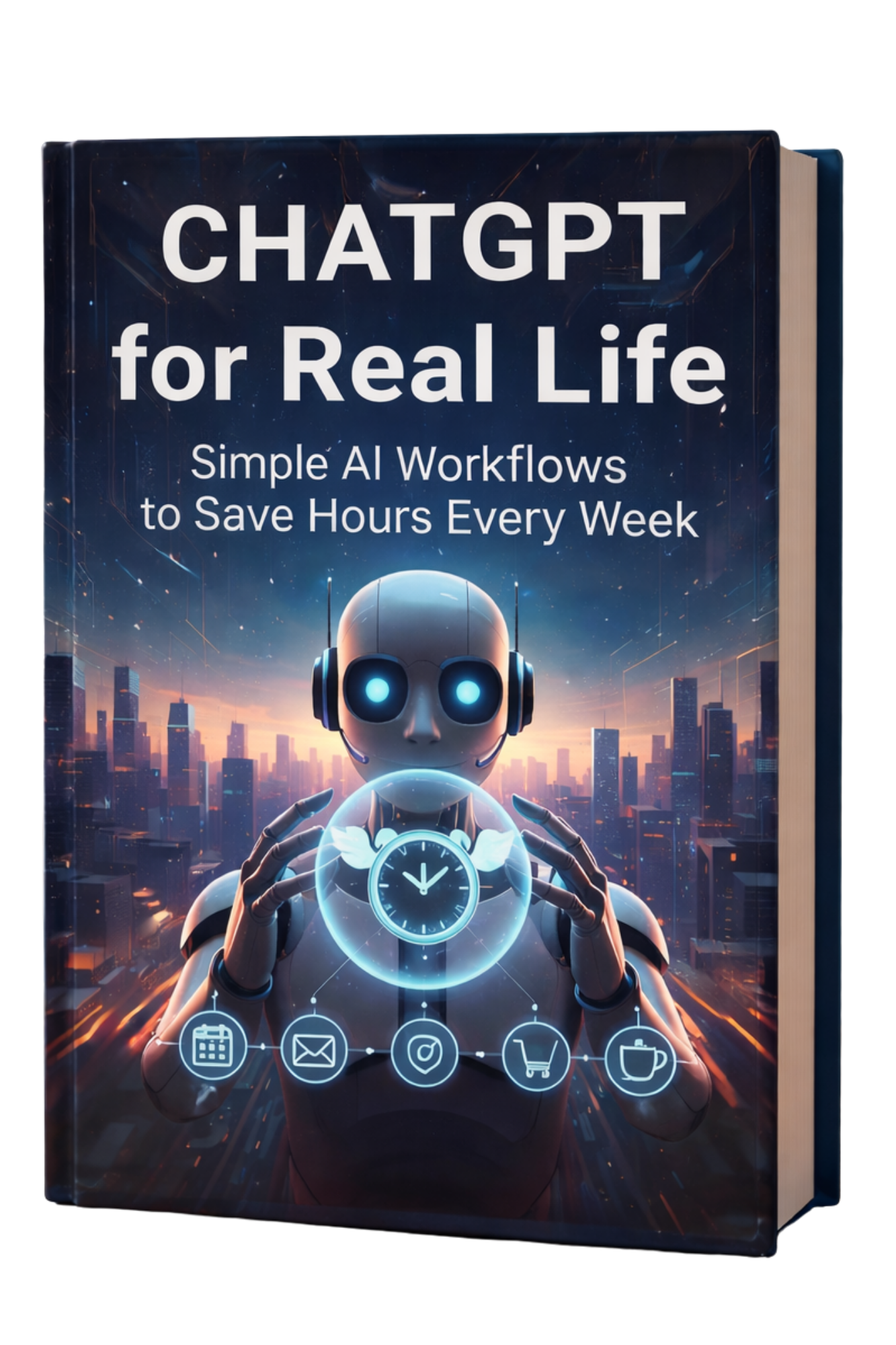
ChatGPT for Real Life: Simple AI Workflows to Save Hours Every Week is designed for readers who want to use AI in a way that actually improves daily life. This is not a book about abstract AI trends, endless prompt tricks, or complicated tech stacks that create more friction than they remove. It is a practical ChatGPT productivity book built around the kinds of tasks people face every day: email overload, follow-ups, scheduling, decision fatigue, weekly planning, daily prioritization, meeting recaps, messy notes, life admin, and the constant drain of half-finished tasks.
That matters because most people do not need AI for experiments. They need AI for real life. They need a way to think more clearly when they feel overloaded, communicate faster without sounding robotic, close open loops, reduce context switching, and stop letting small administrative tasks quietly consume their attention. This book meets that need with simple, repeatable workflows that work on a real Monday, not an ideal one.
Highly practical: focuses on weekly planning, daily prioritization, inbox cleanup, next actions, meeting recap scripts, difficult messages, and repeatable ChatGPT workflows.
Built for busy people: ideal for professionals, freelancers, solopreneurs, remote workers, and anyone who feels mentally scattered or constantly behind.
No-hype approach: teaches ChatGPT for productivity without exaggeration, tech overwhelm, or guru-style claims.
Strong buyer intent fit: excellent for readers searching for how to use ChatGPT in real life, ChatGPT prompts for productivity, AI workflows for everyday life, and practical AI productivity systems.
ChatGPT for Real Life: practical AI workflows for busy people
This book is built around a simple promise: save hours every week without turning your life into a complicated AI experiment. Instead of trying to teach every possible use case for ChatGPT, it focuses on the ones that matter most in everyday productivity. That includes how to use ChatGPT for planning, how to use ChatGPT for inbox cleanup, how to use ChatGPT for follow-ups, how to use ChatGPT for decision-making, how to use ChatGPT for executive function support, and how to use ChatGPT to reduce the mental clutter that makes so many days feel fragmented.
Readers who want a practical AI productivity guide instead of a general AI book will likely find this especially useful. The tone is grounded. The workflows are realistic. The prompts are plug-and-play. And the focus stays on what most people actually need in 2026: clearer thinking, faster communication, fewer open loops, and more control over where their time and attention go.
Why This Book Matters
Why ChatGPT for Real Life matters in 2026
AI has become a major part of the conversation, but many people still have the same daily problems they had before. Their week disappears into inbox management, scheduling, messages, document cleanup, note sorting, follow-ups, and dozens of small decisions that steal energy. They are surrounded by AI talk yet still feel behind, scattered, and mentally overloaded. That is why ChatGPT for Real Life matters. It translates AI into something concrete and useful for everyday productivity.
This book is especially valuable because it solves the most common problem with modern AI content: too much theory, too little execution. Many people searching for ChatGPT for productivity or AI workflows for everyday life are not asking for entertainment. They want a practical way to reduce mental clutter, work through open loops, and stop wasting time on repeated friction. This book delivers that by organizing ChatGPT into repeatable systems rather than isolated tricks.
It also recognizes that most readers do not need a new identity as an “AI power user.” They need a cleaner way to get through the week. That means learning how to use ChatGPT for weekly planning, daily prioritization, email replies, meeting recaps, follow-up messages, life admin, and simple SOPs that can be reused. It means learning when to trust AI, when to verify, how to reduce mistakes, and how to build a personal prompt library that saves time instead of creating more decisions.
The real strength of ChatGPT for Real Life is that it treats AI as a support system for clear thinking, calmer communication, and better follow-through.
Inside the Book
What’s inside ChatGPT for Real Life
This book is structured to help readers use ChatGPT in ways that feel immediately practical. Instead of filling pages with abstract opinions about the future of AI, it shows how to build everyday systems around the actual bottlenecks that make work and life feel heavy. Readers get step-by-step ChatGPT workflows, copy-and-paste prompts, reusable templates, and simple frameworks they can apply quickly.
Why ChatGPT for Real Life Works as an AI Productivity Blueprint Without Technical Overwhelm
That practical focus is what makes the book stand out as an AI productivity blueprint. It does not ask readers to become deeply technical. It teaches them how to use ChatGPT as a clarity tool, a communication assistant, a workflow shortcut, and a way to lower decision fatigue without giving up human oversight or authenticity.
Inside the Book
What It Helps Readers Do
12-minute weekly reset
Create a fast weekly planning system without overplanning or building a complicated setup.
5-minute morning clarity routine
Turn overwhelm into a usable plan at the start of the day.
Inbox cleanup prompts
Process email faster, summarize threads, and draft more confident replies.
Meeting recap scripts
Convert notes, messy recaps, and conversation fragments into clean action steps.
Boundary and conflict messages
Write difficult messages clearly without sounding cold, aggressive, or fake.
Decision frameworks
Reduce mental clutter and move through uncertainty with clearer next actions.
Simple SOP creation
Build repeatable systems for client work, life admin, and recurring responsibilities.
Personal prompt library
Stop starting from scratch and reuse prompts that fit your real workflow.
Verification and privacy basics
Use ChatGPT more safely and ethically while reducing preventable mistakes.
30-day rollout plan
Implement AI workflows consistently without overwhelm.
That combination makes the book useful for readers searching for ChatGPT prompts for productivity, AI workflows for busy professionals, how to reduce decision fatigue with AI, ChatGPT email prompts, and AI systems for mental clarity. It is grounded, reusable, and built to create better days, not just interesting ideas.
What Readers Learn
What readers will learn from ChatGPT for Real Life
One of the most useful parts of this book is how clearly it turns vague productivity goals into specific, real-world outcomes. Readers are not just told to “use AI to save time.” They are shown exactly where the time disappears and how to build workflows that bring it back.
How to plan the week in 12 minutes: a fast, practical reset that helps people stop drifting into reactive mode.
How to create daily focus in 5 minutes: a simple morning clarity routine that turns overload into action.
How to draft emails and follow-ups faster: while still sounding human, professional, and aligned with your own voice.
How to write difficult messages: for boundaries, conflict, clarity, rescheduling, and sensitive communication.
How to reduce context switching: by using AI to summarize, organize, and define next actions before attention gets scattered.
How to summarize notes and long threads: into clean decisions, action items, and realistic next steps.
How to build simple SOPs: so repeat tasks stop draining fresh decision-making energy every time.
How to support executive function: with AI-assisted planning, memory support, and clearer task definition.
How to use ChatGPT ethically and safely: with privacy basics, verification habits, and practical caution.
How to build a long-term system: so ChatGPT becomes part of a calmer workflow instead of another tool to manage.
How ChatGPT for Real Life Helps Busy Professionals, Freelancers, and Solopreneurs Save Time and Reduce Mental Clutter
These outcomes matter because they touch the real reasons people seek AI productivity help in the first place. They want fewer open loops, less friction, more clarity, and more control over the invisible mental weight that builds up across the week. This book repeatedly returns to those outcomes, which is why it has strong relevance for readers interested in save hours every week with AI, reduce mental clutter with AI, ChatGPT for busy professionals, and AI for freelancers and solopreneurs.
Who It’s For
Who should buy ChatGPT for Real Life
This book is a strong fit for people who are already busy and do not want productivity advice that adds more complexity. It is especially helpful for professionals, freelancers, solopreneurs, remote workers, creators, and anyone whose workday fills up with communication, decisions, admin, and fragmented attention.
You are likely a strong fit for this book if any of these feel familiar:
You start the day with good intentions but end it feeling busy and still behind.
You want to use ChatGPT for productivity but feel overwhelmed by generic prompt advice.
You need help with follow-ups, email replies, meeting notes, and planning more than with abstract AI theory.
You want to save time without losing your own voice in communication.
You feel mentally overloaded by too many open loops, half-finished tasks, and scattered notes.
You want to build a reusable prompt library instead of reinventing your workflow every day.
You are curious about AI for real life, not just AI for content creation or hype-driven experimentation.
This makes the book a strong match for searches like best ChatGPT productivity book, how to use ChatGPT in real life, AI workflows for remote workers, ChatGPT for everyday planning, AI productivity guide for freelancers, and practical ChatGPT workflows.
Benefits
Key benefits of ChatGPT for Real Life
The main value of this book is not that it helps readers “do more.” It is that it helps them do the right things with less friction. The difference is important. Many productivity systems increase pressure by demanding more effort, more structure, or more perfect execution. This book takes a different route. It uses AI to make real-life workflows lighter and more sustainable.
Save hours every week: by reducing repetitive writing, summarizing faster, and closing loops more efficiently.
Reduce mental clutter: by converting vague inputs into clear tasks, priorities, and follow-ups.
Improve communication: with faster drafting for emails, texts, replies, difficult conversations, and recurring messages.
Lower decision fatigue: through frameworks that help define next actions and reduce mental drag.
Support executive function: with AI-assisted planning, memory support, and more visible structure.
Create more authentic AI use: by learning how to make ChatGPT sound like you instead of sounding stiff or generic.
Build reusable systems: through SOPs, templates, and personal prompt libraries that save time long term.
Improve consistency: with a 30-day rollout plan that helps readers integrate workflows gradually instead of all at once.
Why ChatGPT for Real Life Is a Practical AI System for Daily Productivity, Mental Clarity, and Better Follow-Through
That combination makes the book more than a general guide to AI. It becomes a practical system for people who want calmer days, clearer minds, and more dependable output. That is why it connects so well with keywords like ChatGPT for daily productivity, reduce mental load with AI, AI for decision fatigue, ChatGPT for weekly planning, and AI for follow-ups and communication.
Why It Works
Why this practical ChatGPT system works better than generic AI advice
Generic AI advice usually falls into one of two traps. It is either too broad to be useful, or too obsessed with prompts to become practical. Readers are given lots of possibilities but very little structure. That often leads to more open tabs, more saved prompts, more curiosity, and no real improvement in daily productivity.
ChatGPT for Real Life works because it focuses on repeatable friction points. It recognizes that most people lose time in the same places: prioritizing, replying, planning, summarizing, deciding, following up, and switching between too many open loops. Instead of asking readers to become AI experts, it gives them ways to remove friction from those specific areas.
How ChatGPT for Real Life Balances AI Speed with Verification, Privacy, and Real-World Trust
The book also works because it stays realistic about trust and verification. It does not encourage blind dependence on AI. It teaches readers when to verify, how to reduce mistakes, and how to protect privacy while still gaining the speed benefits of AI assistance. That balance makes the system more durable and more useful in real professional settings.
Most importantly, the workflows are designed for people who are already busy. They are short enough to use, simple enough to repeat, and practical enough to improve the day without becoming another project. That is why the book stands out for readers looking for no-hype AI productivity, practical ChatGPT workflows, AI systems for mental clarity, and how to use ChatGPT to save time.
Comparison
How ChatGPT for Real Life compares to generic AI books
Generic AI Advice
ChatGPT for Real Life
Focuses on AI trends and novelty.
Focuses on weekly planning, daily prioritization, communication, follow-ups, and real-world productivity.
Offers random prompts without context.
Provides step-by-step workflows, templates, and repeatable systems.
Makes AI feel technical or intimidating.
Keeps AI practical, clear, and usable for busy readers.
Assumes more tools and more complexity will help.
Reduces mental clutter and simplifies the day.
Encourages overreliance on AI output.
Teaches verification, privacy basics, and safe human oversight.
Promises speed without addressing authenticity.
Shows how to make ChatGPT sound like you while keeping communication human.
This is what gives the book stronger buyer appeal. It does not sell AI as a fantasy. It sells a better way to move through the week.
Best Results
How to use ChatGPT for Real Life for the best results
The best way to use this book is as a working guide rather than a passive read. Readers will get the most value by choosing one or two friction points first and applying the workflows there. That could be weekly planning, inbox cleanup, meeting recaps, follow-up messages, or daily clarity. Once those start working, the rest of the system becomes easier to layer in.
Start with the part of your week that feels heaviest right now.
Use the copy-and-paste prompts as a foundation, then personalize them.
Build a small prompt library around repeated tasks instead of trying to solve everything at once.
Use ChatGPT to clarify next actions, not just to generate more ideas.
Review AI output before sending or relying on it for important decisions.
Let the workflows reduce friction gradually rather than forcing a total productivity overhaul.
Readers who use the book this way are much more likely to experience the promised benefits: more clarity, less scatter, faster communication, cleaner planning, and the feeling that their attention is finally being protected instead of constantly drained.
Ready to save hours every week with practical AI workflows?
ChatGPT for Real Life is built for readers who want to use ChatGPT in a way that feels calm, practical, and immediately helpful. It turns AI into a support system for planning, communication, follow-ups, next actions, and mental clarity, without the hype and without the overwhelm.
These resources deepen many of the same goals: better focus, cleaner systems, more practical use of AI, stronger execution, and less cognitive overload in a distracted world.
FAQ
Frequently asked questions about ChatGPT for Real Life
What is ChatGPT for Real Life about?
ChatGPT for Real Life is a practical guide to using ChatGPT and simple AI workflows to save hours every week, reduce mental clutter, improve communication, and build calmer productivity in everyday life.
Who should read ChatGPT for Real Life?
This book is ideal for busy professionals, freelancers, solopreneurs, remote workers, and anyone who wants practical ChatGPT workflows for planning, prioritization, communication, follow-ups, and mental clarity.
Does this book teach how to use ChatGPT for productivity?
Yes. One of the main strengths of the book is its focus on ChatGPT for productivity, including weekly planning, daily prioritization, inbox cleanup, next actions, decision-making, and workflow templates.
Is ChatGPT for Real Life beginner friendly?
Yes. The book is written in a practical, approachable way and is especially helpful for readers who want a no-hype introduction to using ChatGPT in real life.
Does ChatGPT for Real Life Include Plug-and-Play ChatGPT Prompts for Everyday Productivity?
Does the book include plug-and-play ChatGPT prompts?
Yes. Readers get copy-and-paste prompts, scripts, templates, and reusable workflows for weekly planning, email, follow-ups, meeting recaps, boundaries, and more.
Can this book help with email and communication overload?
Yes. The book covers inbox cleanup prompts, reply drafting, follow-up systems, and communication workflows designed to save time while keeping messages human and professional.
Does ChatGPT for Real Life help with decision fatigue and mental clutter?
Yes. A major focus of the book is reducing mental clutter, clarifying priorities, and helping readers turn “too much” into manageable next steps.
Will it teach me how to make ChatGPT sound like me?
Yes. The book includes practical ways to make ChatGPT sound more like your natural voice so that emails, replies, and messages feel authentic instead of generic.
Does the book talk about privacy and accuracy?
Yes. It includes privacy basics, quick verification habits, and guidance on when to trust AI and when to verify before using outputs in real situations.
Where can I buy ChatGPT for Real Life?
You can buy ChatGPT for Real Life on Amazon using the buttons on this page.
Final thoughts
If you have been searching for a practical ChatGPT book, a guide to AI workflows for everyday life, or a smarter way to use ChatGPT for productivity without hype, ChatGPT for Real Life is a strong fit. It is especially useful for people who feel mentally overloaded and want systems that make the week feel lighter instead of more complicated.
What this book offers is not just information about AI. It offers a more usable rhythm for everyday work and life. Better planning. Faster replies. Cleaner next actions. Less mental clutter. Fewer open loops. Stronger follow-through. More time for the work, family, health, and projects that actually matter. For the right reader, that is exactly the kind of AI help worth buying.
A beginner-friendly 2026 productivity blueprint for using ChatGPT and modern AI tools to plan better, write faster, think clearer, automate repetitive work, and reduce mental overload in everyday life.
ChatGPT productivity book, how to use ChatGPT for work, AI productivity system, AI workflows for beginners, ChatGPT prompts for productivity, Notion AI, Zapier automation, Google Workspace AI, Canva AI, AI task management, and time management with AI.
Affiliate Disclosure: As an Amazon Associate, Mind Clarity Hub may earn from qualifying purchases made through links on this page, at no extra cost to you.
Quick Verdict
Why ChatGPT & You stands out
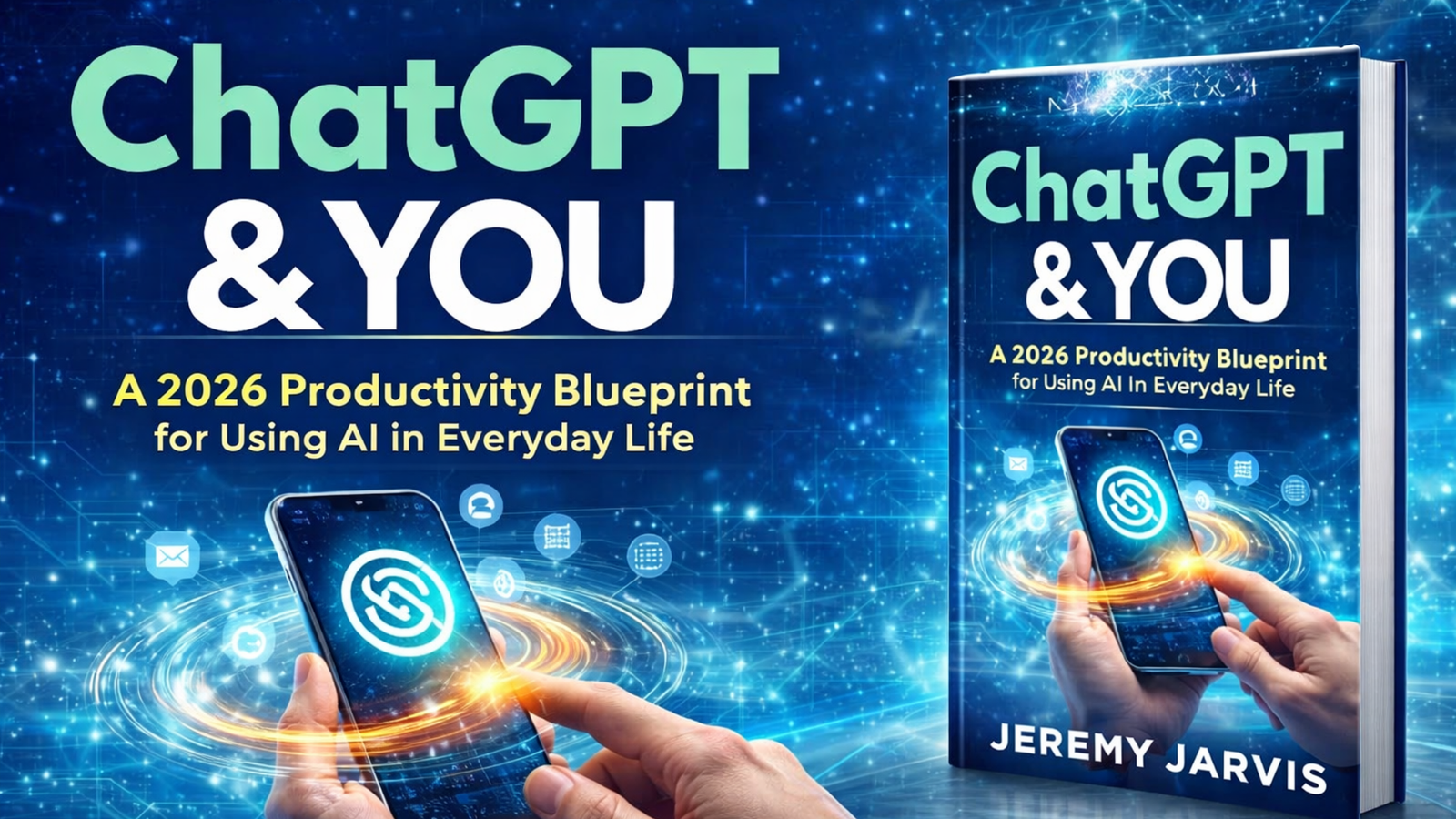
ChatGPT & You: A 2026 Productivity Blueprint for Using AI in Everyday Life is built for readers who want practical results from AI, not abstract hype. Instead of treating ChatGPT like a novelty or a magic shortcut, the book shows how to use it as a real productivity assistant for planning, writing, thinking, organizing, summarizing, and automating everyday work.
This is what makes the book compelling. It does not ask readers to replace their judgment with AI. It teaches them how to use ChatGPT and AI tools to reduce mental load, turn messy thoughts into usable next steps, and create repeatable workflows that still keep humans in charge of decisions, commitments, and accuracy.
Buyer-intent friendly: ideal for readers actively searching for how to use ChatGPT for work, AI productivity systems, ChatGPT prompts for productivity, time management with AI, and AI workflow books for beginners.
Practical and current: covers real-world use cases like email management, meeting notes, task prioritization, Notion workflows, Zapier automation, Google Workspace, Canva, and safe everyday AI use.
Beginner-friendly: strong for readers who want a simple AI productivity system without needing technical skills or advanced prompt engineering.
Execution-focused: emphasizes clarity, structure, prompt design, safe automation, and getting real work done instead of endlessly generating ideas.
There are already countless conversations about AI, but a surprisingly small amount of guidance that shows people how to use AI well in real life. That gap is exactly where ChatGPT & You becomes valuable. In 2026, the problem is not just access to AI tools. The problem is knowing how to use them in a way that actually improves productivity, reduces overwhelm, and creates momentum without creating more noise.
Many people try ChatGPT once or twice, ask a few random questions, get a mixed answer, and walk away thinking AI is either overhyped or too inconsistent to trust. Others go in the opposite direction and become trapped in endless AI experimentation, generating plans, lists, prompts, and ideas without ever converting them into real action. This book addresses both problems. It helps readers move from curiosity to clarity, and from clarity to usable workflows.
Why ChatGPT & You Is a Practical ChatGPT Productivity Book for Work, AI Workflows, and Everyday AI Use
That is why this title is much more than a general AI book. It is a ChatGPT productivity book, an AI workflow book, and a practical guide for people searching things like how to use ChatGPT for work, AI productivity system for beginners, ChatGPT prompts for productivity, AI task management, time management with AI, Notion and AI workflows, Zapier AI automation, and everyday AI productivity.
What makes the book especially relevant now is that it does not depend on one exact interface or one narrow AI trend. The tools will evolve, but the core productivity problems remain familiar: too much mental clutter, too many inputs, too many open loops, and too little structure. This book addresses those persistent challenges with a system that readers can keep using even as the tools improve.
The real promise of ChatGPT & You is simple: use AI to reduce friction, improve clarity, and turn vague intentions into finished work.
Inside the Book
What’s inside ChatGPT & You
This book is built as a step-by-step AI productivity blueprint for everyday use. That means it stays grounded in practical workflows instead of drifting into theory. Readers are not expected to become AI experts. They are shown how to use ChatGPT as a draft-and-structure assistant that helps organize thinking, summarize complexity, clarify priorities, and make execution easier.
How ChatGPT & You Helps Mentally Overloaded Readers Use AI for Clearer Actions and Smarter Productivity
The content is especially useful for people who often feel mentally overloaded, because the book focuses on what productivity actually requires: a way to capture ideas, clarify them, choose next actions, and automate repetitive tasks without losing oversight. Instead of simply saying “use AI to save time,” the book breaks that into concrete actions and useful use cases.
Book Section
What It Helps Readers Do
AI productivity framework
Gives readers a repeatable daily system for capture, clarity, creation, and automation.
Prompting for beginners
Shows how to write better prompts using simple building blocks that improve output quality.
Daily planning and prioritization
Helps convert brain dumps and scattered tasks into realistic plans, time blocks, and clear next steps.
Email and document summaries
Teaches readers how to process inboxes and long information faster while keeping confidence and oversight.
Meeting notes and follow-ups
Turns conversations into clean notes, action items, and next actions that are more likely to get completed.
Notion and second-brain workflows
Helps readers build an organized workspace for projects, notes, goals, templates, and ongoing reference.
Zapier and no-code automation
Introduces simple automations that reduce repetitive work without forcing readers into complex systems.
Guardrails and safe AI use
Shows how to use AI as leverage while keeping humans in charge of decisions, commitments, and accuracy.
That structure makes the book valuable not only for total beginners, but also for readers who already use ChatGPT casually and want a more dependable system. Instead of hoping AI becomes useful, they learn how to make it useful on purpose.
Core Framework
The AI productivity framework explained: Capture, Clarify, Create, Automate
One of the strongest parts of ChatGPT & You is the way it organizes AI productivity into a framework that is simple enough to remember and strong enough to use daily. Readers are not left with disconnected tips. They are given a structure that can hold many different tasks and workflows.
Capture is about collecting messy inputs before they disappear. Ideas, tasks, notes, concerns, drafts, loose thoughts, and obligations all create mental drag when they stay undefined. The book shows how ChatGPT can help readers move these inputs out of their heads and into a usable starting point.
How Clarify Turns Brain Dumps into Priorities with AI Task Management and Time Management
Clarify is where the rough input becomes useful. This is the phase where brain dumps become priorities, notes become action steps, and confusion becomes a simple path forward. For people searching for AI task management or time management with AI, this part of the system is especially important because it turns noise into order.
Create is where readers use AI to produce useful first drafts, outlines, summaries, responses, templates, content, and materials they can refine. The emphasis here is not on handing everything to AI blindly. It is on getting to a stronger first version faster, so energy can go toward editing, judgment, and completion.
Automate is the final layer. This is where repetitive tasks can be streamlined through tools like Zapier, Notion, Google Workspace, and other no-code systems. Instead of forcing readers into advanced automation immediately, the book helps them start with realistic, high-friction tasks that waste time every week and then remove those bottlenecks one by one.
This framework is especially effective because it mirrors how real work happens. Most productivity problems are not caused by laziness. They are caused by unclear inputs, unstructured thinking, repeated micro-decisions, and workflows that depend too much on memory. The book uses AI to reduce those friction points in a way that feels useful rather than flashy.
Tools Covered
Tools and workflows covered in ChatGPT & You
This book does not treat ChatGPT in isolation. It shows how ChatGPT can fit into a broader practical stack that many readers already use or can adopt easily. That matters because productivity rarely depends on one tool alone. It depends on how tools work together.
Readers will find useful guidance on these platforms, workflows, and AI-supported systems:
ChatGPT for work: planning, drafting, idea organization, summarizing, rewriting, prioritization, and workflow support.
Prompting for beginners: clear prompt structures that improve output without requiring technical jargon.
AI email management: summarizing emails, drafting replies, clarifying tone, and speeding up inbox triage.
Meeting note workflows: converting discussions into action items, follow-ups, summaries, and next steps.
Zapier automation: connecting forms, emails, tasks, spreadsheets, AI steps, and simple no-code workflows.
Google Workspace AI support: practical ways to combine AI with documents, planning, scheduling, and collaboration.
Canva workflows: using AI support to speed up creation, visual drafts, and simple content production.
Galaxy AI and mobile workflows: using AI on the go to keep momentum and reduce decision friction.
Focus guardrails: ways to keep AI from becoming another source of endless planning, over-generation, or procrastination.
How ChatGPT & You Connects AI Productivity Tools for Beginners into One Everyday Workflow System
This makes the book particularly useful for readers searching not only for how to use ChatGPT for work, but also for AI productivity tools for beginners, Notion AI productivity, Zapier automation ideas, AI workflow systems, and using AI in everyday life. It gives them a way to connect the dots between tools instead of just collecting more tools.
Who It’s For
Who should buy ChatGPT & You
This book is a strong fit for readers who feel busy, mentally scattered, or constantly behind and want a simpler system for working through the day. It is especially valuable for people who are curious about AI but do not want to rely on hype, technical jargon, or risky automation. The tone is practical, accessible, and grounded in real-life use cases.
You are likely a strong fit for this book if any of these sound familiar:
You want to learn how to use ChatGPT for work in a practical, safe, and beginner-friendly way.
You feel overloaded by email, meetings, notes, ideas, and tasks, and you want a clearer productivity workflow.
You are an entrepreneur or solopreneur who needs faster execution without more mental clutter.
You are a remote worker trying to improve planning, communication, output quality, and focus.
You are a creator or freelancer who wants help with drafting, structure, brainstorming, summarizing, and everyday systems.
You want to use Notion, Zapier, Google Workspace, Canva, or similar tools more effectively with AI.
You are a beginner looking for an AI productivity system that is realistic and repeatable.
You do not want AI to replace your thinking. You want it to support better thinking and faster execution.
In short, this book is well positioned for readers searching terms like ChatGPT for beginners, best ChatGPT productivity book, AI for daily productivity, how to use AI in everyday life, AI workflow book for remote workers, and practical AI book for entrepreneurs. It is written for the person who wants something they can use immediately.
Benefits
Key benefits of ChatGPT & You
The biggest strength of this book is that it reduces cognitive friction. Readers are not simply learning what AI can do. They are learning how to use AI to make the day feel lighter, cleaner, and more directed. That difference matters because many people do not need more ideas. They need a system that helps them follow through on the ideas they already have.
Here are the most important outcomes buyers can expect from this book:
Better prompt quality: readers learn how to ask better questions and structure requests more effectively.
Less mental clutter: brain dumps, loose thoughts, and task overload can be translated into clearer priorities.
Faster planning: AI becomes a support tool for daily planning, time blocking, and next-step clarity.
Cleaner communication: emails, summaries, replies, drafts, and follow-ups become easier to produce and review.
Stronger meeting follow-through: notes and action items are easier to capture, structure, and act on.
More useful systems: readers build workflows in Notion and related tools that are more likely to be maintained.
Practical automation: repetitive tasks can be reduced through simple no-code systems instead of manual repetition.
Safer AI use: the book reinforces oversight, judgment, and verification rather than blind automation.
More real execution: AI is used to reduce procrastination, not feed it.
That final point is especially important. One of the most common hidden problems with AI is that it can create the illusion of progress through endless planning. This book keeps coming back to execution. It helps readers use ChatGPT to make the next action easier, not just the thinking loop longer.
Why It Works
Why this ChatGPT productivity system works better than generic AI advice
Generic AI advice often falls into one of two traps. It either becomes too abstract, talking about the future of AI without helping readers with real tasks, or it becomes too tactical, throwing out random prompts and hacks without connecting them into a usable system. Both approaches can be interesting, but neither reliably improves daily productivity.
ChatGPT & You works because it connects practical use cases to a coherent workflow. Readers are shown how AI fits into the natural rhythm of work and life: capture something messy, clarify it, create a useful version, and automate repetitive pieces when it makes sense. That makes the system easier to remember, easier to apply, and easier to maintain.
The book also works because it keeps humans in the decision loop. That is especially important for readers using AI in professional settings. Accuracy, tone, judgment, nuance, and commitments still matter. This book does not pretend otherwise. It shows how AI can support thinking and execution while preserving human responsibility.
Shows exactly how to use ChatGPT and AI tools for planning, writing, tasks, email, notes, and everyday workflows.
Random prompt lists without structure.
Teaches a repeatable framework for capture, clarity, creation, and automation.
Too technical for beginners.
Keeps the system accessible, beginner-friendly, and focused on real-world use.
Encourages overreliance on AI.
Keeps humans in charge of judgment, commitments, and final decisions.
Talks about productivity in vague terms.
Applies AI to daily planning, email triage, meeting notes, task prioritization, and workflow automation.
Promises speed without guardrails.
Adds practical safeguards so AI supports focus and execution instead of becoming a distraction.
This is what gives the book real value for buyers. It does not just tell readers that AI is useful. It helps them become more skillful users of AI in ways that save time and create better follow-through.
Best Results
How to use ChatGPT & You for the best results
The best way to use this book is as a working guide, not a passive read. Readers will get the most value by applying the framework to their current routines, testing the prompts and workflows on real tasks, and building one or two high-impact systems first rather than trying to automate everything immediately.
For better outcomes, readers should:
Start with one painful area such as email overload, meeting follow-up, daily planning, or task organization.
Use the prompting framework consistently so outputs become more reliable over time.
Treat ChatGPT as a draft-and-structure assistant, not as an unquestioned authority.
Review, edit, and verify outputs before sending, publishing, or committing to them.
Build simple Notion and Zapier systems that remove repetitive friction before attempting more advanced automations.
Use AI to support execution, not to endlessly generate new plans.
Revisit the Capture, Clarify, Create, Automate framework until it becomes a natural part of the day.
Ready to use AI for real productivity instead of more chaos?
ChatGPT & You is built for readers who want a practical way to use ChatGPT and modern AI tools for planning, task management, communication, workflow automation, and everyday focus. It is not about doing more for the sake of doing more. It is about creating a clearer system that helps you think better, decide faster, and finish more.
These pieces fit naturally with the book because they expand on practical AI use, focus, workflow design, communication systems, and modern productivity challenges that many readers are trying to solve right now.
FAQ
Frequently asked questions about ChatGPT & You
What is ChatGPT & You about?
ChatGPT & You is a beginner-friendly productivity book that shows readers how to use ChatGPT and modern AI tools for work, planning, writing, organizing, communication, and automation in everyday life.
Who should read this AI productivity book?
This book is ideal for entrepreneurs, remote workers, freelancers, creators, busy professionals, and beginners who want a practical and safe way to use ChatGPT for work and daily productivity.
Does this book help with how to use ChatGPT for work?
Yes. One of the strongest parts of the book is its real-world focus on using ChatGPT for planning, email management, meeting notes, task prioritization, writing support, and workflow automation.
Is ChatGPT & You beginner friendly?
Yes. The book is designed for readers who want clear and practical guidance without technical overwhelm. It explains prompting, workflows, and AI systems in an approachable way.
What AI Productivity Tools Are Covered Besides ChatGPT in This Book?
What tools are covered besides ChatGPT?
The book also covers Notion, Zapier, Google Workspace, Canva, and Galaxy AI, along with practical ways to combine these tools into useful productivity workflows.
Does the book include ChatGPT prompts for productivity?
Yes. Readers learn how to build better prompts using seven simple building blocks so ChatGPT can produce more useful, structured, and practical results for real work.
Will this book help with AI task management and time blocking?
Yes. The book shows how to turn brain dumps and scattered tasks into priorities, realistic daily plans, time blocks, and next actions with the support of AI.
Many AI books are either too broad or too technical. ChatGPT & You focuses on everyday use cases, practical systems, safe automation, and repeatable workflows that readers can actually maintain.
Does this book encourage relying completely on AI?
No. The book is clear that humans should remain in charge of judgment, decisions, commitments, and accuracy. AI is positioned as a productivity assistant, not a replacement for responsibility.
Where can I buy ChatGPT & You?
You can buy ChatGPT & You on Amazon using the buttons on this page.
Final thoughts
If you have been searching for a ChatGPT productivity book, a practical guide on how to use ChatGPT for work, an AI productivity system for beginners, or a smarter way to use AI in everyday life, ChatGPT & You is a strong fit. It is clear, modern, and grounded in the kinds of tasks most people actually need help with.
What this book ultimately offers is not just AI knowledge. It offers a calmer way to work. Less scattered thinking. Better prompts. Better planning. Cleaner communication. More follow-through. Better systems. And a more useful relationship with the tools that are already reshaping modern work and life. For readers who want AI to create real momentum instead of more confusion, this book delivers exactly that.
*Affiliate Disclosure: This post may contain affiliate links. If you make a purchase, we may earn a small commission at no extra cost to you.*
That feeling of staring at a blank page while a deadline inches closer is something we all know. It’s draining. Learning how to write with AI isn’t about letting a robot take over your creativity. It’s about partnering with a tool to reclaim your focus and mental space.
When you offload the heavy lift of a first draft, you free up your brain for the parts of writing that actually matter. These are refining your ideas, finding your unique voice, and thinking strategically about your message.
Reclaim Your Focus: The Neuroscience of Writing with AI
The feeling of being stuck before you’ve even typed a word is a real, well-documented struggle. It’s tied to a concept from psychology called cognitive load. This is the total amount of mental work your brain is doing at any given moment.
When you try to generate ideas, structure an argument, and find the perfect words all at once, your cognitive load skyrockets. This is a direct path to procrastination and burnout.
This is where AI writing tools can be a powerful intervention. They dramatically reduce that initial cognitive burden by handling the messy first draft. Instead of wrestling with a blank screen, you get a structured starting point to react to, edit, and improve.
Neuroscience Nugget: Your brain’s prefrontal cortex is responsible for planning, decision-making, and focus. It has a finite daily capacity. Offloading routine cognitive tasks, like drafting from scratch, frees up this critical resource. This allows for deeper creative thought. It also pushes back against that familiar feeling of being overwhelmed.
Start Small for Big Wins When Writing with AI
You don’t have to jump in by asking an AI to write an entire article. The best way to integrate these tools into your workflow is to start with small, low-stakes tasks. This approach builds your confidence and quickly shows you the time-saving benefits.
Give these a try first:
Email Subject Lines: Ask an AI to brainstorm five different subject lines for a critical email.
Meeting Agendas: Feed it a few bullet points about your meeting’s goals. Then let it create a formal agenda.
Social Media Captions: Give it a topic and a specific tone. Then have it draft a few options to choose from.
For example, imagine you’re a manager preparing for a weekly check-in. Instead of spending 15 minutes drafting the agenda, you can prompt the AI: “Create a meeting agenda for a 30-minute team check-in. Topics are project A status, Q3 goal progress, and one team win.” This lets you focus on the meeting’s substance, not its structure.
This method lets you get a feel for how the AI “thinks” without feeling intimidated. As you get more comfortable, you can hand off more complex parts of the writing process. For a deeper dive into this, check out our guide on how to use AI for productivity.
Create a Distraction-Free Environment
To get the most out of the focus that AI can give you, you have to protect that focus. Distractions can sabotage even the most efficient workflow. The good news is that a few simple behavioral tweaks can make a massive difference.
For instance, a phone lock box timer is a surprisingly effective tool. It’s based on a behavioral science principle called a “commitment device.” By physically locking your phone away for a set time, you eliminate the temptation to mindlessly scroll.
This creates the ideal headspace to do the real work. That includes editing, fact-checking, and weaving your own expertise into the AI-generated draft. If you’re looking to build a business around these tools, our book, Marketing Magic: ChatGPT & AI Marketing, offers a great roadmap.
Define Your Purpose Before You Write with AI
Before you ever open an AI chat window, you have to know where you’re going.
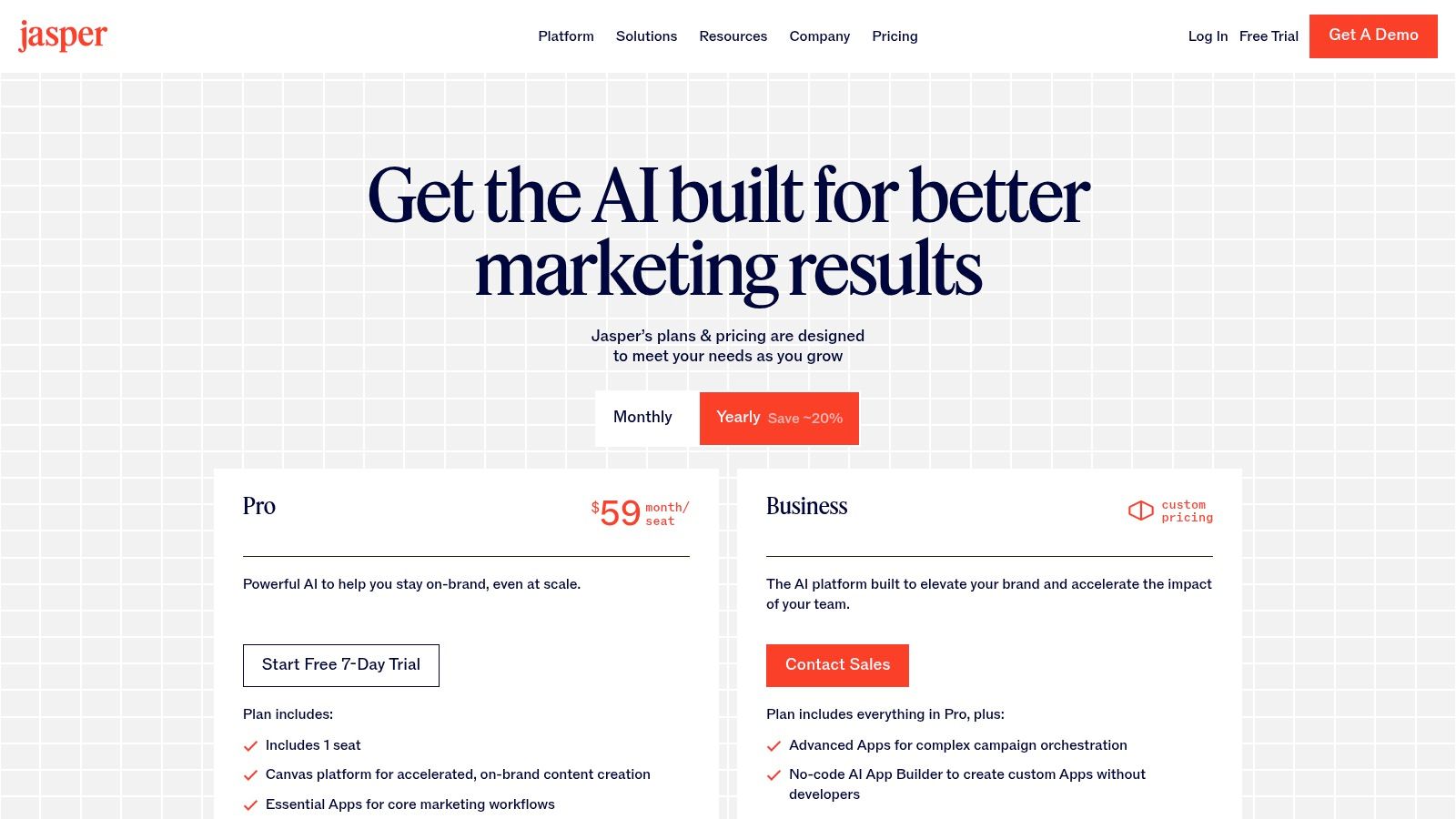
Jumping straight into a tool like ChatGPT or Jasper without a clear purpose is like starting a road trip without a map. You’ll definitely get somewhere, but it’s almost never where you intended to go. Generic inputs only ever produce generic outputs.
This first step is all about giving the AI the context it needs to be a useful co-writer. It is not just a mindless text generator.
When you get clear on your objective, you activate the planning and focus centers of your brain. This sharpens your judgment. It makes it easier to evaluate the AI’s suggestions and steer it in the right direction. An undefined goal leads to endless, frustrating rounds of edits.
Why Context Is Everything in AI Writing
Think of an AI writing tool as an incredibly knowledgeable but inexperienced assistant. It has access to a world of information. But it doesn’t know what you need unless you tell it, specifically.
Your purpose, audience, and desired tone are the guardrails that keep the AI on track. This has become even more critical now that AI adoption is exploding. With so many people using these tools, specificity is your best advantage.
The AI writing tool market growth on Verified Market Research is a clear indicator of this trend. The smartest way to leverage this technology is with a hybrid workflow. Let the AI handle the initial brainstorming and messy first drafts. Then, step in to refine the output with your own expertise and voice.
Putting Purpose into Practice with Scenarios
How you define your goal completely changes the instructions you give an AI. Your intention is the most important part of any prompt.
Look at how the goal shifts the entire request in these two scenarios:
Scenario 1: The Freelancer’s Proposal. A freelance designer is writing a project proposal for a big new client. The purpose is to persuade the client to sign a contract. The audience is a formal business executive. The tone needs to be professional, confident, and laser-focused on value.
Scenario 2: The Manager’s Internal Update. A team manager needs to write a weekly update for their direct reports. The purpose is to inform the team about project progress and celebrate a recent win. The audience is familiar. The tone should be encouraging, clear, and conversational.
The core information might be similar in both cases. But the purpose, audience, and tone demand completely different outputs. Setting these intentions is a fundamental skill for clear communication. You can dig deeper by exploring some examples of effective intentions.
A Simple Prompt Template to Get Started
You don’t need to be a “prompt engineer” to give an AI good directions. Often, a single, structured sentence is all it takes.
Prompt Template:Act as a [ROLE] writing a [FORMAT] for a [AUDIENCE] with a [TONE] tone. The goal is to [OBJECTIVE].
Let’s apply this to our scenarios from before:
Freelancer:Act as an expert brand designer writing a project proposal for a potential corporate client with a professional and persuasive tone. The goal is to clearly outline the project scope and convince them to hire me.
This level of clarity is a central theme in my book, The Power of Clarity. It prevents wasted time. It also makes sure your final piece is aligned with your goals from the very first draft. Start with this chapter to build your foundation in clear communication.
How to Choose the Right AI Writing Tool
The sheer number of AI writing tools out there can feel dizzying. Every week, a new app promises to revolutionize how you write. This leaves you wondering which one is actually worth your time and money. How do you pick the right one?
It all comes down to cutting through the noise and matching a tool to your specific workflow.
The market for these tools is growing incredibly fast. The value jumped from USD 0.39 billion in 2023 to a projected USD 1.22 billion by 2031. This rapid growth means the tools are getting smarter and more integrated into our work. For busy professionals learning how to write with AI, this means more power but also more confusion.
Best Option for Beginners Learning to Write with AI
To make sense of it all, it helps to think of AI writing tools in three main groups. Each is built for a different kind of job. Figuring out your primary need is the first real step.
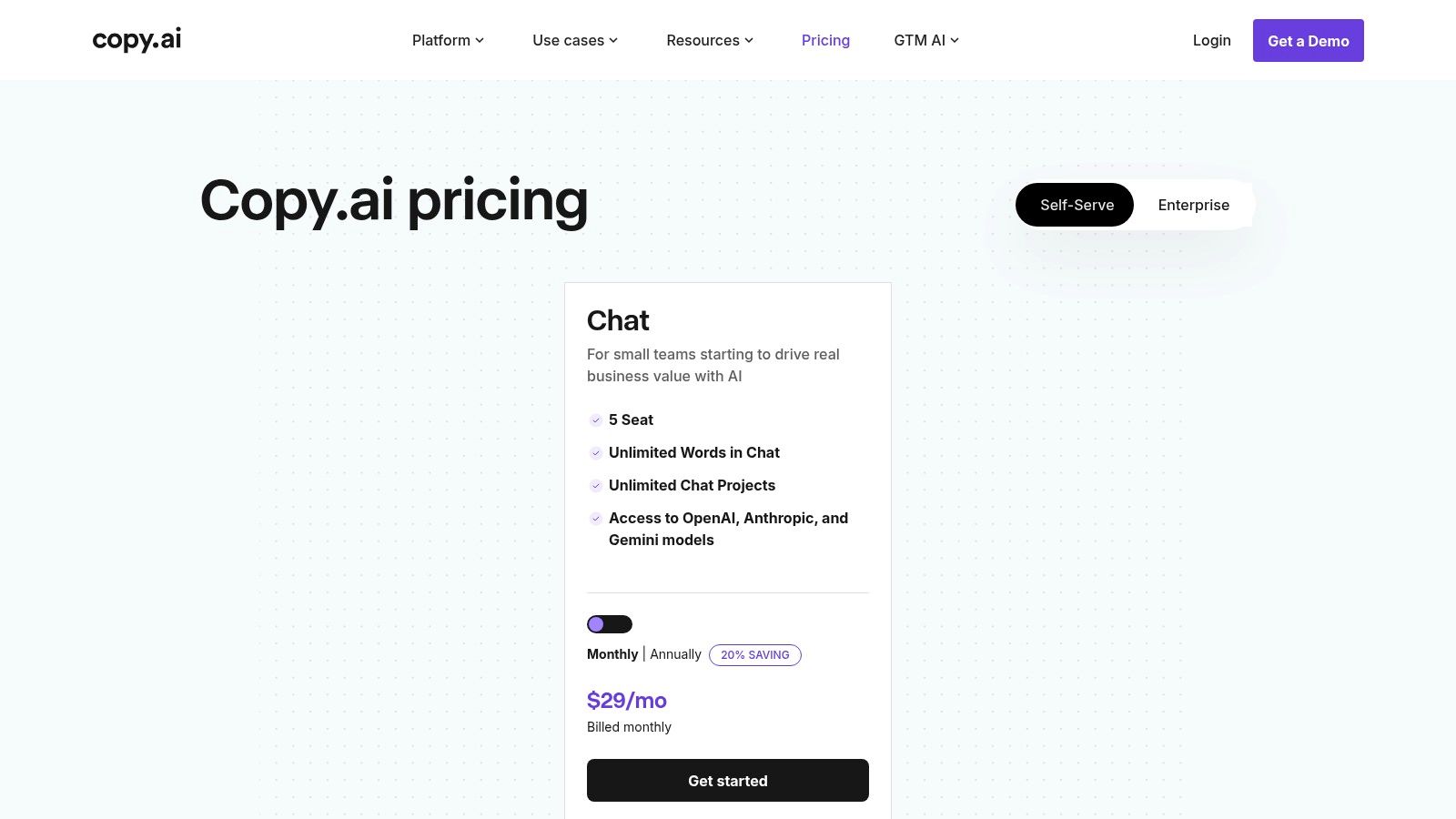
All-in-One Content Platforms: Think of these as your creative Swiss Army knife. Tools like Jasper or Copy.ai handle a huge range of tasks. They are great for marketers, content creators, and business owners who need a high volume of varied content. They are also a great starting point for beginners.
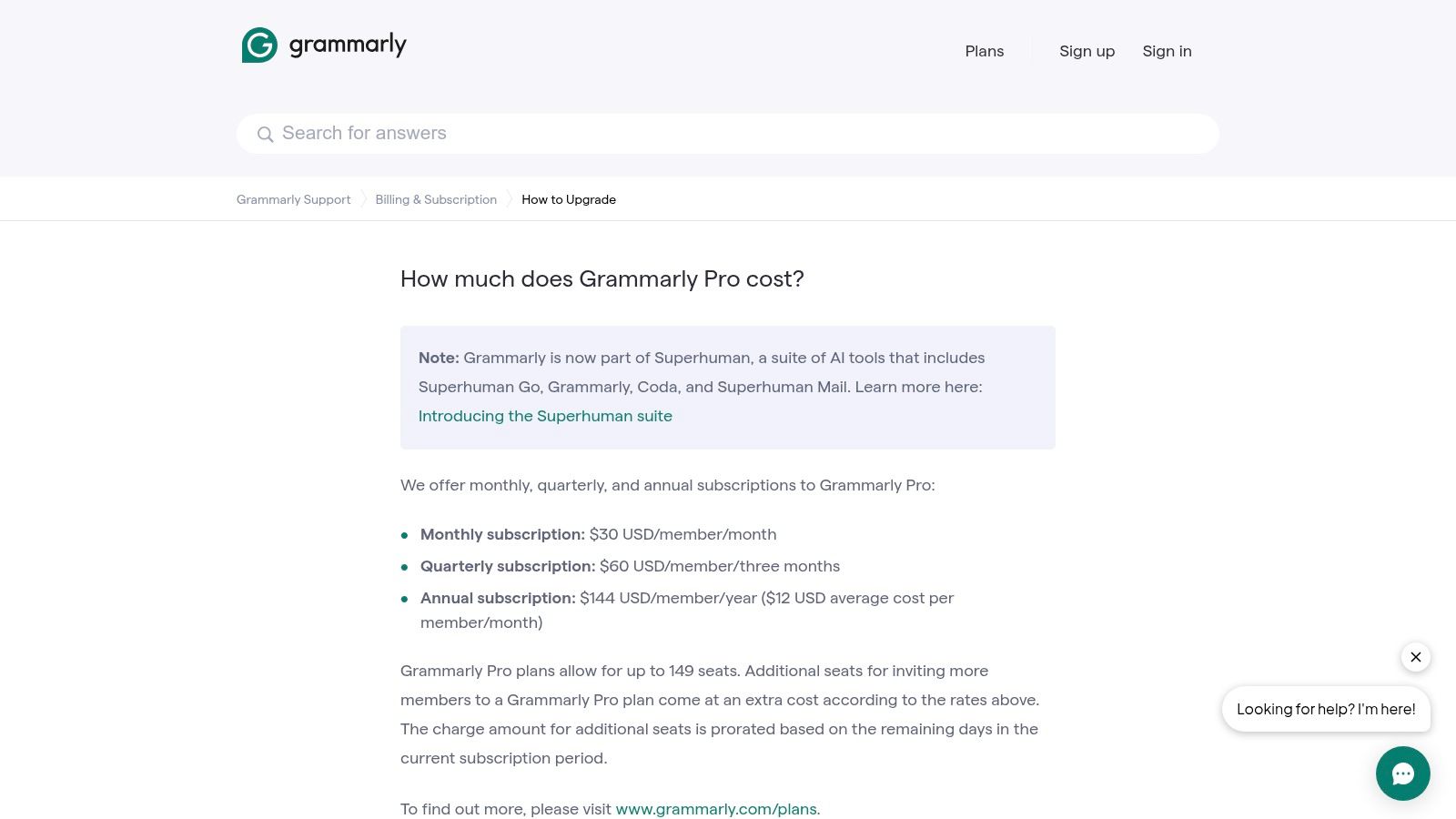
Grammar and Style Assistants: This category includes sophisticated editors like Grammarly or ProWritingAid. They go way beyond a simple spell-check. They help you refine your tone, improve sentence clarity, and catch tricky grammar mistakes. A good habit tracker journal can help you build the routine of using these tools for every piece of writing.
Specialized and Integrated Tools: This group is all about specific, focused tasks. It includes single-purpose tools for things like writing headlines. It also includes AI features built into platforms you already use, like Notion AI.
The right choice really depends on your day-to-day work and what you’re willing to spend. A freelance writer might find an all-in-one platform is a game-changer. A manager might only need a great grammar checker to make their team-wide emails clearer. For a deeper dive, check out our guide on AI tools that can boost your productivity.
Here’s a quick comparison to help you choose.
Which AI Writing Tool Is Best for You?
Tool
Best For
Key Feature
Price Point
Jasper
Marketers & content teams needing varied content
“Brand Voice” and advanced workflow templates
Premium
Grammarly
Students & professionals editing their own work
Advanced grammar, style, and tone suggestions
Freemium/Mid
Notion AI
Individuals who already use Notion for work
Seamless integration into existing documents
Add-on/Low
ChatGPT
General users needing a versatile assistant
Powerful conversational ability and idea generation
Freemium/Mid
Ultimately, choosing the right tool isn’t about chasing the most features. Compare options to find the one that fits your workflow best.
Choosing the right tool isn’t just about features. It’s about finding a partner that fits into your existing workflow without adding friction. The goal is to reduce cognitive load, not add another complex system to manage.
For creators looking to turn these tools into a sustainable business, the strategies in The 6-Figure Creator offer practical systems for building an audience and generating income.
The Hybrid Workflow: How to Write with AI Authentically
If you’re trying to learn how to write with AI, forget about one-click article generation. That’s a recipe for generic, robotic content. A much better way to work is an iterative loop. You generate a piece, refine it, and then humanize it. This approach keeps you in control. It also makes sure the final piece actually sounds like you.
Instead of prompting for a full draft, try using the AI to build a structured outline first. Once you have that “scaffolding” in place, you can draft one section at a time. Breaking the work into smaller chunks makes the whole process feel less overwhelming.
The Scaffolding Technique for Authentic AI Writing
Think of it like building a house. The AI is your expert construction crew, rapidly putting up the structural frame. But you’re the architect and the interior designer. You’re the one who adds the personality, unique stories, and expert insights. This is what turns a structure into a home.
This hybrid model lets you use AI for what it’s great at: generating structured text, fast. It also frees you up to do what only you can do: add your distinct voice and hard-won expertise. For a deeper dive into the technicals, see resources like Buddypro’s comprehensive documentation.
Here’s a quick real-world scenario:
A content creator is writing a blog post about overcoming procrastination. She prompts her AI tool to create an outline with sections on common causes, psychological principles, and actionable tips. Then, for the “actionable tips” section, she weaves in a personal story. She talks about how she used a productivity journal to track her own habits and finally break a cycle of delay. That one personal touch makes the content instantly more relatable and trustworthy.
The flowchart above gives you a simple mental model for choosing the right tool for the job. A good workflow always starts with the right tool. This could be an all-in-one platform for drafting or a specialized assistant for polishing.
Generating, Refining, and Humanizing Your Draft
Once you have an AI-generated draft for a section, the real work begins. This is where you transform generic text into something genuinely valuable. For every section you draft, work through this three-part refinement process.
Fact-Check Relentlessly. AI tools make mistakes. They “hallucinate” facts and pull from outdated sources. Your credibility is on the line, so you must verify every single statistic, claim, and reference. Never trust, always verify.
Inject Your Voice. Read the text out loud. Does it sound like something you would actually say? If not, rewrite sentences, swap out jargon for simpler words, and tweak the tone until it matches your personal or brand style. A quality ergonomic keyboard can make these long editing sessions much more comfortable.
Add Unique Value. This is the most critical part. What experience, story, or insight can you add that no one else can? This is what will separate your content from the thousands of other AI-assisted articles out there.
The Productivity Payoff of a Hybrid Workflow
Adopting this kind of hybrid workflow doesn’t just improve the quality of your writing. It also adds up to serious time savings. Workers using AI report saving an average of 5.4% of their total work hours each week. It’s no surprise that 82% of businesses now use AI for content creation to speed up production.
By automating the most repetitive parts of the writing process, you free up mental energy for higher-value tasks. These include strategic thinking and creative problem-solving. This isn’t just about speed; it’s about reallocating your focus to what truly matters.
Ultimately, mastering an AI-powered writing workflow means treating the AI as a capable assistant, not an author. You remain the expert in the driver’s seat. For more ideas on streamlining your work, check out our guide on how to automate repetitive tasks.
Editor’s Take: What Actually Works When You Write with AI
Let’s be honest. The real magic of writing with AI isn’t in getting a perfect, one-click article. Chasing that dream will only leave you with generic, soulless content that sounds like everyone else.
The biggest win comes from using these tools as an ideation partner and a first-draft assistant. This advice is best for busy professionals, creators, and students who are comfortable with new tech but refuse to sacrifice quality for speed. If you care about your unique voice and credibility, a hybrid approach is the only way forward.
Caveat: AI requires constant human oversight. It’s a powerful tool, but it’s also prone to errors, biases, and a complete lack of genuine emotional depth. Your job is to be the editor, the fact-checker, and the storyteller.
The sweet spot is a workflow where you guide the AI with clear prompts, critically tear apart its output, and then infuse the final piece with your own expertise and personality. That editing phase demands serious focus. A good pair of noise-canceling headphones can make a huge difference in helping you catch subtle mistakes and truly refine your voice.
For a practical system that puts these ideas into action, the ChatGPT Side Hustle System is a great starting point for building a repeatable, high-quality workflow.
Key Takeaways: How to Write with AI Effectively
Start with Purpose: Before writing, clearly define your goal, audience, and tone. A specific prompt leads to a specific, useful output.
Use AI as an Assistant: Let AI handle the heavy lifting like brainstorming, outlining, and creating a messy first draft. This frees your mind for higher-level thinking.
Humanize Every Draft: Your voice, stories, and expertise are what make content valuable. Always edit AI-generated text to add your unique personality and insights.
Fact-Check Everything: AI tools can “hallucinate” or use outdated information. Always verify every fact, statistic, and claim to protect your credibility.
Choose the Right Tool for the Job: Select an AI writer based on your specific needs—whether it’s an all-in-one platform for content creation or a style assistant for polishing.
Disclaimer:This article contains affiliate links. Purchases made may earn us a small commission at no extra cost to you. The content here is for educational and informational purposes only and is not a substitute for professional medical or psychological advice, diagnosis, or treatment. Always consult a qualified health provider for any health-related questions.
This article is for educational purposes only and is not a substitute for medical or psychological advice. If you are experiencing symptoms of anxiety, depression, ADHD, burnout, or sleep problems, please consult a qualified healthcare professional.
Your Questions on Writing with AI Answered
Once you start using AI in your writing workflow, the questions pop up fast. It feels exciting, but also a little uncertain. Let’s walk through some of the most common questions and get you some clear, honest answers.
Can AI write an entire article for me?
You can ask an AI to write a full article from a single prompt. But it’s almost always a bad idea. You’ll get a hollow shell—generic, often repetitive, and lacking personal stories or unique insights. A much better approach is to treat the AI as a collaborator. Use it for the grunt work: brainstorming, outlining, or producing a messy first draft. Then, you step in as the expert to refine, fact-check, and add your distinct voice.
Will my writing sound robotic if I use AI?
It absolutely can, but only if you publish the raw output. AI models often lean on predictable sentence structures and overly formal language. The key to fixing this is the “humanizing” edit. Read the draft aloud. Does it actually sound like you? If not, rewrite sentences, swap clunky words for simpler ones, and break up long paragraphs. Most importantly, inject your personality with anecdotes and genuine opinions.
What are the biggest mistakes to avoid when writing with AI?
The most common pitfalls are easy to avoid once you know them. First, never blindly trust what the AI gives you; you are the author, not the tool. Second, always fact-check everything. AI models are known to “hallucinate” or make up facts. Your credibility is on the line. Finally, avoid lazy prompts. Vague instructions produce vague content. Be specific about your audience, tone, and goal for better results.
How can I ensure my content is original and avoids plagiarism?
This is a critical part of using AI responsibly. Treat every piece of AI-generated text as a starting point, never a final product. The heavy editing and humanizing you do makes the content yours. By rewriting sentences, adding your own analysis, and structuring the narrative in your own way, you create a new work. As a final safeguard, always run your finished article through a plagiarism or originality checker for an essential layer of assurance.
Is it ethical to use AI for professional or academic writing?
Yes, provided you are transparent and responsible. The most important principle here is disclosure. Many universities and workplaces are developing clear guidelines, and you should always follow them. If no policy exists, the best practice is to be upfront. Consider adding a short note explaining how AI assisted your process—whether for brainstorming, outlining, or first-drafting. Using AI for ideas is different from passing off its text as your own. Learn more in our guide on ChatGPT for writers and creators.
Free download: 7-Day Mind Clarity Reset
Get a short daily reset you can actually stick with (no fluff).
Affiliate Disclosure: This article contains affiliate links. Purchases made through these links may generate a small commission for us at no extra cost to you. Your support is appreciated!
Finding the right AI content creation tools can feel overwhelming. The market is flooded with options, each promising to save you time and boost your output. But how do you know which platform actually delivers on its promises and fits your specific workflow? This guide cuts through the noise. We provide a detailed breakdown of the top tools for writing, image generation, audio production, video editing, and content repurposing. Our goal is to help you find the right solution for your professional needs.
For busy professionals, the challenge isn’t just producing content; it’s producing quality content efficiently. This requires focus and a system that supports deep work. Behavioral research shows that creating a distraction-free environment is key to high-quality output. A simple phone lock box timer can help manage interruptions, allowing you to focus on creating with these powerful tools.
Inside this resource, you will find a clear analysis of each tool’s strengths and weaknesses. We cover practical use-cases, honest limitations, and important considerations like data privacy and potential biases. Each entry includes direct links and screenshots to give you a clear view of the user experience. Whether you’re a solopreneur aiming for high-output routines or a team member building a distraction-proof workflow, this list is designed to give you the clarity needed to make an informed decision. For strategies on focused, high-impact work, you might find value in my book, The Power of Clarity.
1. OpenAI ChatGPT
OpenAI’s ChatGPT is a foundational tool that effectively functions as a multipurpose assistant for a wide range of content creation tasks. Its conversational interface makes it one of the most approachable ai content creation tools available, ideal for both beginners and advanced users. You can use it for drafting articles, generating marketing copy, outlining complex projects, and even planning research. The latest versions also support image generation directly within the chat, consolidating multiple creative steps into one platform.
Key Benefit: Its versatility is its greatest strength. A single subscription provides access to a powerful model for text, code, and image generation, reducing the need for multiple specialized tools and simplifying workflows for busy professionals.
For those new to generative AI, a great starting point is learning to craft effective prompts. For example, instead of asking for “a blog post about focus,” you could prompt, “Act as a productivity expert and write a 500-word blog post outline on improving focus, with three main sections based on behavioral psychology principles.” This specificity leads to better results. For more practical tips, check out our book, Marketing Magic: The Creator’s Guide to ChatGPT & AI Marketing.
Key Features & Use Cases
Content Drafting & Iteration: Quickly generate first drafts of blog posts, social media updates, or email newsletters. Refine the output with follow-up commands to adjust tone, length, or style.
Brainstorming & Outlining: Use it to overcome writer’s block by asking for topic ideas, content structures, or different angles on a subject.
Image Generation (DALL-E 3): Create custom images, illustrations, or social media graphics by describing what you want in natural language.
Pricing and Access
Access to the basic model is free with an OpenAI account. The ChatGPT Plus plan ($20/month) offers access to the more advanced GPT-4 models, higher usage limits, and faster response times, which is essential for consistent professional use. API access is also available with per-token pricing for developers.
Anthropic’s Claude is a writing-centric assistant that has gained a reputation for producing helpful, structured, and coherent long-form content. It excels at tasks requiring deep contextual understanding, such as summarizing long documents, drafting detailed articles, or aiding in research-based writing. This makes it one of the most effective ai content creation tools for professionals who need to work with large amounts of text and prioritize logical flow.
Key Benefit: Its main advantage is the ability to process and reason over extensive documents. The larger context windows allow users to upload entire reports, research papers, or book chapters and receive detailed analysis, summaries, or drafts based on that material.
Imagine you’re a student writing a thesis. You can upload several dense research papers into Claude and ask it to summarize the key arguments and identify conflicting findings. This accelerates the literature review process, leaving more mental energy for original analysis. This aligns with psychological principles of cognitive load, where offloading tasks to a tool frees up brainpower for higher-level thinking. To explore this further, compare options in our productivity books.
Key Features & Use Cases
Long-Form Drafting & Analysis: Ideal for generating first drafts of white papers, detailed reports, or complex blog posts. Users can provide lengthy background documents to ensure the AI’s output is well-informed.
Summarization of Complex Texts: Quickly condense dense research papers, legal documents, or financial reports into key takeaways, saving significant time.
Structured Content Generation: Excels at creating content with a clear, logical structure, such as instructional guides, course outlines, and formal business communications.
Pricing and Access
Claude is accessible via its web application, with a free tier offering access to the Sonnet model with certain usage limits. The Claude Pro plan ($20/month) provides five times more usage, priority access during high-traffic periods, and early access to new features. API access is also available through Anthropic and cloud providers like AWS, with published per-token pricing for different models.
3. Jasper: Best AI Content Creation Tool for Teams
Jasper is a brand-voice-aware AI writing suite specifically built for marketing and business teams. It excels at producing consistent, on-brand content at scale, moving beyond generic text generation to become a core part of a marketing workflow. This platform is one of the most effective ai content creation tools for organizations needing to maintain a specific tone and style across all materials, from blog posts to social media campaigns.
Key Benefit: Jasper’s strength is its “Brand Voice” feature. By analyzing your existing content, style guides, and product information, it learns your company’s unique personality, ensuring all generated copy sounds authentically like you, not a generic robot.
A marketing manager, for example, could upload their company’s style guide and top-performing blog posts into Jasper. The AI then learns the brand’s witty, informal tone. Now, when the team needs new social media copy, the generated text automatically reflects that specific voice, ensuring consistency without constant manual oversight. This streamlines brand management and builds trust with the audience. For more on this, check out Marketing Magic with ChatGPT.
Key Features & Use Cases
Brand Voice & Knowledge: Train the AI on your company’s website, style guides, and product catalogs to create content that is factually accurate and tonally consistent with your brand.
Marketing-Focused Templates: Access a library of pre-built templates for specific marketing tasks like writing Google ad copy, creating product descriptions, or drafting entire email campaigns.
Team Collaboration: The platform is designed for multiple users, with features that support team-based content creation, review, and project management, making it ideal for agencies and corporate departments.
Pricing and Access
Jasper offers several tiers tailored to different user needs. The Creator plan is designed for individuals, while the Pro and Business plans provide the core Brand Voice features and collaboration tools necessary for teams. The Business plan offers advanced features and dedicated support.
Copy.ai is an AI writing platform specifically aimed at marketing and sales professionals. It excels by providing a highly structured, template-driven experience that accelerates content production for common business needs like ad copy, blog posts, and email campaigns. This focus makes it one of the most practical ai content creation tools for teams who need to generate marketing assets at scale without a steep learning curve.
Key Benefit: Its workflow automation and extensive template library remove much of the guesswork from content generation. Marketers can quickly produce consistent, on-brand materials for multiple channels, saving significant time and resources.
A small business owner could use the “Product Description” template to instantly generate compelling copy for their e-commerce store. Then, they could use the “Social Media Post” template to create promotional content for those products on Instagram and Facebook. This repeatable process reduces the mental effort required for marketing, a concept known in psychology as “habit formation,” which makes consistent action easier over time. You might find a habit tracker journal a great tool for building these marketing routines.
Key Features & Use Cases
Template-Based Generation: Access over 90 pre-built templates for specific tasks like social media captions, product descriptions, and sales outreach emails.
Workflow Automation: Create multi-step workflows that can automatically research topics, draft content, and repurpose it for different platforms, all from a single prompt.
Brand Voice & Infobase: Teach the AI your brand’s specific tone, style, and key product information to ensure all generated content remains consistent and accurate.
Pricing and Access
Copy.ai offers a free plan with a 2,000-word limit and chat access. The Pro plan ($36/month, billed annually) provides unlimited words and brand voices, making it suitable for active content creators. The Team plan ($188/month, billed annually) adds collaboration features for up to 5 users. Enterprise solutions with advanced security are available by contacting sales.
Notion AI integrates directly into the Notion workspace, turning a documentation hub into an active content partner. For teams already using the platform for project management and notes, this is one of the most efficient ai content creation tools because it eliminates context-switching. The brain works best when it can stay on a single task, and Notion AI supports this by keeping creation and organization in one place.
Key Benefit: Its primary advantage is workflow integration. By embedding AI features inside your existing knowledge base, it reduces the friction of moving between a writing app and a project management tool, keeping teams aligned and focused.
A project manager can attend a meeting, take notes in a Notion doc, and then use Notion AI to instantly generate a summary and a list of action items. This transforms unstructured conversation into an organized plan in seconds, reducing the cognitive load of post-meeting administrative work. This efficiency helps combat burnout, a topic we cover extensively in our book Burnout Interrupted.
Key Features & Use Cases
In-Document Drafting & Editing: Highlight text to rewrite, summarize, or change its tone. Use the “Ask AI” command to generate first drafts of articles, reports, or social media posts directly on a Notion page.
Meeting & Project Summarization: Automatically create summaries and action items from long meeting notes or project documents, saving time for busy teams.
Database Autofill: Populate properties in a Notion database using AI. For example, it can extract key takeaways or generate a summary for each entry in a content calendar.
Pricing and Access
Notion AI is available as an add-on to any Notion plan, including the free one. The add-on costs $8 per member per month when billed annually ($10 if billed monthly). This provides access to all AI features. Certain advanced features, like Enterprise Search, are tied to higher-tier Business or Enterprise plans.
Canva has expanded from a user-friendly design tool into a powerful platform integrating AI to simplify visual content creation. Its “Magic” suite of features makes it one of the most accessible ai content creation tools for producing on-brand assets without professional design skills. It is excellent for generating social media graphics, presentations, documents, and simple videos quickly.
Key Benefit: Its speed and ease of use for non-designers is its primary advantage. The combination of a massive template library and AI-driven design suggestions allows anyone to create professional-looking visuals in minutes, not hours.
A small business owner needing a quick Instagram ad can simply type, “An Instagram post for a 20% off summer sale on handmade pottery.” Canva’s Magic Design will generate several template options complete with relevant images, text, and layouts. This removes creative decision fatigue, a psychological state where making too many choices impairs judgment and drains mental energy.
Key Features & Use Cases
Magic Design & Magic Write: Instantly generate entire presentations or social media posts from a simple text prompt. The AI proposes layouts, images, and copy, which you can then customize.
AI Image Editing: Use features like Magic Eraser to remove unwanted objects from photos or Magic Expand to extend an image’s background, all with a single click.
Brand Kit Management: Store your brand’s logos, colors, and fonts to ensure every AI-assisted design maintains a consistent look and feel across all marketing channels.
Pricing and Access
Canva offers a robust free version with access to many basic tools and templates. The Canva Pro plan (check the site for current pricing) unlocks premium features, including the full Magic Studio suite, unlimited content, and a larger Brand Kit. Team plans are also available for collaborative workflows.
Adobe Express brings professional-grade design into an accessible, quick-edit format, making it perfect for creating social media graphics, flyers, and simple videos. It now integrates Adobe’s Firefly generative AI, allowing you to produce images and text effects directly within your projects. For those already in the Adobe ecosystem, it’s one of the most efficient ai content creation tools for turning ideas into polished assets.
Key Benefit: Its seamless integration with the Adobe Creative Cloud ecosystem is a major advantage. You can access assets from Photoshop and Illustrator, maintain brand consistency across projects, and use powerful generative AI features in a user-friendly interface.
A social media manager for a large brand can use Adobe Express to quickly create a campaign graphic. They can pull in an official brand logo from their Creative Cloud library, use Firefly to generate a unique background image, and then apply a “liquid metal” text effect to the headline—all in one app. This integration prevents the common workflow friction of exporting and importing assets between different programs.
Key Features & Use Cases
Generative AI by Firefly: Use text-to-image to create unique visuals from a simple description or apply generative text effects to make your headlines pop.
Template-Based Design: Start with thousands of professional templates for social posts, stories, flyers, and short videos, then customize them in minutes.
Creative Cloud Integration: Access and edit linked assets from your Photoshop and Illustrator libraries directly within Express, ensuring brand consistency.
Pricing and Access
Adobe Express offers a robust free plan that includes standard editing tools and a selection of free templates and assets. The Premium plan ($9.99/month) unlocks all premium templates and design assets, provides 100GB of cloud storage, and includes a monthly allocation of Generative Credits for Firefly features. It is also included with most Creative Cloud subscriptions.
Descript offers a radically different approach to audio and video editing by making it as simple as editing a text document. It automatically transcribes your media, allowing you to cut, copy, and paste audio and video by manipulating the text transcript. This makes it one of the most accessible ai content creation tools for podcasters and YouTubers who want professional content without the steep learning curve of traditional editors.
Key Benefit: The text-based editing workflow is a game-changer for speed. It allows creators to perform rough cuts and remove filler words in minutes, dramatically accelerating the journey from raw recording to a polished, publishable final cut.
A podcaster can record a one-hour interview and upload it to Descript. Instead of listening back to the entire recording, they can read the transcript, highlight all the “ums” and “ahs,” and delete them in one click. If a guest misspoke, they can use the Overdub feature to type the correction, and the AI will generate the audio in the speaker’s voice, saving the hassle of a re-record. This efficiency frees up mental space for creative storytelling.
Key Features & Use Cases
Text-Based Video & Audio Editing: Edit your video and audio by simply editing the corresponding text transcript. Deleting a word or sentence in the text automatically removes it from the media timeline.
Studio Sound & Overdub: Use the “Studio Sound” feature to remove background noise and enhance voice quality with one click. The Overdub feature lets you generate speech in your own voice to fix errors.
Screen Recording & Transcription: Capture your screen and webcam, then get an instant, multi-language transcription that powers the entire editing process.
Pricing and Access
Descript offers a free plan with limited transcription and watermarked video exports. The Creator plan ($12/month) adds more transcription hours and removes the watermark. The Pro plan ($24/month) unlocks unlimited Overdub and other advanced features, making it the best choice for serious content producers.
Runway is a powerful AI video suite designed for creators who want to explore the cutting edge of motion generation. It offers a range of tools, from text-to-video and image-to-video to advanced motion controls, making it a go-to platform for producing concept videos and unique creative experiments. As a leader in the space, Runway frequently updates its models, providing users with some of the most advanced ai content creation tools for video.
Key Benefit: Its rapid iteration capability is its main draw. Creators can quickly generate multiple video concepts from simple text prompts, making it ideal for storyboarding, pre-visualization, and producing dynamic content for social media without a full production crew.
An independent filmmaker can use Runway to quickly visualize a complex scene. By typing “a cinematic shot of a lone astronaut walking on a red-sand planet, with two moons in the sky,” they can generate several 10-second clips to test different moods and compositions. This rapid experimentation, once requiring expensive animation, now helps shape creative vision early in the process. For creators aiming for this, The 6-Figure Creator offers a path to profitability.
Key Features & Use Cases
Text-to-Video (Gen-3 Alpha): Generate high-quality video clips up to 10 seconds long from descriptive text prompts. This is perfect for bringing imaginative scenes to life or creating abstract visual backdrops.
Image-to-Video: Animate static images by providing a source image and a text prompt to guide the motion. It’s an effective way to add life to illustrations, photos, or AI-generated art.
Video Editing & Effects: The suite includes a timeline editor with integrated AI-powered tools like inpainting (removing objects), motion tracking, and automatic background removal.
Pricing and Access
Runway operates on a credit-based system. A free plan offers a limited number of credits to experiment with the tools. Paid plans start at the Standard tier ($15/month per user), which provides more credits and access to higher-quality exports. The Pro plan ($35/month per user) offers even more credits and advanced features.
Synthesia is a video generation platform that transforms text scripts into professional videos featuring AI avatars. It is one of the most effective ai content creation tools for producing presenter-led content, like training modules and corporate communications, without the need for cameras or actors. The platform simplifies video production, allowing creators to generate consistent, high-quality videos in minutes.
Key Benefit: Synthesia dramatically reduces the time, cost, and complexity of video production. It makes scalable video creation accessible, enabling teams to localize content in over 160 languages with just a few clicks.
An HR department can create a series of employee onboarding videos. They just need to type the script for each module. Then, they can generate the videos in English, Spanish, and French using the same AI avatar for brand consistency. When a policy is updated, they simply edit the text and regenerate the video in minutes, a task that would have previously required a full reshoot. This efficiency boosts productivity and ensures information is always current.
Key Features & Use Cases
Script-to-Video Generation: Simply type or paste your script, choose an avatar and a background, and the platform generates a polished “talking head” video.
Multilingual Voiceovers: Access a library of over 160 languages and various voice accents, making it easy to create localized video content for a global audience.
Custom Avatars & Branding: Businesses can create a digital version of a real person for brand consistency or use one of over 200 stock avatars. You can also upload brand assets like logos and fonts.
Pricing and Access
Synthesia offers plans for individuals and teams. The Personal plan ($22/month, billed annually) provides 10 minutes of video per month. Business plans offer more features, including collaboration tools and custom avatars, with pricing available upon request. A free AI video generator is available to test the technology.
Opus Clip targets a major pain point for content creators: turning long-form videos into engaging short-form content. It is an AI-powered video repurposing tool designed to automatically find the most compelling moments in podcasts, webinars, and livestreams. It then edits these highlights into captioned, vertical clips ready for TikTok, Instagram Reels, and YouTube Shorts, saving creators countless hours of manual editing.
Key Benefit: Its primary value is immense time savings. Instead of manually scrubbing through hours of footage, you can upload a single video and receive multiple, ready-to-post short clips, making it an essential part of the ai content creation tools ecosystem for video podcasters and educators.
A podcaster who films their episodes can upload a one-hour interview to Opus Clip. The AI will analyze the conversation and identify 10-15 shareable moments. It automatically reframes the video to focus on the speaker, adds dynamic captions, and even gives each clip a virality score. This automates a tedious process, helping creators maintain a consistent social media presence and grow their audience with less effort. To enhance focus during creation, many find an under desk walking pad helps with mood and concentration.
Key Features & Use Cases
Automatic Highlight Detection: The AI analyzes video transcripts and visual cues to identify the most interesting or viral-worthy segments, then auto-clips them.
AI-Powered Reframing & Captions: It intelligently reframes horizontal video for vertical viewing, keeping the speaker centered. It also generates animated, word-by-word captions, which are proven to boost viewer retention.
Virality Scoring: Each generated clip receives a score to predict its potential for going viral, helping you prioritize which clips to publish first.
Pricing and Access
Opus Clip operates on a credit-based subscription model, where processing minutes are converted into credits. A limited free plan is available for users to test the platform. Paid plans start with the Essential tier (around $19/month for 200 processing minutes), with higher tiers like Pro offering more minutes and team seats.
ElevenLabs sets the standard for high-quality, AI-driven text-to-speech and voice cloning. It’s an essential tool for creators needing natural-sounding voiceovers for podcasts, video narrations, and audiobooks. The platform is praised for its ability to generate voices with realistic intonation and emotional depth. As one of the most mature ai content creation tools in the audio space, it offers a robust solution for both individual projects and large-scale dubbing.
Key Benefit: The lifelike quality of its generated audio is its main advantage. ElevenLabs excels at capturing the subtle prosody and cadence of human speech, making it ideal for content where emotional connection and clarity are paramount.
An author can use ElevenLabs to create an audiobook version of their work. They can either choose a high-quality pre-made voice or clone their own voice for a more personal touch. By simply pasting in the text of each chapter, they can generate professional-quality audio files without booking an expensive recording studio or narrator. This makes audio content creation far more accessible. Start with this chapter of our book to learn more.
Key Features & Use Cases
High-Fidelity Narration: Generate voiceovers for YouTube videos, e-learning modules, and corporate presentations with exceptional clarity and natural flow.
Voice Cloning: Create a digital replica of your own voice for consistent branding across all audio content. Note that this requires explicit consent and adheres to strict ethical guidelines.
AI Dubbing & Translation: Automatically translate and dub video content into multiple languages while maintaining the original speaker’s vocal characteristics, perfect for global audiences.
Pricing and Access
ElevenLabs offers a free tier with limited characters for testing. Paid plans are credit-based, starting with the Starter plan ($5/month for 30,000 characters) and scaling up to the Creator plan ($22/month for 100,000 characters) and custom enterprise solutions. The credit system requires you to estimate script lengths to manage costs effectively.
After reviewing these tools, it’s clear there’s no single “best” option—it depends entirely on your primary bottleneck. For general-purpose writing and brainstorming, ChatGPT-4 remains the most versatile and cost-effective choice. If your work involves producing consistent, on-brand marketing content at scale, Jasper is worth the investment for its specialized features. For video creators, Descript is a non-negotiable for its revolutionary text-based editing, while Opus Clip is the fastest way to repurpose long-form content.
The most important caveat is that none of these tools replace the need for critical thinking and strategic direction. They are powerful assistants, but their output is only as good as the human guiding them. These tools are best for creators who have a clear vision but need to accelerate the execution. Beginners should start with free tiers to avoid getting locked into expensive subscriptions before finding a workflow that sticks.
Key Takeaways
No One-Size-Fits-All Tool: The best AI tool depends on your specific need, whether it’s writing (Claude), visual design (Canva), or video repurposing (Opus Clip).
Start with Your Biggest Pain Point: If you struggle with writer’s block, start with a text generator. If video editing is your bottleneck, start with Descript. Don’t try to master everything at once.
Combine Tools into a “Stack”: The real power comes from using a few tools together. For example, use ChatGPT for an article draft, Canva for a social graphic, and Opus Clip to promote it with a video.
Human Oversight is Crucial: AI is an assistant, not a replacement for creativity. Always review, edit, and add your unique voice to AI-generated content to ensure quality and authenticity.
Focus on Integration: The most efficient tools, like Notion AI, integrate directly into your existing workflow, reducing context-switching and boosting focus.
How to Choose Your First AI Content Creation Tools
Selecting the right starting point is crucial to avoid feeling overwhelmed. Your choice should directly address your most significant bottleneck.
Best for beginners struggling with writing: Start with a foundational AI writer like ChatGPT or Claude. Their free tiers are robust enough to help you overcome writer’s block, generate ideas, and structure your thoughts.
Best for busy professionals needing marketing content: A platform like Jasper or Copy.ai is a better fit. Their templates and brand voice features are built for producing consistent, on-brand content quickly.
Best for non-designers: Begin with Canva or Adobe Express. Their AI features are integrated into a familiar design interface, making them easy to adopt for creating social media posts and ads. For creators focusing on visual content, exploring specialized tools like the best AI book cover generator tools can be a game-changer.
Best for video podcasters and YouTubers:Descript is an excellent entry point due to its intuitive text-based video editing. It dramatically lowers the barrier to producing professional-looking content.
The most effective approach is to build an “AI stack,” a small, curated set of tools that work together. This avoids the distraction of constantly switching between dozens of platforms. The true potential of these AI content creation tools is unlocked when they are integrated into a focused, human-led workflow. So, start small, identify your biggest pain point, and begin experimenting.
Disclaimer: This article contains affiliate links, and we may receive a commission for purchases made through these links at no extra cost to you. The content provided is for educational and informational purposes only. It is not intended as a substitute for professional medical or psychological advice, diagnosis, or treatment.
Frequently Asked Questions (FAQ)
1. What are the best free AI content creation tools? Many of the best tools offer robust free tiers. OpenAI’s ChatGPT (GPT-3.5), Anthropic’s Claude (Sonnet model), Canva, and Adobe Express all provide excellent free versions to get you started with writing and design. Descript and Opus Clip also have free plans for basic video editing and repurposing.
2. Can AI content creation tools replace human writers and designers? No, these tools are best viewed as powerful assistants. They can accelerate brainstorming, drafting, and production, but they lack human creativity, nuanced understanding, and strategic insight. The best results come from a human-AI collaboration where the creator guides the tool and refines the output.
3. Is AI-generated content bad for SEO? Google’s guidelines state that high-quality, helpful content is rewarded, regardless of how it’s produced. Low-quality, spammy AI content will perform poorly, just like low-quality human-written content. The key is to use AI tools to create valuable, original content that serves the user’s needs, not just to mass-produce articles.
4. How do I choose the right AI content creation tool for my business? Begin by pinpointing your biggest content bottleneck. When blog writing is what slows you down most, tools like Jasper or Claude can help you draft faster. If your main hurdle is creating social visuals, Canva is usually the simplest place to start. For creators sitting on unused video footage, Opus Clip can turn long clips into short-form content quickly. Try free versions first, then upgrade only if the workflow actually saves you time.
5. Are there ethical concerns with using AI content creation tools? Yes, it’s important to be aware of ethical considerations. These include potential biases in the AI models, the need for transparency (disclosing AI use when appropriate), and respecting copyright and data privacy. For voice cloning (like in ElevenLabs) and AI avatars (Synthesia), always ensure you have explicit consent.
Free download: 7-Day Mind Clarity Reset
Get a short daily reset you can actually stick with (no fluff).
Affiliate Disclosure:This article may contain affiliate links. If you make a purchase through these links, we may earn a small commission at no extra cost to you. We only recommend products we believe in.
The freelance world is about efficiency. You’re the CEO, the marketer, the creator, and the accountant, all at once. Juggling these roles demands systems that save time and reduce mental friction. From a neuroscience perspective, constant task-switching depletes your brain’s glucose and leads to decision fatigue, making focused work difficult. This is where the right AI tools for freelancers become critical assets, not just another set of subscriptions. They can automate tedious tasks, spark creative ideas, and help you manage the business side of your work, freeing you up for the deep, focused work that clients actually pay for. To kickstart your journey and optimize your workflow, consider exploring some of the best tools for freelancers that leverage AI. However, the sheer number of options can be overwhelming, leading to more distraction.
AI Tools for Freelancers: A Curated Guide to Top Platforms, Pricing, and Real-World Use Cases
This guide cuts through the noise. It’s not a generic list of features. Instead, it’s a curated resource for busy professionals who value their attention. We provide a practical breakdown of top-tier AI platforms across key freelance categories. For each tool, you’ll find real-world use cases, honest pros and cons, and clear pricing. We also include screenshots and direct links to help you evaluate each option quickly. Our focus is on implementation: how to integrate these tools into your workflow without sacrificing focus. You will learn how to use AI to support your productivity, not derail it. If you’re looking for sustainable ways to improve your freelance business, this guide will help you choose the right tools for your specific needs, like those found in our book, The 6-Figure Creator: Your AI-Powered Guide to Passive Income.
Mini-Scenario: Imagine you’re a freelance writer with three client deadlines. Instead of staring at a blank page (a common sign of cognitive overload), you use an AI tool to generate three distinct outlines in five minutes. This small step breaks the initial friction, allowing your brain’s creative networks to engage with a structured starting point, rather than an intimidating void.
1. ChatGPT (OpenAI)
As one of the most recognized AI tools for freelancers, ChatGPT by OpenAI serves as a powerful and versatile assistant. It excels at a wide range of tasks essential for independent professionals. You can use it to draft client emails, structure proposals, or generate creative briefs. It also helps summarize lengthy research documents into scannable bullet points, saving valuable time.
What makes ChatGPT a strong starting point is its wide applicability. While the free version is useful, the business-focused plans provide critical privacy and administrative features. For instance, the ChatGPT Team plan ensures your business data is not used for training OpenAI’s models by default. This is a key consideration for client confidentiality. It also offers a higher message cap and access to advanced models like GPT-4, which is crucial for complex tasks. If you’re looking to leverage this for business, check out our guide on Marketing Magic.
Best for Beginners: The All-Around Freelancer
ChatGPT is ideal for freelancers who need a single tool to handle diverse text-based tasks. From content creation to light coding, it provides a solid foundation. Its intuitive chat interface makes it accessible even for those new to AI.
Mini-Scenario: A freelance consultant needs to create a marketing proposal fast. They use ChatGPT to generate a standard proposal structure. Then, they ask it to “act as a marketing expert and flesh out the ‘strategy’ section for a new e-commerce brand.” This transforms a two-hour task into a 30-minute review and refinement session.
Pros:
Strong all-around assistant for writing, research, and ideation.
Team controls and enterprise-grade security options available.
Broad ecosystem of custom GPTs and integrations.
Cons:
Heavy users on paid plans may still encounter usage limits.
The quality of output depends heavily on the user’s prompting skill.
Grammarly is an essential AI tool for freelancers focused on ensuring every piece of writing is polished and professional. It goes beyond basic spell-checking to offer comprehensive grammar, style, and tone suggestions. Behavioral research shows that clear, confident communication builds trust. For freelancers, this means faster, more confident interactions, whether you’re crafting a critical project proposal or writing blog content.
What makes Grammarly so effective is its seamless integration. With browser extensions, desktop apps, and mobile keyboards, its AI assistance is available almost everywhere you write. The Grammarly Business plan adds features crucial for professionals, such as a style guide to maintain brand consistency. Its generative AI features can rewrite, shorten, or expand text, saving significant editing time. This tool is perfect for refining content you’ve generated, as discussed in ChatGPT Side Hustle System.
Best option for: The Client-Facing Professional
Grammarly is ideal for any freelancer whose work depends on clear, error-free communication. From consultants and copywriters to virtual assistants, it acts as a reliable proofreader that catches mistakes before your clients do.
Mini-Scenario: A virtual assistant is drafting an email to a high-value client to reschedule a meeting. Grammarly’s tone detector flags the language as “too informal.” With one click, the AI suggests a more professional phrasing, ensuring the message maintains a respectful and competent tone, strengthening the client relationship.
Pros:
Fast, reliable polish for everyday professional writing.
Ubiquitous integrations across the tools freelancers already use.
Tone detector helps ensure your message lands as intended.
Cons:
Deep style control is good but not fully brand-voice capable like some marketing-focused tools.
An internet connection is required for its most powerful features to function.
For freelancers focused on marketing, Jasper stands out among AI tools for freelancers by specializing in brand-safe content. It’s built to create consistent, on-brand copy for repeatable tasks like ads, landing pages, and email campaigns. You can teach it your specific brand voice and upload a knowledge base, ensuring the output is accurate. This makes it ideal for producing high-volume marketing deliverables efficiently.
What sets Jasper apart is its direct focus on business and marketing teams. The platform provides strong governance and security features. While its free trial and Pro plan are accessible, the Business plan unlocks advanced capabilities like custom AI “Agents.” These features allow you to create automated workflows for specific marketing needs, such as drafting social media calendars. This is particularly useful for freelancers managing multiple client accounts.
Best for: The Marketing & Sales Freelancer
Jasper is perfect for freelancers who produce a high volume of marketing content and need to maintain strict brand consistency. It excels at creating sales copy, blog posts, and social media updates.
Mini-Scenario: A freelance social media manager needs to create 10 different ad variations for a client’s new product. Instead of writing each one from scratch, they use Jasper’s templates and Brand Voice feature. The AI generates 10 on-brand options in minutes, which the freelancer can then A/B test for performance. A great accessory for this kind of work is a good time blocking planner to schedule content creation sessions.
Pros:
Excellent for repeatable, on-brand marketing deliverables.
Clear Pro and Business tiers with a free trial available.
Strong governance features and brand-specific knowledge ingestion.
Cons:
Best value is realized when you fully commit your workflows to the platform.
The hybrid credits model for certain advanced actions can add complexity.
For freelancers who live inside their project management system, ClickUp AI is a game-changer. It embeds artificial intelligence directly into your tasks, documents, and workflows. This makes it one of the most integrated AI tools for freelancers, helping you manage multiple client projects without switching between apps. You can use it to draft project plans, automatically summarize meeting notes, or generate action items from a block of text.
What makes ClickUp AI powerful is its deep connection to your work. The AI Notetaker can transcribe audio, and its “Super Agents” can automate entire sequences, like researching a topic and creating a task list. The AI is an optional add-on, priced per member, which lets you decide if the investment is right for your workflow. It uses a “Super Credits” system for advanced actions, keeping costs tied to actual usage.
Best for: The Project-Driven Freelancer Using AI Tools
ClickUp AI is ideal for professionals who manage complex projects and want AI assistance within their primary workspace. If you already use ClickUp, adding its AI layer can significantly speed up planning.
Mini-Scenario: After a client call, a freelance project manager pastes their rough notes into a ClickUp task. They highlight the text and ask the AI to “create a subtask for each action item mentioned and assign them to me.” Instantly, the administrative burden of parsing notes and creating tasks disappears, preventing items from falling through the cracks.
Pros:
Deeply integrated with project planning and execution tools.
Flexible AI bundles and add-ons to scale as your needs grow.
Automates routine tasks directly within your workflow.
Cons:
The credit system and feature matrix can feel complex at first.
Provides the best value when you fully adopt ClickUp as your central work hub.
For freelancers juggling multiple clients, Motion acts as an intelligent time manager. It’s one of the most practical AI tools for freelancers because it automatically organizes your tasks and deadlines into a coherent schedule. The AI planner dynamically reshuffles your to-do list based on shifting priorities. This process of automated scheduling helps offload executive functions from your prefrontal cortex, reducing the mental energy spent on planning and preserving it for actual work.
What makes Motion stand out is its commitment to safeguarding deep work. Instead of just listing tasks, it finds and blocks out time in your calendar to complete them. If a meeting request conflicts with a high-priority task, the AI can suggest alternative times. This “set and forget” approach helps you trust that important work will get done.
Best for: The Overwhelmed Project Juggler
Motion is ideal for freelancers who feel scattered and struggle to protect their time. It’s perfect for those who want an automated system to build a productive daily structure. It removes the mental overhead of “what should I work on next?” so you can simply execute the plan. You might find a physical pomodoro timer on your desk helps you stick to the focus blocks Motion creates.
Mini-Scenario: A freelance designer has three projects with competing deadlines. They input all their tasks into Motion with their respective priorities and due dates. The AI automatically builds a daily schedule, blocking out “deep work” time for each project. When a last-minute client call comes in, the AI intelligently reschedules a lower-priority task to make room, ensuring no deadlines are missed.
Pros:
Excellent for safeguarding deep work blocks and hitting client dates.
Simple “set and forget” scheduling reduces daily decision fatigue.
Integrates projects, notes, and calendar in one place.
Cons:
Requires you to let Motion have significant control over your schedule to get full value.
The credit-based system for certain features may require some initial setup to understand.
Freelancers often spend countless hours in client meetings, but capturing every detail can be a challenge. Otter.ai is one of the essential AI tools for freelancers that solves this problem by acting as a dedicated meeting assistant. It joins your calls and provides live transcription, allowing you to focus on the conversation instead of frantically typing notes.
What makes Otter.ai stand out is its post-meeting intelligence. It automatically generates a summary, outlines key discussion points, and identifies action items. This allows you to quickly share a searchable, accurate record with clients. The AI Chat feature, available on paid plans, lets you ask specific questions about the meeting, like “What was the final budget approved?”
Best for: Client-Facing Freelancers with Many Meetings
Otter.ai is perfect for freelancers who manage multiple client projects and need to keep track of every conversation’s details. From discovery calls to project check-ins, it creates a reliable, shareable source of truth.
Mini-Scenario: A freelance web developer finishes a kickoff call with a new client. Immediately after, Otter.ai provides a summary and a list of action items. The developer spends 10 minutes reviewing the summary, adds the action items to their project manager, and emails the client the transcript link for their records, ensuring everyone is aligned from day one.
Pros:
Reliable meeting capture and high-quality live transcription.
Automated summaries and action items save significant administrative time.
Excellent for sharing notes with clients or team members.
Cons:
Important features like AI Chat and more generous limits are on paid tiers.
Free and Pro plans have limits on meeting duration and monthly imports.
For freelancers who live in meetings, Fireflies.ai is another of the most practical AI tools for freelancers available. It joins your virtual meetings as an AI notetaker, transcribing conversations in real time. This is invaluable for discovery calls or client check-ins, as it creates a searchable, accurate record. You no longer have to split your attention between listening and typing notes.
What makes Fireflies.ai especially useful is how it processes the transcript. After the call, it generates AI-powered summaries, identifies key action items, and analyzes conversation metrics. Paid plans offer unlimited transcription and generous storage, a major benefit for active freelancers. It also integrates with popular CRMs, ensuring meeting outcomes flow directly into your established workflows.
Best for: Sales-Oriented Freelancers Needing AI Notetakers
Fireflies.ai is perfect for consultants and agency owners who need to capture every detail from client interactions. It ensures nothing gets lost in translation, from initial scope discussions to final feedback rounds. By creating an objective record, it helps manage client expectations. An ergonomic keyboard can make typing follow-up notes from the AI summaries more comfortable.
Mini-Scenario: A freelance business coach uses Fireflies.ai to record client sessions. After each call, they use the “Topic Tracker” feature to find all mentions of “revenue goals” or “team challenges.” This allows them to quickly synthesize key themes and prepare targeted advice for the next session without re-listening to the entire hour-long recording.
Pros:
Generous transcription and storage on paid tiers.
Automated summaries and action item detection save significant time.
Integrates with many CRM and project management platforms.
Cons:
The meeting bot can sometimes cause friction if clients have strict security settings.
Advanced AI features like the AskFred assistant may require separate credits.
For freelancers working with audio and video, Descript offers a completely different way to edit. It functions as an all-in-one platform for creating podcasts and videos by treating them like text documents. You simply edit the AI-generated transcript, and the corresponding media is edited automatically. This workflow makes it one of the most efficient AI tools for freelancers producing client content.
Descript’s real power comes from its AI features that save countless hours. With a single click, you can remove all filler words (“ums” and “ahs”) or create a studio-quality voice clone with its Overdub feature. The platform includes screen recording, remote recording for guests, and multicam support. Its collaborative features also let you share projects with clients for feedback, just like a Google Doc.
Best for: Video/Podcast Producers and Content Creators
Descript is the ideal choice for freelance podcasters, video editors, and content marketers who need to produce high-quality media quickly. The ability to edit by simply correcting a transcript dramatically lowers the learning curve.
Mini-Scenario: A freelancer records a 30-minute video tutorial for a client. In Descript, they use the “Remove Filler Words” feature, which instantly cuts out over 50 “ums” and “ahs,” tightening the presentation. They also notice they misstated a key statistic. Instead of re-recording, they use Overdub to type the correct phrase, and the AI seamlessly replaces the audio with their own cloned voice. This saves hours of re-shoots and editing. Using a pair of noise canceling headphones helps with a distraction-free editing session.
Pros:
Fast edit-from-transcript workflow saves hours on audio/video projects.
Excellent for removing filler words and cleaning up audio.
Flexible model picker for AI media tasks and voice cloning.
Cons:
New plans use media minutes plus AI credits, which adds metering to usage.
Exact price points vary by tier and occasional promotions.
For freelancers who need to produce creative assets quickly, Canva’s Magic Studio integrates a suite of helpful AI tools for freelancers directly into its popular design platform. It helps you generate on-brand social media posts, pitch decks, and video thumbnails without deep design expertise. The suite includes Magic Write for text generation, Magic Design for instant layouts, and Magic Media for text-to-image or video creation.
What makes Canva Magic Studio stand out is its accessibility. Instead of switching between separate AI image generators and design software, you can do it all in one place. The Canva Pro plan includes features like the Brand Kit, which ensures AI-generated designs align with your client’s visual identity. It also offers a content planner and smart editing tools like Magic Erase and Background Remover, which are huge time-savers.
Best for: The Visually-Focused Freelancer
Canva is perfect for social media managers, marketers, and consultants who need to create professional-looking visuals without the steep learning curve of Adobe. Its intuitive interface and AI features speed up everyday deliverables.
Mini-Scenario: A freelance marketer needs to create five unique graphics for an Instagram campaign. They upload the client’s logo and brand colors to the Brand Kit. Then, using Magic Design, they simply type “Instagram post about a summer sale for handmade pottery.” Canva instantly generates several on-brand, editable templates, ready to post in minutes.
Pros:
Extremely accessible for non-designers.
Speeds up the creation of everyday creative deliverables.
Integrates AI tools directly into the design workflow.
Cons:
AI usage credits and pricing for Pro/Teams plans can vary by region.
Advanced brand or print projects may still require more specialized software.
For freelancers in creative fields, Adobe Firefly offers a specialized suite of AI tools for freelancers focused on generating commercially safe visual content. It integrates directly into the Adobe Creative Cloud ecosystem, allowing you to create images, apply generative fills, and even work on text-to-video projects from one place. The platform operates on a credit-based system, making it easy to track usage for client billing.
What makes Firefly stand out is its commitment to commercial safety; the models are trained on Adobe Stock’s licensed library and public domain content. This provides confidence when creating assets for client projects. Features like Generative Fill in Photoshop or the standalone Firefly web app allow for quick ideation and production, speeding up workflows.
Best for: The Creative Freelancer Using AI Tools
Adobe Firefly is the top choice for freelance designers, illustrators, and video creators already using Adobe’s software. Its deep integration with apps like Photoshop means you can add AI-generated elements without leaving your primary workspace. This is great for extending image backgrounds, removing objects, or creating concept art.
Mini-Scenario: A freelance graphic designer is working on a website banner. The client’s photo is too narrow for the space. Instead of stretching it, they use Photoshop’s Generative Fill, powered by Firefly. The AI intelligently extends the background scenery on both sides, perfectly matching the lighting and texture of the original image.
Pros:
Designed for commercial use and integrates directly with Adobe tools.
Clear credit system helps freelancers manage and budget their usage.
Strong features for image editing, generation, and vector graphics.
Cons:
The credit system can become costly for high-volume production work.
Provides the most value when you are already invested in the Adobe ecosystem.
For freelancers in creative fields, Midjourney stands as a top-tier AI tool for freelancers specializing in high-quality image generation. It’s excellent for creating concept art, developing unique brand styles, or producing stunning product visuals when clients need distinctive imagery quickly. The platform can generate everything from photorealistic scenes to abstract designs.
What sets Midjourney apart is its artistic output and stylistic control. While its primary workflow has been through Discord, a dedicated web interface is expanding access. Subscription plans offer “Fast GPU” time for quick results and a “Relax Mode” for unlimited, albeit slower, generation. For client work, the Pro Plan is key, as it includes a “Stealth Mode” that keeps your creations private, protecting client confidentiality.
Best for: Visual and Brand-Focused Creatives
Midjourney is ideal for freelancers who need to produce high-end, custom visuals without sourcing stock photos. It’s perfect for creating website hero images or initial mockups for a client’s branding project. A useful workflow is to pair it with a good laptop stand for desk to maintain proper posture during long creative sessions.
Mini-Scenario: A branding specialist is developing a mood board for a new luxury eco-friendly brand. They use Midjourney with the prompt, “minimalist product photography of a glass bottle with a bamboo lid, on a mossy stone, soft morning light, hyper-realistic.” The AI produces several high-quality, unique images that perfectly capture the brand’s desired aesthetic, far beyond what’s available on stock photo sites.
Pros:
Exceptional image quality with strong artistic and stylistic control.
Relax mode on select tiers allows for unlimited image generation.
Stealth mode on higher plans protects client project privacy.
Cons:
The primary Discord-based workflow can have a learning curve.
Achieving specific results requires skill in prompt engineering and parameter use.
For freelancers whose work depends on credible research, Perplexity AI stands out among AI tools for freelancers by functioning as a conversational search engine. It provides direct answers to complex questions, complete with inline citations. This is critical for tasks like conducting market research or creating fact-checked content outlines.
What makes Perplexity AI special is its focus on accuracy and transparency. By showing its sources, it reduces the risk of AI “hallucinations” and allows you to quickly verify information. The Pro plan gives access to advanced models like GPT-4 and Claude 3. It also supports file uploads, letting you ask questions about a specific document, such as a client’s brief, making it a powerful tool for focused analysis.
Best for: The Research-Heavy Freelancer
Perplexity AI is ideal for freelance writers, consultants, and analysts who need to quickly gather and synthesize information from trusted sources. Its ability to create outlines and generate drafts with source links saves hours of manual work.
Mini-Scenario: A freelance content strategist needs to write a blog post on “the future of AI in supply chain management.” They ask Perplexity, “What are the top 5 predicted impacts of AI on supply chains in the next 3 years, with sources?” The tool returns a concise, five-point summary, each point linked to a recent article or industry report, providing a fully-sourced, credible foundation for their article in minutes.
Pros:
Source-linked answers speed up research and improve accuracy.
Excellent for creating outlines and fact-checked drafts.
Access to multiple advanced AI models on the Pro plan.
Cons:
Pro plan costs slightly more than some general-purpose AI chat tools.
Heavy users may encounter daily limits on Pro model usage.
After reviewing these tools, the most impactful approach for freelancers isn’t to use everything, but to choose wisely. For most, a combination of ChatGPT (for general-purpose writing and brainstorming) and a dedicated notetaker like Otter.ai or Fireflies.ai offers the biggest immediate return on investment. These tools tackle the most time-consuming daily tasks: writing and meetings.
Creative professionals (designers, video editors) will find Descript and Adobe Firefly to be true game-changers in their specific workflows. However, the key limitation is that AI tools are apprentices, not replacements. They produce great first drafts and handle tedious tasks well, but the final 20% of polishing, strategic thinking, and client communication still requires your human expertise. Don’t expect these tools to run your business for you; expect them to give you more time to do it well.
Key Takeaways
Start with Your Biggest Pain Point: Don’t adopt an AI tool for the sake of it. Choose one that solves a real bottleneck in your freelance business, whether it’s writing, scheduling, or design.
AI Augments, It Doesn’t Replace: The best AI tools act as assistants. They handle the repetitive, time-consuming tasks, freeing up your cognitive energy for high-value strategic and creative work.
Protect Your Focus: Use techniques like time blocking to dedicate specific sessions for AI-assisted work. This prevents the constant digital noise from fragmenting your attention and derailing deep work.
Prioritize Integration: The most effective tools are often those that fit seamlessly into your existing workflow (e.g., ClickUp AI, Grammarly) rather than forcing you to learn a whole new system.
Leverage AI for Growth: Use these tools not just for efficiency, but to explore new services. A writer can use Canva to offer basic social media graphics, expanding their revenue streams with AI support like we discuss in our book, Side Hustle Launchpad.
Disclaimer: This article contains affiliate links, which means we may earn a commission if you purchase through our links, at no extra cost to you. The content provided here is for educational and informational purposes only. It is not intended as a substitute for professional medical or psychological advice, diagnosis, or treatment. Always seek the advice of your physician or other qualified health provider with any questions you may have regarding a medical condition.
AI Tools for Freelancers: Build a Focused, Sustainable Workflow That Supports Your Well-Being
Ready to build a freelance career that’s not only productive but also sustainable and focused? The principles of mindful work and intentional system design are at the core of what we teach. Explore our resources, including our book The Focused Freelancer, to learn how to master your attention and build a business that supports your well-being. See the book that fits your goal.
Frequently Asked Questions (FAQ)
1. What are the best AI tools for freelance writers?
For freelance writers, a combination is often best. ChatGPT or Jasper are excellent for brainstorming, outlining, and drafting initial content. Grammarly is essential for polishing final copy for grammar, style, and tone. Perplexity AI is invaluable for research-heavy articles, as it provides answers with verifiable sources.
2. Can AI tools for freelancers help me with project management?
Yes, absolutely. Tools like Motion use AI to automatically schedule your tasks and protect your focus time, reducing calendar chaos. If you use a comprehensive platform like ClickUp, its ClickUp AI add-on can summarize notes, generate action items, and automate tasks directly within your projects.
3. Are AI-generated images safe to use for client work?
This is a critical consideration. Tools like Adobe Firefly are trained on commercially safe datasets (Adobe Stock, public domain), making them a safer choice for client projects. With other tools like Midjourney, it’s crucial to purchase a plan (like the Pro Plan) that grants you commercial usage rights and use “Stealth Mode” to protect client confidentiality. Always review the terms of service.
4. How can I use AI tools without getting distracted?
The key is to set boundaries. From a behavioral science standpoint, batching tasks is highly effective. Dedicate specific blocks of time in your calendar for “AI work” (e.g., a 30-minute block for generating social media ideas). Avoid keeping an AI chatbot open all day. This prevents it from becoming a source of constant distraction and preserves your ability to do deep, focused work.
5. I’m feeling burned out. Can these AI tools actually help?
Yes, if used intentionally. Burnout often stems from being overwhelmed by low-value, repetitive tasks. AI tools can automate these, such as transcribing meetings (Otter.ai), scheduling your day (Motion), or drafting routine emails (ChatGPT). By offloading this cognitive burden, you free up mental energy for the creative and strategic work you enjoy, which can help combat burnout. For more on this, our book Burnout Breakthrough offers deeper strategies.
Free download: 7-Day Mind Clarity Reset
Get a short daily reset you can actually stick with (no fluff).
Affiliate Disclosure: This post may contain affiliate links. If you make a purchase through these links, we may earn a small commission at no extra cost to you. This helps support our work in bringing you valuable content.
The modern content creation process is demanding. It requires a constant stream of high-quality ideas, sharp writing, and engaging multimedia. This relentless pace can lead to creative blocks and digital burnout. This makes it difficult to maintain both productivity and well-being. From a behavioral science perspective, this cognitive overload drains our executive functions, the mental skills responsible for focus and planning. Artificial intelligence offers a powerful solution. It acts as a creative partner to streamline workflows. AI can help break through mental hurdles and free up your focus for strategic thinking.
This guide provides a comprehensive, research-informed roundup of the best AI tools for content creation. We move beyond generic feature lists to give you practical, real-world insights into how each platform performs. You will discover how these tools can assist with every stage of your process. This includes initial brainstorming, writing, and advanced editing. Our goal is to help you find the right technology to fit your specific needs. This applies whether you’re a busy professional, a freelance creator, or an entrepreneur.
Each entry includes a concise review, recommended workflows, and attention-friendly usage tips. We also provide important notes on pricing and privacy. We also provide screenshots and direct links to help you evaluate each option efficiently. Think of this as your definitive resource for integrating AI into your creative toolkit intelligently. For a comprehensive overview of the top solutions, explore this guide on the Best AI Tools for Content Creation. We will explore everything from text generators like Jasper to multimedia suites like Adobe Firefly.
1. Using OpenAI ChatGPT as one of the Best AI Tools for Content Creation
OpenAI’s ChatGPT has become a foundational platform for modern content creation because it functions as a flexible thinking partner across almost any workflow. Creators use it to brainstorm blog ideas, generate fast first drafts, and turn rough notes into structured outlines with minimal friction. It’s also useful for summarizing long research documents and extracting key points when you’re short on time. Because the interface is conversational and intuitive, it stays approachable while still being powerful. For anyone who needs a reliable generalist AI that can handle a wide range of text-based tasks without a steep learning curve, ChatGPT often serves as the central hub.
Key Features & User Experience
What makes ChatGPT unique is its robust ecosystem and continuous evolution. The free version offers powerful text generation. Paid tiers unlock advanced capabilities like web browsing for real-time information. You also get data analysis with file uploads and DALL-E 3 for image creation. The interface is clean and intuitive, focusing on the chat dialogue. The addition of Custom GPTs allows you to tailor the AI’s behavior. For example, you can create an “SEO Article Outliner” or “Social Media Post Crafter,” saving significant time. If you’re new to the platform, exploring a guide on how to start using ChatGPT for beginners can provide a solid foundation.
Mini-Scenario: A content marketer feels stuck brainstorming a new blog series. They open ChatGPT and type, “Act as a content strategist. I need 10 blog post ideas for a SaaS company that sells project management software. Target audience is small business owners.” Within seconds, ChatGPT provides a list of titles, brief outlines, and target keywords. This instantly breaks the creative block and provides a clear path forward.
Platform Details:
Best For: Generalist writing, ideation, outlining, and summarizing.
Pricing: Offers a free tier with limitations. Paid plans like ChatGPT Plus provide access to advanced models, web browsing, and additional tools.
Limitations: While versatile, it may require specialized companion tools for in-depth SEO analysis or professional video editing. Rate limits apply even on paid plans during peak usage.
Jasper is a marketing-focused AI content platform designed for teams. It helps produce high-quality, on-brand creative assets at scale. It excels at generating everything from blog posts and social media copy to ad campaigns. What sets Jasper apart is its powerful emphasis on brand governance. It allows teams to embed their specific tone of voice, style guides, and product knowledge. This ensures every piece of content remains consistent. This makes it one of the best AI tools for content creation for businesses.
Key Features & User Experience
Jasper’s Brand Voice and knowledge base features are central to its appeal. You can upload style guides, product catalogs, and company facts. This creates a customized AI that understands your brand’s unique context. The platform offers a clean user interface with structured templates. It also has the versatile “Canvas” for long-form content creation. For those seeking efficiency, Jasper’s workflow tools help streamline repetitive tasks. This is a key consideration when comparing it against generalist models. Many writers looking for structured outputs can benefit from a deeper dive into ChatGPT for writers and creators to see the contrast.
Mini-Scenario: A company’s marketing team needs to create five different social media posts about a new product launch. Instead of writing each from scratch, they use a Jasper template. They input the product details and select their pre-loaded “Brand Voice.” Jasper generates five unique, on-brand posts for LinkedIn, Twitter, and Facebook, saving the team hours of work.
Platform Details:
Best For: Marketing teams, businesses needing brand consistency, and long-form content generation.
Pricing: Offers tiered plans for individuals, teams, and businesses. Advanced features are on paid plans.
Limitations: The price point for individuals is higher than generalist AI chatbots. Its most powerful governance features are locked behind the more expensive Business plan.
Canva Magic Studio transforms the popular design platform into a comprehensive AI-powered creation suite. It is ideal for creators who need a seamless workflow from text to final visual asset. It integrates AI writing and design tools directly within the familiar Canva interface. This allows non-designers to produce social media graphics and presentations efficiently. By combining a massive template library with generative AI features, it stands out as an all-in-one solution. It’s one of the best AI tools for content creation for those who value speed and ease of use.
Key Features & User Experience
What makes Magic Studio exceptional is its deep integration across the entire design process. Tools like Magic Write handle the copywriting. Magic Design can generate entire presentations from a text prompt. Its standout feature, Magic Switch, can instantly reformat a design into different document types. For instance, it can turn a presentation into a blog post. Magic Media generates custom images and short videos. An extensive app marketplace adds third-party AI models directly into your workspace. The user experience remains incredibly intuitive, lowering the barrier for high-quality content creation.
Mini-Scenario: A small business owner needs to create an Instagram carousel post about a new sale. They open Canva, type “Create a 5-slide Instagram post about our 20% off summer sale,” and Magic Design generates a complete, branded carousel. They use Magic Write to refine the text on each slide and then export it directly, all in under 10 minutes.
Platform Details:
Best For: Social media content, presentations, marketing materials, and short-form video.
Pricing: Core AI features are available on the free plan with limits. Canva Pro and Teams plans offer higher usage credits.
Limitations: AI features are governed by a credit system which may require monitoring for heavy users. The generative video tools are still evolving.
4. Adobe Firefly and Creative Cloud for Professionals
For creative professionals already in Adobe’s ecosystem, Firefly represents a monumental leap forward. Adobe has woven generative capabilities directly into flagship programs like Photoshop and Illustrator. This allows creators to use AI for tasks like extending images with Generative Fill. They can also create vector graphics from text prompts without ever leaving their primary workspace. This seamless integration makes it one of the best AI tools for content creation for professionals who value workflow efficiency.
Key Features & User Experience
What makes the Adobe suite unique is its focus on professional-grade, commercially safe output. Firefly was trained on Adobe Stock’s library and openly licensed content. This mitigates many of the copyright concerns associated with other image generators. The system operates on a “generative credits” model. Users get a monthly allowance for AI tasks. The experience is about contextual AI tools appearing exactly where you need them. This could be a “Text to Image” panel in Photoshop or a “Generative Recolor” feature in Illustrator. This keeps the creative process fluid and uninterrupted.
Mini-Scenario: A graphic designer is working on a product photo, but the background is too small. Instead of reshooting, they use the “Generative Fill” tool in Photoshop. They select the empty area and let Firefly seamlessly extend the background, matching the lighting and texture perfectly. This saves hours of manual editing.
Platform Details:
Best For: Graphic designers, video editors, and content teams using the Adobe Creative Cloud suite.
Pricing: Generative credits are included in most Creative Cloud plans. Standalone Firefly plans are also available.
Limitations: The credit system can be confusing and requires monitoring for heavy users. The cost is higher compared to standalone AI tools if you aren’t already a subscriber.
Notion AI transforms the popular all-in-one workspace into a powerful, integrated content creation environment. It embeds AI directly into your documents, databases, and project boards. This allows you to generate, summarize, and refine content without leaving your workflow. For teams that already rely on Notion for knowledge bases and content calendars, this integration is key. It centralizes ideation, drafting, and organization in a single, collaborative system.
Key Features & User Experience
What makes Notion AI stand out is its contextual awareness. The AI operates within your existing pages. This allows it to act on your notes and project data instantly. You can highlight text to summarize it or expand on a bullet point to draft a full paragraph. The user experience is seamless, with AI features accessible via a simple keystroke. This tight integration helps maintain focus and streamlines the process from brainstorming to final draft. To get the most out of it, you can explore guides on how to use AI for writing to build more efficient systems.
Mini-Scenario: A project manager finishes a long meeting and has pages of messy notes in a Notion doc. Instead of manually organizing them, she highlights all the text. She then uses the “Summarize” and “Find action items” AI commands. Notion instantly creates a clean summary and a to-do list, which she can drag into her team’s task board.
Platform Details:
Best For: Centralizing team knowledge, drafting structured content, and creating SOPs.
Pricing: AI features are available as an add-on to all plans, including the free tier. Paid plans include more advanced capabilities.
Limitations: The full suite of AI features is generally tied to higher-tier paid plans. Recent pricing updates have caused some confusion among users.
Descript revolutionizes video and podcast production. It transforms it into a process as simple as editing a text document. It is an all-in-one platform where you can record, transcribe, edit, and mix audio and video. You do this by manipulating a script. This script-based workflow is ideal for creators who produce talk-heavy content like interviews or tutorials. It allows them to make complex edits by simply cutting and pasting text. This unique approach solidifies its place as one of the best AI tools for content creation.
Key Features & User Experience
The magic of Descript lies in its AI-powered features that automate tedious editing tasks. Its “Studio Sound” feature can make amateur recordings sound professionally mastered with a single click. The platform automatically detects and removes filler words like “um” and “uh.” For video creators, Descript makes it easy to generate social media clips with animated captions. You can even create an AI clone of your voice to correct misspoken words without re-recording.
Mini-Scenario: A podcaster records a 45-minute interview. After uploading the audio to Descript, it’s transcribed in minutes. The podcaster reads the script, deletes a few repetitive sentences, and uses the “Remove filler words” feature. This one-click action removes over 100 “ums” and “ahs,” saving an hour of manual audio editing.
Platform Details:
Best For: Podcasters, YouTubers, and course creators who need an efficient, all-in-one editing workflow.
Pricing: A free plan is available for short projects. Paid plans offer more transcription hours and advanced AI features.
Limitations: The credit-based system for AI features can be confusing initially. It is less suited for highly cinematic or effects-heavy video editing.
Runway is pioneering the frontier of AI-native video. It is transforming how creators produce cinematic clips and visual assets. It’s best known for its text- and image-to-video generation models. These allow users to create short, high-quality video sequences from simple prompts. This platform stands out by making advanced video AI accessible to a broader audience. For social media managers and marketers, Runway is one of the best AI tools for content creation. It offers a glimpse into the future of video production.
Key Features & User Experience
Runway’s core strength lies in its Gen-4 and subsequent models. These offer remarkable improvements in prompt adherence and visual realism. The platform operates on a credit-based system. It provides a one-time grant of free credits for new users to experiment. Paid plans provide a monthly allotment of credits, enabling more consistent video generation. While the credit calculations can seem complex at first, they provide a clear way to estimate costs. The interface is sleek and focused on the creative process.
Mini-Scenario: A musician wants to create a dreamy, abstract music video for their new song but has no budget for a film crew. They use Runway to generate several 4-second clips from prompts like “a bioluminescent forest at night” and “planets made of crystal floating in space.” They then stitch these clips together to create a unique and compelling visual experience.
Platform Details:
Best For: Short-form video creation, conceptual animation, and generating unique visual assets.
Pricing: A free tier with a one-time credit grant is available. Standard and Pro plans offer monthly credits and expanded features.
Limitations: Heavy usage can become costly due to the credit system. The AI may still struggle with complex logic or maintaining character consistency across clips.
Copy.ai positions itself as a marketing-first AI platform built for go-to-market teams that need to produce consistent, on-brand content at scale. Rather than functioning as a basic text generator, it emphasizes automated workflows that make output repeatable across campaigns and channels. The platform also offers trainable “Content Agents” that can learn a company’s voice, which helps reduce editing time and keep messaging aligned. For small marketing teams, that combination of speed, structure, and brand consistency makes Copy.ai a strong option among AI tools for content creation.
Key Features & User Experience
What sets Copy.ai apart is its emphasis on operationalizing content creation. The Content Agent Studio allows you to train AI agents on your best-performing content. This ensures future outputs match your established tone. Its chat interface is also model-agnostic. This gives users the flexibility to choose from models by OpenAI, Anthropic, or Google. For more complex tasks, the platform’s workflow builder can automate multi-step processes. The interface is clean and workflow-oriented, guiding users toward scalable content production.
Mini-Scenario: An e-commerce brand needs to write product descriptions for 50 new items. Instead of doing it manually, they use a Copy.ai workflow. They upload a spreadsheet with product names and features. The workflow automatically generates an engaging, SEO-friendly description for each item in the brand’s voice, completing the task in minutes instead of days.
Platform Details:
Best For: Marketing teams, sales enablement, and creating on-brand content at scale.
Pricing: Offers a free plan with word limits. Paid tiers unlock advanced features like Content Agents and workflow automation.
Limitations: The most powerful workflow and agent-training features are locked behind higher-priced plans. The credit system can be complex to manage.
Grammarly is an essential writing assistant that acts as a final polish for your content. It ensures clarity, correctness, and the right tone. While other tools focus on generating initial drafts, Grammarly excels at refining existing text. It provides real-time suggestions for grammar, style, and punctuation. Its strength lies in its ability to elevate a good draft into a great one. This makes it one of the best AI tools for content creation focused on quality and professionalism.
Key Features & User Experience
What makes Grammarly indispensable is its seamless integration into a creator’s daily workflow. The browser extensions offer low-friction, always-on assistance, catching errors as you type. Beyond basic grammar, its AI-powered features include tone transformations. It also offers sentence rewrites for improved clarity and conciseness. The user interface is clean and unobtrusive, highlighting suggestions without disrupting your writing flow. You can learn more about how to use AI for writing to complement tools like this.
Mini-Scenario: A freelancer has just finished writing an important client proposal. Before sending it, they run it through Grammarly Premium. The tool catches a subtle grammatical error, suggests rephrasing a long sentence for clarity, and confirms the overall tone is “Confident” and “Professional.” This quick check boosts their confidence and improves the final impression.
Platform Details:
Best For: Editing, proofreading, and improving the clarity and tone of existing content.
Pricing: Offers a robust free version. Premium and Business plans unlock advanced style, tone, and clarity features.
Limitations: Its core value is in refinement, not long-form generation or ideation. Recent branding changes are still being integrated across its products.
ElevenLabs sets the industry standard for AI-driven audio. It transforms text into remarkably natural-sounding speech. It excels at generating high-quality voiceovers for videos and narrating podcasts. Its standout feature is the lifelike quality and emotional nuance of its voices. For anyone producing multimedia content, ElevenLabs is one of the best AI tools for content creation. It adds a layer of polish and accessibility.
Key Features & User Experience
What makes ElevenLabs so powerful is its combination of quality, control, and accessibility. The platform offers a vast library of pre-made voices. Its Professional Voice Cloning and Voice Design tools allow for unique audio branding. Users can fine-tune pitch, speed, and emotional inflection. The interface is clean and straightforward. You can generate and download audio clips in minutes. With robust APIs, it’s built to scale from small projects to enterprise-level workflows.
Mini-Scenario: A YouTuber wants to create an English version of their popular tutorial video for a global audience. Instead of hiring a voice actor, they use ElevenLabs’ dubbing feature. They upload their video and the English script. The AI generates a new audio track in a natural-sounding voice, perfectly synced to the original video’s timing.
Platform Details:
Best For: High-quality voiceovers, podcast narration, video dubbing, and creating custom brand voices.
Pricing: Offers a free tier with limited characters. Paid plans scale based on character usage, cloning features, and audio quality.
Limitations: The credit-based system can be confusing at first. Costs for advanced features may involve separate LLM fees over time.
11. G2 — AI Writing Assistants for Tool Comparison
G2’s AI Writing Assistants category isn’t a single tool—it’s a marketplace that lets you compare top content-creation platforms using verified user feedback. Rather than relying on marketing claims, it shows how real customers rate features, usability, and overall satisfaction across different options. For creators who feel overwhelmed by the sheer number of AI choices, the category page works like a structured research hub for narrowing down a shortlist. That clarity makes it a smart first stop before spending money on any platform.
Key Features & User Experience
What makes G2 uniquely valuable is its reliance on crowdsourced, verified reviews. You can instantly see which tools are rated as “Leaders” or “High Performers.” The platform provides detailed profiles for each tool, including screenshots and pricing overviews. The comparison framework helps you discover specialized tools that might otherwise be missed. For those integrating AI into their broader workflow, exploring various AI tools for productivity can reveal how these assistants fit into a larger ecosystem.
Mini-Scenario: The head of a content team has a budget to invest in a new AI writing platform. Instead of scheduling dozens of demos, she starts on G2. She filters the “AI Writing Assistants” category for tools that integrate with her CMS and have high user satisfaction ratings for “ease of use.” This narrows the field from over 100 options to a manageable list of five top contenders.
Platform Details:
Best For: Comparing and shortlisting AI writing tools using verified user reviews.
Pricing: Free to browse, compare, and read all user reviews.
Limitations: Rankings can change frequently, and newer or niche tools may lack a substantial number of reviews.
Website: g2.com/categories/ai-writing-assistant
12. Product Hunt for Discovering New AI Tools
Product Hunt’s Artificial Intelligence topic is a dynamic discovery platform. It serves as a launchpad where new AI apps and creative tools trend daily. For content creators, it’s an essential resource for finding cutting-edge solutions before they hit the mainstream. This platform excels at providing a real-time view of the market. This makes it an invaluable bookmark for anyone searching for the best AI tools for content creation.
Key Features & User Experience
What makes Product Hunt unique is its community-driven curation. New tools are submitted daily and voted on by users. The AI topic page is neatly organized with subcategories like Agents, Chatbots, and LLMs. The most valuable feature is the community comments section. It provides instant, unfiltered feedback and use cases from real users. The interface is clean, intuitive, and focused on discovery.
Mini-Scenario: An independent creator is always looking for an edge. They spend 15 minutes each morning browsing the “Artificial Intelligence” topic on Product Hunt. One day, they discover a brand-new AI tool that automatically creates animated captions for videos. They adopt it early, and their social media engagement skyrockets before their competitors even know the tool exists.
Platform Details:
Best For: Discovering new and trending AI tools, market research, and community feedback.
Pricing: Free to browse and participate in the community.
Limitations: Early-stage products can be unstable or buggy. The platform’s signal can be hype-driven, so it’s crucial to vet products carefully.
This list covers a wide range of powerful AI tools. However, the key to success is not adopting every single one. It’s about building a small, effective toolkit. For most creators, a “starter stack” of ChatGPT for brainstorming, Canva for visuals, and Grammarly for polishing is a fantastic and affordable starting point. These three tools cover the core content creation workflow without overwhelming you.
These tools work best as assistants, not replacements. They excel at generating first drafts, overcoming creative blocks, and automating repetitive tasks. They are less effective at high-level strategy, nuanced emotional writing, or fact-checking sensitive information. The biggest limitation is the potential for generic, soulless output if you don’t inject your own personality and expertise. Always be the final editor.
Best For: Solopreneurs, small marketing teams, and content creators looking to increase output without sacrificing quality.
Caveats: Be mindful of credit-based pricing models, as costs can add up quickly with heavy use. Always verify AI-generated facts and statistics.
Top 12 AI Content Creation Tools — Quick Comparison
Here is a quick comparison chart of the best AI tools for content creation.
Core features: Launches, demos, community comments, filters
UX & quality: ★★★★ great for discovery
Value / Price: 💰 Free discovery platform
Target audience: 👥 Early adopters, builders, scouts
Unique selling point: ✨ Spot new AI products & community feedback early
Key Takeaways
AI as an Assistant: The best AI tools for content creation act as creative partners. They help with brainstorming, drafting, and automating tedious tasks, freeing you up for high-level strategy.
No Single “Best” Tool: Your ideal toolkit depends on your primary content format (text, video, design) and existing workflow. A writer’s best tools differ from a video editor’s.
Start with a Core Stack: For most creators, a combination like ChatGPT (ideation), Canva (visuals), and Grammarly (polishing) provides a powerful and affordable foundation.
Brand Consistency is Key: For businesses, tools like Jasper and Copy.ai are invaluable. They can learn your brand voice and ensure all AI-generated content remains consistent.
Human-in-the-Loop is Essential: Never publish raw AI output. Always review, edit, and inject your own expertise and personality to ensure quality, accuracy, and authenticity.
Future is Multimedia: Tools like Runway (video) and ElevenLabs (audio) are pioneering the next wave of content creation, making high-quality multimedia production more accessible than ever.
Disclaimer
This article is for educational purposes only and is not a substitute for professional advice. The content provided is based on research and user experiences with the tools mentioned. This post may contain affiliate links, which means we may earn a commission if you make a purchase through our links, at no additional cost to you. The presence of these tools in this article does not constitute a formal endorsement, and users should perform their own due diligence before subscribing to any service.
Frequently Asked Questions (FAQ)
1. What are the best AI tools for content creation for beginners?
For beginners, the best combination is typically OpenAI ChatGPT for brainstorming and drafting, Canva Magic Studio for easy visual design, and Grammarly for polishing text. These tools have user-friendly interfaces and robust free versions to get started.
2. Can AI completely replace human content creators?
No, AI is best used as an assistant or a co-pilot. While it excels at generating drafts and automating tasks, it lacks the critical thinking, emotional nuance, and strategic insight of a human creator. The “human-in-the-loop” approach, where a person guides and edits the AI’s output, produces the best results.
3. Are AI-generated images safe to use commercially?
It depends on the tool. Adobe Firefly is trained on Adobe Stock and licensed content, making it designed to be commercially safe. Other tools may be trained on data with unclear copyrights, posing a potential risk. Always check the terms of service for any AI tool before using its output for commercial purposes.
4. How do I maintain my brand’s unique voice when using AI?
Tools like Jasper and Copy.ai are specifically designed for this. They allow you to create a “Brand Voice” by uploading your style guides, existing content, and product information. The AI then learns to write in your specific tone and style, ensuring consistency.
5. What is the most affordable way to start using AI for content?
Start with the free tiers of powerful tools. ChatGPT, Canva, Descript, and Grammarly all offer free versions that are highly capable. This allows you to build a functional AI-assisted workflow without any initial financial investment.
6. Are there AI tools specifically for video creation?
Yes, absolutely. Runway is a leader in generating video from text prompts. Descript is excellent for editing dialogue-heavy videos by manipulating a transcript. Tools like Canva and Adobe also have integrated AI video features for social media clips and simple edits. For more, check out these Top 12 Best AI Video Creation Tools.
7. How do I choose the right AI tool for my needs?
Consider your primary content format (writing, design, video), your budget, and how a tool will fit into your existing workflow. Use platforms like G2 and Product Hunt to read user reviews and compare features before committing to a paid subscription.
8. What is the difference between a generalist tool like ChatGPT and a specialist tool like Descript?
A generalist tool like ChatGPT can perform a wide range of text-based tasks, from writing to coding. A specialist tool like Descript is highly focused on one area—in this case, making audio and video editing faster and easier. Often, an effective workflow uses both.
9. Can these AI tools help with SEO?
Yes, many of the best AI tools for content creation can assist with SEO. They can brainstorm keywords, generate blog post outlines based on search intent, write meta descriptions, and even check for on-page SEO elements. However, they should be used with a dedicated SEO tool for in-depth analysis.
10. Do I need to disclose that my content was created with AI?
Ethical guidelines are still evolving, but transparency is always a good practice. While not always legally required, disclosing AI assistance can build trust with your audience. Some platforms and search engines are also beginning to favor content that clearly distinguishes between human and AI contributions.
Free download: 7-Day Mind Clarity Reset
Get a short daily reset you can actually stick with (no fluff).
Affiliate Disclosure: Please note that this article contains affiliate links. If you make a purchase through these links, we may earn a small commission at no extra cost to you. This helps support our work in bringing you valuable content.
Navigating university coursework, from dense research papers to weekly discussion posts, can be overwhelming. The constant pressure to produce high-quality, well-structured writing demands significant time and mental energy. This is precisely where modern technology offers a powerful advantage. The right AI writing tools for students can act as a personal academic assistant, helping you streamline your process, refine your arguments, and polish your final drafts.
This comprehensive guide is designed to cut through the noise. We will explore the best AI-powered platforms available today, moving beyond simple descriptions to provide actionable insights. You will learn how to use these tools effectively for specific academic tasks like brainstorming thesis statements, summarizing complex articles, generating accurate citations, and improving sentence clarity. We will dive into practical workflows that enhance your learning, not replace it.
For each tool, you will find a detailed analysis that includes:
Key features and their direct application to student work.
Best-use scenarios for essays, lab reports, and study notes.
Pricing information with a focus on free or student-friendly options.
Crucial academic integrity guidance to help you use AI responsibly.
Before fully integrating AI tools into your academic workflow, it is crucial to understand important considerations such as how Turnitin checks for AI. Our goal is to equip you with the knowledge to use these platforms ethically and effectively, transforming them from simple writing aids into strategic assets for academic success. Let’s explore the tools that will help you write smarter, not just faster.
1. AI & ChatGPT for Beginners — Master Everyday AI in 15 Minutes a Day
While many AI tools offer a specific function, this resource from Mind Clarity Hub provides something more fundamental: a complete, beginner-friendly system for using AI effectively and ethically. Instead of just another software to learn, AI & ChatGPT for Beginners is an action-first guide designed to build practical skills. It teaches students how to integrate AI into their study routines confidently in just 15 minutes a day.
This guide stands out by focusing on workflow over software. It provides step-by-step processes for common student tasks like brainstorming essay topics, summarizing dense academic papers, and generating study notes. What truly makes it one of the best AI writing tools for students is its direct approach to academic integrity. The material offers concrete rules and examples for avoiding plagiarism, ensuring you use AI as a legitimate assistant, not a shortcut that compromises your work.
Key Strengths and Features of This AI Writing Guide
The guide’s core strength is its practical, ready-to-use content. It includes a downloadable prompt library, allowing students to immediately apply what they learn without having to invent effective prompts from scratch. This plug-and-play approach removes the initial friction many feel when starting with AI.
Ethics-First Guidance: Moves beyond simple warnings to provide actionable frameworks for ethical AI use in an academic context.
Time-Efficient Learning: The “15 minutes a day” model respects a busy student’s schedule, building sustainable habits rather than requiring a huge time commitment.
Evidence-Aware Approach: Coming from Mind Clarity Hub, the content is clear and grounded in effective learning principles, aligning with companion checklists and worksheets.
This resource is ideal for non-technical students who feel overwhelmed by AI and want a trusted, structured starting point. While it’s not a deep dive for AI developers, it excels at making advanced technology accessible and genuinely useful for everyday academic challenges. You can explore the full guide and its features to see how it can enhance your study habits.
Grammarly is one of the most widely adopted AI writing tools for students and professionals, functioning as a comprehensive assistant that goes far beyond basic spell-checking. It integrates seamlessly into nearly every part of a student’s workflow, including browsers, Google Docs, and Microsoft Word. This makes it exceptionally easy to adopt without changing your existing habits. Its primary strength lies in providing real-time feedback on grammar, punctuation, clarity, and tone, helping you refine your writing as you go.
Key Features and Use Cases for This Writing Tool
Grammarly shines as a constant companion for everyday writing tasks. The free version offers robust grammar, spelling, and punctuation checks, which is a great starting point for proofreading essays and emails. For students needing more advanced support, Grammarly Premium unlocks powerful features. These include suggestions for sentence clarity, tone adjustments (e.g., making your writing sound more confident or formal), and a plagiarism checker.
The generative AI tool, GrammarlyGO, can help overcome writer’s block by brainstorming ideas, outlining essays, or rewriting convoluted sentences.
Student Workflow Tip: Install the browser extension and the Microsoft Word add-in. This ensures consistent writing support whether you’re drafting an essay in Word, participating in an online discussion forum, or writing an email to a professor. Use the tone detector to ensure your communication is appropriately formal and respectful.
Pricing and Limitations
Free Plan: Provides fundamental grammar, spelling, and punctuation corrections.
Premium Plan: Starts at $12/month (billed annually) and includes advanced features like clarity rewrites, tone suggestions, and plagiarism detection.
Business Plan: Custom pricing for teams.
While its integrations are a major advantage, Grammarly can occasionally slow down very large documents. The full suite of generative AI tools and advanced checks is locked behind the paid subscription, which may be a consideration for students on a budget.
QuillBot is a highly popular AI writing tool for students, primarily known for its powerful paraphrasing and summarizing capabilities. It’s designed to help students rephrase complex sentences, condense long research articles, and improve the overall flow of their writing. Its direct integrations with browsers and Microsoft Word make it a convenient tool to incorporate into an existing academic workflow without constant tab-switching.
Key Features and Use Cases of AI Writing Software
QuillBot excels at helping students process and reformulate information. Its Paraphraser offers multiple modes (e.g., Standard, Fluency, Formal) to adjust the tone and style of text, which is useful for avoiding repetitive sentence structures in essays. The “Freeze Words” feature is particularly valuable, allowing you to prevent the tool from changing key terms or specific jargon.
The Summarizer is another standout feature, capable of condensing articles into key sentences or a concise paragraph, accelerating the research and note-taking process. While the paraphrasing function is its main draw, learning how to use AI for writing responsibly is key to maintaining your academic voice.
Student Workflow Tip: Use the Summarizer to quickly grasp the main points of dense academic papers before you read them in full. Then, use the Paraphraser to help reword your own complex ideas into clearer sentences, but always review the output to ensure it accurately reflects your original meaning and academic tone.
Pricing and Limitations
Free Plan: Offers limited paraphrasing (125 words at a time), two writing modes, and summarization with a 1,200-word limit.
Premium Plan: Starts at $8.33/month (billed annually) and provides unlimited paraphrasing words, more writing modes, a plagiarism checker, and higher summarizer limits.
While QuillBot is incredibly effective, its main limitation is the need for human oversight. The paraphrased text can sometimes lose nuance or sound unnatural, so it always requires a final edit to ensure quality and accuracy. The free plan’s word limits can also be restrictive for longer assignments.
For students already living in the Microsoft ecosystem, Copilot represents one of the most seamlessly integrated AI writing tools for students. Instead of adding another application to your workflow, Copilot brings AI assistance directly into the tools you use daily, like Word, PowerPoint, and OneNote. This deep integration allows the AI to draft, summarize, and rewrite content with the full context of your document, making it a powerful and intuitive academic partner.
Key Features and Use Cases of This AI Assistant
Copilot shines by embedding AI features where you need them most. In Microsoft Word, it can generate a first draft of an essay from a simple prompt, create a summary of a long research paper, or rewrite paragraphs for clarity and tone. For study sessions, Copilot in OneNote can help organize your notes and create study guides. It can even generate entire PowerPoint presentations from an outline, saving you hours on slide design.
This tight integration is a significant step forward in using AI for productivity, as it minimizes context switching and keeps you focused on your work.
Student Workflow Tip: When starting a research paper, use Copilot in Word to generate an outline based on your thesis statement. As you add sources, ask it to summarize key articles directly in your document. This keeps your research and writing in one centralized location.
Pricing and Limitations
Copilot Pro: Starts at $20/month per user, which adds premium AI features to Microsoft 365 Personal or Family subscriptions.
Student Promotions: Microsoft periodically offers discounts or trials for students with a valid .edu email address, so check for current offers.
The biggest limitation is the cost, as the most powerful features require a paid subscription on top of a Microsoft 365 plan. To optimize costs, some students look into options like sharing Microsoft 365 Family. Additionally, Copilot’s capabilities can vary slightly between the web and desktop versions of the apps.
For students already living within the Google ecosystem, Gemini’s integration into Workspace is a game-changer. This tool isn’t a separate app you have to open; it’s built directly into the tools you use daily like Docs, Gmail, and Slides. This native integration makes it one of the most seamless AI writing tools for students, especially for those using Chromebooks or attending schools that rely on Google Workspace for Education. It minimizes context-switching and keeps your entire workflow in one familiar place.
Key Features and Use Cases for AI in Google Docs
Gemini in Docs is excellent for the initial stages of writing. It can help you brainstorm essay topics, generate a detailed outline directly in your document, or rephrase a paragraph to improve clarity. Since it’s part of the broader Google One AI plan, higher tiers can also grant access to powerful tools like NotebookLM for research synthesis. For students, this means you can brainstorm, research, draft, and edit all within a connected environment. The platform’s privacy commitments for Workspace data provide an added layer of security for academic work.
Student Workflow Tip: Use the “Help me write” feature in a blank Google Doc to overcome writer’s block. Provide a simple prompt like, “Create an outline for an essay on the economic impact of the Industrial Revolution,” and then refine the generated structure to fit your assignment’s specific requirements.
Pricing and Limitations
Free: Standard Google Docs features without integrated AI.
Google One AI Premium: Starts at around $19.99/month, providing access to Gemini Advanced and integration within Workspace apps (Docs, Gmail, etc.). Often includes a free trial.
Gemini for Education: Institutional add-on for schools and universities with custom pricing.
The primary limitation is cost, as the most useful writing features require a paid Google One AI subscription or an institutional plan provided by your school. As the service is still evolving, feature availability and model limits can change, so it’s always best to verify current eligibility and offerings.
Notion has evolved from a powerful note-taking app into a fully integrated workspace, and Notion AI brings intelligent writing assistance directly into this ecosystem. It’s one of the best AI writing tools for students who want to centralize their entire academic life, from lecture notes and research databases to essay drafts and group project plans. Its key advantage is context: the AI operates within your existing notes and databases, allowing it to summarize, draft, and organize information with a deep understanding of your project.
Key Features and Use Cases of AI Writing Generators
Notion AI excels at connecting the dots between research and writing. You can use it to summarize long articles you’ve saved, generate first drafts of essays based on your outline, or brainstorm ideas for a research paper. Because it’s built into Notion’s flexible block-based editor, you can seamlessly transition from managing a task list for a group project to co-writing a report with AI assistance. Its ability to create tables, outlines, and summaries on the fly makes it invaluable for organizing complex information.
Student Workflow Tip: Create a master database for a research paper. Use database properties to track sources, authors, and themes. Paste your research notes into each entry and use Notion AI to generate a summary for each source. You can then ask the AI to draft an annotated bibliography or literature review based on those summaries.
Pricing and Limitations
Free Plan: Includes the core Notion workspace with limited AI usage.
Plus Plan: Starts at $8 per user/month (billed annually) with more storage and file uploads.
Notion AI Add-on: Costs an additional $8 per user/month (billed annually) for unlimited AI access.
The primary limitation is the initial learning curve; setting up an effective Notion workspace takes time and effort. Additionally, the most powerful AI features require a paid add-on, and AI usage on the free plan is limited, resetting periodically.
Chegg Writing is an all-in-one academic writing dashboard designed specifically for students. It bundles several essential AI writing tools for students into a single, affordable platform. Its core function is to support the entire essay-writing process, from initial drafting and grammar checks to final plagiarism scans and citation generation. This academic focus makes it a specialized alternative to more general-purpose writing assistants.
Key Features and Use Cases for Student Papers
Chegg Writing is ideal for proofreading research papers, essays, and lab reports. Its plagiarism checker scans against billions of sources, helping you identify and correct any instances of unintentional similarity before submission. The grammar and style engine is tailored for academic writing, catching common errors students make in formal assignments.
One of its standout features is the instant citation generator, which supports thousands of styles (APA, MLA, Chicago, etc.), saving you significant time and preventing formatting mistakes. For students needing extra help, an optional expert proofreading service provides human feedback on your work. Using such a dedicated tool helps you improve focus while studying by keeping all your essential checks in one place.
Student Workflow Tip: Before submitting a major paper, run it through Chegg Writing’s plagiarism and grammar checkers as a final step. Use the citation generator as you write your bibliography to ensure every source is formatted correctly from the start, avoiding last-minute panic.
Pricing and Limitations
Free Trial: A short free trial is available to test the platform’s features.
Subscription: Starts at a low monthly price point aimed at students, typically around $9.95/month.
The main limitation is that its AI features are not as advanced in generative capabilities as some competitors. Furthermore, according to its terms, uploaded documents may be added to its internal database for future plagiarism comparisons, which is a critical privacy consideration for students.
Scribbr AI Proofreader is a specialized AI writing tool for students designed specifically for academic texts. Unlike general-purpose editors, it is trained on a vast library of scholarly articles and papers, making it exceptionally good at catching errors in formal writing. Its core function is to take a finished draft and provide a clean, proofread version with all changes tracked, mimicking the process of working with a human editor.
Key Features and Use Cases for Academic Writing
The standout feature is its academic focus. Scribbr excels at correcting grammar, spelling, and punctuation while respecting the conventions of scholarly writing. Students upload their document, and the AI returns a Microsoft Word file with tracked changes. This allows for a final review where you can accept or reject each suggestion, maintaining full control over the final text. It is best used as the final step before submission.
The platform also has a strong privacy stance, stating that uploaded documents are not used to train its models and are deleted after processing. This provides peace of mind for students concerned about intellectual property.
Student Workflow Tip: Use Scribbr for your final proofreading pass after you’ve finished all your writing and editing in Google Docs or Word. Upload your completed essay to get the .docx file with tracked changes. Methodically review each suggestion to understand your common mistakes, which helps improve your writing skills over time.
Pricing and Limitations
Free Check: Provides an initial report showing the number of errors found.
Paid Proofread: Pricing is based on word count (e.g., around $15 for a 2,500-word essay). A plagiarism checker can be bundled for an additional fee.
Scribbr’s main limitation is that it is not an integrated writing environment; you cannot draft or edit live within the tool. It is purely for proofreading a completed document. Furthermore, features like citation checking and plagiarism detection are separate, paid add-ons rather than part of a single subscription.
Overleaf is the gold standard for collaborative LaTeX editing, making it an essential platform for students in STEM, mathematics, and other technical fields. While not a general-purpose writing tool, its integration of AI makes it one of the most powerful AI writing tools for students working on complex documents like theses, lab reports, and academic papers. The platform moves the often-complex LaTeX environment to the cloud, enabling real-time collaboration similar to Google Docs.
Key Features and Use Cases of this AI Writing Platform
Overleaf’s core strength is its powerful and accessible LaTeX editor, complete with project templates that simplify document creation. The real AI power comes from the optional AI Assist add-on, powered by Writefull. This tool is specifically trained on scientific papers, providing highly relevant suggestions for academic language. It can paraphrase sentences to improve clarity, generate abstracts, and even help create properly formatted LaTeX tables and equations from plain text descriptions.
The platform also integrates with reference managers like Zotero and Mendeley, streamlining the citation process, which is crucial for academic integrity. This is far more effective than just learning how to take notes for a book and manually tracking sources.
Student Workflow Tip: Use the AI Assist feature to generate the boilerplate code for complex tables. Instead of manually writing the LaTeX, simply describe the table you need (e.g., “a three-column table with headers for Trial, Measurement, and Result”) and let the AI build the structure for you.
Pricing and Limitations
Free Plan: Includes core collaborative editing features and limited project storage.
Student Plan: Starts at $8/month (billed annually) and offers more storage, projects, and Dropbox integration.
AI Assist: A paid add-on to premium plans, with pricing based on usage credits.
The primary limitation is the inherent learning curve of LaTeX itself. For students not in technical fields, a standard word processor is more suitable. Furthermore, the specialized AI features require an additional subscription on top of a paid Overleaf plan.
Writefull is a specialized AI writing tool for students and researchers designed specifically for academic and scientific writing. It’s trained on millions of published research papers, allowing it to provide language feedback that aligns with scholarly conventions. It integrates directly into popular academic workflows, including Microsoft Word and the LaTeX editor Overleaf, making it ideal for those working on theses, dissertations, and research articles.
Key Features and Use Cases for Research Papers
Writefull excels at refining the technical aspects of academic prose. Its core strength is offering context-aware language suggestions, ensuring your phrasing sounds natural and professional within your specific field. Features like the Sentence Palette provide common phrases used in scientific papers, helping you structure sections like the introduction or methodology. It also checks for consistency in terminology and formatting, which is crucial for long documents.
The generative AI widgets, including TeXGPT for LaTeX formulas and a tool for creating abstracts, can significantly speed up the research writing process.
Student Workflow Tip: Use the Overleaf add-on when writing a thesis or paper in LaTeX. Let Writefull’s AI handle complex table and figure generation with simple text commands, saving you valuable time on formatting. Use the “Language Search” feature to see how specific phrases are used across millions of academic papers to ensure your wording is appropriate.
Pricing and Limitations
Free Plan: Offers basic language checks and AI features with daily usage limits.
Premium Plan: Provides unlimited suggestions and full access to advanced AI widgets and revisions. Pricing is typically available after creating an account.
Institutional Licenses: Many universities offer full access to their students and researchers.
Writefull is less suited for creative or general-purpose writing. Its primary focus on academic language means its suggestions might feel overly formal for essays or emails. Some advanced features are only available through the premium or institutional plans.
Wordtune is an AI writing tool for students that focuses on rewriting and refining existing text. It acts as a powerful thesaurus and sentence restructurer, helping you find the perfect phrasing to make your ideas clearer and more impactful. Its primary function is to offer multiple alternative ways to say the same thing, allowing you to choose the option that best fits the tone and context of your assignment, whether it’s a formal essay or a casual email.
Key Features and Use Cases of AI Rewriting Tools
Wordtune is particularly effective for polishing drafts and overcoming clunky sentences. The browser extension integrates directly into platforms like Google Docs and Gmail, providing real-time suggestions to improve clarity and style. The ‘Spices’ feature is excellent for academic writing, as it can add statistical facts, counterarguments, or historical context to strengthen your points.
Its summarization tool is another key benefit, allowing you to quickly understand long research articles, PDFs, or even YouTube videos by generating concise summaries and answering questions about the content.
Student Workflow Tip: When you’ve written a paragraph that feels awkward or repetitive, highlight it and use Wordtune to see different ways to express the core idea. Use the “Summarizer” on dense academic papers before reading them to get a high-level overview, helping you focus on the most relevant sections.
Pricing and Limitations
Free Plan: Offers a limited number of rewrites and summaries per day.
Plus Plan: Starts around $9.99/month (billed annually) and provides unlimited rewrites, tone changes, and more daily summaries.
Unlimited Plan: Starts at $14.99/month (billed annually) for unlimited access to all features, including the summarizer.
The free plan’s daily limits can be restrictive for students with heavy workloads. While it excels at improving existing text, it is not a generative tool for creating content from scratch, and the most powerful features are locked behind a subscription.
Hemingway Editor has long been a favorite for writers aiming for clear, bold, and direct prose. The “Plus” version integrates AI to enhance its core mission, making it one of the most focused AI writing tools for students who want to improve clarity and conciseness. Instead of generating long-form content, Hemingway highlights complex sentences, passive voice, and wordiness, then offers AI-powered suggestions to fix them. It acts like a strict editor focused solely on making your writing more powerful.
Key Features and Use Cases of This AI Editor
Hemingway Editor Plus is ideal for the final editing stage of an essay or report. Its color-coded highlighting system immediately flags areas for improvement, such as sentences that are hard to read or adverbs that can be cut. The AI rewrite feature allows you to select a problematic sentence and receive a clearer alternative with a single click. It also provides a readability score, helping you ensure your work is appropriate for your intended audience.
The platform is excellent for learning how to self-edit and avoid common writing pitfalls like excessive passive voice. Its distraction-free interface helps you concentrate on tightening your prose.
Student Workflow Tip: After finishing your draft in a word processor, paste the text into Hemingway for a final polish. Focus on eliminating “very hard to read” sentences and reducing passive voice. Use the AI rewrite suggestions as inspiration rather than a direct replacement to maintain your own voice.
Pricing and Limitations
Free Version: The classic online editor is free and provides readability analysis and highlights.
Plus Plan: Starts at $10/month and includes AI rewrites, advanced grammar suggestions, and import/export features. AI usage is capped based on the plan.
While Hemingway is exceptional for improving clarity and style, it is not a comprehensive research or citation tool. Its generative AI capabilities are limited to rewriting existing sentences, not creating new content. The AI usage caps on lower tiers mean it’s best for targeted editing rather than heavy rewriting.
After reviewing these tools, a clear theme emerges: the best AI writing tools for students are those that integrate into an existing workflow rather than forcing a new one. For most undergraduates, a combination of Grammarly for real-time proofreading and QuillBot for summarizing research and rephrasing clunky sentences is a powerful and budget-friendly starting point. Students heavily invested in the Google or Microsoft ecosystems will find Gemini and Copilot incredibly useful for their seamless integration, despite the subscription cost. For STEM students, Overleaf with the Writefull AI Assist is non-negotiable; it’s simply the best-in-class for technical and LaTeX-based documents.
Who is this for? This guide is for high school and university students who want to improve the quality and efficiency of their writing without compromising academic integrity.
What actually works? Using AI for brainstorming, outlining, and final proofreading is most effective. Relying on it for full draft generation is risky and often produces generic content. Tools that specialize in one area (like Scribbr for proofreading or QuillBot for summarizing) tend to outperform all-in-one solutions in their specific niche.
Important Caveats: Always double-check AI-generated citations for accuracy. Be mindful of your school’s academic integrity policy regarding AI usage. These tools are assistants, not replacements for your own critical thinking and writing skills.
Top 12 AI Writing Tools for Students — Feature Comparison
Collaborative LaTeX editor, templates, AI Assist add‑on
★★★★☆ — ideal for LaTeX workflows
💰 Free tier; AI add‑on paid
👥 STEM students, LaTeX users
✨ LaTeX templates + AI for equations & language
Writefull
Research‑trained language suggestions, Overleaf/Word integrations
★★★★☆ — research‑tuned
💰 Free limits; premium or institutional
👥 Researchers & grad students
✨ Trained on scholarly corpora; TeX tools
Wordtune
Rewrites with tone/length controls, summarizer, extension
★★★★☆ — fast clarity & tone control
💰 Freemium; paid for full features
👥 Students polishing prose, EAL writers
✨ Tone controls & “Spices” examples
Hemingway Editor Plus
Readability scoring, AI rewrites, passive voice highlights
★★★★☆ — clarity & concision focus
💰 Budget‑friendly
👥 Students improving readability
✨ Readability grade and tightness suggestions
Key Takeaways on AI Writing Tools for Students
Choose Based on Your Workflow: The best tool is one that fits seamlessly into your current process. If you use Microsoft Word, Copilot is a natural choice. If you use Google Docs, Gemini is ideal.
Use AI as an Assistant, Not a Writer: Leverage these tools for brainstorming, outlining, summarizing complex texts, and proofreading. Avoid using them to generate entire essays to maintain academic integrity.
Specialized Tools Excel: For specific tasks like academic proofreading (Scribbr) or STEM papers (Overleaf), specialized tools often outperform general-purpose ones.
Freemium is Often Enough: For many students, the free versions of tools like Grammarly, QuillBot, and Hemingway provide sufficient power for everyday tasks.
Always Check for Accuracy: AI can make mistakes, especially with citations and factual claims. You are ultimately responsible for the content you submit.
Understand Your School’s Policy: Before using any AI tool, make sure you are familiar with your institution’s rules on academic integrity and AI-generated content.
Final Thoughts
Navigating your academic journey with the right support system can transform challenges into achievements. The landscape of ai writing tools for students is vast and constantly evolving, offering an incredible array of resources to enhance your work. We’ve explored a dozen powerful options, from comprehensive suites like Microsoft 365 with Copilot and Google One AI to specialized assistants like Grammarly, QuillBot, and the unique LaTeX-focused Overleaf. Each tool presents a distinct set of features designed to address specific academic pain points.
The key takeaway is that these platforms are not magic wands for instant A-plus essays. Instead, think of them as intelligent collaborators. They are most effective when used as brainstorming partners, clarity enhancers, and organizational assistants. An AI can help you untangle a complex thesis statement, rephrase an awkward sentence for better flow, or build a logical outline from a chaotic cluster of ideas. The true power lies not in letting the AI write for you, but in using it to help you think and write better.
Choosing Your Ideal AI Writing Partner
Selecting the perfect tool from this list depends entirely on your individual needs, workflow, and budget. Your decision-making process should be a personal one, guided by a few critical questions:
What is my primary academic challenge? If you struggle with grammar and clarity, a tool like Grammarly or Writefull is a natural starting point. If brainstorming and structuring arguments is your main hurdle, a generative AI like ChatGPT, Notion AI, or Copilot might be more beneficial.
What is my field of study? STEM students working with complex formulas and formatting will find a specialized tool like Overleaf with AI Assist indispensable. Humanities and social science students might prioritize tools like QuillBot for nuanced paraphrasing and citation management.
How do I prefer to work? If you live inside the Google or Microsoft ecosystem, their integrated AI assistants (Gemini and Copilot) offer the most seamless experience. If you value a centralized, all-in-one workspace for notes and drafts, Notion AI is a strong contender.
How to Use AI Writing Tools for Students Without Sacrificing Academic Integrity
Remember, the goal is to augment your skills, not replace them. Always prioritize your institution’s academic integrity policies. Use these tools to check your work, generate ideas, and refine your prose, but ensure the final submission is a true reflection of your own understanding and critical thought. The most successful students will be those who learn to leverage these AI writing tools as powerful educational aids, sharpening their own intellect in the process.
Ultimately, integrating ai writing tools for students into your academic routine is about working smarter, not harder. By offloading tedious tasks like proofreading and basic formatting, you free up valuable cognitive resources. This allows you to focus on what truly matters: deep thinking, critical analysis, and developing compelling arguments. Embrace these technologies with a mindset of strategic partnership, and you will not only improve your grades but also build writing and thinking skills that will serve you long after graduation.
Disclaimer: This article is for educational and informational purposes only and does not constitute medical or psychological advice. The content is not intended to be a substitute for professional medical advice, diagnosis, or treatment. This article contains affiliate links, which means we may earn a commission if you make a purchase through our links, at no extra cost to you.
If you’re looking to build the focus and mental clarity needed to use these tools effectively, check out Mind Clarity Hub. We provide neuroscience-backed systems and routines to help you manage digital distractions and achieve deep work, ensuring your AI-powered workflow enhances your learning instead of harming it. Discover how to master your attention at Mind Clarity Hub.
Frequently Asked Questions (FAQ)
1. What are the best free AI writing tools for students? Many of the most powerful tools offer excellent free tiers. Grammarly’s free version provides essential grammar and spelling checks. QuillBot’s free plan is great for paraphrasing and summarizing short texts. The Hemingway Editor website is also free to use for improving sentence clarity and readability.
2. Can universities detect if a student uses an AI writing tool? Yes, universities use plagiarism and AI detection software like Turnitin, which is continuously updated to identify patterns typical of AI-generated text. It is crucial to use AI tools as assistants for brainstorming, outlining, and editing, rather than for writing entire papers, to avoid academic integrity violations.
3. Is using AI for school assignments considered cheating? This depends entirely on your institution’s academic integrity policy. Most schools allow the use of AI for tasks like grammar checking, brainstorming, or citation formatting. However, submitting work generated entirely by AI as your own is almost always considered cheating. Always check your school’s specific guidelines.
4. How can AI writing tools for students help with research? Tools like QuillBot and Wordtune have summarization features that can quickly condense long academic articles, helping you identify key arguments faster. Generative AI like Gemini or Copilot can help you brainstorm research questions and create initial outlines based on a topic.
5. Which AI writing tool is best for improving grammar and clarity? Grammarly is the industry standard for real-time grammar, punctuation, and clarity suggestions. For students focused specifically on making their writing more direct and concise, the Hemingway Editor is an excellent choice.
AI Tools for STEM and Technical Writing: Best LaTeX Option for Students
6. Are there any AI tools specifically for STEM or technical writing? Yes, Overleaf with the Writefull AI Assist add-on is the top choice for students in STEM fields. It is designed for LaTeX documents and is trained on scientific papers, providing highly relevant suggestions for technical language, equations, and formatting.
7. Can AI help me with citations and bibliographies? Absolutely. Many tools, such as Chegg Writing and QuillBot, include built-in citation generators that support various formats like APA, MLA, and Chicago. This can save a significant amount of time and help prevent formatting errors. However, always double-check the generated citations for accuracy.
8. What is the difference between Grammarly and QuillBot? Grammarly’s primary function is to be a proofreader and writing coach, focusing on correctness, clarity, and tone. QuillBot’s main strength is in reformulating text; it excels at paraphrasing sentences and summarizing articles. Many students use both tools for different stages of the writing process.
9. Will using an AI writing tool make my writing sound robotic? It can, if used improperly. The key is to use AI suggestions as a starting point. Review and edit any AI-generated or rephrased text to ensure it matches your personal voice and the academic tone required for the assignment. Never accept suggestions without a critical review.
10. Is it worth paying for a premium AI writing tool? For most students, free versions are sufficient for daily tasks. However, if you have a heavy course load with many writing assignments, a premium subscription to a tool like Grammarly Premium or QuillBot Premium can be a worthwhile investment for its advanced features, plagiarism checker, and unlimited usage.
Free download: 7-Day Mind Clarity Reset
Get a short daily reset you can actually stick with (no fluff).
In a typical workday, the human brain juggles an endless stream of tasks, notifications, and deadlines. This constant context-switching creates a heavy “cognitive load,” a term from psychology describing the mental effort used in our working memory. When cognitive load is too high, focus shatters, creativity stalls, and burnout looms. The very technology meant to connect us often becomes the primary source of our distraction.
But what if technology could be part of the solution? A new generation of AI tools for productivity offers a powerful way to offload the repetitive, administrative, and data-heavy tasks that consume our mental energy. By strategically automating and delegating this work to intelligent systems, we can free up precious cognitive resources. This isn’t about simply doing more, faster; it’s about reclaiming the mental space required for deep thinking, problem-solving, and meaningful work.
Key Takeaways:
Reduce Cognitive Load: AI tools can automate routine tasks, freeing up your mental bandwidth for high-value work.
Actionable Guidance: This guide provides practical workflows, pros/cons, and quick-start tips for each tool, not just feature lists.
Focus on Intentional Use: Learn to select and implement AI to enhance focus and reduce digital burnout, rather than adding to the noise.
Affiliate Disclosure: Please note that some links in this article are affiliate links. If you make a purchase through them, we may earn a small commission at no extra cost to you. This helps support our research and writing.
This comprehensive resource list is designed to help you find the right platforms for your specific needs. We’ll move beyond the hype to offer a realistic look at how these tools perform in the real world. You’ll find curated analysis organized by use-case, including writing, task automation, research, and calendar triage. For a deeper dive into the market, explore some of the leading AI chatbot platforms, many of which offer powerful productivity features. Each recommendation includes screenshots, direct links, and honest assessments to help you make an informed decision and build a more focused, effective workflow.
1. Using OpenAI’s ChatGPT as an AI Tool for Productivity
As one of the most recognizable AI tools for productivity, ChatGPT serves as an exceptional starting point for anyone new to AI-powered workflows. It excels as a general-purpose assistant, adept at drafting emails, creating outlines for reports, summarizing dense articles, and even generating code snippets to automate simple tasks. Its conversational, chat-based interface makes it incredibly intuitive to use, lowering the barrier to entry for beginners.
The platform operates on a freemium model. The free tier provides access to a highly capable model, perfect for everyday tasks and experimentation. For more demanding users, the paid plans (like Plus and Team) unlock access to more advanced models (like GPT-4), which offer superior reasoning, creativity, and accuracy, along with higher usage limits and faster response times. For those just getting started, our beginner’s guide to ChatGPT can help you get up to speed quickly.
When integrating ChatGPT into academic or professional writing, a common concern is originality and detection. Users often ask whether Turnitin can detect ChatGPT and understanding the nuances of AI-generated text is crucial for maintaining integrity.
Key Details & Recommendations
Best Use Case: Quick content generation, brainstorming, summarizing, and data cleanup.
Pros: Very easy to start using, reliable uptime, and constant feature updates from OpenAI.
Cons: Access to the most powerful models requires a paid subscription, and it lacks the advanced organizational controls found in enterprise-specific AI suites.
Pricing: A robust free version is available. Paid plans start at $20/month for individuals, offering access to more advanced models and features.
2. Microsoft Copilot: One of the Best Integrated AI Tools for Productivity
For knowledge workers deeply embedded in the Microsoft ecosystem, Copilot represents one of the most powerful native AI tools for productivity. Instead of being a standalone application, it is integrated directly into the fabric of Microsoft 365 apps like Word, Excel, PowerPoint, and Outlook. This allows you to draft documents, summarize email threads, generate presentation outlines, and analyze spreadsheet data without ever leaving your workflow. Its key advantage is its ability to access and reason across your own business data, such as your calendar, emails, and files, with enterprise-grade security.
Copilot is designed for seamless integration, which helps reduce the context-switching that often leads to mental exhaustion. By keeping AI assistance within the applications you already use, it can help streamline tasks and minimize distractions. Managing this constant connectivity is key to preventing digital fatigue, a form of burnout. Understanding how to recover from digital fatigue is crucial for maintaining long-term productivity and well-being. The platform operates on a subscription basis, requiring a compatible Microsoft 365 plan to unlock its full potential.
Key Details & Recommendations
Best Use Case: Drafting, rewriting, and summarizing within Microsoft 365 apps; analyzing internal business data.
Pros: Deep, native integration with existing M365 documents and calendars; enterprise-grade security and admin policies.
Cons: Full features require a paid Microsoft 365 subscription; the learning curve can be steep for advanced scenarios.
Pricing: Requires a Microsoft 365 Business Standard/Premium or E3/E5 license. Copilot Pro for individuals is $20/month, and Copilot for Microsoft 365 for business is $30/user/month.
3. Google AI Pro: Gemini as an AI Tool for Productivity
For those deeply embedded in the Google ecosystem, the AI Pro plan transforms familiar applications like Gmail, Docs, and Sheets into powerful AI tools for productivity. Instead of switching to a separate application, Gemini is integrated directly into your existing workflow. This allows you to draft and refine emails in Gmail, brainstorm and structure documents in Docs, or analyze data and create formulas in Sheets using simple, natural language prompts. The seamless integration is its biggest advantage, reducing friction and keeping you focused within your primary work environment.
The offering extends beyond core Workspace apps to include advanced research capabilities with NotebookLM and AI-powered features in Google Search. This makes it a comprehensive suite for users who conduct extensive research and need to synthesize information directly into their documents and presentations. The plan also bundles a significant amount of Google One storage, adding practical value. While the features are powerful, it’s important to note that availability and specific functionalities can vary by region and the chosen plan, with heavier usage potentially requiring upgrades.
Key Details & Recommendations
Best Use Case: Users who heavily rely on Google Workspace (Gmail, Docs, Sheets) for their daily tasks and want AI assistance directly within those apps.
Pros: Excellent, smooth integration for Google Workspace users; strong research, document drafting, and email management experience.
Cons: Features and availability can differ by region and plan; intensive use may require a higher-tier plan or additional credits.
Pricing: The Google One AI Premium plan, which unlocks these features, starts around $19.99/month, and often includes a trial period.
4. Anthropic’s Claude: An AI Tool for Productivity and Deep Reasoning
Anthropic’s Claude has rapidly established itself as a powerful contender among AI tools for productivity, particularly for tasks requiring deep reasoning and the analysis of extensive documents. Where some models struggle with maintaining context over long conversations or large files, Claude excels. It’s an ideal assistant for professionals who need to synthesize information from lengthy research papers, legal contracts, or complex technical manuals, providing concise and accurate summaries or answering detailed questions about the content.
The platform is built with a strong emphasis on safety and clarity, making its responses reliable and easy to follow. Anthropic offers a clear progression of plans, starting with a capable free version and scaling up to Pro and Team tiers. The paid plans unlock models with larger context windows and higher usage limits, catering to individuals with demanding workflows and organizations needing enterprise-grade features like advanced administrative controls. This makes Claude a versatile tool, suitable for both solo researchers and large, collaborative teams.
Key Details & Recommendations
Best Use Case: Analyzing and summarizing long documents, technical writing, and complex reasoning tasks.
Pros: Exceptional performance with long-context information, strong reasoning capabilities, and a clear upgrade path for teams.
Cons: The API is billed separately from the consumer chat subscriptions, and some features may have regional or device-specific availability.
Pricing: A free version is available. The Claude Pro plan is $20/month, with custom pricing for Team and Enterprise tiers.
5. Perplexity: A Research-Focused AI Tool for Productivity
For professionals and researchers who need verifiable, source-backed information, Perplexity stands out among AI tools for productivity. It functions as an “answer engine,” moving beyond traditional search by providing direct, conversational answers complete with in-line citations. This makes it invaluable for fact-checking, drafting research briefs, or quickly understanding complex topics without sifting through pages of search results. Its ability to analyze uploaded files (like PDFs) and web pages allows you to ask direct questions about specific documents, streamlining analysis.
Perplexity is built on a freemium model that is generous for casual use. The free tier offers a powerful research experience, while the Pro plan unlocks access to more advanced models like GPT-4 and Claude 3, offers more extensive file upload capabilities, and provides unlimited “Pro” searches for deeper, more comprehensive inquiries. This tiered system makes it an accessible yet powerful tool for anyone from students to enterprise teams needing grounded, accurate AI assistance. For organizations, enterprise-level plans add crucial security and administrative controls like SSO and SCIM provisioning.
Key Details & Recommendations
Best Use Case: Quick, evidence-based research, document analysis, and generating content that requires verifiable sources.
Pros:** Strong citation-backed results for fast, verifiable research; clean, intuitive interface; simple pricing for individuals and teams.
Cons: Advanced features and heavier usage of the most powerful models require a paid subscription; its conversational agent features are still evolving compared to dedicated chatbots.
Pricing: A capable free version is available. The Pro plan is $20/month for individuals, unlocking advanced models and higher usage limits.
6. Notion AI: Centralizing Your Productivity Workflow
Notion elevates the concept of a connected workspace by embedding powerful AI tools for productivity directly within its ecosystem of docs, tasks, and wikis. This integration is its key differentiator; instead of switching to a separate AI app, you can draft content, summarize meeting notes, autofill database properties, and get answers from your knowledge base without leaving your current page. This seamless workflow is designed to reduce context switching, a common productivity drain that increases cognitive load on the brain.
The platform offers a suite of AI features, including in-document assistance and a powerful enterprise search that can synthesize information from across your entire workspace. Newer features like AI Agents (currently in beta) promise to automate more complex, multi-step workflows. By keeping your notes, project plans, and AI assistant in one centralized location, Notion helps you maintain momentum and concentration. For those looking to optimize their work environment to minimize distractions, these insights on how to focus better at work can be a game-changer.
Business and Enterprise tiers enhance this with critical administrative controls like SSO, advanced permissions, and audit logs, making it a viable option for teams that require security and oversight alongside powerful AI capabilities.
Key Details & Recommendations
Best Use Case: Centralizing knowledge management, project tasks, and AI-powered content creation in a single platform.
Pros: Significantly reduces app-switching by combining notes, tasks, and AI; mature collaboration and knowledge management features.
Cons: Advanced AI capabilities and essential admin features are locked behind paid tiers; some of the most promising AI features are still in limited beta.
Pricing: A free plan is available for personal use. Paid plans with Notion AI start at $8 per user/month (billed annually).
7. Grammarly: An Essential AI Tool for Writing Productivity
Long before generative AI became a household term, Grammarly established itself as an essential AI-powered writing assistant. It goes far beyond simple spell-checking, serving as a comprehensive tool to improve clarity, tone, and grammatical correctness across virtually any platform you write on. From emails and documents to social media posts, it integrates seamlessly to provide real-time feedback, making it one of the most practical AI tools for productivity for daily professional and academic communication.
Grammarly operates on a freemium model, with a highly capable free version that covers critical grammar and spelling errors. The paid plans, like Premium and Business, unlock advanced features such as tone adjustments, fluency suggestions, full-sentence rewrites for clarity, and plagiarism detection. More recently, the platform has integrated generative AI features that can help compose, reply, and reformat text with simple prompts, directly within the applications you already use. For teams, the Business and Enterprise tiers add style guides to ensure brand consistency across all company communications.
Key Details & Recommendations
Best Use Case: Real-time editing for emails, documents, and web-based writing to improve clarity, grammar, and tone.
Pros: Extremely low-friction and integrates everywhere you write (browser, desktop apps). Enterprise options offer excellent team-wide style governance.
Cons: Offline functionality is limited. Some of the most powerful generative AI and analytical features are reserved for higher-tier paid plans.
Pricing: A robust free version is available. Premium plans start at $12/month (billed annually), with custom pricing for Business and Enterprise tiers.
8. Zapier: Connecting Apps with AI for Maximum Productivity
Zapier elevates automation to a new level by acting as the connective tissue between the thousands of applications you already use. As one of the most powerful AI tools for productivity, it allows you to build custom, automated workflows called “Zaps” without writing a single line of code. You can create triggers and actions that link apps like Slack, Google Sheets, and your CRM, so a new lead in one system automatically creates a task and sends a notification in another, drastically reducing manual data entry.
The platform is expanding its AI capabilities with beta features like Zapier Central, an AI workspace where you can build, teach, and run AI agents to handle even more complex, multi-step tasks across its vast library of over 7,000 integrations. This moves beyond simple if-then automation into more dynamic, intelligent process management. Understanding how to connect these systems is a core concept when you learn how to use AI for productivity effectively. The pay-as-you-grow model makes it accessible for individuals and scalable for large enterprises.
Key Details & Recommendations
Best Use Case: Automating repetitive multi-app workflows, data transfer between systems, and creating AI agents to manage complex business processes.
Pros: Enormous integration catalog covering almost any popular app, no-code interface is accessible to non-developers, and enterprise-grade security options.
Cons: Costs can scale quickly with high task volume or complex agent usage, and intricate workflows may require careful setup and monitoring to avoid errors.
Pricing: A free plan is available for basic automations. Paid plans with more tasks and advanced features start at $19.99/month (billed annually).
9. Airtable AI: A Database-Driven AI Tool for Productivity
For teams managing complex projects, Airtable elevates the simple spreadsheet into a powerful, AI-enhanced database platform. It stands out among AI tools for productivity by integrating AI directly into structured data workflows. Users can build custom internal applications for tasks like CRM, content calendars, or project management, and then use Airtable AI to automate processes like classifying customer feedback, summarizing project notes, translating text, or generating content based on database records.
Airtable AI operates on a transparent credits-based model, where each plan tier includes a set number of AI credits. This allows teams to predict and manage their usage for AI-powered automations. For organizations, the Business and Enterprise plans provide crucial administrative controls, including model governance, which allows them to select specific AI providers for their workflows. This combination of no-code app building and integrated, controllable AI makes it an enterprise-grade solution for scaling productivity.
Key Details & Recommendations
Best Use Case: Building custom internal tools, automating data-driven workflows, and managing structured information like content pipelines or sales leads.
Pros: Highly scalable from simple tables to complex internal applications, and a transparent AI credit model with strong administrative controls on higher tiers.
Cons: AI-heavy automations can deplete credits quickly, and the most powerful features are locked behind the more expensive Business and Enterprise plans.
Pricing: A free plan exists with limited features. Paid plans start at $20 per seat/month (billed annually), with AI credits included in each tier.
10. Jasper: A Marketing-Focused AI Tool for Productivity
Where general-purpose chatbots excel at broad tasks, Jasper is one of the most specialized AI tools for productivity designed specifically for marketing and business content creation. It helps teams produce consistent, on-brand assets at scale by leveraging features like a centralized Brand Voice and a Knowledge Base, which stores facts about your products and services. This ensures every blog post, social media update, or email campaign aligns with your company’s messaging.
Jasper moves beyond simple text generation with its multi-asset “Canvas” and marketing agents, which help orchestrate entire campaigns from a single brief. For businesses concerned with security and governance, its SOC 2 compliance provides an added layer of trust. This focus on repeatable, high-quality output makes it a powerful asset for content teams looking to improve their workflow. If you want a deeper look at its creative capabilities, our guide on how to use AI for writing offers relevant insights.
Key Details & Recommendations
Best Use Case: Marketing teams creating consistent, on-brand content like blog posts, ad copy, and social media campaigns.
Pros: Purpose-built for team collaboration with excellent brand consistency controls and campaign-level tools.
Cons: Less suited for general productivity tasks outside of marketing; advanced business features often require contacting sales.
Pricing: Plans are tailored for teams and businesses, starting at $39/month (billed annually) for the Creator tier.
11. Google Workspace Marketplace: A Hub for AI Productivity Tools
For those already embedded in the Google ecosystem, the Google Workspace Marketplace is the ideal hub for discovering vetted AI tools for productivity that integrate directly into your existing workflow. Instead of being a single tool, it’s a centralized app store where you can find and install third-party add-ons for Gmail, Docs, Sheets, and Slides. This allows you to augment your favorite Google apps with specialized AI capabilities, from advanced grammar checkers in Docs to AI-powered email assistants in Gmail.
The platform’s strength lies in its seamless integration and security. You can browse add-ons by category, read reviews, and install them with a single click. For organizations, system administrators can manage and deploy approved apps domain-wide, ensuring everyone has access to the same tools while maintaining security protocols. While many high-quality apps require separate subscriptions, a significant number offer freemium versions or free trials, making it easy to experiment and find the right fit before committing.
Key Details & Recommendations
Best Use Case: Extending the functionality of Google Workspace apps (Gmail, Docs, Sheets) with specialized, integrated AI features.
Pros: Safe, centralized discovery and installation for Workspace tools, and easy domain-wide deployment for teams and organizations.
Cons: The quality and pricing of add-ons vary significantly by vendor, and the best tools often require separate paid subscriptions.
Pricing: The marketplace itself is free to browse. Apps are a mix of free, freemium, and subscription-based, with many offering free trials.
12. G2: Comparing and Reviewing AI Tools for Productivity
Before committing to a new subscription, it’s wise to see what real users are saying. G2 serves as a critical vetting platform, offering a comprehensive directory of AI tools for productivity, specifically through its detailed category pages like “AI Writing Assistants.” It aggregates verified user reviews, satisfaction scores, and feature comparisons, allowing you to evaluate multiple tools side-by-side. This is invaluable for making an informed decision before investing time and money.
The platform is designed for professional evaluation, with filters that let you sort tools by company size, industry, and specific features. This helps you move beyond marketing claims and see how a tool actually performs in a real-world business context. While reading, pay close attention to reviews from users with similar roles or company sizes to your own for the most relevant insights.
G2 is a free resource for buyers, though it’s important to remember that some vendor listings may be sponsored. Always cross-reference pricing information directly on the vendor’s site, as the snapshots on G2 can sometimes lag behind official updates. Its true strength lies in providing the social proof and detailed feedback needed for procurement, stakeholder buy-in, or simply choosing the best personal productivity app.
Key Details & Recommendations
Best Use Case: Comparing competing AI tools, vetting software before purchase, and gathering user feedback for procurement decisions.
Pros: Access to a large database of verified user reviews, helpful comparison grids, and useful filters for finding relevant feedback.
Cons: Some listings are sponsored which can influence visibility, and pricing data may not always be current.
Editor’s Take: What Actually Works with AI Productivity Tools?
The hype around AI can be deafening, but what’s the real-world impact? For most professionals, the biggest, most immediate wins come from tools that integrate directly into existing workflows. Microsoft Copilot and Google’s AI Pro (Gemini) are prime examples. They reduce the mental friction of switching apps, which is where a lot of time and focus is lost. If your day is spent in Office or Google Workspace, start there.
For broader tasks like research and content drafting, ChatGPT remains the most versatile entry point due to its ease of use and vast community support. However, for serious research, Perplexity is a game-changer because its cited answers save immense fact-checking time.
Who is this advice best for? If you’re a solopreneur or small business owner, a combination of a general chatbot (ChatGPT or Claude) and an automation tool like Zapier will likely provide the highest ROI. Enterprise teams should look at platform solutions like Notion, Airtable, or the native AI in their Microsoft/Google suite for better security and administrative control.
Important Caveats: No AI tool is a “set it and forget it” solution. Outputs always require human review for accuracy, tone, and context. Furthermore, privacy is a real concern; avoid inputting sensitive personal or proprietary company data into public AI models unless you have a specific enterprise agreement that guarantees data privacy.
Putting It All Together: Your Next Steps with AI Productivity Tools
We’ve explored a comprehensive landscape of AI tools for productivity, from the conversational powerhouses like ChatGPT and Claude to specialized automators like Zapier and integrated workspace assistants in Notion and Microsoft Copilot. The sheer volume of options can feel overwhelming, but the goal isn’t to adopt every tool. The true power lies in strategically selecting and integrating the few that align perfectly with your unique workflow, professional goals, and cognitive style.
The central theme is not about replacing human intellect but augmenting it. These tools are force multipliers. They can compress hours of research into minutes with Perplexity, refine a rough draft into a polished document with Grammarly, or manage the relentless flood of emails and calendar invites, freeing up your most valuable resource: your focused attention. As we’ve seen, the most significant productivity gains come from offloading tedious, repetitive, or cognitively draining tasks, which, from a neuroscience perspective, helps conserve executive function for deep, creative, and strategic work.
Your Blueprint for AI-Powered Productivity
So, where do you begin? The journey from awareness to adoption requires a thoughtful approach. Don’t fall into the trap of “shiny object syndrome,” where you constantly switch tools without ever mastering any. Instead, follow a deliberate process to find what truly works for you.
Here’s a practical action plan to get started:
Identify Your Biggest Bottleneck: Before you even look at a tool, look at your workday. Where do you lose the most time? Is it drafting initial reports? Managing your inbox? Summarizing long meetings? Pinpoint the one or two most significant friction points in your daily routine. This is your starting point.
Mini-Scenario: A project manager realizes she spends 4-5 hours per week manually compiling status updates from different team members. Her bottleneck is repetitive information gathering.
Match the Tool to the Task: Refer back to the categories in this article. If writing is your bottleneck, start by experimenting with a free version of Jasper or the built-in features of ChatGPT. If project management feels chaotic, explore how Airtable AI or Notion AI can structure your data and automate status updates.
Mini-Scenario: The project manager decides to pilot Airtable. She sets up a simple base where team members can log updates. She then uses an Airtable AI automation to summarize all new entries every Friday morning and draft an update email.
Start Small with a Pilot Project: Choose one tool and commit to using it for a specific, low-stakes project for one week. For example, use Perplexity for all your research for a single presentation, or use Claude to summarize every meeting transcript for a week. This focused trial prevents overwhelm and provides clear data on its effectiveness.
Evaluate and Iterate: At the end of your pilot, ask critical questions. Did this tool save me time? Did it reduce cognitive load? Was the output quality high enough? Were there any privacy concerns? Based on your answers, decide whether to fully integrate the tool, try a different one, or stick with your old workflow.
The Human Element in an AI World
Ultimately, the most sophisticated AI tools for productivity are only as effective as the human guiding them. Your ability to ask the right questions, provide clear context, and critically evaluate the output remains the most crucial skill. Think of yourself as the conductor of an orchestra; AI provides powerful instruments, but you are the one who creates the symphony.
AI tools for productivity: Work Smarter, Reclaim Focus, and Do Your Best Creative Work
By embracing these technologies thoughtfully, you can design a more focused, efficient, and fulfilling work life. You can reclaim mental energy once spent on mundane tasks and reinvest it into the creative, innovative work that truly matters. The future of productivity isn’t about working harder; it’s about working smarter, and with the right AI partners, you are better equipped than ever to do just that.
Disclaimer: This article is for educational purposes only and is not a substitute for professional medical or psychological advice, diagnosis, or treatment. The content is not intended to be a substitute for professional advice and does not make claims about diagnosing or treating conditions like ADHD, anxiety, or burnout. Some links may be affiliate links, meaning we may earn a commission if you make a purchase.
Build the Focus Foundations That Make AI Tools Work (Mind Clarity Hub)
If you’re looking to build the foundational habits of focus and clarity that make these AI tools truly effective, explore the resources at Mind Clarity Hub. Our programs provide science-backed systems to help you manage digital distractions and optimize your attention, creating the perfect mental environment for deep, AI-augmented work. Learn more at Mind Clarity Hub.
Frequently Asked Questions About AI Tools for Productivity
1. What are AI tools for productivity?
AI tools for productivity are software applications that use artificial intelligence, like machine learning and natural language processing, to automate tasks, streamline workflows, and enhance human capabilities. They can help with writing, research, data analysis, scheduling, and project management, ultimately saving time and reducing cognitive load.
2. Are AI productivity tools difficult to learn?
Most modern AI tools are designed with user-friendly interfaces. Many, like ChatGPT or Grammarly, are very intuitive and can be used effectively within minutes. While some platforms with advanced automation features (like Zapier or Airtable) have a steeper learning curve, they typically offer extensive tutorials and no-code builders to make them accessible.
3. Can these AI tools replace human jobs?
While AI can automate repetitive tasks, they are best viewed as augmentation tools that enhance human skills, not replace them. They excel at processing data and handling routine work, which frees up humans to focus on strategic thinking, creativity, and complex problem-solving—areas where human intellect remains superior.
4. How much do AI tools for productivity typically cost?
Pricing varies widely. Many of the best AI tools operate on a “freemium” model, offering a capable free version with paid plans for advanced features, higher usage limits, or team collaboration. Individual pro plans often range from $10 to $30 per month, while business and enterprise plans are priced per user and can be significantly higher.
5. Are my data safe when using these AI tools?
Data privacy is a critical consideration. Reputable AI companies have security policies in place, but it’s essential to read them. For sensitive information, always opt for enterprise-grade tools that offer features like data encryption, SOC 2 compliance, and clear policies that prevent your data from being used to train public models. Avoid inputting confidential data into free, public versions of AI tools.
6. Which AI tool is best for writing assistance?
For general writing clarity, grammar, and tone, Grammarly is a top choice due to its seamless integration. For generating marketing content at scale with brand consistency, Jasper is specifically designed for that purpose. For brainstorming and drafting, general-purpose tools like ChatGPT and Claude are excellent.
7. How can AI help with project management?
AI tools like Notion and Airtable integrate AI directly into project management workflows. They can automate task creation, summarize meeting notes, generate project status reports, and organize data based on natural language commands, helping teams stay aligned and reduce administrative overhead.
8. What is the difference between a general AI chatbot and a specialized AI tool?
A general AI chatbot (e.g., ChatGPT) is a versatile tool that can handle a wide range of tasks, from writing code to answering general knowledge questions. A specialized AI tool (e.g., Perplexity for research, Jasper for marketing) is optimized for a specific function, often providing more refined features, better workflow integration, and higher-quality results for its niche.
9. Can I integrate AI tools with the software I already use?
Yes, integration is a key strength of many AI productivity tools. Zapier is a leader in connecting thousands of different apps. Additionally, platforms like Microsoft Copilot and Google’s Gemini are built directly into their respective office suites, while the Google Workspace Marketplace offers add-ons for deep integration.
10. How do I choose the right AI tool for my needs?
Start by identifying your biggest time-consuming task or bottleneck. Is it writing emails, conducting research, or managing data? Then, look for a tool specifically designed to address that pain point. Use the free trials offered by most services to test a few options before committing to a paid subscription to ensure it fits your workflow.
Explore the Mind Clarity Hub Library
Practical books on focus, digital habits, resilience, and building a calmer mind.
Think of AI not as an author, but as a strategic partner. It’s a tool to help you brainstorm ideas, structure outlines, draft messy first versions, and polish your final work. The real magic happens when you give it clear, specific instructions (prompts) and then heavily edit the output to add your own voice, stories, and critical insights.
That’s how you make sure the final piece is authentically yours.
Disclosure: This article may contain affiliate links. If you make a purchase through these links, we may earn a small commission at no extra cost to you. This helps support our work but does not influence our content.
Beyond the Blank Page: How AI Can Augment Your Writing
We all know that feeling—staring at a blank page, the cursor blinking, while your brain feels completely overloaded. What if you could get a powerful head start without sacrificing quality or your unique voice?
This guide is about using AI for writing not as a replacement, but as a collaborator to amplify your own creativity.
This approach is really about reclaiming your focus. From a psychological perspective, when our brains face ambiguity, like an empty document, it can trigger a low-grade stress response that makes it hard to even start. Using AI to generate a rough outline or a few initial paragraphs offloads that initial cognitive burden. It helps you bypass the mental friction and jump straight into the more creative work of refining and shaping the content.
Real-World Example: Imagine you’re a marketer tasked with writing a blog post on “The Future of Digital Advertising.” The topic is so broad you don’t know where to begin. Instead of struggling, you ask an AI to generate three potential outlines. This simple step transforms an intimidating task into a manageable choice, clearing the mental fog and allowing you to start writing immediately.
A Practical Framework for AI-Assisted Writing
Let’s cut through the hype and get practical. This isn’t about letting a robot write for you; it’s about turning a daunting task into a more streamlined, creative process.
There’s a reason the global AI writing assistant market was valued at €42 billion in 2023 and is still growing. Professionals are seeing real results, with studies showing that tools like ChatGPT can help draft content up to 40% faster.
Instead of seeing AI as the writer, think of it as an intelligent assistant that handles the preliminary legwork. This frees you up for higher-level thinking. Here’s what that partnership looks like in practice:
Brainstorming Ideas: Use AI to generate blog post titles, explore topic clusters, or find fresh angles on a familiar subject.
Structuring Outlines: Ask the AI to create a logical flow for your article, complete with headings and subheadings you can tweak.
Drafting Content: Generate initial paragraphs or sections to break through writer’s block and build momentum.
Refining Your Work: Use AI to check grammar, improve sentence structure, or rephrase ideas for better clarity.
The goal is to shift from being the sole originator of every word to becoming the editor-in-chief of your content. You set the strategy, provide the core insights, and make the final creative decisions.
This collaborative method is the key to making AI work for you. If you’re just starting to explore this synergy, understanding how to apply these concepts in daily tasks is crucial. You can check out our guide on how everyday AI is made easy to see more practical applications.
By adopting this mindset, you can use AI to augment your skills and produce better content, faster.
Choosing Your AI Co-Pilot: Finding the Right Tool for Your Writing Needs
Not all AI tools are created equal. The sheer number of options can feel overwhelming, but finding the right one really boils down to your specific goals and how you already work.
Are you a marketer trying to generate blog outlines and social media copy at lightning speed? Or are you a student who needs to polish a research paper for clarity and grammar? Your answer immediately points you toward different kinds of AI assistants.
Differentiating AI Writing Assistants
The market is flooded with tools, so it helps to break them down into a few key types. Understanding these distinctions is the first step to finding something that slots into your workflow seamlessly, rather than forcing you to learn a clunky new process.
All-in-One Platforms: Think of tools like Jasper or Koala AI as content creation command centers. They offer templates for everything from blog posts to ad copy and often include built-in SEO features. They’re fantastic if you need to produce different kinds of content at scale.
Versatile Chatbots: General-purpose models like ChatGPT and Google Gemini are the Swiss Army knives of AI. They can brainstorm, draft, summarize, and rewrite content on almost any topic. Their strength is flexibility, but they demand more skill in crafting prompts to get exactly what you want.
Specialized Editors: Assistants like Grammarly or WORDVICE.AI focus on refining what you’ve already written. They go far beyond basic spell-checking to offer sharp suggestions on tone, clarity, style, and conciseness. These are indispensable for that final polishing stage.
The right tool shouldn’t add friction to your process; it should reduce it. The goal is to find an AI co-pilot that helps you get into a state of flow, not one that constantly pulls you out of it with a confusing interface or irrelevant features.
A writer who gets easily distracted, for instance, might prefer a minimalist interface, while a marketing manager juggling multiple campaigns benefits from a feature-rich dashboard. To see how different options stack up, it’s worth exploring a comprehensive list of essential AI writing tools.
Comparing Popular AI Writing Tools
To give you a clearer picture, here’s a quick comparison of some leading AI writing assistants based on their best use cases and key features. This should help you pinpoint which category best aligns with your day-to-day tasks.
AI Tool
Best For
Key Features
Ideal User
Jasper
High-volume content marketing
Brand Voice, campaign templates, SEO integration
Marketing teams, agencies
ChatGPT (GPT-4)
Brainstorming & versatile drafting
Advanced reasoning, code generation, flexibility
Writers, developers, students
Grammarly
Polishing & professional editing
Tone detection, style suggestions, plagiarism check
Professionals, academics, editors
Koala AI
SEO-optimized article generation
Real-time data, SERP analysis, one-click articles
Affiliate marketers, SEO specialists
Google Gemini
Research synthesis & multimodal input
Google Workspace integration, image analysis
Researchers, business users
WORDVICE.AI
Academic & technical editing
Style-specific suggestions, reference checks
Students, researchers, scientists
Ultimately, the “best” tool is the one that feels like a natural extension of your own thinking and helps you produce better work, faster.
Matching the Tool to the Task
Let’s ground this in a few real-world scenarios.
Scenario 1: The Freelance Writer. A freelance writer needs to create five blog outlines for different clients by the end of the day. A versatile chatbot like ChatGPT is perfect here. They can fire off prompts and quickly iterate to generate structured outlines for each topic without getting bogged down.
Scenario 2: The PhD Student. A student is finalizing their thesis. They’ve already done the heavy lifting of research and writing, but the document needs to be flawless. A specialized editor like Grammarly is their best bet. It will help them catch subtle grammatical errors and improve sentence flow without touching their core arguments.
Scenario 3: The Small Business Owner. A small business owner handles their own marketing. An all-in-one platform is a lifesaver. It lets them draft a blog post, generate social media captions from it, and write a promotional email—all from a single dashboard.
Each tool serves a distinct purpose. Knowing yours is the key.
Mastering the Art of the Prompt for Better AI Writing
The quality of your AI output is a direct mirror of your instructions. If you feed it vague, one-sentence prompts, you’ll get generic, robotic responses that are frankly useless. To get real value from these tools, you have to get good at crafting prompts.
Think of it like this: asking an AI to “write about productivity” is like telling a brilliant but inexperienced assistant to “get me a coffee.” You’ll probably get a coffee, but it won’t be the double-shot oat milk latte you actually wanted. Specificity is everything.
This isn’t just about better outputs; it’s about making your own job easier. Behavioral research shows our brains perform better with clear constraints. When you give the AI a solid framework, you’re also giving your own mind a clearer target to evaluate, which makes the editing process much faster and more focused.
The C.R.A.F.T. Method for Better Prompts
To move past basic commands, you need a system. I use the C.R.A.F.T. method—a simple framework that gives the AI all the details it needs to produce something genuinely helpful.
C – Context: Give it the background. What does the AI need to know to understand the bigger picture? This is the “why” behind your request.
R – Role: Assign the AI a persona. Do you need a witty marketing expert, a compassionate career coach, or a formal academic researcher? Giving it a role primes its entire response style.
A – Action: Be painfully specific about the command. What do you want it to do? Use strong verbs like “write,” “summarize,” “brainstorm,” “compare,” or “create.”
F – Format: Tell it exactly how you want the output structured. A bulleted list? A three-paragraph email? A markdown table? Don’t make it guess.
T – Tone: Define the voice. Should the writing be professional, casual, empathetic, witty, authoritative, or urgent?
Think of a prompt not as a question, but as a project brief for your AI assistant. The more detail in the brief, the less revision you’ll have to do later.
From Vague to Valuable: A C.R.A.F.T. Example
Let’s put the C.R.A.F.T. method into practice. A lot of writers start with a weak prompt that gets them nowhere fast.
Weak Prompt:Write about productivity for professionals.
This prompt has no context, role, specific action, format, or tone. The AI is forced to guess, and the result will almost certainly be a bland, generic article full of tips you’ve heard a thousand times.
Now, let’s rebuild it using the C.R.A.F.T. framework.
Strong Prompt: **[Role]** Act as a productivity coach who specializes in preventing burnout. **[Context]** I'm writing a blog post for overwhelmed tech professionals who are struggling with constant distractions at work. **[Action]** Write an engaging 500-word introduction that explains the core idea of the Pomodoro Technique and gives one simple, actionable example of how to start using it today. **[Format]** Structure the intro with a compelling hook, a brief explanation of the problem (burnout/distraction), the solution (Pomodoro), and a clear transition to the rest of the post. **[Tone]** Use a compassionate yet authoritative tone.
This detailed instruction sets all the right guardrails. The AI now understands its persona, the audience, the specific task, the required structure, and the desired feeling. Getting this granular is a game-changer if you’re serious about using AI in your writing workflow. For a deeper look at this, our guide on ChatGPT for writers and creators offers more advanced techniques.
Plug-and-Play Prompt Templates for Your Writing
Getting started is always easier with a few templates. Here are some common writing tasks and C.R.A.F.T.-based prompts you can adapt for your own work.
Context: My blog post is about using AI to overcome writer’s block. The target audience is freelance writers and content creators.
Action: Brainstorm 10 catchy, SEO-friendly blog post titles.
Format: Present the titles in a numbered list.
Tone: Creative and encouraging.
2. Creating a Content Outline
Role: You are a seasoned content strategist.
Context: I’m creating a comprehensive guide on “how to use AI for writing” for an audience that is new to these tools.
Action: Generate a detailed outline for the guide. Include an introduction, key sections with subheadings (H2s and H3s), and a conclusion.
Format: Use a nested bullet point list.
Tone: Informative and structured.
3. Drafting a Social Media Post
Role: You are a social media manager for a productivity brand.
Context: I want to promote my new blog post, “Mastering the Art of the Prompt.”
Action: Write a short, engaging post for LinkedIn. Include a hook, a key takeaway, and a clear call-to-action to read the full article.
Format: A single paragraph followed by 3 relevant hashtags.
Tone: Professional and helpful.
When you consistently use a framework like C.R.A.F.T., you train yourself to think more strategically about your inputs. That discipline directly translates into better, more usable outputs from any AI tool you use.
The Human-AI Workflow: Editing and Fact-Checking is How You Use AI for Writing
Let’s be clear: using AI for writing is a partnership, not a handoff. The first draft you get from a tool is just raw material. It’s the starting point, never the finished product. To turn that raw output into something great, it needs your critical thinking, your unique voice, and—most importantly—your verification.
Think of the AI as a junior assistant. It’s enthusiastic and incredibly fast, but it’s also prone to making things up and lacks any real-world experience. Your job is to step in as the senior editor, guiding, refining, and approving every single word before it goes public. This collaborative workflow is where you transform generic, hollow text into valuable, trustworthy content.
Layering in Your Authentic Voice
An AI-generated draft might be structurally sound, but it’s almost always emotionally empty. It has no personal anecdotes, none of your brand’s specific tone, and none of the subtle nuances that make your writing yours. The real editing process is about injecting that humanity back into the text.
Instead of just fixing a few commas, dig deeper.
Add Personal Stories: Where can you insert a brief, relevant story from your own life? If the AI writes a generic sentence about productivity, you could add, “I remember struggling with this exact problem last year until I discovered…”
Incorporate Specific Examples: Swap out vague examples for concrete, real-world ones. If the AI says, “using tools to stay organized,” you can change it to, “using a Trello board with columns for ‘To-Do,’ ‘In Progress,’ and ‘Done’ completely changed my weekly planning.”
Refine the Tone: Read every sentence out loud. Does it actually sound like you? Tweak the phrasing, swap out bland words, and adjust the sentence length to match your natural cadence.
This isn’t just about fixing mistakes; it’s about claiming ownership of the content. A great way to boost your efficiency here is by structuring your creative tasks. Our guide on how to use AI for productivity dives into creating better systems for this kind of work.
Getting a better first draft makes this whole process smoother. The C.R.A.F.T. method shown below is a simple framework for giving the AI clearer instructions from the start.
As the diagram shows, providing clear Context, assigning a Role, and defining a specific Action are fundamental to getting a more refined output right out of the gate.
The Non-Negotiable Step: Fact-Checking Everything
AI models are notorious for “hallucinating”—a polite term for making things up with complete confidence. They don’t know the difference between a fact and a fabrication; they only know how to arrange words in a statistically probable order. This makes fact-checking the single most critical part of your workflow.
One study even found that advanced AI models can produce citations for academic sources that don’t exist. Without a human in the loop, you risk publishing nonsense that can permanently damage your credibility.
Never assume any fact, statistic, name, or date from an AI is accurate. Treat every single claim as unverified until you have confirmed it with a primary, reputable source.
A Simple Review Checklist
Your review process doesn’t need to be complicated, but it does need to be systematic. Before you even think about publishing AI-assisted content, run it through this quick checklist.
Verify All Factual Claims:
Are all statistics correct and properly attributed to a credible source (like a research paper or an official report)?
Are the names of people, places, and organizations spelled correctly?
Are historical dates and events accurate?
Assess for Originality and Voice:
Does the content sound like me or my brand?
Have I added my own unique insights, stories, or examples?
Does the text pass a plagiarism check? (Many tools like Grammarly offer this feature).
Check for Logical Flow and Coherence:
Do the arguments make sense and flow logically from one to the next?
Is the overall message clear and consistent?
Is anything confusing, contradictory, or vague?
By treating the AI’s output as a rough first draft that requires rigorous review, you get the best of both worlds: the speed of automation and the quality and integrity of human oversight. This human-in-the-loop system is the only way to use AI for writing effectively and responsibly.
Editor’s Take: What Really Works When Using AI for Writing
Let’s be honest about what AI can—and can’t—do for your writing. These tools are incredible assistants, but they aren’t magic wands that spit out perfect, nuanced content with a single click. Think of AI as an accelerator, not an author. It’s here to power you through the parts of writing that cause the most drag.
The Sweet Spot for AI Assistance
AI is brilliant at tackling the structured, repetitive grunt work that drains our creative energy. It truly excels at tasks like:
Building the First Outline: Instead of staring into the void, you can have a solid structure to work from in seconds.
Summarizing Dense Research: Feed it a long study or a competitor’s article and get the key takeaways without hours of reading.
Breaking Through Writer’s Block: Stuck on a sentence? Ask for a few different ways to phrase an idea. It’s just enough to get you moving again.
The key is to treat AI as a brainstorming partner and an efficiency engine, not as the final writer. Your unique perspective, experience, and voice are what turn a generic draft into something people actually want to read.
Who Is This Really For?
This approach is a game-changer for professionals who create structured content at scale and who aren’t afraid to get their hands dirty with a heavy edit. It’s perfect for content marketers, SEO specialists, students drafting research papers, and professionals writing reports. It is not for someone expecting a finished, emotionally resonant masterpiece. The single biggest limitation of AI is its complete lack of lived experience. It can only mimic patterns, not create from genuine feeling. To make these tools work, you must be ready to edit heavily, inject your own voice, and fact-check every claim. Once you master a smart AI workflow, you’ll save time without sacrificing the authenticity that only a human can bring.
Ethical AI Use and Protecting Your Authentic Writing Voice
When you bring AI into your creative process, you also invite a new set of ethical questions. It’s not just about cranking out content faster; it’s about being responsible with these powerful tools and ensuring your unique perspective doesn’t get lost along the way. This means being transparent, guarding your data, and actively fighting to keep your writing genuinely human.
Honesty is the bedrock of ethical AI use. If a tool played a significant role in creating your content, it’s good practice to disclose that. This is especially true in academic or professional settings where originality is everything. Think of it like citing a source—it gives your audience the full picture and builds trust.
Safeguarding Your Privacy and Ideas
Let’s be clear: most public AI models use your inputs to train their systems. That means you should never paste sensitive personal data, proprietary business information, or confidential client details into a public-facing AI tool. Treat it like a postcard, not a sealed letter.
Real-World Scenario: A therapist wants to use AI to summarize session notes to spot patterns. Pasting verbatim notes into a public AI would be a catastrophic privacy breach. Instead, they must anonymize the notes, removing all names, dates, and identifying details, turning “Jane Doe felt anxious about her presentation on Tuesday” into “Patient A expressed anxiety about an upcoming work deadline.”
To use AI safely, make these practices non-negotiable:
Anonymize Your Data: Before you ask an AI to rephrase or summarize something, strip out all names, contact details, and specific identifiers.
Opt for Business-Grade Tools: Many AI platforms offer enterprise plans with stricter data privacy policies. These often guarantee your data won’t be used for model training.
Avoid Public Models for Sensitive Work: For anything truly confidential, stick to offline tools or platforms with crystal-clear privacy agreements.
Remember, your prompts are conversations with a third-party server. Assume that whatever you type isn’t completely private unless the tool explicitly guarantees it is.
Keeping Your Authorial Voice Intact
The biggest fear for many writers is that AI will flatten their style into a generic, robotic mush. This is a real risk, but it’s also completely avoidable. The secret is to treat AI as an assistant, not the author. It can handle the grunt work, but you have to bring the soul. This ethical approach also means understanding the nuances of bypassing AI detection and humanizing content to maintain genuine authenticity.
Here’s a practical way to protect your voice:
Use AI for Structure, Not Soul: Let the AI build the skeleton. Have it create an outline or summarize research. But you—and only you—are responsible for adding the heart.
Edit for Cadence and Word Choice: Read every AI-generated sentence aloud. Does it actually sound like you? Go back and swap generic vocabulary for your go-to words.
Inject Your “Un-Googleable” Insights: AI can only access what’s on the public internet. Your personal experiences and unique conclusions are things it can never replicate. Make sure every piece of content is packed with these elements that only you can provide.
By drawing a clear line between the mechanical and creative parts of writing, you can use AI to be more efficient without sacrificing the very thing that makes your work matter in the first place—you.
Disclaimer: This content is for educational purposes only and is not a substitute for professional medical or psychological advice. Some links in this article may be affiliate links, meaning we may earn a commission if you make a purchase at no extra cost to you.
FAQ: Your Most Common Questions About How to Use AI for Writing
1. Can AI completely replace human writers?
No, not for high-quality, authentic content. AI is a powerful assistant for tasks like brainstorming, outlining, and drafting, but it lacks genuine creativity, emotional intelligence, and lived experience. The best results come from a human-AI partnership.
2. What is the most important skill for using AI writing tools effectively?
Prompt engineering. The ability to give clear, specific, and context-rich instructions (prompts) is the single biggest factor in determining the quality of the AI’s output. A vague prompt will always yield a generic result.
3. How can I make AI-generated content sound less robotic?
The key is heavy editing. Treat the AI’s output as a rough first draft. You need to go through it to add your unique voice, personal stories, specific examples, and nuanced opinions. Reading the text aloud helps you catch awkward phrasing.
4. Are there any risks to using AI for writing?
Yes. The primary risks are factual inaccuracies (AI “hallucinations”), unintentional plagiarism, and data privacy issues. Never input sensitive or proprietary information into a public AI tool and always fact-check every single claim.
5. Will using AI make me a worse writer?
It depends on how you use it. If you rely on it as a crutch and don’t engage in the critical thinking and editing process, your skills can atrophy. However, if used as a tool to overcome writer’s block and explore ideas, it can actually enhance your creative process.
6. What’s the difference between ChatGPT and a tool like Jasper?
ChatGPT is a general-purpose conversational AI, making it a flexible “Swiss Army knife” for a wide range of tasks. Tools like Jasper are specialized platforms built specifically for content creation, often including templates, brand voice features, and SEO integrations tailored for marketers.
7. Is it ethical to use AI for writing?
Ethics in AI writing hinge on transparency and responsibility. It is generally considered ethical as long as you are not misrepresenting the work as entirely your own (especially in academic or journalistic contexts), and you take full responsibility for fact-checking and editing the final content.
8. How much should I edit AI-generated text?
A lot. A good rule of thumb is to expect to spend at least as much time editing, fact-checking, and personalizing the content as you would have spent writing the first draft yourself. Never “copy, paste, and publish.”
9. Can AI help with SEO writing?
Absolutely. AI is excellent for SEO-related tasks like keyword research, generating topic ideas, creating meta descriptions, and structuring articles with SEO-friendly headings. Tools like Koala AI are specifically designed for this purpose.
10. What is the best free AI writing tool to start with?
For beginners, the free versions of ChatGPT or Google Gemini are excellent starting points. They are incredibly versatile and allow you to practice the fundamental skill of prompt engineering without any financial commitment.
Using AI for productivity doesn’t mean you have to become a programmer overnight. It’s simply about handing off the repetitive, digital busywork—like summarizing reports or drafting routine emails—to an AI assistant.
This frees up your mind to focus on what humans do best: strategic thinking, creative problem-solving, and the kind of deep work that actually moves the needle.
Mind Clarity Hub is reader-supported. We may earn a small commission at no extra cost to you if you purchase through our links.
A Practical Start to Using AI for Productivity
Feeling the pressure to use artificial intelligence but not sure where to begin? You’re not alone. The secret is to stop seeing AI as some complex coding challenge and start treating it like a practical partner, ready to take on the routine tasks that drain your focus and energy.
The goal isn’t to automate your entire life in a week. It’s about getting small, immediate wins that build your confidence and cut down on digital friction. Psychologically, these small wins trigger a dopamine release in the brain’s reward system, reinforcing the new habit of delegating to AI. Think of it as offloading the tasks that fragment your attention, which helps you sidestep burnout and preserve your limited mental bandwidth for work that truly matters. This is a core idea we explore in our guide on making everyday AI easy and approachable for anyone.
This isn’t just a personal productivity hack; it’s a real economic shift. Research is already showing a clear line between AI adoption and efficiency gains. For example, a St. Louis Fed analysis found that by August 2024, 44.6% of U.S. firms were already using generative AI. That adoption contributed to a 1.3% jump in labor productivity since late 2022. It’s happening, and it’s working.
A focused workspace is key to learning how to use AI for productivity without distraction.
Three Core AI Productivity Workflows to Start Today
To get started without the overwhelm, it helps to see where the quickest wins are. Below are three of the most common and impactful ways people are using AI right now to reclaim their time and focus. They require no technical skill, just a willingness to delegate.
Workflow Area
AI Application Example
Potential Time Saved Per Week
Email & Inbox Management
Ask AI to summarize long email threads or draft a polite “no, thank you” response.
1-3 hours
Information Synthesis
Instead of reading a 20-page report, ask AI to pull out the key findings and action items.
2-4 hours
Idea Organization
Feed AI your scattered brainstorming notes and ask it to organize them into a structured outline.
1-2 hours
By starting with these concrete workflows, you begin to build a new habit. You train your brain to spot opportunities for delegation, which frees up your best cognitive resources. It’s not about replacing your intellect—it’s about augmenting it, allowing you to operate at a higher, more strategic level.
Choosing the Right AI Tools Without the Overwhelm
The AI tool market is exploding. It’s noisy, chaotic, and it’s easy to feel like you’re already behind if you haven’t signed up for a dozen different apps.
Here’s the thing: successfully using AI for deep work isn’t about adopting every new tool that hits the market. It’s about being incredibly selective and choosing a few that solve your most annoying, specific problems. Forget the generic top-ten lists and start with a single, clarifying question:
What is the most repetitive, time-consuming task on my plate right now?
Your answer points you to your toolkit. Trying to write faster? A large language model like ChatGPT or Claude is your best bet. Need to code more efficiently or manage a complex project? A specialized tool will almost always serve you better. The goal is to build a small, integrated AI stack that actually reduces digital clutter, not adds to it.
How to Use AI Tools Based on Your Professional Goals
A marketing manager’s ideal AI setup will look nothing like a software developer’s. This is where intention saves you from chasing the newest shiny object. Instead of collecting tools, map your core responsibilities directly to specific AI capabilities.
Here’s a practical way to break it down:
For Broad Creative & Communication Tasks: General-purpose models like ChatGPT, Claude, and Gemini are fantastic for brainstorming, drafting emails, summarizing long documents, and generating first drafts of content. They’re the Swiss Army knives of the AI world.
For Specialized, Technical Work: This is where niche tools shine. A developer using GitHub Copilot for code completion will see massive gains. Likewise, a researcher benefits from an AI research assistant that can synthesize academic papers and complex data sets in minutes.
For Automating Routine Processes: Look for single-purpose tools that handle repeatable tasks. This could be an AI transcription service like Otter.ai for your meetings or an AI-powered scheduler that eliminates the back-and-forth of booking calls.
The money follows the specialists. Menlo Ventures reports that companies poured a massive $37 billion into generative AI this year. Of the $7.3 billion spent on departmental AI, a staggering 55% ($4 billion) went to coding tools alone. This shows a clear trend: focused, task-specific AI is delivering huge returns by helping professionals finish projects much faster.
Real-World Scenarios for Two Professionals
Let’s look at how two very different professionals might build their AI productivity systems.
Scenario 1: The Freelance Content Strategist A content strategist’s biggest bottlenecks are usually research, drafting, and editing. Their toolkit is all about streamlining that workflow.
ChatGPT-4 or Claude 3: The powerhouse for brainstorming topics, creating detailed outlines, and generating first drafts.
GrammarlyGO: Essential for refining tone, catching grammatical errors, and making sure the final copy is polished and professional.
A Niche SEO Tool with AI: Used to analyze keyword density, suggest related topics, and optimize content for search engines.
Scenario 2: The Startup Founder A founder is a professional juggler—handling sales, project management, and investor relations all at once. Their AI stack is built for efficiency and clear communication.
An AI Meeting Assistant (like Otter.ai): Automatically transcribes calls, identifies action items, and creates summaries to share with the team. No more “who was supposed to do what?”
A CRM with AI Features: Drafts follow-up emails, scores leads, and helps predict which deals are most likely to close.
Notion AI: The perfect co-pilot for organizing meeting notes, managing project roadmaps, and instantly turning messy brainstorms into structured, actionable documents.
In both cases, the tools are chosen to solve a direct business need. This focused approach prevents tool fatigue and ensures you’re getting a real return on your investment of time and money. If you’re looking for a curated list of tools we’ve personally tested, check out our guide on the best AI tools for productivity.
A Quick Note on Privacy: Always check a tool’s data privacy policy before uploading sensitive information. Reputable services, especially the paid tiers, will explicitly state that your data is not used to train their models. Never paste confidential client information or personal data into a free, public AI tool.
Mastering the Art of the AI Prompt for Maximum Output
Getting great results from an AI is all about how you ask. A vague request leads to a generic, unhelpful answer. But a clear, well-structured prompt can turn an AI tool from a simple chatbot into a powerful collaborator, saving you hours of work.
Think of it like giving directions. “Take me downtown” is useless. “Take me to the coffee shop at 123 Main Street, avoiding the highway because it’s rush hour” gets you exactly where you need to go. The same principle applies to AI. A crucial step in mastering AI for maximum output involves understanding how to write prompts effectively.
Effective prompting is a core skill for anyone wanting to learn how to use AI for productivity.
A Powerful Framework for Perfect AI Prompts
A simple yet effective way to structure your requests is the PCTC framework. It ensures you give the AI all the information it needs to deliver high-quality, relevant results on the first try.
Persona: Tell the AI who to be. “Act as a seasoned project manager” will produce a very different output than “Act as a friendly customer support agent.” Giving the AI a role provides it with an implicit understanding of the tone, style, and expertise required.
Context: Give it the background information. Who is the audience? What is the goal of this task? What information is essential for it to know? The more relevant context you provide, the better the result.
Task: State the action you want it to perform. Be explicit. Use action verbs like “summarize,” “draft,” “brainstorm,” “translate,” or “rephrase.”
Constraints: Set the boundaries. Define the desired length (“in under 200 words”), format (“as a bulleted list”), or tone (“formal and professional”). This prevents the AI from giving you something unusable.
Let’s see this in action. A vague request might be: “write an email about our update.” The AI has no idea what to do with that.
Now, let’s use the PCTC framework to improve it:
Before: “Write an email about our update.”
After: “Act as a product manager for a SaaS app. [Persona] Write an email to our paying customers announcing a new feature called ‘Project Dashboards.’ [Context] The task is to clearly explain the feature’s three main benefits (time savings, better visibility, team collaboration) and encourage them to try it. [Task] Keep the email under 250 words and use a friendly but professional tone. Include a clear call-to-action button at the end. [Constraints]“
This detailed prompt transforms the AI from a guesser into a strategic partner. It knows its role, its audience, its goal, and its boundaries.
Iterative Prompting: The Skill of Refining
You won’t always get the perfect response on your first attempt, and that’s perfectly fine. The real skill in using AI for productivity is iterative prompting—the art of refining your requests based on the AI’s output.
Think of it as a conversation. The AI gives you a draft, and you provide feedback to steer it closer to your desired outcome. This is where you can truly tailor the output, especially for creative work. If you’re a writer, this process is invaluable; our guide on using https://mindclarityhub.com/chatgpt-for-writers-and-creators/ explores this technique in more detail.
Mini-Scenario: A Student Outlining a Paper A student asks an AI to “outline a term paper on the Roman Empire.” The result is generic and covers thousands of years.
Refinement 1: “Refine the outline to focus only on the economic factors leading to the fall of the Western Roman Empire.”
Refinement 2: “Now, add three key academic sources for each section of that new outline.”
Refinement 3: “Excellent. Reformat the entire outline as a table with columns for ‘Topic,’ ‘Key Points,’ and ‘Supporting Evidence.'”
By iterating, the student guides the AI from a vague starting point to a highly specific and useful research plan, accomplishing in minutes what might have taken hours of manual organization.
How to Use AI for Productivity Without Losing Focus
An AI tool can be your greatest productivity asset or your most tempting distraction. The difference isn’t in the technology—it’s in how you weave it into your day. Without structure, AI use invites a constant stream of novelty and task-switching that hijacks your brain’s reward system and leaves your attention in pieces.
From a neuroscience perspective, every time you jump from one task to another—like from writing a report to asking an AI a “quick question”—your brain pays a steep price. This is called context switching, and research shows it drains your prefrontal cortex, the part of the brain responsible for executive functions like focus and decision-making. The secret is to build a workflow that fiercely protects your attention.
The Power of Batching AI Tasks
Instead of letting AI pull you in a dozen different directions all day, try dedicating specific, scheduled blocks of time for all your AI-assisted work. This method, known as task batching, is incredibly effective because it groups similar activities together, letting your brain stay in one “mode” for a sustained period.
Mini-Scenario: An “AI Power Hour” A project manager schedules an “AI Power Hour” from 9 AM to 10 AM every day. During this focused block, they knock out all their AI-related tasks at once:
Summarize the notes from their morning meetings.
Draft all their social media posts for the week.
Brainstorm outlines for three upcoming blog articles.
Clear out their inbox by drafting replies to non-urgent emails.
Once that time is up, they close the AI tools. Completely. They then shift into a period of truly uninterrupted deep work, whether that’s writing, coding, or strategic planning. This creates a powerful boundary that shuts down the reactive, dopamine-fueled impulse to “just ask the AI” whenever a small thought pops up. It’s a practical way to manage your attention and learn how to be present even when you’re using powerful digital tools.
AI Task Batching vs. Traditional Multitasking
The difference between a structured AI routine and scattered, reactive use is stark. One preserves your cognitive energy for what matters most, while the other bleeds it dry on shallow, fragmented work.
Approach
Cognitive Impact (Neuroscience)
Productivity Outcome
Example Routine
AI Task Batching
Reduces context switching, conserving prefrontal cortex resources needed for focus and decision-making.
Higher quality output on deep work tasks; less mental fatigue at the end of the day.
9-10 AM: AI Power Hour (emails, summaries, outlines). 10 AM-12 PM: Uninterrupted creative work.
Traditional Multitasking
Constantly forces the brain to reorient, increasing cognitive load and stress hormone release.
Higher error rates, superficial work, and a feeling of being busy but not productive.
Answering emails while writing a report and sporadically asking an AI for facts.
By treating AI as a specialized tool to be used with intention—not as a constant companion—you stay in control of your focus. This simple shift ensures you are the one directing your attention, not the endless possibilities of the technology.
Advanced AI Strategies to Automate and Scale Your Work
Once you’ve gotten the hang of writing good prompts, the real fun begins. This is where you graduate from one-off AI tasks to building automated systems that work for you in the background. It’s the difference between using a calculator and building a financial model—one solves a problem now, the other solves it forever.
This next level involves connecting your favorite AI model to the other apps you live in every day. Using no-code platforms like Zapier or Make, you can build some seriously powerful workflows that link your calendar, email, and project management tools directly to an AI. This is strategic delegation, letting you multiply your impact without multiplying your hours.
Building Your First Automated AI Workflow
The idea is surprisingly simple: you set a “trigger” in one app that kicks off a series of “actions” in others. The AI just acts as the smart bridge in the middle.
Mini-Scenario: Automating Meeting Follow-ups A small business owner or team lead could set this up in an afternoon:
The Trigger: A new meeting with a client is saved in your Zoom cloud recordings.
The First Action: The recording is automatically sent over to an AI transcription service.
The AI Bridge: That transcript is then fed to an LLM (like ChatGPT or Claude) with a very specific prompt: “Summarize the key decisions and list all action items from this meeting transcript, with names.”
The Final Actions: The AI-generated summary gets posted into a specific Slack channel, and each action item is created as a new task in Asana, neatly assigned to the right person.
Once you set this up, the entire sequence just runs. No manual effort needed. It turns a boring, multi-step admin headache into a background task that never drops the ball. For anyone looking to build out similar systems, our guide on how to startup smarter with AI digs into more workflows designed for entrepreneurs.
Introducing AI Agents for More Complex Tasks
Beyond these straightforward automations, we’re starting to see the rise of AI agents. Think of these as more autonomous systems built to handle multi-step goals with way less hand-holding. While a simple automation follows a fixed, pre-set path, you can give an agent a goal and it will figure out the steps to get there.
A content creator, for instance, could use an AI agent to handle their entire social media pipeline. They could give it a high-level goal like, “Create and schedule three Instagram posts this week based on my latest blog article.”
Write compelling captions and find relevant hashtags for each one.
Generate simple, on-brand images to go with the posts.
Log into a social media tool and schedule them for the best times.
This is what a mindful AI workflow looks like—you batch your strategic thinking and let an autonomous system handle the grunt work of execution.
Caption: A visual representation of a mindful workflow to use AI for productivity. Image Description: A simple flowchart diagram shows a process starting with ‘Raw Inputs (Meetings, Notes, Emails)’ flowing into an ‘AI Batch Processing’ box, which then splits into two outputs: ‘Structured Summaries & Tasks’ and ‘Focused Deep Work Time,’ illustrating a system for using AI to improve productivity.
This kind of process lets you delegate a whole chunk of related tasks to an AI, which then processes them in the background, freeing you up to stay focused on work that actually requires your full attention.
The momentum here is just undeniable, and it signals a massive shift in how work gets done. Bloomberg is forecasting the generative AI market will hit $1.3 trillion by 2032. And to underscore that, a recent report found that 57% of companies valued over $1 billion are now AI-powered, which tells you exactly where investors are placing their bets on the future of productivity.
Editor’s Take: What Really Works for AI Productivity
Let’s cut through the hype. AI is a powerful tool, but it isn’t a magic wand. After countless hours testing AI productivity workflows, here’s what actually moves the needle in the real world.
First, start small and be specific. The people who get real results with AI don’t try to automate their entire life in a single weekend. They find one tedious, soul-crushing task—like summarizing a dense report or transcribing meeting notes—and they master it. This approach gives you an immediate, tangible win. That small victory builds momentum and gives you the confidence to tackle the next thing.
Second, think of AI as a collaborator, not a replacement for your brain. It’s brilliant at generating a first draft, brainstorming a dozen different angles, or synthesizing a mountain of data. But you still have to bring your critical thinking, your domain expertise, and your unique voice to the final product. The AI gives you the raw clay; you provide the artistry and insight.
Who This Advice Is Best For
This guidance is for busy knowledge workers—professionals, entrepreneurs, and freelancers—who are generally comfortable with tech but feel buried under routine administrative or creative busywork. It’s for anyone who wants to claw back their time for deep, meaningful work.
However, this isn’t for someone looking for a completely hands-off, “set it and forget it” button. Using AI for productivity is an active, interactive process, not a passive one. You have to steer it. The timeless principle holds: garbage in, garbage out. The quality of an AI’s output is directly tied to the clarity of your input. A well-crafted prompt is the single most important factor for getting something useful back.
Ultimately, what works is a mindful, intentional approach. Choose your tools to solve specific problems, not just because they’re trending. Learn to communicate your needs clearly with effective prompts, and slot AI into a workflow that protects your focus. That’s how you actually get more done without just adding more digital noise to your life.
Disclaimer: The information in this article is for educational purposes only and is not a substitute for professional medical or psychological advice, diagnosis, or treatment. We may earn a commission from affiliate links at no extra cost to you. Always seek the advice of a qualified health provider with any questions regarding a medical condition.
FAQ: How to Use AI for Productivity
Here are a few of the most common questions people ask when they start exploring how to use AI for productivity. My goal is to give you clear, direct answers to help you build a workflow that feels effective and intentional.
Is using AI for productivity just another distraction?
AI can absolutely make you more productive, but here’s the catch: its value depends entirely on how you use it. If you treat it like a shiny new toy without a clear purpose, it will become just another digital distraction, encouraging shallow, fragmented work. The key is to see it as a specialized tool for a specific job. The people who get the most out of AI integrate it into a structured workflow, like setting aside a dedicated “AI admin block” to offload tasks. With clear boundaries, AI becomes a powerful lever for productivity.
What’s the easiest way for a total beginner to get started with AI for productivity?
The simplest and most effective way to start is to tackle one low-stakes, repetitive task that gives you an immediate return on your time. A perfect example is summarization. Find a long article, a dense report, or a lengthy email chain. Feed it to a tool like ChatGPT or Claude with a simple prompt: “Summarize the key points of this text in five bullet points.” This single action delivers a tangible win in minutes, helping you build confidence. Start small, get a quick win, and build from there.
How safe is my data when I’m using these public AI tools for productivity?
This is a critical question. The safety of your information depends entirely on the tool and your subscription level. Major services like ChatGPT and Claude offer paid business or enterprise plans with stronger privacy features, often guaranteeing your data will not be used to train their models. For any sensitive information, use a paid, secure account and always read the privacy policy. Crucial Takeaway: Never paste confidential company data or personally identifiable information (PII) into the free, public versions of AI tools.
Do I need to learn to code to use AI for productivity?
Absolutely not. While coding is essential for building custom AI models, the vast majority of today’s productivity gains come from user-friendly, no-code applications. Tools like ChatGPT, Claude, and Gemini are designed to work with natural language. This means the most important skill isn’t coding; it’s prompting—the art of giving the AI clear, specific, and context-rich instructions.
At Mind Clarity Hub, we focus on providing science-based, practical guides to help you master your focus and build sustainable productivity habits in a demanding world. Explore our library of books and resources to find the clarity you need.
Explore the Mind Clarity Hub Library
Practical books on focus, digital habits, resilience, and building a calmer mind.
Your day starts with a clear plan, but it’s quickly derailed by a flood of emails, constant notifications, and the relentless mental juggling of a dozen open tabs. This constant context switching overwhelms your prefrontal cortex, the brain’s executive center, leaving you feeling drained and unfocused before lunch. Behavioral research shows that each time you switch tasks, you incur a “cognitive cost,” making it harder to return to your original task with the same level of concentration. The problem isn’t a lack of effort; it’s a deficit of attention caused by immense cognitive load.
This is where artificial intelligence can fundamentally change your workday. The goal isn’t just automation; it’s cognitive offloading. The best AI tools for productivity act as intelligent assistants that manage informational inputs and streamline outputs, freeing up your finite mental resources for the deep, creative work that truly matters. By strategically delegating tasks like summarizing long documents, drafting emails, or organizing project notes, you protect your brain’s capacity for genuine problem-solving.
This guide moves beyond the hype to provide a curated, research-informed roundup of top-tier AI platforms. We’ve organized them by the real-world tasks you face daily: writing, meeting management, coding, note-taking, and more. Each entry includes practical use-cases, honest pros and cons, pricing details, and direct links to help you find the right fit for your specific workflow. For a broader, comprehensive look at the landscape of AI tools transforming efficiency, you might find an ultimate guide to AI tools for productivity in 2025 helpful. Let’s dive in and find the tools that will help you reclaim your focus.
Affiliate Disclosure:This article contains affiliate links. If you make a purchase through these links, we may earn a small commission at no extra cost to you. This helps support our research and content creation.
1. Mind Clarity Hub
Mind Clarity Hub serves as a foundational resource rather than a single software tool. It’s the centralized library for Jeremy Jarvis’s collection of science-backed digital claritybooks, providing busy professionals with evidence-based frameworks for optimizing focus, overcoming digital burnout, and integrating AI into their workflows. Unlike typical software solutions, this platform offers the strategic underpinning required to use any AI tool effectively, making it an indispensable starting point for genuine productivity gains. It focuses on the behavioral and psychological habits needed to leverage technology without succumbing to its downsides.
Mind Clarity Hub provides neuroscience-backed frameworks, making it a key resource for using the best AI tools for productivity.
Why Mind Clarity Hub Is a Top Choice for Productivity
What makes Mind Clarity Hub exceptional is its evidence-first approach. Every guide, from building focus-enhancing habits to AI-powered writing prompts, is grounded in neuroscience and behavioral psychology, citing reputable sources like PubMed, Stanford HAI, and Harvard Health. This commitment to transparent, science-backed advice ensures you’re implementing strategies that work, not just trending hacks. The collection features 27+ titles, each structured as an actionable roadmap with companion checklists and worksheets, making it one of the best resources for applying neuroscience-backed habits and AI tools to your daily work.
Practical Use Cases & Implementation
Mini-Scenario: A project manager feeling symptoms of burnout and struggling with constant distractions uses The Power of Clarity to implement a “deep work” block in their morning. They learn to silence notifications and set a clear intention, which psychology suggests improves focus by reducing cognitive load. Only then do they open their AI tools to summarize overnight emails.
For Beginners: The AI & ChatGPT for Beginners guide offers practical, no-code prompts to accelerate research, writing, and creative brainstorming.
For the Overwhelmed: Apply the step-by-step frameworks in titles like Digital Clarity or Reclaiming Silence to reduce screen fatigue and regain mental energy.
The platform is best for busy professionals, entrepreneurs, and students who prefer structured, self-paced learning through books over expensive courses. It’s a powerful resource for anyone feeling overwhelmed by digital distractions and seeking a sustainable, research-informed system for productivity. This content is for educational purposes only and is not a substitute for professional medical or psychological advice, diagnosis, or treatment for conditions like burnout, anxiety, or ADHD.
Feature Analysis
Assessment
Evidence-Based Content
Excellent. All content is rigorously researched and cites primary sources, providing a trustworthy foundation for building productive habits.
Actionable Roadmaps
Excellent.Books are designed for immediate implementation with step-by-step guides, checklists, and worksheets, avoiding abstract theory.
Content Library
Very Good. A curated collection of 27+ books covers a wide range of topics from focus and burnout recovery to practical AI workflows, all in one place.
Pricing & Access
Fair. Titles are sold via Amazon (Kindle/paperback), so pricing varies. The site itself is free to browse and offers free previews and companion resources, but the core content is a paid product.
Limited. As a book library, it lacks personalized coaching or interactive community features. Success depends on the user’s ability to self-implement the strategies.
Bottom Line: For those who want to build a solid foundation of focus and learn how to strategically leverage the best AI tools for productivity, Mind Clarity Hub offers an efficient, credible, and highly practical starting point.
2. Using OpenAI — ChatGPT as one of the best AI tools for productivity
As a powerful general-purpose AI assistant, OpenAI’s ChatGPT excels at a vast range of productivity tasks, making it a foundational tool for nearly any knowledge worker. It’s more than just a chatbot; it’s an adaptable partner for writing, research, strategic planning, and even simple data analysis. The platform’s strength lies in its versatility and rapidly evolving ecosystem.
The interface of OpenAI’s ChatGPT, a leader among the best AI tools for productivity, shows its power in content creation and analysis.
For busy professionals, ChatGPT serves as an on-demand brainstorming partner, a quick summarizer for dense reports, and a drafter for emails or project proposals. The ability to upload files (images, documents, spreadsheets) and have the AI reason over them unlocks even more practical applications, turning raw data into actionable insights and offloading tedious cognitive work.
Key Features & Use Cases
Mini-Scenario: A marketing manager needs to create a campaign brief. Instead of starting from scratch, they upload last quarter’s performance report and ask ChatGPT: “Summarize the key takeaways from this report and draft a project brief for a new campaign targeting the top-performing demographic.” This saves hours of analysis and writing time.
Custom GPTs & Projects: Build tailored assistants for specific workflows, like a “Meeting Summarizer” or a “Social Media Post Generator,” without any coding.
Business-Grade Controls: For teams, the Business and Enterprise plans offer crucial admin controls, SSO, and privacy settings that prevent company data from being used for training.
While ChatGPT is one of the best AI tools for productivity, its power requires mindful usage. Teams should establish clear governance policies to avoid scope creep and ensure outputs are always human-verified. For tips on maintaining focus in an AI-driven environment, explore our guide on creating a healthy digital workspace. This information is for educational purposes only and is not medical or psychological advice.
Pricing: Free tier available; Plus plan starts at $20/month. Team and Enterprise plans offer enhanced features and admin controls.
3. Microsoft 365 Copilot as a top AI tool for productivity
For organizations deeply integrated into the Microsoft ecosystem, 365 Copilot transforms familiar applications into powerful, context-aware productivity hubs. It’s not a standalone tool but an AI layer embedded directly within Word, Excel, PowerPoint, Outlook, and Teams. This deep integration allows it to reason over your company’s data, like emails, documents, and meeting transcripts, to provide highly relevant assistance.
Embedded within familiar Microsoft apps, Copilot is an example of the best AI tools for productivity for enterprise users.
Instead of switching contexts to use a separate AI, professionals can summarize email threads in Outlook, generate presentation drafts from a Word document, or analyze spreadsheet data using natural language prompts. This seamless workflow is its key advantage, reducing the cognitive friction that psychology identifies as a major drain on mental energy and focus.
Key Features & Use Cases
Mini-Scenario: An account manager missed an important Teams call. Instead of watching the hour-long recording, she opens the transcript in Teams and asks Copilot: “What were the key action items assigned to my team, and what was the client’s main concern?” Copilot provides a concise summary in seconds.
Embedded App Intelligence: Generate, edit, and summarize content directly within Office apps. Ask Copilot to create a 10-slide presentation based on a project brief or draft an email response summarizing key meeting action items.
Copilot Studio: Extend and customize Copilot by building custom GPTs or standalone copilots for specific business processes, connecting to other enterprise systems without extensive coding.
While Microsoft 365 Copilot is one of the best AI tools for productivity within corporate environments, its value is maximized in a Microsoft-centric stack. For more tips on integrating such tools, see our guide on how to increase productivity at work. This information is for educational purposes only and is not intended as a substitute for professional advice.
Pricing: Requires a qualifying Microsoft 365 Business or Enterprise license; Copilot Pro is available for individuals with a Microsoft 365 Personal or Family subscription.
4. Google Workspace — Gemini as an integrated AI tool for productivity
For teams deeply embedded in Google’s ecosystem, Gemini in Workspace integrates AI directly into the core productivity apps they already use daily. This isn’t a separate tool to learn but rather an embedded assistant within Gmail, Docs, Sheets, and Meet. Its primary strength is convenience and a consistent user experience, turning familiar applications into smarter, more efficient platforms for daily work.
Google’s Gemini integration makes Workspace one of the best AI tools for productivity by embedding AI into everyday apps like Gmail and Docs.
This native integration allows professionals to draft emails in Gmail, summarize long documents in Docs, or generate formulas in Sheets without ever leaving the application. By bringing AI into existing workflows, Google reduces context switching and provides a powerful, secure way for businesses to leverage AI assistance while maintaining their established data governance and security protocols. This approach supports better focus by minimizing disruptions to cognitive flow.
Key Features & Use Cases
Mini-Scenario: A researcher has a 20-page Google Doc full of notes. To prepare for a meeting, they open the Gemini side panel and prompt it: “Create a one-page summary of this document, focusing on the key findings and unanswered questions.” The AI generates a concise brief they can share with the team.
Embedded Assistance: Access “Help me write,” summarization, and a side-panel assistant across Gmail, Docs, Sheets, Slides, and Meet, keeping your workflow in one place.
Enterprise-Grade Security: Leverages existing Workspace security and compliance certifications (like SOC/ISO), ensuring company data is protected under Google’s robust privacy model.
While Gemini in Workspace is one of the best AI tools for productivity for existing Google users, its value is tied to specific subscription tiers. For professionals struggling with email, Gemini’s summarization feature in Gmail can be a game-changer. You can find more strategies in our guide on how to manage email overload. This content is for educational purposes and is not a substitute for professional advice.
Pricing: Included in certain Google Workspace Business and Enterprise plans; not available as a separate add-on for all tiers.
5. Notion — How Notion AI is one of the best AI tools for productivity
For teams and individuals who thrive on organization, Notion AI integrates powerful generative capabilities directly into its all-in-one workspace. This isn’t a separate tool to juggle; it’s AI embedded within the notes, documents, and project boards you already use. Notion AI excels at transforming unstructured information into organized, actionable content, making it a cornerstone for knowledge management and collaborative projects. This helps organize thoughts and reduce mental clutter, a key principle in cognitive psychology for improving focus.
Notion AI integrates directly into its flexible workspace, solidifying its place among the best AI tools for productivity and organization.
The platform’s key advantage is context. Because the AI lives inside your knowledge base, it can draft a blog post based on your meeting notes, summarize a project brief, or automatically fill database properties with relevant data. This unified approach eliminates the friction of switching between applications, keeping your workflow smooth and centered in one place.
Key Features & Use Cases
Mini-Scenario: After a brainstorming session, a team has a chaotic page of notes in Notion. The team lead highlights the entire page and selects the Notion AI command “Summarize & find action items.” The AI instantly produces a clean summary and a checklist of tasks, which can be dragged directly into their project board.
Integrated Writing & Summarization: Highlight any text to instantly summarize, translate, improve writing, or change the tone without leaving your document.
Q&A Enterprise Search: Ask questions in natural language and get answers sourced directly from your team’s workspace pages, projects, and documents.
While Notion is one of the best AI tools for productivity, its effectiveness is directly tied to how well your workspace is organized. Teams will see the best results when they invest time in creating structured databases and templates. For guidance on building efficient systems, consider the principles in our guide on designing a distraction-free digital environment. Please note this article is for educational purposes only.
Pricing: Free plan available. Plus plan starts at $8/user/month (billed annually) with the Notion AI add-on for an additional $8/user/month.
6. ClickUp AI as one of the best AI tools for project productivity
ClickUp AI integrates artificial intelligence directly into a comprehensive project management ecosystem, transforming a work hub into an intelligent assistant. It’s designed to reduce the administrative overhead of managing projects by automating routine tasks, summarizing complex information, and generating content within your existing workflows. This consolidation makes it one of the best AI tools for productivity for teams wanting to minimize app-switching and improve their workflow habits.
By embedding AI into its project management suite, ClickUp demonstrates why it is one of the best AI tools for productivity for teams.
For project managers and team members, ClickUp AI acts as a built-in partner for everything from drafting project briefs and summarizing long comment threads to generating task lists from meeting notes. The platform’s strength is its ability to keep AI-powered assistance contextual, applying it directly to the tasks, documents, and goals you already manage within ClickUp, which streamlines processes and centralizes knowledge.
Key Features & Use Cases
Mini-Scenario: A new team member joins a complex project mid-stream. To get them up to speed, the manager goes to the main project task and uses ClickUp AI to “Summarize this task and all its comments.” The AI provides a concise overview of the project’s history, current status, and key decisions, saving hours of manual briefing.
AI Content Generation: Create project plans, marketing copy, standard operating procedures, and more directly within ClickUp Docs and tasks, ensuring consistency and saving time.
Automated Task Management: Leverage AI to automatically generate subtasks from a broader objective, create action items from meeting notes, and organize your project timelines.
While ClickUp offers a powerful all-in-one solution, its extensive feature set can have a steep learning curve for new teams. The AI operates on a credit system, so heavy users will need to monitor their consumption to avoid interruptions. It’s best suited for teams committed to adopting a single platform for both project management and AI-driven efficiency. This information is intended for educational purposes only.
Pricing: AI is an add-on to all paid plans, starting at $5 per member/month. Free trial available.
7. Zapier: a powerful AI automation tool for productivity
Zapier stands as the backbone of no-code automation, connecting thousands of disparate apps to create seamless, automated workflows. While it’s long been a productivity powerhouse, its recent integration of AI through “Agents” and AI-powered steps has transformed it into an indispensable tool for intelligent task delegation. It allows you to build sophisticated, multi-step automations that handle repetitive tasks without any human intervention. Automating such tasks is a core principle of behavioral design for reducing decision fatigue and preserving mental energy for important work.
With its vast library of app integrations, Zapier is one of the best AI tools for productivity automation, connecting your entire tech stack.
For busy professionals, Zapier acts as a digital assistant that never sleeps. You can automatically save email attachments to cloud storage, create a task in your project management tool from a new form submission, or get AI to summarize an article and post it to Slack. These automated workflows, called “Zaps,” free up significant mental bandwidth, allowing you to focus on high-value work.
Key Features & Use Cases
Mini-Scenario: A sales representative wants to automate lead follow-up. They create a “Zap” where a new entry in their CRM (like Salesforce) triggers an AI step that drafts a personalized outreach email based on the lead’s industry. The draft is then saved in their Gmail drafts folder for a quick final review before sending.
Vast App Ecosystem: Connect over 6,000 applications, including Google Workspace, Slack, Trello, and more, making it one of the most versatile automation platforms available.
No-Code Workflow Builder: Design intricate, conditional workflows (Zaps) using a simple visual interface with tools like Filters, Paths, and Formatter to customize logic.
While Zapier is one of the best AI tools for productivity, its power comes from smart design. Be mindful of task usage, as costs can increase with volume. By automating routine processes, you can more easily protect your mental energy and achieve a deep focus flow state. This content is for educational purposes.
Pricing: Free plan with limited tasks; Paid plans start at $19.99/month (billed annually) with increasing task limits and advanced features.
8. Grammarly: One of the best AI tools for writing productivity
Grammarly has evolved from a simple spell-checker into a comprehensive AI communication assistant, making it an essential tool for improving the quality and efficiency of everyday writing. It works in the background across various platforms to offer real-time suggestions on grammar, clarity, style, and tone. This low-friction integration helps professionals ensure every email, report, and message is polished and professional without interrupting their workflow. By reducing the cognitive load of self-editing, it helps preserve focus for the core message.
As a leading writing assistant, Grammarly has earned its spot among the best AI tools for productivity for professionals and teams alike.
For busy teams, Grammarly’s value extends beyond individual corrections. Its generative AI can help overcome writer’s block by drafting outlines or composing replies, while its core features ensure consistency and professionalism. By reducing the time spent on proofreading and editing, it frees up mental energy for more critical, strategic tasks, making it one of the best AI tools for productivity for anyone who writes regularly.
Key Features & Use Cases
Mini-Scenario: A support agent needs to respond to an upset customer. They write a direct, factual reply. Then, they use Grammarly’s tone adjuster to rewrite it to be more empathetic and reassuring, helping to de-escalate the situation without sacrificing clarity. This is a practical application of adjusting communication style to improve outcomes.
AI Writing Prompts & Generation: Use GrammarlyGO to generate text, brainstorm ideas, rewrite sentences for a different tone, or create quick outlines to accelerate the writing process.
Brand Tone & Style Guides: For teams, establish a custom style guide to ensure all communications align with the company’s voice, from formal reports to marketing copy.
While Grammarly significantly enhances writing quality, it is fundamentally a communication aid, not a comprehensive project management or knowledge workspace. Its most powerful team-based governance and analytics features are reserved for its higher-tier Business and Enterprise plans, which is a key consideration for larger organizations. This information is for educational purposes only.
Pricing: Free version available with basic suggestions. Premium plans start at $12/month (billed annually) for advanced features. Business plans offer team-specific controls.
9. Jasper: A top AI tool for marketing content productivity
Jasper is a powerful AI content platform designed specifically for marketing teams that need to produce brand-consistent material at scale. Unlike general-purpose assistants, it focuses on creating repeatable, on-brand workflows for everything from blog posts and social media campaigns to ad copy and product descriptions. Its strength lies in its governance features and ability to orchestrate multi-asset content creation, helping teams maintain a consistent brand voice and improve their creative habits.
For marketing teams, Jasper is one of the best AI tools for productivity, enabling on-brand content creation at scale.
For busy marketing professionals, Jasper acts as a centralized content engine that understands your brand’s unique voice, style, and product knowledge. Instead of starting from a blank page for every channel, teams can use the Canvas feature to map out and generate interconnected assets for an entire campaign, ensuring a cohesive message.
Key Features & Use Cases
Mini-Scenario: A marketing team is launching a new product. They upload the product spec sheet and brand style guide to Jasper’s “Brand Voice” feature. They then use a single brief in the “Campaign Canvas” to generate a blog post announcement, three social media posts, and an email newsletter, all perfectly aligned in tone and factual accuracy.
Campaign Orchestration: Use the Canvas to visually map out and generate a full suite of marketing assets (e.g., blog, social posts, email copy) from a single brief.
Team Collaboration & Governance: Provides robust controls for teams to manage users, review content, and maintain consistency across all outputs.
While Jasper is one of the best AI tools for productivity in a marketing context, its professional focus means it can be overkill for individuals with lighter writing needs. For a deeper analysis of its capabilities, you can read a detailed Jasper AI review. Creators using such tools can also benefit from our guide on maintaining mental clarity for creative work. This content is for educational purposes.
Pricing: Plans are designed for creators and teams, starting at $39/month (billed annually). Business plans offer advanced features and API access.
10. GitHub Copilot: The best AI tool for developer productivity
For developers, data analysts, and technical professionals, GitHub Copilot is an indispensable AI pair-programmer that dramatically accelerates coding and automation tasks. Integrated directly into popular development environments, it functions as an intelligent assistant, offering real-time code completions, generating entire functions from simple descriptions, and explaining complex code blocks. This tool fundamentally changes the nature of technical work, turning tedious boilerplate and repetitive scripting into a faster, more creative process. This offloads routine cognitive tasks, freeing up the developer’s focus for complex problem-solving.
Integrated into the coding environment, GitHub Copilot is one of the best AI tools for productivity available to programmers and technical professionals.
Beyond simple code suggestion, Copilot’s chat and agent features allow you to debug issues, refactor code, and even manage command-line tasks using natural language. For busy professionals who rely on scripts for data wrangling or process automation, this significantly lowers the barrier to creating and maintaining effective solutions, making it one of the best AI tools for productivity in any technical role.
Key Features & Use Cases
Mini-Scenario: A data scientist needs to write a Python script to clean a messy CSV file. Instead of looking up syntax, she writes a comment: // function to read 'data.csv', remove rows with missing values, and convert the 'date' column to datetime objects. Copilot instantly generates the complete Python function to accomplish the task.
Copilot Chat & CLI: Use natural language within your editor or command line to ask coding questions, get terminal command suggestions, and debug errors.
Broad IDE Integration: Works seamlessly within popular environments like VS Code, JetBrains IDEs (IntelliJ, PyCharm), and Neovim.
While Copilot is a powerful accelerator, it’s most valuable for those who are regularly coding or creating automations. The various tiers and model access limits can also be confusing initially. To maintain high-quality output, it’s essential to treat its suggestions as a starting point and always conduct a thorough human review. This information is for educational purposes only.
Pricing: Free for verified students, teachers, and maintainers of popular open-source projects. Paid plans start at $10/month for individuals.
11. Product Hunt — A resource for the best AI tools for productivity
Instead of being a single tool, Product Hunt’s AI section is a dynamic discovery platform, making it an essential resource for finding the very latest in productivity software. It serves as a launchpad where new AI applications are posted daily, allowing users to spot emerging trends and niche solutions before they become mainstream. For anyone looking to stay ahead of the curve, it’s a crucial first stop.
The AI section on Product Hunt is a vital resource for discovering the newest and best AI tools for productivity as they launch.
This user-driven aggregator helps you cut through the noise by leveraging community feedback. Professionals can browse daily leaderboards, read authentic user discussions, and even interact directly with the makers of new tools. It’s an invaluable way to gauge a tool’s practical value and potential fit for your workflow before committing time or money. This community vetting process helps build confidence and good decision-making habits when adopting new technology.
Key Features & Use Cases
Mini-Scenario: A freelance designer is looking for a specialized AI tool to generate color palettes from images. Instead of a generic Google search, she browses the “AI Design Tools” collection on Product Hunt, where she finds a newly launched app with positive community feedback and a special launch-day discount.
Community Validation: Use upvotes, reviews, and discussion threads to assess the real-world utility and quality of a newly launched product.
Early Access & Deals: Discover brand-new tools on their launch day, often with special introductory offers or lifetime deals available to early adopters.
While Product Hunt is one of the best AI tools for productivity discovery, it’s a starting point, not a final verdict. The quality of listings can vary, so always verify feature claims and pricing on the official vendor website. Use it as a powerful signal for what’s new and noteworthy in the AI space. This content is for educational purposes.
12. G2 — a platform to research the best AI tools for productivity
While not an AI tool itself, G2 is an indispensable platform for researching and comparing the best AI tools for productivity. As a buyer-oriented review site, it provides the critical social proof and peer-driven data needed to make informed purchasing decisions. It moves beyond marketing copy, offering a transparent look at how real users in various industries rate software for everything from AI writing assistance to complex automation.
G2 provides verified user reviews, making it a critical research platform for identifying the best AI tools for productivity in any category.
For professionals vetting new technology, G2 is the go-to resource for procurement due diligence. You can filter thousands of verified reviews by company size, role, and industry to find feedback relevant to your specific needs. The platform’s comparison grids and detailed feature matrices allow for a quick, side-by-side analysis of top contenders, saving countless hours of manual research when shortlisting vendors. This structured approach helps prevent analysis paralysis, a common behavioral pitfall.
Key Features & Use Cases
Mini-Scenario: A small business owner is choosing between three different AI-powered project management tools. On G2, she filters reviews to only show feedback from companies with fewer than 50 employees. She discovers that while one tool is more powerful, its learning curve is too steep for small teams, leading her to choose a simpler, more user-friendly option.
Verified User Reviews: Access authentic feedback from peers, detailing the pros, cons, and specific problems solved by different AI tools.
Vendor Comparison Tools: Use feature matrices and suggested alternatives to directly compare pricing, functionality, and user satisfaction scores for your top choices.
G2 is an essential first step in the procurement process, but always cross-reference its information. Be mindful that sponsored placements can influence visibility, and it’s wise to verify current pricing and feature sets directly on the vendor’s official website before making a final commitment. This article is for educational purposes.
✨ Peer reviews + comparison tools for procurement decisions
Editor’s Take: Choosing the Right AI Co-Pilot for Your Workflow
The sheer number of AI tools can trigger “analysis paralysis,” a psychological state where overthinking prevents you from making a decision. The key isn’t to find the single “perfect” tool but to build a simple, effective system. The most successful approach is to start with a strong foundation in productive habits and then layer in technology strategically.
What actually works is a two-pronged strategy. First, master a single general-purpose assistant like ChatGPT or Microsoft Copilot. This becomes your versatile go-to for drafting, brainstorming, and research. Second, identify the single biggest friction point in your day—be it writing, managing projects, or connecting apps—and adopt one specialized tool like Grammarly, Notion, or Zapier to solve that specific problem. The goal is to offload cognitive work to the AI, freeing up your brain’s limited attentional resources for high-value tasks.
This advice is best for knowledge workers, marketers, developers, and entrepreneurs who feel overwhelmed by administrative tasks and want to reclaim time for deep, focused work. However, these tools are not a magic bullet. Their effectiveness depends entirely on the clarity of your prompts and the quality of your underlying workflow. The most significant caveat is the risk of “tool-hopping”—constantly switching apps without mastering any. True productivity gains come from integrating one or two tools deeply into your daily habits, not from superficially trying a dozen.
Final Disclaimer and Important Information
This article contains affiliate links. If you purchase a product through one of these links, we may receive a small commission at no additional cost to you. This helps support our work. The content provided here is for educational and informational purposes only and does not constitute medical or psychological advice. It is not intended to be a substitute for professional consultation, diagnosis, or treatment for any medical or mental health condition, including but not limited to burnout, ADHD, anxiety, or depression. Always seek the advice of a qualified health provider with any questions you may have.
Frequently Asked Questions (FAQ)
1. What are the best AI tools for productivity overall?
The “best” tool depends on your specific needs. For general-purpose tasks like writing, summarizing, and brainstorming, OpenAI’s ChatGPT is a powerful starting point. For teams integrated into specific ecosystems, Microsoft 365 Copilot or Google Workspace’s Gemini are top choices. For automation, Zapier is unparalleled.
2. Can AI tools really help with focus and reduce burnout?
Yes, when used correctly. The best AI productivity tools can automate repetitive and low-value tasks (like summarizing meeting notes or drafting routine emails). From a neuroscience perspective, this “cognitive offloading” frees up mental bandwidth, reduces decision fatigue, and allows you to preserve your focus for more complex, creative, and strategic work, which can help mitigate the drivers of burnout. However, this article is for educational purposes and not a substitute for professional medical advice.
3. Are these AI productivity tools safe to use with confidential company data?
This is a critical consideration. Enterprise-grade tools like Microsoft 365 Copilot, Google Workspace with Gemini, and the business tiers of ChatGPT and Jasper are designed with security and privacy in mind. They offer data protection policies that prevent your company’s information from being used to train public models. Always review the privacy policy of any tool before uploading sensitive information.
4. How do I start integrating AI into my workflow without getting overwhelmed?
Start small with a single, high-friction task. For example, if you spend too much time on email, use an AI assistant to draft three replies per day. If you struggle with meeting follow-ups, use Notion AI or ClickUp AI to summarize your notes and create action items. Building a small, consistent habit is more effective than trying to overhaul your entire workflow at once.
5. Do I need to know how to code to use these AI tools?
No. The vast majority of the tools on this list, including ChatGPT, Notion AI, Zapier, and Grammarly, are designed for non-technical users. They feature intuitive, no-code interfaces that allow you to leverage powerful AI capabilities through natural language prompts and simple drag-and-drop builders.
Ready to build a smarter, more focused workflow with AI? The Mind Clarity Hub offers practical, neuroscience-backed systems to help you master these tools without the overwhelm. Explore our resources, checklists, and guides at Mind Clarity Hub to create a productivity system that works for your brain, not against it.
Explore the Mind Clarity Hub Library
Practical books on focus, digital habits, resilience, and building a calmer mind.
A practical, voice-safe system for AI brainstorming, AI drafting, and AI editing that helps
bloggers, authors, copywriters, freelancers, and content creators publish more consistently in 2025—without sounding generic or losing originality.
Prompt templates that don’t sound robotic
Voice-locking + style control
Editing workflow for clarity + flow
Affiliate Disclosure: This page contains affiliate links. If you use them to make a purchase, Mind Clarity Hub may earn a commission—at no cost to you.
This supports our research-driven writing and publishing guides.
Publication Date: July 18, 2025 | Print Length: 193 pages
ISBN-13: 979-8293115747 | Language: English
Dimensions: 6 x 0.44 x 9 inches
Share ChatGPT for Writers & Creators with your community:
Key Takeaways
Turn writer’s block into a repeatable process using AI brainstorming prompts and idea frameworks.
Draft faster with voice-locked templates for blogs, newsletters, books, ads, and landing pages.
Edit with confidence using a layered AI editing workflow for clarity, tone, and flow.
Use ethical, originality-first practices for AI-assisted writing, citations, and disclosure.
Repurpose one strong piece into multiple formats with content strategy and packaging checklists.
Why Writers and Creators Are Using ChatGPT in 2025
The creative workload has changed. Writers are expected to publish across blog posts, email newsletters, social captions, scripts, and long-form books—often on tight deadlines.
At the same time, audiences can immediately tell when content feels generic. That’s exactly why ChatGPT for Writers & Creators focuses on
process over hacks: a clean workflow for prompt engineering for writers, AI content creation, and editing
that protects your voice while increasing output.
If you’ve ever opened a blank document and felt your brain stall, you’re not alone. Most blocks are not a talent problem—they’re a workflow problem:
unclear goals, scattered notes, too many tabs, and no reliable drafting system. This book gives you a simple loop you can run on demand:
generate (ideas), structure (outline), draft (momentum), revise (clarity),
and publish (packaging).
A practical guide you can actually use
You won’t find vague motivation or endless theory here. You’ll get ready-to-run prompt patterns, writing templates, and editing checklists designed for
blog writing, copywriting, newsletter writing, fiction, nonfiction, and
self-publishing. The goal is simple: help you create high-quality work faster—while still sounding like you.
ChatGPT for Writers & Creators is built around real creative constraints: time, attention, and quality.
You’ll learn how to create a “voice card” (tone, cadence, point of view, and style rules), then use structured prompts to generate outlines, scenes,
arguments, and headlines that match your brand. From there, you’ll run an editing pass that improves readability, rhythm, and clarity—without stripping personality.
The book also covers how to package work for performance: stronger hooks, cleaner structure, and better scannability for modern readers—plus practical guidance on
SEO writing, content repurposing, and multiplatform publishing.
If you’re building a blog, newsletter, or author platform, this gives you a repeatable system you can run every week.
Brainstorm Faster: From Spark to Outline
Brainstorming is where most creators waste the most energy—because the goal is fuzzy. This book shows you how to start with one clear reader outcome, then expand into
angles, metaphors, supporting points, and story beats. You’ll learn “seed prompts” for idea generation, plus structured matrices that combine
topic × audience × format so you can produce dozens of strong concepts without spiraling.
Draft with Momentum: Voice-Locked Templates
Drafting becomes easier when you stop trying to write perfectly and start writing in layers. You’ll build templates for blog posts, newsletter issues, landing pages,
scripts, and chapters—then use ChatGPT as a collaborator that fills the scaffolding while you steer the meaning and the voice.
The emphasis is on human-first writing: concrete details, specific examples, and sentences that sound like you.
Edit with Confidence: Clarity, Flow & Originality
Editing is where good writing becomes great writing. You’ll learn a layered approach: structural edits (promise, order, missing proof), paragraph edits (topic sentences, transitions),
sentence edits (verbs, rhythm, concision), and a final polish pass. You’ll also learn how to use “negative prompts” to reduce filler, clichés, and generic phrasing—
and how to keep attribution and ethics simple and transparent.
Multimodal Storytelling: Words, Visuals & Voice
Today’s creators publish in more than one format. You’ll learn how to translate one core idea into blog posts, email sequences, social captions, video scripts, and podcast-style outlines—
and how to generate supporting elements like alt text, captions, summaries, and hooks without rewriting from scratch.
This supports stronger content consistency, better audience trust, and a sustainable creative cadence.
Ethical Collaboration with AI
The promise of AI is speed. The risk is sameness. That’s why this book includes an originality-first approach: cite sources, verify claims, keep the human in the loop,
and use AI as a tool—not a replacement. You’ll get a simple checklist for disclosure, privacy-safe workflows, and quality control so your work stays credible and publish-ready.
Who This Book Is For
Writers dealing with writer’s block, creative fatigue, and inconsistent output.
Bloggers and newsletter creators who want faster drafting with better structure and SEO clarity.
Copywriters, freelancers, and marketers building scalable content workflows.
Authors and storytellers writing long-form nonfiction or fiction with better planning and revision.
Creators who want ethical AI-assisted writing that still sounds human and original.
How to Use ChatGPT for Writing Without Losing Your Voice
If you’ve tried ChatGPT for writing and walked away thinking “this sounds like everyone else,” the problem usually isn’t the tool—it’s the workflow.
In other words, most writers start by asking for a finished draft, and that’s when AI writing tends to flatten personality. Instead, the approach in
ChatGPT for Writers & Creators is to treat AI as a structured collaborator: first for AI brainstorming, then for AI outlining,
then for AI drafting in controlled sections, and finally for AI editing with clear quality rules. As a result, you publish faster while still
sounding human, specific, and original.
To begin with, your voice is not a mystery—it’s a set of repeatable patterns: word choice, rhythm, sentence length, point of view, humor level, and how you transition between ideas.
Therefore, one of the most powerful concepts in this book is the voice card: a short “style profile” that tells ChatGPT how you write and what you refuse to sound like.
Once you lock that in, you can generate strong material for blog writing, newsletter writing, copywriting, content marketing,
YouTube scripts, and even book chapters—while maintaining consistency across platforms.
From Writer’s Block to Momentum: A Repeatable AI Writing Workflow
Writer’s block is often decision fatigue: too many options, too little structure, and no clear next step. That’s why this book teaches a simple loop you can run on demand:
spark → outline → draft → revise → publish. First, you generate angles and hooks with AI brainstorming prompts. Next, you convert the best angle into a
clean outline that matches your goal and audience. Then, you draft section-by-section so you stay in control of pacing, tone, and evidence. After that, you revise using a layered
AI editing checklist (structure, clarity, flow, and style). Finally, you package it for performance with better titles, better intros, better CTAs, and stronger formatting.
Consequently, content stops feeling like a struggle and starts feeling like a system.
Draft Faster, Edit Smarter: AI Tools for Writers, Bloggers, and Creators
Speed is great, but quality is what builds trust. So rather than chasing shortcuts, ChatGPT for Writers & Creators shows you how to draft quickly and edit with
confidence. For example, you’ll learn how to use ChatGPT for headline ideas, hooks, subheadings, topic clusters, and
SEO writing—while still keeping your message clear and your tone consistent. Moreover, you’ll learn how to remove filler, reduce repetition, and improve readability without
stripping the warmth or personality from your writing. In short, this book is built for creators who want a reliable creative pipeline, not generic AI output.
Ethical AI Writing and Originality: How to Stay Credible
Because the internet is flooded with AI content, credibility matters more than ever. That’s why this guide emphasizes ethical AI-assisted writing:
verify claims, cite sources when needed, and keep a human editor in the loop. Additionally, you’ll learn how to avoid accidental plagiarism by using AI to restructure and clarify ideas
rather than copying phrasing. When you combine originality checks with voice-locking and specificity, your work becomes more distinct—so it stands out in search and earns attention from real readers.
Repurpose One Great Draft into Multiple Pieces (Without Burning Out)
One of the fastest ways to grow is to repurpose intelligently. For instance, a single long-form article can become a newsletter, a Twitter/X thread, a LinkedIn post, a short video script,
and a set of captions—while keeping one consistent message. Therefore, the book teaches a content repurposing system that helps you maintain quality across formats without rewriting everything.
Meanwhile, you’ll also learn how to tailor intros, CTAs, and structure depending on platform, which improves engagement and saves time week after week.
Why This Book Helps You Publish More in 2025
Ultimately, ChatGPT for Writers & Creators is for anyone who wants to create consistently in 2025: writers, bloggers, authors, copywriters, freelancers,
marketers, and content creators who want a practical edge. It brings together AI writing prompts, prompt engineering for writers, structured drafting,
revision workflows, and publishing checklists—so you can stop guessing and start executing. If you’re ready to beat writer’s block, write faster, edit better, and publish with more confidence,
the simplest next step is to grab the book on Amazon and start applying the templates immediately.
No. The book teaches voice-locking and revision passes that preserve your style while speeding production.
AI brainstorming, drafting, and editing
Can AI really help with plot and character?
Yes. Use structured prompts for arcs, motives, conflict, and scene beats—then refine with your own taste and truth.
How do I avoid generic AI prose?
Use voice cards, constraints, and “do-not-use” rules; add proof points, personal examples, and a specificity checklist.
Does it cover nonfiction and copywriting?
Yes—blog posts, landing pages, email sequences, ads, newsletters, and creator scripts, with templates and acceptance criteria.
Ethics, originality, and credibility
How do I stay ethical?
Disclose when appropriate, cite sources, verify claims, and keep a human editor in the loop. The book includes a simple checklist.
Can I use AI for research?
Yes as a first pass—then verify with primary sources and reputable references before publishing.
What about accessibility?
You’ll learn practical patterns for alt text, transcripts, and formatting that improves readability and inclusivity.
Buying and formats
Where can I buy the book?
Use the Amazon button on this page to purchase your preferred format.
Are the prompt templates organized?
Yes—grouped by stage (brainstorm, draft, edit) and by format (blog, fiction, newsletter, copywriting).
Ready to write faster without losing your voice?
If you want a practical system for AI writing, prompt engineering for creators, and editing that still feels human,
ChatGPT for Writers & Creators is built for you.
Startup Smarter with AI: ChatGPT Strategies & AI Tools to Grow Your Business, Save Time, and Boost Sales
If you’re building a business with limited time, limited budget, and endless tasks, you don’t need more hustle—you need better systems.
Startup Smarter with AI turns OpenAI and ChatGPT into a practical operating advantage: clearer marketing, faster content,
stronger sales follow-up, better customer support, and smoother day-to-day operations—without hiring a massive team or burning out.
Built for founders, solopreneurs, freelancers, agencies, eCommerce shops, and small business owners who want ChatGPT for business workflows that actually produce results.
Affiliate Disclosure: This page contains affiliate links. If you use them to make a purchase, Mind Clarity Hub may earn a commission—at no cost to you. This helps support our content and mission.
Publication Date: July 17, 2025 | Print Length: 231 pages
ISBN-13: 979-8292985235 | Language: English
Dimensions: 6 x 0.53 x 9 inches
Share Startup Smarter with AI with your community:
Why Entrepreneurs Need OpenAI + ChatGPT Playbooks Now
Today, the biggest constraint for most founders isn’t creativity—it’s time. Customers expect fast responses, consistent content, and a clear brand voice,
while budgets and headcount stay tight. That’s exactly where OpenAI and ChatGPT become a competitive advantage—if you use them with a repeatable system.
Startup Smarter with AI gives you practical, step-by-step playbooks for ChatGPT for business, so you can automate the busywork,
sharpen decision-making, and move from scattered effort to compounding momentum.
What’s Inside (Actionable, No Fluff)
Instead of theory, you get real workflows: ChatGPT prompts for marketing, ChatGPT prompts for sales, customer support chatbot scripts,
and AI automation SOPs you can run weekly. You’ll learn how to create on-brand content fast (blogs, landing pages, emails, ad copy, social posts),
how to improve conversion with better positioning, and how to use OpenAI-powered writing to speed up everything from customer messaging to internal documentation.
In addition, the book shows you how to measure ROI so your AI stack stays profitable—not just “interesting.”
Marketing: From Content to Customers with ChatGPT
Marketing becomes easier when you stop guessing. First, you define your ICP and core promise. Next, you use ChatGPT to generate angles, hooks, keyword clusters,
and content briefs that match search intent and customer pain points. Then, you convert one strong idea into a full funnel: landing page, email sequence, lead magnet,
social snippets, and ad variants. As a result, your content stops being random and starts acting like a pipeline. Even better, you can run the same loop every week
and steadily improve messaging, SEO, and conversions.
Sales: Faster Prospecting, Cleaner Follow-Up, Higher Close Rates
Sales is where speed and clarity pay off immediately. With the right prompts, ChatGPT helps you write outreach that feels human, not spammy—because it’s built around
the customer’s job-to-be-done, objections, and desired outcome. Moreover, you’ll learn how to create discovery questions, call notes, follow-up emails, proposals,
and one-page offers that reduce friction. Consequently, you get more replies, more booked calls, and more consistent closing—without spending your whole week writing.
Support & Operations: OpenAI Systems That Save Hours Every Week
Support and ops are where founders quietly lose dozens of hours. So the book shows you how to build an AI customer support system that handles FAQs,
drafts replies, summarizes tickets, and escalates complex issues with context. At the same time, you’ll create lightweight SOPs for admin, onboarding, internal checklists,
and reporting. Therefore, instead of doing everything from scratch, you run a repeatable operating system that keeps quality high while your workload drops.
Prompt Engineering for Business Outcomes (Not Just “Cool Outputs”)
The difference between “generic AI text” and usable work is structure. That’s why Startup Smarter with AI teaches prompt engineering for entrepreneurs:
voice-locking, constraints, acceptance criteria, and evaluation rubrics. In other words, you train your ChatGPT workflow to produce consistent outputs for
marketing assets, sales sequences, support macros, policy drafts, and operating documents. As a result, you spend less time rewriting and more time executing.
How to Use OpenAI and ChatGPT to Grow a Startup Without Burning Out
If you’re wearing ten hats, you don’t need more motivation—you need leverage. That’s why OpenAI and ChatGPT matter for founders:
they reduce the cost of clarity. Instead of spending hours writing, rewriting, and second-guessing, you can use ChatGPT for entrepreneurs to compress work into
short, repeatable cycles. First, you turn messy ideas into clean positioning. Next, you convert that positioning into marketing assets. Then, you translate those assets into
sales follow-up and customer support. Finally, you standardize it as an SOP so it runs again next week. Consequently, your business starts compounding instead of restarting.
More specifically, Startup Smarter with AI helps you build an “AI-first workflow” across the core business functions that drive revenue:
lead generation, content marketing, conversion rate optimization, sales enablement, and
customer retention. For example, you’ll learn how to use ChatGPT to create high-intent landing page copy, write onboarding emails that reduce churn,
and produce ad variations that test new angles quickly. At the same time, you’ll learn how to keep quality high with voice-locking prompts, proof-point checklists,
and “do-not-say” constraints—so your brand stays consistent rather than sounding like generic AI.
From Random Effort to a Repeatable Weekly Growth Loop
Many startups fail because they don’t run enough experiments—or they run too many without a system. So this book gives you a simple loop:
one hypothesis → one asset → one channel → one metric. First, use ChatGPT to outline a hypothesis (who, what, why now).
Next, generate the asset (landing page, email sequence, ad copy, short-form post). Then, ship it through a single channel and track one metric (CTR, CPL, replies, booked calls).
After the results come in, revise the message and run the loop again. Therefore, growth becomes a schedule, not a hope.
Additionally, the book shows you how to keep a founder-friendly “decision log” so you stop repeating the same debates. You’ll use OpenAI prompts to summarize test results,
extract customer language from calls, and turn scattered notes into a clearer offer. Over time, this creates a compounding advantage: your messaging, pricing,
and funnel improve each week because you’re learning in public with a tight feedback loop.
ChatGPT for Marketing, Sales, and Customer Support (End-to-End)
When you connect functions, your business gets easier. For instance, marketing learns from sales objections; sales improves with cleaner positioning; support strengthens retention
by removing friction. With OpenAI and ChatGPT, you can build a shared knowledge base: messaging pillars, FAQs, offer language, and proof points.
Then, you can generate consistent outputs across email marketing, social content, proposals, support macros, and internal docs. In short, you create a unified customer experience,
which raises trust and improves conversion at every stage.
Practically, this means using ChatGPT for marketing automation to draft content briefs, write SEO-ready sections, and build ad creative variants; then using
ChatGPT for sales to create discovery questions, follow-ups, proposal outlines, and objection-handling scripts; and finally using ChatGPT for customer support
to generate help-center articles, ticket summaries, and response macros. Meanwhile, you maintain quality with a single set of brand rules—tone, promises, proof points, and boundaries.
AI Content Strategy + SEO Without Losing Your Voice
Search still rewards usefulness, clarity, and specificity. So rather than chasing random keywords, the strategy here is to publish around problems your customers already have:
“how to write better landing pages,” “how to improve conversion rate,” “how to automate customer support,” “how to build a content calendar,” and “how to scale a small business.”
Then, you use ChatGPT to create structured outlines, cleaner transitions, stronger headlines, and more scannable formatting. As a result, your content becomes
both human-friendly and SEO-friendly.
It’s easy to buy tools; it’s harder to get ROI. So the book focuses on AI automation that pays quickly: response time reduction, fewer support tickets,
faster content creation, more consistent follow-up, and clearer reporting. Moreover, you’ll learn how to calculate ROI using hours saved, error reduction, and incremental revenue.
That way, you don’t just “use AI”—you build a profitable OpenAI and ChatGPT stack that supports your growth goals.
In other words, you’ll stop collecting apps and start building a system. You’ll create a lightweight “AI operating system” for your business: a prompt library, reusable templates,
role-based checklists, and a weekly review ritual. Consequently, your marketing gets more consistent, your sales process gets cleaner, your support becomes faster, and your operations
feel less chaotic. For founders who struggle with digital overwhelm, it also helps to read
Digital Overwhelm: The Neurology of Attention Hijacking
so you can keep your execution sharp while you scale.
OpenAI, Responsible Use, and Trust (What Customers Notice)
Customers don’t care that you used AI—they care whether the experience is accurate, helpful, and human when it needs to be. So this book encourages a “human-in-the-loop” standard:
use ChatGPT to draft, then verify, edit, and own the final output. In practice, that means keeping a single source of truth for policies,
updating FAQs as you learn, and setting clear escalation paths for support. If you want a credible external reference point for responsible adoption, review the
NIST AI Risk Management Framework
as a baseline for thinking about risk, reliability, and transparency.
Why This OpenAI + ChatGPT Guide Works for Small Business Owners
Ultimately, this is a practical playbook for real founders. You’ll learn how to use ChatGPT for small business even if you’re not technical,
because the system is built around copy-paste prompts, checklists, and templates. If you want to save time, ship faster, improve marketing, strengthen sales,
and run a smarter operation in 2025, this book gives you a clean starting point—and a repeatable path forward.
Finally, if you’re building a brand around AI and want the broader mindset and everyday use cases, explore
Everyday AI Made Easy
and
AI & ChatGPT for Beginners.
These pair well with Startup Smarter with AI because they reinforce the fundamentals while you implement the growth playbooks.
Free download: 7-Day Mind Clarity Reset
Get a short daily reset you can actually stick with (no fluff).
Open AI Books: Everyday AI Made Easy — How to Use ChatGPT, Smart Tools & Everyday Automation to Simplify Your Life in 2025
If you want open ai books that feel practical instead of overwhelming, start here. This page breaks down what’s inside
Everyday AI Made Easy and shows how to use ChatGPT with simple, privacy-aware routines for planning, budgeting, meals, travel, learning, and calmer productivity.
Affiliate Disclosure: This page contains affiliate links. If you use them to make a purchase, Mind Clarity Hub may earn a commission—at no cost to you.
This supports our work and helps us keep publishing practical guides.
Publication Date: July 19, 2025 | Print Length: 201 pages
ISBN-13: 979-8293125630 | Language: English
Dimensions: 6 x 0.46 x 9 inches
Share Everyday AI Made Easy:
Open AI Books That Actually Help in Daily Life
Many people search for open ai books because they want results, not hype. In 2025, AI is everywhere, yet it can still feel confusing.
That’s exactly why Everyday AI Made Easy focuses on small, repeatable wins. Instead of chasing the newest tool, you learn practical workflows
you can run again next week.
Importantly, this is not a “tech culture” book. It is a step-by-step guide that shows how to use ChatGPT and everyday automation to remove friction.
As a result, your calendar, your lists, and your routines start working together rather than competing for your attention.
Why Open AI Books Matter More in 2025
Life got noisier, not simpler. Consequently, many people need a system that reduces decision fatigue without adding more apps to manage.
This is where open ai books can be useful—when they translate tools into habits. For example, you can turn a messy week into a clear plan,
then convert that plan into checklists and reminders that keep you on track.
Meanwhile, the book emphasizes control. You will learn what to share, what to keep private, and how to build “good defaults” so AI helps without creating new risks.
If you also care about attention and digital overwhelm, pair this page with
Break the Scroll
and
Rebuild Attention in a World of Distraction.
What’s Inside This Open AI Books Guide
Because clarity beats complexity, each chapter is designed around real situations: getting organized, planning meals, managing money, learning faster, and traveling smarter.
Additionally, you get a reusable prompt library, so you can stop reinventing the wheel every time you open ChatGPT.
Everyday planning: weekly schedules, priority lists, and decision-light routines.
Home organization: shopping lists, meal plans, and “reset” checklists that keep spaces manageable.
Learning support: study prompts, summaries, and practice questions that reinforce understanding.
Personal finance basics: simple budgeting prompts, bill reminders, and calm money check-ins.
Travel and errands: itineraries, packing lists, and weekend planning workflows.
Privacy-first habits: safe prompting, permission checks, and data-minimizing templates.
Open AI Books for Beginners: Your First Week With ChatGPT
If you are new, start with one goal and one routine. First, ask ChatGPT to turn your next seven days into a simple plan.
Next, turn that plan into a checklist you can copy into your notes app. Then, add one reminder that protects your highest-priority block of time.
Therefore, you build momentum without needing a perfect setup.
Open AI Books for Productivity: Smarter Routines Without Burnout
Productivity becomes sustainable when the system is light. Instead of tracking everything, you learn to track the few actions that move your day forward.
Moreover, the book shows how to set up “if this, then that” prompts for common moments: morning planning, mid-day resets, and end-of-day shutdowns.
As a result, you stop carrying unfinished tasks in your head.
If attention has been a struggle lately, it helps to connect AI workflows to focus fundamentals.
You can also explore
Why Can’t I Focus Anymore?
and
Neuroscience of Single-Tasking,
since they make your routines easier to maintain.
Open AI Books for Everyday Automation: Calendars, Lists, and Simple Systems
Automation should reduce friction, not create it. Consequently, the book favors simple approaches: one calendar workflow, one capture list, and one weekly review.
Then, you layer AI prompts on top, so the system stays easy even when life gets messy.
For example, you can run a weekly prompt that produces three things: a top-three priority list, a realistic schedule, and a short “what to ignore” filter.
After that, you can reuse the same prompt next week, which is exactly how open ai books become useful in real life.
Open AI Books and Privacy: How to Use AI Responsibly
Responsible AI starts with what you do not share. Therefore, the book encourages “minimum necessary” inputs and practical settings checks.
Additionally, it teaches you to separate personal identifiers from the real question you are trying to solve.
That way, you can get high-quality outputs while keeping your data exposure low.
For general safety guidance, OpenAI publishes an overview of its approach to safety and risk reduction
here.
Use that page as a simple reference point, and then keep your prompts specific, bounded, and privacy-aware.
Open AI Books for People 65+: Voice-First and Low-Frustration Workflows
Some readers prefer voice-first help and bigger, simpler steps. Accordingly, the book includes guidance for older adults, including people 65+,
who want practical assistance with reminders, routines, and everyday planning. Instead of complicated setups, you’ll see short prompts that produce
clear answers and readable checklists.
Likewise, if you want a calmer relationship with screens, connect this approach with
Hidden Costs of Screen Time (2025)
so your automation supports your attention rather than competing with it.
Want one of the most practical open ai books for daily life?
Get the prompt library, the weekly workflows, and the privacy-first routines you can reuse all year.
Open ai books work best when they’re repeatable, and this one is built for that.
Affiliate link disclosure: if you purchase, Mind Clarity Hub may earn a commission at no extra cost to you.
How to Get the Best Results From Open AI Books
Tools are only as useful as your prompts. Accordingly, the book teaches a simple pattern: context, constraints, and a clear output format.
For example, you can ask for a weekly plan with time blocks, followed by a checklist, and then a short “next best action” for each block.
As you reuse that template, your outputs get better and faster.
If you want to apply these workflows to a business, you can also read
Startup Smarter with AI,
since it turns AI into a repeatable growth loop instead of a random set of experiments.
Who This Open AI Books Page Is For
This page is for beginners who want a calm on-ramp, as well as experienced users who want cleaner systems.
Moreover, it works well for families, students, and professionals who are tired of digital clutter.
If you want to simplify life in 2025, open ai books like this help most when you commit to one workflow and run it consistently.
AI Personalized Wellness Book: Create Your Custom Health Plan with Data-Driven Habits
Published: August 19, 2025 · Last updated: October 10, 2025
A step-by-step wellness guide that helps you build a plan that fits your body and your schedule.
In addition, you will learn how to use simple tracking plus ChatGPT by OpenAI prompts to make sleep,
nutrition, movement, and stress routines easier to follow in 2025.
Affiliate Disclosure: This page contains affiliate links. If you use them to make a purchase,
Mind Clarity Hub may earn a commission at no additional cost to you. This supports our work and helps keep our guides available.
Author:Jeremy JarvisPublication date: August 19, 2025Print length: 117 pagesISBN-13: 979-8298887175Category: Health, Habits, AI routines
Share AI Personalized Wellness with your community:
The AI Personalized Wellness book is built for a simple truth: your body is specific, so your plan should be specific too.
However, most wellness advice still sounds one-size-fits-all.
This guide helps you switch from guessing to learning—so you can adjust sleep, nutrition, movement, and stress habits based on what your data actually shows.
Even better, the AI Personalized Wellness book shows how to use ChatGPT by OpenAI as a planning assistant.
For example, you can turn raw notes, wearable snapshots, and weekly reflections into a routine you will follow.
As a result, your next step becomes clearer, lighter, and easier to repeat.
Key Takeaways from the AI Personalized Wellness Book
Data becomes useful with context. Track a few signals, then connect them to sleep, stress, and recovery patterns.
ChatGPT by OpenAI can reduce friction. Use prompts to plan meals, workouts, and recovery days without decision overload.
Privacy-first habits matter. Share less, store less, and keep your workflow simple and controlled.
Consistency is a design choice. Build routines that fit real life so you can stick with them during busy weeks.
What the AI Personalized Wellness Book Actually Helps You Do
Instead of chasing the “perfect” plan, the AI Personalized Wellness book helps you build a plan that adapts.
In practice, you will learn a repeatable loop: notice a signal, test a change, evaluate results, and then keep what works.
Consequently, your plan improves without turning your life into a spreadsheet.
While many health guides focus on motivation alone, this book focuses on systems.
Moreover, it shows how to translate data into action using small weekly experiments.
That structure makes it easier to stay steady, even when your schedule changes.
Why Personalized Wellness Matters in 2025
Wearables, apps, and health dashboards are everywhere now.
Still, the hardest part is knowing what to do with the information.
Therefore, the AI Personalized Wellness book keeps the focus on clarity: track fewer signals, interpret them better, and adjust one lever at a time.
Additionally, personalization reduces guilt.
When your plan is built around your energy patterns and constraints, it stops feeling like a moral test.
Instead, it becomes a practical process you can repeat.
What You’ll Learn Inside the AI Personalized Wellness Book
The AI Personalized Wellness book is organized around four pillars: sleep, nutrition, movement, and stress resilience.
Each pillar includes simple tracking ideas, realistic habit options, and decision rules so you know what to try next.
Furthermore, you get prompt templates you can use with ChatGPT by OpenAI to plan routines and remove friction.
1) Sleep: Build a Recovery Baseline
First, you learn how to stabilize sleep with realistic anchor points.
Next, you track a few signals—like consistency, wake time, and perceived energy—so you can see what actually improves recovery.
Then, you adjust gently, which keeps progress sustainable.
2) Nutrition: Create a “Default Day” You Can Repeat
Rather than chasing perfect macros, you build a repeatable meal framework.
Moreover, you learn how to plan around your week so food supports energy, focus, and mood.
As a result, nutrition becomes simpler instead of stressful.
3) Movement: Train for Energy, Not Punishment
You will see how to choose movement based on recovery and capacity.
In addition, the book helps you build a minimum-effective routine for busy seasons.
That approach improves consistency while reducing burnout risk.
4) Stress: Turn Regulation into a Daily Skill
Finally, you learn short regulation practices that fit into real life.
For example, you will use breath cues, transitions, and recovery windows to lower stress load.
Consequently, your plan supports your nervous system instead of fighting it.
How the AI Personalized Wellness Book Uses ChatGPT by OpenAI
The goal is not to “outsource” your health to a tool.
Instead, the AI Personalized Wellness book shows how to use ChatGPT by OpenAI to organize your thinking,
reduce decision fatigue, and create plans you will follow.
In other words, ChatGPT becomes a structured assistant, not a replacement for common sense or professional care.
For example, you can feed ChatGPT a weekly snapshot—sleep consistency, stress rating, and a few notes—then ask for a one-week plan.
After that, you choose the suggestions that match your life.
Consequently, your routine stays realistic while still improving over time.
Copy-and-Paste Prompt (Wellness Week Planner)
Use this with ChatGPT by OpenAI to generate a plan that respects recovery, time, and stress level.
You are my planning assistant. Build a 7-day wellness plan using the details below.
Constraints: keep it simple, low-cost, and realistic. Offer 2 options per day (minimum + ideal).
Include: sleep anchor, meal framework, movement, and a 5-minute stress reset.
Also include: one “if-then” rule for setbacks.
My snapshot:
- Sleep: [bedtime range], [wake time range], energy 1–10 = [#]
- Stress 1–10 = [#], biggest stressors = [list]
- Movement this week: [what you did]
- Nutrition: [what felt good / what felt off]
- Time available daily: [minutes]
- Equipment/access: [none / gym / walking]
Return the plan in a clean checklist format.
From Tracking to Action: A Clean Data Workflow
Data can help, yet too much data can distract.
That is why the AI Personalized Wellness book emphasizes “small inputs, clear outputs.”
Start with a short list—sleep consistency, energy, stress, and one behavior—then review weekly.
After you collect a week of signals, you look for patterns.
Moreover, you choose one adjustment at a time, which prevents chaos.
Over a month, those small changes compound into meaningful improvement.
A simple weekly review that takes 10 minutes
First, note your average energy and stress (1–10).
Next, choose one pillar to focus on this week (sleep, nutrition, movement, or stress).
Then, pick one small habit change you can do on your worst day.
Finally, set a reminder for a short midweek check-in.
Who the AI Personalized Wellness Book Is For
This book is for people who want a plan that fits real life.
For example, it works well for students balancing classes, professionals managing deadlines, and creators trying to protect energy.
Likewise, it is useful for older adults who prefer simple routines and gentle progress, especially when recovery matters.
On the other hand, if you want a rigid “30-day challenge” with zero flexibility, this may feel different.
Instead, the AI Personalized Wellness book is designed to be adaptive, practical, and repeatable.
That design makes it easier to stay consistent long after motivation fades.
How AI Personalized Wellness Connects to Focus, Clarity, and Digital Balance
Wellness is not separate from attention.
When sleep is unstable and stress is high, focus usually suffers.
Therefore, the AI Personalized Wellness book pairs health habits with clarity practices that support your brain.
If you want a deeper focus framework, you can also explore The Power of Clarity.
Similarly, if technology has started to feel heavy, Digital Clarity expands on healthier device use.
In combination, these resources help you build a lifestyle that supports both health and attention.
A practical connection: recovery improves decision-making
When recovery improves, choices get easier.
Consequently, meal planning, movement, and stress regulation feel less like willpower battles.
That is also why the AI Personalized Wellness book uses structure: it lowers friction so you can follow through.
If you feel mentally foggy, start with the basics
Mental fog often has multiple causes, so a single trick rarely solves it.
Instead, combine stable sleep anchors, steady hydration, and manageable movement.
For additional context, see Science of Mental Fog, then return here to build your personalized routine.
Privacy and Safety: A Practical, Calm Approach
Personalization should never require oversharing.
That is why the AI Personalized Wellness book encourages privacy-first defaults.
When you use ChatGPT by OpenAI, share general patterns, not sensitive identifiers.
Additionally, keep your system simple.
Store your weekly snapshot in a basic note, and avoid uploading documents you do not need.
As a result, you get the organizational benefits without adding risk.
A quick privacy checklist
Use categories and trends, not personal identifiers.
Save summaries locally when possible.
Share “enough” context for planning, then stop.
Review app permissions quarterly.
When in doubt, keep it offline.
A 4-Week Starter Plan from the AI Personalized Wellness Book
If you want a simple way to begin, use this four-week structure.
It is intentionally light, so you can succeed even during busy weeks.
Additionally, it mirrors the “one lever at a time” approach used throughout the AI Personalized Wellness book.
Week 1: Stabilize sleep anchors
Choose one consistent wake time range.
Then, set a gentle wind-down cue that fits your evenings.
After that, keep the goal simple: repeat the pattern more often than not.
Week 2: Build a default meal framework
Pick one breakfast and one lunch you can repeat.
Moreover, add one “rescue meal” for chaotic days.
Consequently, nutrition becomes more consistent without extra effort.
Week 3: Add a minimum movement routine
Decide on a short routine you can complete in 10–20 minutes.
For example, walking plus light strength work can be enough.
Afterwards, use a weekly check-in to adjust intensity based on energy.
Week 4: Practice stress regulation daily
Add a five-minute reset during a natural transition.
Then, write one sentence about how you feel after.
Over time, that practice builds awareness, which improves self-regulation.
Quick Look: The Book Cover and Page Context
Below is the classic cover image used for smaller placements on this page.
It is included here for layout consistency and for readers who prefer a simple visual reference.
Additionally, it helps when sharing the page preview across platforms.
A quick promise of the AI Personalized Wellness book
You will learn to build a custom health plan with data-driven habits.
Moreover, you will learn how to plan weekly routines with ChatGPT by OpenAI without making the process complicated.
As a result, you keep momentum while protecting your time and attention.
If you want to start now, the simplest next step is a weekly snapshot plus one small change.
Then, you repeat.
That is how personalized progress is built.
Author’s Reflection on AI Personalized Wellness
I wrote the AI Personalized Wellness book because too many people feel stuck between two extremes.
On one side, there is generic advice that does not fit their reality.
On the other side, there is over-optimization that creates more stress than it solves.
My goal was to build a bridge.
Therefore, this book blends practical tracking with human-friendly habits, so progress feels calm and repeatable.
In addition, I included ways to use ChatGPT by OpenAI as a planning tool, because organization often matters more than motivation.
Ultimately, I want you to finish with fewer open loops in your mind.
At the same time, I want you to finish with a plan you can return to whenever life gets messy.
That is what personalization is for.
Related Books and Guides on Mind Clarity Hub
If you want to deepen the focus and clarity side of wellness, these pages pair naturally with the AI Personalized Wellness book.
Additionally, they help you connect health habits to attention, productivity, and digital balance.
Yes. The AI Personalized Wellness book uses plain language, simple tracking, and small weekly experiments so you can start without technical background.
Do I need a wearable device to use this system?
No. A wearable can help, yet you can start with basic notes: sleep consistency, energy rating, stress rating, and one daily habit.
How is this different from generic wellness plans?
Instead of one-size-fits-all rules, the AI Personalized Wellness book teaches a repeatable loop—notice, test, evaluate, and adjust—based on your own signals.
ChatGPT by OpenAI, Prompts, and Practical Use
How does the book use ChatGPT by OpenAI?
The AI Personalized Wellness book shows how ChatGPT by OpenAI can help you plan weekly routines, reduce decision fatigue, and turn short snapshots into clear checklists.
Are there ready-to-use prompt templates included?
Yes. You get practical prompts for weekly planning, meal frameworks, movement options, recovery days, and stress reset routines that fit your schedule.
Health Areas Covered: Sleep, Nutrition, Movement, Stress
Use the Amazon button on this page to purchase your preferred format: View on Amazon.
Ready to Build Your Custom Health Plan?
Start with one small change, then keep what works.
The AI Personalized Wellness book gives you the structure to personalize your routine with clarity, calm, and consistency.
You’re facing a blinking cursor, and tomorrow’s email still is not written. That is exactly where ai marketing tools can take pressure off and help you move from stuck to drafted fast. We have all experienced “blank page syndrome” when trying to keep up with daily social media and email demands. But what if you could bypass the hardest part of writing and instantly generate ten fresh ideas in ten seconds using ChatGPT for marketing – almost like Marketing Magic with ChatGPT – as part of simple content systems? That’s AI marketing you can actually use.
You don’t need a computer science degree to leverage AI in your marketing. Instead of a futuristic robot coming for your job, think of artificial intelligence as a tireless digital intern who has read the entire internet but lacks common sense. According to industry data, professionals learning how to use these tools save hours weekly by simply letting this “intern” handle the initial heavy lifting of brainstorming. If you’re wondering how to use AI for marketing or how can AI be used in marketing, think of AI marketing as a practical toolkit that speeds up the first draft.
This collaboration highlights the true power of generative AI, transforming you from an exhausted content creator into a strategic content editor. By letting the tool build the messy first draft, you only have to step in to polish the text and add your unique brand voice. This is generative AI for marketing in action, and it gets even better when you plug it into lightweight content systems that keep your process organized. It’s a simple demonstration of how AI is changing marketing within repeatable content systems.
What Is Microsofts AI and How It Fits Into Repeatable Content Systems
At this point, a natural next question is what is microsofts ai in practical marketing terms. The simplest answer is that it refers to Microsoft’s growing set of AI tools and integrations that help users draft content, organize ideas, summarize information, and automate parts of everyday work. In a content workflow, that matters because the value is not just faster writing. It is the ability to reduce friction across planning, editing, collaboration, and execution without losing oversight.
That makes the shift feel less like a gimmick and more like a system upgrade. Instead of treating AI as a one-off prompt tool, marketers can use it inside a broader process that supports content repurposing, team alignment, and cleaner decision-making. In that sense, Microsoft’s AI tools work best when they support the structure around the work, not just the first draft itself.
Summary
This guide explains how to pair generative AI with simple content systems to accelerate ideation, drafting, and distribution while preserving brand voice. It outlines core AI roles (generative, predictive, analytical), a Persona-Task-Constraint prompt “recipe,” and COPE-style repurposing to scale social and email content. It then shows how CRM-integrated AI agents and behavior-based segmentation automate busywork and personalize messaging, supported by a lean, ROI-focused tech stack. A human-in-the-loop ethic and a 5-minute action plan ensure practical, accurate, and responsible adoption for AI marketing teams.
Beyond the Hype: What Artificial Intelligence Actually Does for Your Bottom Line
You might view artificial intelligence as science fiction, but its practical application is much simpler. Think of it as a high-powered Swiss Army knife for your daily tasks. It does not do the independent thinking for you; rather, it rapidly finds patterns in data to help you work much faster. If you’ve asked “what is artificial intelligence marketing?” or “what is AI marketing?” and even “what is artificial intelligence in marketing?”, the answer is straightforward: it’s AI in digital marketing workflows that accelerates research, drafting, and analysis.
Selecting digital marketing AI tools means knowing exactly which “blade” to pull out for the job instead of getting distracted by flashy features. Focus on these three practical functions:
Generative (Creating): Drafting blog posts and social media captions.
Predictive (Guessing trends): Analyzing your past email clicks and opens to accurately predict which subject lines will perform best tomorrow.
Analytical (Summarizing data): Turning a messy spreadsheet into three actionable takeaways.
Because this technology relies entirely on pattern recognition, it expertly predicts the next likely word or trend, but it is never a foolproof fact-checker. Always use a human eye to ensure accuracy. With that boundary in mind, you are ready for the next step. As you evaluate digital marketing platforms, ask yourself “what are the digital marketing tools” you will actually use day to day. Some people even search “what is the marketing tools”—awkward phrasing, but the goal is the same: choose only the essentials.
Ready to Use AI More Strategically?
Marketing Magic with ChatGPT shows you how to turn AI into a practical marketing tool for content, ideas, workflows, and smarter daily execution.
Affiliate disclosure: We may earn a small commission if you buy through this link, at no extra cost to you.
Mastering the ‘Recipe’ Prompt: Faster, Smarter Campaign Drafts
Using ChatGPT is frustrating if you just type “write an email” and get robotic fluff back. A prompt – the instruction you type into the AI – is exactly like a recipe. Ask a chef to “make food,” and you might get absolutely anything. Giving them specific ingredients guarantees the exact meal you actually want to serve your customers.
To cut your content drafting time by 70%, apply the Persona-Task-Constraint framework. Tell the AI who to act as (a witty social media manager), what to do (draft a Facebook post about our new coffee), and what limits to follow (keep it under fifty words). If the result isn’t perfect, just reply “make it funnier” – a process called iterative refinement where you simply converse with the tool until the draft hits the mark. This is how to use ChatGPT for marketing: provide context, constraints, and then iterate; you can even spin up quick chatgpt promo lines when you need them.
Embracing this “first draft” mindset is the smartest way to leverage AI in content marketing without losing your authentic brand voice. The software acts as your tireless brainstorming partner, but you are the editor who fact-checks and adds the final human polish. Once you master this simple recipe for single campaigns, you can seamlessly scale your efforts across multiple platforms, showing exactly how to use AI in content marketing without sacrificing quality.
Scaling Without the Salary: Repurposing Content for Social Media
Writing a blog post is hard, but rewriting it for Instagram, LinkedIn, and email newsletters feels like a full-time job. This is where generative AI becomes a game-changer. Instead of starting from scratch, adopt a “Create Once, Distribute Everywhere” approach. The AI acts as a digital translator, instantly adjusting your original message to fit the unique lengths and styles of different social platforms.
The secret to effectively scaling AI content is establishing brand voice guardrails – rules that prevent the output from sounding robotic. Follow these four steps to multiply your output:
Input core content.
Ask for platform-specific formats.
Inject brand-specific keywords.
Human review for tone.
You can even ask the software to brainstorm 20+ headlines in seconds to find the perfect hook. Reaching this level of scale without losing your authenticity boosts your online frequency without increasing headcount. With your daily posting schedule handled, you can shift your focus to automating repetitive administrative tasks. This shows how AI is changing marketing in practical ways across content systems and digital marketing platforms. It also illustrates how to use AI in digital marketing without sounding generic.
The End of Busywork: Automating Repetitive Tasks with CRM Tools
You have mastered content creation, but what happens when those new posts generate a flood of inquiries? Manually typing contact details and figuring out which prospect to call first can easily consume your afternoon. This administrative grind is exactly where modern marketing automation programs shine.
Think of AI marketing agents as tireless digital assistants that live inside your software. While generative tools write your emails, these agents actually perform tasks – like moving files, updating records, and triggering alerts – without needing you to click a single button. Many teams deploy ai agents for marketing inside a marketing automation CRM to standardize workflows.
The real magic happens when you connect these tools to your marketing CRM. Instead of guessing who is ready to buy, the AI automatically assigns a lead score based on how prospects interact with your website, reducing manual data entry by up to 40%. It acts as a smart filter, instantly categorizing hot leads while sending lukewarm ones into a background nurturing campaign. These are innovative marketing automation uses that demonstrate AI in marketing automation at work.
Delegating this initial sorting means your human team only spends time talking to people who actually want to buy. With your database organized automatically, you are perfectly positioned to personalize your customer messaging at scale.
Personalization at Scale: Predicting What Your Audience Wants
Sending identical newsletters to your entire email list is like using a megaphone in a crowded room – people eventually tune it out. By adopting AI-driven customer segmentation strategies, you move beyond grouping subscribers by simple demographics. Instead, AI acts as a smart pattern-finder, analyzing past clicks to predict exactly what each person wants to read next.
This shift unlocks hyper-personalization at scale, allowing you to send messages that feel individually crafted without writing them one by one. Consider the difference in approach:
Traditional Segmentation: Sorts by demographic and location (e.g., “Millennials in Texas”).
AI Segmentation: Sorts by behavior, predicted needs, and purchase timing (e.g., “Read our pricing page twice and usually buys on Fridays”).
Matching content to the buyer’s exact journey stage naturally increases conversion rates. You can automatically customize subject lines for specific user segments based entirely on behavioral triggers. To put this into practice, you simply need the right foundational tools, including AI email marketing tools that optimize timing and messaging. It’s a visible example of how is AI changing digital marketing and how does AI affect marketing outcomes.
Building Your First AI Tech Stack for Small Business Growth
Staring at a crowded dashboard of expensive software you rarely use is a frustrating reality for many marketers. When determining which digital marketing tools are actually worth your investment, the secret is to avoid buying anything unless it solves a specific, repetitive chore. Instead of collecting random apps, build a focused “stack” – a core group of everyday helpers.
A beginner-friendly toolkit doesn’t require a massive budget or an IT degree. You can rely on a few versatile platforms to handle the heavy lifting. Think of ChatGPT as your brainstorming partner for drafting blog posts, and Canva’s AI as your instant graphic designer for social media. Add a simple automated email service, and you immediately have a complete content system.
As you compare digital marketing platforms and consider what is Microsoft’s AI or similar vendor offerings, choose tools that reduce hours of manual work. Stay current by skimming marketing automation AI news to spot practical upgrades, and remember that using AI in digital marketing is most effective when it solves a recurring task. If you’re unsure where to begin, try a short pilot to learn how to use AI in digital marketing with minimal risk. People may even type “what is the marketing tools” into search; regardless of phrasing, prioritize solutions that clearly earn back time each week.
To calculate the true value of these tools, measure the hours of manual work they replace each week. However, even the most efficient software requires your oversight to navigate ethical considerations and the risk of hallucinations.
Even the smartest tireless intern makes mistakes, which is exactly how you should view these new tools. The biggest trap when adopting AI is assuming the software is always right. Because it is a pattern-finder rather than a fact-checker, it can confidently invent false information – a glitch known as a “hallucination.”
Protecting your business requires a “human-in-the-loop” to catch these errors and manage the ethical considerations of consumer data. Never paste sensitive customer information into a public chat prompt. Even if you use advanced tools like sentiment analysis to track customer moods online, you are still responsible for treating that data with respect and keeping private details secure.
To maintain your reputation, always follow the AI Safety Checklist:
Fact-check every statistic.
Remove sensitive customer data.
Re-read for human ‘warmth’.
Once you make this quick review a daily habit, you are ready to implement a practical action plan.
Your 5-Minute AI Jumpstart: A Practical Action Plan
You no longer need to wonder how AI will affect your daily marketing routine. Instead of feeling overwhelmed, you now have a framework to streamline your workload using clear instructions and your human touch.
Break the barrier right now with a simple exercise: Open a generative AI tool like ChatGPT for marketing and ask it for five blog post ideas about your business. Tomorrow, have it draft a short email based on one of those ideas. Building your confidence through small, daily interactions is the fastest way to learn.
Mastering AI for marketing means working smarter, not harder. You are the architect, and this technology is simply another tool on your belt. Step into your next project ready to experiment, iterate, and grow – and you’ll have clear answers when someone asks how will AI affect marketing in practice. In short, this is AI marketing done right: practical, ethical, and scalable.
Get the Full Marketing Magic with ChatGPT Guide
If you want a clearer system for AI-powered content, automation, and better marketing workflows, Marketing Magic with ChatGPT is a strong next step.
Affiliate disclosure: We may earn a small commission if you buy through this link, at no extra cost to you.
Question: What does AI actually do for marketing day to day?
Short answer: It accelerates the work you already do by spotting patterns, not by “thinking” for you. Practically, use it in three ways: Generative (creating drafts like posts and emails), Predictive (forecasting likely wins such as subject lines based on past performance), and Analytical (summarizing data into clear takeaways). Choose tools like you’d pick the right blade on a Swiss Army knife—only what solves repeated chores—and always add a human fact-check, since AI predicts rather than verifies.
Question: How do I write prompts that avoid robotic fluff and get usable first drafts fast?
Short answer: Use the Persona–Task–Constraint “recipe.” Tell the AI who to be, what to do, and the limits it must follow, then iterate. Example: “Act as a witty social media manager. Draft a Facebook post about our new coffee. Keep it under 50 words, playful, include a CTA.” If it’s close but not perfect, refine with simple follow-ups like “make it funnier.” This first-draft mindset can cut drafting time dramatically while you preserve brand voice in the final edit.
How to Repurpose One Idea Across Channels Without Losing Brand Voice
Question: How can I scale one piece of content across channels without sounding generic?
Short answer: Apply a COPE-style approach (Create Once, Distribute Everywhere) with brand guardrails. The four steps: 1) Input your core content, 2) Ask for platform-specific formats (e.g., Instagram caption vs. LinkedIn post), 3) Inject brand-specific keywords and tone cues, and 4) Do a quick human review for tone and accuracy. You can also have AI brainstorm 20+ headlines to find the strongest hook, increasing output without adding headcount.
Question: What do AI agents and a marketing CRM automate, and how does that boost results?
Short answer: AI agents inside your stack handle busywork—moving files, updating records, and triggering alerts—while a CRM can score leads based on behavior (page visits, clicks), cutting manual data entry by up to 40%. Hot leads get flagged for sales, lukewarm ones enter nurture flows. Pair that with behavior-based segmentation (e.g., “read pricing page twice; buys on Fridays”) to personalize subject lines, timing, and offers. The outcome: less admin, more relevant messaging, higher conversion.
Question: How do I use AI responsibly and keep quality high?
Short answer: Keep a human-in-the-loop. AI can “hallucinate,” so never assume it’s right and never paste sensitive customer data into public prompts. Follow the AI Safety Checklist: 1) Fact-check every statistic, 2) Remove sensitive customer data, 3) Re-read for human warmth. Start small with a 5-minute jumpstart (ask for five blog ideas today; draft a short email tomorrow) to build skill while maintaining accuracy and ethics.
Q&A
Question: What is the Persona–Task–Constraint prompt recipe, and why does it work?
Short answer: It turns vague asks into targeted instructions by telling the AI who to be (Persona), what to do (Task), and where the edges are (Constraints). Treating prompts like a recipe can cut drafting time by around 70% because it delivers a sharper first draft you can quickly refine. Example: “Act as a witty social media manager for a specialty coffee brand. Draft a Facebook post announcing our new cold brew. 40–50 words, playful tone, include the CTA ‘Try it today,’ no hashtags.” If it’s close, iterate with quick nudges like “make it punchier.”
Question: How do I repurpose one piece of content across channels without sounding generic?
Short answer: Use a COPE-style process (Create Once, Distribute Everywhere) with brand voice guardrails. Follow four steps: 1) Input your core content, 2) Ask for platform-specific formats (e.g., Instagram caption vs. LinkedIn post), 3) Inject brand-specific keywords and tone cues, and 4) Do a brief human review for tone and accuracy. You can also have AI brainstorm 20+ headlines to find a strong hook, boosting output without losing authenticity.
Question: What do AI agents and a marketing CRM actually automate, and what changes for my team?
Short answer: AI agents handle busywork inside your tools—moving files, updating records, triggering alerts—while your CRM scores leads based on behavior (clicks, page views), reducing manual data entry by up to 40%. Hot leads are flagged for immediate follow-up and lukewarm leads go to nurturing. Layer in behavior-based segmentation to tailor subject lines, timing, and offers. The result is less admin, more relevant conversations, and higher conversion rates.
Question: What’s the minimum viable AI stack for a small business, and how do I prove ROI?
Short answer: Start lean: a generative tool (e.g., ChatGPT) for ideation/drafts, Canva’s AI for quick visuals, a simple automated email service, and a marketing CRM with basic automation/lead scoring. Only add tools that eliminate a recurring chore. Prove ROI by tracking hours of manual work replaced each week and by monitoring lift in engagement/conversions from personalization. Run a short pilot before long-term commitments.
Question: How do I keep AI outputs accurate and ethical?
Short answer: Keep a human in the loop because AI predicts rather than verifies and can “hallucinate.” Never paste sensitive customer data into public prompts. Use the AI Safety Checklist: 1) Fact-check every statistic, 2) Remove sensitive customer data, 3) Re-read for human warmth. This quick review preserves quality, trust, and compliance.
If you want the attention and clarity foundation behind consistent execution, start with
The Power of Clarity.
Then, if digital overload is hurting your follow-through, continue with
Digital Clarity.
Finally, for creator-focused prompt workflows, explore
ChatGPT for Writers and Creators.
Explore the Mind Clarity Hub Library
Practical books on focus, digital habits, resilience, and building a calmer mind.
AI Business Planning for Solopreneurs and Startups
If you want to build an artificial intelligence business, launch an automation business, or use an ai business plan generator to move faster, this page gives you a cleaner, smarter path. It shows how an ai business plan generator can help you create an AI business plan, sharpen your positioning, and turn scattered ideas into a usable plan.
AI business plan generatorautomation businessbusiness automation servicesChatGPT business plan prompt
Affiliate disclosure: This page may contain affiliate links. If you buy through them, we may earn a small commission at no extra cost to you.
Why an AI Business Plan Generator Matters for Modern Startups
Using an ai business plan generator is not just about saving time. It is about building with more clarity from the start.
Instead of guessing your way through audience targeting, offer design, pricing, and growth strategy, you can use AI to organize your ideas
into a structure that is easier to test and improve. For founders entering competitive markets, that kind of speed and clarity can make a real difference.
This matters even more if you are creating an artificial intelligence business, exploring business automation services,
or trying to validate a startup idea without wasting months on the wrong direction. A strong first draft helps you see gaps faster, refine your value proposition,
and make better decisions before investing more time or money.
It also aligns with the broader shift toward AI-assisted productivity and decision-making. According to
OpenAI for Business,
organizations are increasingly using AI to streamline work, improve planning, and move faster on execution. In that context, an ai business plan generator
becomes a practical tool for turning an idea into a smarter launch plan.
Key Takeaways
An AI business plan generator can help you structure offers, audiences, revenue models, and operations faster.
The best approach combines AI drafts with human review, real market insight, and customized financial thinking.
This topic fits founders building an automation business, freelance offer, SaaS concept, or AI-enabled side hustle.
Strategic prompts such as a ChatGPT prompt for business plan can help refine niche, pricing, and go-to-market decisions.
Want a faster way to build your AI business plan and launch with more clarity?
An AI business plan generator is a tool that helps entrepreneurs create a structured business plan using prompts,
templates, and AI-assisted writing. Instead of staring at a blank page, you can input your niche, offer, target customer,
pricing idea, and growth strategy, then generate a first draft that covers the core sections investors and founders expect.
For many beginners, this is the fastest way to move from “I have an idea” to “I have a usable roadmap.” It is especially useful if
you are building an artificial intelligence business, launching business automation services, or
trying to automate a business around content, leads, support, or operations.
A strong AI business plan workflow can save hours of drafting time. Instead of manually outlining every section,
AI helps you generate positioning statements, customer pain points, pricing models, marketing ideas, and early revenue assumptions faster.
Enhanced Accuracy Through Better Structure
AI will not replace your judgment, but it can help you organize your thinking. A good generator can keep you from missing core sections
such as market opportunity, customer persona, expenses, revenue streams, and competitive differentiation.
Data-Driven Thinking
The biggest win is not just speed. It is better decision-making. When you pair AI-generated drafts with your own market research, you
get a more usable plan for launching an automation business, testing company automation services,
or validating a product idea before you waste time.
Key Features of an Effective AI Business Plan Generator
Customizable Templates
The best generators do not box you into one format. They let you adapt the plan for consulting offers, digital products, SaaS concepts,
agency models, and local service businesses.
Market Research Integration
Look for tools or workflows that let you combine competitor findings, audience questions, keyword intent, and offer positioning.
This matters if you want to learn how to automate your business in a way that matches real demand.
Financial Projections and Scenario Planning
Even a simple plan should include pricing, startup costs, acquisition assumptions, and monthly revenue ranges. AI helps you draft the logic,
but you still need to pressure-test the numbers.
Useful Prompt Angle
A strong ChatGPT business plan prompt can ask AI to act like a startup advisor and generate a lean business plan,
target customer profile, launch roadmap, and revenue model based on your niche and budget.
Steps to Create Your Business Plan With AI
1. Choose the Right Tool or Workflow
Start with a platform or system that fits your business model. If you are offering business automation services,
you will want something that can support process mapping, service packaging, and client acquisition planning.
2. Enter Relevant Information
Give AI real details: your target audience, niche pain points, pricing structure, startup budget, offer type, and ideal outcomes.
The better your inputs, the better your plan.
3. Review and Customize the Output
Do not publish or act on the raw draft blindly. Improve the language, replace generic claims, tighten assumptions, and make the
plan sound like your actual business. This is where AI becomes useful instead of lazy.
4. Turn the Plan Into Execution
A business plan only matters if it leads to action. Use it to build your offer page, outreach process, content calendar, lead magnet,
or onboarding system. That is how you move from a rough AI business plan generator draft to a real company.
Build a Smarter AI Business Plan
This book helps you move beyond vague ideas and create a practical system for launching an AI-driven offer, side hustle, or automation-based business.
Affiliate disclosure: We may earn a small commission if you purchase through this link.
How Founders Can Use an AI Business Plan Generator in Real Life
A freelance consultant can use AI to package a new offer in a weekend. A creator can use it to outline a digital product business.
A founder exploring automation software for business can use it to compare pricing models and identify which customer
segment is most likely to buy first.
It is also a smart fit for readers exploring chatgpt side hustles or chat gpt side hustles who need
more structure. Many people do not fail because of lack of ideas. They fail because the idea never becomes a clear model with customers,
deliverables, pricing, and acquisition channels.
The future of planning is faster, more adaptive, and more conversational. Instead of spending weeks creating static documents,
founders can now build living plans that evolve with market feedback. That is especially valuable in AI-driven industries where
tools, buyer expectations, and competition shift quickly.
The real advantage will belong to people who know how to combine AI with judgment. An AI business plan generator
is not magic. It is leverage. Used well, it helps you launch with more confidence and less wasted motion.
Q&A: Natural Questions Readers Actually Ask
Can an AI business plan generator really help me start a business?
Yes, especially if your biggest problem is structure. It helps you organize the business model, target audience, value proposition,
pricing, and growth strategy much faster than starting from scratch.
Is an AI-generated business plan good enough for investors?
It can be a strong starting point, but investor-ready plans still need human editing, credible financial assumptions, and proof that you
understand your market deeply.
What is the best use case for this kind of tool?
It is excellent for solopreneurs, first-time founders, consultants, agency owners, and anyone building an AI-enabled or automation-focused offer.
How do I get better output from ChatGPT for business planning?
Use a detailed chatgpt prompt for business plan that includes your niche, customer pain points, monetization method,
startup budget, and desired business model. Specificity improves quality.
Frequently Asked Questions About AI Business Plan Generators
What is an AI business plan generator?
An AI business plan generator is a tool that helps you create a structured business plan using prompts, templates, and AI-assisted writing. It can speed up outlining, messaging, and early planning decisions.
Who should use an AI business plan generator?
It is useful for startup founders, freelancers, consultants, creators, and small business owners who want a faster way to draft an AI business plan or validate a new offer.
Can AI help with financial projections?
Yes, AI can help outline financial assumptions and create draft projections, but you should always review and customize the numbers based on your real costs, margins, and acquisition strategy.
Is an AI business plan generator good for an automation business?
Yes. It is especially useful for an automation business because it helps map services, workflows, target customers, pricing, and delivery systems in a clear, structured way.
What is the difference between an AI business plan and a traditional business plan?
An AI business plan is created faster with AI-assisted drafting, but it still needs human review. A traditional business plan is usually written manually from the ground up.
Can ChatGPT write a business plan?
Yes. ChatGPT can help generate a business plan draft, especially if you use a strong ChatGPT business plan prompt with detailed inputs about your audience, offer, market, and goals.
How do I automate a business without overcomplicating it?
Start with one workflow at a time. Focus first on lead capture, onboarding, follow-up, and delivery. This is often the simplest way to learn how to automate your business effectively.
What kind of businesses benefit most from company automation?
Service businesses, content businesses, agencies, small SaaS teams, and consultants often see the biggest gains because they repeat the same customer and operational steps regularly.
Is this topic relevant for ChatGPT side hustles?
Yes. Many ChatGPT side hustles become stronger when they are backed by a real plan covering offer creation, pricing, audience, and execution instead of random experiments.
Ready to Build an AI-Driven Business With More Clarity?
If you want a practical way to create an AI business plan, validate your offer, and build a smarter business around automation,
this book gives you a clearer system to follow.
Kindle & Paperback · Instant delivery via Amazon · No technical background required
⭐ 4.5 / 5 from early Amazon readers
“I finally understand how to use AI without feeling stupid or overwhelmed. This book paid for itself in the first week.”
– Early Amazon Reviewer
Written by Jeremy Jarvis, founder of Mind Clarity Hub and creator of the “No-Code AI” method — helping everyday people use AI with confidence and integrity.
Affiliate disclosure: As an Amazon Associate, Mind Clarity Hub may earn from qualifying purchases at no extra cost to you.
Format: Kindle & Paperback · Beginner-friendly, no coding required
Focus: Practical AI, ChatGPT, and prompt engineering for real-world productivity
What You’ll Learn Inside the Book
Plain-English explanation of how AI, large language models, and ChatGPT really work.
Prompt frameworks for writing, research, marketing, planning, and everyday tasks.
Daily 15-minute practice routines you can copy and reuse to build real skill.
Ethical guidelines so you stay on the safe side with plagiarism, privacy, and work policies.
A downloadable prompt library and printable AI productivity worksheets.
AI is no longer a distant “future tech.” It already sits inside the tools you use every day — from writing apps and email to slides, spreadsheets, and note-taking. The real question in 2025 is not “Will AI replace me?” but “Do I know how to work alongside AI without losing my voice, my ethics, or my edge?”
AI & ChatGPT for Beginners: No PhD Needed is a field guide for people who want clear explanations, real examples, and safe guardrails — not hype. If you have been curious about AI but keep putting it off because it feels “too technical,” this book is your on-ramp.
Why This AI Book Is Different
Most AI content is written either for engineers or as vague inspiration. This book takes a different path: it treats AI as a practical, everyday skill that anyone can learn in small, repeatable steps.
Plain-English foundations: you learn what AI and ChatGPT are doing under the hood, without equations or heavy math.
Prompt recipes, not theory: instead of being told “ask better questions,” you get specific, copy-and-paste prompt patterns.
Real-world workflows: each chapter shows how to plug AI into everyday tasks — email, planning, writing, research, and side projects.
Ethics and safety built in: you’ll see where AI can mislead you, how to avoid plagiarism, and how to keep your data safer.
Beginner-first structure: you can read straight through or dip into short sections when you have 10–15 minutes.
Who This Book Is (and Isn’t) For
This guide is designed to give you confidence, not overwhelm. It works best if you want AI to be a helpful teammate — not a magic trick.
✅ You want clear, step-by-step help using AI in real life, not dense technical theory.
✅ You’re busy and can spare 10–20 minutes a day to practice, not hours of study.
✅ You’d like ready-made prompts and examples you can copy, adapt, and reuse.
✅ You care about using AI ethically at work, in school, and at home.
❌ You’re looking for a deep programming or machine-learning textbook.
❌ You expect AI to generate money with no effort, learning, or judgment on your part.
Secure checkout through Amazon · Read on any device
Real-World Ways Readers Are Using This Book
Early readers are already using the book to redesign how they work, study, and create:
Freelancers use AI-assisted outlines, brief emails, and social content drafts in a fraction of the usual time.
Students use AI to break down complex reading, study plans, and concept summaries — without copying or handing work over to AI.
Small-business owners simplify marketing campaigns, landing page drafts, and basic customer support workflows.
Creators and writers use structured prompts to beat blank-page anxiety and turn loose ideas into workable drafts.
Start learning AI with confidence: this visual guide for AI & ChatGPT for Beginners shows exactly who the book is for, what you’ll learn, and how to turn ChatGPT into a simple, everyday productivity partner in 2025.
Key Takeaways from AI & ChatGPT for Beginners
✅ You’ll understand what AI and ChatGPT can — and can’t — realistically do for you.
✅ You’ll have practical prompts for writing, planning, research, and everyday productivity.
✅ You’ll know how to spot low-quality AI output and correct it instead of trusting it blindly.
✅ You’ll follow 15-minute practice routines that build skill without taking over your day.
✅ You’ll have a repeatable framework for using AI ethically at work, in school, and at home.
If this page helped you understand what AI & ChatGPT for Beginners can do for you,
the next step is simple: read the full guide and start applying the prompts,
workflows, and templates in your own life and work.
Your purchase supports independent, research-driven content on Mind Clarity Hub and
helps keep the site free of clickbait and hype.
Affiliate disclosure: As an Amazon Associate, Mind Clarity Hub may earn from
qualifying purchases made through links on this page, at no extra cost to you.
Explore the Mind Clarity Hub Library
Practical books on focus, digital habits, resilience, and building a calmer mind.
Get a short daily reset you can actually stick with (no fluff).
Manage Consent
To provide the best experiences, we use technologies like cookies to store and/or access device information. Consenting to these technologies will allow us to process data such as browsing behavior or unique IDs on this site. Not consenting or withdrawing consent, may adversely affect certain features and functions.
Functional
Always active
The technical storage or access is strictly necessary for the legitimate purpose of enabling the use of a specific service explicitly requested by the subscriber or user, or for the sole purpose of carrying out the transmission of a communication over an electronic communications network.
Preferences
The technical storage or access is necessary for the legitimate purpose of storing preferences that are not requested by the subscriber or user.
Statistics
The technical storage or access that is used exclusively for statistical purposes.The technical storage or access that is used exclusively for anonymous statistical purposes. Without a subpoena, voluntary compliance on the part of your Internet Service Provider, or additional records from a third party, information stored or retrieved for this purpose alone cannot usually be used to identify you.
Marketing
The technical storage or access is required to create user profiles to send advertising, or to track the user on a website or across several websites for similar marketing purposes.