
Category: Digital Wellness & Dopamine
Digital Wellness & Dopamine is a core category on Mind Clarity Hub dedicated to understanding how modern technology affects attention, motivation, mood, focus, and overall mental clarity. In a world shaped by nonstop notifications, endless scrolling, algorithm-driven content, and constant digital stimulation, this section helps readers slow down, reset, and regain control over their minds. It explores the growing connection between dopamine-driven habits and everyday struggles like screen fatigue, phone dependence, reduced concentration, social media burnout, emotional overstimulation, and the inability to fully rest. Rather than promoting extreme solutions, this category focuses on practical, realistic ways to build a healthier relationship with technology while still living and working in the modern world.
Readers will find in-depth articles on digital detox strategies, dopamine balance, attention recovery, mindful screen use, phone addiction, overstimulation, and sustainable habits that support deeper focus and a calmer nervous system. This category is designed for people who feel mentally drained, constantly distracted, or trapped in cycles of digital overload and want clear, helpful guidance they can actually apply. Whether someone is trying to reduce screen time, break compulsive scrolling habits, improve productivity, sleep better, or simply feel more present again, Digital Wellness & Dopamine offers research-aware, practical content to help create more clarity, intention, and peace in everyday life.
-

ADHD-Friendly Email Batching System for Team Leads
A practical, ADHD-aware email workflow for busy team leads: three daily batches, triage labels, canned replies, smart filters, and guardrails that protect focus while keeping your team supported.
-

Five-Minute Entryway Drop Zone Reset for Apartment Dwellers
Build a renter-friendly landing spot that resets in five minutes. Use clear containers for keys, mail, and masks, add a nightly micro-routine, and run a quick weekly purge so clutter stays gone.
-

Mindful Notification Settings Templates for iOS and Android
Cut noise and stay present with ready-to-use notification profiles for Work, Deep Focus, Commute, and Sleep. Follow the step-by-step iOS Focus and Android Do Not Disturb templates, with clear toggles and screenshot guidance.
-
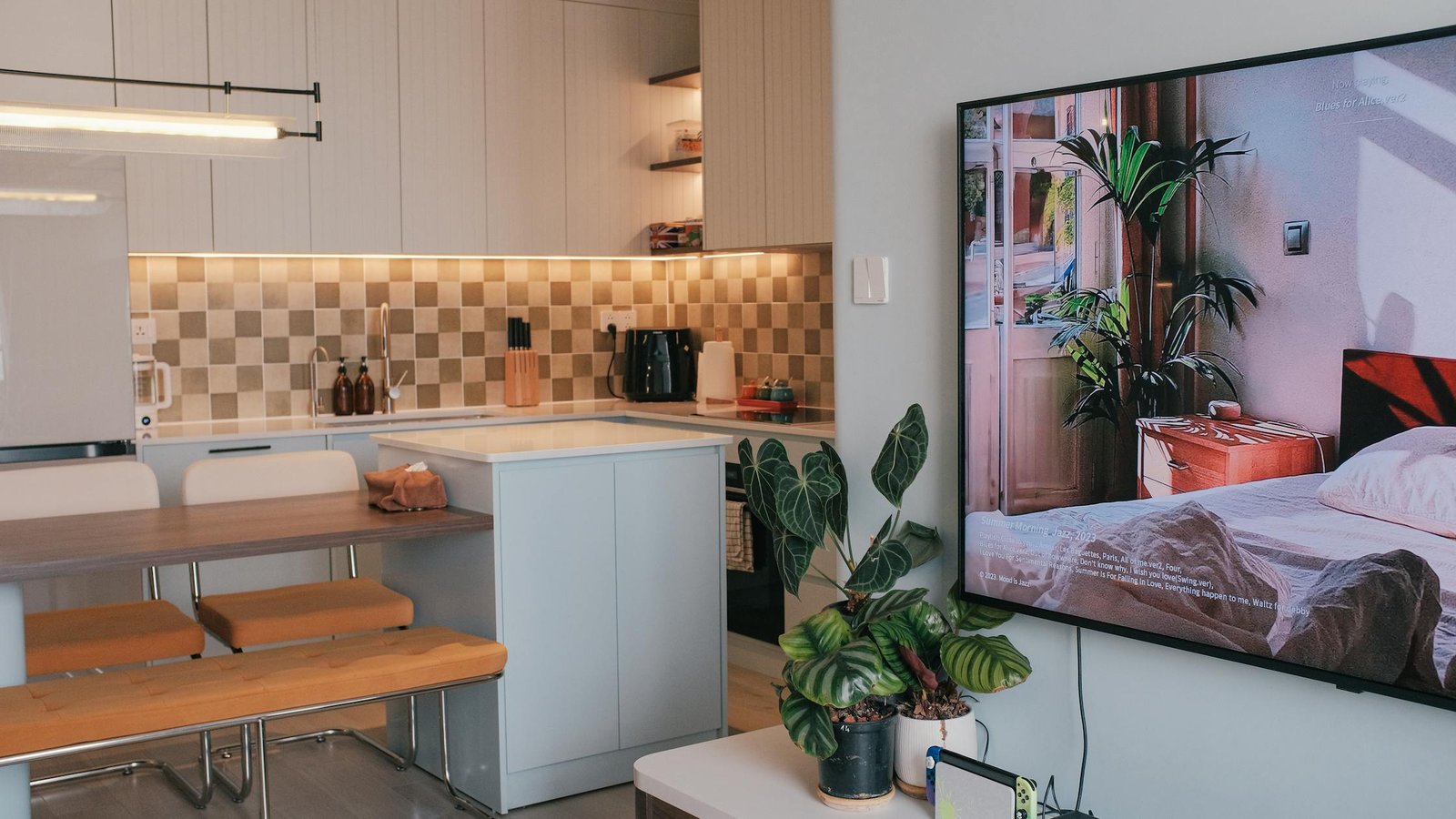
Set Up a Household Command Center for Shared Apartments
Build a clean, shared system to run your place: calendar, keys, mail, chores, and bills—organized in one spot. Use our checklist to get it done in an hour.
-
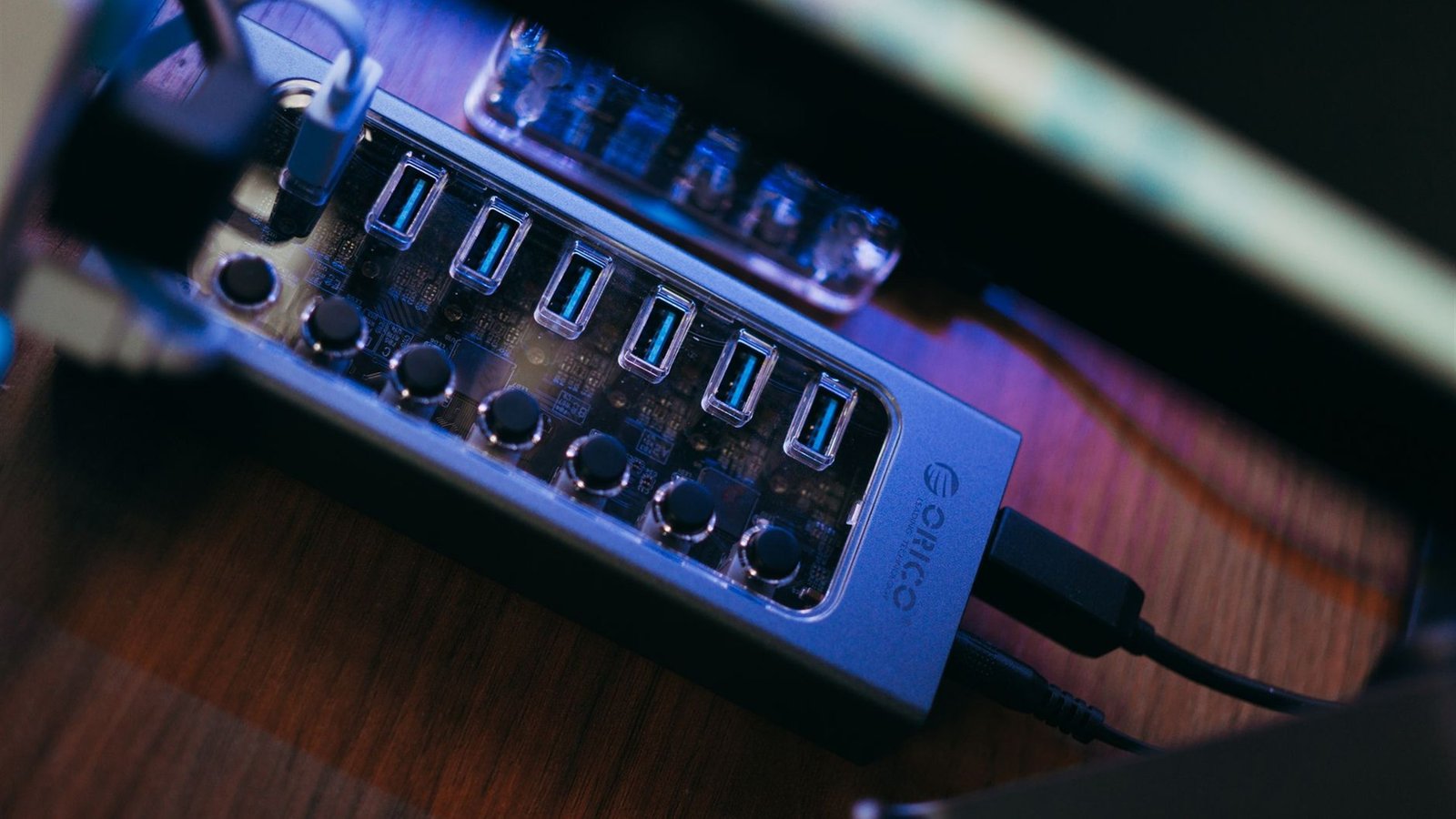
Create a Weekly Tech Charging and Reset Station
Build a calm, repeatable Sunday-night system for every device you own. This step-by-step station plan covers cable management, device rotation, labels, and a simple reset ritual.
-

After-School Transition Routine for Neurodivergent Kids
A step-by-step, evidence-informed after-school transition routine for neurodivergent kids. Set up sensory decompression, snack-hydrate-move, visual schedule cards, and calm homework timing options.
-

The Laundry Loop System to Prevent Clothing Pile-Ups
Streamline laundry with a simple closed loop from hamper to closet. Use basket zones, day‑of‑week tags, and 20‑minute micro-steps to end clothing pile‑ups for good.
-
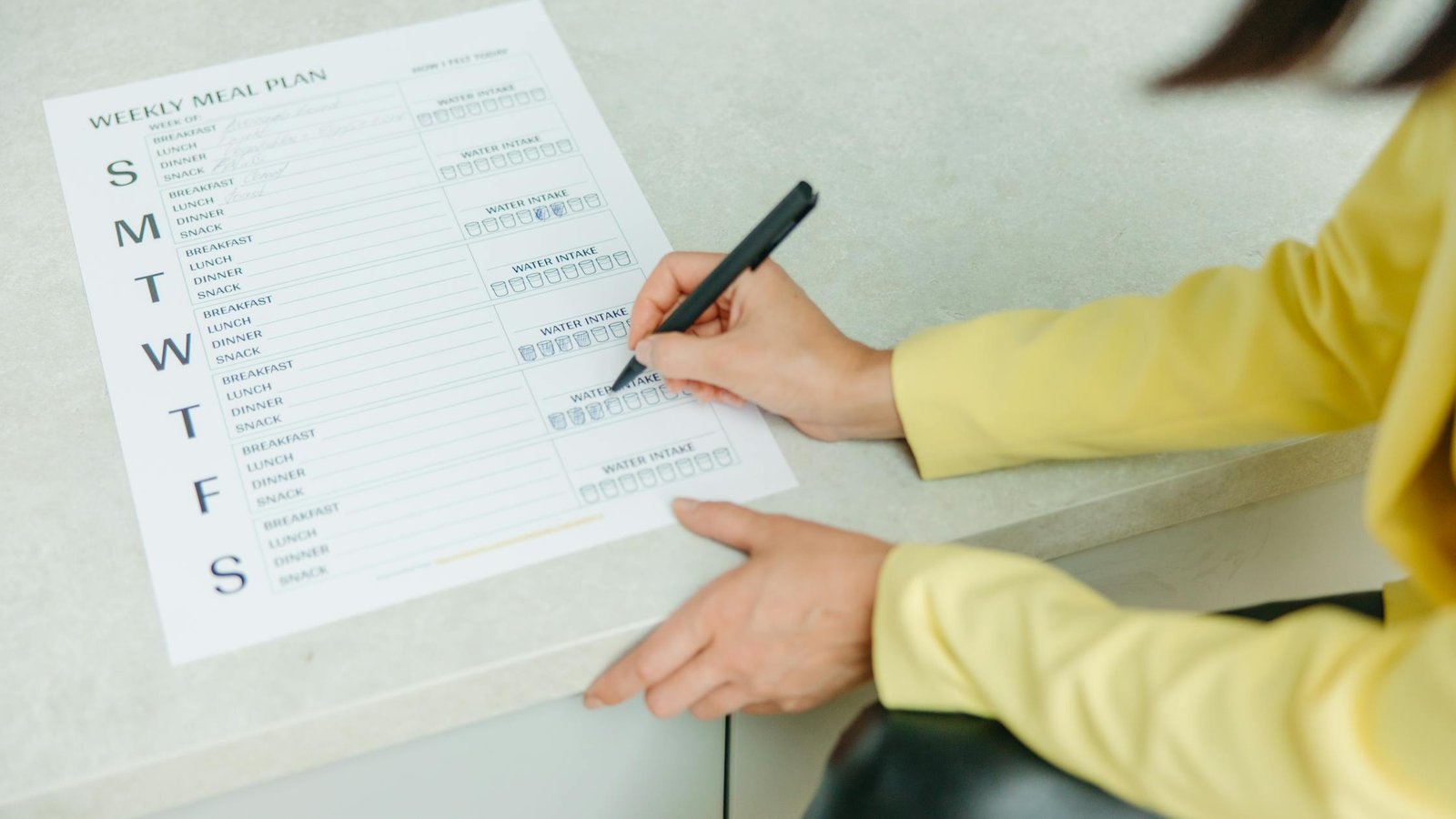
A Weekly Meal Planning Routine to Reduce Decision Fatigue
Build a calm, repeatable meal plan in minutes. Use theme nights, a pantry-first audit, and a 10-minute template to cut choices, waste, and stress all week.
-

Mindful Budgeting Check‑In Routine for Couples
Run calm, productive 20‑minute money talks each week. Use our roles, agenda, step‑by‑step script, values‑to‑categories map, and a shared sheet template.
-
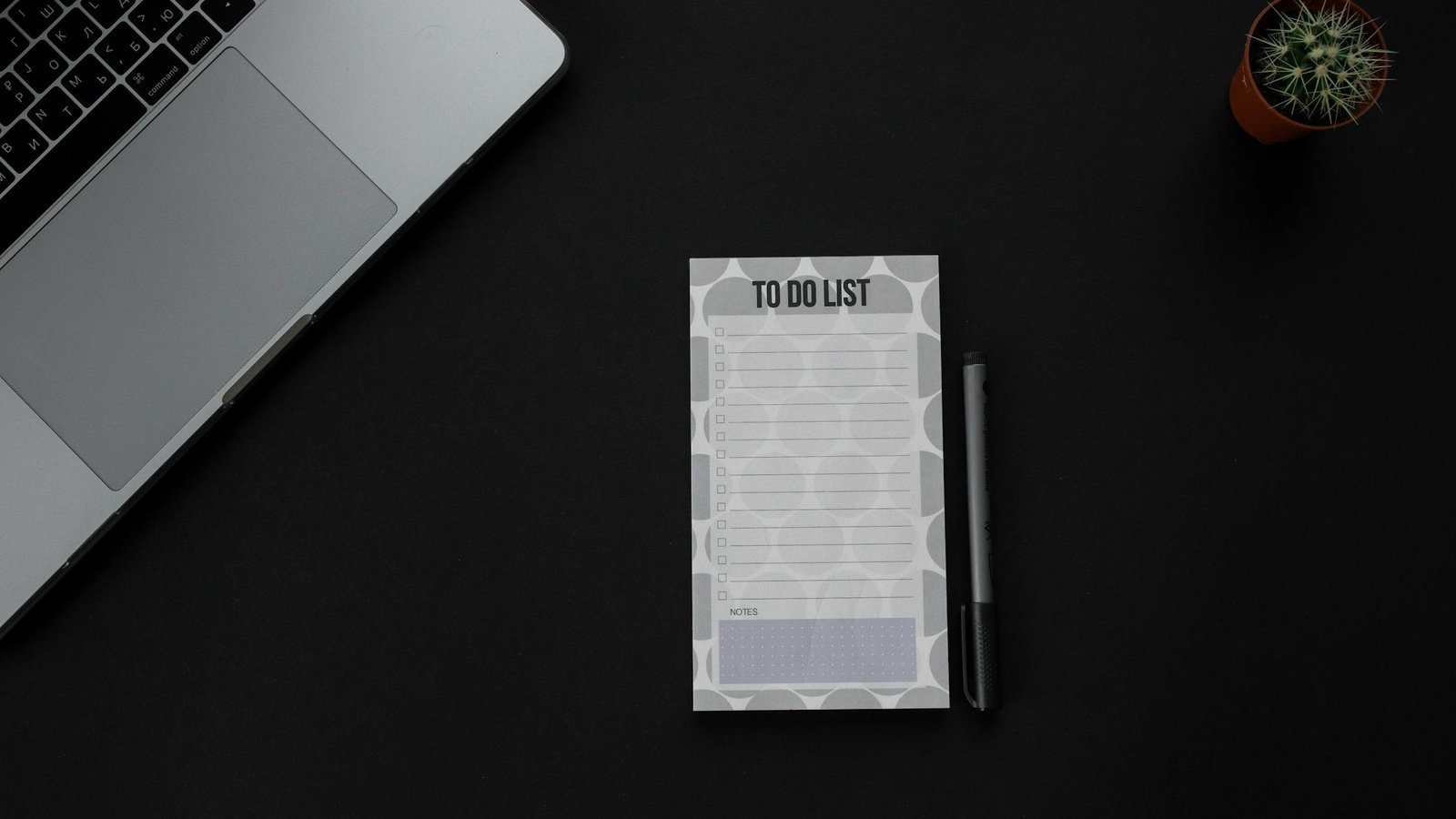
The Capsule To-Do List Method for Overwhelmed Professionals
A step-by-step guide to the Capsule To-Do List with a simple template, real-world examples, and pitfalls to avoid. Limit to 3 categories and a Daily Big 3 for calm focus.
-

Create a Sleep Sanctuary: Declutter Plan for Small Bedrooms
Turn your tiny bedroom into a calm sleep zone in under an hour. Follow a zone-by-zone plan, smart under-bed rules, and easy light and noise fixes.
-

A Microbreak Routine to Cut Screen Fatigue Without Losing Flow
An evidence-based microbreak routine to reduce screen fatigue without losing your focus. Get clear intervals, a posture reset, an eye relief script, and browser reminders, plus a one-page routine card you can print.